LarkAgentX
agent
Uyari
Health Uyari
- No license — Repository has no license file
- Description — Repository has a description
- Active repo — Last push 0 days ago
- Community trust — 293 GitHub stars
Code Uyari
- network request — Outbound network request in dev/proto_pipeline/download_chunks.py
Permissions Gecti
- Permissions — No dangerous permissions requested
Bu listing icin henuz AI raporu yok.
让你的飞书账号直连本地 Claude Code / Codex,无需配置机器人。Feishu / Lark account as your AI agent.
README.md
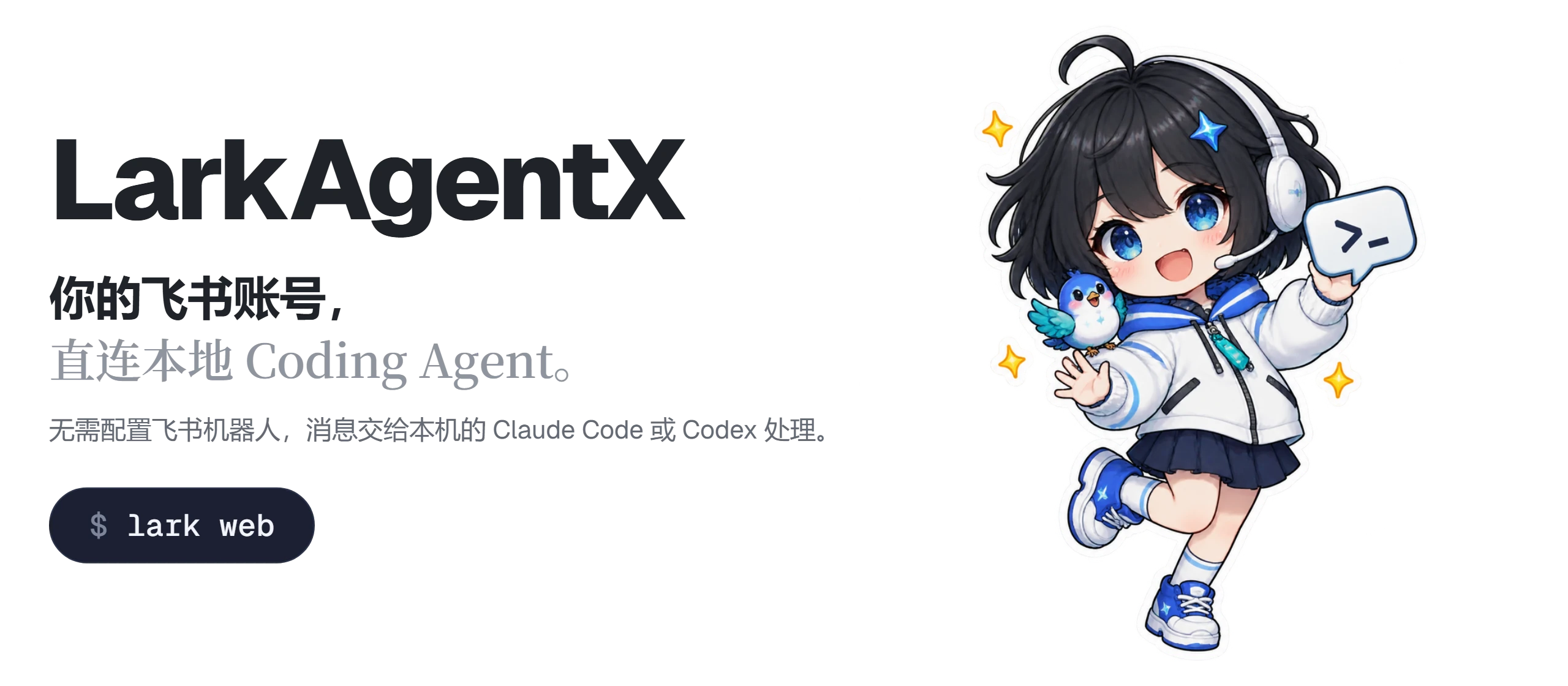




LarkAgentX 让你的飞书账号直连本地的 coding agent。扫码登录后,收到的消息交给本机的 Claude Code 或 Codex 处理,回复以你的账号发出。无需配置飞书机器人,飞书和 Lark 都支持。

快速上手
git clone https://github.com/cv-cat/LarkAgentX.git && cd LarkAgentX
pip install -e .
lark web            # 打开 http://127.0.0.1:8765 ,扫码添加账号
本机需要装好 Claude Code 或 Codex。扫码用飞书 App 里的「扫一扫」。
控制台
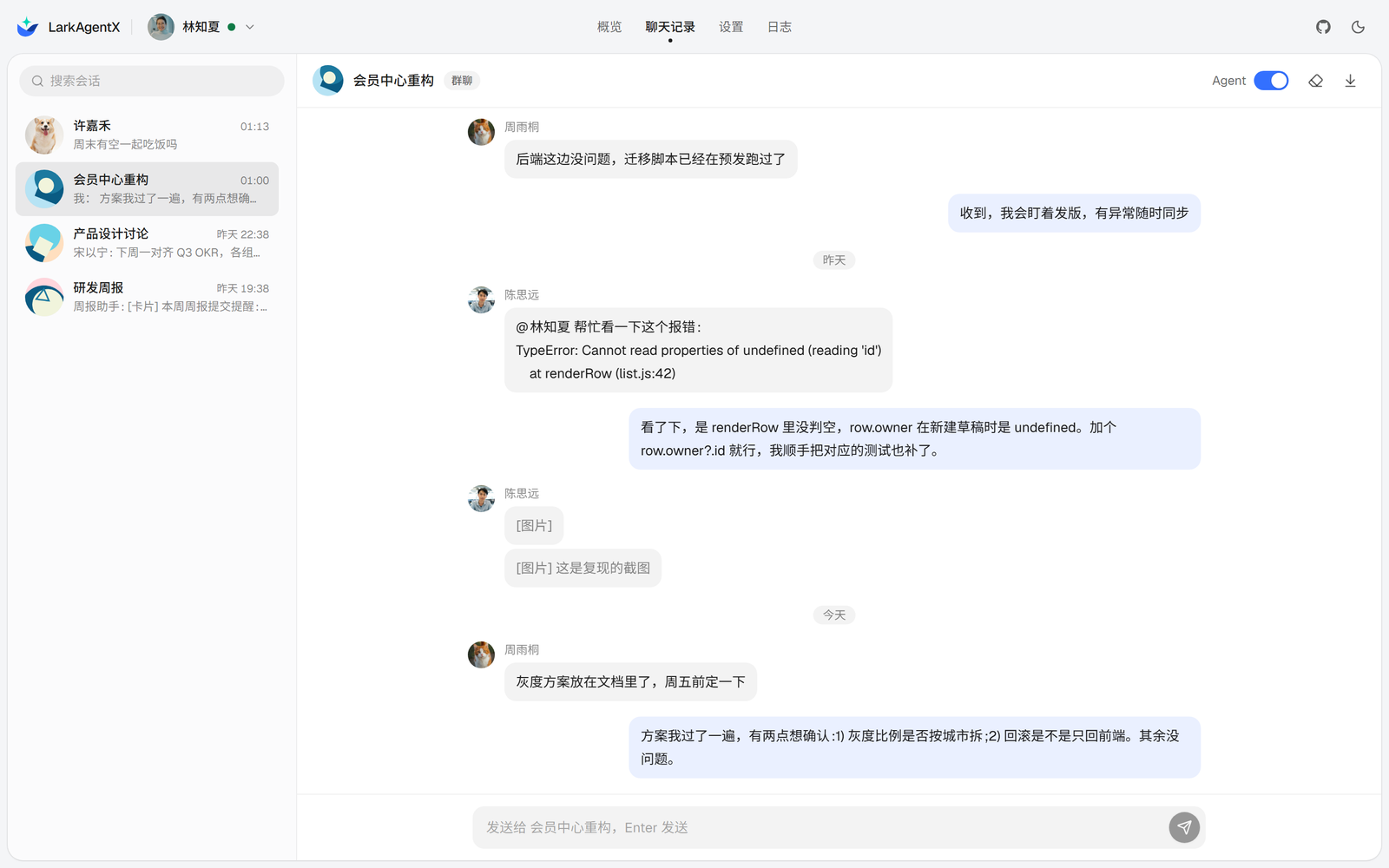
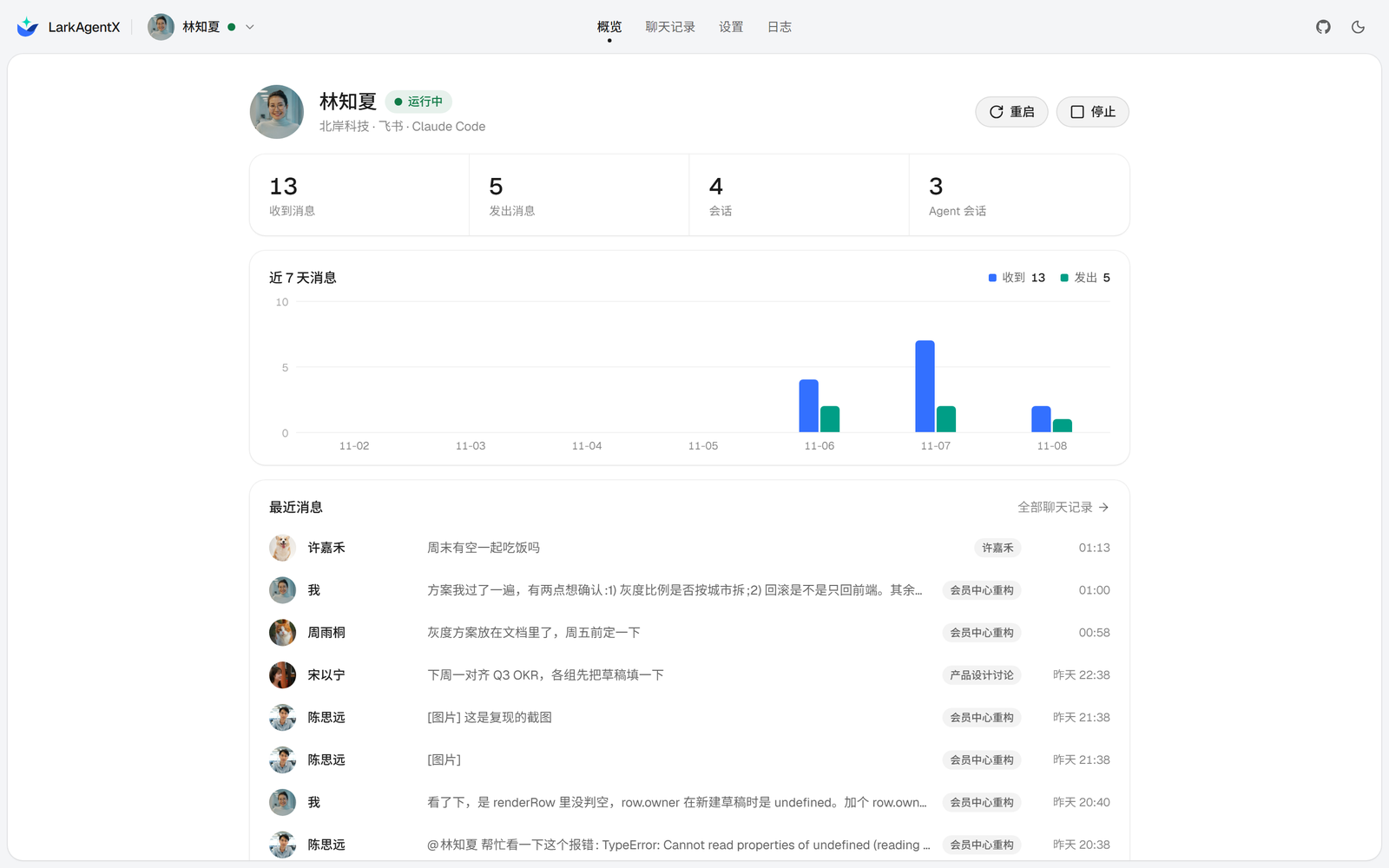
账号、聊天记录、回复方式、agent 和触发规则都在这里管理,保存后立即生效。在线体验
为什么用 LarkAgentX

- 不用建机器人。 直接用你自己的飞书账号收发消息。
- 接本地的 agent。 Claude Code 或 Codex 都行,每个会话有自己的上下文。
- 多账号。 飞书和 Lark 账号可以同时在线,同一个账号只会运行一处。
- 数据在本地。 登录凭证和消息都存在
~/.larkx/。
命令行
lark auth qr                      # 扫码登录,Lark 账号加 --region lark
lark listen --agent               # 收消息并交给 agent
lark send <chat_id> <text>        # 发消息
lark history <chat_id> --save     # 拉历史消息
lark api <type> '<json>'          # 调任意网关接口
配置写在 .env,见 .env.example。agent 以免确认模式运行,可以执行任意命令,只对信任的会话开启。
参与贡献

欢迎提交 Issue 和 Pull Request。前端在 webui/,npm run build 输出到 larkx/web/static/。
Star 趋势
🍔 交流群
如果你对爬虫和 AI Agent 感兴趣,可以加入群聊一起讨论~
ps: 请加群,人满或者过期 issue | wx 提醒 | qq提醒
| group-1 | group-2 | group-3 | group-4 (2000人qq群) |
|---|---|---|---|
 |
 |
 |
 |
- 仅供学习和研究使用,不得用于商业或违法用途。
- 通过飞书网页版的内部协议工作,不是官方接口。请遵守飞书 / Lark 的服务条款和当地法律。
- 自动收发消息可能触发风控,导致账号受限或被封,后果自负。
- 与飞书、Lark 及其运营方无关,名称和商标归各自所有者。
Yorumlar (0)
Yorum birakmak icin giris yap.
Yorum birakSonuc bulunamadi