poster-maker
Health Uyari
- License — License: MIT
- Description — Repository has a description
- Active repo — Last push 0 days ago
- Low visibility — Only 5 GitHub stars
Code Uyari
- fs module — File system access in scripts/export.js
- fs module — File system access in scripts/screenshot.js
Permissions Gecti
- Permissions — No dangerous permissions requested
Bu listing icin henuz AI raporu yok.
AI flyer and poster generator for Claude Code. Describe a design, get editable HTML/CSS, export to high-res PNG or PDF.
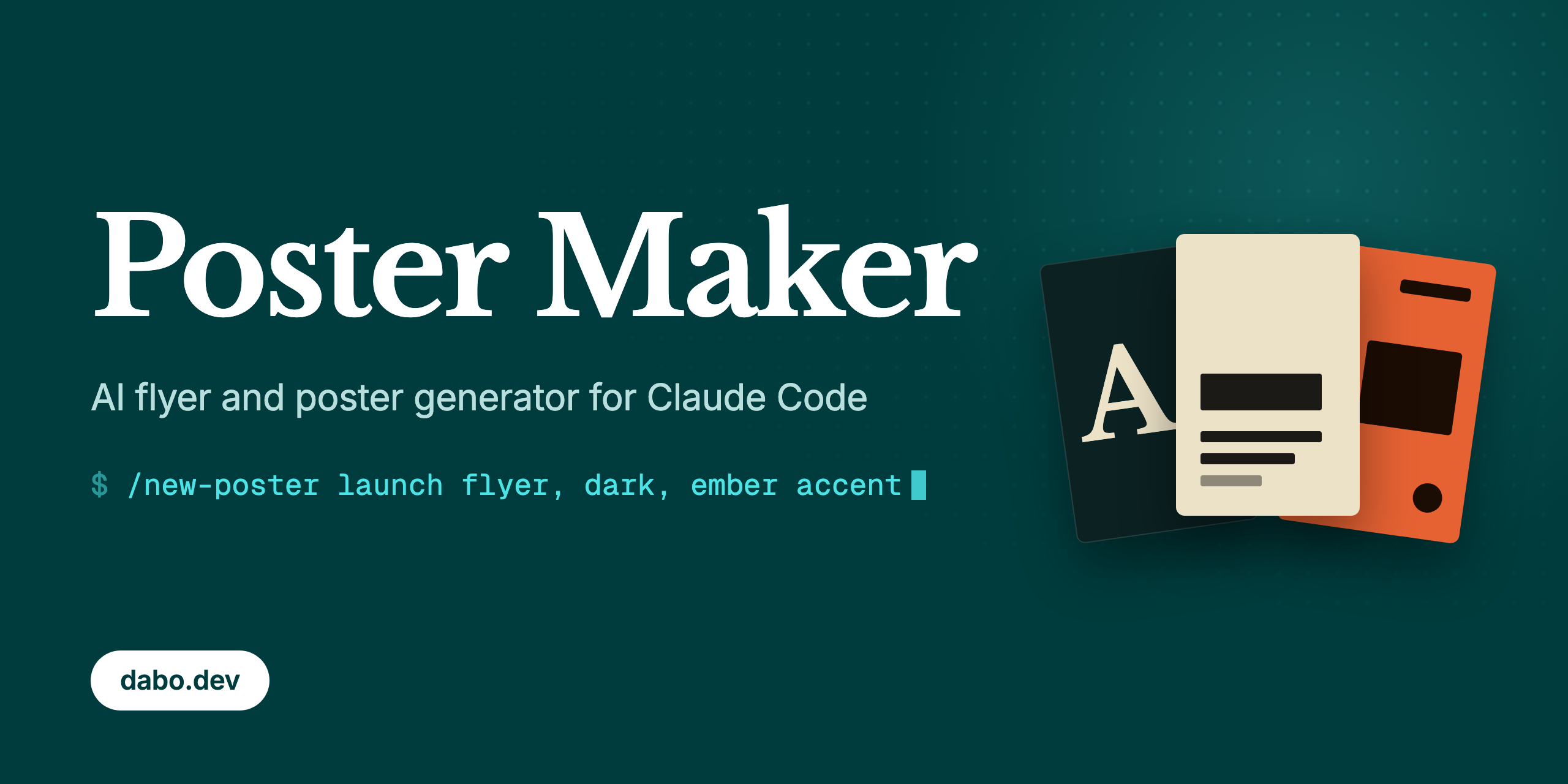
Poster Maker: AI flyer and poster generator for Claude Code
Describe a flyer, poster, or social media graphic in Claude Code and get an editable HTML/CSS file you can export to a high-res PNG or PDF. No Figma, no Photoshop, no Canva. Just describe what you want.
What you can make
Event flyers, Instagram Stories and posts, product launch posters, conference posters, app icons, GitHub social previews, and print posters. Every design is code: the headline stays real text, and spacing, colors, and type sizes stay editable CSS.

A self-referential example, made with Poster Maker. Source: posters/poster-maker-dev-way.html


A promo poster (1080x1920 Instagram Story) and an app icon (1024x1024, transparent background) for ReleaseRocket, my SaaS. Sources: posters/releaserocket-promo.html, posters/releaserocket-logo.html
Quickstart
You need:
- Claude Code
- Git and Node.js 18 or newer
- Python 3 with pip, only if you want to remove image backgrounds
Everything works out of the box on macOS; for Linux and Windows see the FAQ below.
Fork the repository on GitHub if you want your own copy to commit posters to, then clone your fork. Or clone it directly:
git clone https://github.com/dabodamjan/poster-maker.git
cd poster-maker
claude
Then run:
/setup
/setup checks Node.js, installs the npm dependencies, downloads the Playwright Chromium browser, then exports both included ReleaseRocket examples to exports/ to verify everything works.
Make a poster or flyer
Run /new-poster with the content, mood, colors, images, and format you want:
/new-poster DJ gig flyer for "SOLAR FREQUENCIES" at Club Elysium, bright euphoric EDM style
More examples:
/new-poster product launch for a fitness app, clean modern, neon green accent
/new-poster conference talk poster for "Building with AI" by Jane Smith, minimal corporate
/new-poster 1024x1024 app icon for MyApp, use assets/myapp/logo.png, subtle glow, transparent background
The command first confirms whether the design is for social media or print. Claude then writes one HTML file to posters/, opens it in your browser, renders a preview with Playwright, and checks the screenshot. The default format is a 1080x1920 Instagram Story.
Iterate
Ask for changes in plain language:
- "make the title bigger"
- "darker, more contrast"
- "try a different font"
- "add a glow effect"
- "make it feel more underground"
Claude updates the same HTML file, takes another screenshot, checks the layout, and shows you the result.
Use your own images
Drop photos, logos, or product images into assets/ and mention their paths:
/new-poster event poster, use assets/my-event/photo.jpg as background, dark moody style
Need to cut someone out of a photo?
/remove-bg assets/my-event/photo.jpg
The command uses Python with rembg and Pillow. If rembg is missing, the command asks before installing the dependencies. The result is saved beside the original as photo-nobg.png.
Export
Pass /export-poster the name of an HTML file in posters/:
/export-poster releaserocket-promo.html
The command asks whether you want PNG or PDF:
- PNG is the default. Playwright renders at 2x device scale, so a 1080x1920 poster produces a 2160x3840 PNG.
- PDF is also available, with backgrounds included. Pages are sized in CSS pixels, not physical units.
Exports land in exports/. Run /export-poster without a filename and it lists the posters and lets you pick one.
Formats
| Format | Size | Notes |
|---|---|---|
story |
1080x1920 px | Default. Instagram Story template, 9:16 |
square |
1080x1080 px | Instagram post, 1:1 |
landscape |
1920x1080 px | YouTube-friendly 16:9 |
github |
1280x640 px | GitHub social preview, 2:1 |
a4 |
210x297 mm | Prompt preset. The exporter needs px, see the print note |
a3 |
297x420 mm | Prompt preset. The exporter needs px, see the print note |
| Custom | any WxH in px |
For example 1024x1024 or 1200x630 |
Print note: the export script reads only pixel dimensions (like width: 1080px) from the poster's body CSS. It does not parse mm or inches: a poster written as 210mm x 297mm silently exports at the default 1080x1920 instead. For print work, size the body in pixels at your target proportions, for example 2480x3508 px for A4 at 300 DPI. The PNG export renders at 2x, so you get double that resolution, which is more than print needs.
How it works
Each poster is a single HTML file in posters/ with all CSS inline. No frameworks, no build step. Claude uses Google Fonts for typography and pure CSS for everything else: gradients, glow effects, grain textures, blend modes, and image compositing. Posters can reference images from assets/.
The HTML body defines the poster dimensions. A small fit-to-window script scales the design to your browser window for previews without affecting the export.
For exports, Playwright launches headless Chromium, reads the body dimensions from the HTML, waits for fonts to load, disables the preview scaling, and captures a PNG at 2x device scale or a PDF. A transparent PNG is produced when the body CSS declares background: transparent.
All the design knowledge, including font pairings, color palettes, layout rules, and Instagram safe zones, lives in .claude/commands/ and CLAUDE.md. Tweak them to match your own style. That is the part no template editor gives you: the design system itself is plain text you can edit.
Limitations
- There is no GUI or drag-and-drop canvas. You edit through prompts or directly in HTML and CSS.
- Claude Code requires a paid subscription or API budget.
- Google Fonts load over the network when a poster renders. For offline use, provide local font files and the CSS yourself.
- The exporter does not understand physical units (mm, inches, DPI) yet. Use the pixel sizing from the print note above.
- The slash commands use the macOS
opencommand to show previews. On Linux or Windows, replace that step with your platform's equivalent. - Output quality depends on the model, your prompt, your assets, and your review.
Poster Maker vs Canva, Figma, and AI image generators
Poster Maker vs Canva and Figma
Poster Maker fits when you would rather describe the design in Claude Code, keep the source in Git, and edit it as HTML/CSS. Canva fits when you want a visual template editor with a stock asset library that non-technical teammates can edit. Figma fits when you need manual control, design systems, and live collaboration.
Poster Maker vs DALL-E and Midjourney
Poster Maker produces exact, editable text and layout as code: a headline stays text you can change without redrawing the whole composition. AI image generators produce raster images, which is great for illustrations and photo-like artwork. The two combine well: generate artwork, put it in assets/, and use it inside a Poster Maker layout.
Poster Maker vs Satori and og-image
Poster Maker is an authoring workflow: Claude designs and revises individual posters in a conversation. Satori and og-image are libraries for generating images from markup programmatically, which fits templated pipelines like producing an OG image for every blog post.
FAQ
How do I make an event flyer with AI?
Clone the repository, run /setup, then describe the event with /new-poster: title, date, venue, style, colors, and any image paths. Review the preview, ask for changes in plain language, and export the finished flyer as PNG or PDF.
Can I use this for Instagram posts?
Yes. Ask for square for a 1080x1080 post or story for a 1080x1920 Story. The Story rules keep important content away from Instagram's interface areas at the top and bottom.
Is Poster Maker free?
Yes. Poster Maker is free and open source under the MIT license. Claude Code is a separate product and needs a paid subscription or API budget.
Does Poster Maker work on Windows or Linux?
The rendering and exports run anywhere Playwright runs. The slash commands assume macOS in one spot: they call open to show results, so on Linux or Windows tell Claude to use xdg-open or start instead.
Do I need design skills?
No. You describe what you want and give feedback in plain language. The design principles built into the commands handle typography, hierarchy, and color. You still review the result, especially for print.
Who made this
I'm Damjan Dabo, an indie developer based in Croatia. You can find me on X and LinkedIn.
I also build ReleaseRocket, which turns GitHub releases into announcements across every channel. Its real marketing runs through this tool, which is why the examples carry the ReleaseRocket brand.
Contributing
Contributions are welcome. See CONTRIBUTING.md and the code of conduct, and report security issues per SECURITY.md.
License
Yorumlar (0)
Yorum birakmak icin giris yap.
Yorum birakSonuc bulunamadi