vIDE
Health Uyari
- License — License: MIT
- Description — Repository has a description
- Active repo — Last push 0 days ago
- Low visibility — Only 5 GitHub stars
Code Gecti
- Code scan — Scanned 12 files during light audit, no dangerous patterns found
Permissions Gecti
- Permissions — No dangerous permissions requested
Bu listing icin henuz AI raporu yok.
Vibecoding IDE - Makes agentic models happy
vIDE - vibecoding IDE
An agentic IDE — an Electron desktop app built around terminal AI
coding agents, with a full editor, git tooling, and a mobile companion
display. It currently ships with support for Claude Code and local
models, with more agents planned.


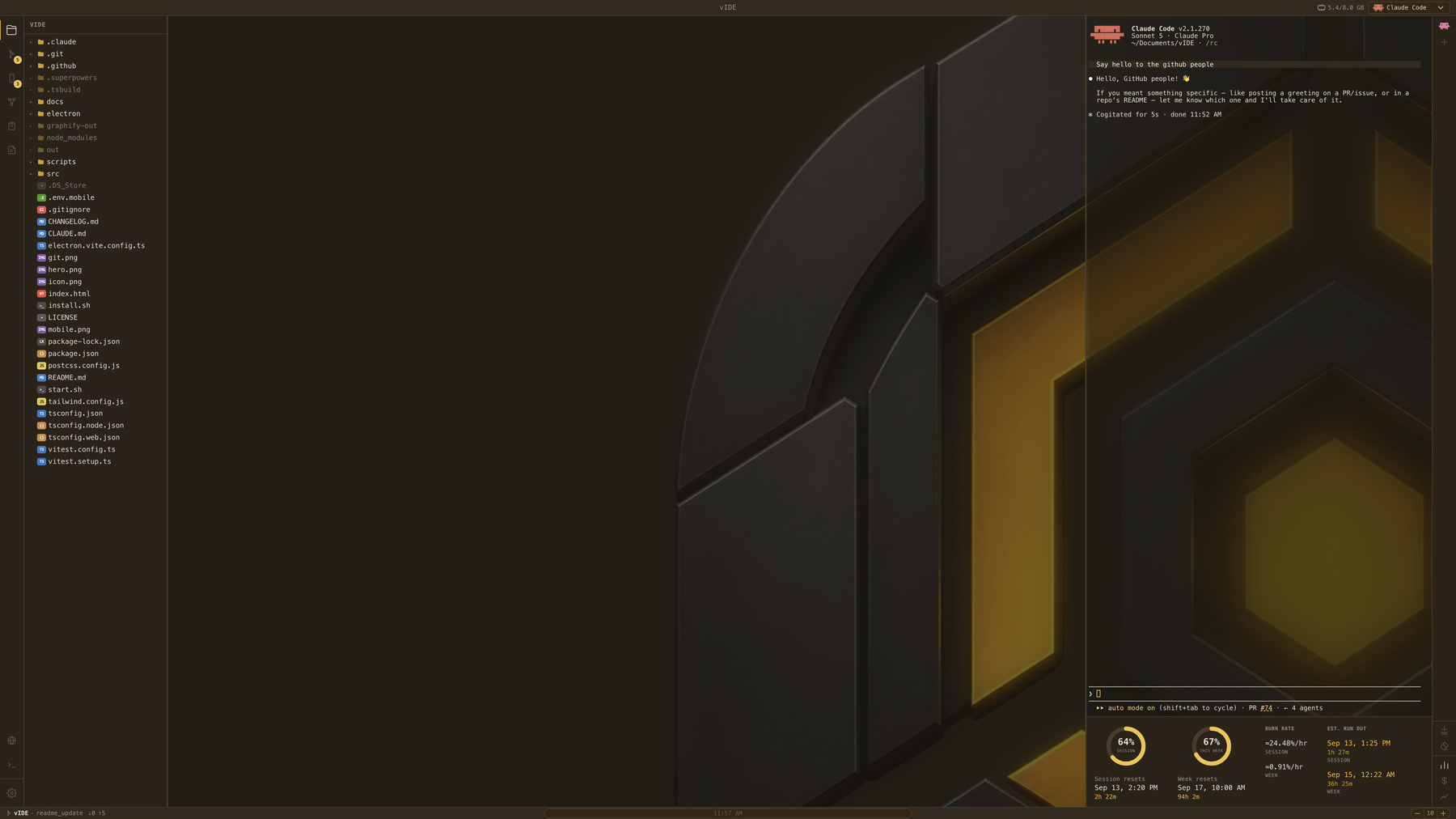
Not affiliated with Anthropic. vIDE integrates the Claude Code CLI as
a terminal agent, and includes a Llama panel for running local models via
llama.cpp and a Bridge panel for any OpenAI-compatible endpoint. It is an
independent, unofficial project — "Claude" is a trademark of its respective
owner.
What it is
vIDE wraps a Monaco-based code editor, a real terminal, and git tooling
around one or more AI coding agents running side-by-side, so you can drive
an agent and review/edit its changes in the same window instead of
switching between a browser, a terminal, and an editor.
Keeping vIDE's own memory footprint low is a deliberate, ongoing focus —
Bridge exists so a local LLM can run on the same machine, and every
megabyte vIDE uses itself is a megabyte not available to that model. The
memory indicator built into the status bar is there to keep that honest.
Features
- Editor — Monaco-based code editing with syntax highlighting, custom
themes, and a Markdown editor/preview split view - Go to definition — Cmd+click jumps to a symbol's definition, backed by
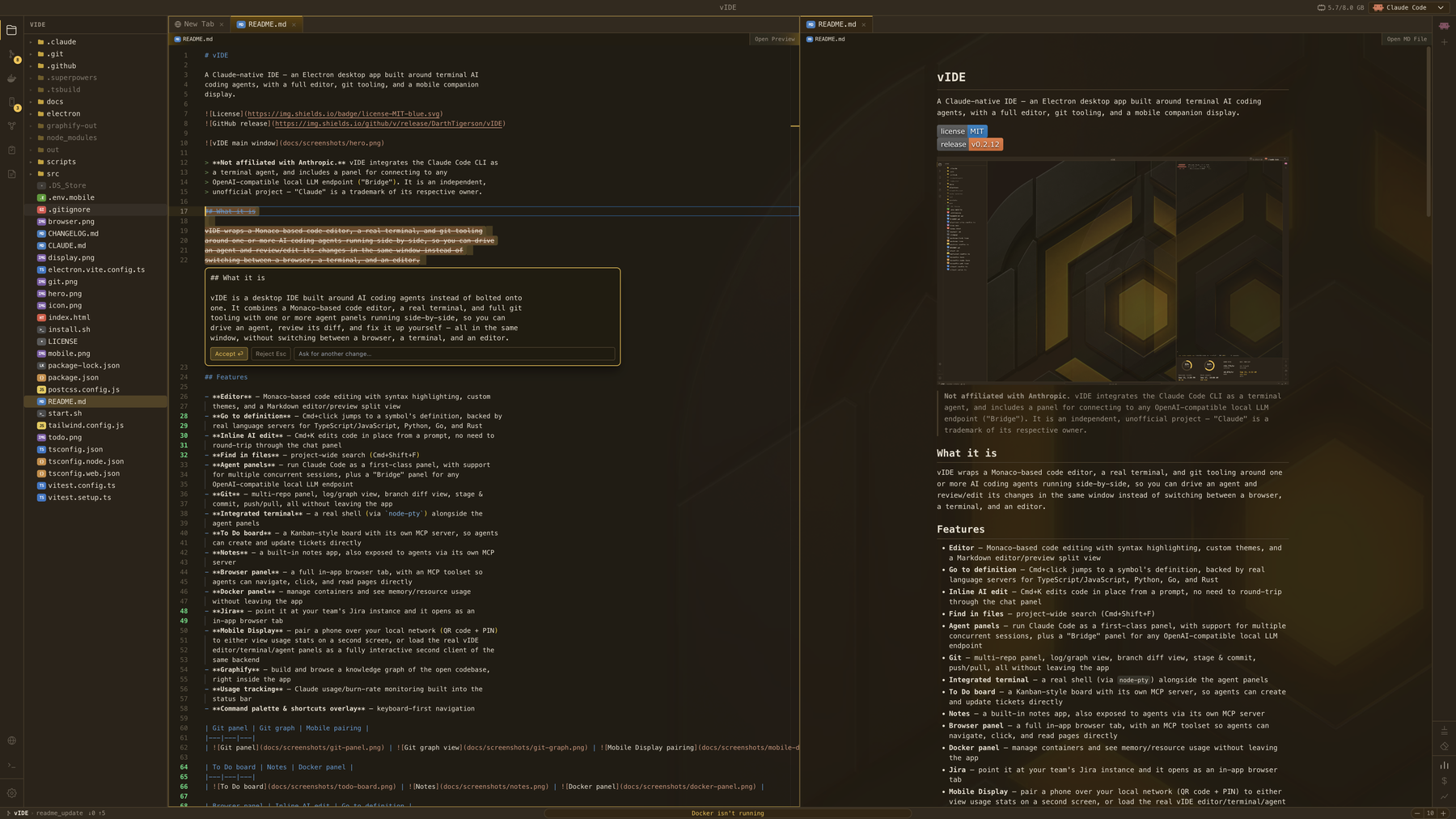
real language servers for TypeScript/JavaScript, Python, Go, and Rust - Inline AI edit — Cmd+K edits code in place from a prompt, no need to
round-trip through the chat panel - Find in files — project-wide search (Cmd+Shift+F)
- Claude panel — run Claude Code as a first-class terminal agent, with
support for multiple concurrent sessions - Llama panel — manage and chat with local LLMs via
llama.cpp: configure models, launchllama-serverwithout leaving the app, and select any running model from the
same dropdown as Claude and Bridge. Auto-launches the server on first message
if it isn't already running. Per-model agent-mode-on-launch setting. - Bridge panel — connect to any OpenAI-compatible local LLM endpoint
(Ollama, LM Studio, …) with agent mode, tool-call limits, and per-session
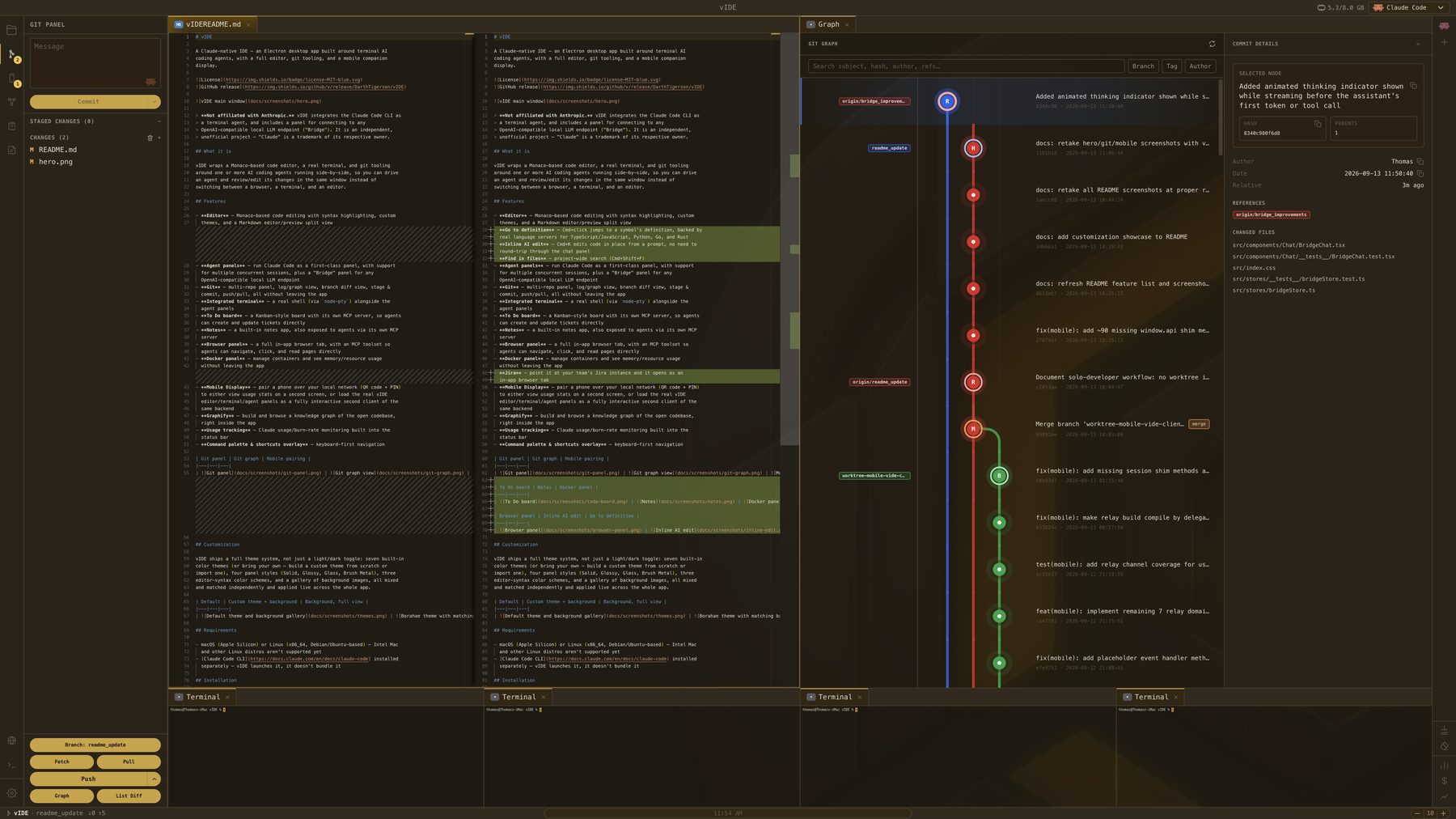
history - Git — multi-repo panel, log/graph view, branch diff view, stage &
commit, push/pull, all without leaving the app - Integrated terminal — a real shell (via
node-pty) alongside the
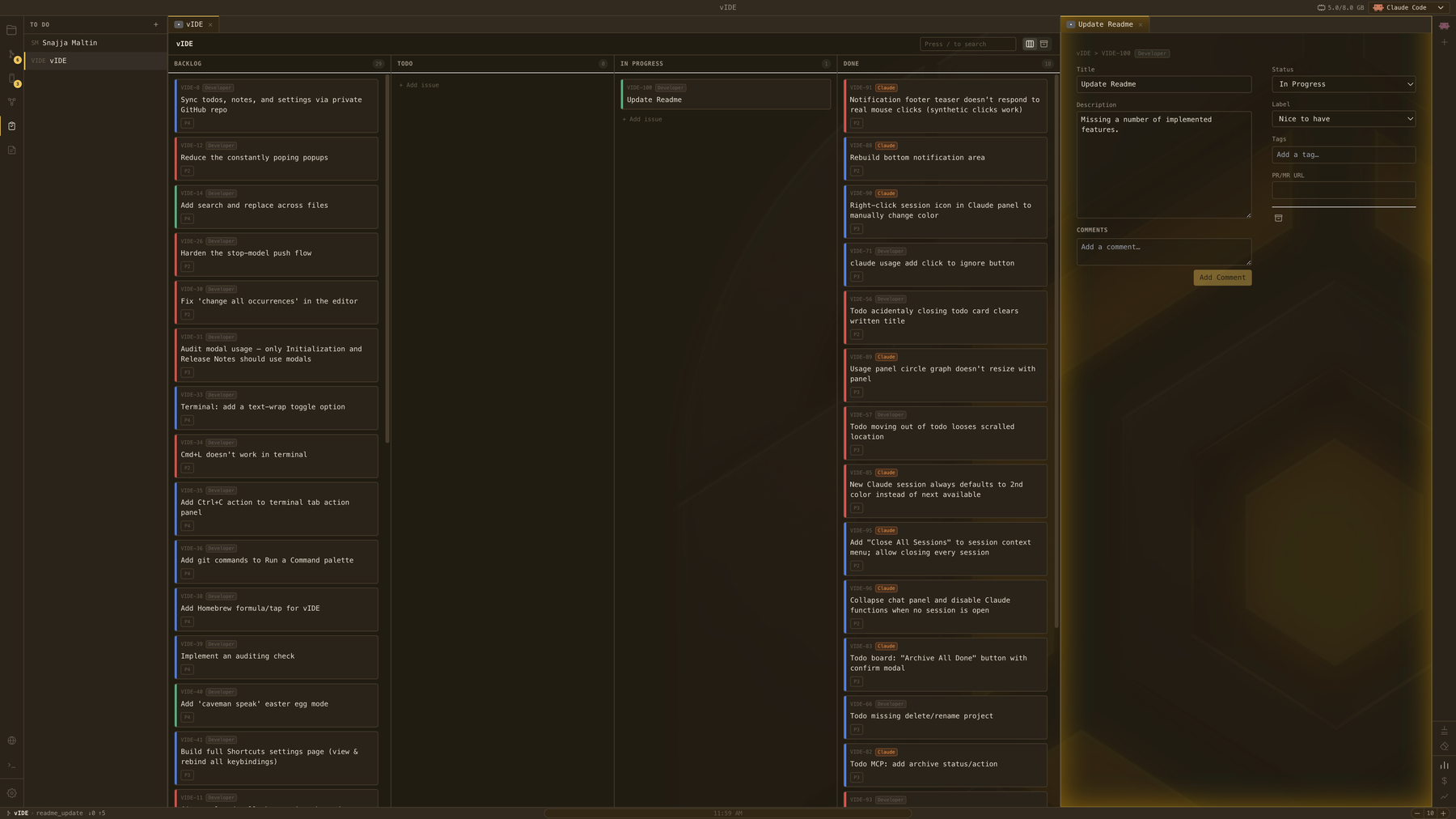
agent panels - To Do board — a Kanban-style board with its own MCP server, so agents
can create and update tickets directly - Notes — a built-in notes app, also exposed to agents via its own MCP
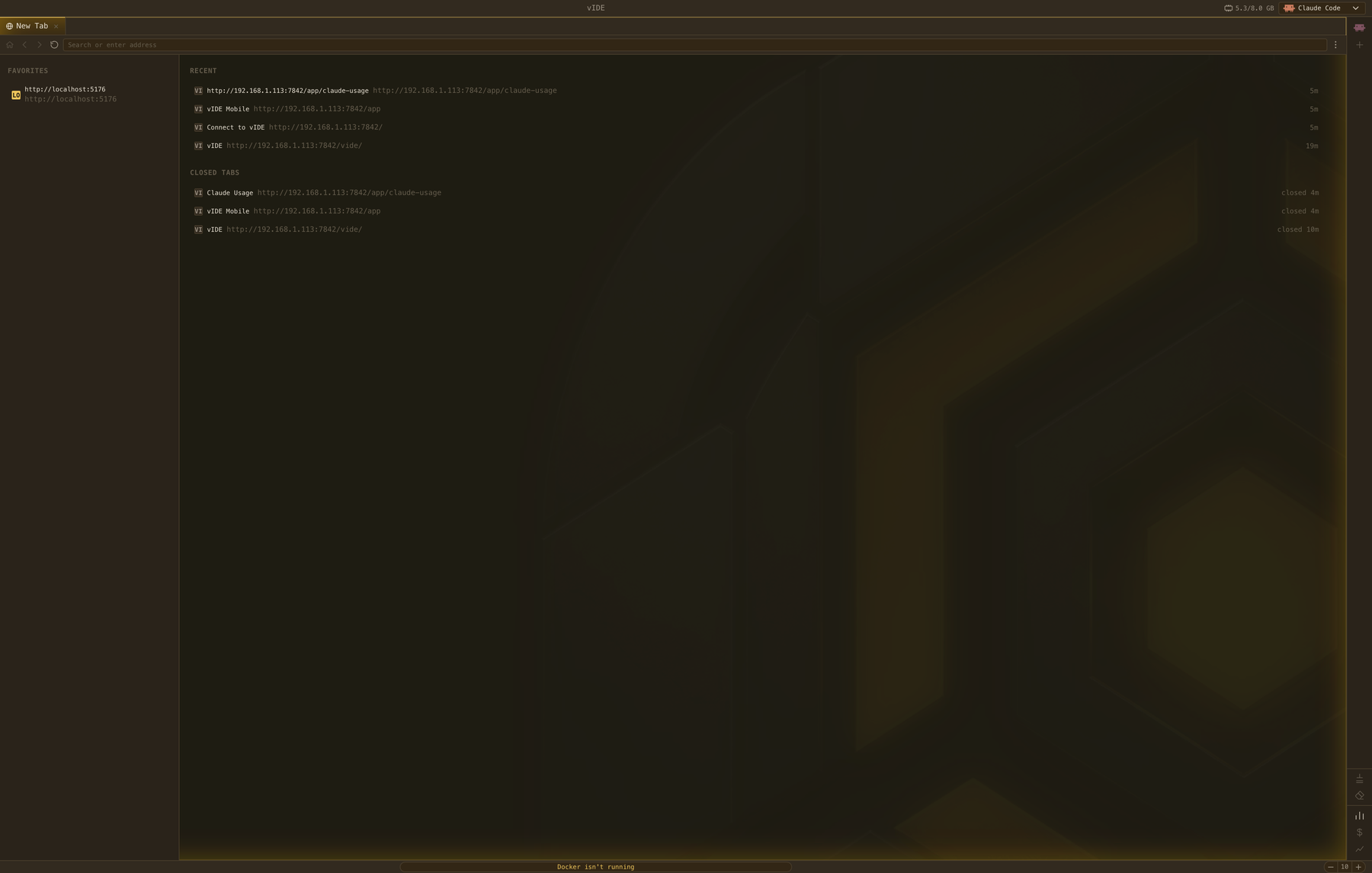
server - Browser panel — a full in-app browser tab, with an MCP toolset so
agents can navigate, click, and read pages directly - Docker panel — manage containers and see memory/resource usage
without leaving the app - Jira — point it at your team's Jira instance and it opens as an
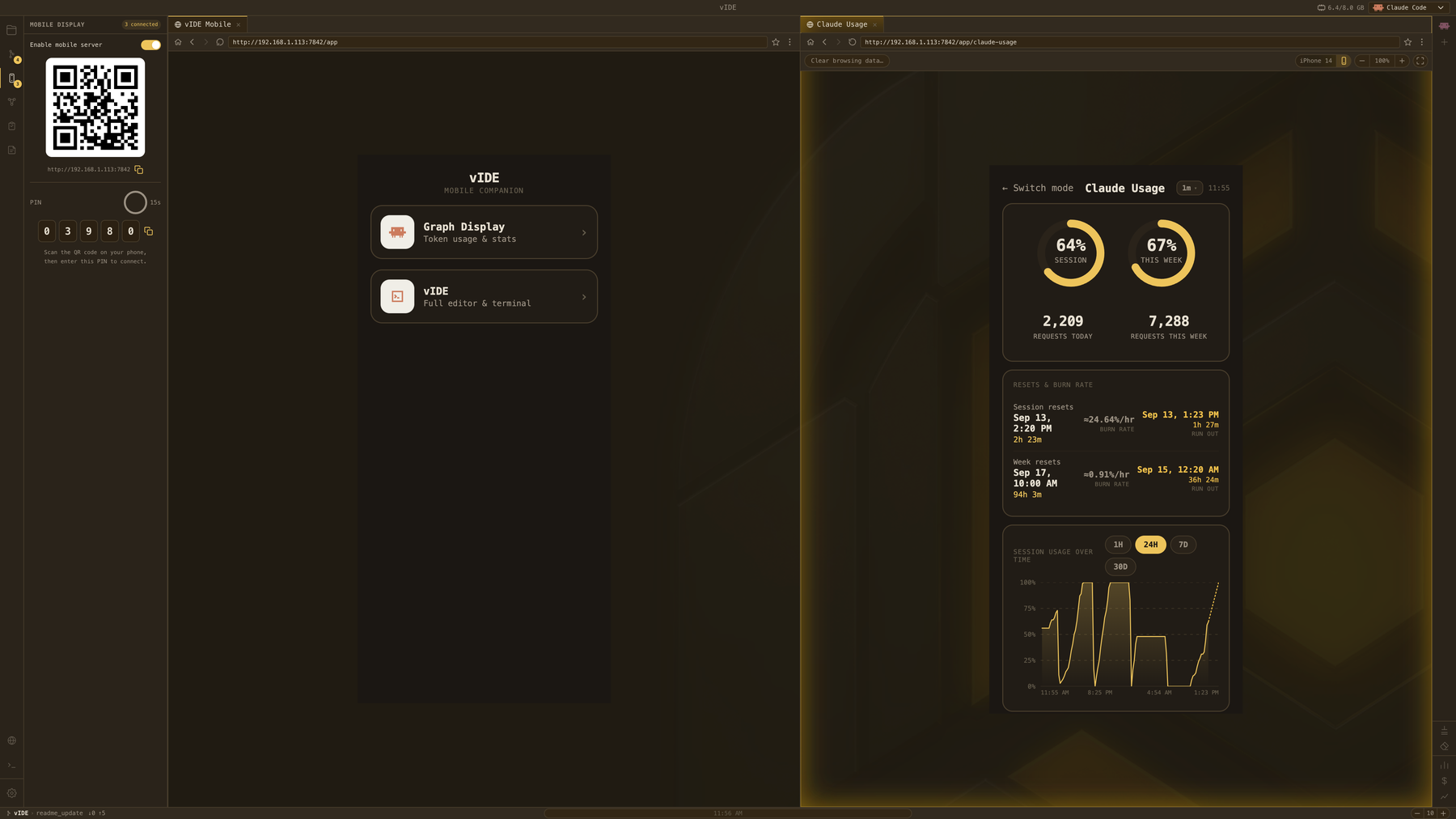
in-app browser tab - Mobile Display — pair a phone over your local network (QR code + PIN)
to either view usage stats on a second screen, or load the real vIDE
editor/terminal/agent panels as a fully interactive second client of the
same backend - Graphify — build and browse a knowledge graph of the open codebase,
right inside the app - Usage tracking — Claude usage/burn-rate monitoring built into the
status bar; the RAM hover shows system, vIDE, Docker, and Llama memory
at a glance - Command palette & shortcuts overlay — keyboard-first navigation
| Git tooling | To Do board | Mobile Display |
|---|---|---|
 |
 |
 |
| Inline AI edit | Browser panel |
|---|---|
 |
 |
MCP servers
Three of vIDE's own panels are exposed as MCP servers, so a connected agent
can drive them directly instead of needing separate tool wiring:
- To Do board — create, update, comment on, and archive tickets
- Notes — read and write notes
- Browser — navigate, click, and read pages
Customization
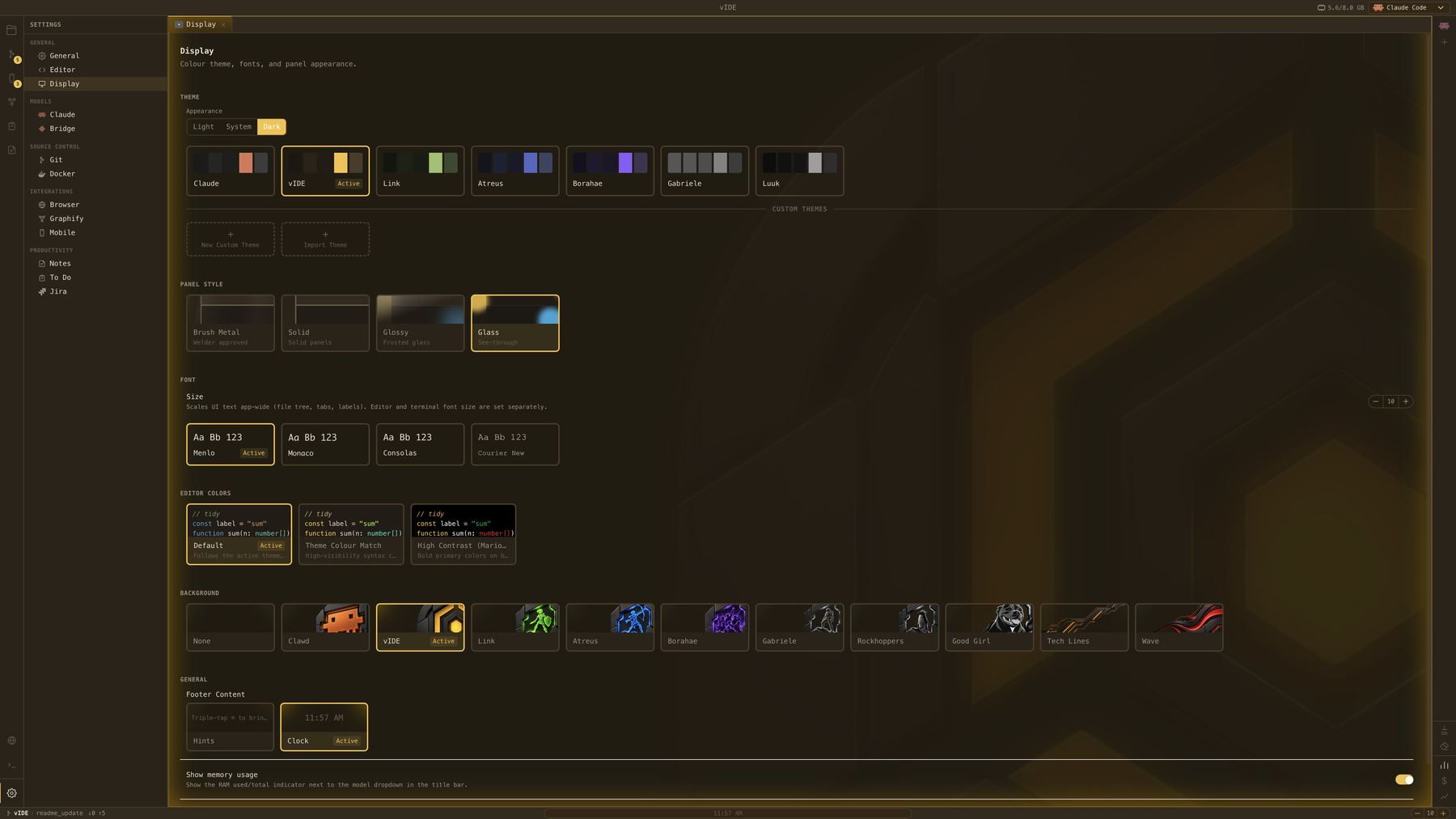
vIDE's interface can be tailored without tying visual choices together.
Themes, panel materials, editor syntax colors, fonts, and backgrounds are
each configured independently, applied live across the whole app — from a
minimal setup to a fully personalized workspace.
Built-in themes
Claude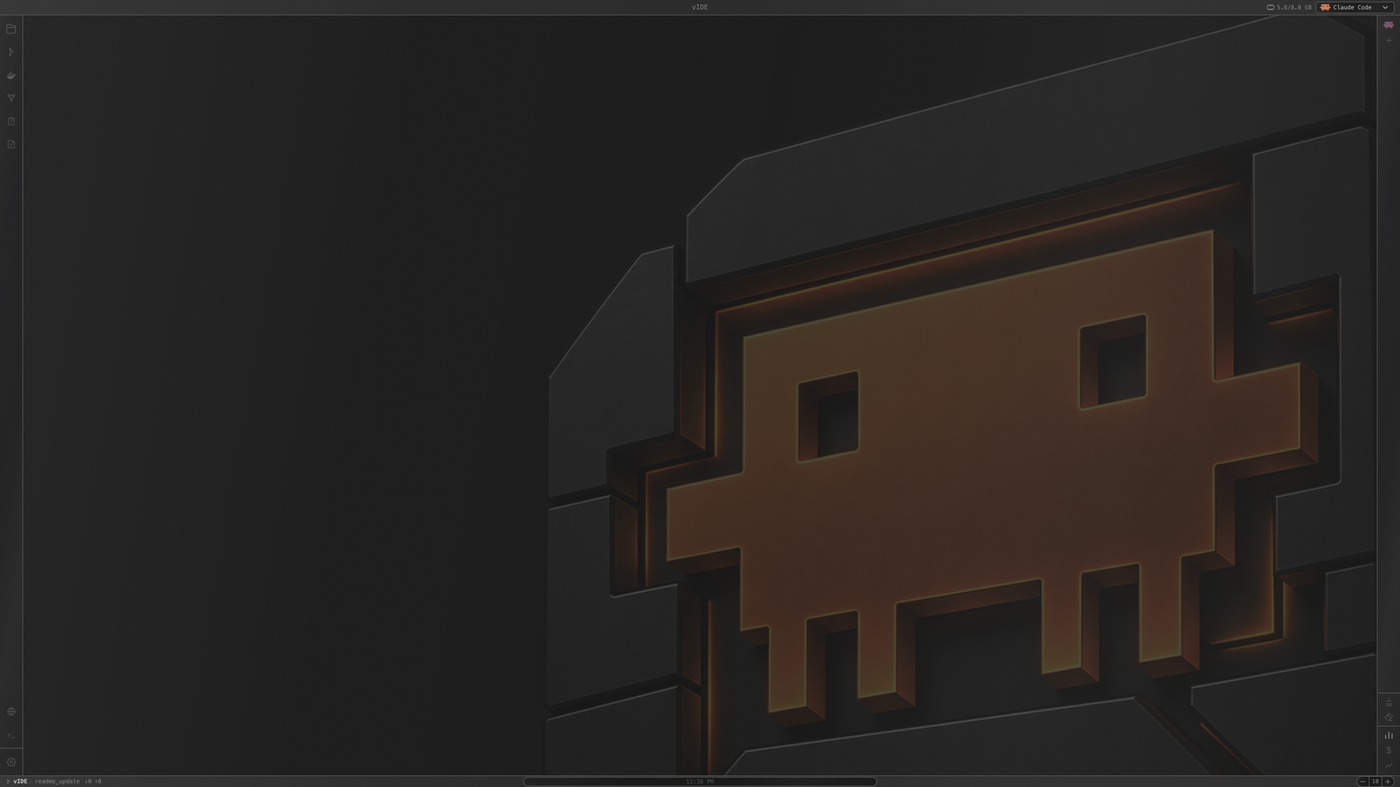
|
vIDE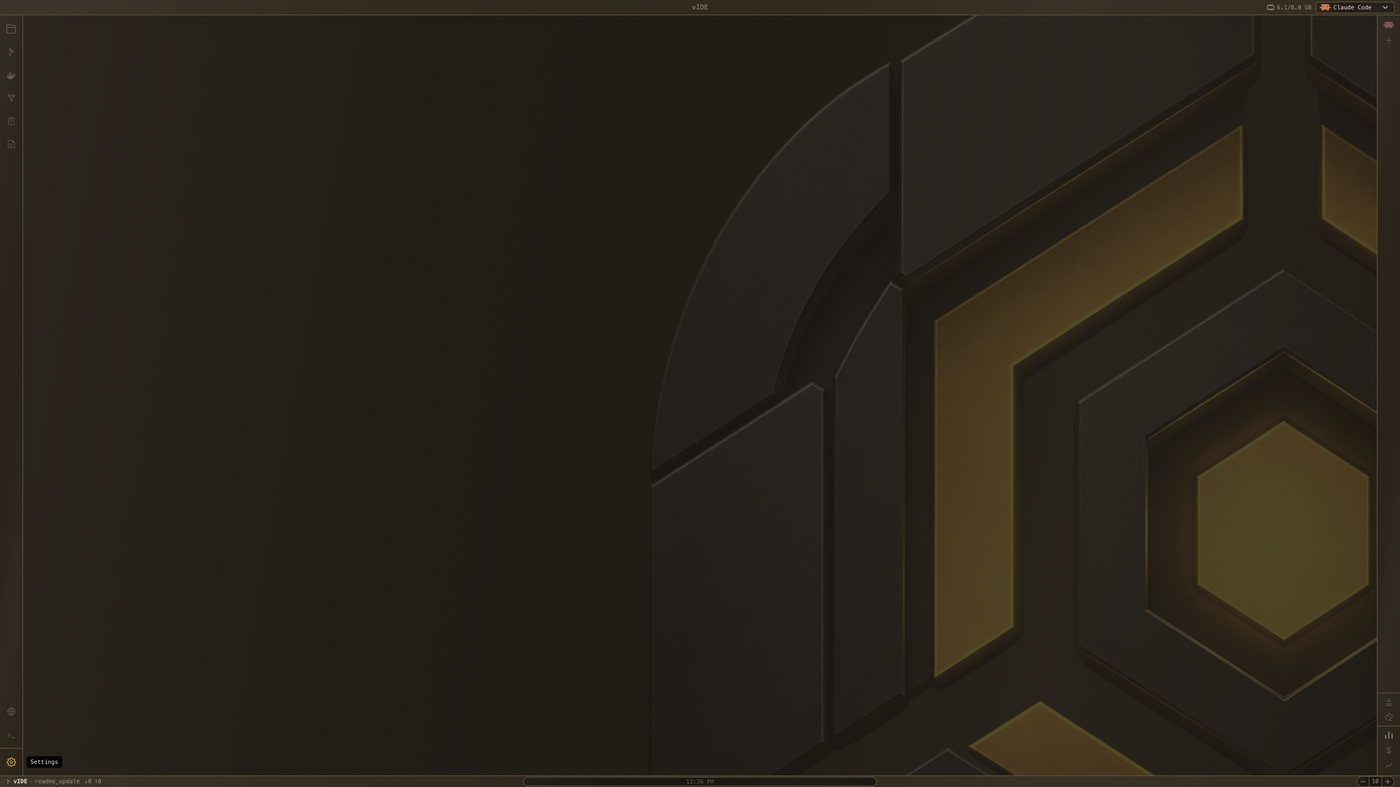
|
Link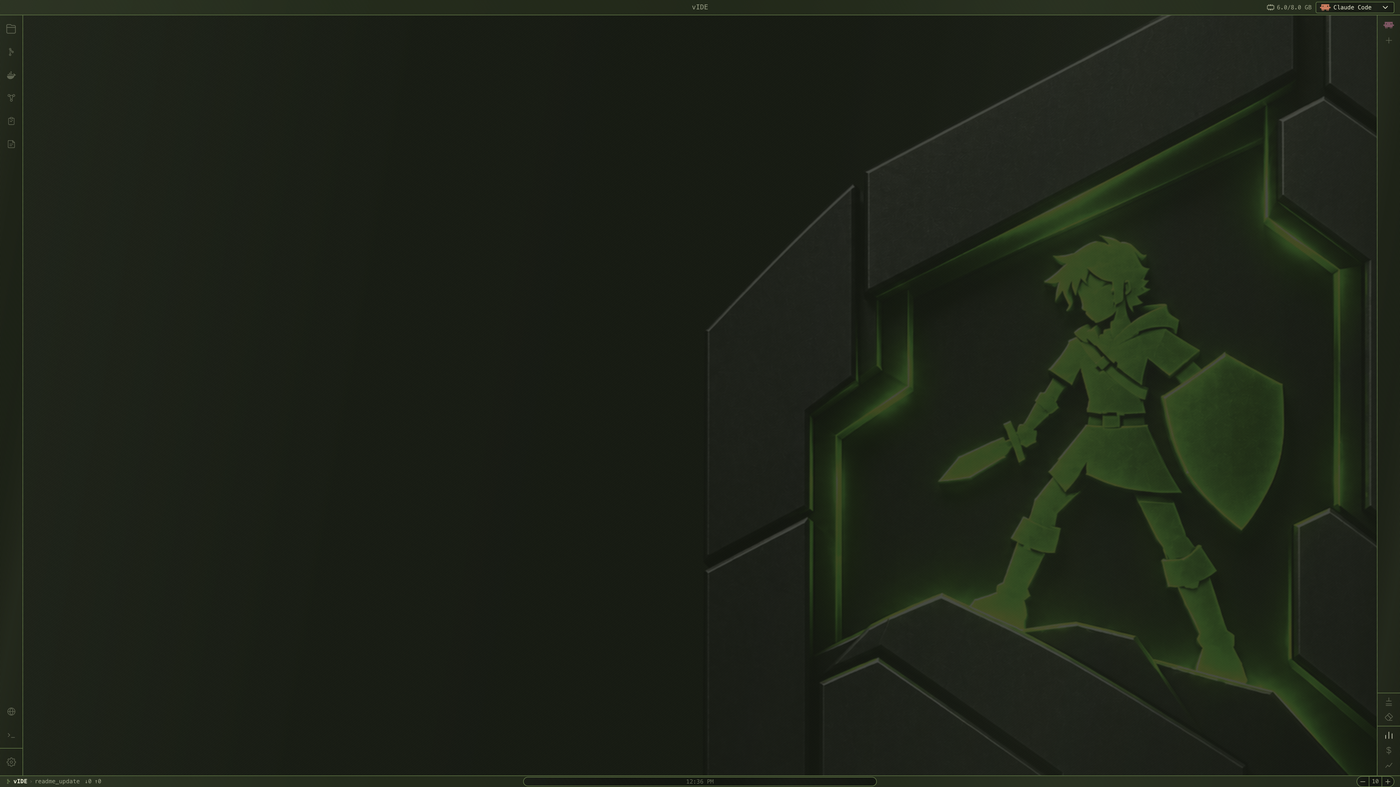
|
Atreus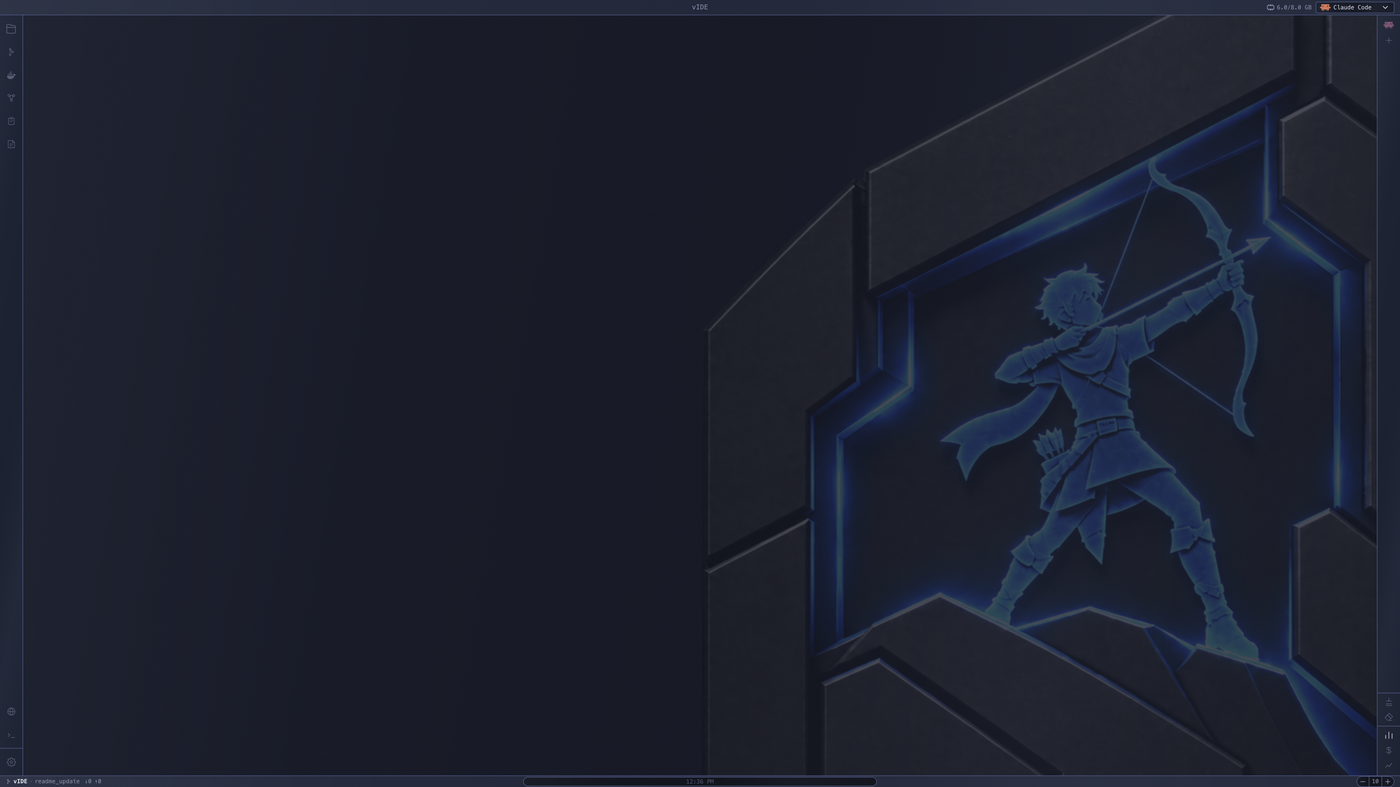
|
Borahae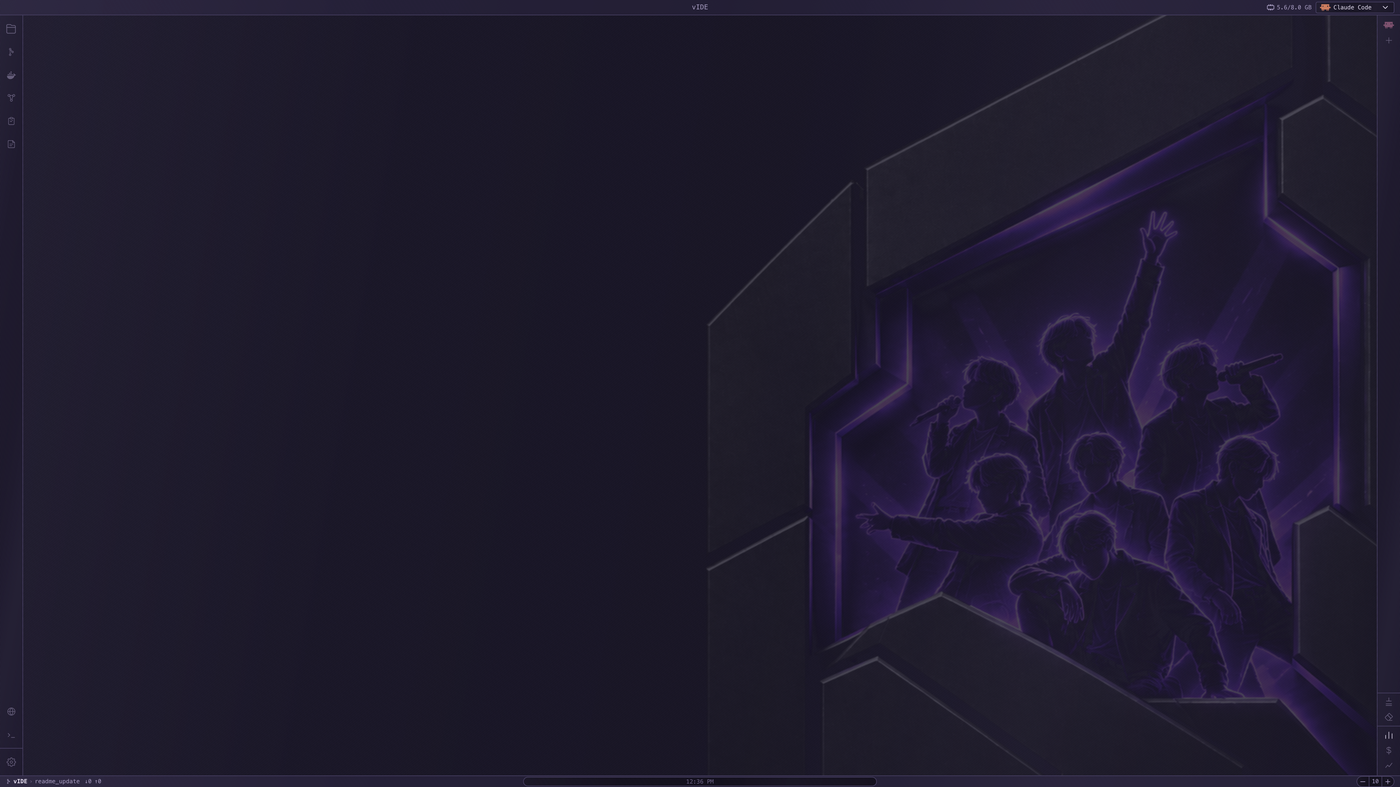
|
Gabriele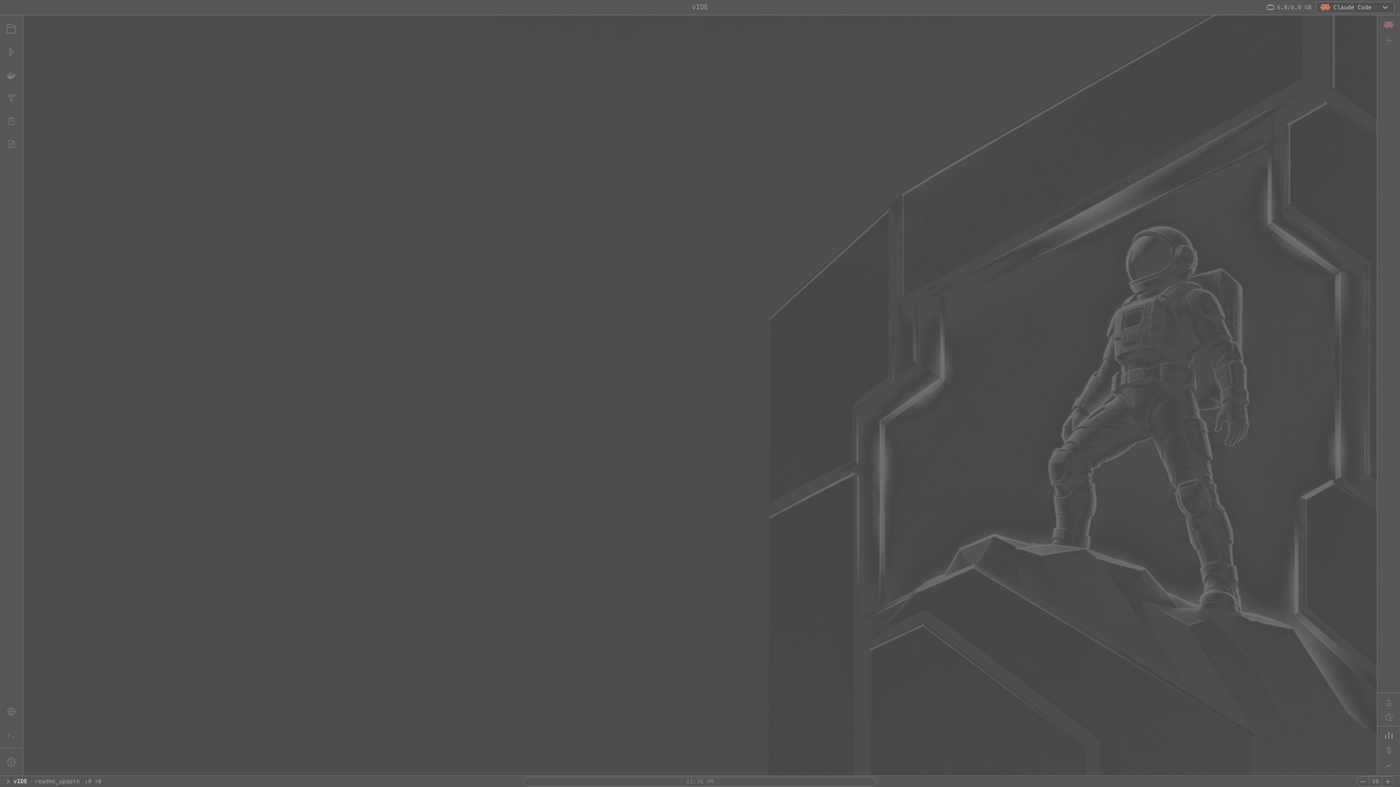
|
Luuk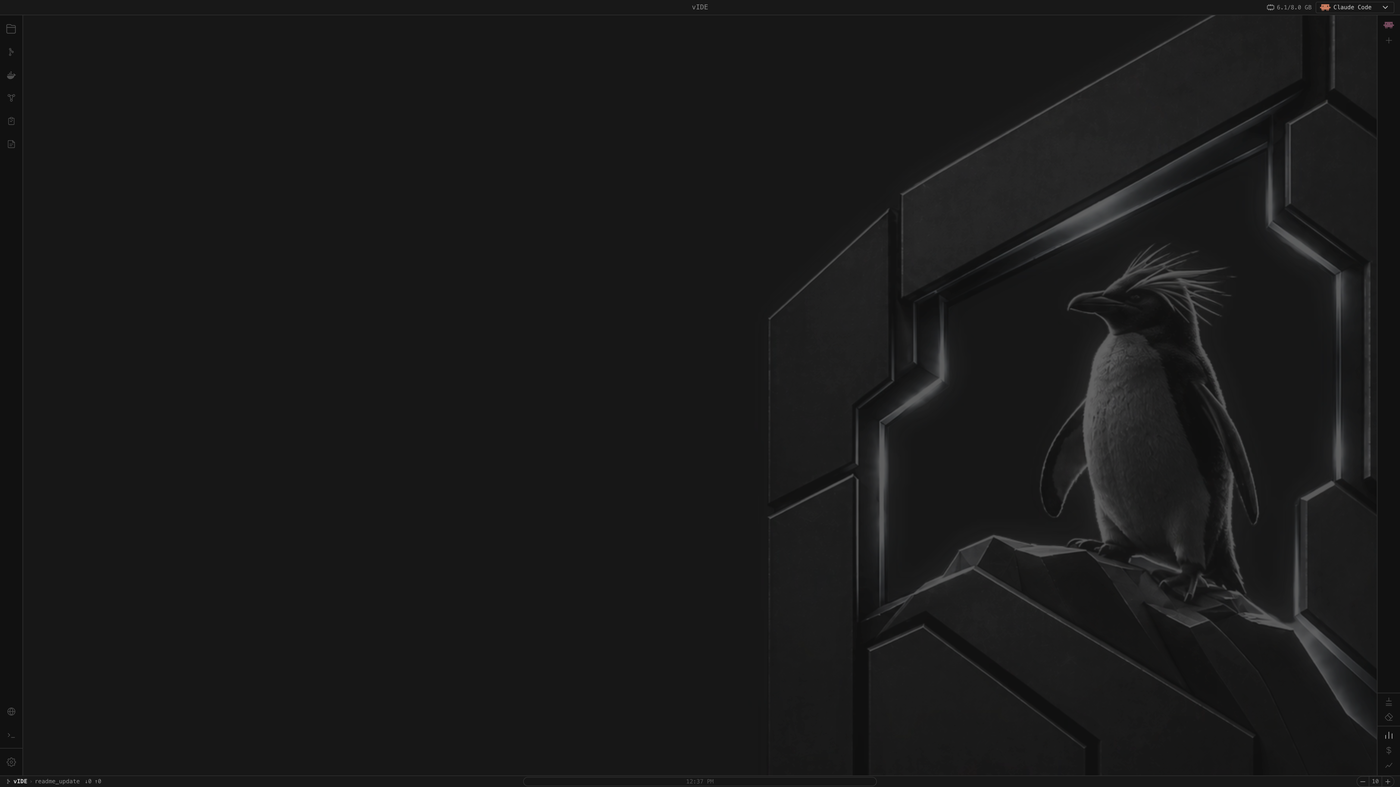
|
Or build your own Create a theme from scratch, or import one, with its own color swatches. Combine any theme independently with:
|
Mix and match
The theme you pick doesn't dictate the rest of the interface — panel
material, editor syntax scheme, font, and background all mix independently,
so the same base theme can produce very different-looking workspaces.
Requirements
- macOS (Apple Silicon) or Linux (x86_64, Debian/Ubuntu-based) — Intel Mac
and other Linux distros aren't supported yet - Claude Code CLI installed
separately — vIDE launches it, it doesn't bundle it - For the Llama panel (optional): llama.cpp
(brew install llama.cppon macOS) and at least one.ggufmodel file
Installation
curl -fsSL https://raw.githubusercontent.com/DarthTigerson/vIDE/main/install.sh | bash
This downloads the latest release and installs it — to /Applications on
macOS, or ~/.local/share/vide (with a vide command symlinked into~/.local/bin) on Linux.
Manual installation
Download the latest archive for your platform from the
Releases page:
- macOS: download
vIDE-arm64.zip, unzip it, and dragvIDE.appto
Applications. If macOS reports the app as "damaged" (a Gatekeeper quirk
for unsigned, browser-downloaded apps — the app isn't actually damaged),
run:xattr -cr /Applications/vIDE.app - Linux: download
vIDE-x64.tar.gzand extract it wherever you like:mkdir -p ~/.local/share/vide tar -xzf vIDE-x64.tar.gz -C ~/.local/share/vide ~/.local/share/vide/vide
Build from source
git clone https://github.com/DarthTigerson/vIDE.git
cd vIDE
- macOS: run
./start.sh— it installs dependencies, rebuilds native
modules, and downloads the Electron binary ifnpm install's scripts got
blocked, before launching the dev build. - Linux:
npm install
npm run dev
To build your own archive:
npm run dist:mac    # produces vIDE-arm64.zip under release/
npm run dist:linux  # produces vIDE-x64.tar.gz under release/
Contributing
Issues and pull requests are welcome. This is an early-stage project, so
expect some rough edges.
Contributors
Thomas Bonnici — @DarthTigerson
Gabriele Grech — @GGre4
Keith Fenech — @taspanja
License
Yorumlar (0)
Yorum birakmak icin giris yap.
Yorum birakSonuc bulunamadi