cloud-control-panel
Health Uyari
- License — License: MIT
- Description — Repository has a description
- Active repo — Last push 0 days ago
- Low visibility — Only 6 GitHub stars
Code Uyari
- network request — Outbound network request in web/src/api/client.ts
Permissions Gecti
- Permissions — No dangerous permissions requested
Bu listing icin henuz AI raporu yok.
Open-source self-hosted cloud storage with web UI, CLI and MCP server. Resumable uploads, file sharing and requests.


01 / WHAT IT IS
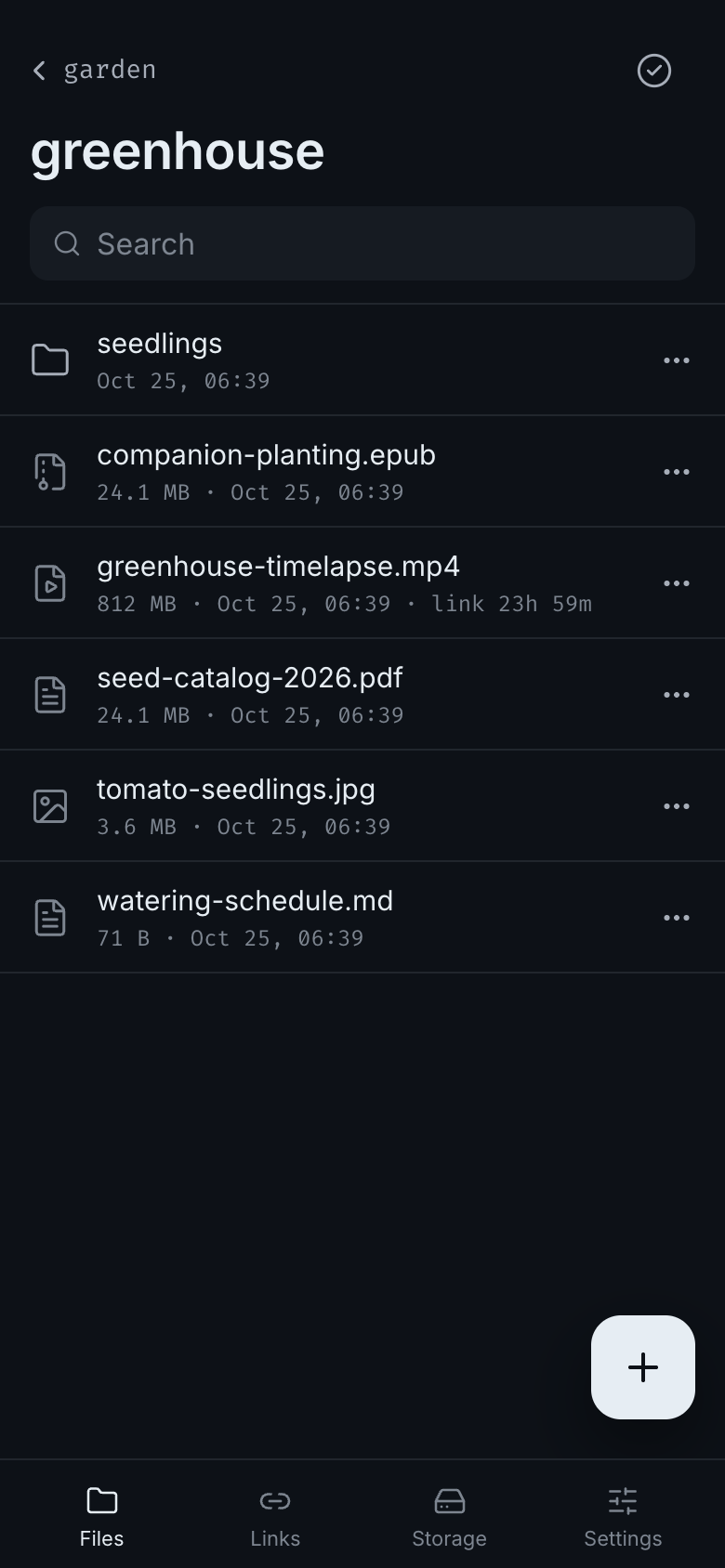
A self-hosted control panel for your cloud storage. Manage files and folders from
any browser, automate them from the command line, or connect an AI agent through
MCP. All three use the same HTTP API, accounts and permissions.
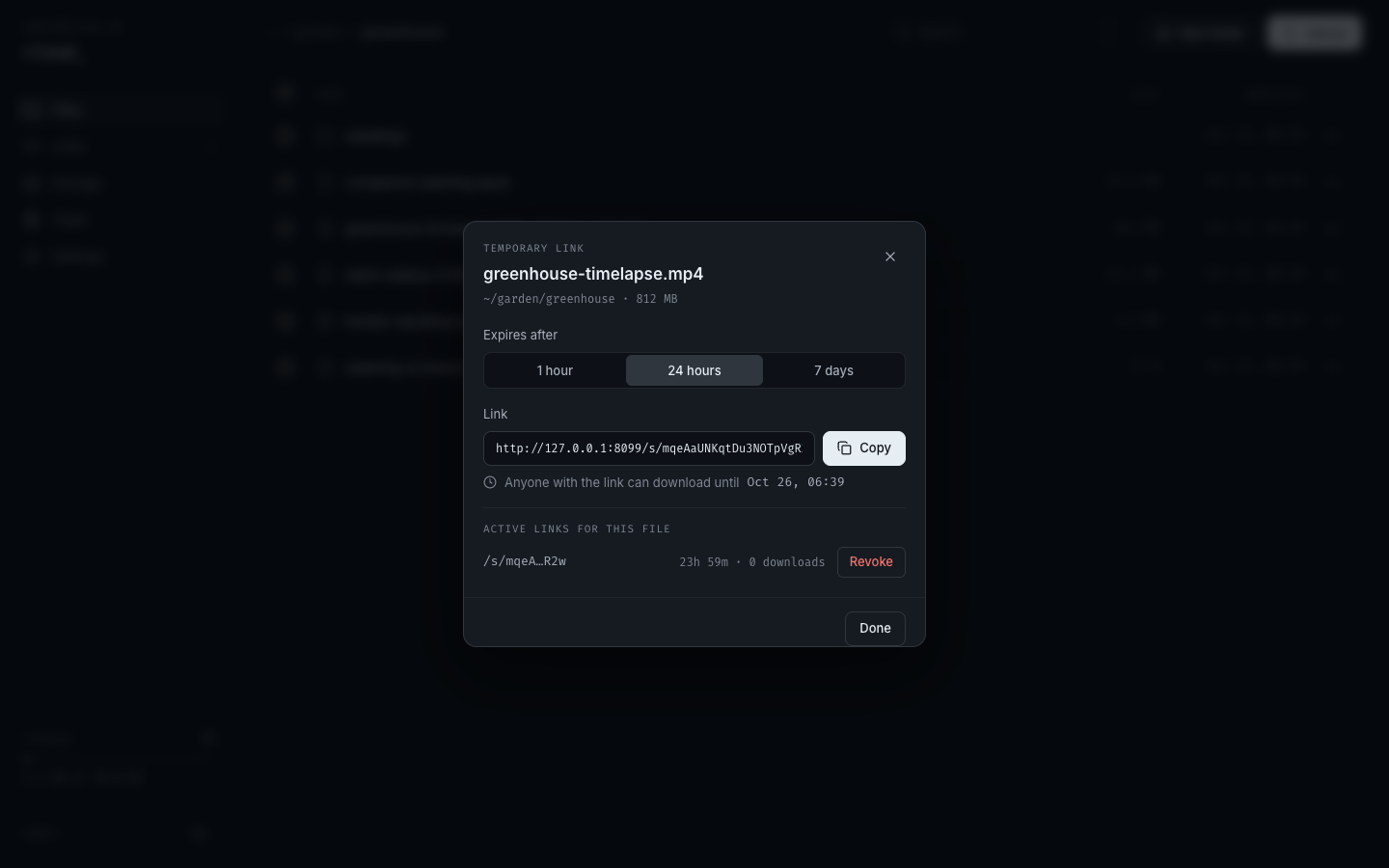
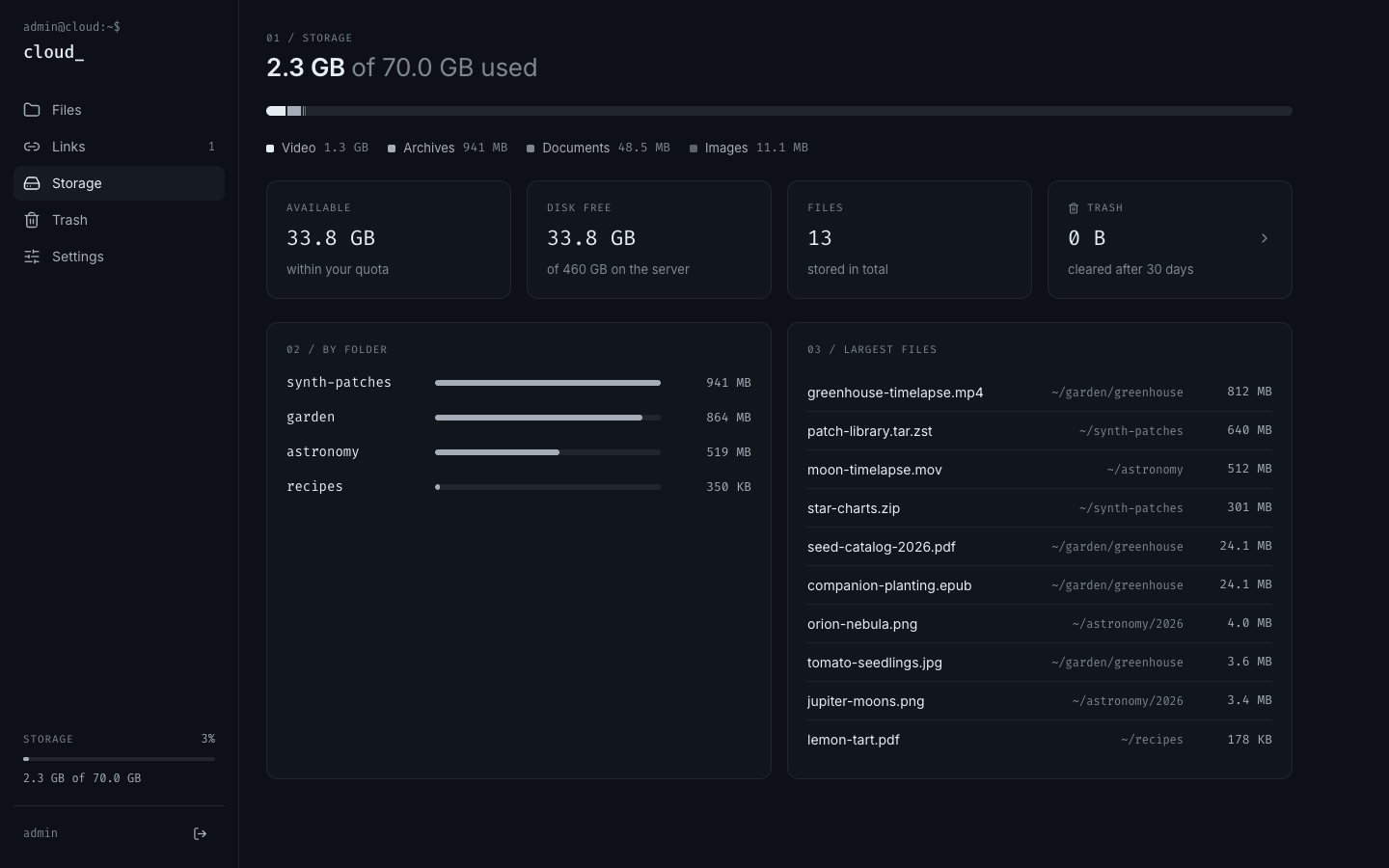
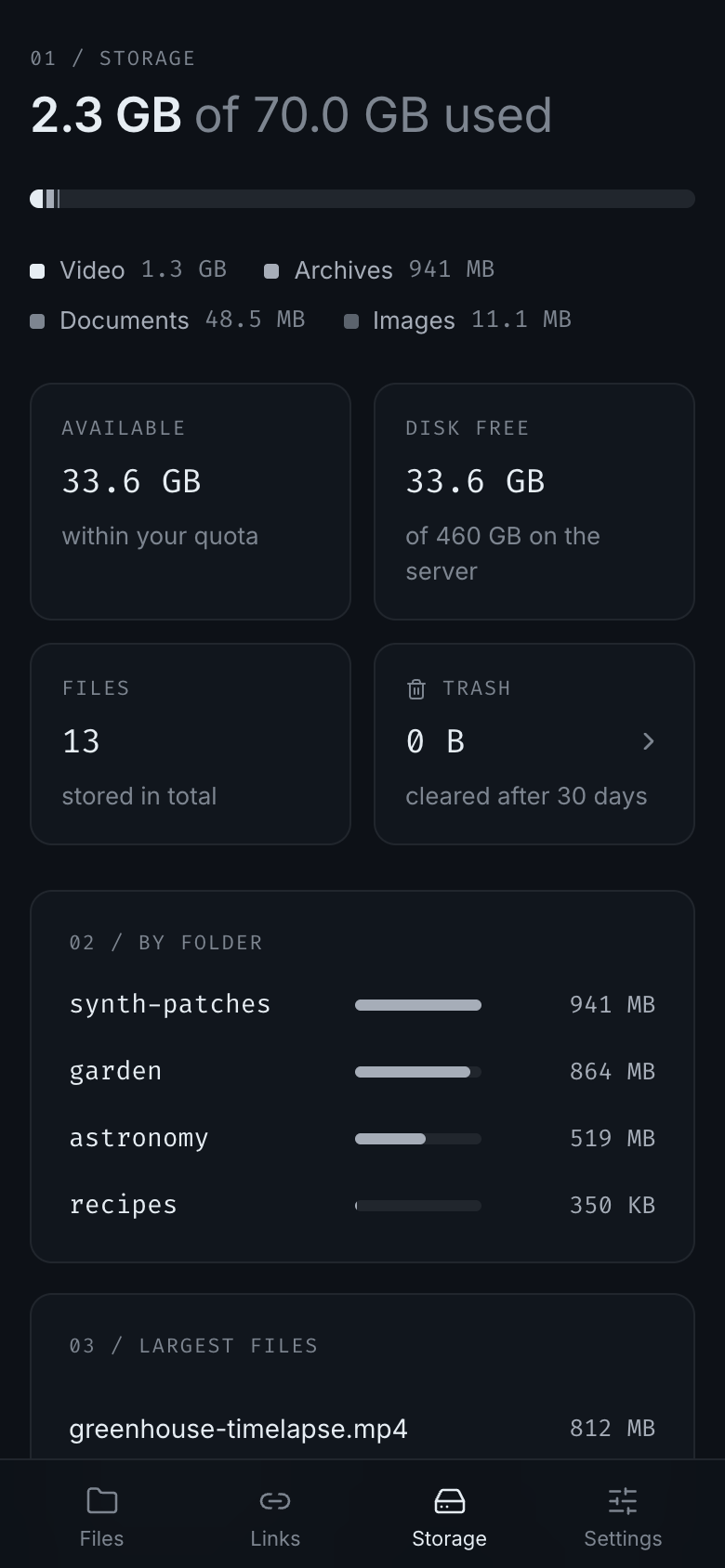
Upload large files with resume, share folders, collect files through upload-only
links, recover deleted items and keep track of disk usage. One Go binary, one
container, SQLite and your own disk.
 |
 |
 |
 |
02 / QUICK START
Download a native binary for Linux, macOS or Windows from
Releases.
Choose amd64 for Intel/AMD or arm64 for ARM/Apple Silicon, extract it and run./cloud serve (.\cloud.exe serve in PowerShell). Open http://localhost:8080.
The binary includes the web interface, CLI and MCP server.
Or use Docker:
Requirements: Docker with Compose v2.
git clone https://gitea.din9xtr.tech/din9xtr/cloud-control-panel.git
cd cloud-control-panel
mkdir -p data
docker compose up -d
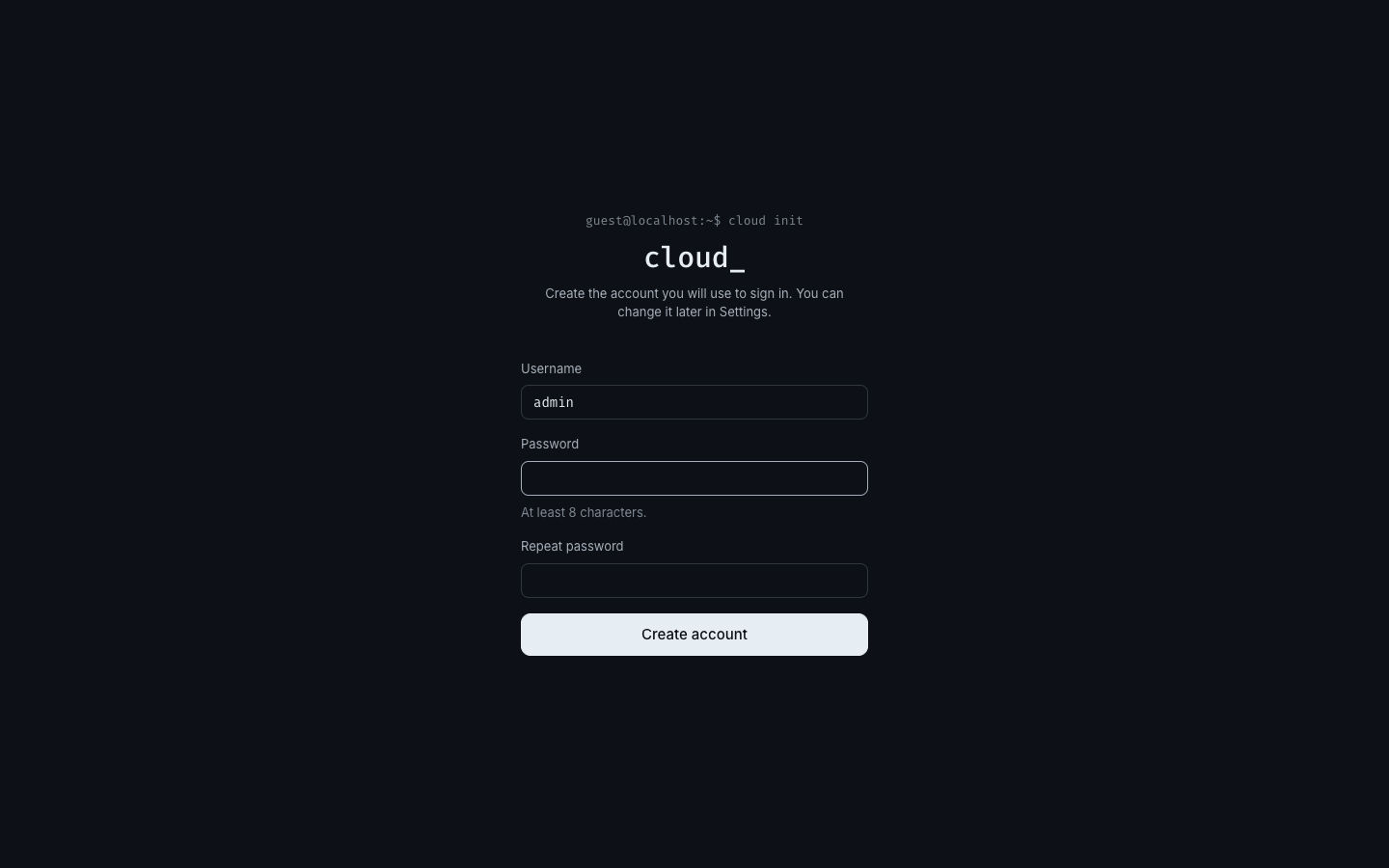
Open http://localhost:8080 and create your account. Files and the database live in./data next to docker-compose.yml, so a backup is a copy of that folder.
The container runs as UID and GID 1000; if your user has other ids, set CLOUD_UID
and CLOUD_GID in .env before the first start.
| Task | Command |
|---|---|
| Update to the latest code | git pull && docker compose up -d --build |
| Follow logs | docker compose logs -f cloud |
| Back up | docker compose stop && tar czf cloud-backup.tgz data && docker compose start |
| Reset a forgotten password | docker compose exec -it cloud /cloud passwd -username admin |
| Stop | docker compose down |
03 / WEB, CLI & AGENTS
- Web: open the server address and sign in. File and folder actions live under ⋯.
- CLI: build the same binary with
go build -o cloud ./cmd/cloud, then run./cloud cli --server https://cloud.example.com login --username owner. - Agent: start
cloud mcpfrom your MCP client with the server URL, CLI session
and an optional directory for local file transfers.
Start with connection setup. It covers browser access, sessions,
CLI installation and MCP configuration. The generated command reference
comes from the same contract as the frontend types, CLI commands and MCP tools.
04 / DOCUMENTATION
- Connection setup: start a server and connect web, CLI or an agent
- Command reference: generated names, aliases and arguments
- CLI: remote commands, resumable transfers and terminal examples
- MCP server: agent tools, stdio configuration and local file access
- Configuration: environment variables and reverse proxies
- Architecture: packages and the HTTP contract
- Security: how files, sessions and the server are protected
- Development: running from source and the checks every change must pass
MIT License · Copyright © 2026 Din9xtr
Yorumlar (0)
Yorum birakmak icin giris yap.
Yorum birakSonuc bulunamadi