fort
Health Gecti
- License — License: MIT
- Description — Repository has a description
- Active repo — Last push 0 days ago
- Community trust — 21 GitHub stars
Code Gecti
- Code scan — Scanned 7 files during light audit, no dangerous patterns found
Permissions Gecti
- Permissions — No dangerous permissions requested
Bu listing icin henuz AI raporu yok.
Audit and fix your Mac's security in one command. No agent, no signup, open source.
fort
Know your Mac's security posture, fix the gaps, and keep it locked down. One command.



fort runs 15+ security checks on your Mac, fixes what it safely can, and writes an auditor-ready report. No agent, no signup, no MDM enrollment. Just a single binary.
Good for anyone who wants to harden their Mac. Essential for teams preparing for SOC 2 or ISO 27001.
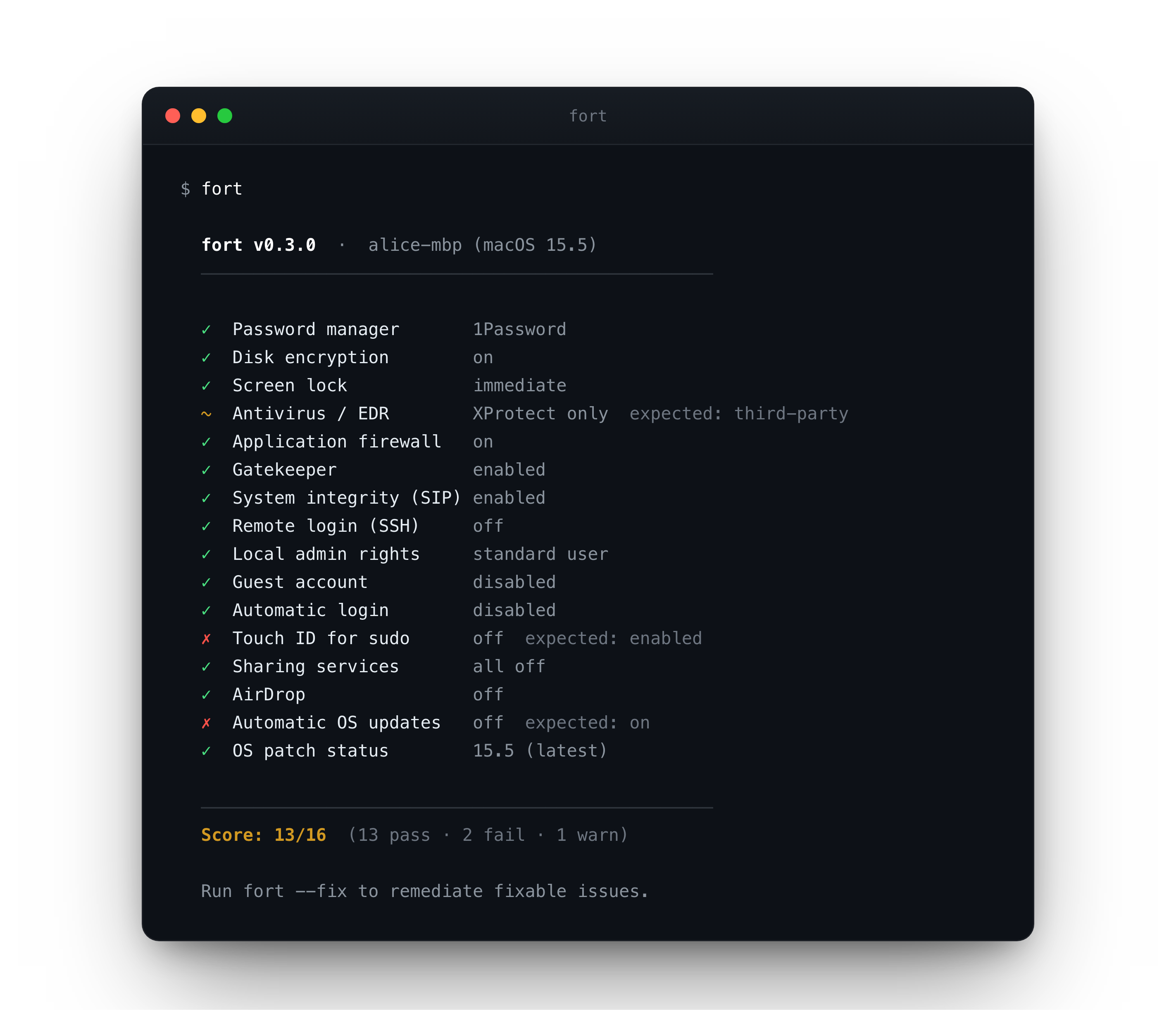
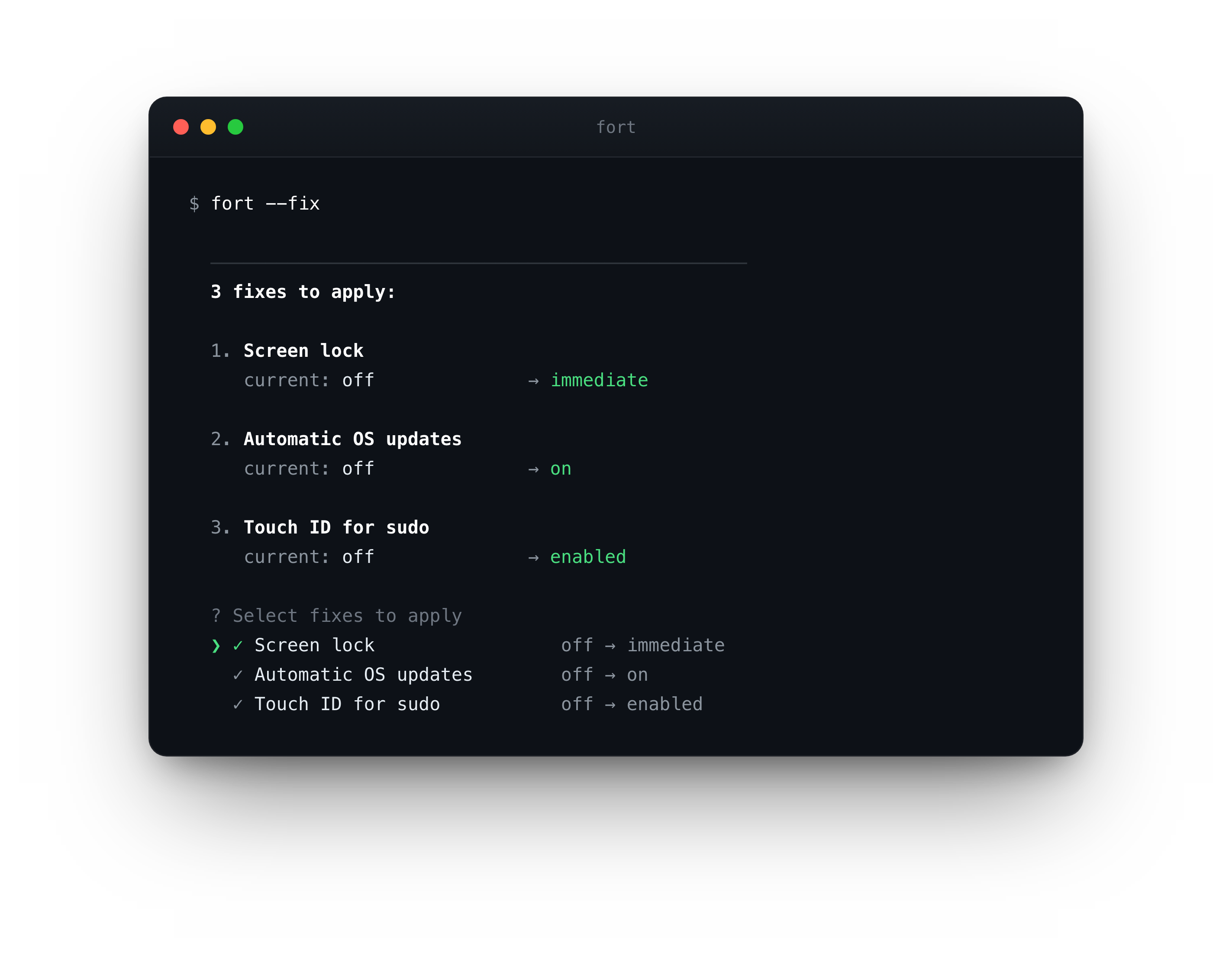
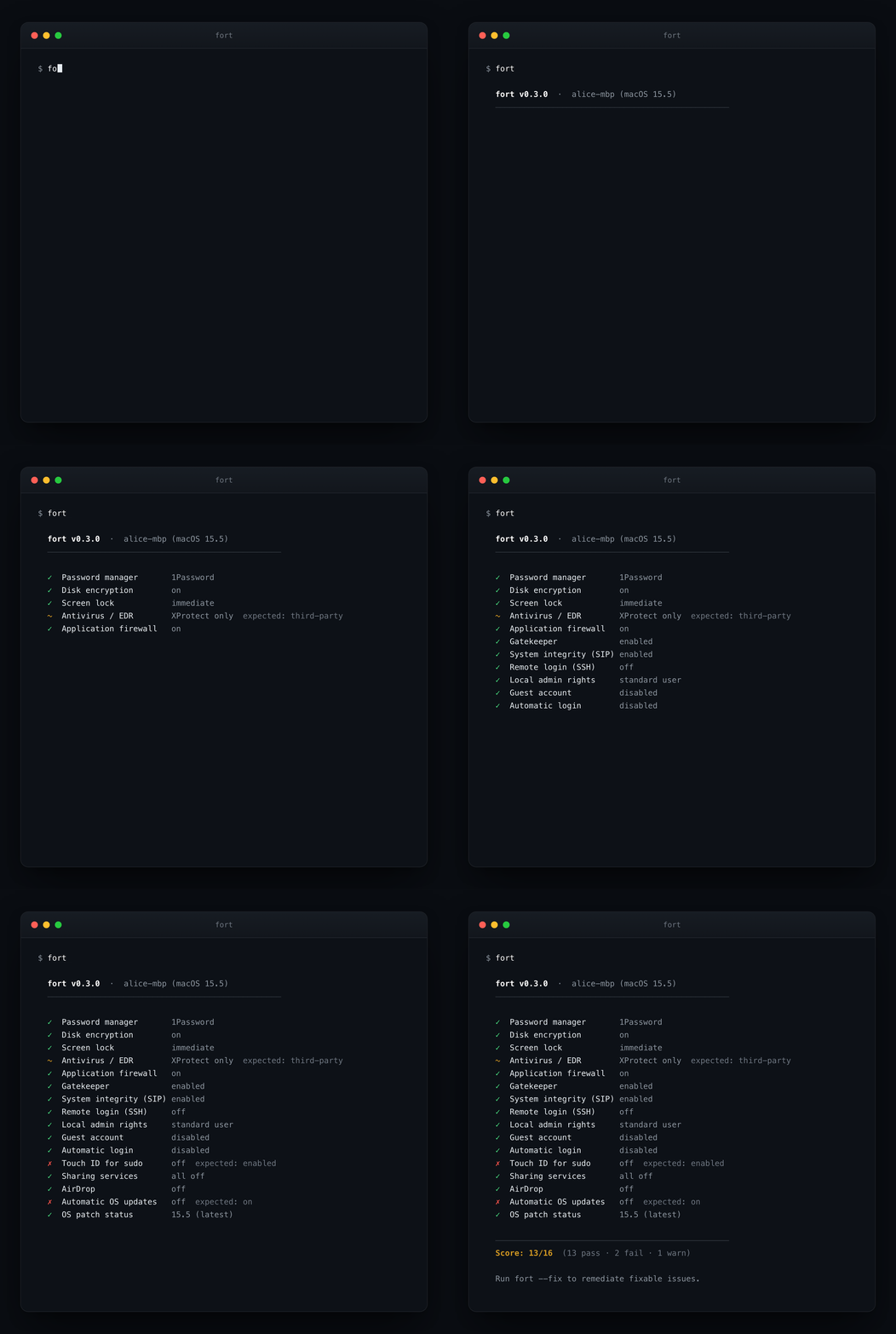
fort audits every control and shows where you stand. fort --fix reviews each change, then applies, after you confirm.
Install
Homebrew (recommended)
brew install djadmin/tap/fort
Direct download (macOS, Apple Silicon + Intel)
curl -fsSL https://github.com/djadmin/fort/releases/latest/download/fort_darwin_all.tar.gz | tar xz && sudo mv fort /usr/local/bin/
Go
go install github.com/djadmin/fort/cmd/fort@latest
Build from source
git clone https://github.com/djadmin/fort.git
cd fort && make install
Update
brew upgrade djadmin/tap/fort
Usage
fort                          # audit your Mac
fort --dry-run                # preview what --fix would change; nothing is applied
fort --fix                    # audit, show confirmation prompt, apply selected fixes
fort --fix --yes              # skip prompt; for scripts, MDM push, or cron
fort --json                   # structured JSON output for automation
fort --report                 # write fort-report-YYYY-MM-DD.html (print to PDF)
fort --only filevault,firewall  # run only the specified checks (comma-separated IDs)
Exit codes: 0 all pass · 1 any fail · 2 any warn
Use it from Claude Code
fort ships a Claude Code plugin, so you can audit and harden your Mac just by asking. Say "is my Mac secure?" and Claude runs the audit, explains each finding and why it matters, then fixes only what you approve, showing the exact command first.
# 1. install the fort binary (the plugin drives it; Claude can also install it for you)
brew install djadmin/tap/fort

# 2. add the plugin
/plugin marketplace add djadmin/fort
/plugin install fort@fort
Then just ask, or run a command directly: /fort-audit (read-only), /fort-harden (fix safe issues with your approval), /fort-report (HTML evidence). The plugin runs the fort binary on your Mac over your shell, no extra service, nothing uploaded. See plugin/ for details.
Safe by design
- The audit makes no network calls.
fortreads local system state and exits. Nothing is uploaded, no account, no telemetry. - No black box. Every check prints the exact command it ran and its raw output, in the terminal, the JSON, and the HTML report. Verify it instead of trusting it.
--fixalways asks first. It shows each change and prompts[y/N]before applying. Use--dry-runto preview without touching anything, or--yesto skip the prompt when you mean to (automation, cron, MDM).- One MIT-licensed Go binary. No agent, no background process, nothing installed system-wide. Read the source.
Full detail in PRIVACY.md: zero data collection, no network calls, nothing leaves your machine.
What it checks
15+ macOS checks across five groups, each mapped to SOC 2, ISO 27001, NIST CSF, and CIS v8:
| Group | Checks |
|---|---|
| Core security | password manager, FileVault, screen lock, antivirus / EDR |
| System hardening | firewall, Gatekeeper, SIP, SSH |
| Access controls | local admin rights, guest account, automatic login, Touch ID for sudo |
| Exposure reduction | sharing services, AirDrop |
| Patching | automatic OS updates, OS patch status |
The exact set grows over time. Run fort to see every check on your machine, and the changelog for what's new.
JSON output
{
  "tool": "fort", "version": "0.3.0", "hostname": "alice-mbp",
  "os_version": "15.5", "timestamp": "2026-06-09T10:00:00Z",
  "summary": { "total": 16, "pass": 12, "fail": 2, "warn": 2, "score": "12/16" },
  "policies": [{ "id": "filevault", "status": "pass", "current": "on",
    "evidence": "$ fdesetup status\nFileVault is On.",
    "frameworks": { "SOC 2": ["CC6.1", "CC6.7"], "ISO 27001": ["A.8.3"] } }]
}
fort --report writes a self-contained HTML evidence report: machine identity, serial number, OS version, timestamp, per-check results with the exact commands run and their verbatim output, and framework control references. Opens locally or prints to PDF. See a sample report.
Contributing
PRs welcome. To add a check:
- Create
internal/checks/yourcheck_darwin.goand implement theCheckinterface - Register in
internal/checks/registry_darwin.go - Add framework mappings in
internal/checks/frameworks.go - Run
go test ./...; existing tests enforce interface contracts
Support
If fort saves you time, please star it on GitHub. It is the easiest way to support the project and helps other people find it.
License
Yorumlar (0)
Yorum birakmak icin giris yap.
Yorum birakSonuc bulunamadi