apolo
Health Warn
- License — License: MIT
- Description — Repository has a description
- Active repo — Last push 0 days ago
- Low visibility — Only 5 GitHub stars
Code Fail
- child_process — Shell command execution capability in actualizador.js
- os.homedir — User home directory access in actualizador.js
- fs module — File system access in actualizador.js
- network request — Outbound network request in actualizador.js
- child_process — Shell command execution capability in antigravity/puente.js
- os.homedir — User home directory access in antigravity/puente.js
- process.env — Environment variable access in antigravity/puente.js
- fs module — File system access in antigravity/puente.js
- network request — Outbound network request in antigravity/puente.js
Permissions Pass
- Permissions — No dangerous permissions requested
No AI report is available for this listing yet.
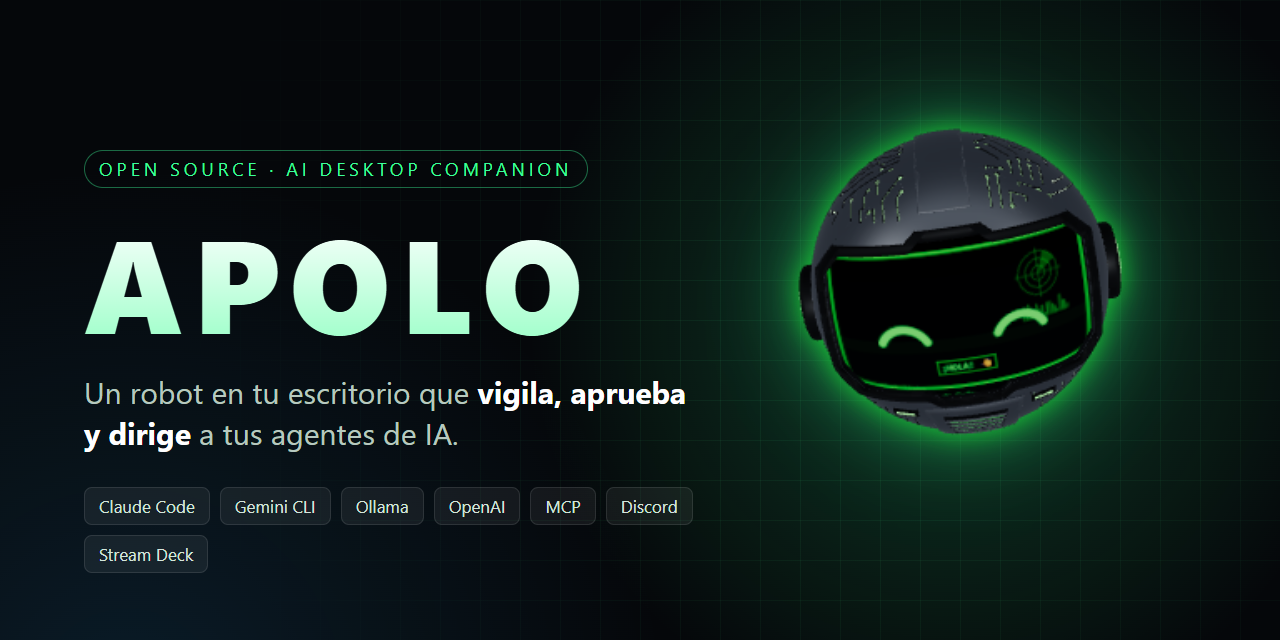
Open-source AI desktop companion: a 3D robot that watches, approves and directs your AI agents (Claude Code, Gemini CLI, Ollama, OpenAI…)




English · Español
A 3D robot on your desktop that runs, watches and approves every AI agent you use — on the plan you already pay for, or 100% local.
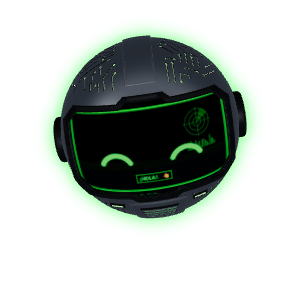
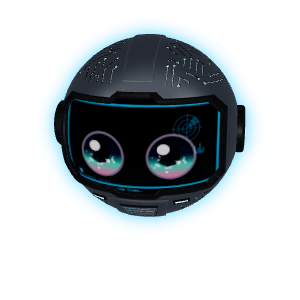
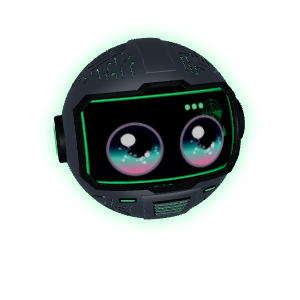
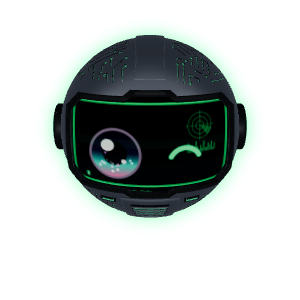
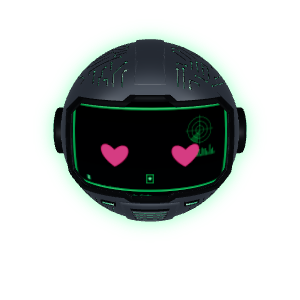
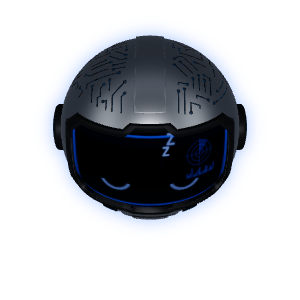
APOLO lives at the top of your screen as an animated helmet. It relays Claude Code and Gemini CLI sessions, has its own multi-model agent core (Ollama, OpenAI, Anthropic, Gemini, OpenRouter, Groq…), and asks you before anything risky — from the floating island, a Stream Deck, Discord, Telegram, WhatsApp or your phone.
Beta. Windows 10/11 only for now. Features marked 🧪 are experimental: they work on the author's machine but have had little outside testing.
Why people try it
| 💳 Use the plan you already pay for | Drive Claude Code and ChatGPT/Codex through their own CLIs — no API key, no per-token bill. APOLO shows usage as % of your plan, never dollars, and pauses its own background work near the limit. |
| 🏠 Local and free | Point it at Ollama and the agent, memory embeddings and routing all run on your PC. |
| 🧩 Universal skills + antivirus | Installs SKILL.md skills from a folder, zip or GitHub (owner/repo) and also reads the ones in ~/.claude/skills and ~/.codex/skills. Every new skill starts disabled and goes through a static + model "antivirus" (green / yellow / red). Any model can use them, not just Claude. |
| 🗳️ Model council | Ask several models the same question (say a local one, Claude and ChatGPT). They answer in parallel, see each other's answers and can correct themselves, and a moderator gives you a verdict with the level of agreement. |
| 🌙 Night shift | Queue jobs before bed. Each one runs in its own git worktree and branch (it never pushes); risky permissions are denied and logged instead of waking you, and at breakfast you get a report plus a ~60 s vertical video of the night. |
| 🎁 APOLO Wrapped | Weekly / monthly cards: hours, streaks, favourite model, tools, what you saved by running locally. Private by default (no message text). Export as PNG or video. |
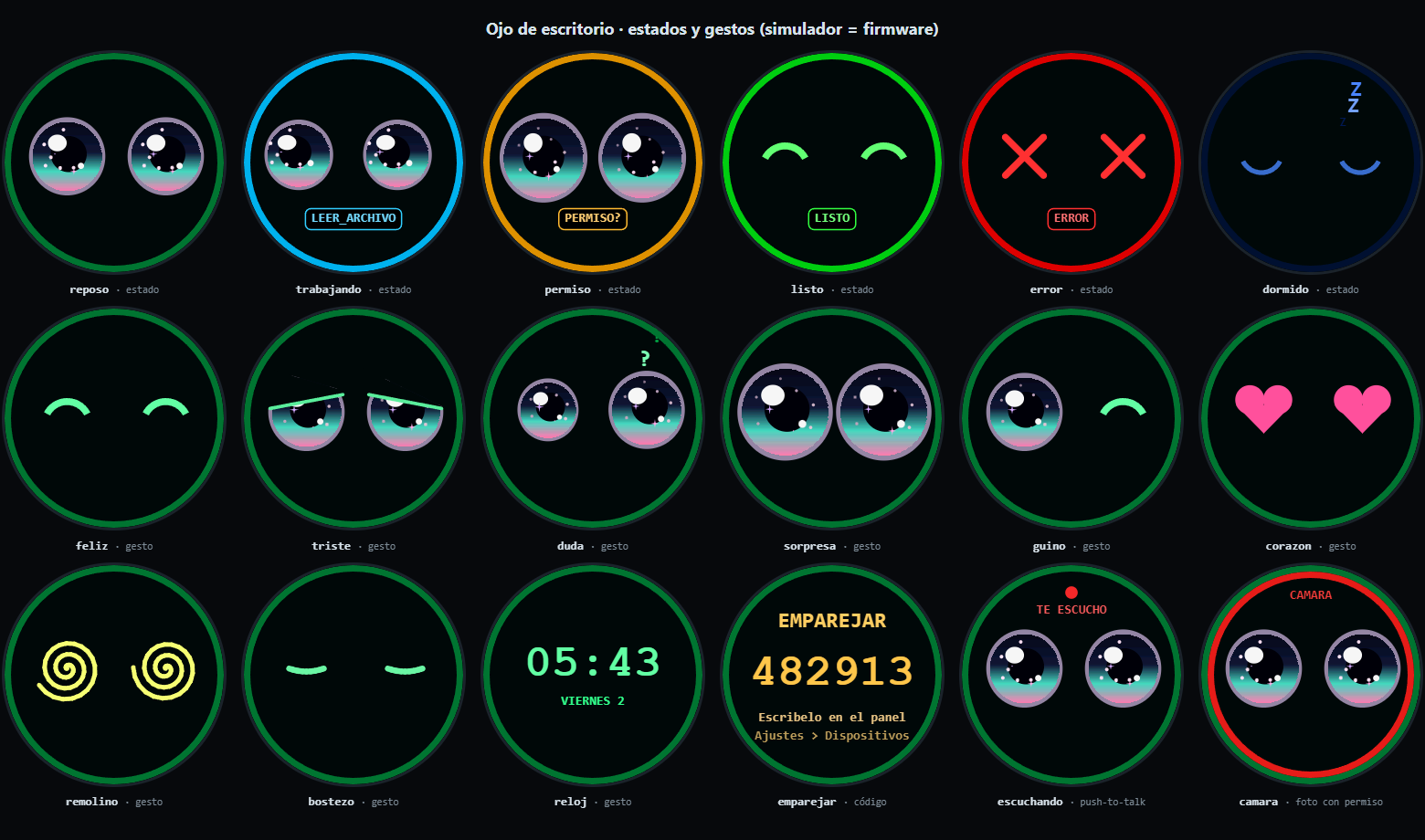
| 👁️ Printable desk eye 🧪 | An ESP32-S3 + round display "eye" (~25 USD) that shows the robot's mood, approves with a tap and denies with a long press. Firmware, wiring guide and simulator included; printable case still in progress. → docs/ojo |
| 🎥 Streaming co-host 🧪 | Reads your Twitch / YouTube chat, filters it, reacts in an OBS overlay and talks back. → docs/stream.md |
| 📦 Migrate from OpenClaw | Import memory files (SOUL.md, USER.md, MEMORY.md…), automations, agents and skills from OpenClaw-style assistants in one step. |
Everything else
- 🏝️ Floating island — live sessions, subagents, files being written, plan usage and context per session.
- 🛡️ Permissions everywhere — Allow / Deny / Always from the island, Stream Deck, Discord, Telegram, WhatsApp, the mobile app or the desk eye. Dangerous commands always need a second confirmation.
- 🧠 Agent core — tools, persistent semantic memory with nightly consolidation, scheduled tasks and heartbeat, parallel subagents with Mission Control, context compaction, MCP server, web control panel, plugin SDK.
- 🌐 Browser agent 🧪 — Chrome / Edge / Brave extension with per-site permissions; it never reads or types password or card fields.
- 🖥️ Computer use 🧪 — sees the screen and drives mouse and keyboard with per-task consent, a red border and a panic stop (just move the mouse).
- 📱 Mobile app (PWA) 🧪 — pair with a QR code; scoped device tokens; PIN or passkey for dangerous approvals.
- 🗣️ Voice — neural voice and local Whisper speech input (optional add-on), or plain text.
- 🔌 Integrations — Discord, Telegram, WhatsApp 🧪, email (Gmail / Outlook / IMAP), GitHub, Hugging Face, ElevenLabs, Stream Deck plugin, Gemini CLI hooks.
Install
Windows installer (recommended)
- Download
APOLO-Setup-x.y.z.exefrom Releases. - Run it. It installs per user (no admin) in
%LOCALAPPDATA%\Programs\APOLO, adds Start menu and desktop shortcuts, and asks whether to start with Windows. - The installer is not code-signed yet, so SmartScreen will say "Windows protected your PC" → More info → Run anyway.
Updates arrive on their own from GitHub Releases (differential download); the island asks before installing. Uninstalling removes APOLO's hooks from Claude Code / Gemini CLI and asks whether to delete your data (%APPDATA%\robot-companion).
Silent install: APOLO-Setup-x.y.z.exe /S (add /D=C:\path to choose the folder).
One-line install (PowerShell)
irm https://raw.githubusercontent.com/DMNENGINE/apolo/main/install.ps1 | iex
Installs Node.js, Electron and the voice packages if missing, puts APOLO in %LOCALAPPDATA%\APOLO and follows the main branch. Run it again to update. Both installs share the same data folder.
From source
git clone https://github.com/DMNENGINE/apolo.git
cd apolo
npm install
npm start
Build the installer yourself with npm run dist → dist/APOLO-Setup-<version>.exe.
First steps
From the tray icon:
- Install hooks — connects Claude Code (and Gemini CLI if present). It uses
nodewhen you have it; otherwise APOLO runs the hook itself. - Open control panel — the welcome wizard picks a model and channels in about two minutes.
- Install voice and microphone (optional) — no longer needed: the neural voice and the microphone (whisper.cpp, downloaded automatically, ~200 MB) work without Python. This option installs the Python Whisper in case you prefer it (e.g. with an NVIDIA GPU).
- Browser extension (optional) — tray → Open extension folder, then
chrome://extensions→ Developer mode → Load unpacked, and paste the token from Copy token for the browser extension. - Stream Deck (optional) — run
streamdeck\instalar.ps1from the app folder (resources\app.asar.unpacked\streamdeckin the .exe install).
Supported models
| Provider | How | Cost |
|---|---|---|
| Claude Code (your Claude plan) | hooks + claude CLI |
your plan |
| ChatGPT / Codex (your ChatGPT plan) | codex CLI |
your plan |
Ollama (Qwen, Gemma, Llama… and -cloud models) |
OpenAI-compatible API | free / local |
| OpenAI, OpenRouter, Groq or any OpenAI-compatible server | API key | per token |
| Anthropic API | API key | per token |
| Google Gemini (API) and Gemini CLI (hooks) | API key / CLI | per token / plan |
Models are written as provider/model (e.g. ollama/qwen3.6) and can be set per channel; an automatic router sends coding work to Claude Code and everything else to your default model.
Security
- Local API on
127.0.0.1only, and every request needs a token. LAN access for the phone is opt-in and scoped. - Secrets are encrypted with Windows DPAPI and never shown back; memory refuses to store keys or passwords.
- Dangerous actions always ask (twice for destructive ones); one panic (Stream Deck, desk eye, island) denies everything and releases control.
- Tamper-evident audit log of approvals and actions.
- Plugins run in a sandboxed process; new skills are scanned and stay disabled until you turn them on.
- Banking, wallet and password-manager windows and sites are off-limits to screen and browser control.
Details in SECURITY.md. Found a vulnerability? Please report it privately as described there.
Roadmap
- One-line installer and Windows
.exeinstaller with auto-updates - Multi-model core, skills engine, model council, night shift, Wrapped
- Mobile app, Telegram, WhatsApp, Discord, email
- Code-signed installer
- macOS and Linux — the core already runs there; desktop control is Windows-only for now (docs/portabilidad.md)
- Printable case for the desk eye (STL)
- Opt-in anonymous telemetry and crash reports
- Skills marketplace in the panel
Full plan: docs/ROADMAP.md (Spanish).
Contributing
Issues and PRs are welcome. Read CONTRIBUTING.md and the Code of Conduct. The core tests need no dependencies (cd core && npm test) and run on Windows and Linux in CI.
License
MIT © DMNENGINE
Reviews (0)
Sign in to leave a review.
Leave a reviewNo results found