conductor
Health Warn
- License — License: MIT
- Description — Repository has a description
- Active repo — Last push 0 days ago
- Low visibility — Only 5 GitHub stars
Code Fail
- exec() — Shell command execution in .github/workflows/studio-release.yml
Permissions Pass
- Permissions — No dangerous permissions requested
No AI report is available for this listing yet.
UI automation CLI for AI agents. Drive and inspect iOS, tvOS, Android, Fire TV, Roku, macOS and web apps from the terminal.
Let your coding agent see and drive the app it's building.
Conductor is a CLI that gives AI agents hands and eyes on a running app. Tap, type, read the live UI, take screenshots and run test flows on iOS, Android, TV, macOS and the web, across as many devices as you have.


Why Conductor
- Built for agents. Compact, token-efficient output an agent can act on. One
conductor initteaches Claude Code the whole CLI through bundled skills. - Every screen you ship to. iOS and tvOS, macOS, Android, Fire TV, Roku and the web, all driven with the same commands.
- Nothing else to install. Conductor ships its own native drivers: no Maestro CLI, no JVM, no external service.
- Your Maestro flows still work. A TypeScript reimplementation and partial fork of Maestro; most existing YAML flows run unchanged.
- Parallel by default. Named sessions and a shared device pool let several agents drive several devices at once without stepping on each other.
- Stays on your machine. No telemetry, no analytics, no phone-home.
What your agent can do
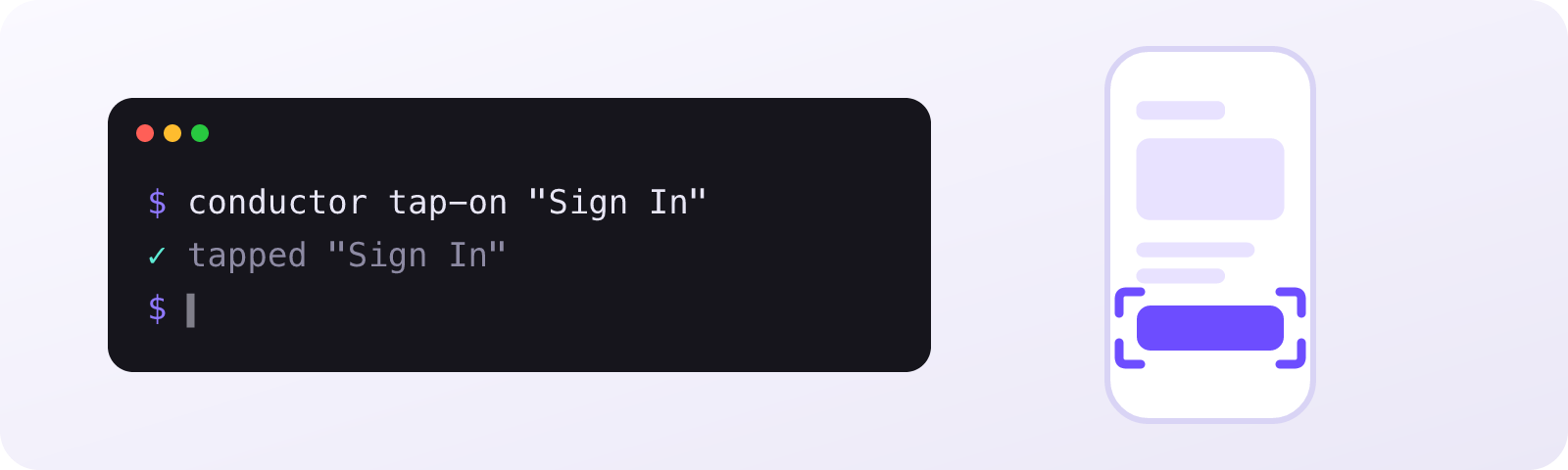
An agent works an app the way you do: act, look at the result, act again. It can operate the app while it writes the code for it.
conductor launch-app com.example.myapp
conductor tap-on "Sign In"
conductor input-text "[email protected]"
conductor assert-visible "Dashboard"
conductor take-screenshot --output /tmp/screen.png
| Capability | Commands |
|---|---|
| App lifecycle | launch-app, stop-app, clear-state, install-app, uninstall-app, foreground-app, copy-app, download-app |
| Interaction | tap-on, input-text, scroll, scroll-until-visible, swipe, gesture, pinch, press-key, erase-text, hide-keyboard |
| Inspection | inspect, focused, capture-ui, take-screenshot, list-apps |
| Assertions | assert-visible, assert-not-visible, assert-true, assert-screenshot |
| Navigation | open-link, back |
| Flows | run-flow, run-flow-inline, run-parallel, run-sequence, flow |
| Devices | start-device, stop-device, list-devices, device-pool, set-location, set-orientation, set-permissions |
| Debugging | logs, crashes, network, memory, profile, metro, record-video, stream-server |
| In-process (iOS/tvOS) | native-inspect, native-find, native-set, native-eval, native-heap, and more |
| Test cases | cases |
| Web setup | install-web [browser] (installs a Playwright browser; --check prints status) |
| Discovery | list-options [command] / <command> --options, workspace |
The command catalogue covers each one, and conductor <command> --help lists every flag.
Quick start
npm install -g @houwert/conductor
conductor init
init installs Conductor's Claude Code skills into your repository (.claude/skills/), so your agent knows every command and the act → observe → act loop. It's the only setup step. In a terminal it asks which skills to install and where; headless, in CI or from an agent, it installs them all.
conductor init --yes      # install every skill, no prompts
conductor init --global   # install into ~/.claude/skills/ for all repos
conductor init --force    # re-sync after upgrading conductor
The skills are conductor-device-interact, conductor-inspect, conductor-create-flow, conductor-native, conductor-metro-debugger, conductor-profiler and conductor-device-setup. init records the version it installed, so it can tell you when they're stale and prune skills that are no longer shipped. Prefer your own CLAUDE.md or a slash command? That works just as well.
New to Conductor? Getting started goes from install to your first command in under a minute.
Conductor Studio

Write, run and track UI tests, by hand or with an agent. Conductor Studio is a desktop app built on the CLI.
- A Maestro workbench. A flow editor with autocomplete and linting, find usages, and renames that repoint every caller.
- A live device beside your code. Stream the screen, pick elements, and record your taps into flow steps.
- Agentic testing. Describe a behaviour in a sentence. An agent plans the test, drives the device, and files a visual report with evidence for every expectation.
- Test cases. See your Qase cases alongside the flows that cover them.
Studio bundles its own copy of the CLI, so there's nothing else to install. It comes in light and dark, and it's signed, notarized and auto-updating.
Download for macOS (Apple silicon). Studio releases are tagged studio-v*. The Studio README has the full feature tour.
Platforms
| Platform | Targets |
|---|---|
| iOS & tvOS | Simulators and physical devices |
| macOS | Apps on the host Mac |
| Android | Emulators and devices |
| TV | Amazon Fire TV, Roku |
| Web | Chromium, Firefox and WebKit, via Playwright |
You'll need Xcode for iOS and tvOS, adb on your PATH for Android, and a Playwright browser for the web (conductor install-web).
Contributing
Issues and pull requests are welcome. CONTRIBUTING.md covers the repository layout, building the drivers and CLI from source, and running the tests.
License
MIT. Conductor includes code derived from Maestro, licensed under Apache 2.0; see NOTICE.
Reviews (0)
Sign in to leave a review.
Leave a reviewNo results found