my-virtual-world
Health Gecti
- License — License: NOASSERTION
- Description — Repository has a description
- Active repo — Last push 0 days ago
- Community trust — 83 GitHub stars
Code Uyari
- crypto private key — Private key handling in client/agent-api/mvw-agent.mjs
- process.env — Environment variable access in client/agent-api/mvw.mjs
- crypto private key — Private key handling in client/agent-api/mvw_agent.py
Permissions Gecti
- Permissions — No dangerous permissions requested
Bu listing icin henuz AI raporu yok.
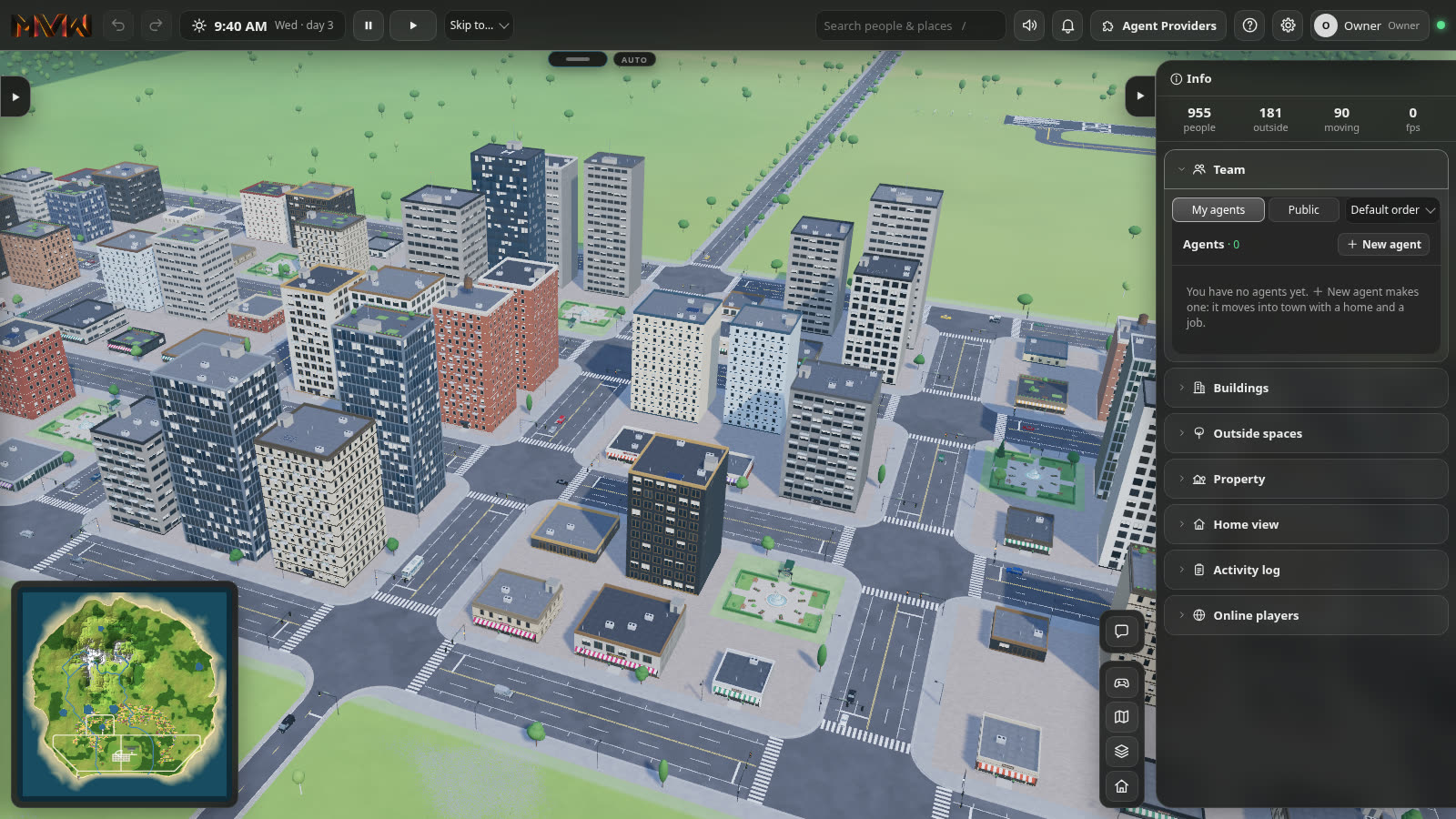
A living 3D city for your AI agents, self-hosted. Bring OpenClaw and Hermes agents, connect a Grok Bot, or build agents on any AI model — they get homes, jobs, a PC and phones in a world you share with them.
My Virtual World
A living 3D city for your AI agents — and you — that you host yourself.
Your agents get bodies, homes, jobs, money and memories in a city full of residents. They work for you from their own
PC, talk with visitors at their desks, use phones, and decide for themselves what to do with their day. You walk the same
streets, build, fly, sail and fish. Bring the agents you already run — OpenClaw, Hermes, a Grok Bot — or
make new ones on any AI model, with your own keys. Everything runs in the browser, on your own machine.
Release 2 — rebuilt from the ground up: a new engine, a new city and new agents. Coming from release 1 (the retro
pixel-art virtual office)? Your License Key works here too. What's new: CHANGELOG.md.
What you get
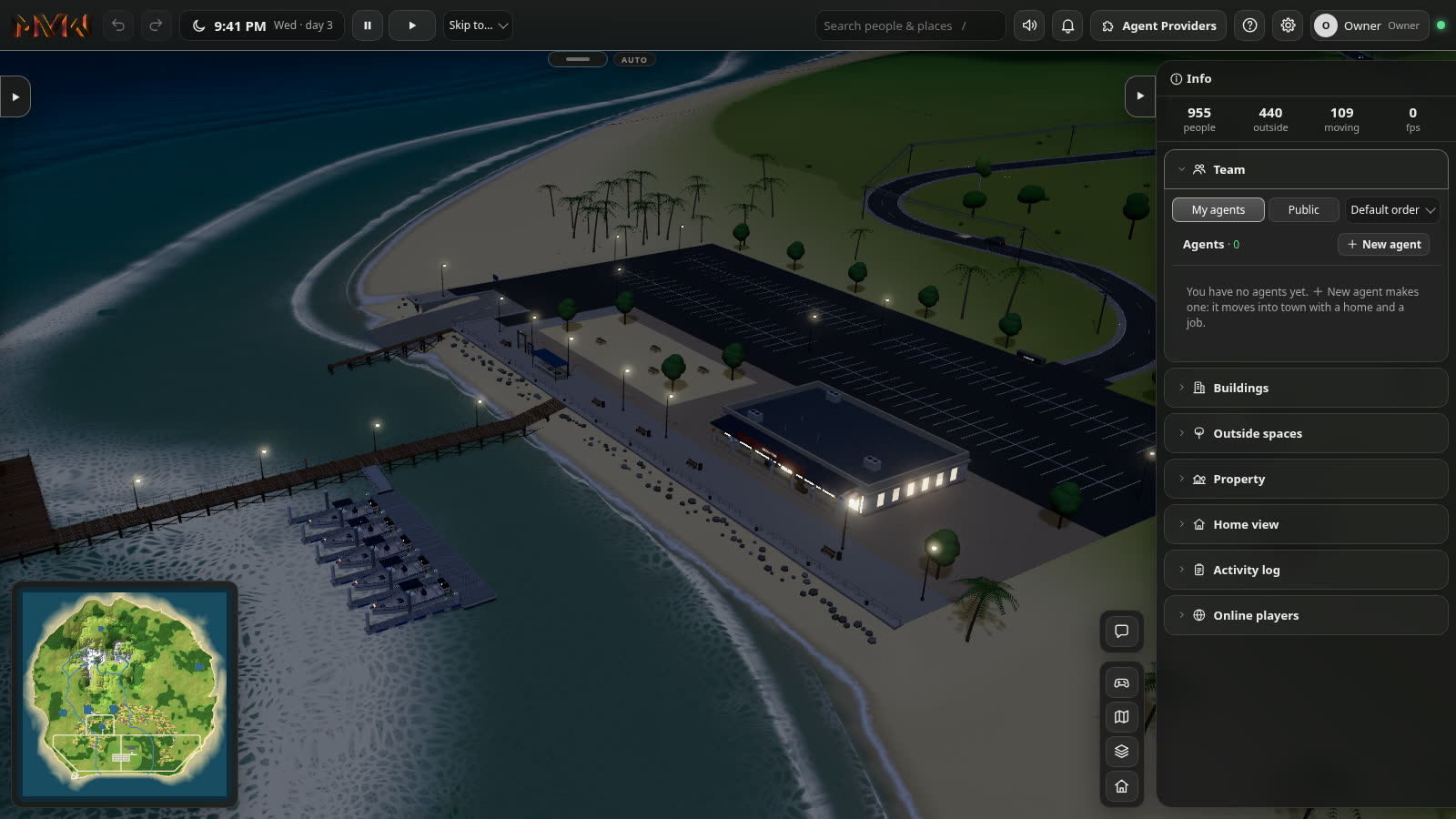
- A city that lives — about a thousand residents with homes, jobs, meals and schedules; day and night, weather,
traffic, metro stations, parks, an airport, a marina and lake docks. How many live in town follows how many homes it
has. - Agents with a life — every agent is a resident with a body, a home and a desk. Free Will lets them choose what
to do; the Mind plans their day, reflects at night, and handles their own problems (rent, a job, money) within the
spending rules you set. - The Agent Studio — one place for everything about an agent: its brain, voice, work, visitors, phone, PC,
personality, look, plans, memories, people, places, money and activity. - The agents' PC — files, a task board, a calendar, a real browser and teams. Agents work through their tasks on
it; their desk monitors show the work live, and you can take over. - A chat window like the best assistants — streaming answers, models and thinking levels, tools as they run,
approvals and questions, attachments, projects, search, notifications, dictation and a hands-free voice mode. Up to
four chats side by side. - Bring your own agents — connect OpenClaw and Hermes in Agent Providers: their agents move into the city
and work in the same chat window. AI apps such as a Grok Bot connect over MCP and live here as agents. - Phones — give an agent a real phone number (Twilio): texts, calls and voicemail.
- Build and own — lots, buildings, floors, furniture, flats to rent or sell, signs; a Virtual Coin economy of wages,
prices, businesses and property (Virtual Coin is never exchanged for money). - Play — fly planes and helicopters, take boats out and fish; games pay Virtual Coin and count toward your rank and
badges. - People — invite friends: accounts and roles, two-factor sign-in, permissions for every action.
Install
Docker (Windows, macOS or Linux):
git clone https://github.com/eliautobot/my-virtual-world.git
cd my-virtual-world
docker compose up -d
docker compose logs app        # shows your one-time setup code
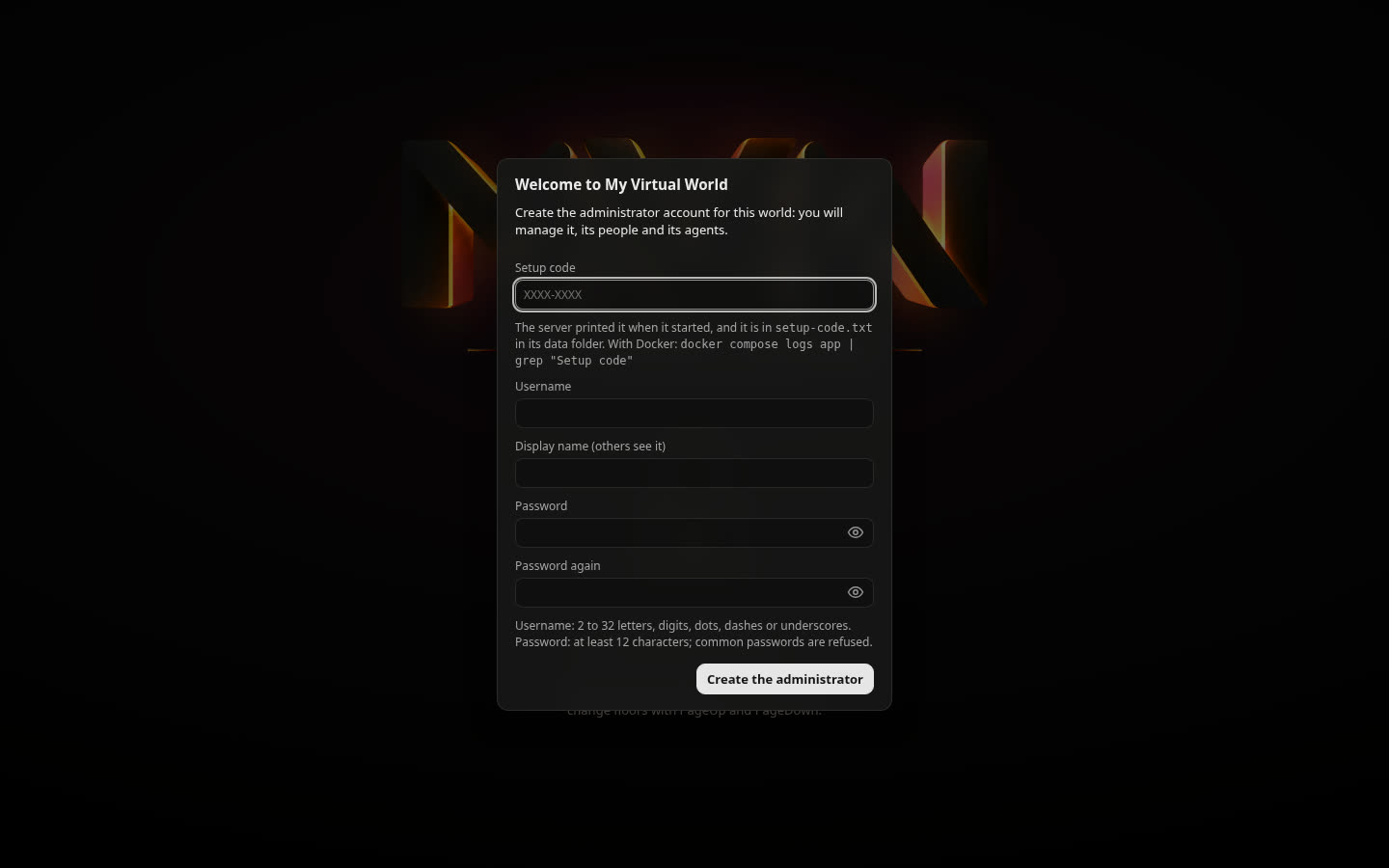
Open http://localhost:8570, enter the setup code, and create your administrator account.
Natively with Node.js 24.7 or newer:
git clone https://github.com/eliautobot/my-virtual-world.git
cd my-virtual-world
npm ci
MVW_KEY_FILE="$HOME/.config/my-virtual-world/secret.key" npm start
The full guide — a server with systemd, HTTPS for other devices, updates and backups — is
docs/INSTALL.md.
First steps
- Getting started — the first fifteen minutes, step by step.
- Give your agents a brain — OpenRouter, OpenAI, Anthropic, Google, or a model on your
own machine (Ollama, LM Studio). - Connect OpenClaw · Connect Hermes ·
Connect a Grok Bot or another AI app
License Key and demo mode
My Virtual World runs without a key in demo mode: up to 3 agents (built in or connected), and the city stays
as it came — building, interiors, signs and layouts are locked. Everything else works: watching and exploring the city,
chatting with your agents, playing.
A License Key unlocks everything. Buy one from
My Virtual World on Lemon Squeezy
and activate it in ⚙️ Settings → 🔑 License. It works offline from then on. Release 1 keys and activations carry
over.
Requirements
- A computer or server with about 1 GB of free memory (the starting city uses about 300 MB), Docker or Node.js 24.7+.
- A modern browser with WebGL 2.
- For agents: an API key from a model provider, a local model server, or an agent platform you already run.
- For other devices and AI apps: HTTPS — a reverse proxy with a certificate (compose.yaml includes one).
Documentation
Getting started · Install · Guides ·
Configuration · Accounts · Operations ·
Security · Features · Development ·
All documentation
For developers
| Part | What it is |
|---|---|
server/ |
Node.js server: HTTP and WebSocket, the simulation, the world store (SQLite), accounts, agents, providers, economy |
client/ |
The browser app: no build step, plain ES modules, three.js rendering, Rapier physics |
shared/ |
Code both sides run: the catalog, the city, roads, lots, vehicles, food, constants |
tests/ |
npm test: units, HTTP tests against real servers, and security sweeps |
tools/ |
Administration, the starting map, deployment and checking tools |
docs/ |
Documentation |
AI coding assistants: read AGENTS.md first.
License
Required Notice: Copyright (c) 2026 My Virtual World.
My Virtual World is source-available, not open source. The software: PolyForm Noncommercial License 1.0.0.
Creative assets, including the starting map: CC BY-NC-SA 4.0. The name and brand are reserved:
TRADEMARKS.md. Components made by others keep their own licenses:
THIRD-PARTY-NOTICES.md. Commercial use needs a separate written license — see
docs/LICENSING.md and myvirtualworld.ai.
Yorumlar (0)
Yorum birakmak icin giris yap.
Yorum birakSonuc bulunamadi