mynx
Health Warn
- License — License: MIT
- Description — Repository has a description
- Active repo — Last push 0 days ago
- Low visibility — Only 5 GitHub stars
Code Fail
- rm -rf — Recursive force deletion command in scripts/build-proot.sh
Permissions Pass
- Permissions — No dangerous permissions requested
No AI report is available for this listing yet.
Android terminal app with Debian Linux built in: tabs, a key bar that follows what's running, plain-text config, phone features from the shell, and built for AI coding agents

Your phone, your tools. mynx is a new way to use a smartphone:
instead of searching an app store for something close enough and
putting up with its ads, tracking and subscriptions, you make the tool
you want, the way you want it. Describe it to an AI agent, or write it
yourself, and it runs right there on your phone, with its camera,
sensors, microphone, speaker and flashlight.
- No ads, no tracking, no accounts. mynx collects nothing
(PRIVACY.md), and it's free and open source. - Yours to change. Every app it ships is a short program you can
read and copy, and every setting is a text file. Change anything, or
ask an agent to. - Debian Linux built in. No root, no Termux, no setup scripts:
install it, open it, and you're at a Debian shell.
Status: in development, not released yet.
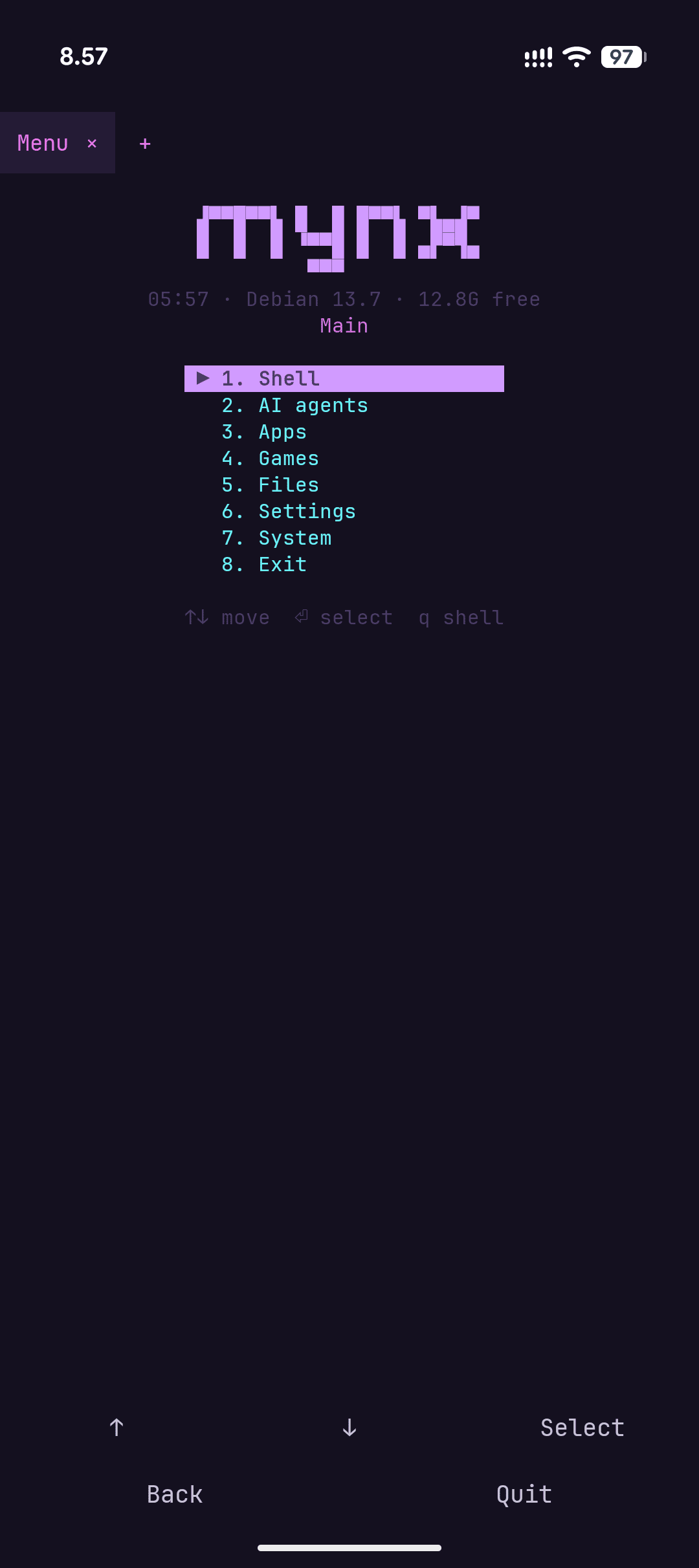 Menu |
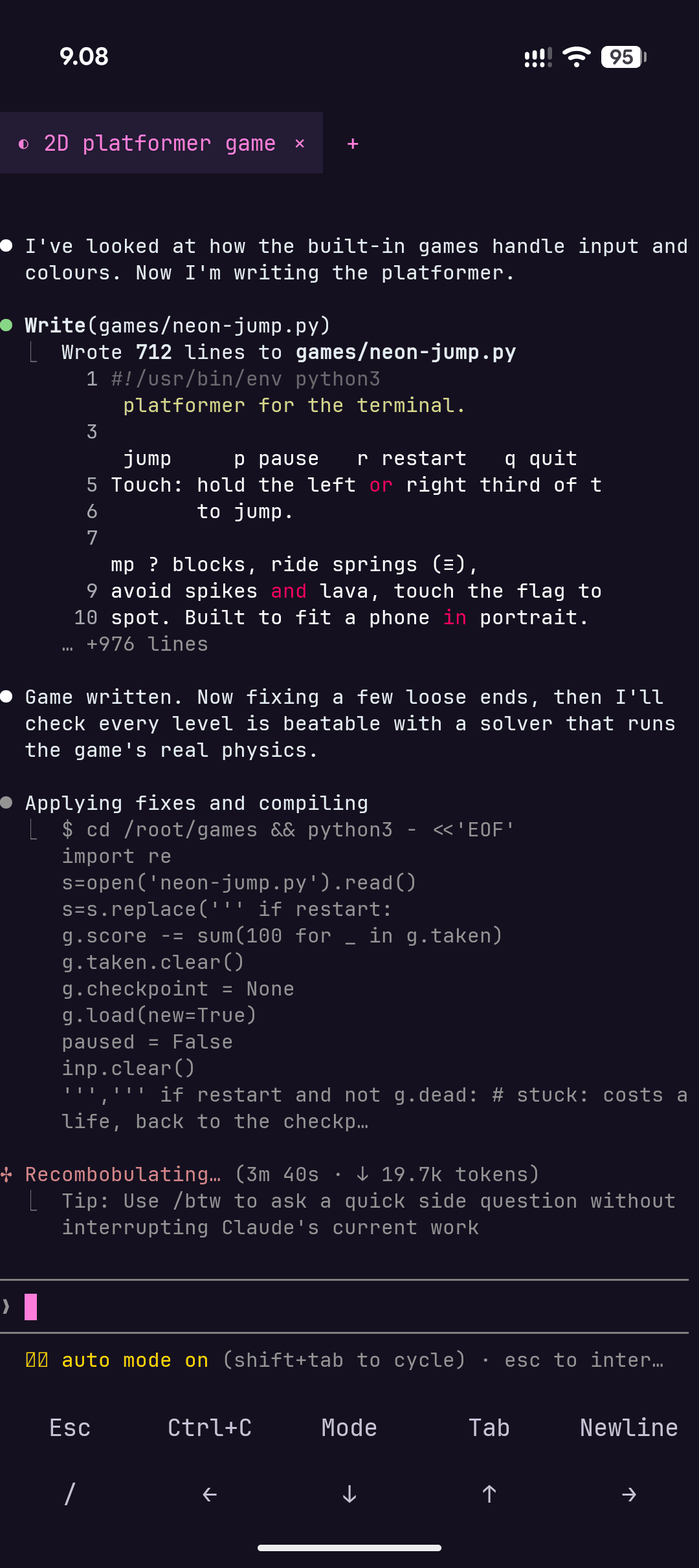 AI agent |
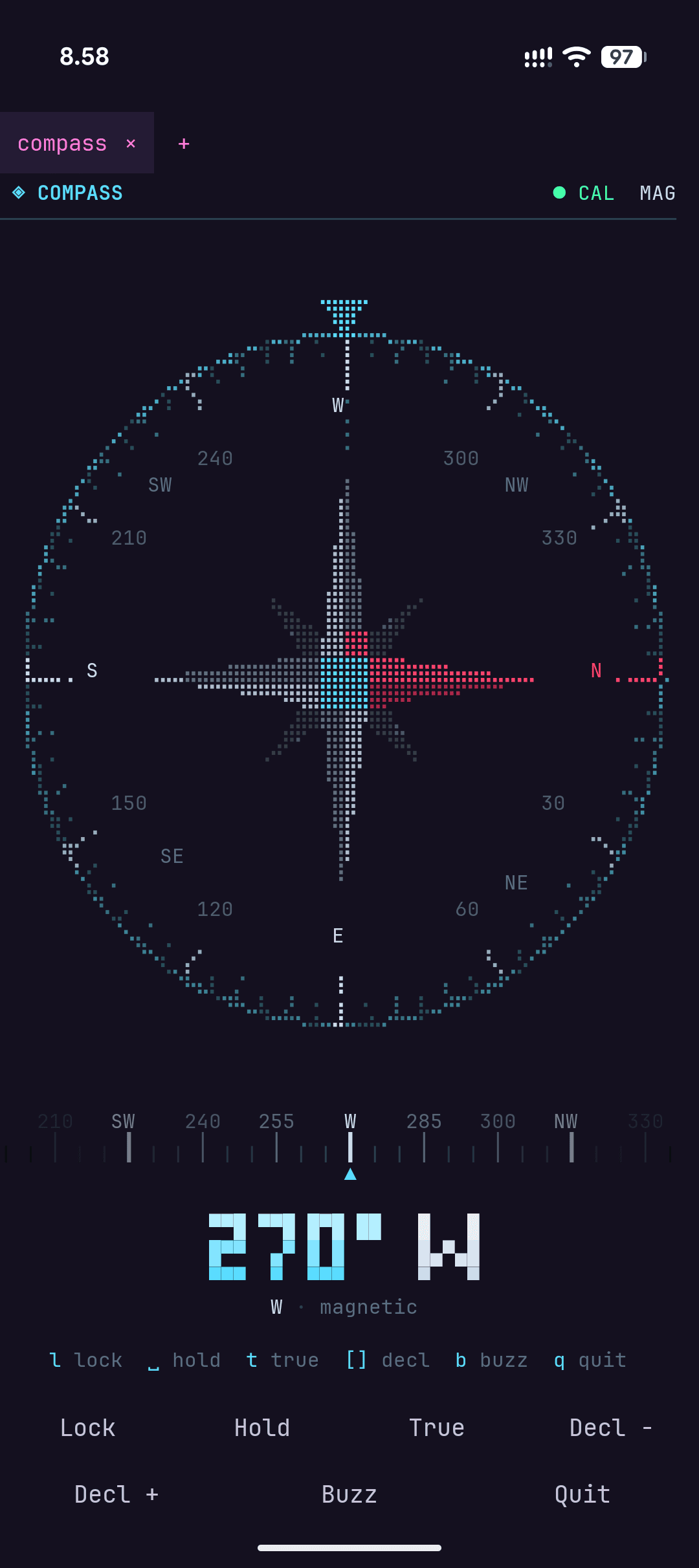 Compass |
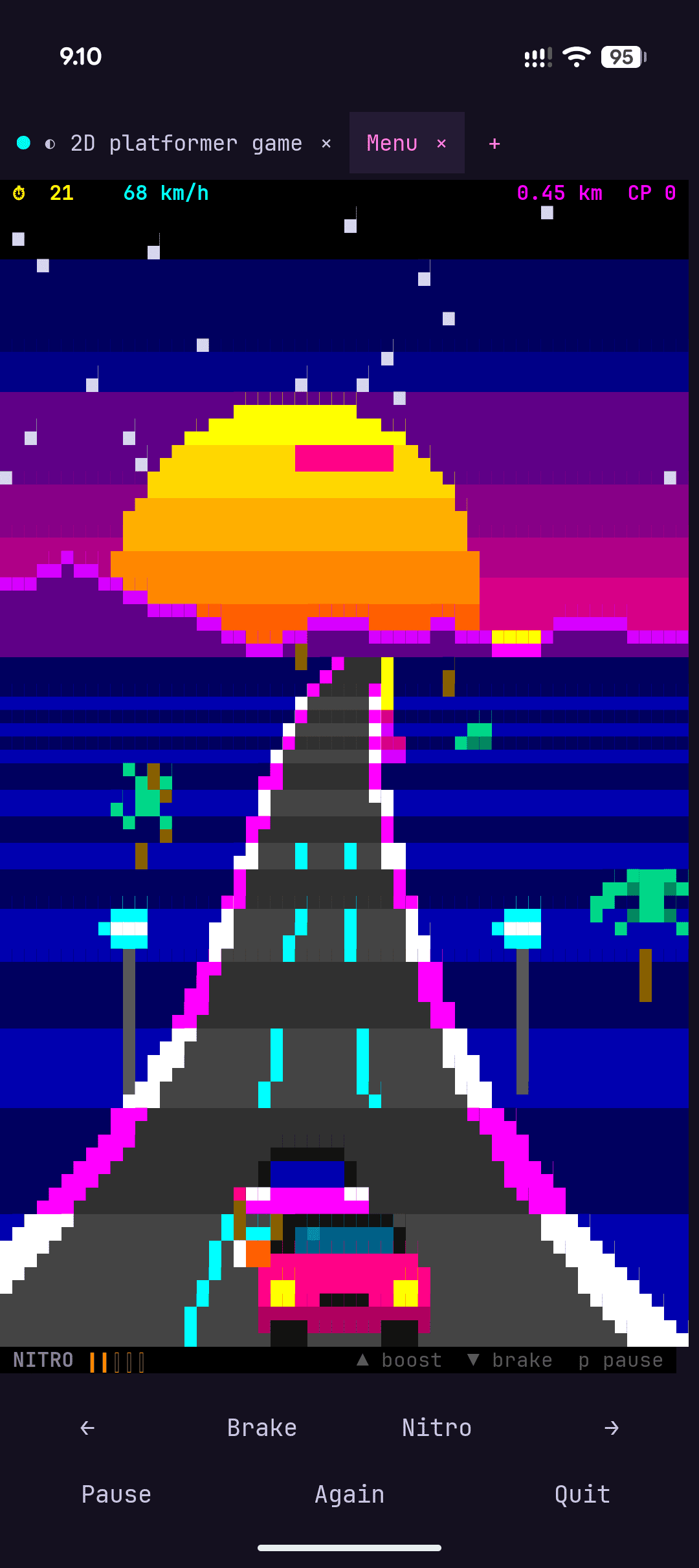 Drive |
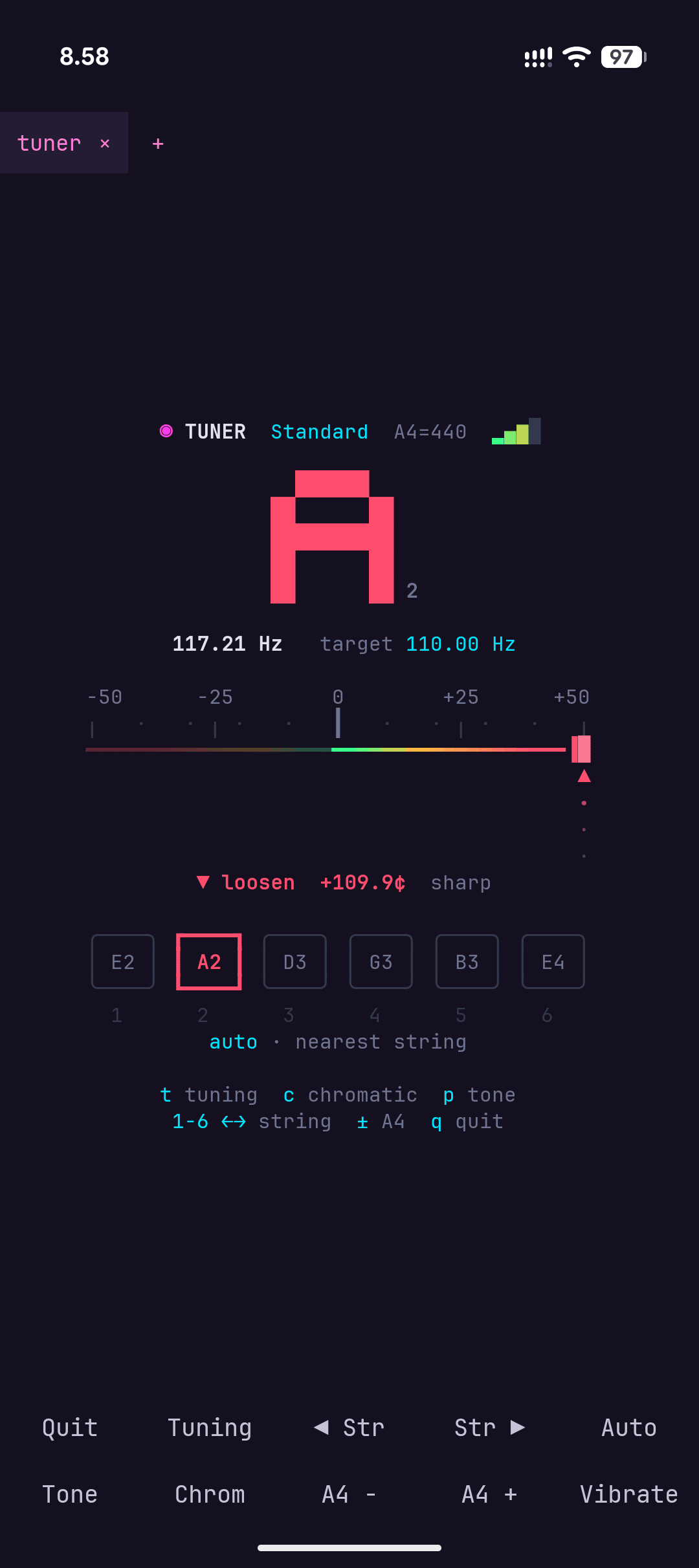 Tuner |
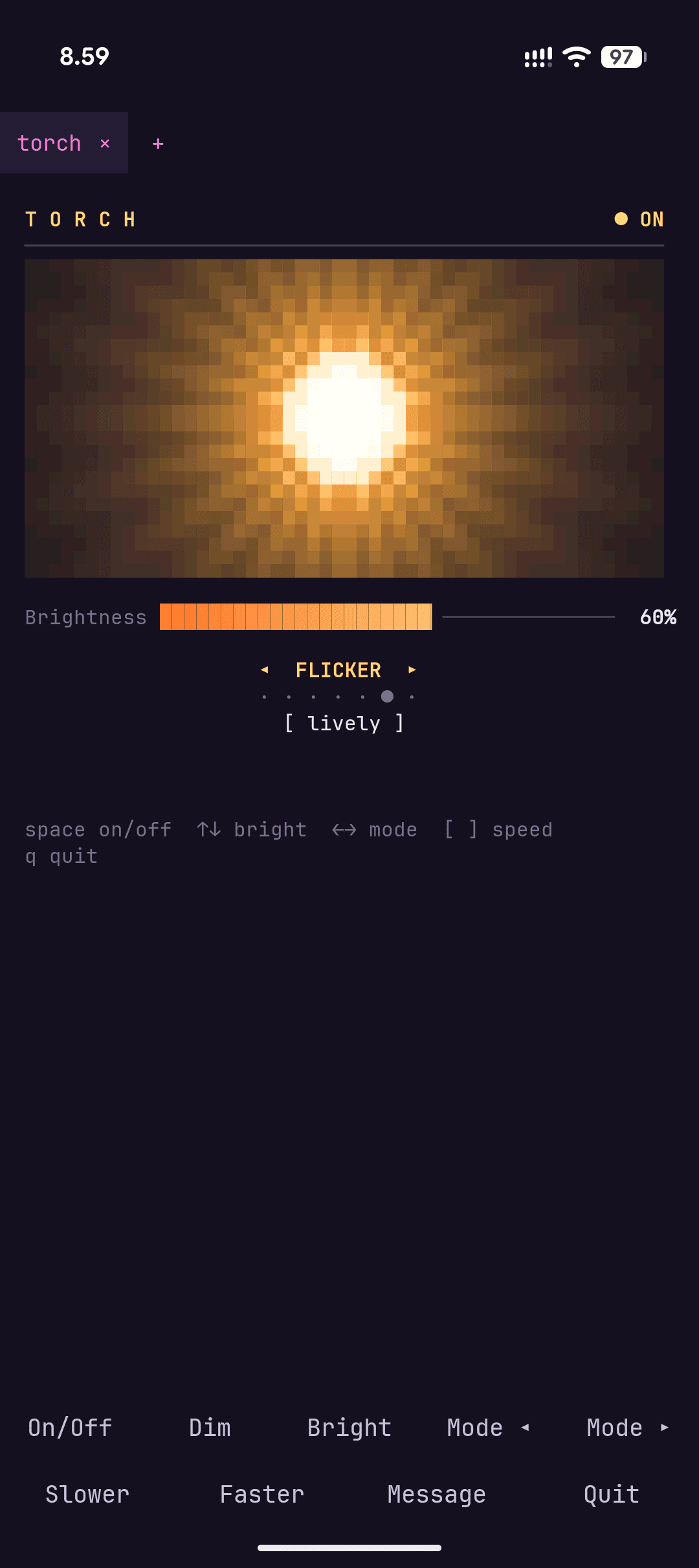 Torch |
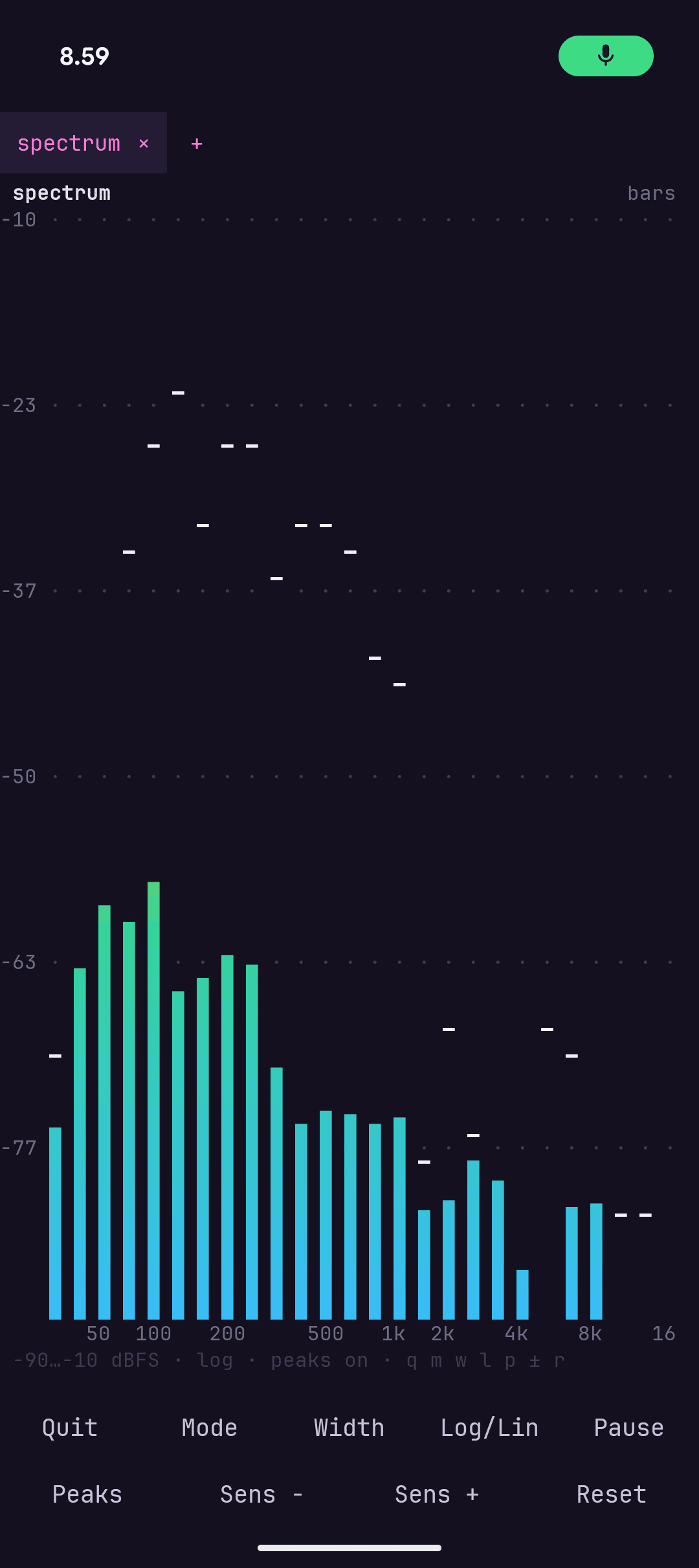 Spectrum |
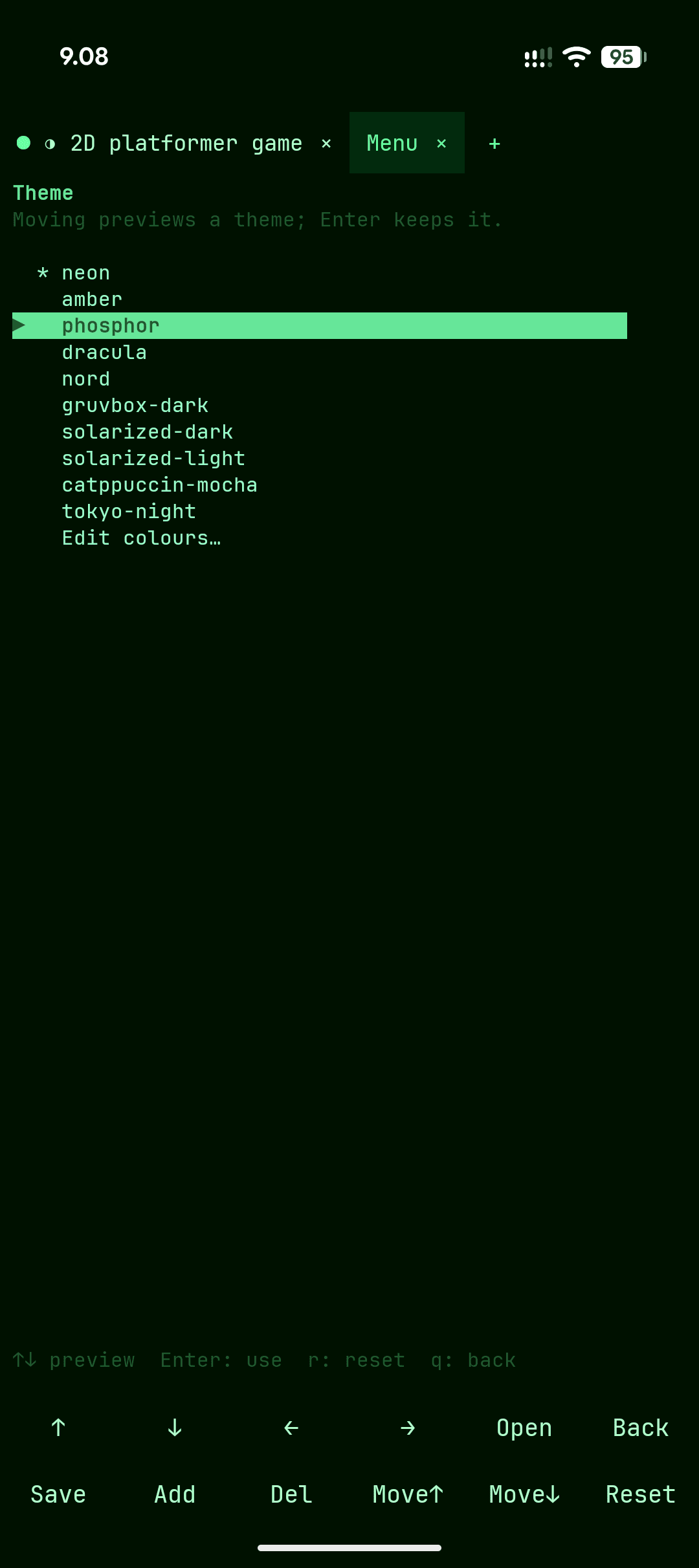 Themes |
What you get
- Apps in HTML and JavaScript: a folder in
~/appswith anindex.htmlopens on a screen of its own, with no build and no
install, and reloads by itself when its files change. It sees only
its own folder. An app can also be served by a background service
on127.0.0.1, started when the app opens. Pages reach the phone
throughmynx.js: location, sensors, camera, microphone, vibration,
Bluetooth LE and serial ports, each private one asked once per app.
Apps can go full screen and get their own home screen shortcut. Try
thesketchandgadgetsexamples, or ask an agent to make one. - Example terminal apps to start from: a compass, a spirit level, a
flashlight, a sound spectrum, a sound meter, a guitar tuner and a
metronome, each a short Python program that uses the phone. Run
them, read them, or copy one into~/terminal-appsand make it your
own: it shows up in the menu, and can have its own key bar. - Built for AI agents: one-tap install of Claude Code, Codex or
Gemini CLI (official installers, your own account), a guide in~/AGENTS.mdso they can change your setup for you, and a phone
notification when they finish or need you. - The phone from the shell: notifications, clipboard, share,
camera and flashlight, location, sensors, battery, vibration
(effects and patterns), and sound, so Linux programs play through
the speaker and record from the microphone. - Development boards: plug an Arduino, an ESP32 or a USB-serial
adapter into a USB-C OTG cable and it becomes a serial port in
Debian (/dev/ttyUSB0,rfc2217://localhost:2217), soesptool,avrdude,arduino-cli, PlatformIO,mpremoteandpicocomfind
it, flash it, reset it into its bootloader and talk to it. A serial
monitor (mynx usb monitor) comes with its own key bar. CH340,
CP210x, FTDI, PL2303 and native USB (CDC ACM). Tools that drive a
device themselves over USB work too:picotoolflashes a Raspberry
Pi Pico, andlsusb, pyusb and other libusb tools find and open
devices.mynx uf2 flashputs a UF2 file on a board's bootloader
drive, which Android won't mount. Bluetooth serial (SPP): a paired
ESP32 or HC-05 becomes a port too (mynx bt bind,/dev/rfcomm0).
Bluetooth LE:mynx blescans, reads, writes and subscribes to
a device's characteristics, and a Nordic UART or HM-10 device
becomes a serial port too (mynx ble bind,/dev/serial/nus0). - Debian 13 (arm64).
apt installwhatever you need; your files
and packages survive app updates. - Tabs that keep running in the background and come back when you
reopen the app. Swipe sideways to switch. - Background services for servers and daemons (a web server,
sshd, a bot), since there's no systemd: each runs in a hidden
terminal, restarts when it fails, can start with the app, and opens
as a tab when you want to see it. Define them in~/.config/mynx/services.confor withmynx service add. - A key bar above the phone's keyboard (Esc, Tab, Ctrl, arrows, …)
that changes with what's running: the file manager, games, AI agents
and your own programs can each have their own. A bar can make the
volume keys send keys too. - A ready setup: a launcher menu, a file manager
(nnn), ten themes, a Nerd Font, the
starship prompt and a few terminal games. Every setting is a text
file in~/.config/mynx/, with an editor for each and undo.
Install
Needs an arm64 phone with Android 8 or newer.
- Download
mynx-X.Y.Z.apkfrom Releases. - Open it. The first time, Android asks you to allow installing apps
from your browser or Files app. - Open mynx. The first launch unpacks Debian, which takes a minute or
two; after that it opens straight into the menu.
mynx checks for a new version once a day and tells you; mynx update
installs it, keeping Debian and your files. Afterwards it shows what's
new; mynx notes has the notes of every release.
Getting started
- The menu opens first: apps, games, AI agents, settings.
menu
brings it back from the shell. - AI agents in the menu installs and starts Claude Code, Codex or
Gemini CLI; sign in with your own account. How well each works
here:- Claude Code: works, tested.
- Codex: works, tested, with its sandbox turned off. Its sandbox
can't run under proot, so mynx asks to turn it off when it
installs Codex. - Gemini CLI: not tested yet.
apt update, thenapt installany Debian package.mynx edit(the menu's Settings → App settings) changes the theme, font and key
bars;mynx helplists everything themynxcommand does.
Good to know
- Debian runs through
proot, not a virtual machine: nosystemd,
Docker or kernel modules, and heavy builds are slower than on a PC. - Long jobs in a tab can pause while the screen is off. Background
services keep the CPU awake by themselves (wakelock = auto, the
default);mynx set wakelock ondoes it whenever the app runs, at
some cost in battery.
Help and bug reports
mynx report "what went wrong" (or the menu's Settings → Help → Report a
bug)
shows a report with your phone's details, and sends it as a GitHub
issue only once you agree. You can also open an
issue yourself.
mynx github (the main menu's "Set up GitHub" until it's done, then
Settings → System → GitHub setup) installs git and gh, signs
you in to GitHub in the browser and sets git's name and email; then
bug reports go straight to GitHub.
License
mynx is free software under the MIT License: seeLICENSE. If you distribute a changed version, please give
it its own name and icon. The components it bundles keep their own
licences; mynx about lists them with their sources.
Want to help build it? See docs/ROADMAP.md.
Reviews (0)
Sign in to leave a review.
Leave a reviewNo results found