beta-version-toon-studio
Health Gecti
- License — License: NOASSERTION
- Description — Repository has a description
- Active repo — Last push 0 days ago
- Community trust — 10 GitHub stars
Code Gecti
- Code scan — Scanned 12 files during light audit, no dangerous patterns found
Permissions Gecti
- Permissions — No dangerous permissions requested
Bu listing icin henuz AI raporu yok.
Turn an idea or your own script into a 9:16 animated cartoon short with Claude Code and Blender.
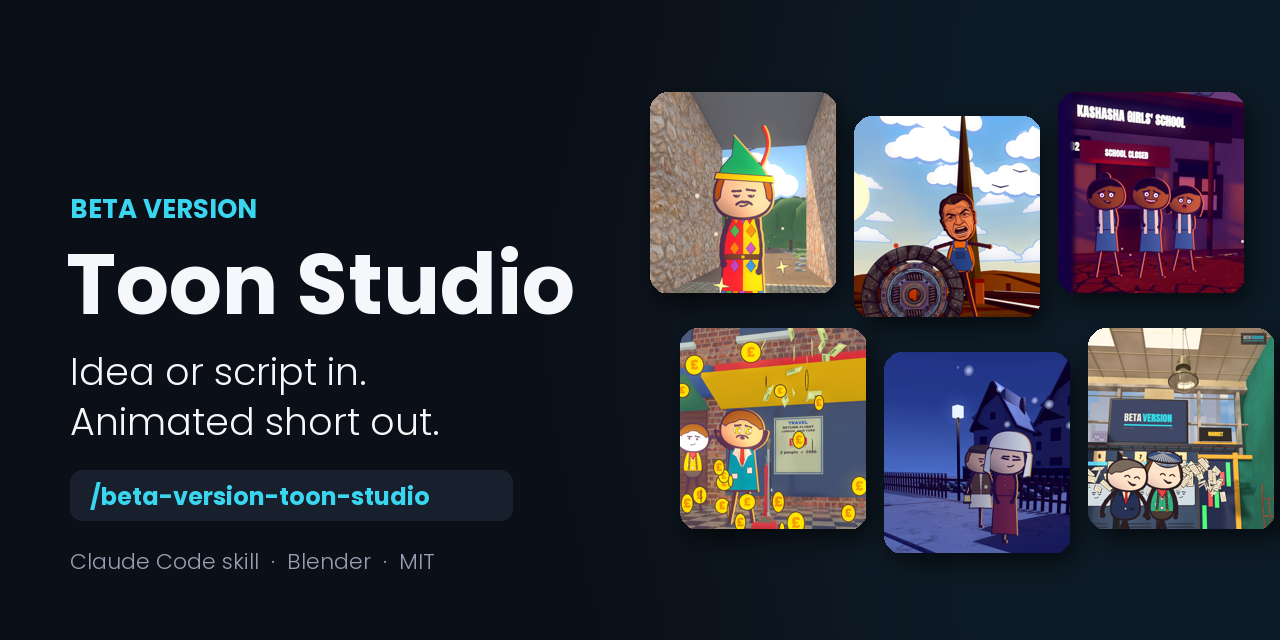
Beta Version Toon Studio
Turn an idea, or your own script, into a vertical animated short with Claude Code.







📣 Like it? Follow @beta_versionhq on Instagram and subscribe on YouTube @BetaVersion_HQ for new tools, updates and behind-the-scenes.
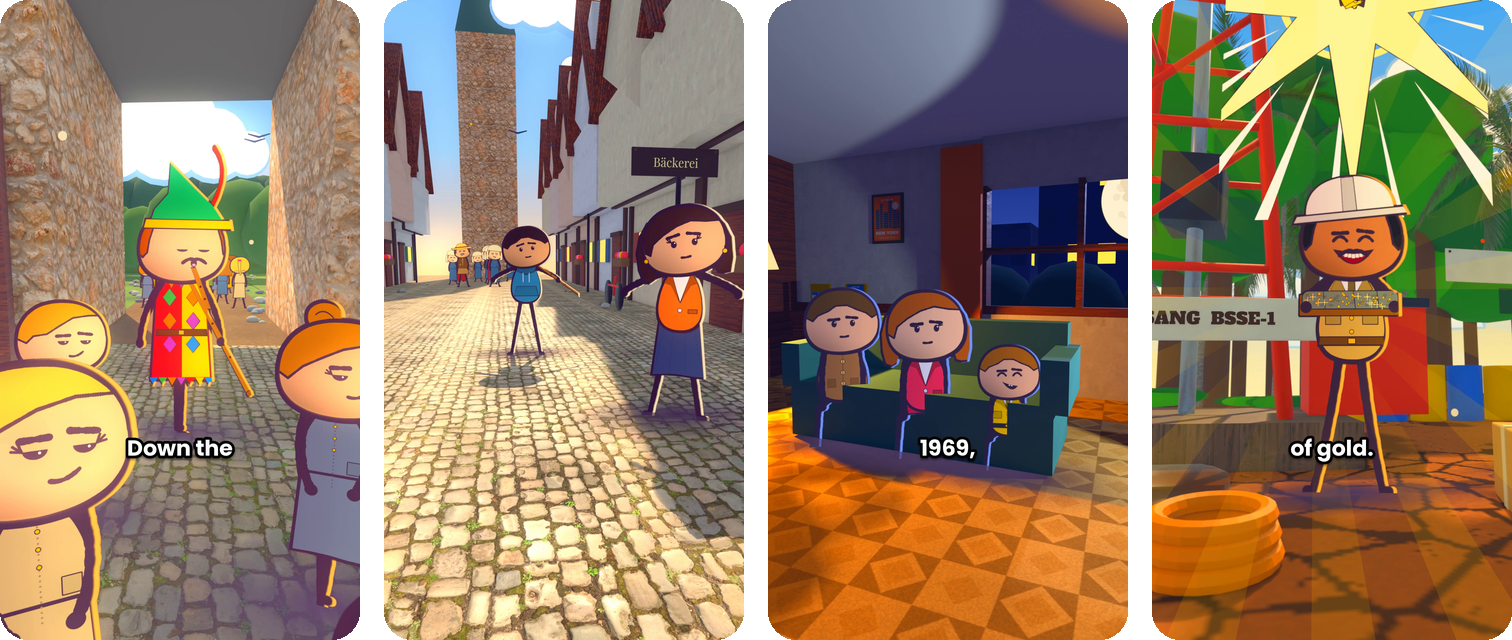
🎬 See it in action
https://github.com/user-attachments/assets/59ee3c22-f378-485e-9ebf-55d67782fec2
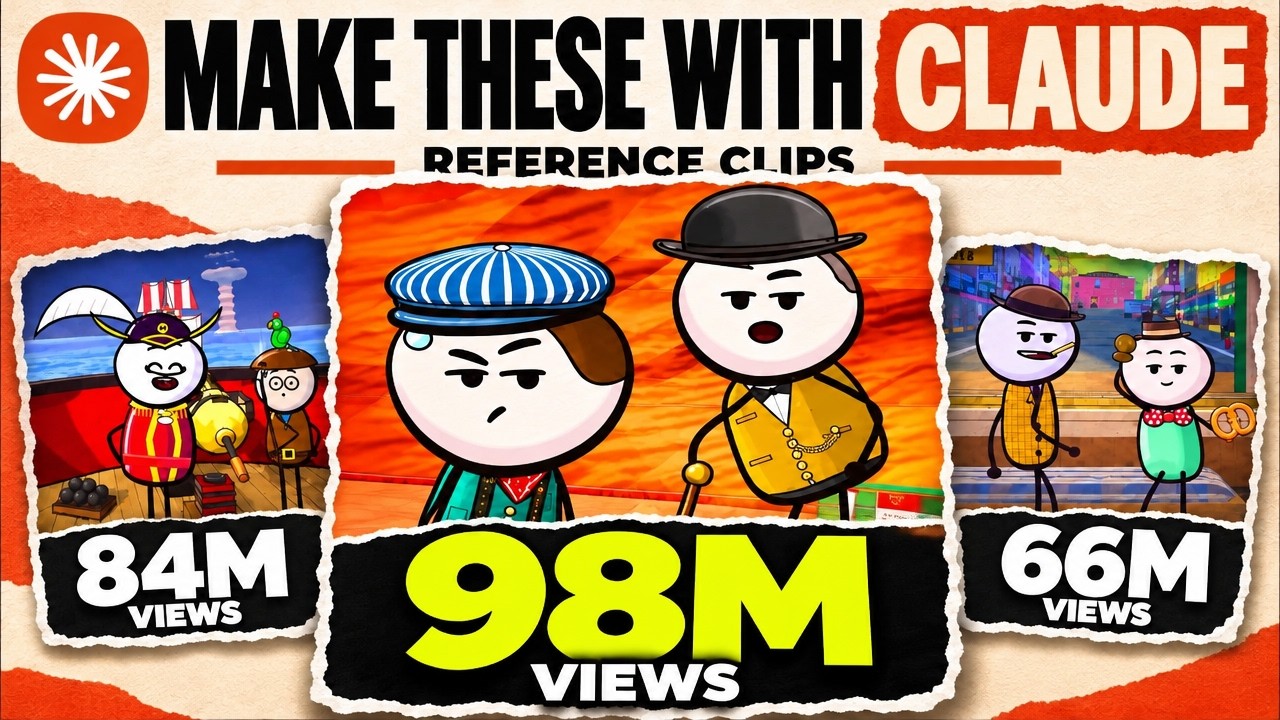
📺 Watch the full walkthrough
✨ What you get
📝 Script helpGive it one line and it writes a simple script, or paste yours and it uses it word for word. |
🏙️ Ready-made 3D worldsStreets, offices, a trading floor, a factory, a data centre, a shop, a rooftop, the sea and the desert. |
🧑🎨 Drawn charactersFlat inked characters walk, talk, point and react, standing inside the 3D set. |
💬 Word-timed captionsBring a recording or any text-to-speech voice. Every caption lands on its word. |
🎥 Camera and effectsPushes, tracks, cranes and arcs, plus smoke, sparks, money and confetti. |
📱 Ready to postA 9:16 video at 30 fps, with sound effects, a music bed and a short caption. |
🚀 Quick start
The easy way: install Claude Code, then paste this into it:
Set up github.com/ezpeezee/beta-version-toon-studio on my PC, and run its test.
It clones the repo, follows SETUP.md, checks your tools (and gives you the install command for anything missing), makes the Python environment, fills in your paths and renders a six-second test clip. With the tools already installed it takes about three minutes. On a fresh PC, expect about 1 GB of downloads first.
Prefer to set it up by hand? Click here.1. Install Blender 5.2, Python 3.11+, ffmpeg and Claude Code
2. Copy skill/ to ~/.claude/skills/beta-version-toon-studio/
3. Copy kit/ to your project and rename it Reels
4. Open Claude Code in Reels and type:
/beta-version-toon-studio a short video about why bread goes stale
Full steps, including the Python environment and paths, are in SETUP.md.
🛠️ How it works
flowchart LR
    A["💡 Idea or script"] --> B["🗣️ Voice"]
    B --> C["🎬 Shots"]
    C --> D["🖼️ Look stills"]
    D --> E["🎨 Blender render"]
    E --> F["📱 9:16 mp4"]
| Step | What happens |
|---|---|
| 1. Script | It writes one from your idea, or uses yours. |
| 2. Voice | Your recording is timed word by word. With no voice yet, it uses placeholder timings. |
| 3. Shots | Claude writes sets.py (the world) and story.py (the shots). |
| 4. Look | Quick stills come first, so problems are fixed before the full render. |
| 5. Render | Blender renders frames in parallel, then the kit adds captions and joins the shots. |
| 6. Sound | Sound effects and a music bed are mixed under the voice. |
| OS | Windows 10/11 with PowerShell |
| Software | Blender 5.2, Python 3.11+, ffmpeg, Claude Code |
| Hardware | An NVIDIA GPU is best; a CPU also works, more slowly |
🧰 Also from Beta Version
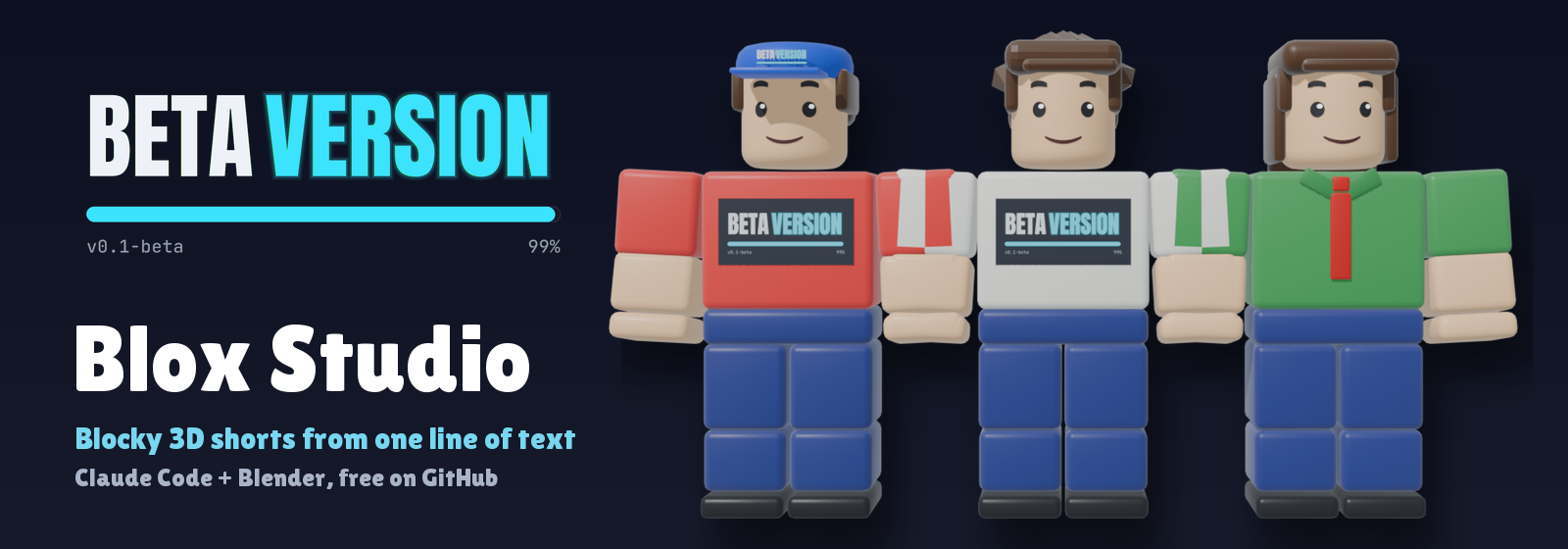 |
Beta Version Blox Studio The same idea-to-short kit with blocky 3D characters, a free text-to-speech voice and lip-sync. |
💙 Support the project
If this helped you, follow @beta_versionhq on Instagram. It really helps!

⭐ Star the repo if you'd like more tools like this.
License
MIT: free to use, change and share. See LICENSE.md.
If you post something you made with it, a credit ("Made with Beta Version Toon Studio") would be nice, but it isn't required.
Credits
Showcase music: "Getting it Done" by Kevin MacLeod (incompetech.com), licensed under CC BY 4.0.
Yorumlar (0)
Yorum birakmak icin giris yap.
Yorum birakSonuc bulunamadi