hook-lab
Health Warn
- License — License: MIT
- Description — Repository has a description
- Active repo — Last push 0 days ago
- Low visibility — Only 5 GitHub stars
Code Warn
- process.env — Environment variable access in assets/js/app.js
- fs module — File system access in assets/vendor/heroicons.js
Permissions Pass
- Permissions — No dangerous permissions requested
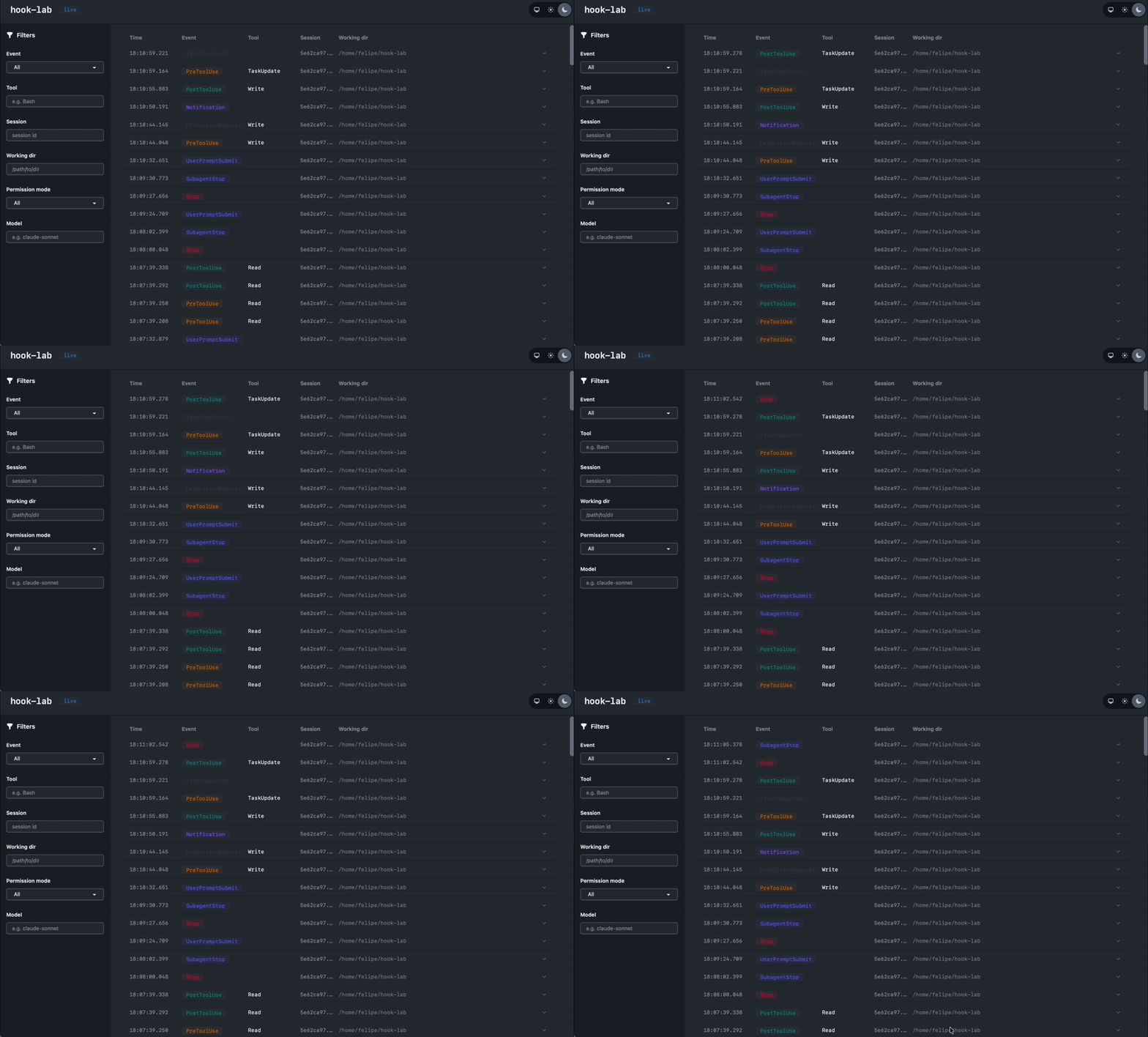
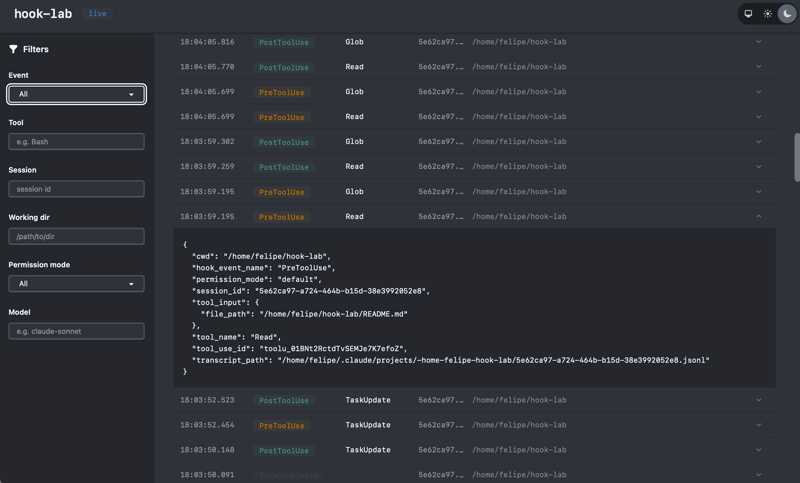
This tool provides a real-time web dashboard for monitoring and visualizing Claude Code hook events via a local Phoenix web server.
Security Assessment
Overall risk: Low. The application is designed to receive event payloads via HTTP requests, meaning it acts as a localized data sink rather than making aggressive outbound network calls. It does not request dangerous permissions or execute arbitrary shell commands. The static code analysis warnings for file system and environment variable access are standard and benign, corresponding entirely to frontend asset management and reading configuration variables (like `SECRET_KEY_BASE`) required to run the server securely. There are no hardcoded secrets; the Docker setup explicitly requires the user to generate their own cryptographic key. It is configured safely with a 1-second timeout so that if the dashboard is not running, it will not block or interrupt your normal Claude Code workflow.
Quality Assessment
The project is very new and has low community visibility with only 5 GitHub stars, meaning it hasn't been extensively battle-tested by a wide audience. However, it exhibits strong maintenance health and foundational hygiene. It uses the permissive MIT license, includes clear documentation, and is actively maintained (last updated today). The provided Docker setup allows for easy, isolated deployment.
Verdict
Safe to use with caution due to its early stage of development and limited community review.
A web dashboard for watching Claude Code hook events in real time.
HookLab
A web dashboard for watching Claude Code hook events in real time.
Quickstart
services:
  app:
    image: ghcr.io/felipeelias/hook-lab:latest
    ports:
      - "4000:4000"
    volumes:
      - hook_lab_data:/app/data
    environment:
      SECRET_KEY_BASE: ${SECRET_KEY_BASE}
      DATABASE_PATH: /app/data/hook_lab.db
      PHX_HOST: localhost

volumes:
  hook_lab_data:
export SECRET_KEY_BASE=$(openssl rand -base64 64)
docker compose up -d
Open http://localhost:4000.
Hook configuration
This repo includes a docs/claude-settings.example.json that sends every hook event to HookLab over HTTP. Each hook has a 1-second timeout. If HookLab isn't running, Claude Code moves on.
Copy the hooks block from that file into ~/.claude/settings.json or your project's .claude/settings.json. Here's a stripped-down version with just two events if you want to start small:
{
  "hooks": {
    "PreToolUse": [
      {
        "hooks": [
          {
            "type": "http",
            "url": "http://localhost:4000/api/hooks",
            "timeout": 1
          }
        ]
      }
    ],
    "PostToolUse": [
      {
        "hooks": [
          {
            "type": "http",
            "url": "http://localhost:4000/api/hooks",
            "timeout": 1
          }
        ]
      }
    ]
  }
}
Hook settings are read at session start, so open a new Claude Code session after changing them.
Custom URL
If HookLab is running on a different host or port, replace http://localhost:4000/api/hooks in each hook entry with your URL. HTTP hooks don't support environment variable interpolation in the url field, so the URL must be edited directly in the settings file.
Development
mix setup
mix phx.server
# http://localhost:4000
mix ci
docker compose build
SECRET_KEY_BASE=$(openssl rand -base64 64) docker compose up
Reviews (0)
Sign in to leave a review.
Leave a reviewNo results found