navvi
Health Warn
- License — License: MIT
- Description — Repository has a description
- Active repo — Last push 0 days ago
- Low visibility — Only 5 GitHub stars
Code Fail
- rm -rf — Recursive force deletion command in container/start.sh
Permissions Pass
- Permissions — No dangerous permissions requested
This tool is an MCP server that provides AI agents with a persistent, anti-detection browser identity. It uses isolated containers to manage browser sessions, auto-fill credentials, and bypass bot detection without exposing passwords directly to the AI.
Security Assessment
The overall risk is rated as High. The tool inherently handles highly sensitive data by acting as a credential vault that stores passwords and interacts with authenticated web sessions. It is designed to make external network requests to websites while actively evading bot detection systems. While no dangerous OS permissions or hardcoded secrets were found, a critical issue was identified in the code: the `container/start.sh` script contains a recursive force deletion command (`rm -rf`). If this script is invoked with an incorrectly parsed or empty path variable, it poses a severe risk of accidental data loss on the host system.
Quality Assessment
The project is actively maintained, with its most recent code push occurring today. It uses the standard, permissive MIT license and includes a clear description of its capabilities. However, community trust and visibility are currently very low. With only 5 GitHub stars, the project has not yet been widely adopted or thoroughly vetted by the broader developer community. This lack of public scrutiny means underlying security flaws or edge-case bugs are more likely to remain undetected.
Verdict
Use with caution — the project is new and lacks community validation, while the combination of a dangerous recursive deletion command and direct access to sensitive credentials requires a thorough manual code review before deployment.
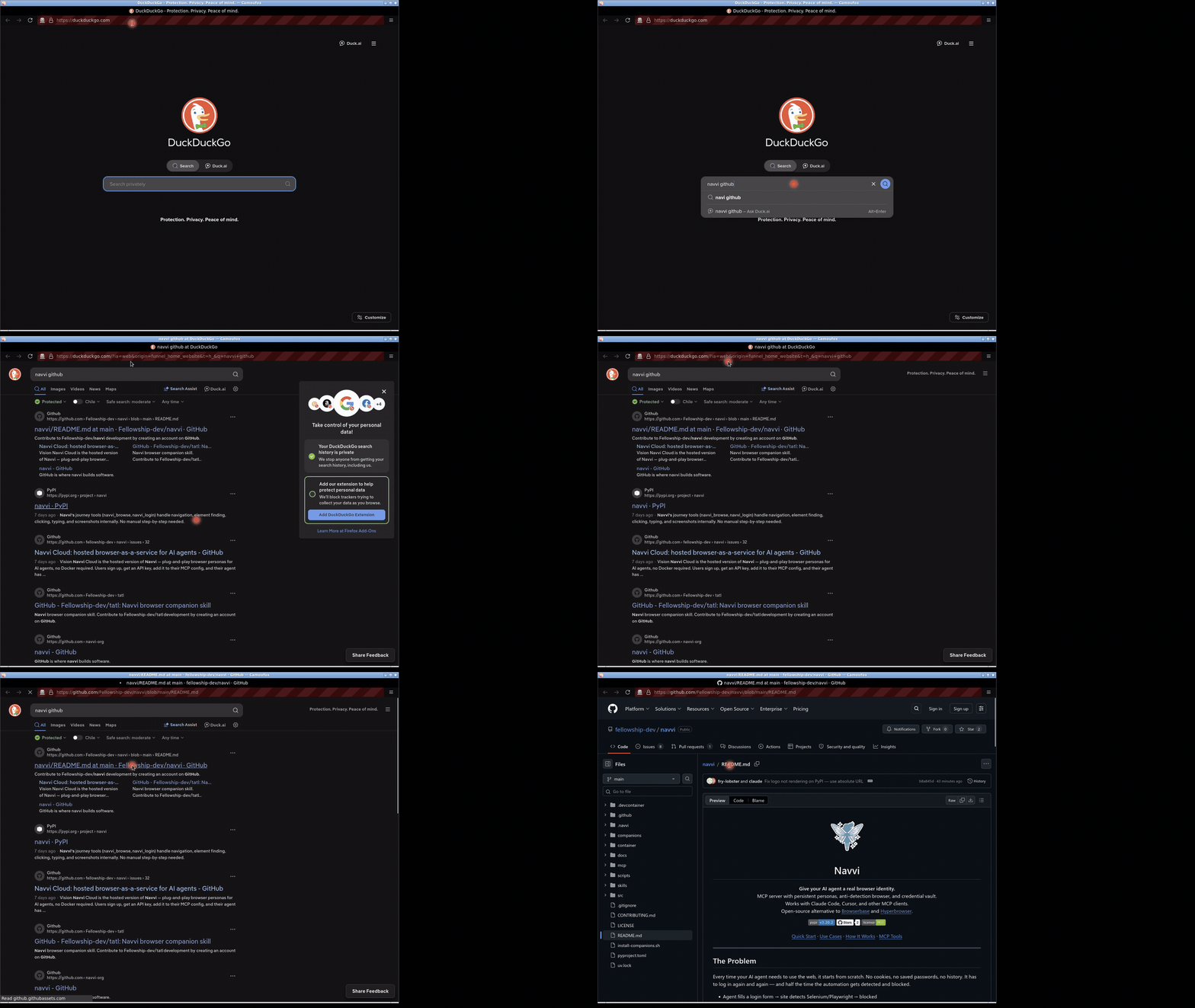
Give your AI agent a real browser identity. MCP server with persistent personas, anti-detection browser, and credential vault.

Navvi
Give your AI agent a real browser identity.
MCP server with persistent personas, anti-detection browser, and credential vault.
Works with Claude Code, Cursor, and other MCP clients.
Open-source alternative to Browserbase and Hyperbrowser.


Quick Start · Use Cases · How It Works · MCP Tools
The Problem
Every time your AI agent needs to use the web, it starts from scratch. No cookies, no saved passwords, no history. It has to log in again and again — and half the time the automation gets detected and blocked.
- Agent fills a login form → site detects Selenium/Playwright → blocked
- Agent stores a password in a variable → session ends → password gone
- Agent tries to reuse a browser → cookies wiped → logged out again
- You paste credentials into the chat → now they're in your conversation history
Your agent has no identity. Every session is a stranger.
The Solution
Navvi gives your agent a persistent browser with its own identity. A Camoufox (anti-detect Firefox) that remembers where it's been, stays logged in, and manages its own credentials — without ever exposing passwords to the AI.
- Persistent sessions — cookies, logins, and history survive restarts
- Credential vault — passwords generated and stored inside the container, auto-filled into forms without the AI ever seeing them
- Doesn't get blocked — anti-detect browser with OS-level input that passes bot detection where Selenium and Playwright fail
- CAPTCHA handling — auto-clicks through common bot checks, with VNC handoff to a human when it can't
- Multi-persona — each persona runs in its own isolated container with dedicated cookies, credentials, and history
- Keeps your context clean — 11 high-level tools by default, 12 more unlock on demand so your agent isn't overwhelmed by options
Quick Start
1. Add to Claude Code
Add to your project's .mcp.json:
{
  "mcpServers": {
    "navvi": {
      "command": "uvx",
      "args": ["navvi@latest"],
      "env": {
        "NAVVI_GPG_PASSPHRASE": "pick-any-random-string-here"
      }
    }
  }
}
NAVVI_GPG_PASSPHRASE enables the credential vault (gopass). On first boot, Navvi generates a GPG key automatically. The key persists in a Docker volume across restarts.
Keep your passphrase safe. If you lose it and the Docker volume is deleted, all stored passwords are unrecoverable.
3. Use
Just tell your agent what to do:
"Log into Tutanota with stored credentials"
"Search DuckDuckGo for 'navvi browser' and list the top results"
"Sign up for a new Outlook account"
Navvi's journey tools (navvi_browse, navvi_login) handle navigation, element finding, clicking, typing, and screenshots internally. No manual step-by-step needed.
Atomic tools are hidden by default. Unlock them when you need precise control:
navvi_atomic(enable=true)                          -> unlock low-level tools
navvi_open url=https://example.com                 -> navigate
navvi_find selector="input[type=email]"            -> locate element -> (x, y)
navvi_fill x=512 y=498 value="[email protected]"     -> type into it
navvi_screenshot                                   -> see what happened
4. Optional: Install skills
Skills give your AI agent dedicated browsing capabilities — isolates browser work from your main conversation. Works with Claude Code, Cursor, and 40+ other agents.
npx skills add fellowship-dev/navvi
Or install manually:
curl -fsSL https://raw.githubusercontent.com/fellowship-dev/navvi/main/install-companions.sh | bash
Included skills:
- navvi-browse — autonomous web browsing with vision-driven navigation
- navvi-login — login with stored credentials, handles reCAPTCHA and 2FA
- navvi-signup — create new accounts with auto-generated credentials
If Navvi is useful to you, please ⭐ star the repo — it helps others discover it.
Use Cases
Persistent logins. Log into a service once — your agent stays logged in across sessions. No more re-entering credentials, no more expired sessions.
Secure credential management. Passwords are generated and stored inside the container. autofill types them into forms — the AI never sees the raw password at any point.
Account signup. Your agent creates accounts on services — generates passwords inside the container, fills forms, and persists the credentials for future logins.
Multi-persona workflows. Run multiple browser identities simultaneously — each persona gets its own container with isolated cookies and credentials.
Form automation on protected sites. Fill complex forms with dropdowns, date pickers, and multi-step wizards. OS-level input passes bot detection that blocks Selenium and Playwright.
Visual evidence for PRs. Screenshot your staging app before and after a code change. Record a user flow as a GIF. Attach it to the pull request.
How It Works
Each persona runs in its own Docker container with a dedicated Firefox instance, cookies, and profile. Your agent talks MCP, Navvi translates to browser actions.
Anti-detection uses Camoufox — a patched Firefox with fingerprint masking at the C++ level. Sites that detect and block Selenium, Playwright, and headless Chrome don't detect Navvi.
All input uses xdotool — OS-level mouse and keyboard events that websites cannot distinguish from a real person.
Credentials are stored in gopass inside the container:
generate— creates a random password, stores in gopass. The password never leaves the container or appears in AI context.autofill— reads gopass and types directly into the browser. The password never travels through the AI.import— bulk-import existing credentials from a JSON file.
Multi-persona — each persona runs in its own container (navvi-{name}) with an isolated Firefox profile, cookies, and history. Gopass credentials are namespaced per persona (navvi/{persona}/{service}) in a shared vault.
MCP Tools
By default, Navvi shows 11 high-level tools. Atomic tools unlock on demand via navvi_atomic.
Journey tools (default)
| Tool | What it does |
|---|---|
navvi_browse |
Primary tool — give it an instruction + URL, it handles everything |
navvi_login |
Log into a service using stored credentials |
Lifecycle
| Tool | What it does |
|---|---|
navvi_start |
Start container + persona's Firefox instance |
navvi_stop |
Stop container (profiles preserved) |
navvi_status |
Show running containers, personas, and health |
Observation
| Tool | What it does |
|---|---|
navvi_screenshot |
Capture the screen |
navvi_vnc |
Get live VNC URL for human handoff |
Persona management
| Tool | What it does |
|---|---|
navvi_persona |
Create, update, list, delete browser personas |
navvi_account |
Track accounts per persona (service, email, credential ref) |
Progressive disclosure
| Tool | What it does |
|---|---|
navvi_atomic |
Unlock/hide 12 low-level tools (click, find, fill, etc.) |
| Tool | What it does |
|---|---|
navvi_open |
Navigate to a URL |
navvi_find |
Find element by CSS selector → screen (x, y) |
navvi_click |
Click at coordinates |
navvi_fill |
Click + type text |
navvi_press |
Press a key |
navvi_scroll |
Scroll the page |
navvi_drag |
Drag between two points |
navvi_mousedown/up/move |
Low-level mouse control |
navvi_url |
Get current page URL |
navvi_creds |
Manage credentials: list, get, generate, import, autofill |
navvi_list |
List available Codespaces (remote mode) |
| Tool | What it does |
|---|---|
navvi_record_start |
Start recording screenshots |
navvi_record_stop |
Assemble MP4 |
navvi_record_gif |
Convert to GIF |
Resources
Read persona state without tool calls:
| URI | What it returns |
|---|---|
personas://list |
All personas with account counts |
persona://{name}/state |
Config, accounts, recent actions |
persona://{name}/accounts |
Account details |
audit://{name}/log |
Last 20 actions |
Prompts
Structured workflows available as prompt templates:
| Prompt | What it does |
|---|---|
signup_flow |
Step-by-step account creation on a service |
login_flow |
Log in using stored credentials |
qa_walk |
Walk a page for QA — screenshot, find issues, report |
Personas
Each persona is a separate browser identity with its own container, Firefox instance, cookies, credentials, and history.
navvi_persona(action="create", name="mybot", description="GitHub admin", stealth="high")
navvi_start(persona="mybot")           -> launches container navvi-mybot
navvi_persona(action="list")
navvi_account(action="add", persona="mybot", service="github.com", email="[email protected]")
Persona config and state live in ~/.navvi/navvi.db. Each persona's browser profile persists in its own Docker volume (navvi-profile-{name}). Credentials share a common gopass vault.
Requirements
- Docker — the browser runs in a container
- uv —
curl -LsSf https://astral.sh/uv/install.sh | sh(orbrew install uv) - NAVVI_GPG_PASSPHRASE — any random string, enables the gopass credential vault. Set in
.mcp.jsonenv. - ffmpeg (optional) — only needed for video recording
- ANTHROPIC_API_KEY (optional) — enables Haiku vision for
navvi_browse($0.002/step). Without it, falls back toclaude -pCLI or heuristics. For best results, install the skills instead — they use Claude Code's native vision at no extra cost.
Contributing
See CONTRIBUTING.md for development setup and guidelines.
License
MIT
Reviews (0)
Sign in to leave a review.
Leave a reviewNo results found