cl2metal
Health Uyari
- License — License: MIT
- Description — Repository has a description
- Active repo — Last push 0 days ago
- Low visibility — Only 7 GitHub stars
Code Basarisiz
- rm -rf — Recursive force deletion command in install.sh
- network request — Outbound network request in install.sh
Permissions Gecti
- Permissions — No dangerous permissions requested
Bu listing icin henuz AI raporu yok.
GPU-rendered terminal + SSH client with a modal editor and a consent-gated MCP agent broker

cl2metal
A sleek, minimal, secure terminal + SSH client — GPU-rendered with wgpu andegui, a pure-Rust SSH stack (russh), a modal editor built in, and a
consent-gated MCP broker that lets local coding agents use your SSH profiles.
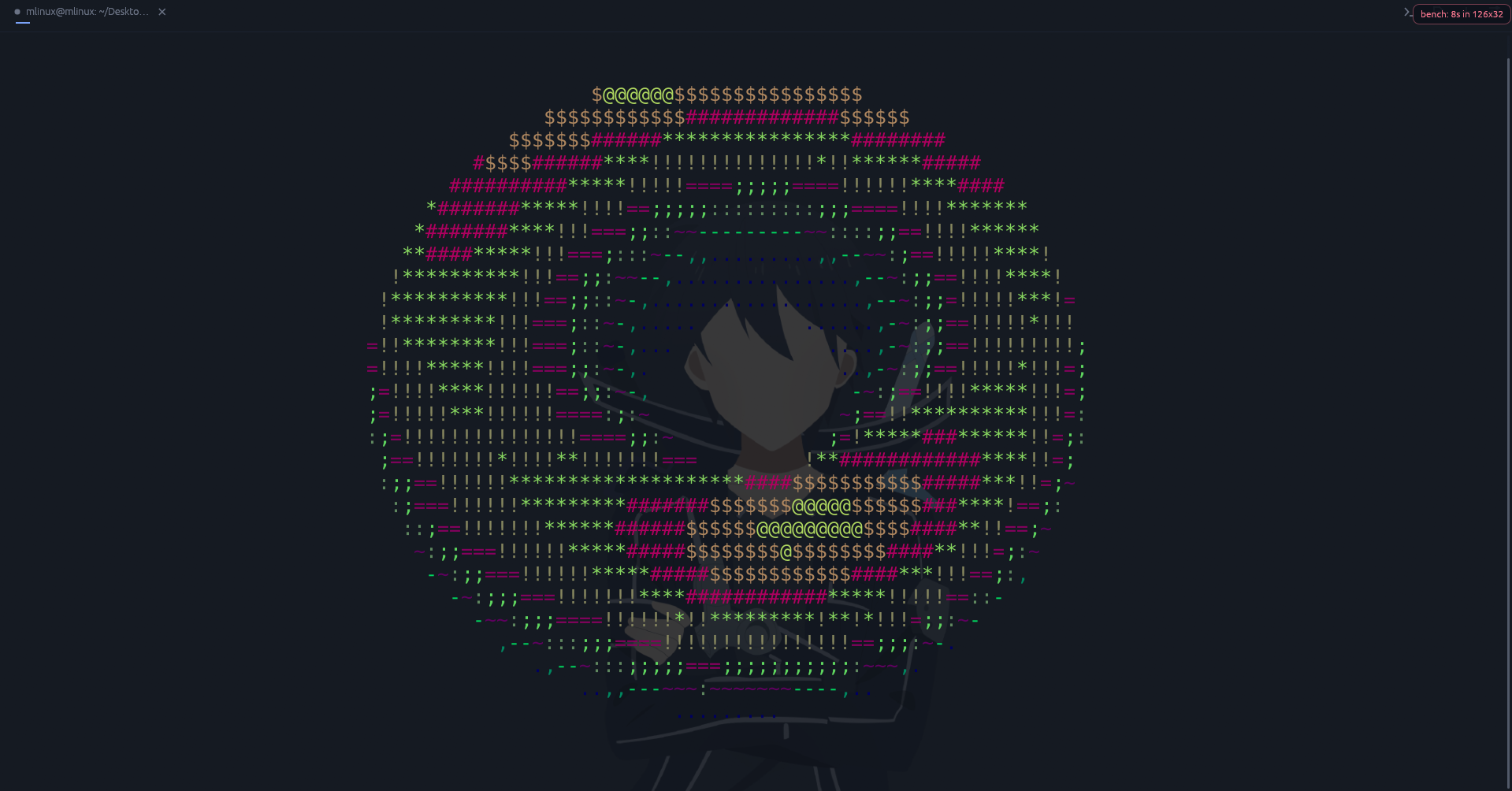
The :bench spinning-torus benchmark, rendered through the terminal's own
glyph grid.
Highlights
- Terminal — GPU-instanced rendering, scrollback with search, OSC 8
hyperlinks, OSC 52 clipboard, the Kitty keyboard protocol, OSC 133 shell
integration (prompt marks, exit-status dot, jump-to-prompt), panes and tabs,
background image, visual bell. - SSH — password / public-key / agent / MFA auth, jump hosts, local,
remote and SOCKS5 forwards,~/.ssh/configimport, reconnect in place,
secrets in the OS keyring, an SFTP browser, and remote files in the editor. - Editor — Vim-style modal editing with multiple cursors, splits, a file
tree, syntax highlighting, find/replace and editable keybindings; local and
remote files live in the same editor. - Agents — the built-in MCP server hands your SSH profiles to coding
agents, one Allow click at a time (below).
The full detail — every keybinding, config key, internal command, platform
note and the source layout — is in features.md.
Install
macOS / Linux:
curl -fsSL https://raw.githubusercontent.com/flawme/cl2metal/master/install.sh | sh
or, with wget:
wget -qO- https://raw.githubusercontent.com/flawme/cl2metal/master/install.sh | sh
Windows (PowerShell):
iex (irm https://raw.githubusercontent.com/flawme/cl2metal/master/install.ps1)
Both download the latest release binary for your OS and architecture, verify
the published checksum, and install to ~/.local/bin (Linux/macOS) or%LOCALAPPDATA%\cl2metal (Windows), telling you if the directory is not on
your PATH yet — then ask, yes or no, whether to add the app to your
application menu / Start Menu / ~/Applications. The Linux binary is built
against a glibc 2.35 baseline, and the Windows one links its C runtime
statically, so one download runs on older desktops without extra packages.
From source instead:
git clone https://github.com/flawme/cl2metal && cd cl2metal
cargo build --release
Requires a Vulkan / Metal / DX12-capable GPU. Building on Windows additionally
needs CMake on PATH (the SSH crypto backend builds C with it).
MCP agent access
cl2metal mcp runs a local MCP server that lets coding agents — Claude Code,
Codex, Antigravity, Cursor, Windsurf, Sarvam Code — use the SSH profiles saved
in the running app:
- Local only. A unix-domain socket under
$XDG_RUNTIME_DIR(with a/tmp
fallback), accepting connections from your own user only, verified by peer
credentials. There is no network listener. - Consent-gated. Every
connectpops an Allow / Deny dialog. Every
command is screened: known read-only ones (ls,caton a plain file,git status, …) run without asking; everything else pops an approval that
shows the exact command. Anything touching.env, dotfiles or key material
always asks. No answer within 120 s counts as a denial. - Audited. Every approval, denial and timeout is written to
~/.local/state/cl2metal/agent-audit.log. - One command to wire up. Type
:mcp-oninside cl2metal and it registers
the server into every agent host it finds on the machine — append and merge
only, never touching a config it cannot parse.
The tools it exposes are list_profiles, connect, exec and close. One
"Allow all future commands" click covers the rest of that session. Both
switches live in Settings → Security and default to on: Let local coding
agents use SSH profiles (MCP) and Approve agent commands before they run
(read-only ones excepted).
cl2metal mcp skill prints the ready-to-use agent skill document.
Platforms
Linux is the primary target; Windows and macOS build and run from the same
tree. CI runs fmt, clippy and the test suite on all three. Windows and Linux
have been tested on real hardware. macOS is CI-verified (Apple-silicon
runners) but has not been driven hands-on yet. Platform notes:
features.md#platforms.
License
Yorumlar (0)
Yorum birakmak icin giris yap.
Yorum birakSonuc bulunamadi