EGC
Health Gecti
- License — License: NOASSERTION
- Description — Repository has a description
- Active repo — Last push 0 days ago
- Community trust — 16 GitHub stars
Code Gecti
- Code scan — Scanned 12 files during light audit, no dangerous patterns found
Permissions Gecti
- Permissions — No dangerous permissions requested
Bu listing icin henuz AI raporu yok.
Your AI remembers your project across sessions and tools. Local-first MCP runtime with persistent memory, shared workflows, and plug-and-play integration.






EGC - Everything Gemini Code
Your AI remembers what you decided, how you work, and where you left off. Across every session. Across every tool.
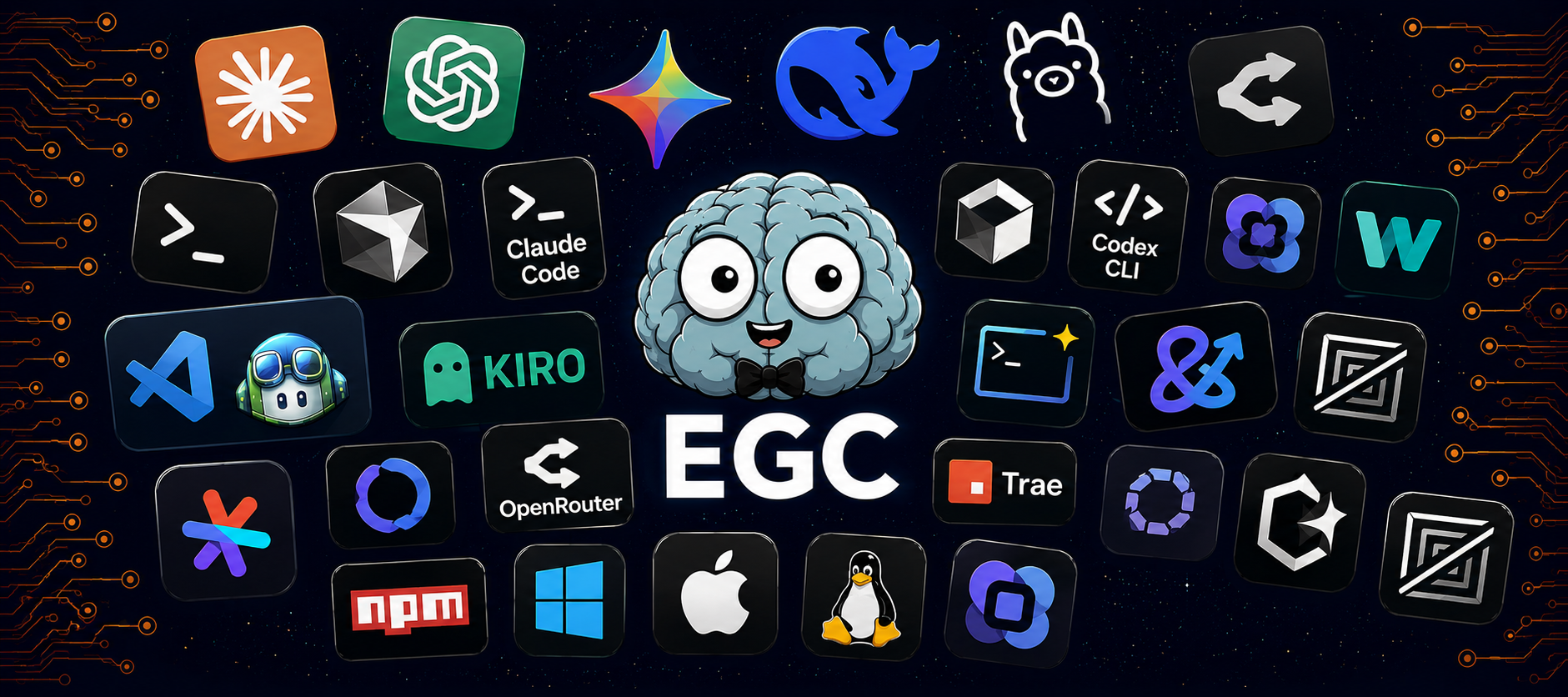
This is what EGC looks like in practice
You open Claude Code on a project you haven't touched in two weeks. Without typing anything:
State loaded from egc-memory via ~/.egc/state/Projetos--everything-gemini.md

Context and preferences acknowledged (terse responses).

Ready to pick up the next items:
• Test full install on a clean machine
• Add GEMINI.md with session memory protocol
• Tag v1.0.0 after clean install test passes
• Add mcp_server_count to audit.js
The AI already knows what you were building, what decisions you made, what failed, and exactly where you stopped. You didn't type anything. You just started working.
After sh install.sh, the memory protocol is injected into the global instruction files for Claude Code, Cursor, Codex, Gemini CLI, OpenCode, Kiro, Trae, and CodeBuddy, so the AI reads state at the start of each session and saves it at the end. For tools where the AI instruction file isn't read automatically (varies by tool version), you may need to add the project's CLAUDE.md or equivalent to the session context manually.
The problem
Every AI coding session starts from zero. Close the window and the context is gone. Your stack preferences, the architectural decisions you made last week, the approach that failed after three attempts. Next session you spend the first ten minutes re-explaining ground you already covered.
It gets worse when you switch tools. Move from Cursor to Claude Code and you start over again. The AI doesn't know you. It never did.
How EGC fixes it
One install. Every tool. Permanent memory.
sh install.sh detects which AI tools you have installed (Claude Code, Cursor, Codex, Gemini CLI, Kiro, OpenCode, Trae, CodeBuddy) and registers the MCP servers in all of them. It also runs a cognitive bootstrap that writes the memory protocol into the global instruction files for each tool, so the AI is instructed to call get_state({}) at the start of every session and update_state({...}) at the end.
For every supported tool:
- Open any session → AI reads your project state → picks up where you left off
- Close any session → AI saves decisions, preferences, next steps
- Switch tools → same state file → same context → no re-explaining
The memory protocol requires the AI to call get_state and update_state via the egc-memory MCP tool. The bootstrap injects the instruction; the tool must support MCP to execute it.
The memory lives at ~/.egc/state/ on your machine, not inside any tool. It follows the project, not the IDE.
Token savings
Rebuilding context from scratch costs ~1,500 tokens per session. EGC's state file delivers the same information in ~200 tokens.
| Without EGC | With EGC | |
|---|---|---|
| Context overhead per session | ~1,500 tokens | ~200 tokens |
| 20 sessions/month | ~$0.08–$0.09 | ~$0.011–$0.012 |
| Time re-explaining context | 10 min/session | 0 |
The money saved is small. The time and interrupted flow are not.
Installation
Linux / macOS
You need Node.js 18 or later. Not sure if you have it? Open a terminal and run node --version. If it shows 18 or higher, you're ready.
git clone https://github.com/Fmarzochi/everything-gemini.git
cd everything-gemini
sh install.sh
The installer runs these steps:
- Compiles the MCP servers (
egc-guardian,egc-memory) - Initializes the local SQLite database
- Runs the cognitive bootstrap: writes the memory protocol into
~/.claude/CLAUDE.md(Claude Code) and~/.gemini/GEMINI.md(AGY), creating the files if they don't exist, idempotent - Registers both MCP servers in every detected tool's config file
- Asks interactively whether to install the prompt library (62 agents, 228 skills, 74 commands), skipped automatically in CI
The installer will print which tools it found and registered:
EGC install
  node v22.0.0
  building egc-guardian...
  building egc-memory...
  initializing database...
  bootstrapping cognitive protocol...
  ✓ ~/.claude/CLAUDE.md updated
  ✓ ~/.gemini/GEMINI.md updated
  registering MCP servers...
  ✓ registered in Antigravity CLI
  ✓ registered in Claude Code (global)
  ✓ registered in Cursor

Install prompt library? (62 agents, 228 skills, 74 commands) [y/N]:

Installation complete.
Run 'egc doctor' to verify.
Windows
git clone https://github.com/Fmarzochi/everything-gemini.git
cd everything-gemini
.\install.ps1
Prompt library
The prompt library is optional. During sh install.sh, you'll be asked whether to install it. In CI or non-interactive shells, this step is skipped. Install once to get access to 62 agents, 228 skills, and 74 commands written from real experience, not generated.
| Type | Count | What it is |
|---|---|---|
| Agents | 62 agents | Persona and behavior definitions |
| Skills | 228 skills | Domain-specific workflow runbooks |
| Commands | 74 commands | Command definitions and lifecycle hooks |
| Rules | 111 | Constraints and governance directives |
Organized per harness under .cursor/, .claude/, .gemini/, .kiro/, and four others. Switch tools and the same workflows follow you.
Cross-harness distribution
| Component | Total | Claude Code | Gemini CLI | Claude Code native |
|---|---|---|---|---|
| Agents | 62 | Shared (AGENTS.md) | Shared (AGENTS.md) | 12 |
| Commands | 74 | Shared | Instruction-based | 31 |
| Skills | 228 | Shared | 10 (native format) | 37 |
Supported tools
| Tool | MCP registered | Cognitive bootstrap |
|---|---|---|
| Claude Code | Yes | Yes: protocol injected into ~/.claude/CLAUDE.md |
| Antigravity CLI (AGY) | Yes | Yes: protocol injected into ~/.gemini/GEMINI.md |
| Gemini CLI | Yes | Yes: protocol injected into ~/.gemini/GEMINI.md |
| Cursor | Yes | Yes: protocol injected into global cursor.rules setting |
| Codex CLI | Yes | Yes: persistent_instructions appended to ~/.codex/config.toml |
| OpenCode | Yes | Yes: protocol written to ~/.opencode/instructions/EGC_MEMORY.md |
| Kiro | Yes | Yes: session hooks installed to ~/.kiro/hooks/ |
| Trae | Context injection | Yes: protocol written to ~/.trae/MEMORY.md |
| CodeBuddy | Context injection | Yes: protocol written to ~/.codebuddy/MEMORY.md |
| Obsidian | Yes, if already configured, synced to all tools | N/A |
If you use Obsidian and have the Obsidian MCP server configured, the installer detects it automatically and gives every AI tool in your setup direct access to your vault: read notes, search, and write without any extra configuration.
MCP servers
EGC runs two local MCP servers over stdio.
egc-memory: the one you'll use every session
| Tool | What it does |
|---|---|
get_state |
Reads project memory at session start |
update_state |
Saves this session's decisions, preferences, and next steps |
store_decision |
Persists a decision to SQLite |
query_history |
Returns past decisions by timestamp |
egc-guardian: runs in the background
| Tool | What it does |
|---|---|
validate_command |
Blocks shell injection and unsafe binaries |
validate_write |
Blocks writes to sensitive paths (~/.ssh, /etc) |
reduce_context |
Deduplicates and trims Markdown payloads |
orchestrate_task |
Routes prompts to relevant agents and skills |
CLI
egc doctor         # verify both servers are built and working
egc status         # show the last 5 decisions in memory
egc install        # install prompt library to a target harness
egc catalog        # list available profiles and components
egc repair         # restore drifted or missing managed files
egc auto-update    # pull latest changes and reinstall managed targets
Architectural consolidation
Earlier versions of EGC explored distributed runtime concepts: FederationManager, ReplayEngine, cognitive orchestration layers, multi-provider dispatching. Those experiments were real explorations, not deception. They helped define what the project actually needed to be.
What the project actually needed was simpler and more useful: persistent memory across sessions, a validation layer, and a prompt library that works in every tool without reconfiguration.
The current runtime reflects that consolidation. Two MCP servers, local SQLite, plain Markdown state files, one install command. Everything else was removed or isolated.
The branch legacy-runtime preserves the full historical architecture for anyone who wants to study the evolution.


Yorumlar (0)
Yorum birakmak icin giris yap.
Yorum birakSonuc bulunamadi