ai-ready-context-template-engine
Health Warn
- License — License: MIT
- Description — Repository has a description
- Active repo — Last push 0 days ago
- Low visibility — Only 6 GitHub stars
Code Fail
- rm -rf — Recursive force deletion command in setup.sh
- process.env — Environment variable access in setup.sh
Permissions Pass
- Permissions — No dangerous permissions requested
No AI report is available for this listing yet.
⚡ AI Content Workspace Template
🤖 AI-Ready Context Template Engine ⚡
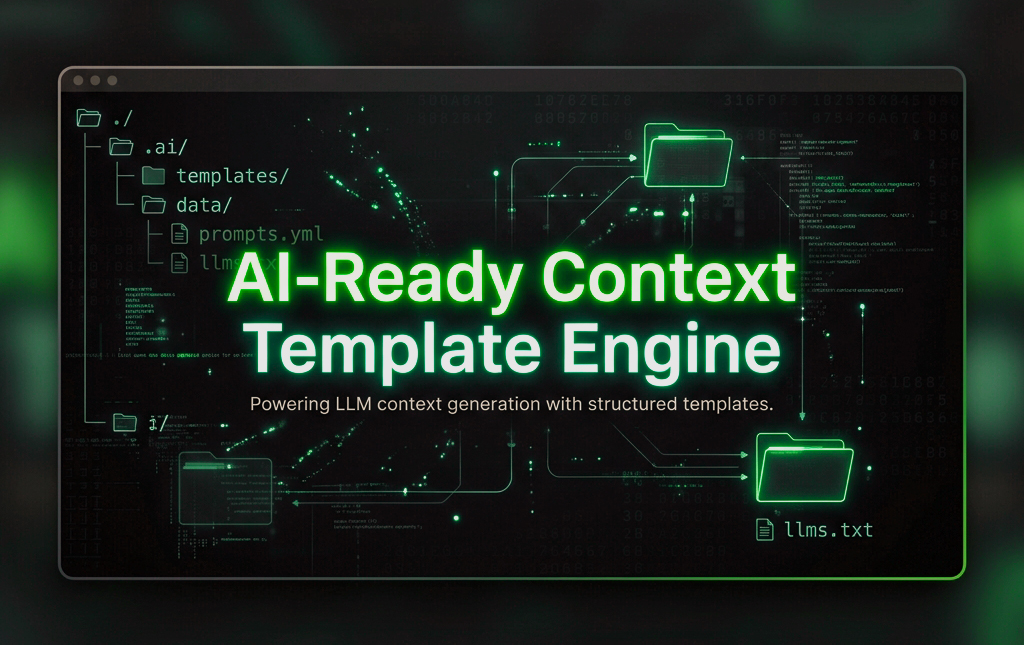


A standardized, production-ready project workspace structure optimized for AI-Assisted Development. This template establishes an architecture-first documentation approach, making it universally compatible with advanced AI agents, autonomous coders, and AI-powered IDEs (such as Cursor, Windsurf, Claude Projects, and OpenAI GPTs).
By enforcing an English-first, LLM-indexed folder structure (llms.txt + .ai/), any AI agent can instantly ingest the repository, understand its constraints, track the changelog, and start coding immediately without hallucinating or losing context. 🚀
🗂️ Workspace Architecture
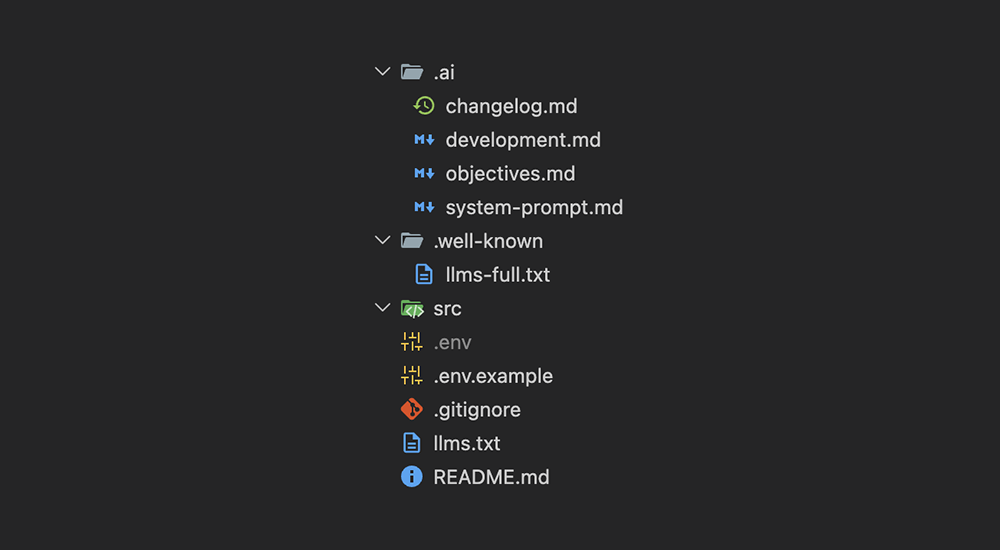
.
├── .env.example             # Standardized environment variables blueprint
├── llms.txt                 # Universal entry point & index for LLM crawlers
├── README.md                # Human-centric project documentation
├── .well-known/
│   └── llms-full.txt        # Full expanded context index for automated tooling
└── .ai/                     # Centralized AI Knowledge Engine
    ├── changelog.md         # Project ledger, version history, and active Todo state
    ├── development.md       # Environment setup, build instructions, and testing protocols
    ├── objectives.md        # Product vision, core features, and out-of-scope boundaries
    └── system-prompt.md     # AI Engineer persona, full tech stack, and coding constraints
🔌 Supported Technology Stacks
The generator script comes pre-configured with optimized context files (system-prompt.md, development.md, .gitignore) and boilerplate files for the following stacks:
- Standard / Static HTML, CSS, JS — General-purpose, static site skeleton.
- TypeScript / Next.js — Next.js (App Router), React, Tailwind CSS, TypeScript, and developer tools.
- Python (AI/Agent/Data Science) — FastAPI, Uvicorn, LangChain, OpenAI, Dotenv, and
.venvtemplates. - Go (Golang) — Basic HTTP server, routing, and
go.modmodule setup. - Node.js (Backend / Express / Fastify) — Express.js server, dotenv setup, and Nodemon for fast hot-reload.
- PHP (Laravel / Vanilla) — Composer project file, public index router, and PSR-4 App namespaces.
- Java (Spring Boot / Maven) — Maven standard structure, Spring Web, and parent Pom configurations.
- .NET (C# / Web API) — .NET Core 8.0 Minimal APIs, Web SDK, and C# compilation configurations.
- Ruby (Rails / Sinatra) — Sinatra Web API, Gemfile, and Bundler configuration.
- Liquid (Shopify Storefront) — Shopify Theme structure with Skeleton Theme.
🚀 How to Run and Initialize Your Workspace
You can initialize this structure in your local environment using the remote one-liner below:
curl -sSL https://raw.githubusercontent.com/fraconca/ai-ready-context-template-engine/main/setup.sh | bash
📸 Visual Step-by-Step Walkthrough
Step 1: Running the generator
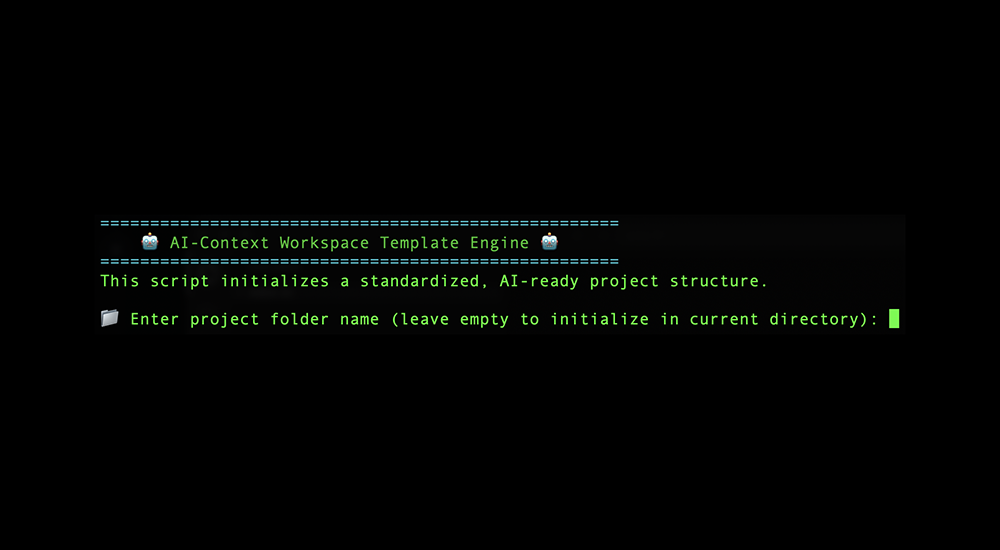
Step 2: Selecting your tech stack
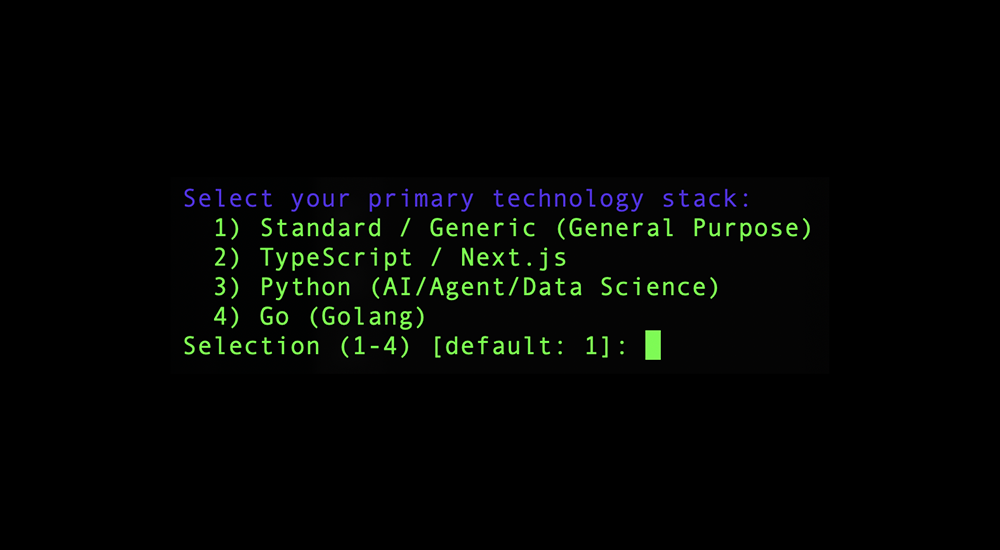
Step 3: Git repository initialization option
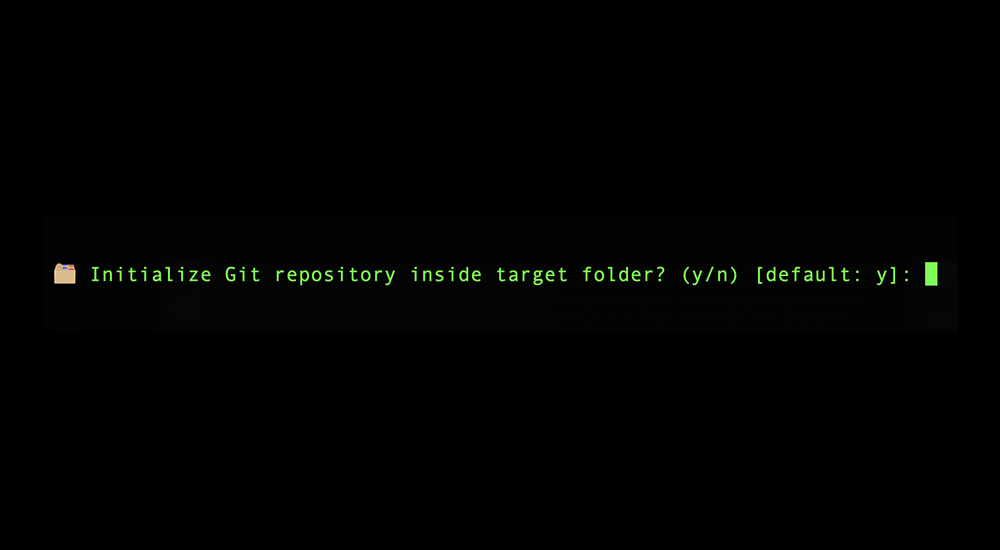
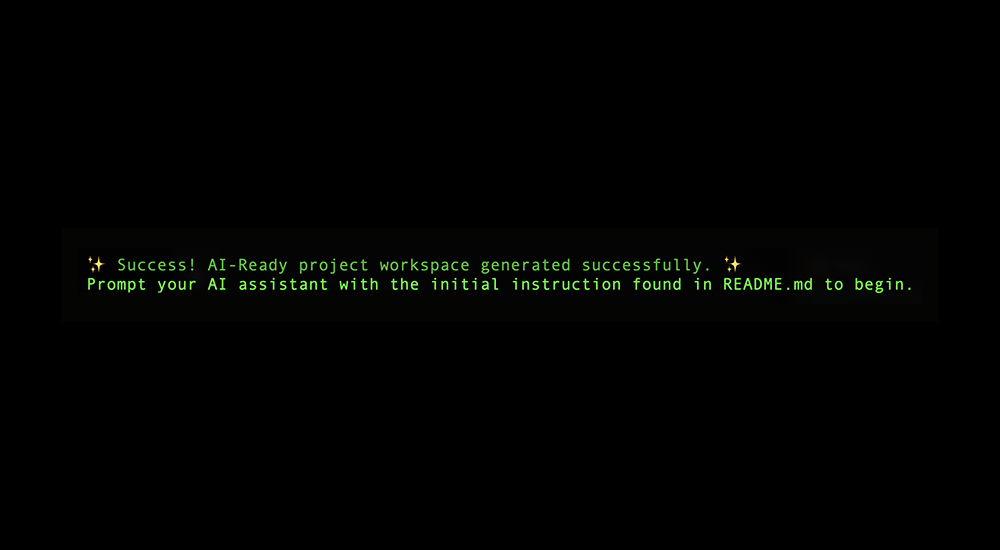
Step 4: Workspace generation success
Step 5: Generated directory structure
🤖 How to Prompt the AI Agent
When sharing this folder or opening it in an AI-driven environment for the first time, paste the following baseline instruction into the agent's chat window to initialize its context:
💡 "Please read the
llms.txtfile located in the root directory to understand the project map, and strictly follow the operational guidelines inside the.ai/directory. Maintain the.ai/changelog.mdfile whenever a feature is completed or when goals shift."
🛠️ Customization Workflow
Before starting your development cycle, update these files with your specific project details:
.ai/system-prompt.md: Define your exact tech stack and style guidelines..ai/objectives.md: Outline your business logic, app features, and scope limits..ai/changelog.md: Set your initial task under### Immediate Next Steps.
[!IMPORTANT]
Clean Up & Modify: The script generates basic boilerplate skeleton files in thesrc/folder (such asmain.py,main.go, or Next.js route files) to help verify your setup. Feel free to modify, rewrite, or delete any of these initial code files to fit your project's specific architecture.
❓ FAQ (Frequently Asked Questions)
Why use the llms.txt standard instead of other custom formats (like AGENTS.md)?
llms.txt is an emerging, industry-wide standard (proposed by Answer.ai) for serving clean, LLM-crawlable context at root endpoints. Automated tools, web crawlers, and AI agents naturally check for /llms.txt and /.well-known/llms-full.txt. By aligning with this format, your repository becomes universally readable by any agent out of the box, without relying on proprietary structures.
What is the difference between using this vs. .cursorrules, claude.md, or one giant prompt?
- No Redundancy: We consolidate persona and stack rules under
.ai/system-prompt.md(replacing the need for a separateagent.mdor multiple fragmented prompt files) to keep context concise. - Universal Compatibility: IDE-specific files like
.cursorrulesorclaude.mdonly work inside their respective tools. This structure works across any LLM platform, custom GPT, or autonomous agent via thellms.txtindex. - Higher Context Attention: Giant prompts suffer from "lost in the middle" attention degradation and bloat token costs. Splitting context into single-responsibility markdown files ensures agents only digest what is relevant to the active task.
Don't modern autonomous agents already manage context automatically?
While agents are getting better at codebase retrieval (RAG), they still lack business intent, product vision, and engineering boundaries. They cannot guess why a feature is out of scope or how you prefer to structure testing. This template provides deterministic guidance that overrides RAG guessing, drastically reducing hallucinations.
Does this scale to large codebases (e.g., monorepos or dozens of libraries)?
Yes! For monorepos or multi-project structures, you can host a main llms.txt at the root that maps to subfolders, and each sub-project can have its own .ai/ context folder. This maintains a clean, modular hierarchy that agents can traverse on-demand without overloading their context window.
📄 License
This template is open-source and available under the MIT License.
Reviews (0)
Sign in to leave a review.
Leave a reviewNo results found