hachiko-usage
Health Uyari
- No license — Repository has no license file
- Description — Repository has a description
- Active repo — Last push 0 days ago
- Low visibility — Only 6 GitHub stars
Code Gecti
- Code scan — Scanned 2 files during light audit, no dangerous patterns found
Permissions Gecti
- Permissions — No dangerous permissions requested
Bu listing icin henuz AI raporu yok.
A cute desktop pet with a live Claude token usage meter - session & weekly rate limits in a thought cloud above your Windows taskbar. Free, open source, one-press install.
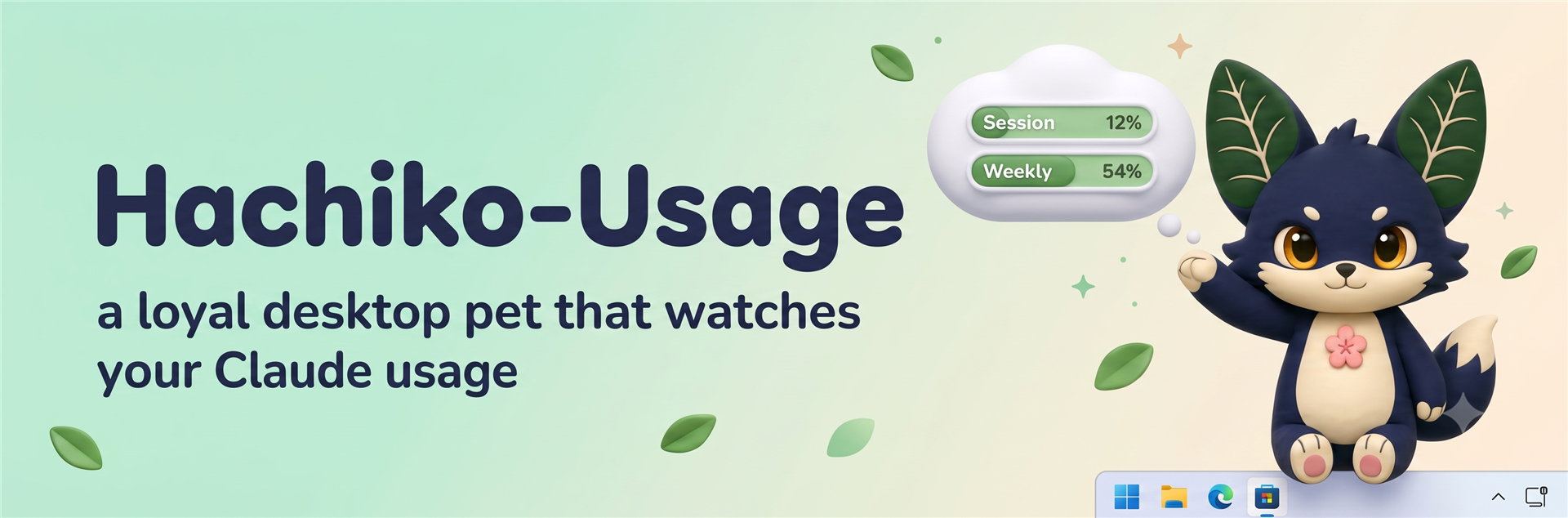
Hachiko-Usage
A loyal little desktop pet that watches your Claude usage. He is a plant-fox
hatched by the Codex hatch pipeline (originally named Hojek), reborn as
Hachiko-Usage: he waits faithfully on top of your taskbar with a thought
cloud showing your Claude Code session and weekly usage limits.
⬇ Install in one press
Download Hachiko-Usage-Setup.exe
Launching it is the whole install — no wizard pages, no admin prompt. He
lands in %localappdata%\Programs\Hachiko-Usage and offers to come out
immediately. Windows 10/11.
The exe is an unsigned hobby build, so SmartScreen may show
"Windows protected your PC" — click More info → Run anyway.
What he does
He starts in ghost mode — 50% transparent, click-through (your mouse goes
straight through him), and tiny — so he never gets in the way of real work.
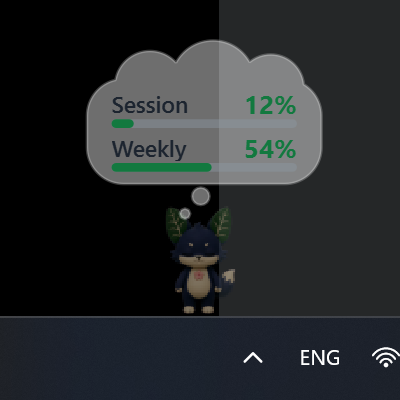
His thought cloud shows live session/weekly usage percentages, and the text
stays fully readable even while he's ghosted. Here he is on a real desktop:
Controls
While click-through is on, the pet window ignores the mouse, so everything is
driven from his system tray icon (right-click it):
- states: wave, jump, fly, working, waiting, review, failed, idle
pet— switch between Hojek 🌱 the plant-fox and Latch 🛡 the
pangolin-fox guardian (same app, same controls, different pet)ghost 50%— toggle the transparencyclick-through— toggle mouse pass-through (off = you can drag, click to
wave, double-click to jump, right-click him directly)size— tiny (default), small, medium, large- hide/show the usage cloud, quit
The tray tooltip also shows the current session/weekly percentages.
Usage data
desktop\hachiko_usage_desktop.pyw pollshttps://api.anthropic.com/api/oauth/usage with the local Claude Code OAuth
token from ~\.claude\.credentials.json. Only the percentages are kept; the
token never leaves the request.
For tinkerers
Run from source
desktop\Start Hachiko-Usage.bat
(Uses the bundled venv: PySide6 + PyInstaller.)
Build the installer yourself
cd desktop
venv\Scripts\pyinstaller.exe Hachiko-Usage.spec --noconfirm
ISCC.exe Hachiko-Usage.iss
This produces desktop\installer\Hachiko-Usage-Setup.exe.
Also in this repo
index.html/hojek-atlas.png/hojek.json— the original web sprite
version and the hatch-pipeline atlas he is drawn fromlatch-atlas.png/latch.json— Latch, the second pet: same 8×11 grid and
frame counts as Hojek, plus generated 16-direction look rows (Hojek's were
never generated). Known cosmetic nit: ~450 stray magenta pixels painted into
a few frames by the generator; details inlatch.jsonnotes.hachiko-usage-post.png— his announcement-post carddesktop3d.html,cute.glb,evil.glb,desktop/hojek3d_desktop.pyw—
the experimental 3D variant (still under the old name)
Yorumlar (0)
Yorum birakmak icin giris yap.
Yorum birakSonuc bulunamadi