ai-bubu
Health Uyari
- License — License: MIT
- Description — Repository has a description
- Active repo — Last push 0 days ago
- Low visibility — Only 5 GitHub stars
Code Gecti
- Code scan — Scanned 12 files during light audit, no dangerous patterns found
Permissions Gecti
- Permissions — No dangerous permissions requested
This is a desktop pet application that gamifies your workflow by tracking local AI coding tool usage (Cursor, Claude Code, Codex, Trae) and translating your activity into animated steps. It is built using Tauri and Vue 3.
Security Assessment
The overall risk is Low. The application functions by passively monitoring local data to track your activity. It specifically reads local SQLite databases, JSONL session logs, and system process information. Because this includes parsing session histories from tools like Claude Code, it inherently accesses potentially sensitive data such as your file paths and code snippets. However, the automated code scan found no dangerous patterns, hardcoded secrets, or dangerous permissions, and it does not require hooks to function.
Quality Assessment
The project is very new and currently has low community visibility, reflected by only 5 GitHub stars. Despite the low adoption rate, it is actively maintained with a recent push and is properly licensed under the permissive MIT license. The codebase appears clean based on a light audit of 12 files, suggesting a straightforward and safe implementation without malicious overhead.
Verdict
Safe to use, provided you are comfortable with the application passively reading your local coding tool logs and workspace activity.
A desktop pet that tracks your AI coding activity (Cursor, Claude Code, Codex, Trae) and turns it into steps — the more you code with AI, the faster your pet runs. Built with Tauri + Vue 3. 一个桌面宠物应用,追踪你的 AI 编码工具使用情况(Cursor、Claude Code、Codex、Trae),并将活动量化为步数 ——AI 编码越多,宠物跑得越快。基于 Tauri + Vue 3 构建。
AIbubu
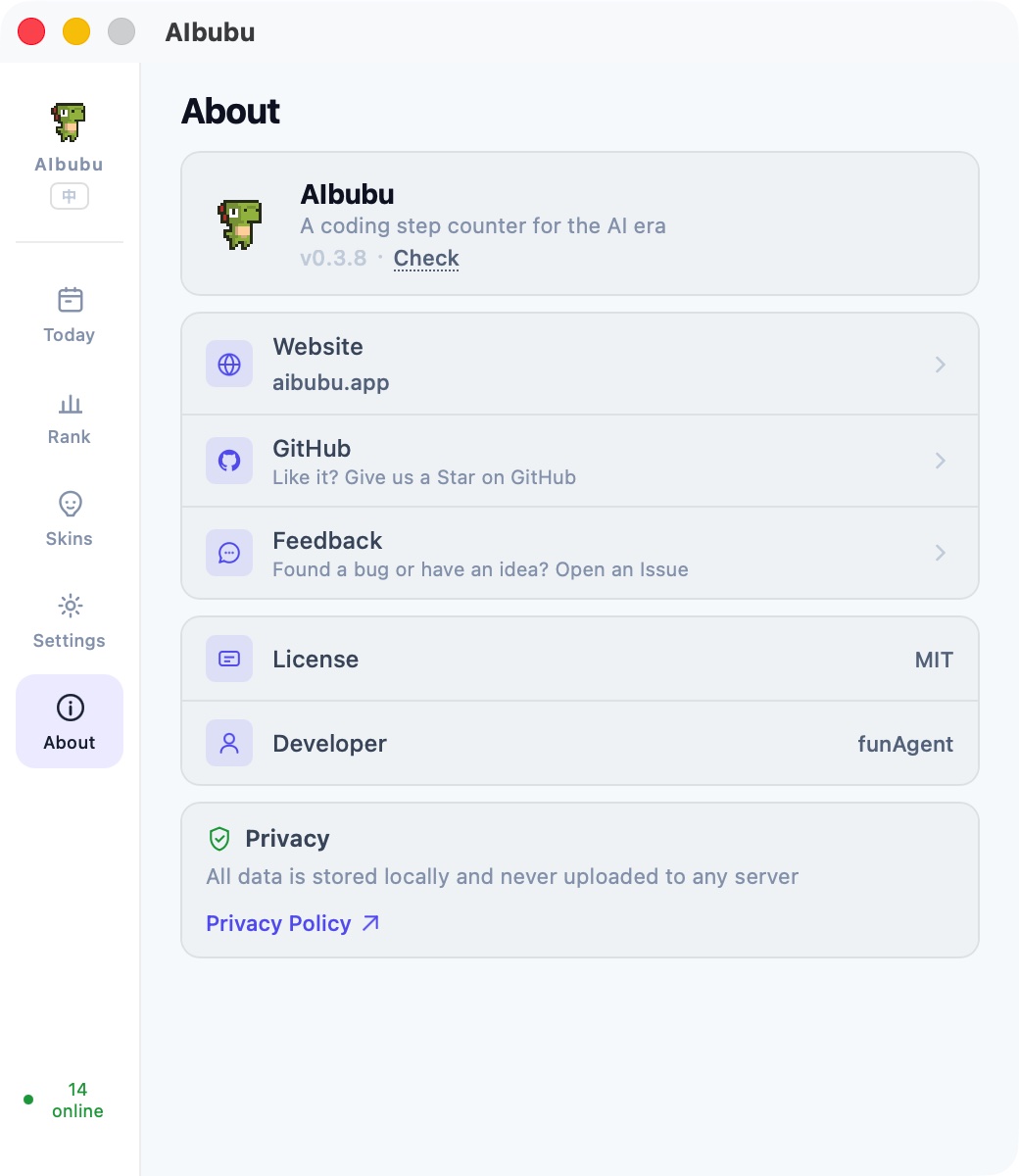
A coding step counter for the AI era
Monitor your AI coding tool activity, turn it into step counts, and drive a desktop pet to walk.


https://github.com/user-attachments/assets/2b42508f-95e7-4a6b-b0eb-02efa23425c5
What is it?
AIbubu is a desktop pet app that monitors your usage of AI coding tools like Cursor, Claude Code, Codex, Trae, and quantifies your "coding activity" into steps — the more active you are, the faster your pet runs. 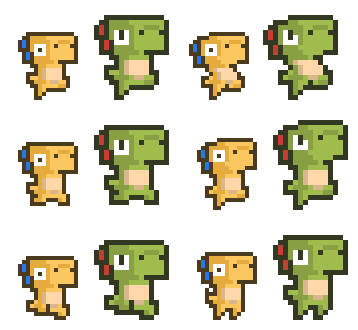
- Idle — you're slacking off
- Walk — you're coding at a gentle pace
- Run — you and AI are in great sync
- Sprint — you're on fire
| Idle | Walk | Run | Sprint |
|---|---|---|---|
 |
 |
 |
 |
Features
AI Tool Activity Monitoring
AIbubu monitors your AI coding tools in real-time through a pluggable adapter system — no hooks to install, no config to change. It reads existing local data (databases, logs, process info) passively.
- Cursor — polls the local SQLite database (
state.vscdb), maps Composer statuses likegenerating/streamingto high activity - Claude Code — parses JSONL session logs under
~/.claude/projects/ - Codex CLI — parses
rollout-*.jsonlsession logs - Trae — monitors process CPU usage
- Process fallback — when the primary adapter finds nothing, each provider can fall back to process-level CPU detection automatically
- Multi-tool boost — using multiple AI tools simultaneously accelerates your pet's progression (2 tools ×1.8, 3+ tools ×2.5 speed multiplier)
- Community extensible — add support for any tool by writing a TOML config file; 5 adapter types available (
sqlite/jsonl/process/file_mtime/vscode_ext)
Movement & Mood
Movement — your pet's speed reflects how long you've been actively coding:
| State | Condition | Score |
|---|---|---|
| Idle | No activity | 0 |
| Walk | Active < 60s | 25–49 |
| Run | Active 60s+ | 50–74 |
| Sprint | Active 180s+ | 75–100 |
A 45-second cooldown bridge keeps the pet moving during brief gaps between agent tool calls, so your coding flow feels continuous.
Mood — visual effects layer on top of movement:
| Mood | Trigger | Visual Effect |
|---|---|---|
| Sleepy 💤 | Idle for 10 minutes | Drifting "zzz" letters + breathing + dimming |
| Excited 🔥 | Sprint or activity score ≥ 90 | Speed smoke puffs + shake + glow |
| Normal | Default | No effects |
Pet Interaction
- Single click — pat reaction with floating ❤️ 💕 particles
- Double click — poke reaction with ❗ ❓ particles
- Hold & drag — grab the pet and drag it anywhere on screen (150ms hold threshold to distinguish from clicks)
- Right-click — open the social panel
- Hover tooltip — "Hold to drag" / "Click to interact · Right-click for menu"
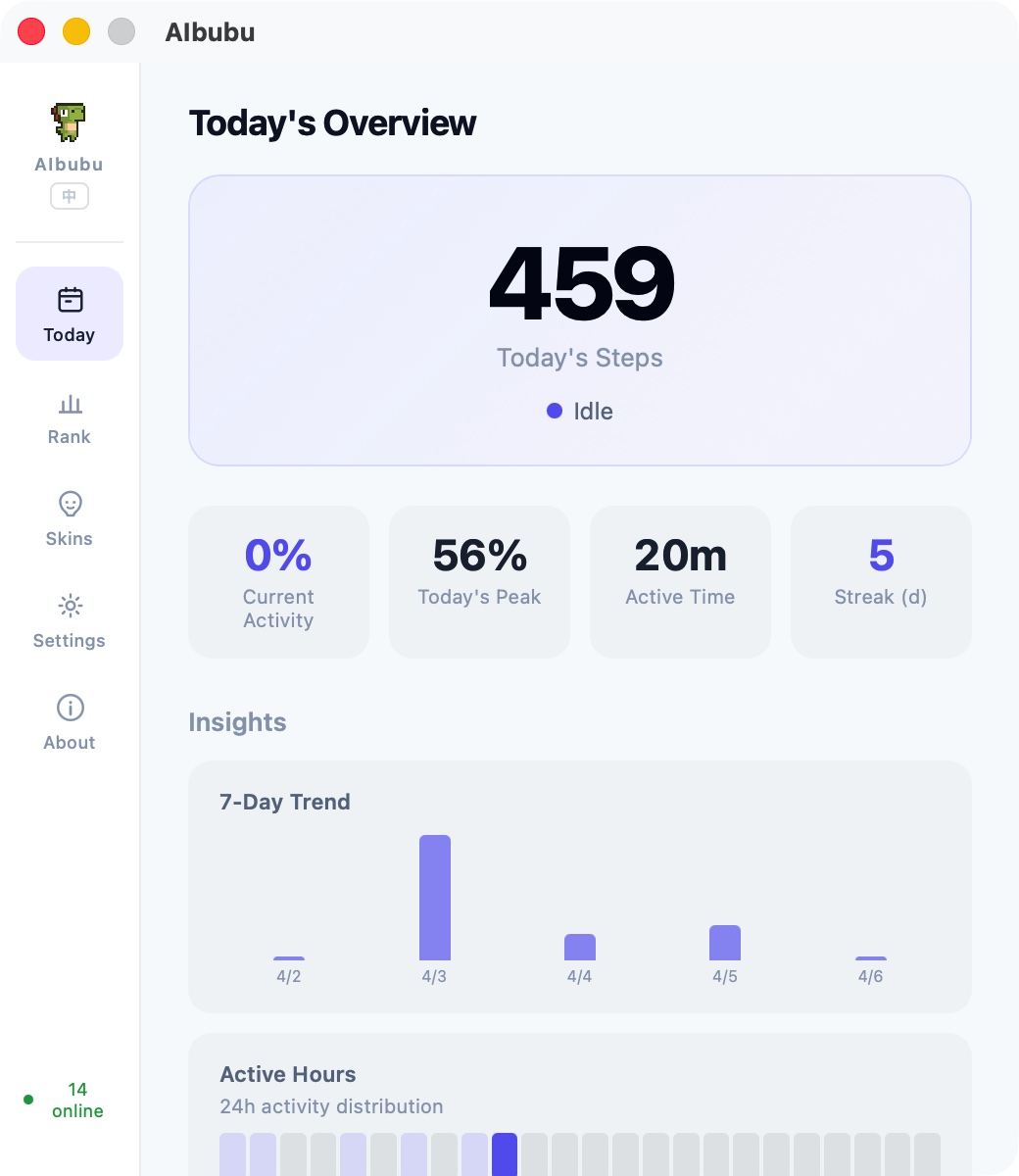
Step Counter & Insights
- Daily steps — each monitor tick adds
⌊score / 10⌋steps based on your current activity score - 90-day history — stored locally, rolls over at local midnight
- Insights dashboard:
- 7-day and 30-day trend charts
- 24-hour activity heatmap
- AI tool usage breakdown (active minutes per provider)
- Consecutive active days streak
Skin System
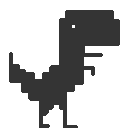
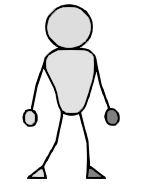
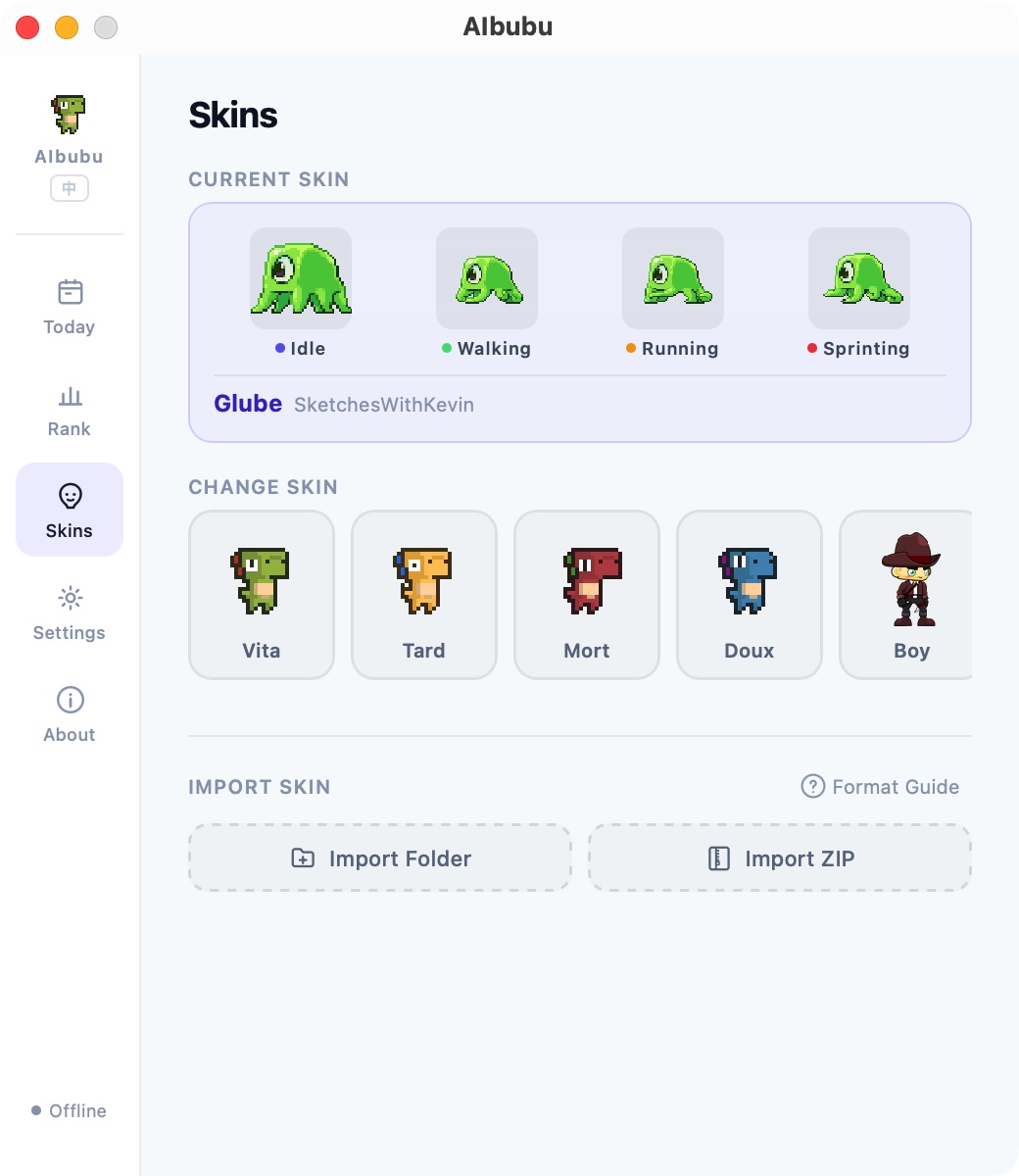
8 built-in skins with custom import support:
| Vita | Tard | Mort | Doux | Boy | Dinosaur | Glube | Line |
|---|---|---|---|---|---|---|---|
 |
 |
 |
 |
 |
 |
 |
 |
- Custom import — import from folder or ZIP archive
- Multiple formats — Sprite Sheet (PNG), Lottie, GIF, APNG
- 4 required animation states — idle / walk / run / sprint, each with configurable frame rate, frame count, and start frame
- Downloadable template — built-in example with creation guide
LAN Social
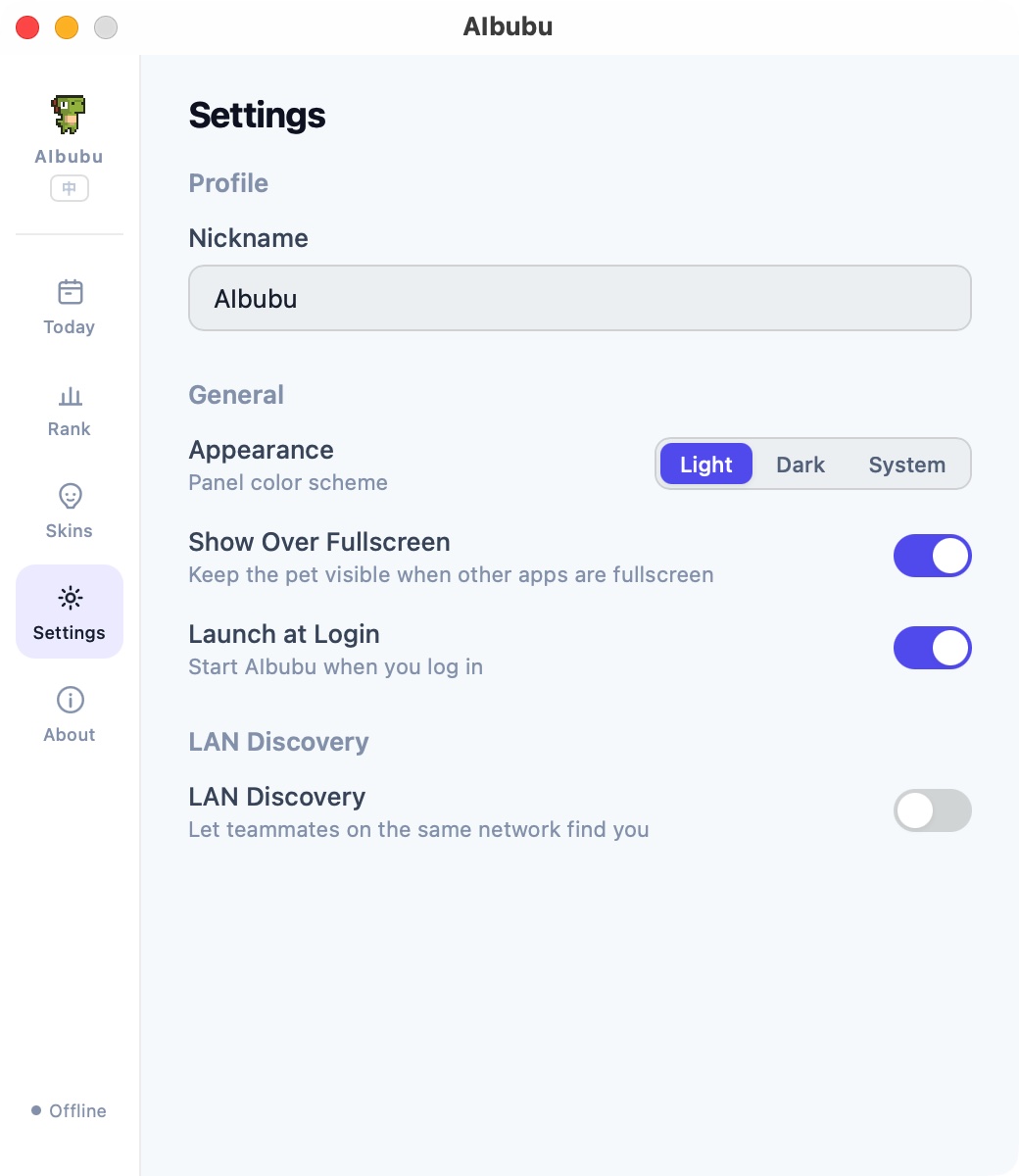
- Auto-discovery — UDP broadcast on port 23456, finds teammates on the same network automatically
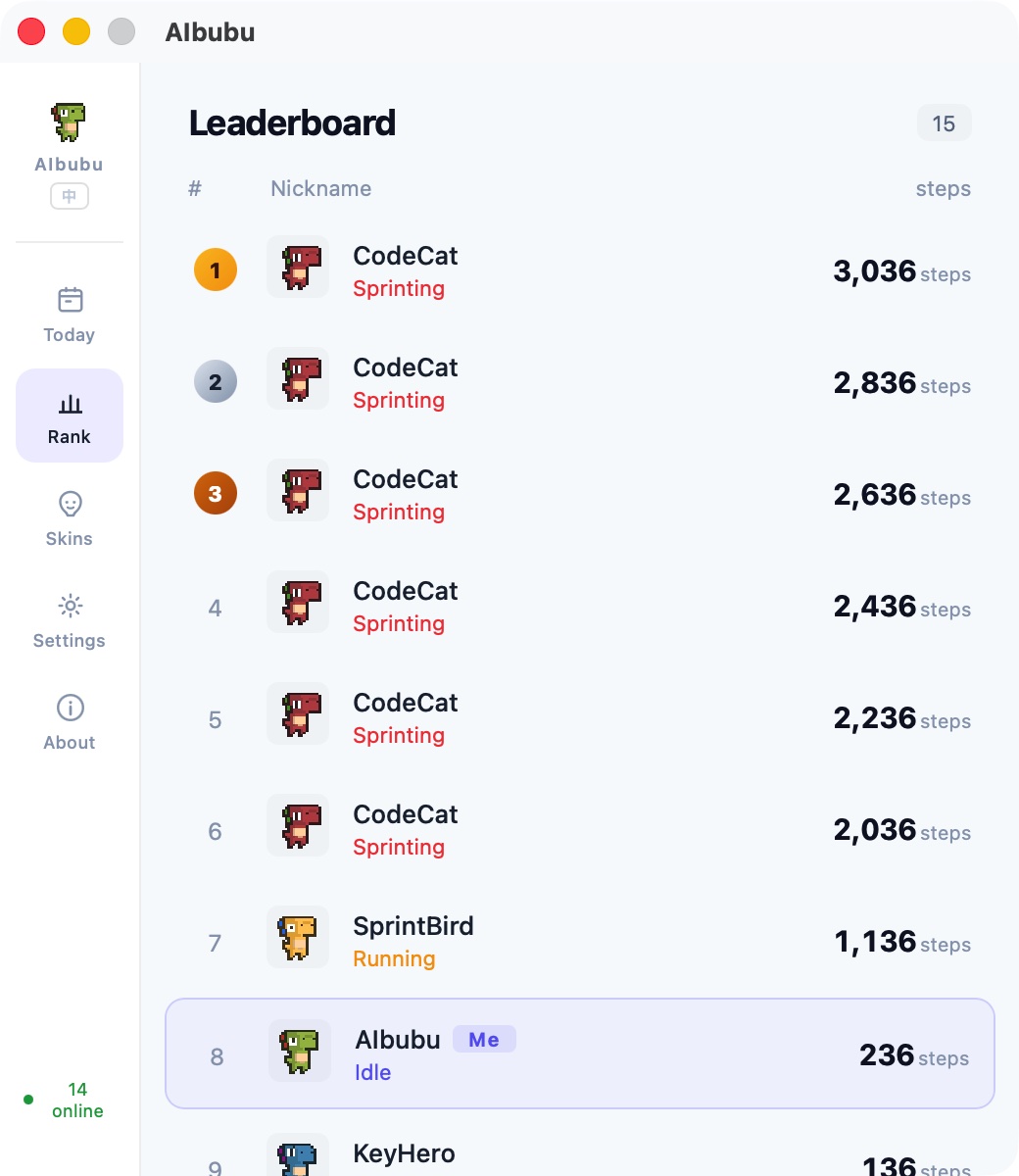
- Leaderboard — ranked by daily step count
- 5-second heartbeat — syncs nickname, steps, activity score, movement state, and skin in real-time
- Pet escort — online teammates appear as miniature pets walking alongside yours
- Privacy-first — LAN-only, no server, no account required
System
- Transparent window — frameless, transparent background, always on top, hidden from taskbar
- macOS fullscreen overlay — optionally keep the pet visible over fullscreen apps (NSPanel)
- System tray — show/hide pet, leaderboard, quit; tray icon updates with live pet sprite frames
- Launch at login — auto-start on macOS / Windows / Linux
- Auto-update — checks GitHub Releases for new versions, download and install in-app
- Bilingual UI — Chinese / English, auto-detects system language
- Theme — Light / Dark / System
- Privacy — all data stored locally, nothing uploaded to any server
- Cross-platform — macOS 14+, Windows, Linux (AppImage / deb)
Screenshots
| Today | Leaderboard |
|---|---|
 |
 |
| Skins | Settings | About |
|---|---|---|
 |
 |
 |
Installation
macOS
Download the latest .dmg from Releases.
Requires macOS 14.0+
Windows
Download the latest .msi from Releases.
Linux
Download .AppImage or .deb from Releases.
Build from Source
Prerequisites
- Node.js 22+
- pnpm 9+
- Rust (stable)
- Tauri 2 system dependencies: see Tauri docs
Steps
# Clone the repo
git clone https://github.com/funAgent/ai-bubu.git
cd ai-bubu

# Install dependencies
pnpm install

# Development mode
pnpm tauri dev

# Development mode (with mock peer data)
pnpm dev:mock

# Build for production
pnpm tauri build
Project Structure
packages/
├── app/                 # Tauri desktop application
│   ├── src/             # Vue 3 frontend
│   ├── src-tauri/       # Rust backend
│   ├── providers/       # AI tool monitor configs (TOML)
│   └── public/skins/   # Built-in skin assets
└── site/                # Astro marketing site
scripts/                 # Utility scripts
Adding Custom Providers
AIbubu's monitoring is driven by TOML config files. Adding support for a new AI tool is as simple as writing a .toml file — no code changes needed. See the Provider Configuration Guide for templates and instructions.
Tech Stack
| Layer | Technology |
|---|---|
| Desktop framework | Tauri 2, Rust |
| Frontend | Vue 3, Pinia, Vite |
| Website | Astro |
| Testing | Vitest |
| Tooling | pnpm workspace, ESLint, Prettier, Husky, commitlint |
Contributing
Contributions are welcome! Please read CONTRIBUTING.md for details.
Contributors
Contact


Support
If AIbubu makes your coding sessions more fun, consider giving it a ⭐ — it helps others discover the project!

Star History
Credits
- Pixel dinosaur characters by arks (itch.io)
License
Yorumlar (0)
Yorum birakmak icin giris yap.
Yorum birakSonuc bulunamadi