pixeltamer-gpt-image-skill
Health Uyari
- License — License: MIT
- Description — Repository has a description
- Active repo — Last push 0 days ago
- Low visibility — Only 5 GitHub stars
Code Gecti
- Code scan — Scanned 12 files during light audit, no dangerous patterns found
Permissions Gecti
- Permissions — No dangerous permissions requested
Bu listing icin henuz AI raporu yok.
Image generation skill for Claude Code, Codex CLI, OpenCode, Cursor and 50+ AI coding agents. Two backends (OpenAI API or codex CLI signed in to ChatGPT subscription), three modes (generate, edit, compose up to 16 references), six production recipes for gpt-image-2.
pixeltamer — image generation skill for AI coding agents | gpt-image-2 toolkit
Six different image-gen skills were rotting in my to_check/ folder, each doing one thing well and three things badly. So I merged them, kept the parts that earned their keep, dropped the rest. This is the result — one skill, two backends, three modes, zero generic-AI-slop output.
Generate, edit, and compose images with gpt-image-2 from inside Claude Code, Codex CLI, OpenCode, Cursor — or any agent that reads SKILL.md. Bring an OpenAI API key OR sign in to your ChatGPT subscription via codex; same prompts, same recipes, your call on how to pay. Ships with a prompting doctrine that drops the "8K, ultra detailed, masterpiece" magic words this model actively hates, seven production recipes (infographic, meta-ad, viral-linkedin, ui-mockup, editorial-cover, product-photo, mascot — the new mascot recipe has a phased Discovery → Concept Lock → Production → Maintenance workflow with empirically-validated format choices), a curated playbook/ of remixable prompts for character-sheets and typography-posters, a central references/index.md routing map so the right recipe gets loaded on first try, and a 39-test suite covering the multi-image batch verifier plus the index-staleness check. Zero runtime dependencies — every backend and helper runs on stock bash / Python stdlib / Node, nothing to npm install.
Works in Claude Code, Codex CLI, OpenCode, Cursor, and 50+ other agents via the Skills CLI.
Install
Quick install (recommended)
npx skills add gabelul/pixeltamer-gpt-image-skill
One command. Auto-detects your agent, symlinks the skill into the right place, works across all of them at once. Update later with npx skills update.
git clone https://github.com/gabelul/pixeltamer-gpt-image-skill.git pixeltamer

# Claude Code (user level)
ln -s "$PWD/pixeltamer" ~/.claude/skills/pixeltamer

# Codex CLI
ln -s "$PWD/pixeltamer" ~/.codex/skills/pixeltamer

# OpenCode / generic agents
ln -s "$PWD/pixeltamer" ~/.agents/skills/pixeltamer

# Project level (Claude Code)
ln -s "$PWD/pixeltamer" ./.claude/skills/pixeltamer
Where pixeltamer lives after install
npx skills add is a file-placement step — it symlinks the skill into agent dirs and stops. It doesn't run anything, doesn't prompt for credentials, doesn't set anything up. That happens at first invocation, not at install. Two ways to invoke:
Inside an agent (the common path). When you ask Claude Code, Codex CLI, OpenCode, Cursor, etc. to "make me an image", the host reads SKILL.md, runs the dispatcher script for you, and the bash dispatcher's first-run check auto-prompts the interactive setup if no config exists. Nothing extra to do.
From your shell directly. The dispatcher script is at ~/.agents/skills/pixeltamer/scripts/pixeltamer (or wherever npx skills add placed it for your agent — ~/.claude/skills/..., ~/.codex/skills/..., etc.). Either call by full path or symlink to your PATH:
ln -s ~/.agents/skills/pixeltamer/scripts/pixeltamer ~/.local/bin/pixeltamer
Updating
npx skills update
Same caveat as a fresh install: the CLI re-copies the files and strips their execute bits, so after every update re-run the dispatcher bootstrap once —
chmod +x ~/.claude/skills/pixeltamer/scripts/pixeltamer   # adjust path per agent
# ...or skip the chmod entirely and just run it through bash (self-heals the rest):
bash ~/.claude/skills/pixeltamer/scripts/pixeltamer doctor
Everything except the dispatcher self-heals on the next run, so that one line is all an update needs. pixeltamer doctor will also tell you when your installed version is behind the latest release, so you know when an update is worth running.
The codex CLI updates separately. npx skills update refreshes the skill, not your global codex install — and a stale codex is a real failure mode (an old schema version once caused indefinite hangs). pixeltamer doctor reports the installed codex version and flags when it's behind npm latest; if it is, run npm install -g @openai/codex@latest.
First run
pixeltamer doctor      # diagnose which backends are available
pixeltamer config      # interactive backend setup
First call says
Permission denied? TheskillsCLI strips execute bits when it copies files, so the dispatcher lands non-executable. Restore it once —chmod +x ~/.claude/skills/pixeltamer/scripts/pixeltamer(adjust the path for your agent) — thendoctorself-heals everything else. Full explanation in Troubleshooting. You'll need this one line again after eachnpx skills update, until the upstream fix lands.
Or skip config and just set the credentials yourself: OPENAI_API_KEY for the API path, or codex login for the codex path. Auto-detect picks API if a key is set, else codex. Override with --backend api|codex per call or PIXELTAMER_BACKEND env var.
Tuning the codex backend. codex generations run under a timeout watchdog so a stalled image_gen call can't hang forever. PIXELTAMER_CODEX_TIMEOUT (seconds, default 360) sets how long a single generation may run before it's killed; PIXELTAMER_CODEX_KILL_GRACE (default 5) is the SIGTERM→SIGKILL gap. A timed-out generation exits 124 — distinct from 1 (ordinary failure), 2 (bad usage), and 127 (codex not installed / not logged in).
How it works
- Detect mode — pixeltamer reads the request and picks one of:
generate(text → image),edit(modify or inpaint a single source),compose(blend 2–16 reference images into one),batch(state-machine workflow for multiple related images with verification). - Pick a backend — auto-detects API key first, falls back to codex CLI. Override per call with
--backend. - Build the prompt — applies the canonical structure (Intent → Scene → Subject → Details → Text → Style → Constraints), drops magic words, quotes any text that should appear in the image.
- Call the right transport — Python urllib →
/images/generationsor/images/editsfor the API path; bash →codex execfor codex-backend generation; Python urllib →/backend-api/codex/responses(the Codex Responses API, with ChatGPT OAuth credentials and proxy-aware base URL resolution from~/.codex/config.toml) for codex-backend edit + compose. The codex backend uses two transports because the codex CLI'simage_gentool is generation-only; the OAuth Responses API path adds edit + compose without an API key. - Verify visually — every generated PNG gets
Read-loaded back and checked against the prompt before claiming success. Image gen is stochastic; "API succeeded" ≠ "image is correct." - Surface or iterate — print the absolute path on success, or change one prompt dimension and regenerate on failure.
Two backends, your choice
| Need | Use |
|---|---|
| Fastest single image | --backend api |
| Don't have / don't want an API key | --backend codex (uses ChatGPT subscription) |
| Edit (no mask) | either backend — API uses /v1/images/edits, codex uses the OAuth Responses API (gallery #8 proved fidelity) |
| Multi-reference compose | either backend — API or codex-OAuth, both work, codex-OAuth needs no API key |
| Mask-based inpainting | --backend api only — the codex Responses API doesn't take a mask parameter |
| Compose 2–16 references into one | --backend api |
| Custom OpenAI-compatible host (jmrai, ZenMux, OpenRouter) | API with OPENAI_IMAGE_BASE_URL set |
| Run on a teammate's machine without sharing creds | --backend codex (each user signs in separately) |
| Axis | API | Codex |
|---|---|---|
| Auth | API key | ChatGPT subscription |
| Marginal cost | per-image | included in subscription up to limits |
| Latency per image | ~10–20s | ~30–90s (reasoning loop) |
| Edit / inpaint | yes | no |
| Multi-reference compose | yes (up to 16) | no |
| Mask / region edit | yes | no |
| Custom base URL / proxy | yes | no |
Three modes (plus batch)
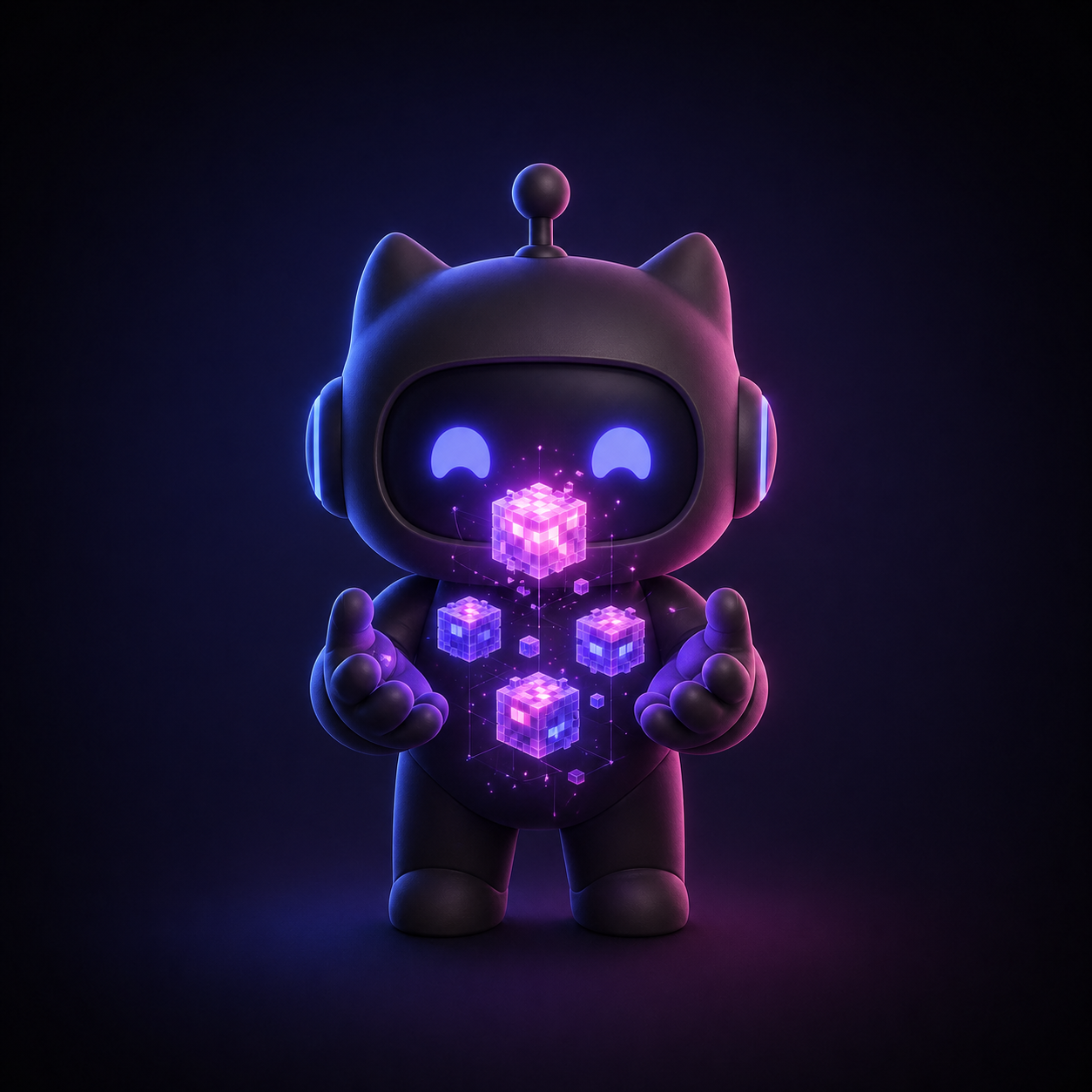 generate text → image |
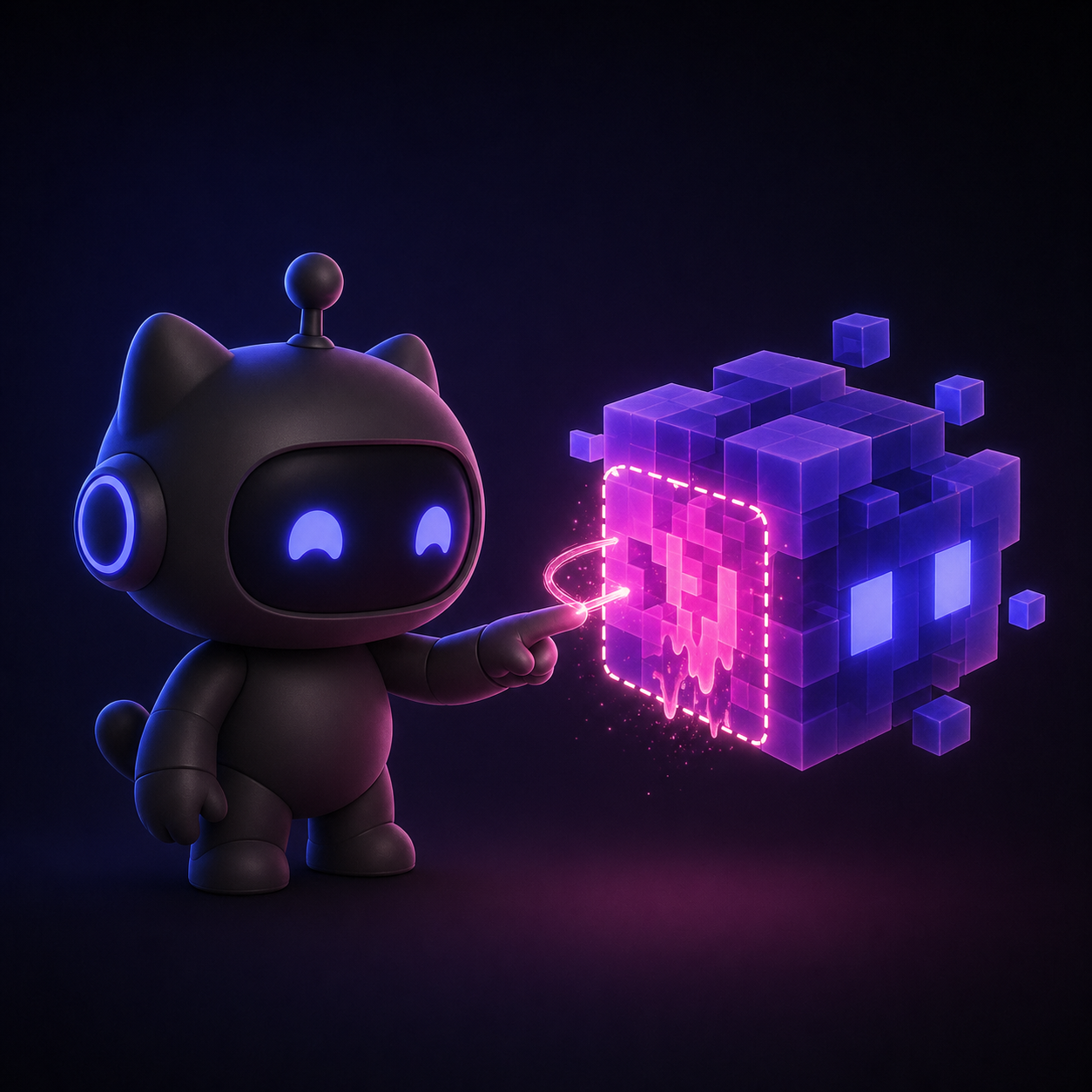 edit change one thing, keep the rest |
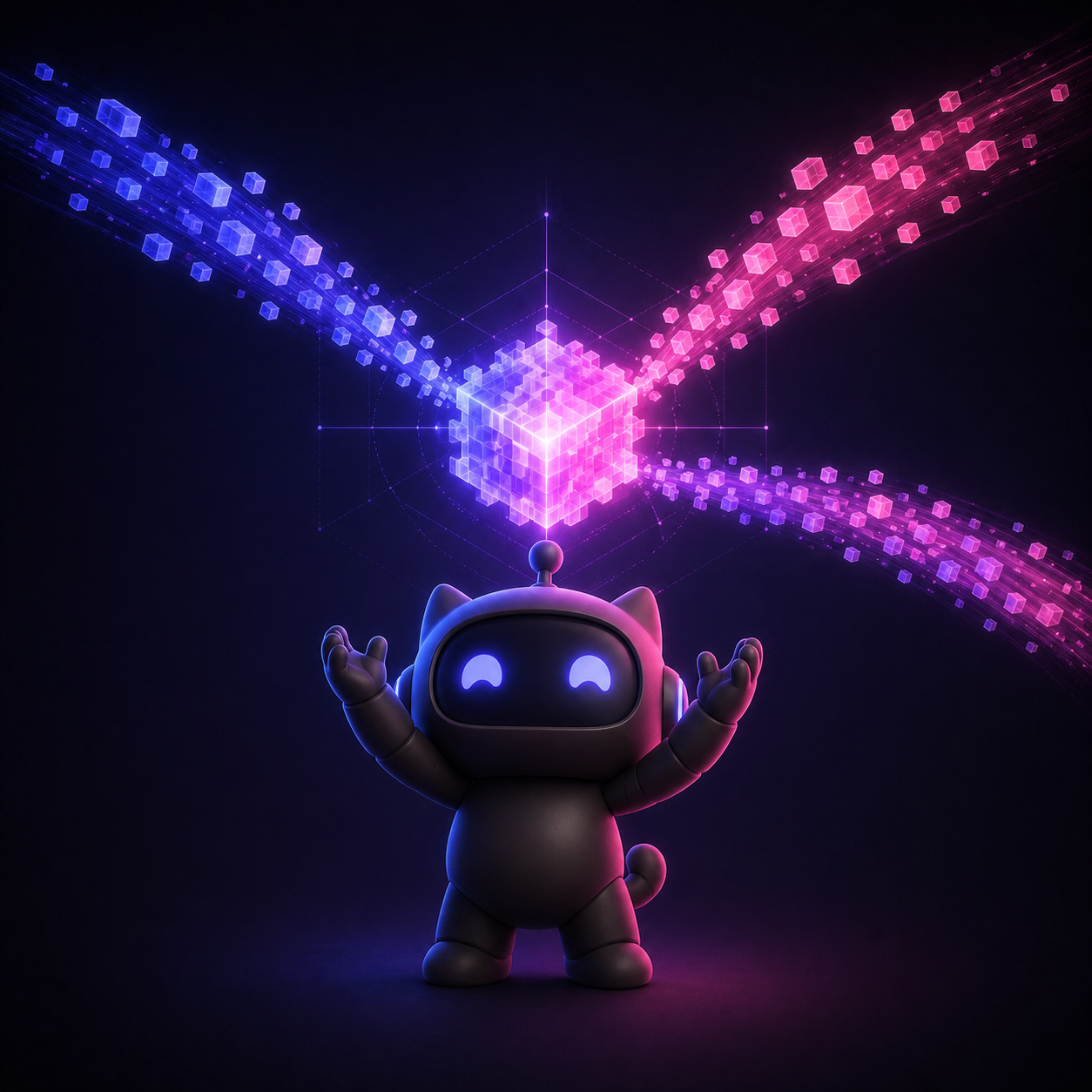 compose blend 2–16 references into one |
# one-shot generation — easiest
pixeltamer "Create a pitch-deck slide titled 'Q3 Revenue', warm cream background, deep navy text, single accent burnt orange, 1536x1024"

# with explicit flags
pixeltamer generate -p "..." --size 1536x1024 --quality high -o slide.png

# 4 variants in parallel (API only — fires 4 concurrent calls)
pixeltamer generate -p "..." -n 4 --concurrency 4 -o variants/

# edit / inpaint a single image — works on both backends
# (API uses /v1/images/edits; codex uses the OAuth Responses API, no key needed)
pixeltamer edit -i source.png -p "Change ONLY the sky to overcast. Preserve everything else exactly." -o edited.png

# compose 2–16 references blended into one — works on both backends
pixeltamer compose -i product.png -i kitchen.png -p "Place product on counter, morning window light from left." -o composed.png

# multi-image batch with state-machine verification
pixeltamer batch ./prompts.md
Gallery — built with pixeltamer, prompts included
Real images we shipped with this repo (mascot, social card, hero, mode trio, comparison infographic) plus the exact prompt that produced each one. Copy a prompt, drop it into your own pixeltamer generate -p "..." call, get something in the same family. Each entry tags which patterns from references/prompt-patterns.md it uses, so the gallery doubles as a worked-example index for the doctrine.
What's in the box
pixeltamer/
├── SKILL.md                    workflow Claude reads (Step 0 routes via references/index.md)
├── SKILL-OC.md                 token-optimized variant for OpenClaw
├── scripts/
│   ├── pixeltamer              bash dispatcher, auto-detects backend
│   ├── pixeltamer_api.py       Python API client, zero deps (urllib only)
│   ├── pixeltamer_codex.sh     codex CLI wrapper with dual invocation + fallback
│   ├── verify-images.mjs       multi-image batch verifier orchestrator
│   └── lib/                    parser + verifier + status writer (pure functions)
├── references/                 prompting doctrine + index.md routing map + backend guides + multi-ref mastery + post-processing
├── recipes/                    7 deep how-to recipes (infographic, meta-ad, viral-linkedin, ui-mockup, editorial-cover, product-photo, mascot)
├── playbook/                   curated remix prompts (v1: character-sheets, typography-posters); BACKLOG.md stages v2/v3/v4
├── examples/                   4 demonstration PNGs (~3 MB)
└── tests/                      39 tests — parser + verifier + status writer + image-dimension reader + index-staleness sync check
Supported agents
| Agent | Path | Status |
|---|---|---|
| Claude Code | ~/.claude/skills/ |
Supported |
| Codex CLI | ~/.codex/skills/ |
Supported |
| OpenCode | ~/.opencode/skills/ |
Supported |
| Cursor | varies | Supported |
Plus 50+ more agents via the Skills CLI.
Prerequisites
- For the API backend: an
OPENAI_API_KEYwith org verification for gpt-image-2 (https://platform.openai.com/settings/organization/general). Python 3.7+ on the machine. - For the codex backend:
npm install -g @openai/codex, thencodex login. ChatGPT Plus / Team / Enterprise subscription. - For batch mode: Node.js 18+ (covered by most recent npm installs).
- For multi-target install:
npx(ships with npm).
Troubleshooting
Permission denied after npx skills add or npx skills update
The skills CLI's file copy doesn't preserve POSIX mode bits, so a fresh install (or update) leaves pixeltamer's scripts non-executable. You'll see something like:
/Users/you/.local/bin/pixeltamer: line 2: /Users/you/.claude/skills/pixeltamer/scripts/pixeltamer: Permission denied
As of v0.5.1, the dispatcher itself is the only file that needs +x. Every other script runs through its interpreter (python3 / node / bash), so a stripped bit on them no longer matters — and the dispatcher self-heals those anyway as belt-and-suspenders. But the dispatcher is launched by path through the ~/.local/bin/pixeltamer shim, so it must be executable, and it can't restore its own bit (it has to run first). Two one-liners, either works:
# restore the bit permanently:
chmod +x ~/.claude/skills/pixeltamer/scripts/pixeltamer
# adjust path for other agents: ~/.codex/skills/..., ~/.agents/skills/..., etc.

# ...or run it through bash without changing perms — it self-heals the rest from there:
bash ~/.claude/skills/pixeltamer/scripts/pixeltamer doctor
This is an installer bug, not a pixeltamer bug — tracked upstream in the skills CLI. Until that's fixed, the self-heal makes it a one-command recovery.
Related
Other tools for agents that care about quality:
- slopbuster — AI text humanizer. 100+ patterns, two-pass audit, three-tier scoring. Makes AI-generated prose, code comments, and academic writing sound human.
- pixelslop — Design quality scanner. Opens real pages in Playwright, measures actual pixels, catches visual AI slop.
- stitch-kit — Design superpowers for AI coding agents. 35 skills for ideation, generation, iteration, and production conversion via Google Stitch MCP.
- claude-code-skill-activator — Skill auto-detection for Claude Code. AI extracts keywords once, then fast offline matching suggests skills as you type.
Built by Gabi @ Booplex.com — because AI agents are getting scary good at generating images, and someone needs to make sure 'generated' doesn't become synonymous with 'generic'. MIT.
Yorumlar (0)
Yorum birakmak icin giris yap.
Yorum birakSonuc bulunamadi