Librechat-Mobile
Health Uyari
- License — License: MIT
- Description — Repository has a description
- Active repo — Last push 0 days ago
- Low visibility — Only 5 GitHub stars
Code Gecti
- Code scan — Scanned 9 files during light audit, no dangerous patterns found
Permissions Gecti
- Permissions — No dangerous permissions requested
Bu listing icin henuz AI raporu yok.
Native Android & iOS client for LibreChat, built with Kotlin Multiplatform and Compose Multiplatform
LibreChat Mobile

A third-party native mobile client for LibreChat (Android & iOS). Not affiliated with the official LibreChat project — this is an independent app that connects to any self-hosted LibreChat server, no backend modifications required.
Features
- Chat — Real-time streaming (SSE), message branching & sibling navigation, stop/regenerate/continue, markdown with syntax highlighting, LaTeX math rendering, code blocks with copy, image display, file attachments, tool call progress cards
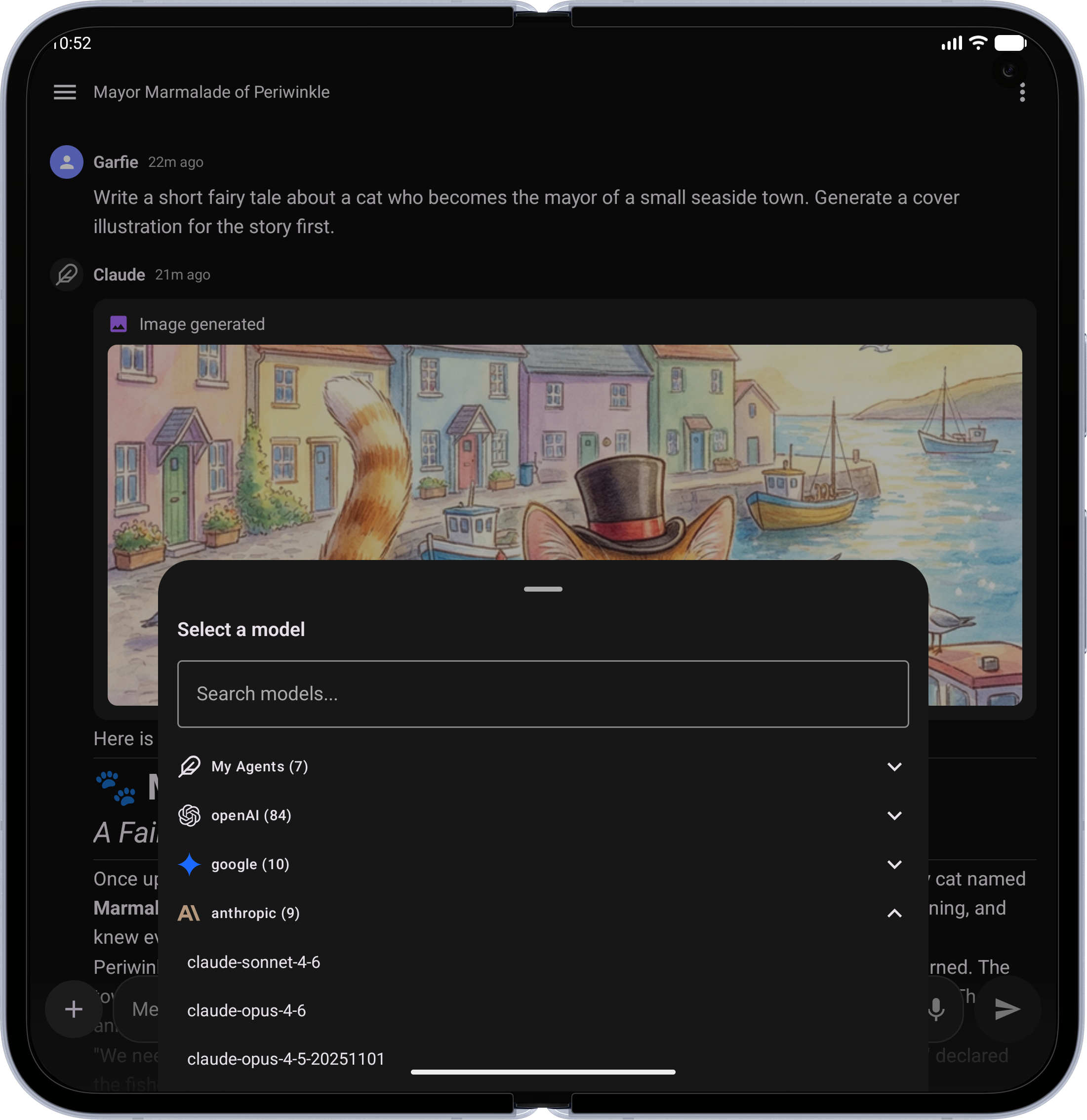
- Model Selection — Searchable bottom sheet grouped by endpoint, model comparison mode
- Agents — Marketplace with search and categories, MCP server configuration
- Conversations — Paginated list with date grouping, tags, search, rename, archive, delete, share, fork, duplicate, export/import
- Presets & Prompts — Save/load chat presets, prompts library with @mention insertion
- Authentication — Login, registration, forgot password, two-factor (TOTP + backup codes), OAuth (Google, GitHub, Discord, Facebook, Apple, OpenID)
- Files — Upload, list, delete, inline image rendering with pinch-to-zoom
- Voice — Speech-to-text input, text-to-speech playback (device and server engines)
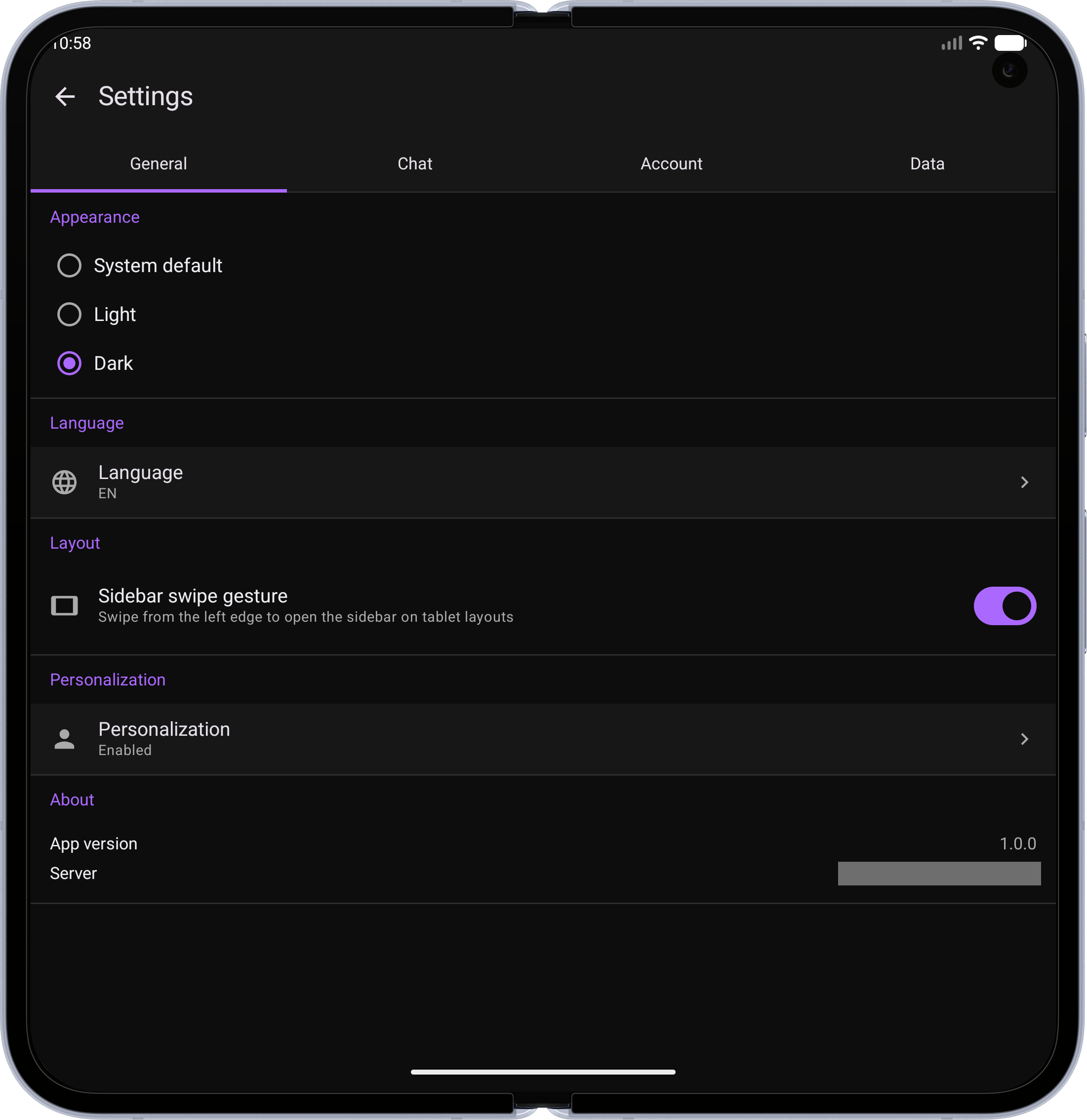
- Settings — Theme (system/light/dark), account management, data controls
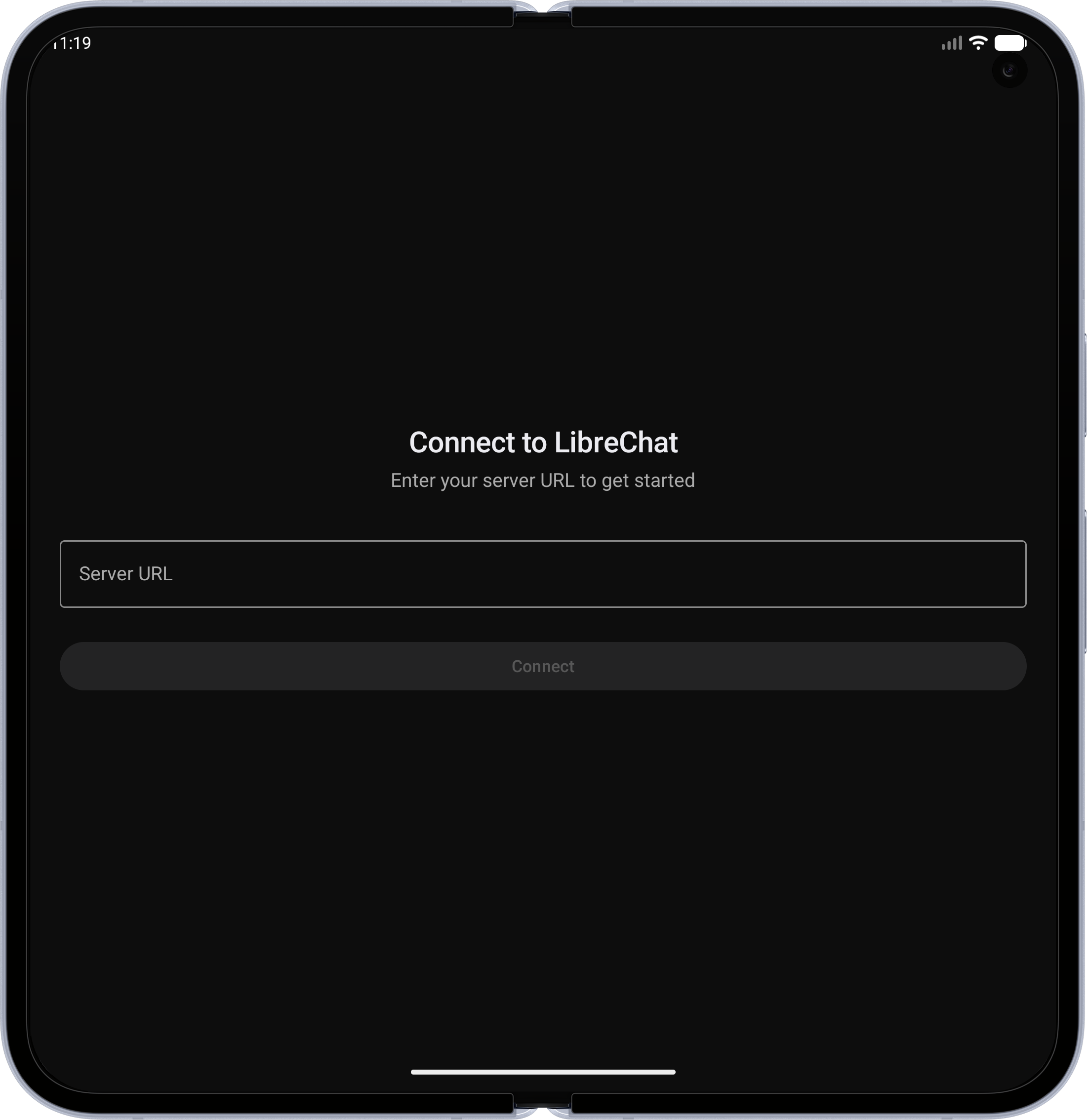
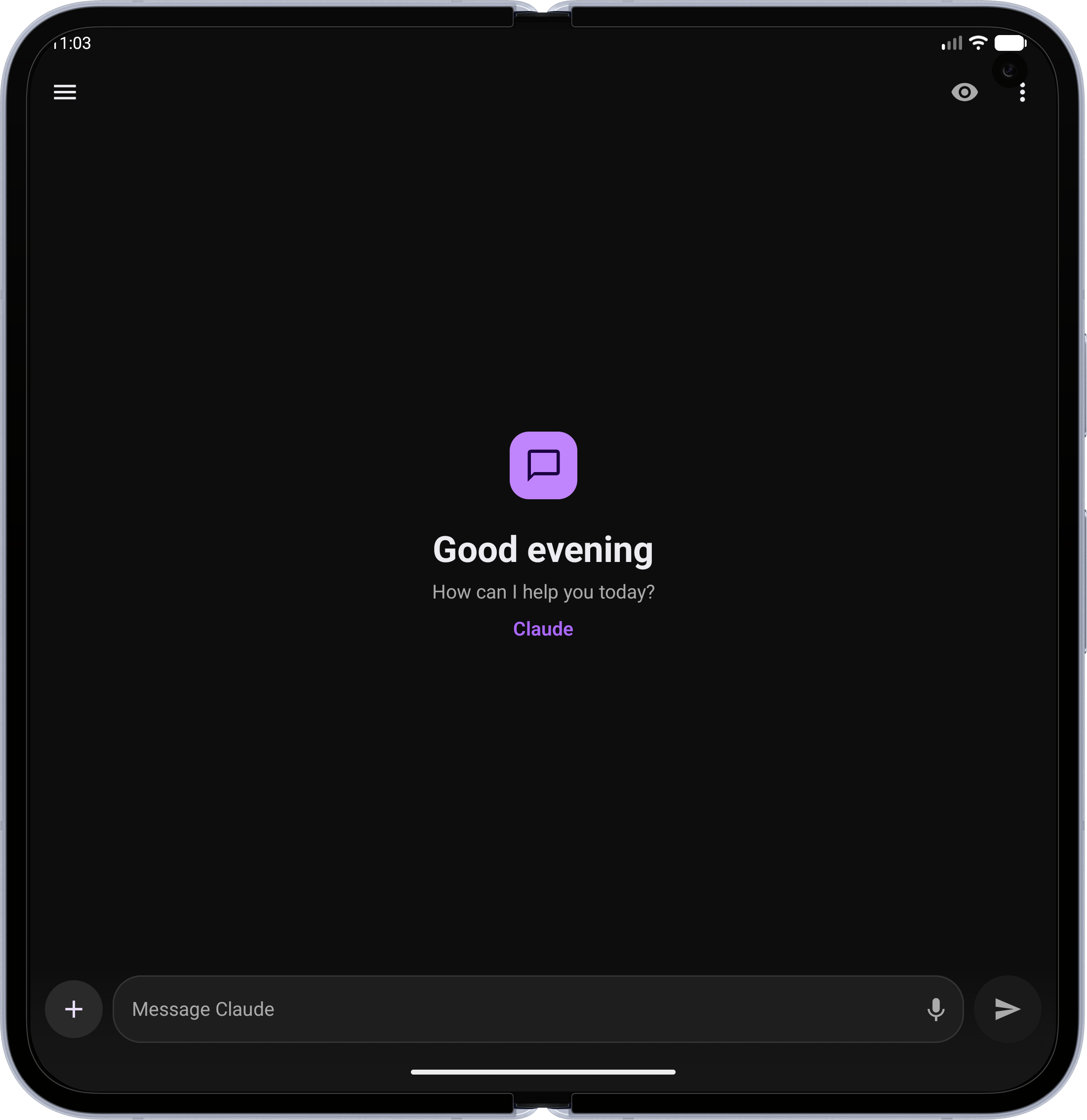
- Tablet — Adaptive dual-pane layout (600dp+) with persistent sidebar
- Accessibility — Semantic headings, content descriptions, 48dp touch targets, live regions
Screenshots
| Feature | Phone | Tablet / Foldable |
|---|---|---|
| Server Connect — Point the app at any self-hosted LibreChat server | 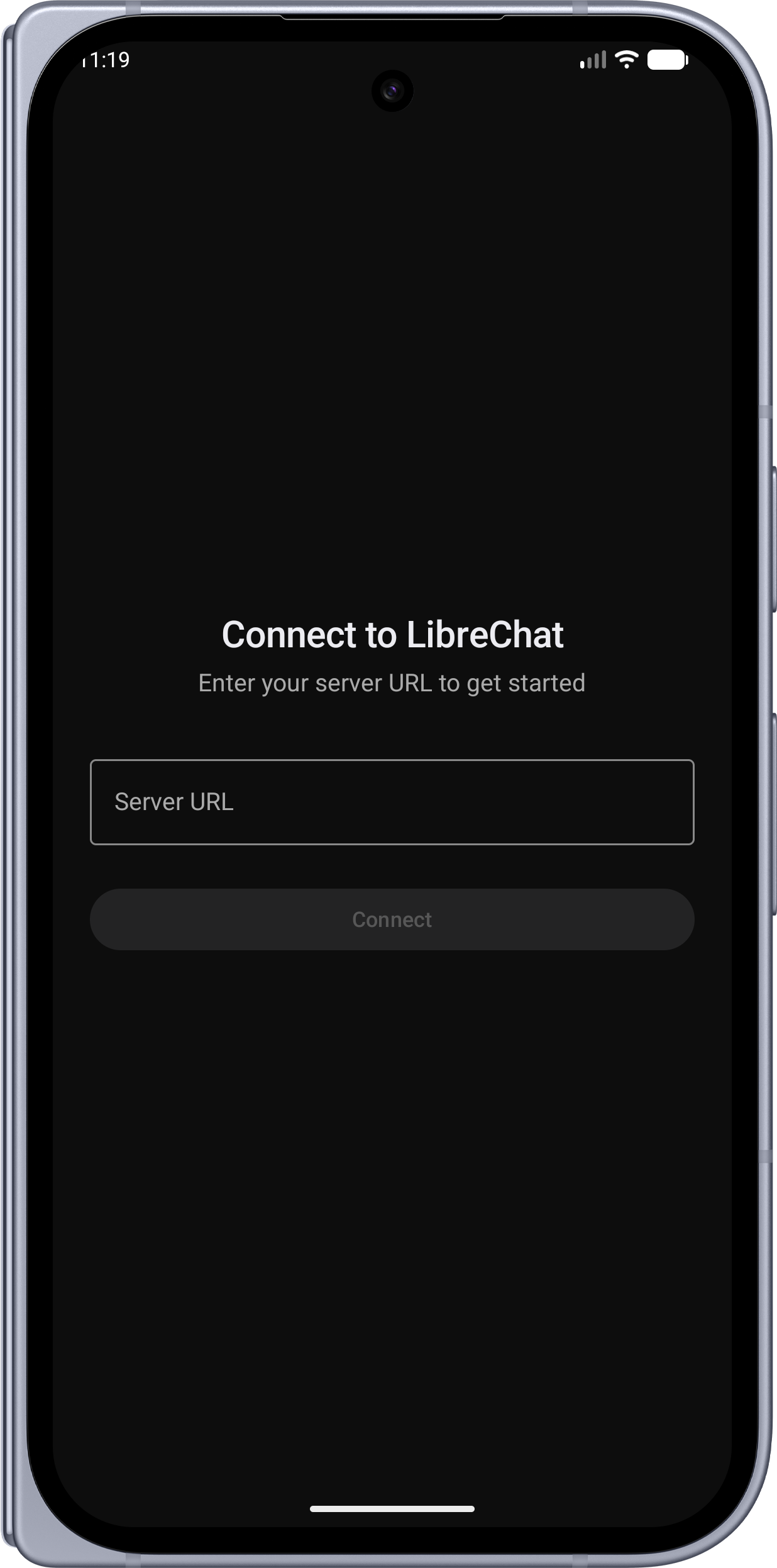 |
 |
| Home Screen — Clean welcome screen with voice input and quick access | 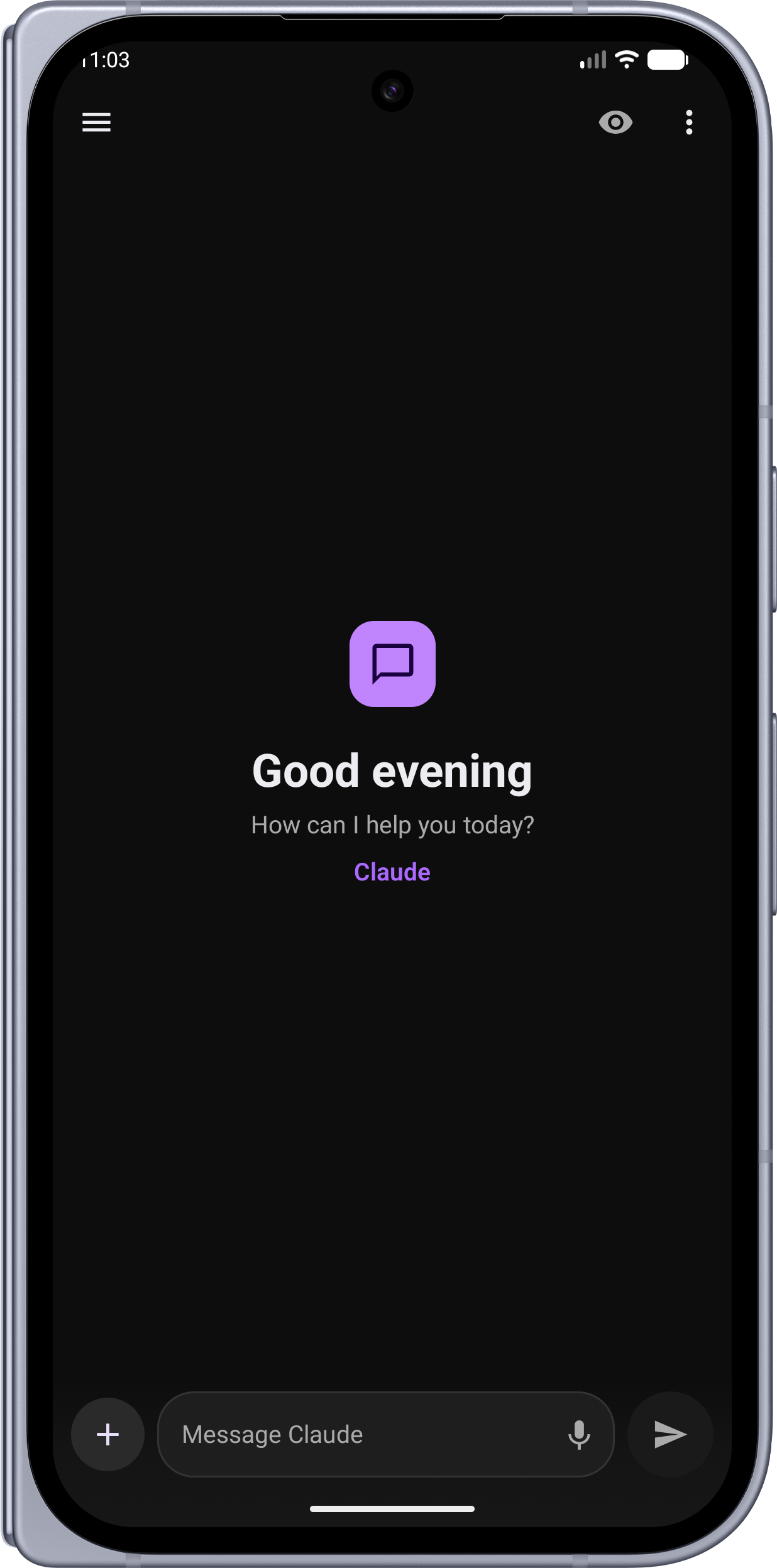 |
 |
| Conversations Sidebar — Swipe to open your chat history with search, tags, and date grouping | 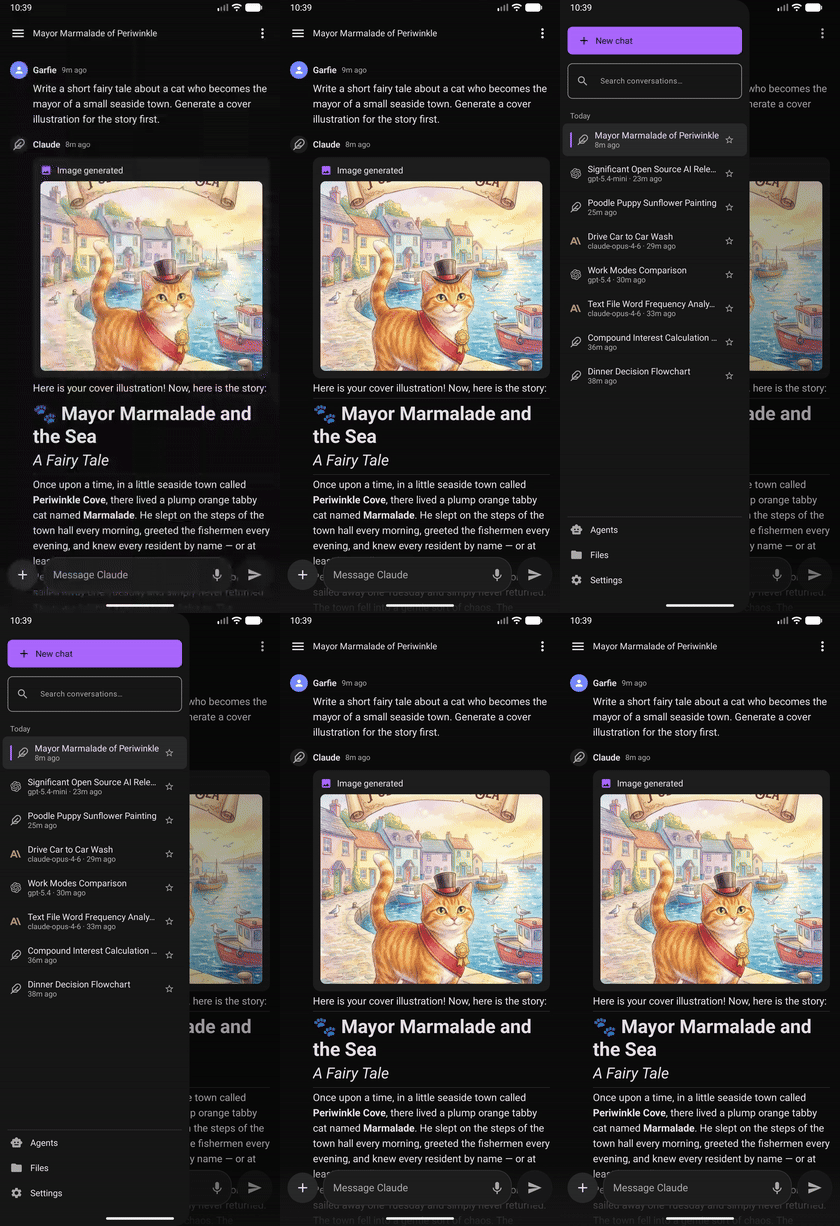 |
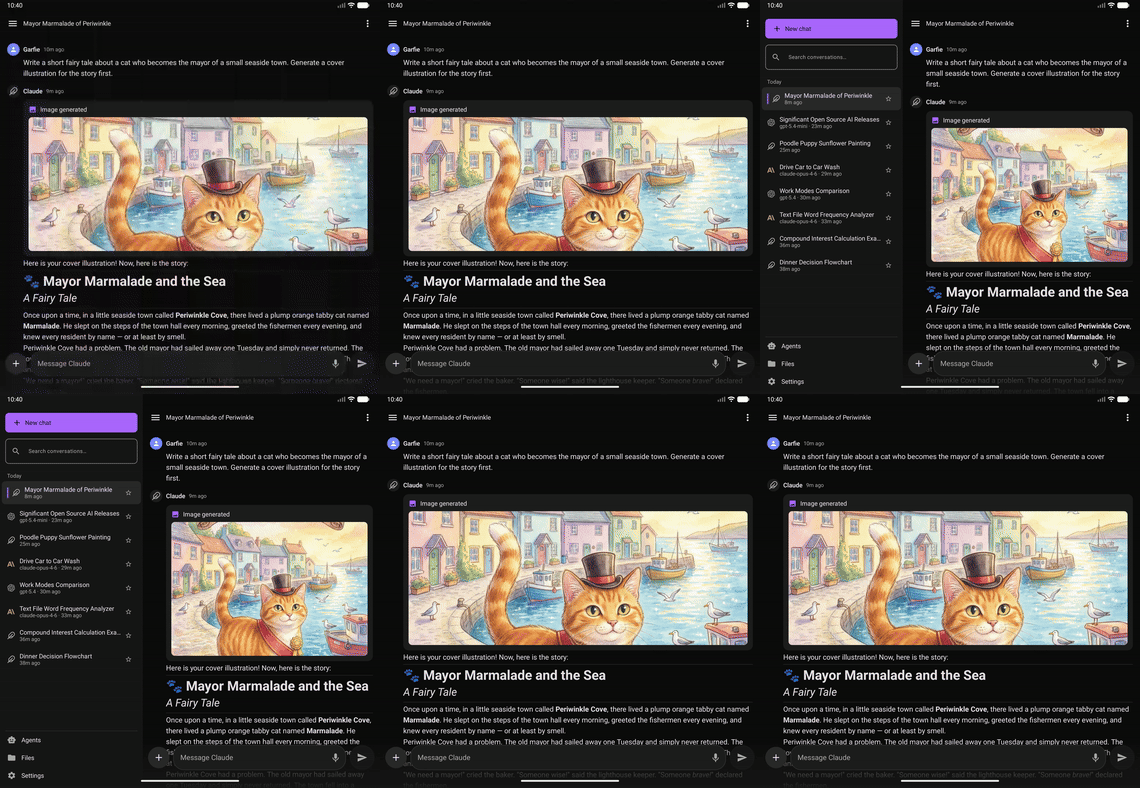 |
| Predictive Back — Native Android back gesture with peek animation | 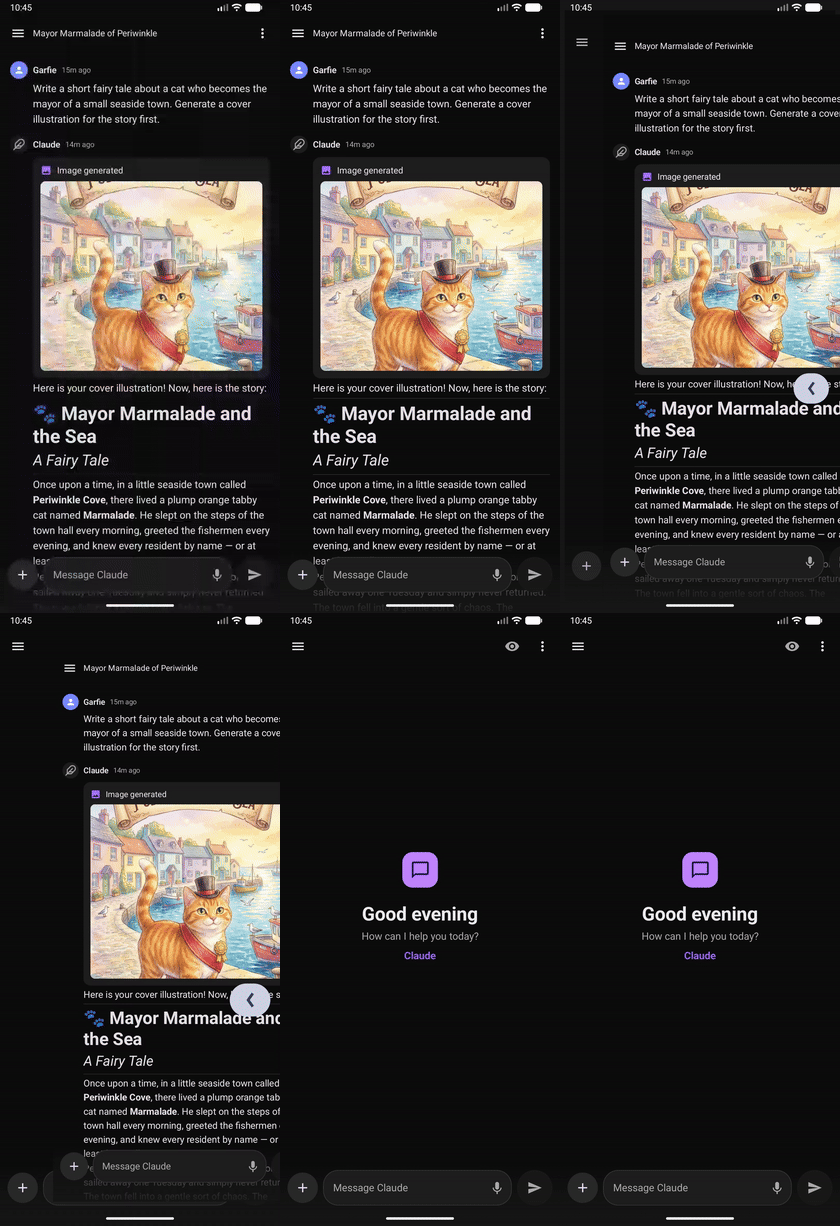 |
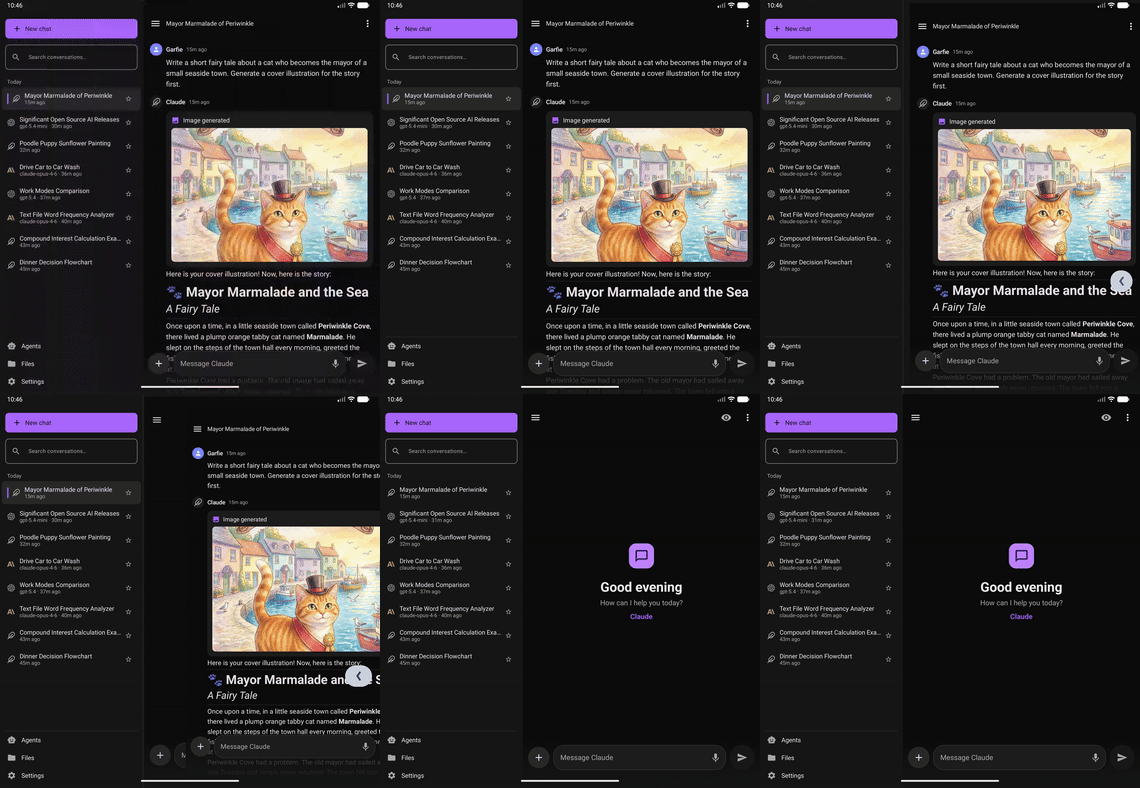 |
| Mermaid Diagrams — Interactive flowcharts and diagrams rendered in-chat | 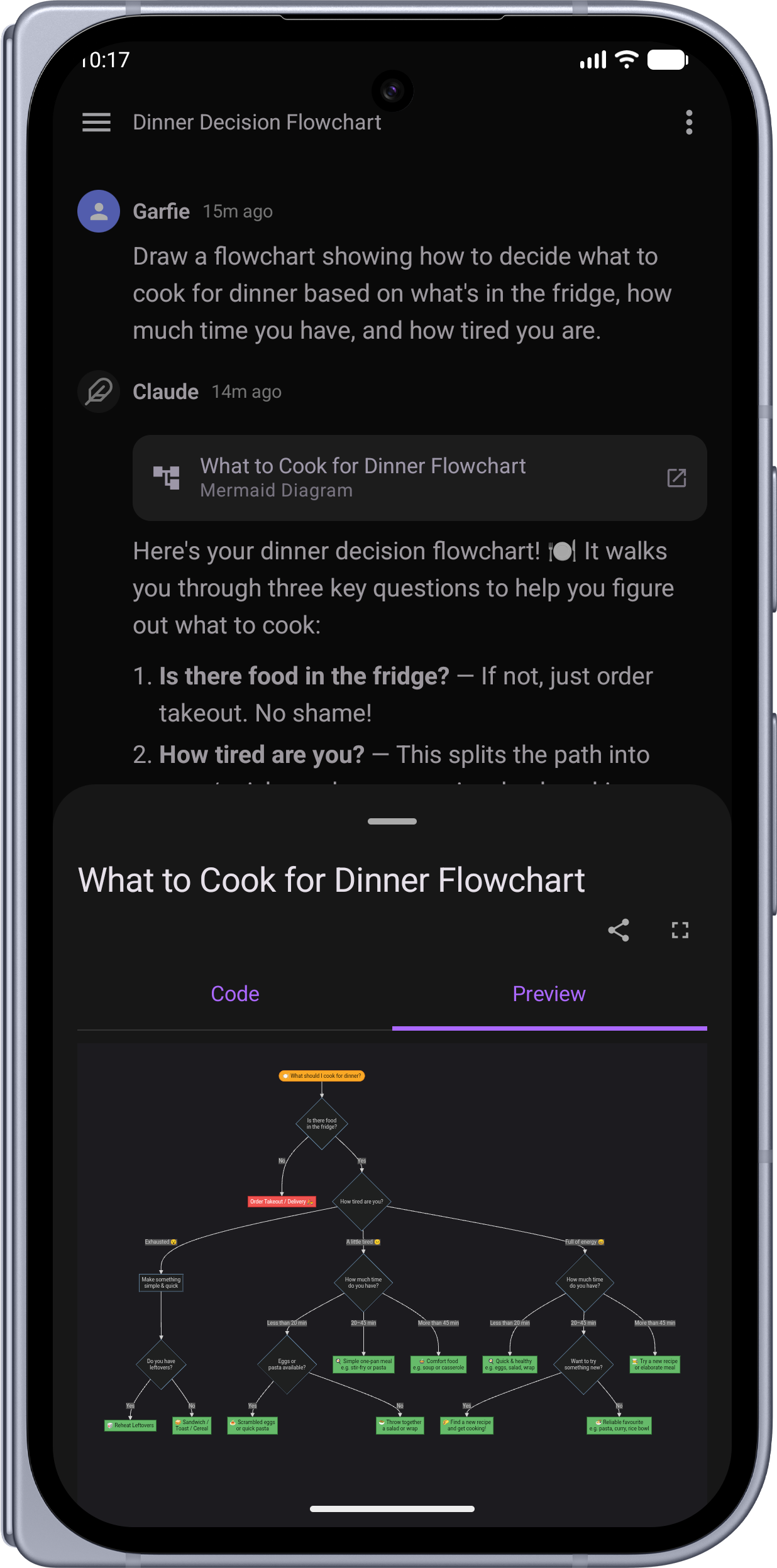 |
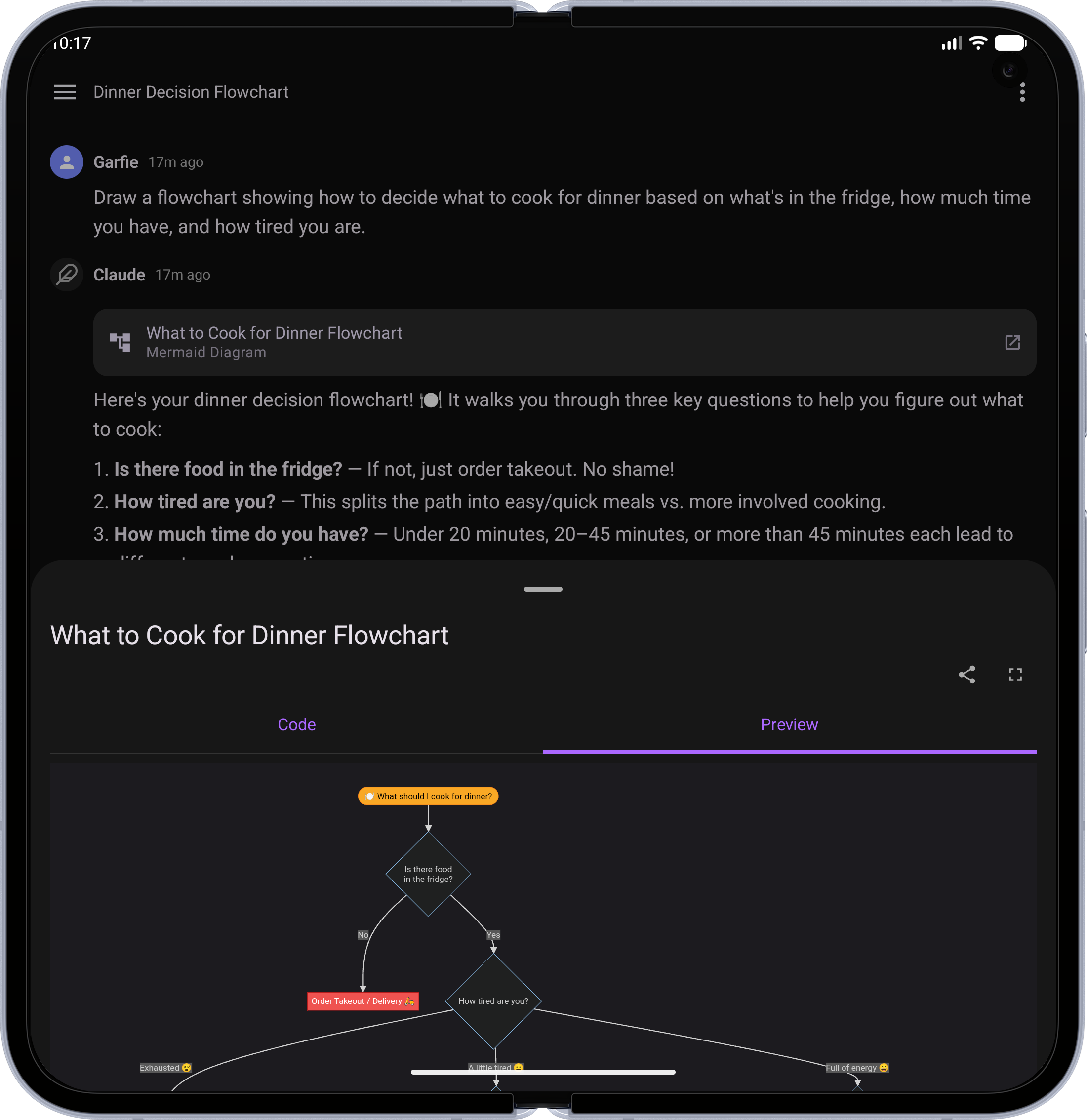 |
| LaTeX Math — Beautifully typeset equations and formulas | 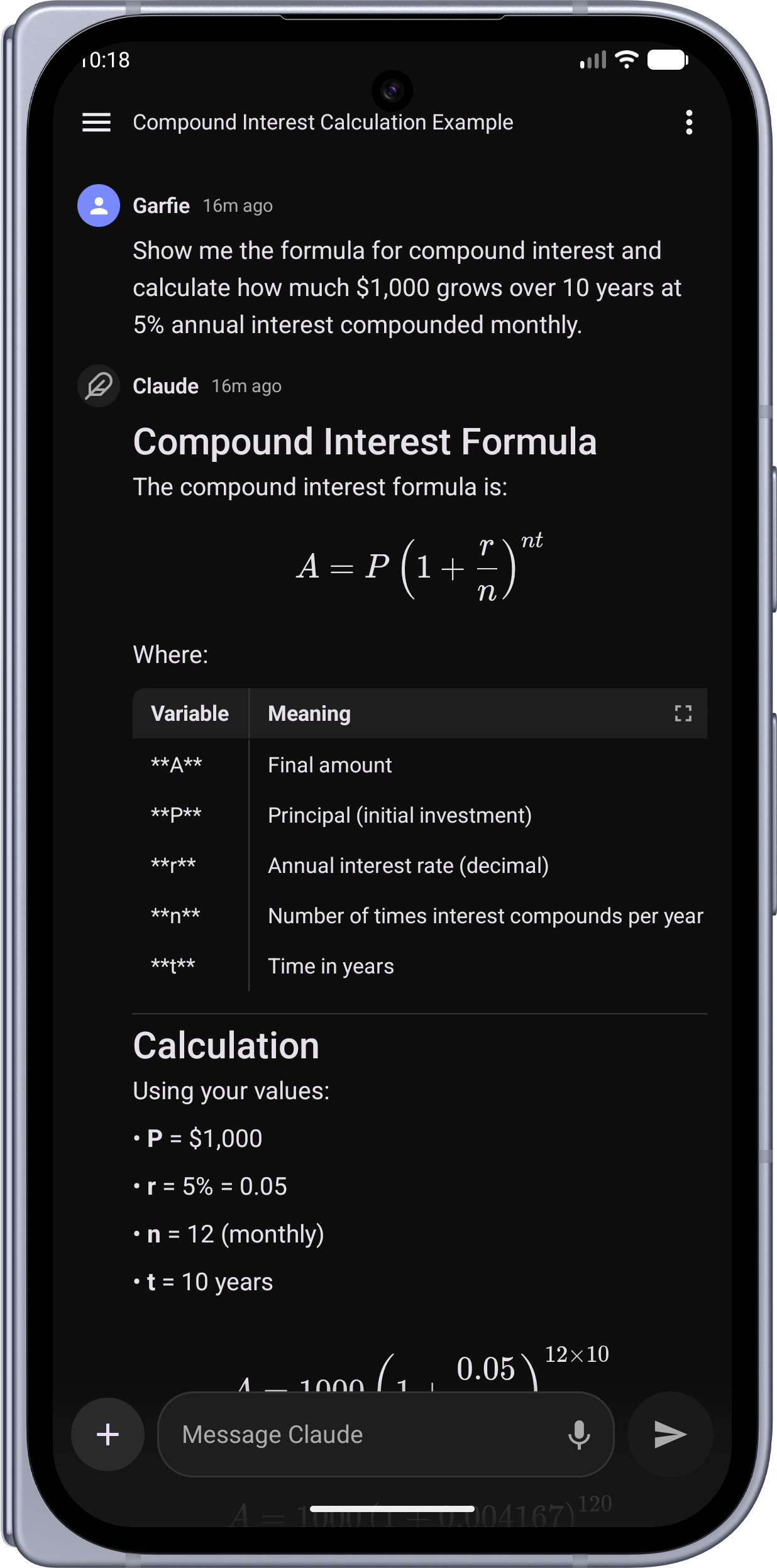 |
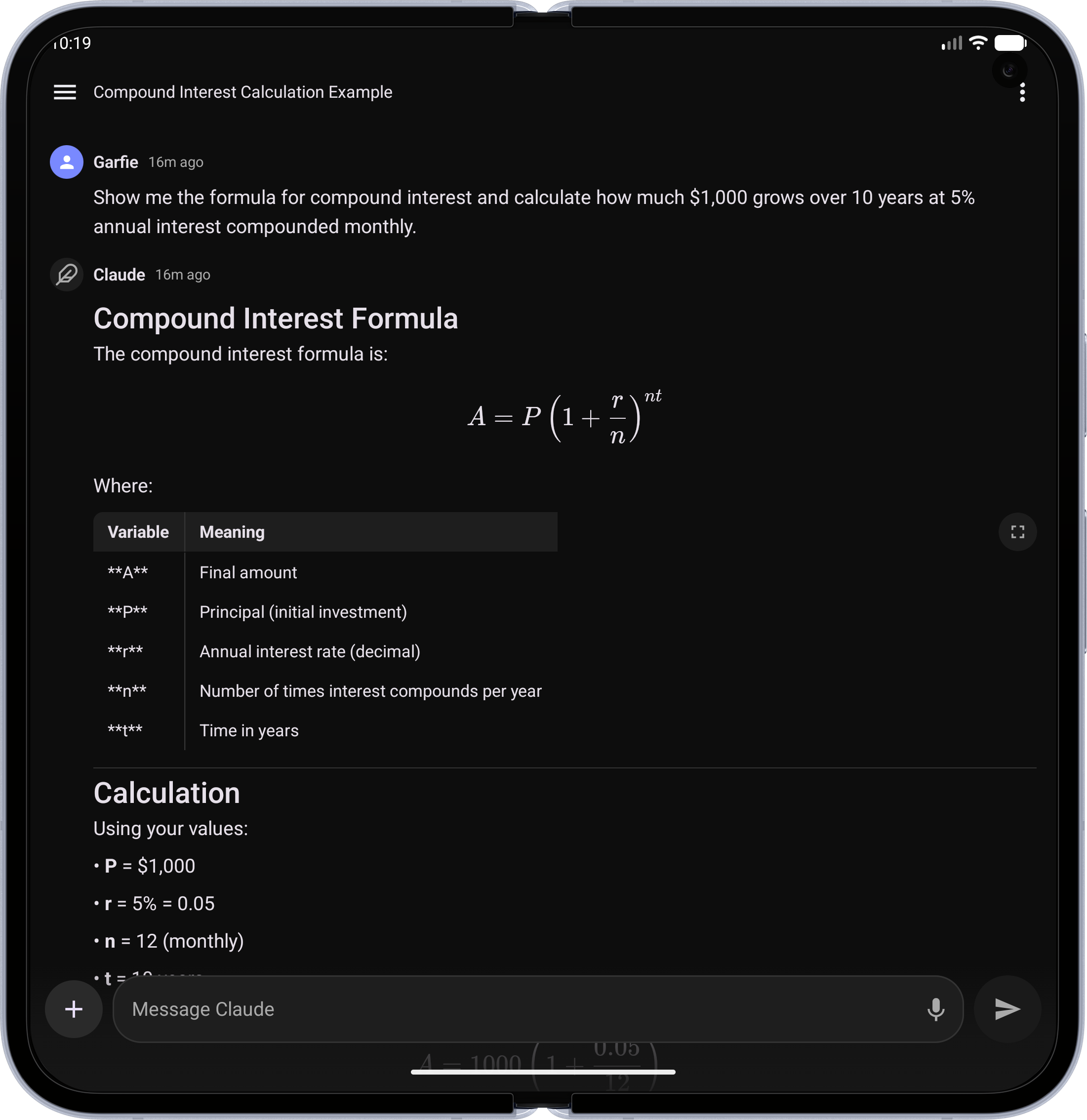 |
| Code Blocks — Syntax-highlighted code with language badge and copy button | 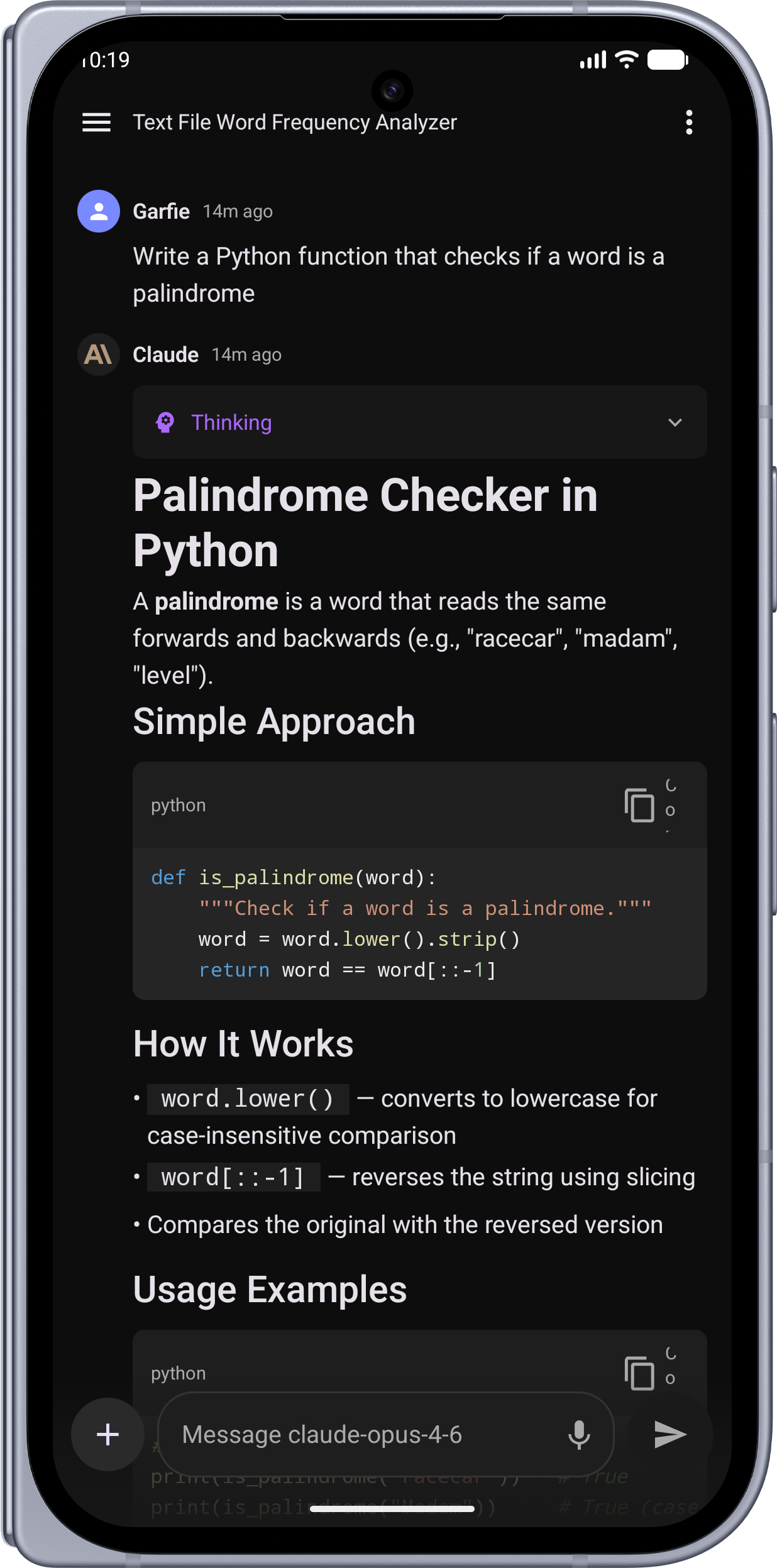 |
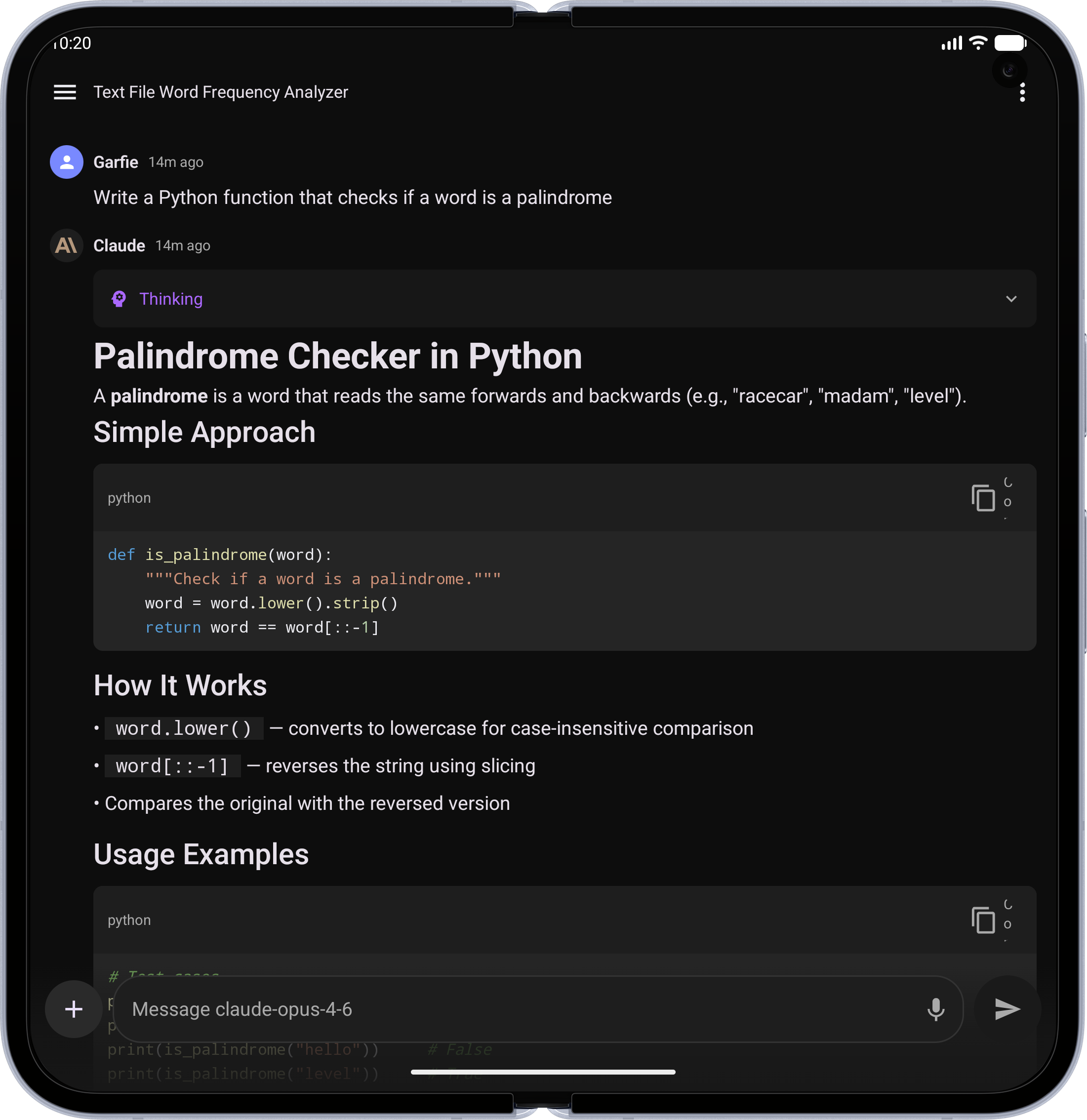 |
| Tables — Clean, scrollable data tables | 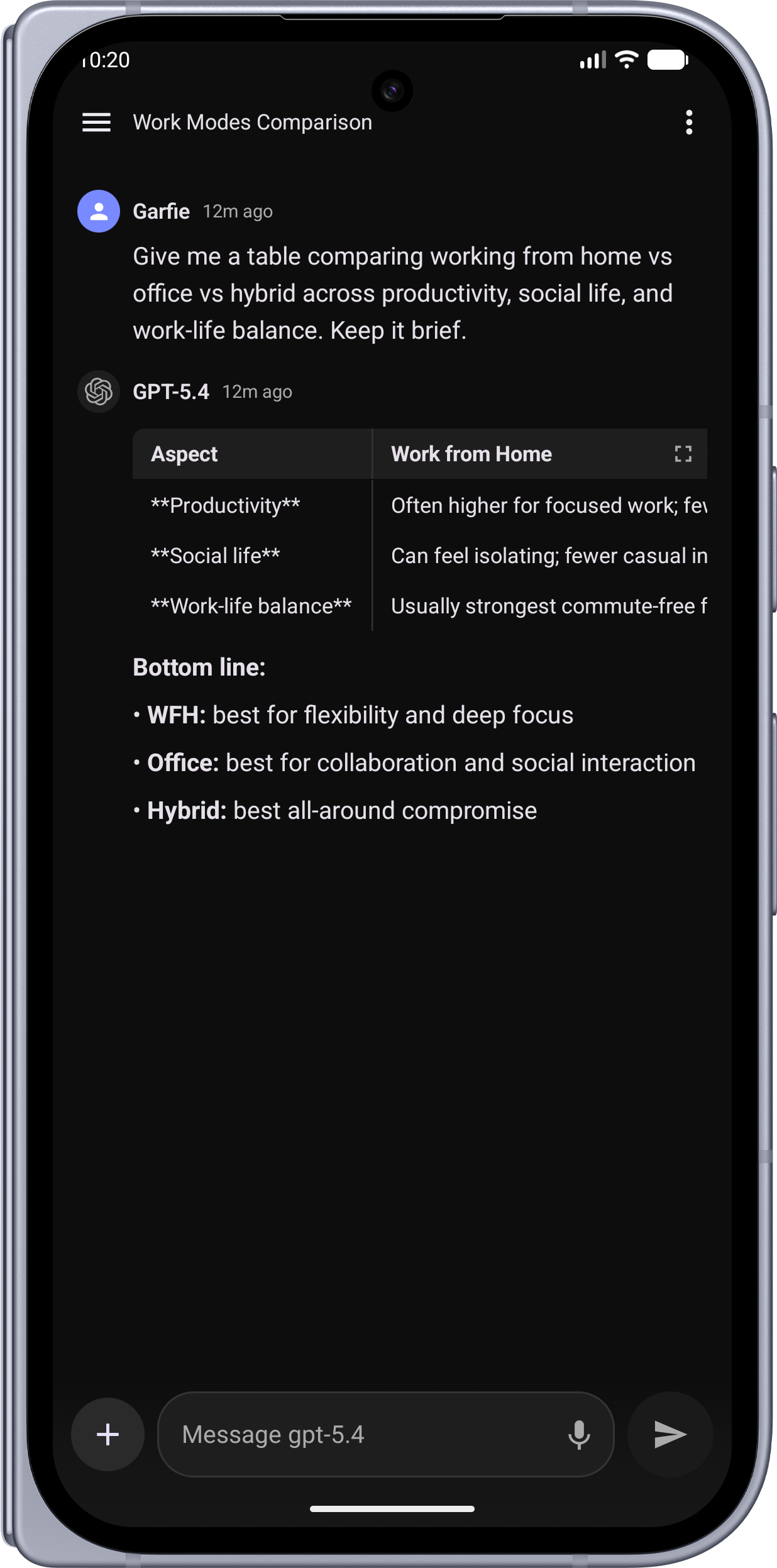 |
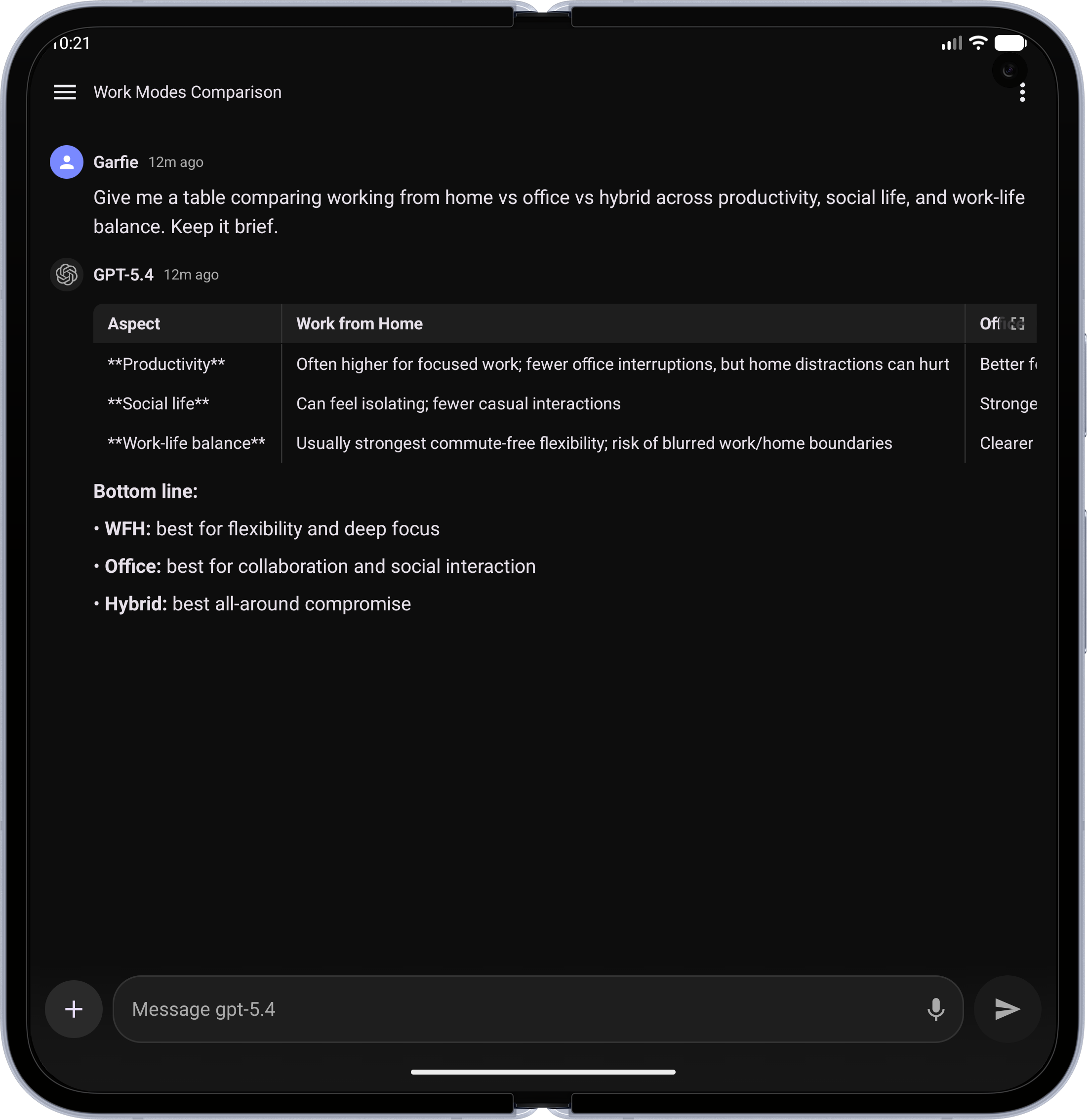 |
| Extended Thinking — See the model's reasoning process | 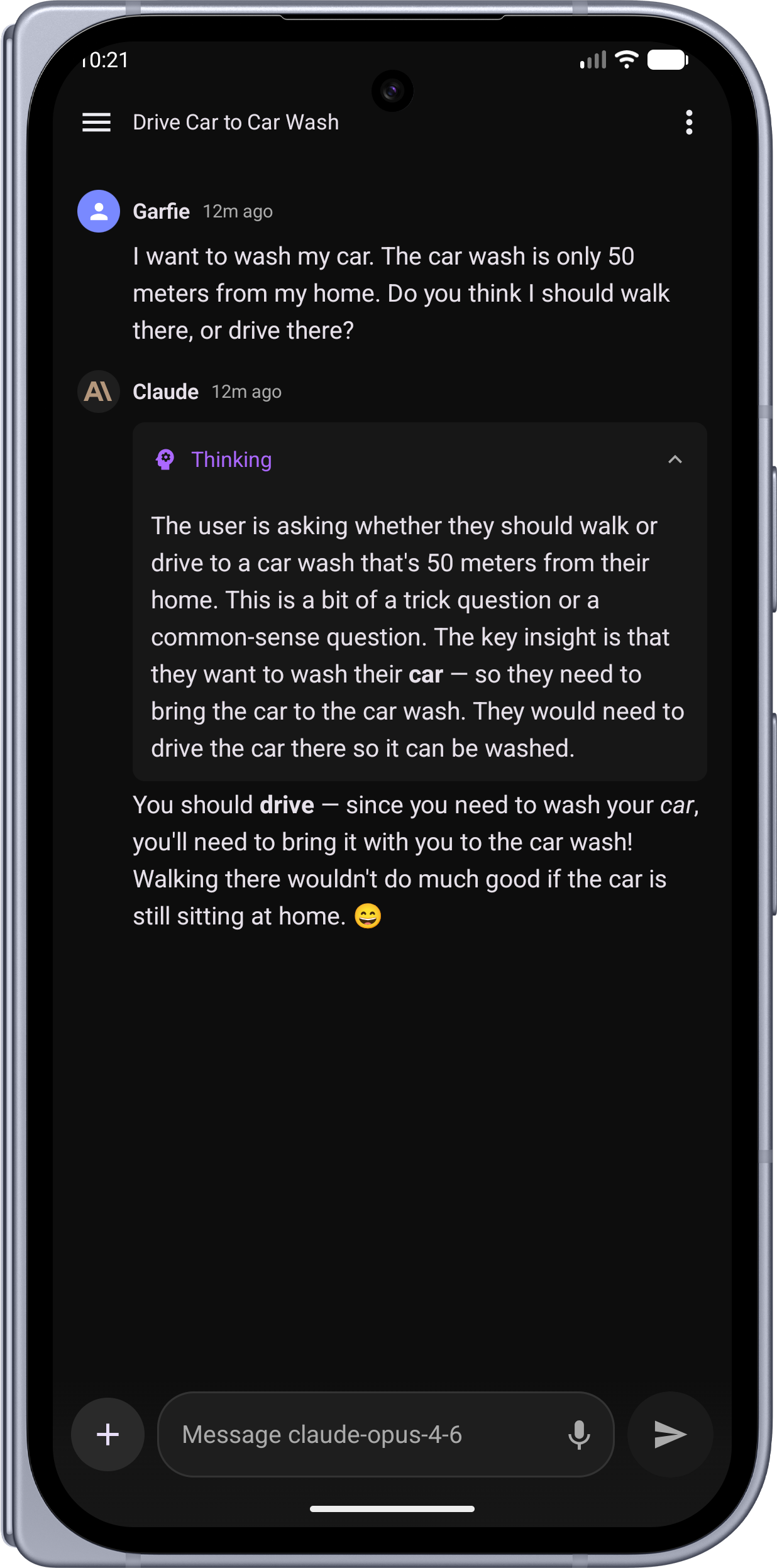 |
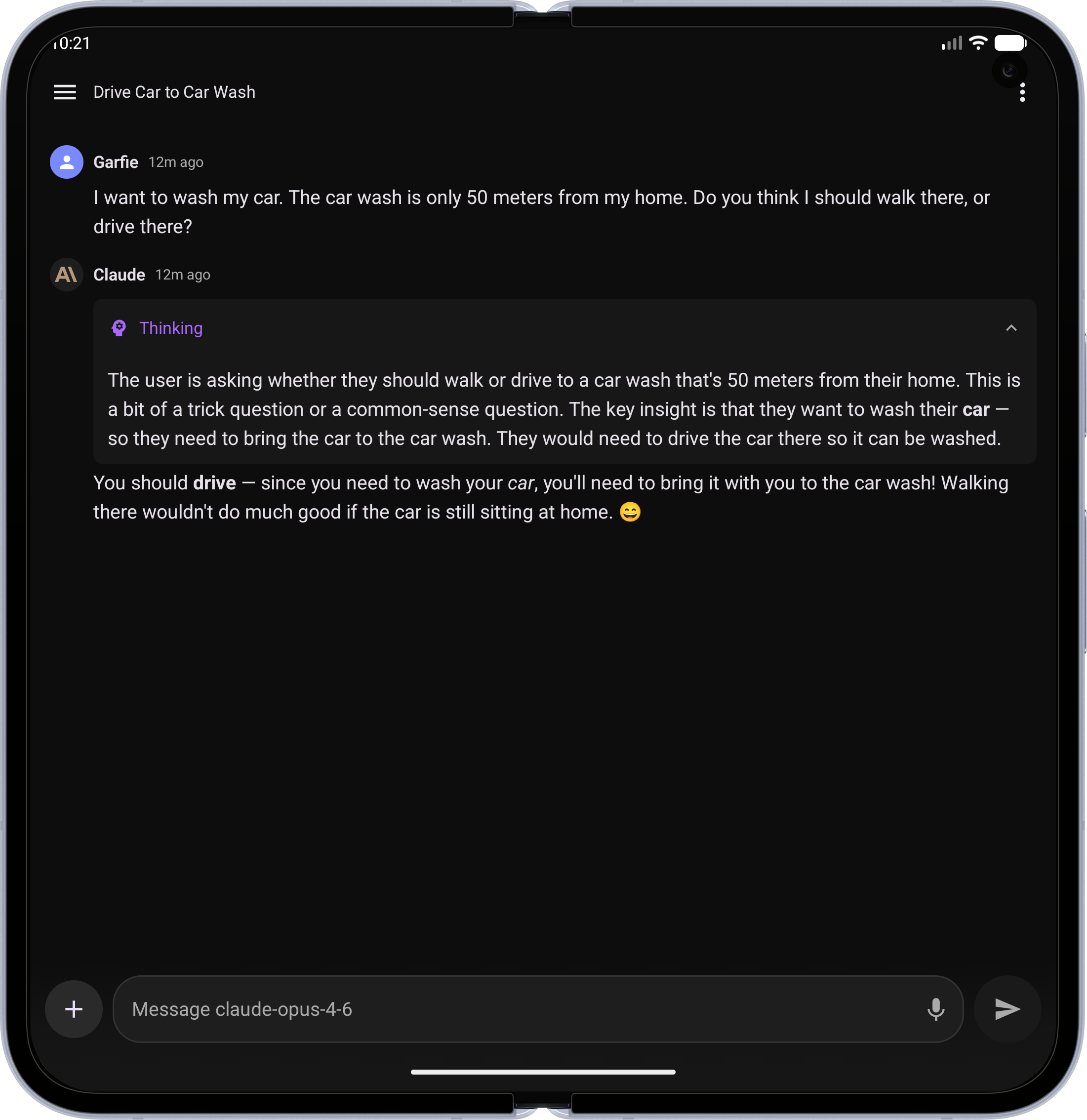 |
| Image Generation — AI-generated images via agents | 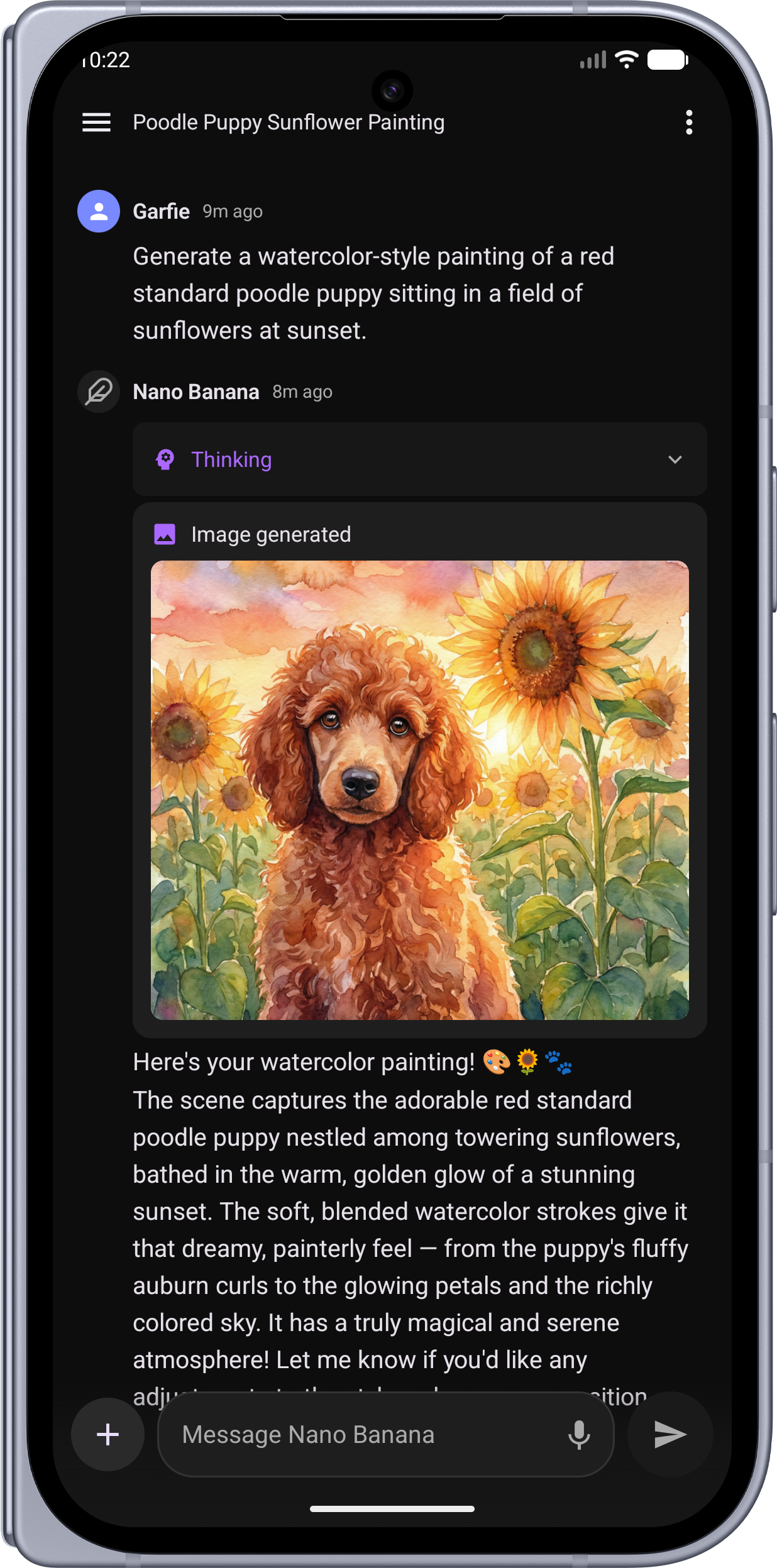 |
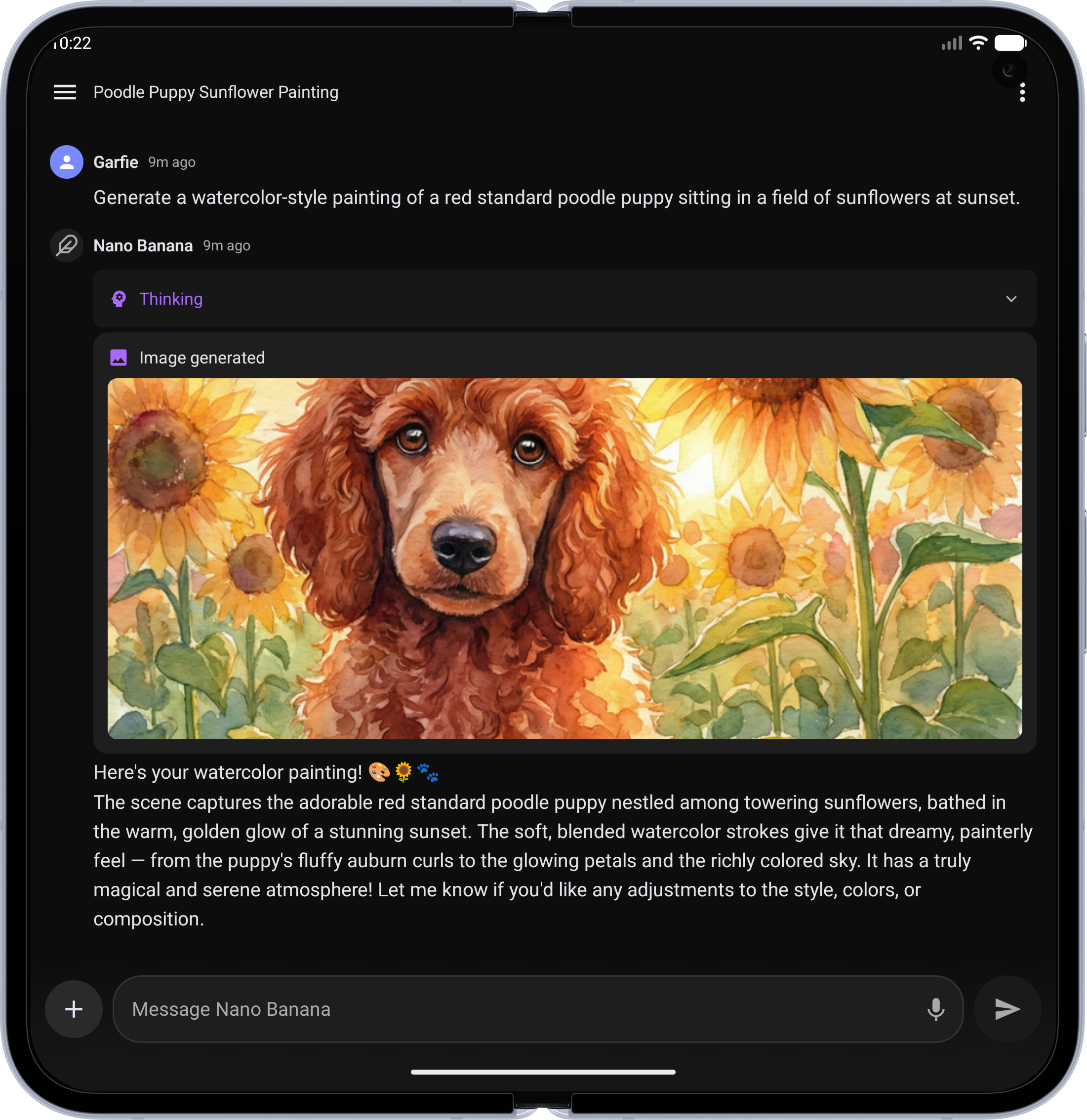 |
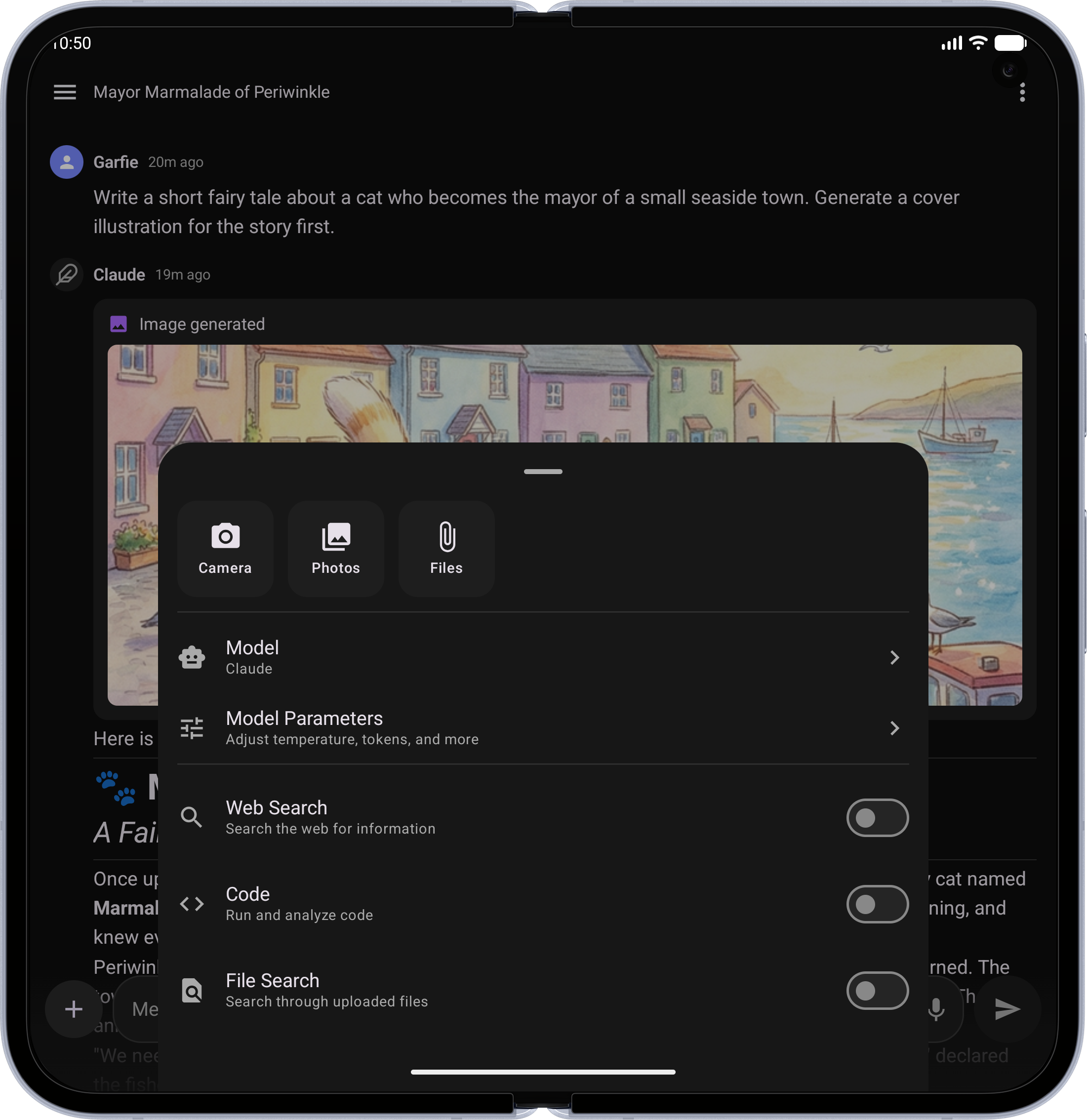
| Chat Options — Attach files, switch models, toggle tools, and tune parameters | 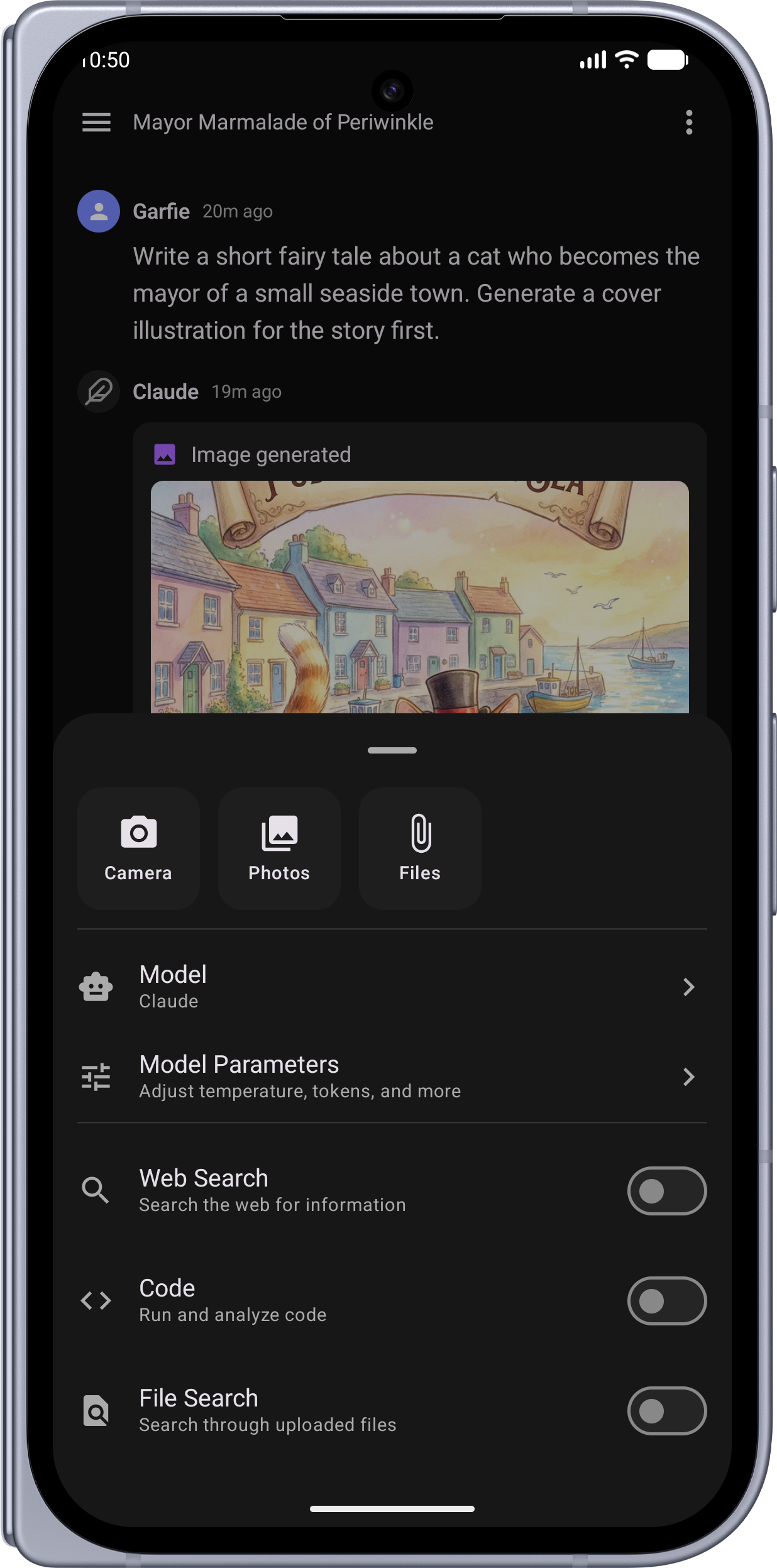 |
 |
| Model Selection — Searchable bottom sheet with models grouped by provider | 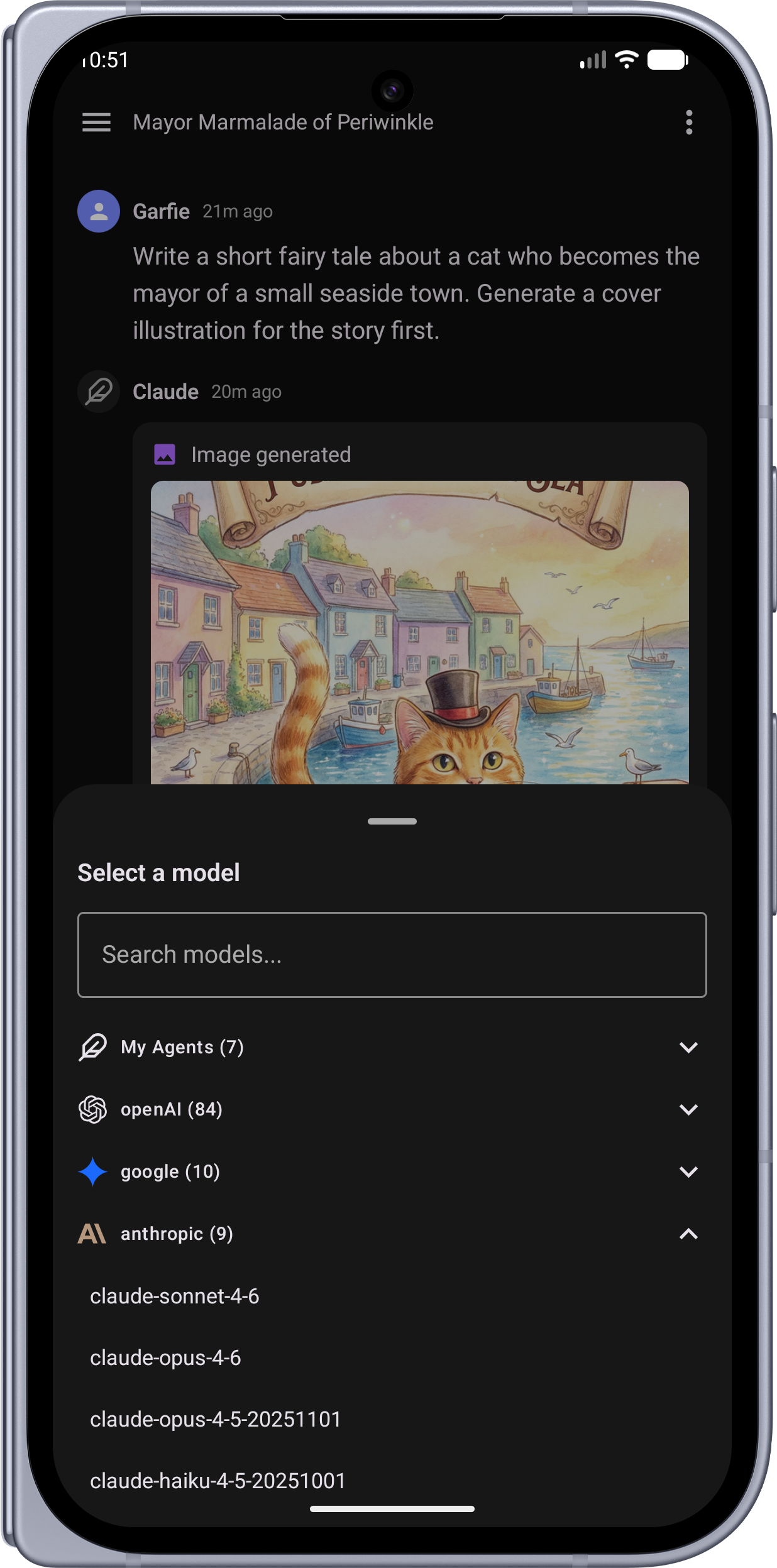 |
 |
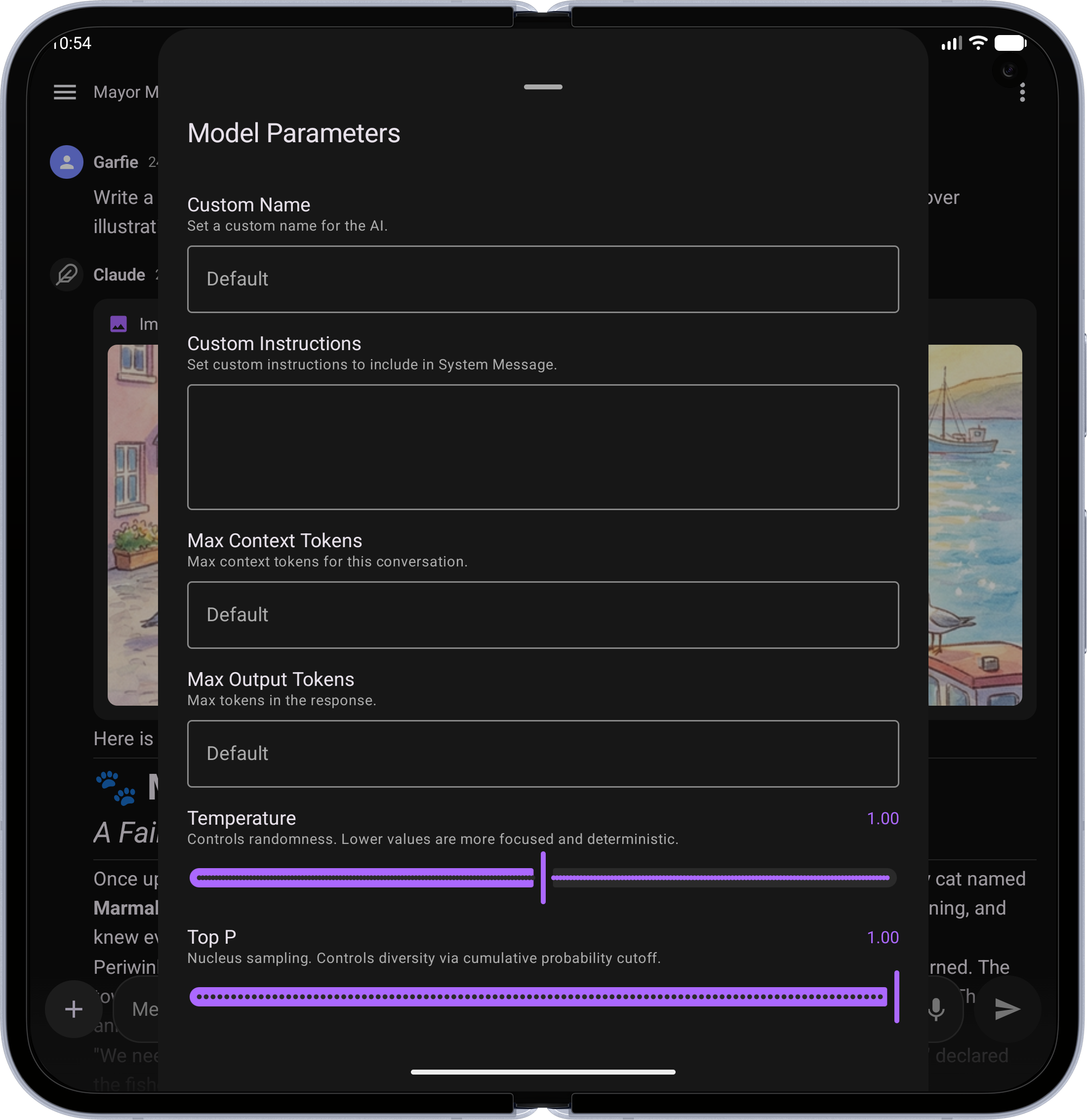
| Model Parameters — Fine-tune temperature, top-p, tokens, and custom instructions | 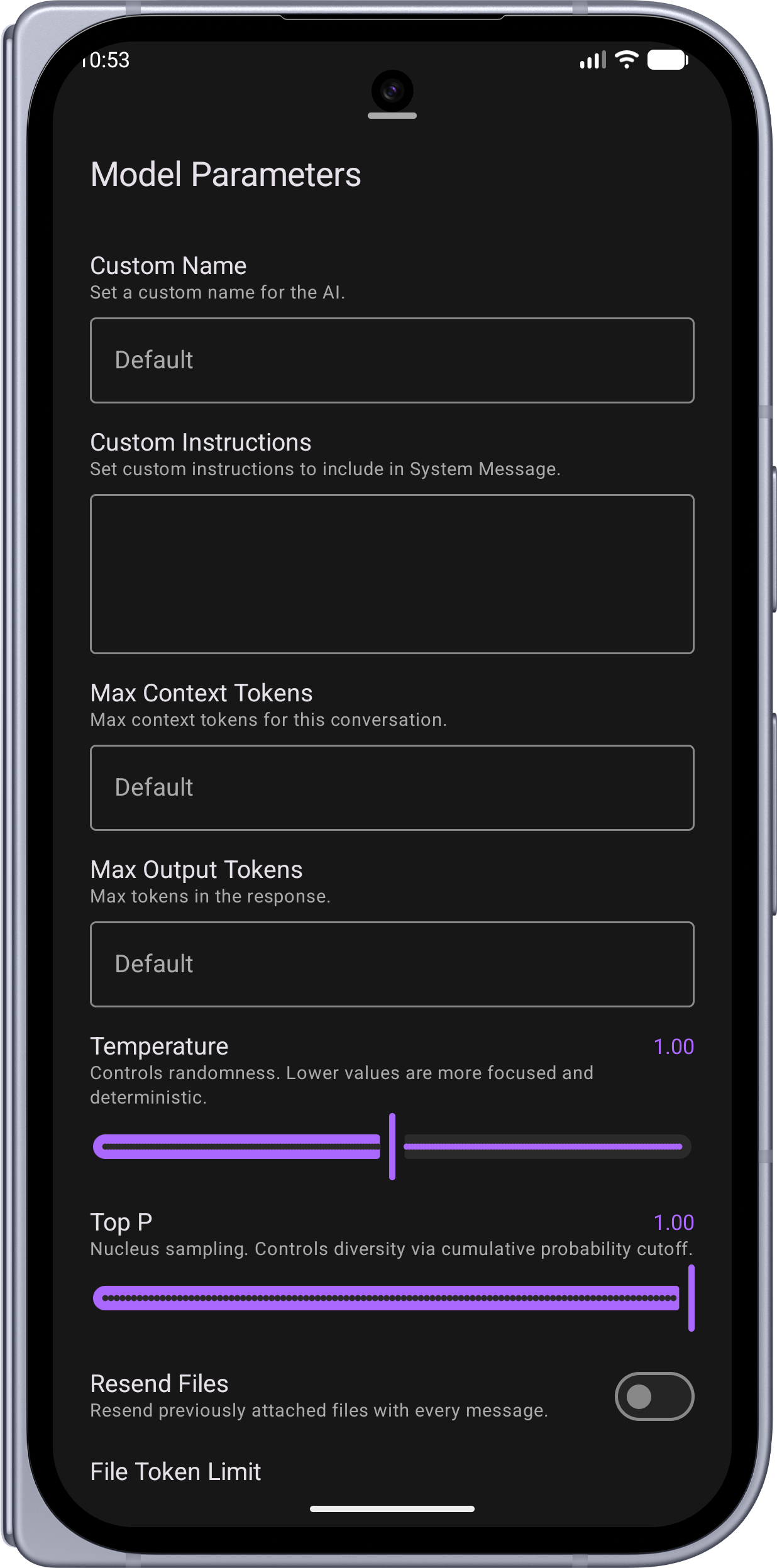 |
 |
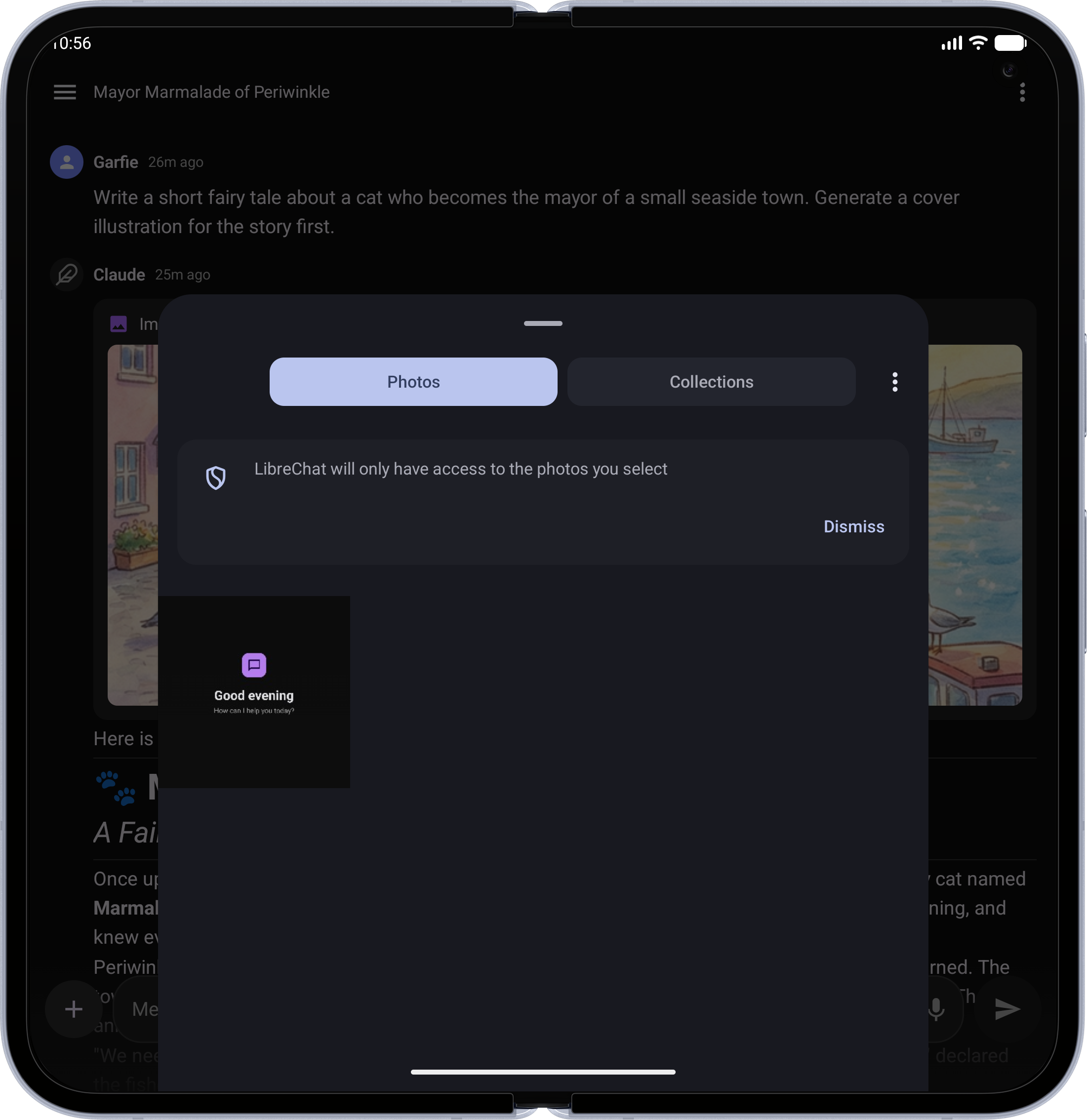
| Photo Upload — Attach images from your gallery or camera | 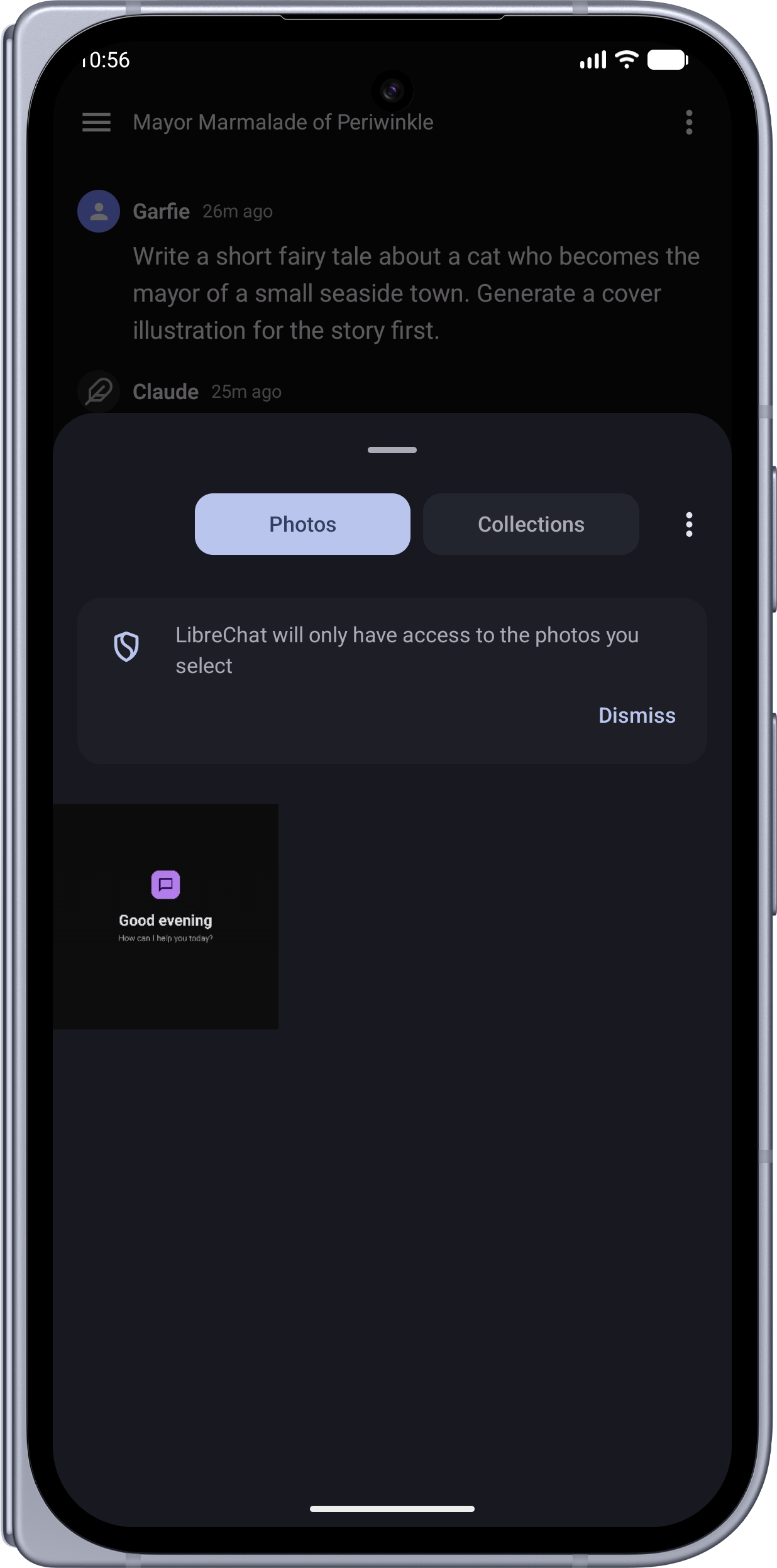 |
 |
| Settings — Theme, language, layout, and personalization options | 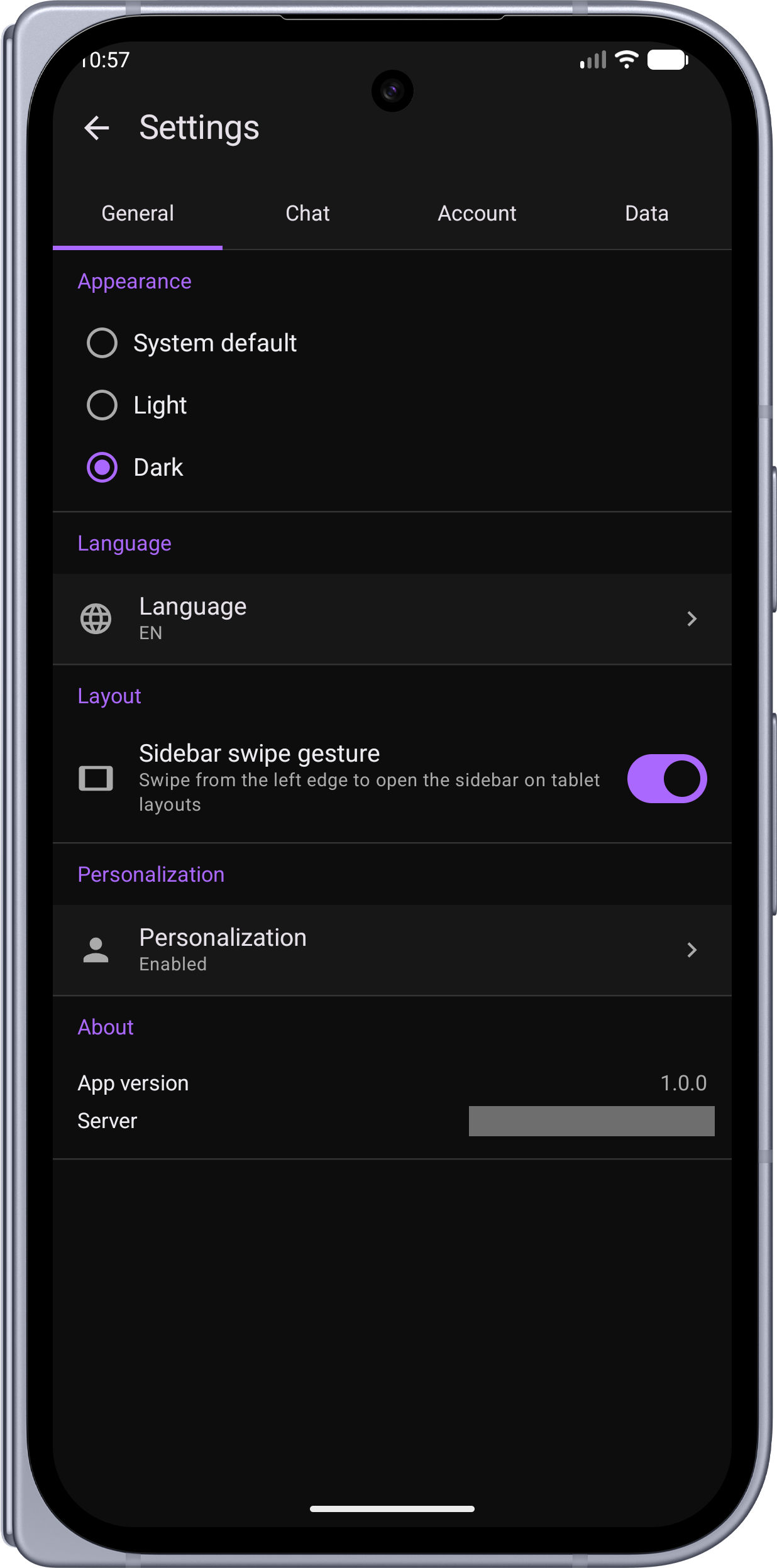 |
 |
Server Setup
The app works with any standard LibreChat server. During onboarding, you'll enter your server URL (e.g., https://chat.example.com or http://192.168.1.100:3080).
Required Configuration
Add the following to your LibreChat server's .env file:
# Safety net for native app clients.
# The app sends a browser User-Agent to pass the uaParser middleware,
# but if it ever fails to parse, this prevents ban point accumulation.
NON_BROWSER_VIOLATION_SCORE=0
Without this setting, the server's violation system may accumulate ban points against the mobile client if the User-Agent check fails, eventually locking the account out.
Notes
- Registration — The app respects your server's registration settings. If registration is disabled server-side, only the login form is shown.
Requirements
| Tool | Version |
|---|---|
| JDK | 17+ |
| Android Studio or IntelliJ IDEA | Latest stable (recommended IDE for all code editing) |
| Xcode | 15+ (iOS only, Apple Silicon Mac required — IDE not needed, CLI only) |
| iOS Deployment Target | 16.0+ |
| Gradle | 9.4.1 (via wrapper) |
| Kotlin | 2.3.20 |
Building from Source
Android
./gradlew assembleDebug
The debug APK will be at app/build/outputs/apk/debug/app-debug.apk.
For a release build:
./gradlew assembleRelease
iOS
Build and run on the iOS Simulator:
xcodebuild -project iosApp/iosApp.xcodeproj -scheme iosApp \
  -sdk iphonesimulator \
  -destination 'platform=iOS Simulator,name=iPhone 16' \
  -derivedDataPath iosApp/build build
See CONTRIBUTING.md for full simulator install and launch commands.
Tech Stack
- Kotlin Multiplatform (KMP) with shared business logic
- Jetpack Compose (Android) + Compose Multiplatform (iOS)
- Koin (dependency injection)
- Ktor Client (OkHttp on Android, Darwin on iOS)
- Kotlinx Serialization
- Room (cache), DataStore (preferences), EncryptedSharedPreferences / Keychain (tokens)
- Kotlin 2.3.20, compileSdk 36, minSdk 26
Contributing
See CONTRIBUTING.md for development setup, code style, and PR guidelines.
License
This project is licensed under the MIT License.
Yorumlar (0)
Yorum birakmak icin giris yap.
Yorum birakSonuc bulunamadi