slideops
Health Gecti
- License — License: MIT
- Description — Repository has a description
- Active repo — Last push 0 days ago
- Community trust — 11 GitHub stars
Code Basarisiz
- rm -rf — Recursive force deletion command in install.sh
Permissions Gecti
- Permissions — No dangerous permissions requested
Bu listing icin henuz AI raporu yok.
Turn a repository into a slide deck that tells you when it stops matching the code
Generate a deck from your code in minutes. Find out in milliseconds when it stops being true. Then rebuild only the slides that drifted.




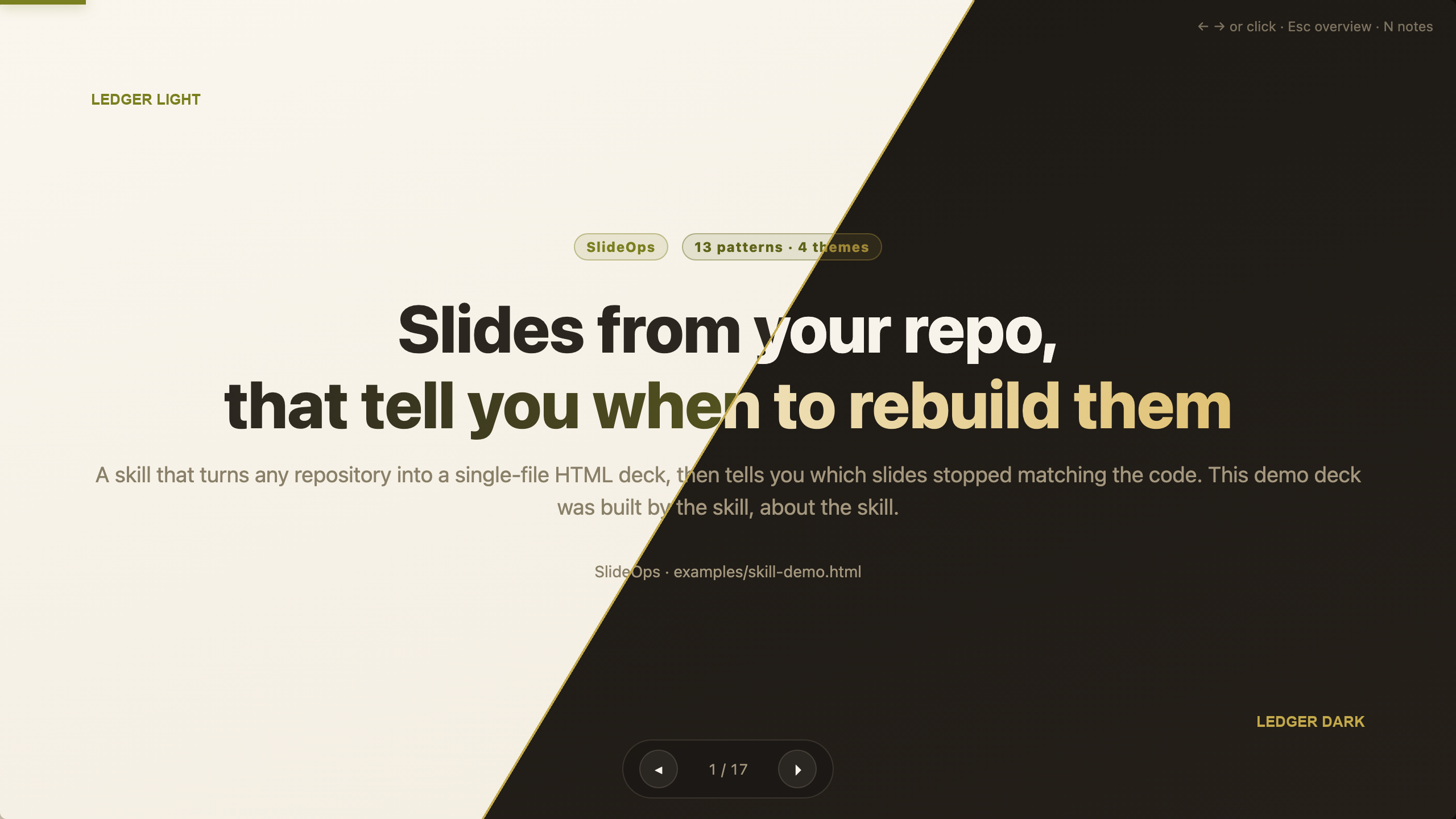
The demo deck is 17 slides about SlideOps, built by SlideOps: open the HTML or the PDF.
Writing documentation isn't the bottleneck any more. Keeping it true is. The deck that said
we run two database migrations still says two, a year after we started running ten 😅.
SlideOps is a pair of Agent Skills for Claude Code
and compatible coding agents. It treats a generated document the way you'd treat generated
code: it's built from a source, and it records which source it came from.
The reasoning behind it is written up in
Your documentation is a build artifact. Start treating it like one.
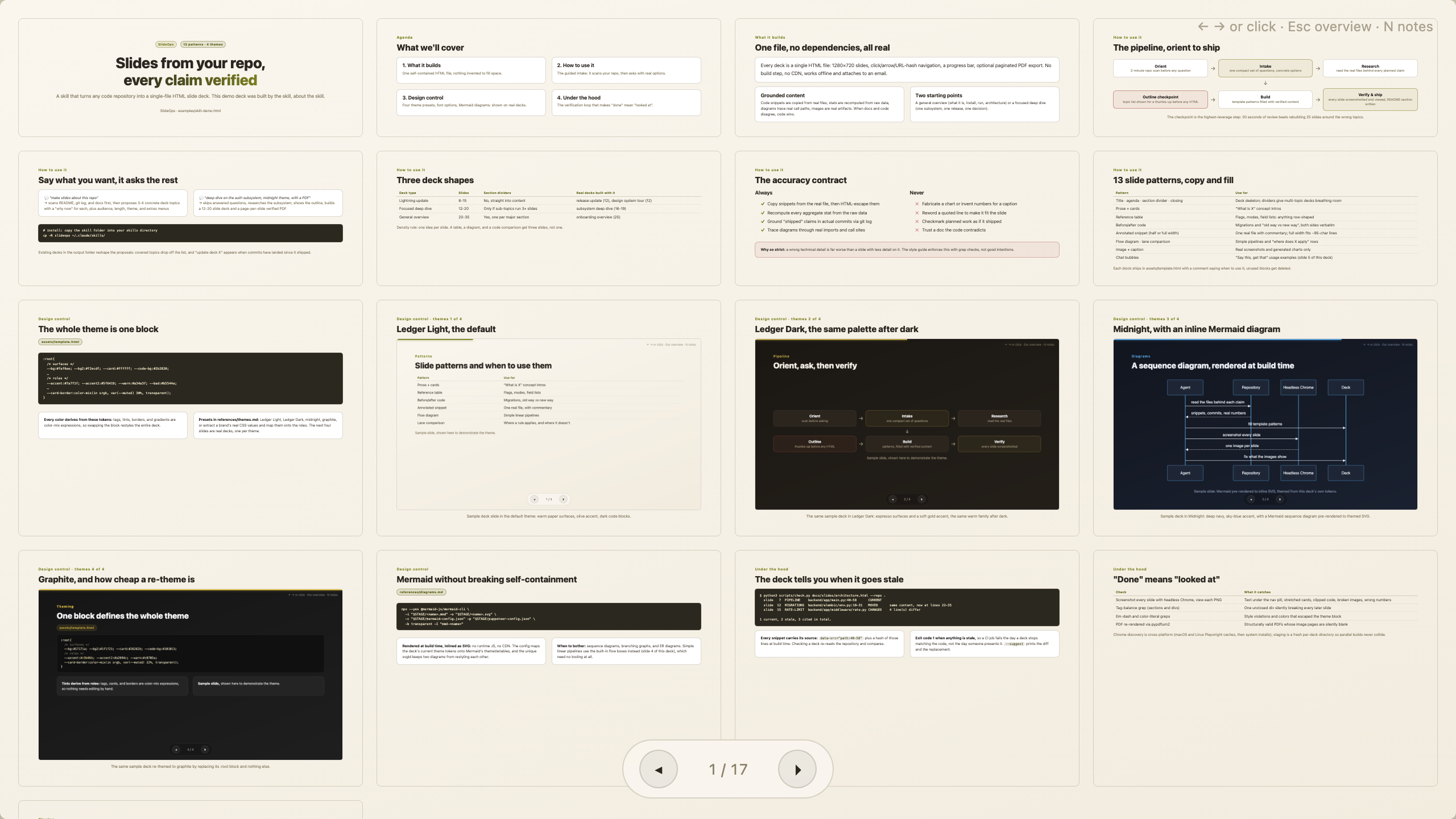
Press Esc in any deck for the overview grid.
Install
Claude Code. This repo is its own marketplace, so two lines are the whole setup, and
it's the only install that keeps itself up to date:
/plugin marketplace add glukicov/slideops
/plugin install slideops@slideops
Any agent with the skills CLI, in one line:
npx skills add glukicov/slideops
Codex, Copilot CLI, OpenCode, or a plain checkout:
git clone https://github.com/glukicov/slideops && cd slideops
./install.sh
All four agents read SKILL.md and nothing needs porting between them. For the symlink and
snapshot installs, the per-agent table and how updates reach you, see
docs/install.md.
[!NOTE]
Third-party marketplaces have auto-update off by default. Turn it on once in/plugin→ Marketplaces, or new versions only arrive when you run/plugin marketplace update slideopsby hand.
Use
Open a repository and say:
[!TIP]
💬 make slides about this repo
SlideOps scans the repo first, then asks one compact set of questions: which topic (it
proposes concrete candidates it found, each with a "why now"), audience, length, theme and
extras. You get an outline to approve before it writes any HTML.
If you already know what you want, skip the intake:
[!NOTE]
💬 deep dive on the auth subsystem, Ledger Dark theme, 15 slides, with a PDF
Months later, in the same repository:
[!IMPORTANT]
💬 is the architecture deck still accurate?
The agent sweeps the deck folder and triages by status. It re-quotes whatever merely moved,
and flags the slides whose claim might no longer hold. It repairs what drifted instead of
regenerating the deck, so the pacing and narrative you signed off on the first time survive.
Features
Freshness checking.
scripts/check.pysweeps a wholedocs/slides/folder and
reports which slides cite code that has changed, moved or vanished since the deck was
built, then suggests the fix or hands an agent a JSON repair brief. No model, no network,
no tokens: standard library Python, and it runs in milliseconds.One self-contained file per deck. No build step, no CDN, works offline, attaches to
an email.Navigation: arrow keys, click-to-advance, URL hash deep links, an Esc-toggled
overview grid, and speaker notes onN(never visible in screenshots or exports).13 slide patterns: title, agenda, section divider, prose + cards, reference table,
before/after code, annotated snippet (half and full width), flow diagram, lane
comparison, image + caption, chat bubbles, closing.4 themes, one block each. Every color derives from a single
:roottoken block viacolor-mix(), so switching theme is one replacement: Ledger Light (default),
Ledger Dark, Midnight, Graphite. Or point it at a brand's real CSS values and
map those onto the token roles.Ledger Light (default) Ledger Dark 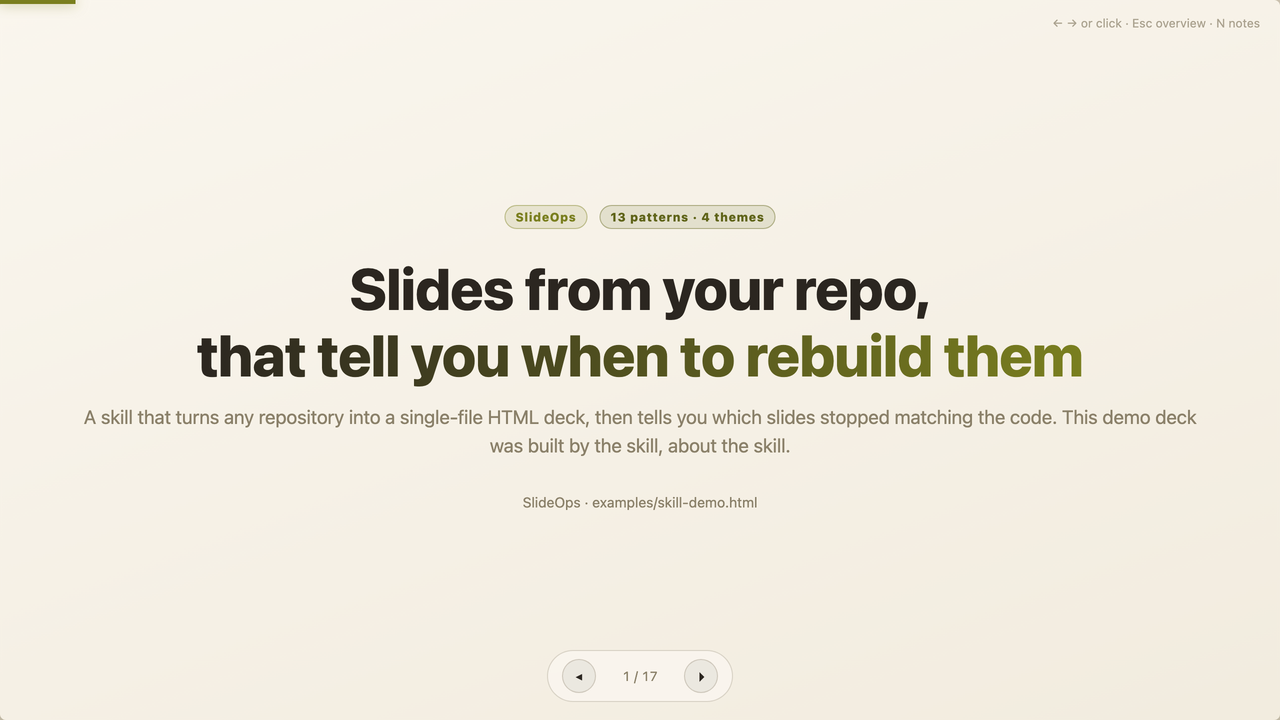
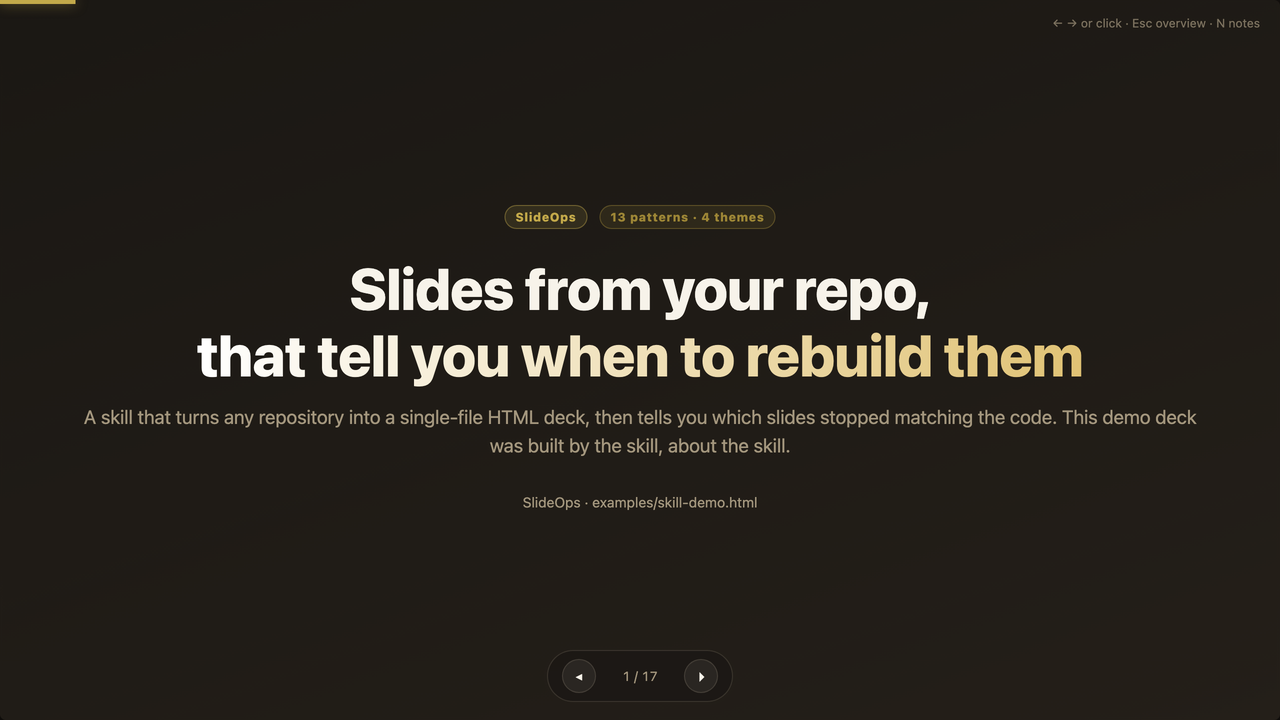
Same deck, same markup, same content. One :rootblock apart.Mermaid diagrams pre-rendered to inline SVG at build time and themed from the deck's
own tokens, so the deck stays dependency-free.Verified PDF export. The companion skill renders the finished PDF back to images and
checks the pages, because a PDF can have the right page count and still hand you blank
images.
Documentation
| Page | What's in it |
|---|---|
| 📦 Install | Every install path, all four agents, updating, requirements, what gets installed |
| 🔎 Freshness | Citations, the status table, the cost model, where to automate, the accuracy contract, what never reaches a slide |
| 🛠️ Development | Working on this repository: the gate, CI guards, generated artifacts, releasing |
| 📋 Changelog | What changed in each release |
Inside the skill, skills/slideops/references/ holds the specifications the agent reads:
freshness, automation, style, themes, diagrams and verification.
Credits
Prior art worth knowing: frontend-slides
for visual-first theme selection, and
presentation-skills for pioneering the
render-then-look visual QA loop that SlideOps also relies on. What SlideOps adds is the
Ops half: content grounded in a repository, and a cheap way to ask later whether it still
holds.
Licence
MIT. See LICENSE. Use it, fork it, ship it commercially; attribution is the only
condition. The decks you generate are your own content either way.
Yorumlar (0)
Yorum birakmak icin giris yap.
Yorum birakSonuc bulunamadi