Tool-MaterialMaker-MCP
Health Uyari
- License — License: MIT
- Description — Repository has a description
- Active repo — Last push 0 days ago
- Low visibility — Only 5 GitHub stars
Code Gecti
- Code scan — Scanned 12 files during light audit, no dangerous patterns found
Permissions Gecti
- Permissions — No dangerous permissions requested
Bu listing icin henuz AI raporu yok.
MCP server for authoring and rendering Material Maker PBR materials from natural language
Material Maker MCP
Part of gProdDevKit, Grayson Chalmers' game production / dev kit.
An MCP server that lets an AI assistant
author Material Maker node graphs
from natural language, render them headlessly to PBR texture maps, and hand back
editable .ptex files you finish in the app.
You describe a material in a sentence. The assistant drafts the node graph,
the server validates it against Material Maker's own node catalog and renders it
with Godot, and you get back the maps plus an editable graph. The assistant gets
you most of the way there; you tweak the rest in Material Maker.
Why this project exists and what it's actually optimizing for is in
docs/NORTH_STAR.md.
⚠️ Super, super, super alpha. Read this first.
I am an artist and animator in the game industry, not a software engineer. I do
not really know what I am doing on the code side. This project was built mostly
by AI assistants with me steering, and it is at an extremely early, rough,
experimental stage.What that means for you:
- Expect breakage. Rough edges, sharp corners, things that only work on the
one machine they were built on. It has been verified on exactly one setup
(Windows, a specific Godot build, a specific Material Maker checkout).- No stability promises. Anything can change or break between versions. The
unit suite and CI only prove the code behaves on the setup above; nothing
here has been exercised by a second person or a second machine.- Not production-ready. Please do not rely on this for anything that matters.
Back up your work. Assume it will misbehave.- The material "quality" bar is deliberately low. The goal is "gets you 80%
of the way there so you finish in the app," not "photoreal." See the
Phase-3 scorecard for exactly how well (and badly) it does on 15 prompts:
it currently passes all 15 of them by a generous, artist's eyeball
standard (the ship gate was 11 of 15).I am sharing it in the open because it is a fun experiment and someone might find
it useful or want to build on it, not because it is polished. Feedback, issues,
and "you're doing this wrong" corrections from actual developers are very
welcome.
Gallery
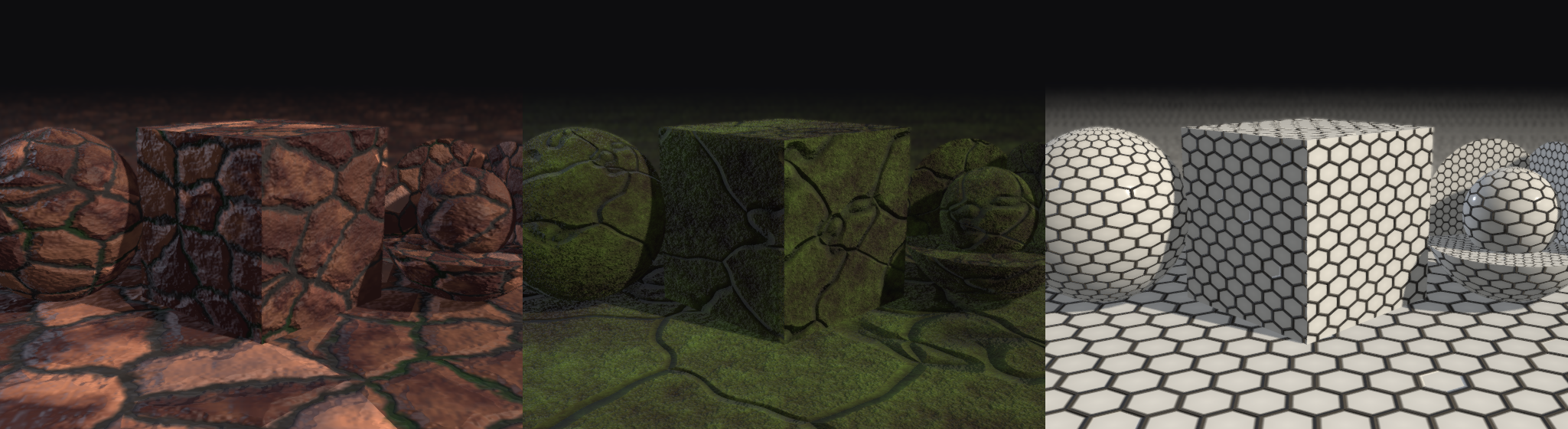
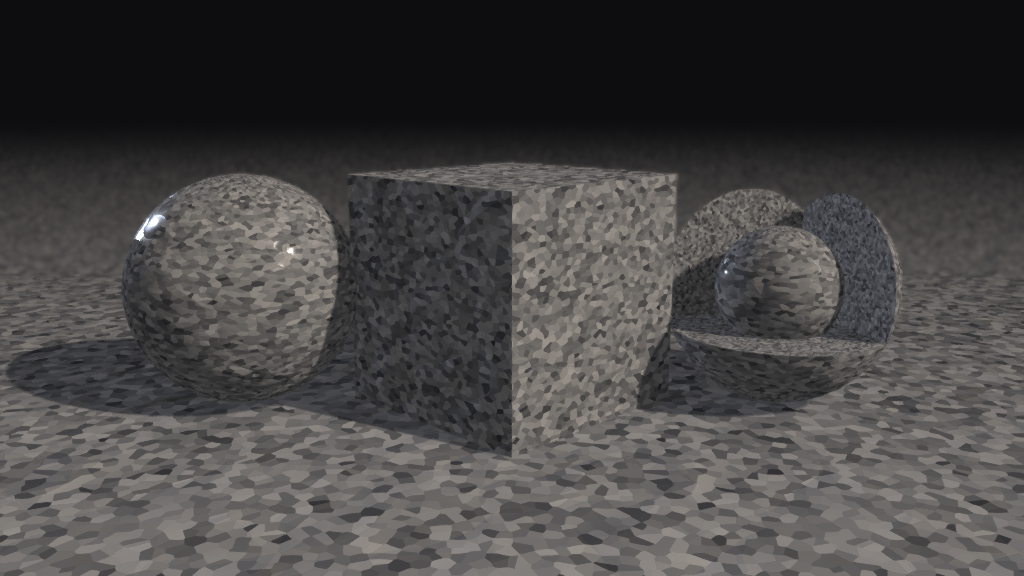
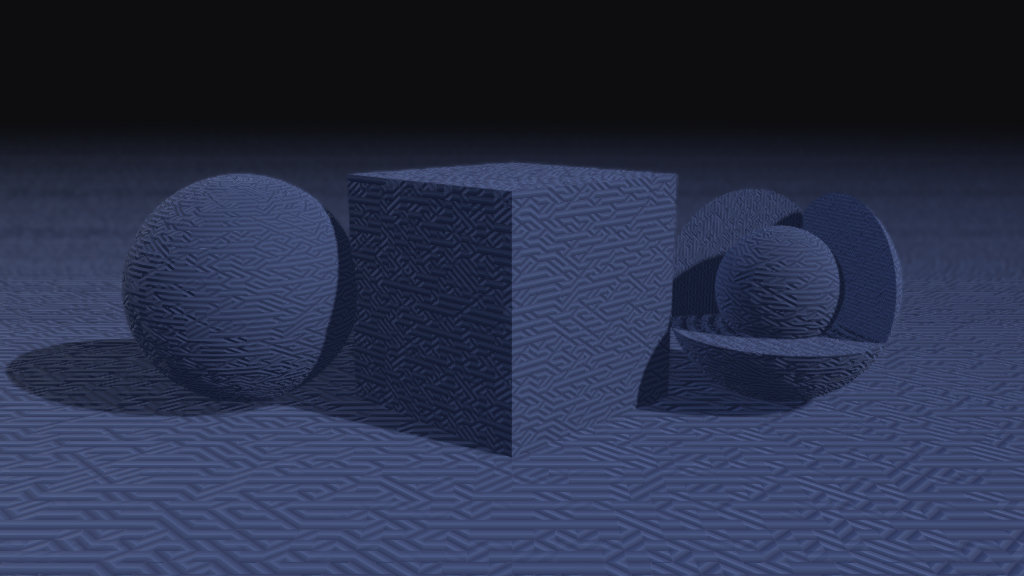
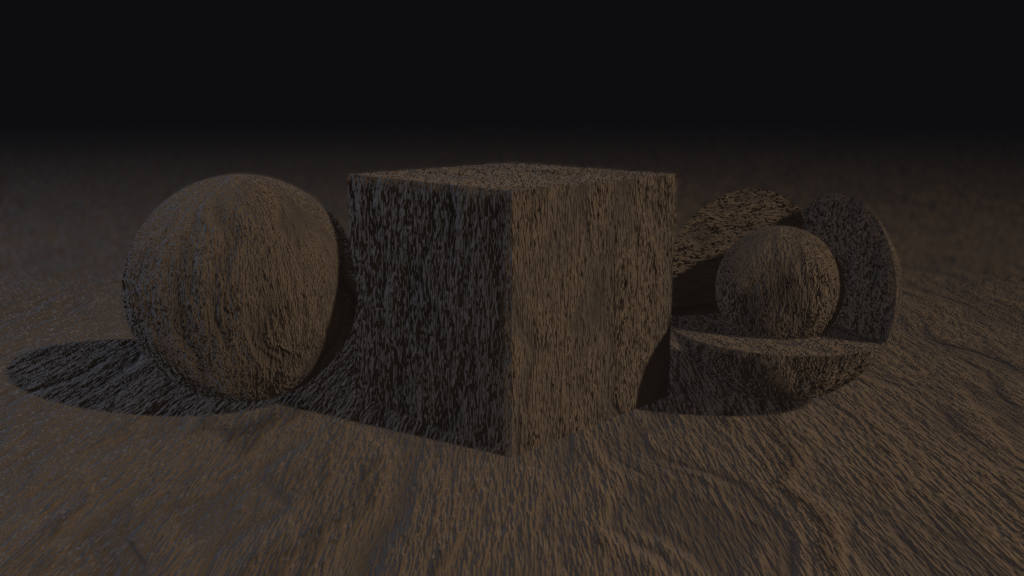
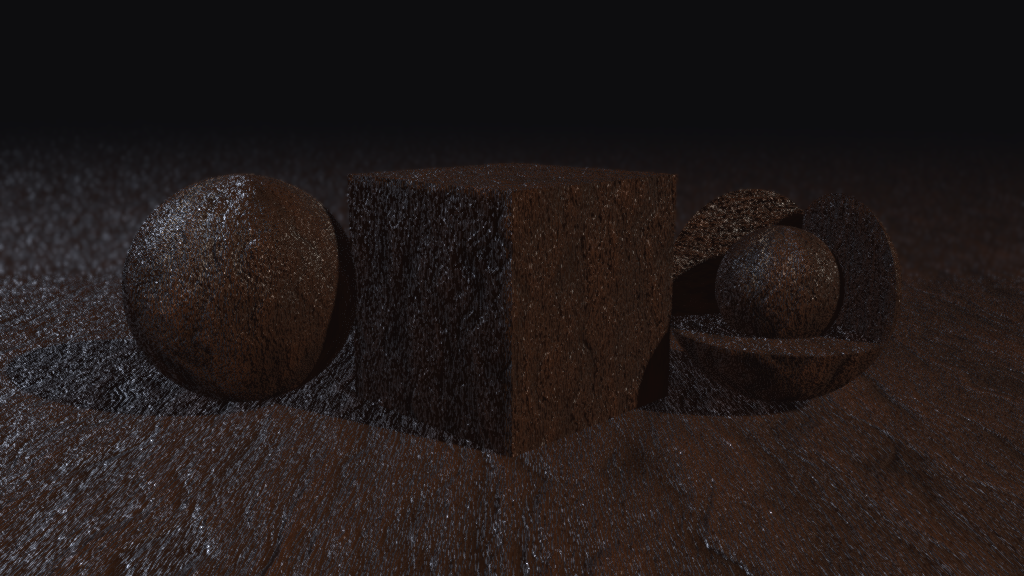
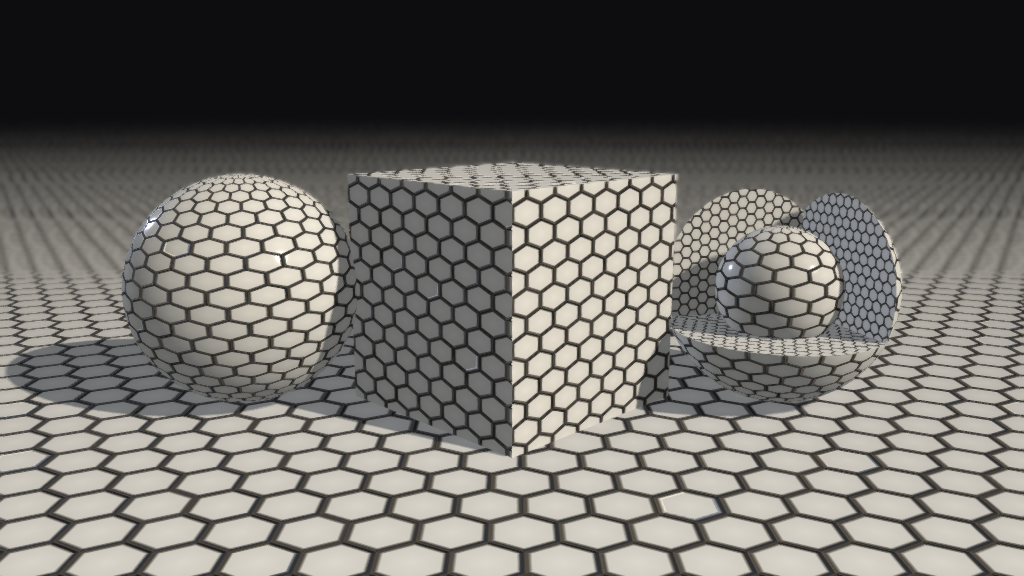
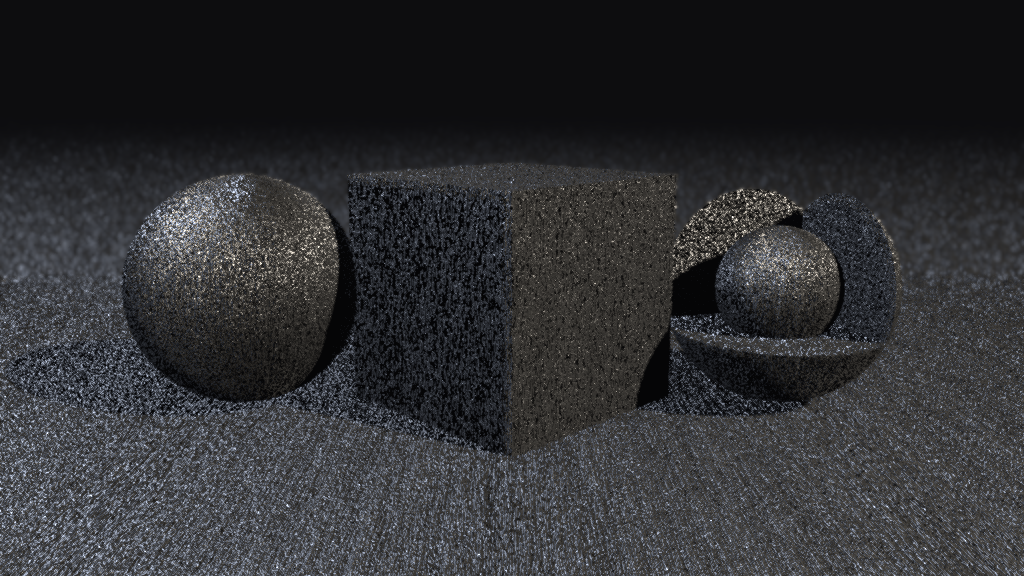
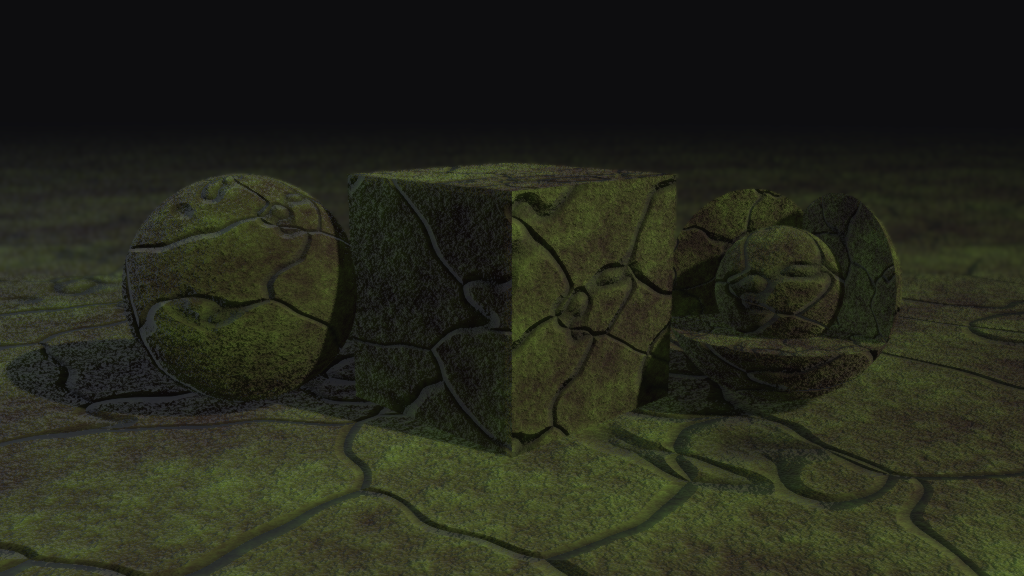
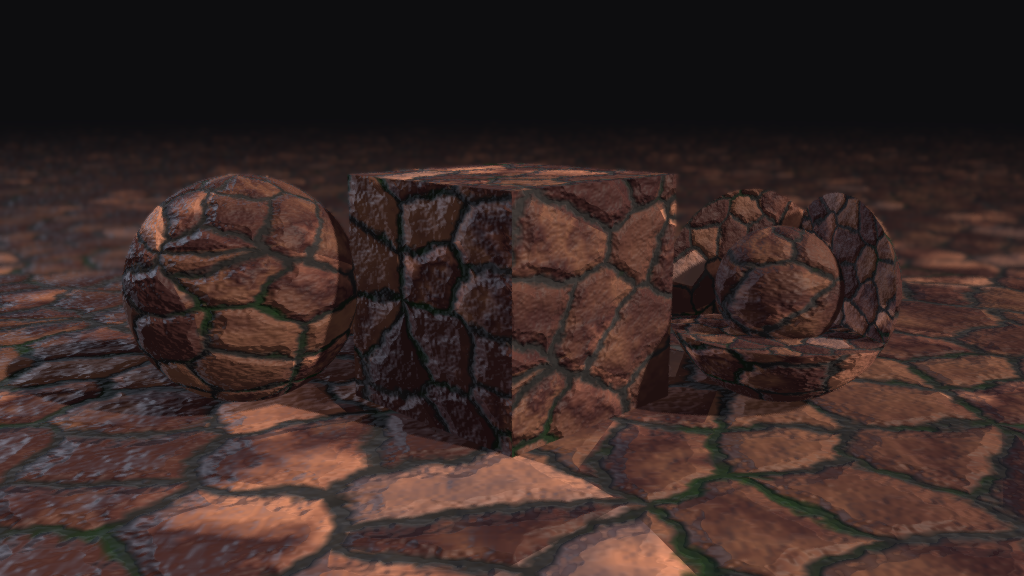
Each material below was authored by the server from the one-line prompt beside
it, then its rendered maps were composited onto a sphere, a cube, and a cutaway
ball on a lit ground plane, so the normal-map relief reads under real lighting
instead of as a flat swatch. The bottom-right one is a round-trip example: the
server drafted the graph, then I finished it by hand in Material Maker. Full
graphs live in the cookbook below (s02_gray_granite, f01_woven_denim,man02_ceramic_hex_tiles, m02_brushed_aluminum, o01_mossy_forest_floor,o03_tree_bark, w05_dark_walnut); the hand-finished one issaved_graphs/bricks_grayson_edit.ptex.
 |
 |
 |
 |
 |
 |
 |
 |
Material cookbook
The cookbook is 59 materials across 12 categories (the gallery above is
drawn from it), each one a real graph this server authored and then locked
after a 3D-preview pass. Every one ships as a tracked .ptex undercookbook/: open cookbook/<category>/<id>.ptex in Material
Maker to see the node network, or start from it over MCP withload_example("f07_herringbone_tweed"). The invariants that apply across
materials are in docs/AUTHORING.md, also served as theguide://authoring MCP resource; the recipe for each material lives next to
its graph as cookbook/<category>/<id>.md. The builders that regenerate the
graphs live in quality/.
The full cookbook (59 materials: ceramic, fabrics, glass, leather, metal, organics, painted metal, plastics, sci-fi, stone, terrain, wood)

Core toolbox
Below the finished cookbook materials sit the single-node building blocks
they are made from: two galleries that isolate ONE node at a time so you see
its raw, unmixed behavior before it gets composited into anything.
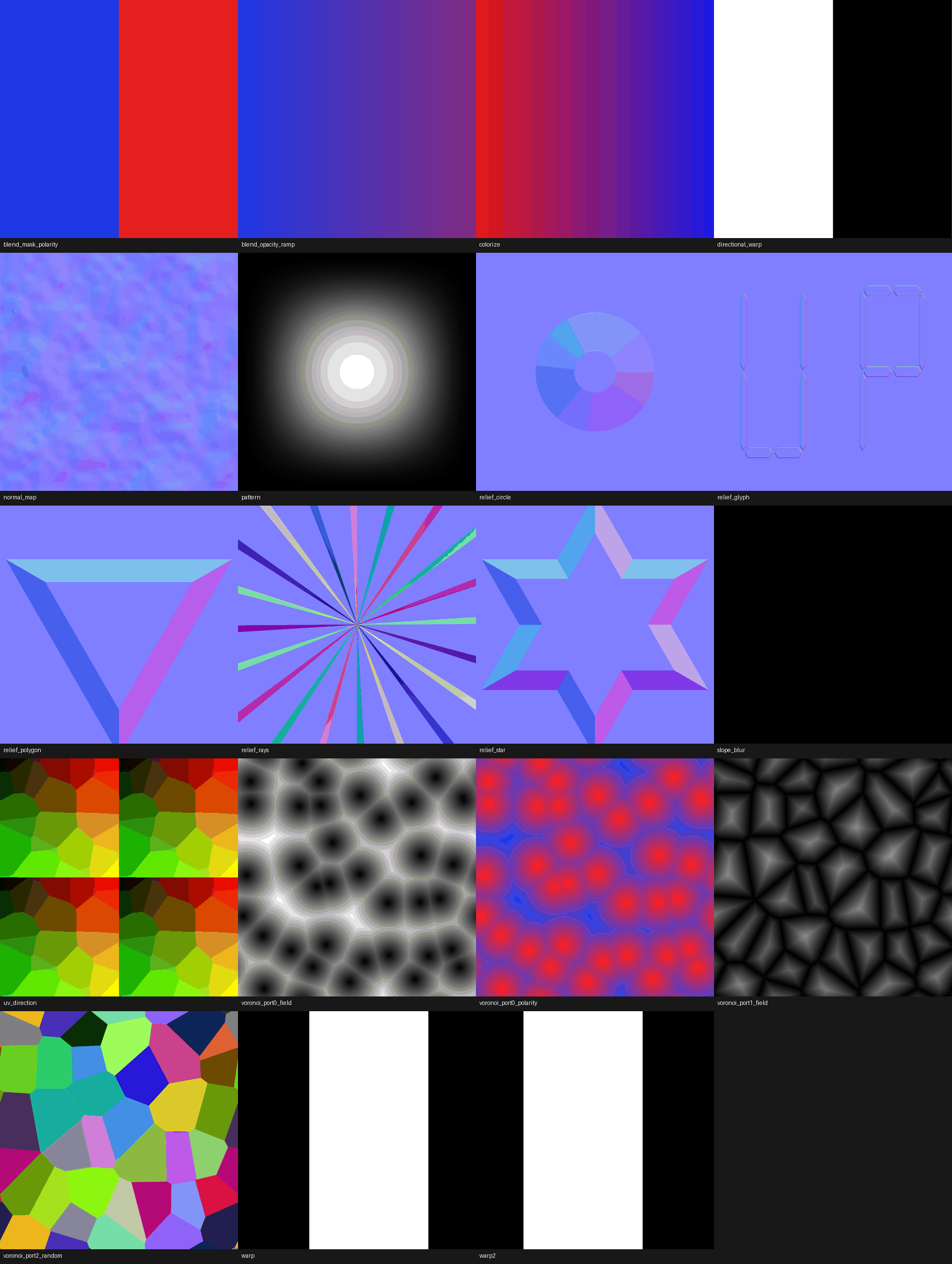
Debug swatches. 19 single-node debug swatches, each wiring exactly one
node straight into a Material so what you see IS that node's behavior, no
recipe, no blend, nothing to misread. Every swatch also doubles as a live
pixel-assertion regression test (tests/test_debug_swatches.py renders it
fresh and checks known-answer pixels), so a wiring regression fails a test
instead of waiting for a human to notice a material looks wrong. One swatch,slope_blur, ships structure-only: it is a buffer/compute-shader node that
cannot render headless, so its tile is black by design, not broken. Legend
and known-answers for every swatch are in
docs/DEBUG_SWATCHES.md.
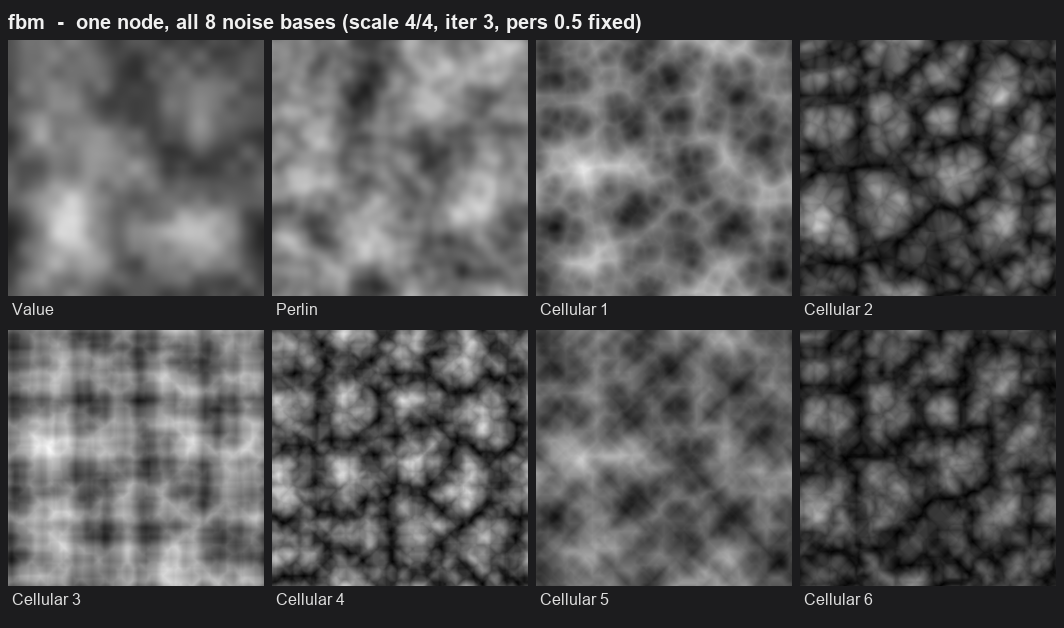
Noise vocabulary. A gallery of base noise/pattern nodes beyond the two
(perlin, voronoi) the cookbook leaned on early: fbm's 8 base functions
side by side, plus a cross-family row (anisotropic, truchet, voronoi
triangle, wavelet, and more) showing how differently they read. Full
writeup, including the "the catalog carries 47 noise nodes, the cookbook
effectively used two" problem this was built to fix, is in the
Noise vocabulary
section of docs/AUTHORING.md.
How it works
Material Maker graphs are plain JSON (.ptex), and Material Maker ships a
headless CLI export mode. This server sits on top of an existing Material Maker
checkout:
- A catalog builder reads Material Maker's node definitions
(addons/material_maker/nodes/*.mmg) into a machine-readable catalog the
assistant authors against. - The assistant drafts a graph as
.ptexJSON. The server validates it against
the catalog (returning errors as data so the assistant can self-correct), then
renders it by driving Godot's--export-materialmode. - Rendered maps come back as image files (albedo, normal, roughness/metallic,
height), and the.ptexis saved for you to open in Material Maker.
Requirements
- Python 3.10+ (developed and verified on 3.13; older versions declared but
not exercised) - Windows is the only fully verified platform. The render runner falls back
to the plain Godot binary on macOS/Linux, but that path is untested. - Godot 4.7.x (the standard desktop binary; the server prefers the matching
_console.exebuild on Windows when present, to capture render logs) - A Material Maker project checkout on disk. The server reads that checkout's
node definitions and bundled examples and drives its headless export. Clone it
from github.com/RodZill4/material-maker.
Material Maker needs asteam_appid.txt(containing4110830) at the checkout
root, or the app self-relaunches and exits on headless render. The upstream
repo does not ship this file; create it yourself before your first render
(echo 4110830 > steam_appid.txtat the checkout root).
Install
Install from a clone (the supported path for now):
git clone https://github.com/graysonchalmers/Tool-MaterialMaker-MCP.git
cd Tool-MaterialMaker-MCP
python -m venv .venv
# Windows:  .\.venv\Scripts\activate
# macOS/Linux:  source .venv/bin/activate
pip install -e .
cp .env.example .env
Then edit .env:
MM_GODOT_BINARY=/path/to/Godot_v4.7.x_console.exe
MM_PROJECT_PATH=/path/to/material-maker
MM_OUTPUT_DIR=/path/to/where/rendered/maps/should/go
.env is gitignored and read from the current working directory (or from the
path in MM_DOTENV if set). Config can also be supplied via MM_* environment
variables, which take precedence over .env. MM_OUTPUT_DIR is optional and
defaults to an output/ folder in the working directory.
MM_ALLOWED_ROOTS is optional. When set (an os.pathsep-separated list of
directories), the server refuses to read or write paths outside those roots.
When unset (the default), paths are unrestricted. Either way, node/examplename and basename arguments are always rejected if they contain a path
separator or ...
MM_COOKBOOK_DIR is also optional. It points the server at a cookbook of
authored graphs (see cookbook/README.md) and defaults
to the checkout's own cookbook/ folder, so a git clone needs nothing set.
Set it only if you want the server to serve a cookbook from somewhere else.
Either way you get an mm-mcp command on your PATH. (A pip install mm-mcp
from PyPI is packaged and ready but not yet published; the clone above is the
current route.)
Check your setup
Before wiring it into a client, confirm every prerequisite is in place:
mm-mcp --check
It prints a green/red checklist (Godot binary, Material Maker checkout, node
definitions, examples, steam_appid.txt, output dir, and a catalog build) and
exits non-zero if anything is missing, so you find problems before your MCP
client does. mm-mcp --version prints the version.
Verify
Two smoke scripts prove the render path is alive end to end:
# Render a bundled example headlessly and confirm PNGs appear
python smoke/smoke_mcp.py
On Windows there is also a PowerShell smoke that renders directly through Godot:
pwsh smoke/smoke.ps1
Run the test suite (the one Godot-launching test is marked integration):
pytest -q -m "not integration"   # fast unit + validation tests
pytest -q                        # everything, including a real render
Connect it to an MCP client
The server speaks MCP over stdio. After installing it is on your PATH asmm-mcp. Point your client at that command with the MM_* variables set.
Claude Desktop / Claude Code (claude_desktop_config.json or an equivalent MCP
config) example:
{
  "mcpServers": {
    "material-maker": {
      "command": "mm-mcp",
      "env": {
        "MM_GODOT_BINARY": "C:\\path\\to\\Godot_v4.7.1-stable_win64_console.exe",
        "MM_PROJECT_PATH": "C:\\path\\to\\material-maker",
        "MM_OUTPUT_DIR": "C:\\path\\to\\output",
        "MM_IDLE_EXIT_MINUTES": "120"
      }
    }
  }
}
If mm-mcp is not on the client's PATH, use the venv's Python instead:"command": "/abs/path/.venv/bin/python", "args": ["-m", "mm_mcp.server"].
Config is validated at startup, so a missing or wrong MM_GODOT_BINARY /MM_PROJECT_PATH fails fast with an actionable message rather than partway
through a render.
Because the server is typically registered at user scope, every client
session spawns its own mm-mcp process, and abandoned sessions leave their
server running indefinitely. Set MM_IDLE_EXIT_MINUTES to have the server
exit on its own after that many minutes with no tool call (0, the default,
means never). This is opt-in: Claude Code does not restart an exited stdio
server, so the next tool call in a long-idle session fails until the session
reconnects. That trade-off is worth it for cleaning up abandoned sessions,
but is not the right default for every client.
Tools
The server exposes 10 batch-mode tools and two resources (plus 7 more in Live mode, below):
| Tool | What it does |
|---|---|
list_node_types |
List catalog node types, optionally filtered by a name substring |
describe_node |
Full typed inputs/outputs/parameters for one node type |
validate |
Validate a .ptex graph against the catalog; returns problems as data. Descends into subgraph (graph-typed) nodes, path-prefixing inner problems (e.g. sub/inner) |
render_graph |
Render a .ptex to PBR maps at a given size |
render_node_output |
Render one node's output in isolation, without editing the real graph |
render_preview |
Composite already-rendered maps onto a sphere/cube/cutaway-ball preview scene |
save_graph |
Write a .ptex graph to a path |
list_examples |
List starting graphs from both sources: Material Maker's bundled examples and this repo's cookbook/ (filter with source) |
load_example |
Load one starting graph by name as a .ptex (cookbook first, then bundled) |
inspect_project |
Read-only metrics for a .ptex on disk (hash, node/connection counts, type histogram, material outputs) |
Resource catalog://nodes exposes the full node catalog. Resourceguide://authoring exposes the authoring guide (the invariants; see
"Material cookbook" above for the per-material recipe cards).
Live mode (optional)
Batch mode above (render_graph et al.) is the default, simplest path: no
Material Maker GUI involved. Live mode is a second, additive way to work --
open Material Maker yourself, and Claude can see the graph on your active
tab, build and edit it live, and trigger renders, so you watch it happen in
the GUI instead of copying files back and forth.
| Tool | What it does |
|---|---|
live_start |
Attach to an already-open Material Maker, or launch it against a disposable overlay if nothing's listening |
live_get_graph |
Fetch the active tab's current graph, .ptex-shaped |
live_apply |
Apply a batch of validated mutations (add_node/connect_nodes/disconnect_nodes/set_param) to the live graph |
live_render |
Trigger a render in the live window, same result shape as render_graph |
live_render_node_output |
Render one node's output in isolation on the live graph, previewing then restoring the original wiring |
live_clear |
Reset the live graph to a single default Material node, discarding everything else |
live_load |
Replace the shown graph in place (no new tab) with a caller-supplied graph dict or .ptex path, validated against the catalog first; Claude can push an authored graph live, and the play surface uses it to push the picked material into a live session |
No manual setup beyond what batch mode already needs -- the addon ships in
this repo and builds its own disposable working copy on first use. Live
mode is turn-based, not simultaneous: there's no conflict resolution for
edits from both sides at once. See
docs/superpowers/specs/2026-08-26-live-control-addon-design.md
for the full design.
Play surface (optional)
mm-play is a small local web page for a non-technical person who wants to
tweak a cookbook material without touching a node graph: a gallery of the 59
cookbook materials, each opening to friendly sliders (derived from the
material's author-chosen subgraph parameters) with a WebGL sphere preview
that re-renders as you drag. It deliberately hides the node graph; it is a
companion for the secondary audience described in
docs/NORTH_STAR.md, not a replacement for Material
Maker's UI or the core round-trip loop.
Launch it with:
mm-play
This starts a local server (default http://127.0.0.1:8788/, MM_PLAY_PORT
to change it). It works two ways: standalone and headless, driving the same
Godot render path as the MCP tools, with no Material Maker GUI needed; or, if
a live Material Maker session is already up, it drives that live session
instead and you can watch the parameter changes land in the GUI. Downloading
a result includes the real editable .ptex, so the play surface still hands
you a graph you can open in Material Maker, not just a flattened image.
Notes and gotchas
Learned while getting headless rendering to work reliably (all verified on this
project's setup):
- Use
--export-material, not--export. Godot 4 reserved--exportfor its
own build-export flag; the Material Maker app flag is--export-material. - Use the
_console.exebinary on Windows to capture stdout; the GUI exe returns
empty logs. - Do not pass
--headless; texture rendering needs a real rendering context. - The Material Maker checkout needs
steam_appid.txt(4110830) or it
self-relaunches and exits immediately. - The
normal_mapnode is a compound node: its real parameters areparam0
(buffer size),param1(strength),param2,param4, notamount/size.
Project status
Very early alpha (see the warning up top). Phases 0 through 3 and 5 of my own
rough plan are done and verified on one machine; Phase 4 (public packaging) is
partway there. See STATUS.md for the gate ledger and
docs/PLAN.md for the phase plan. Authoring quality is
measured against a frozen 15-case test set archived in docs/evidence/phase3/; the current
scorecard is 15/15 usable by an artist's eyeball standard (seedocs/evidence/phase3/). "Verified" here means "worked when I ran it," not
"battle-tested."
License and attribution
This project is MIT licensed (see LICENSE).
Material Maker is MIT licensed, Copyright (c) Rodolphe Suescun and contributors.
This project drives a separate Material Maker checkout and does not modify or
redistribute it.
Yorumlar (0)
Yorum birakmak icin giris yap.
Yorum birakSonuc bulunamadi