google-surf-mcp
Health Uyari
- License — License: MIT
- Description — Repository has a description
- Active repo — Last push 0 days ago
- Low visibility — Only 5 GitHub stars
Code Basarisiz
- rm -rf — Recursive force deletion command in .claude/settings.local.json
- fs module — File system access in package.json
- process.env — Environment variable access in src/browser.ts
- process.env — Environment variable access in src/index.ts
Permissions Gecti
- Permissions — No dangerous permissions requested
This MCP server provides Google search and web page extraction capabilities for AI clients without requiring an API key. It uses a headless Chrome browser with stealth features to perform searches and extract readable content.
Security Assessment
Risk: Medium. The tool makes external network requests to Google and target websites, which is its intended function. Environment variable access is used safely to configure the Chrome path and timezone. No hardcoded secrets were found. However, the audit failed due to a recursive force deletion command (`rm -rf`) found inside a configuration file (`.claude/settings.local.json`), which poses a local file destruction risk if executed unexpectedly. File system access via the `fs` module is also present, likely for managing the persistent browser profile.
Quality Assessment
The project is very new and lacks community validation, evidenced by a low star count. It is actively maintained, having received recent updates. It benefits from a standard MIT license. The developer should be aware that it is designed strictly for local use and is not suitable for serverless or headless server environments.
Verdict
Use with caution: The tool functions as described and is transparent about its methods, but the low community adoption and the presence of dangerous recursive file deletion commands in the repository mean you should review the code thoroughly before executing it locally.
✨Anti-Bot Search MCP: No API Key✨
google-surf-mcp
✨Anti-Bot Search MCP: No API Key✨
English | 한국어
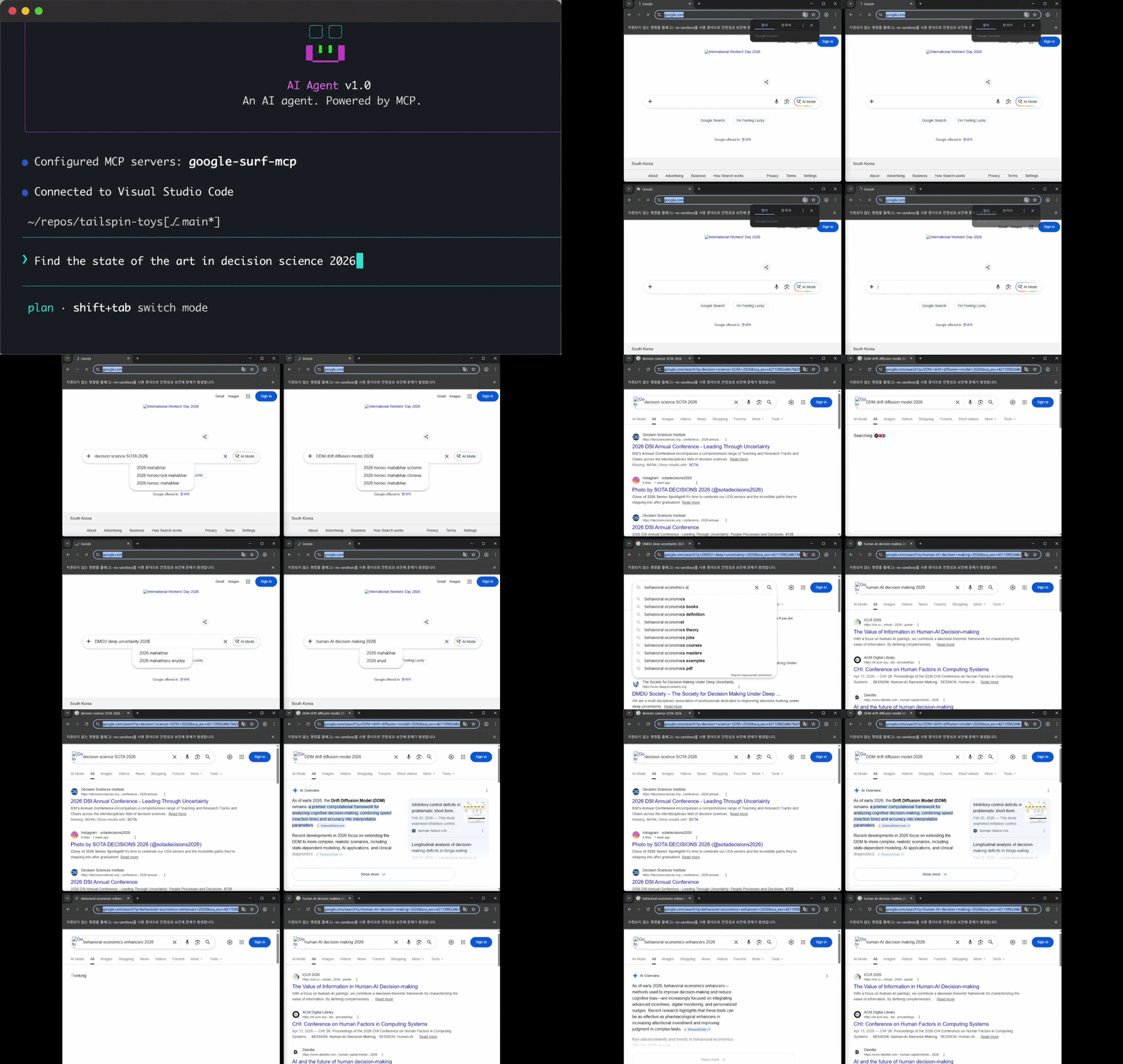
Demo only. Actual searches run headless by default (no visible browser). Set
SURF_HEADLESS=falseto make Chrome visible like in the clip above.
Google search MCP. No API key. Just works.
What
Plug it into any MCP client and you get Google search as a tool.
No CAPTCHA solver. When CAPTCHA fires on any tool, a Chrome window opens for a human to solve. Each solve preserves the profile's reputation with Google. Built for sustainable, ethical use.
One-time install needs a ~1s profile warm-up (see Install).
Designed for local use. Not suitable for stateless / serverless deployment.
Numbers
| result | |
|---|---|
| sequential | ~2s/query (first call ~4s, includes setup) |
| parallel x4 | ~2s wall |
| parallel x10 | ~5s wall |
| search_extract x5 | ~7s wall (search + 5 parallel extracts) |
Measured on a workstation with a 1Gb/s connection. Numbers vary with hardware and network.
Stack
- Playwright + persistent Chrome profile
playwright-extrastealth- Resource-blocked images / media / fonts for speed
- One-shot profile bootstrap before first run
- Mozilla Readability + Turndown for article extraction
Install
Requires Node 18+ and Google Chrome (or Chromium) on the system.
npx google-surf-mcp # actual MCP - register in client config
Or local clone:
git clone https://github.com/HarimxChoi/google-surf-mcp
cd google-surf-mcp
npm install
npm run bootstrap
bootstrap opens a Chrome window. Run one Google search in it. Close. Profile is now warm.
Override paths if needed:
CHROME_PATH=/path/to/chrome SURF_TZ=America/New_York npm run bootstrap
Use with Claude Code
Paste this into your ~/.claude.json:
{
  "mcpServers": {
    "google-surf": {
      "command": "npx",
      "args": ["-y", "google-surf-mcp"]
    }
  }
}
Restart Claude Code. Done. search, search_parallel, extract, search_extract are now available.
For other MCP clients, use the same JSON shape in their config file.
Local clone variant:
{
  "mcpServers": {
    "google-surf": {
      "command": "node",
      "args": ["/abs/path/to/google-surf-mcp/build/index.js"]
    }
  }
}
Tools
search(query, limit?)- single query, ~2s. Returns title / url / snippet.search_parallel(queries[], limit?)- pool of 4, max 10 queries per call.extract(url, max_chars?)- fetch a URL, return article markdown (Readability with text fallback). Failures return{ error }, never throw.search_extract(query, limit?, max_chars?)- search + parallel extract in one call. Returns SERP results enriched with full article content. Per-page failures are isolated.
extract and search_extract make this MCP a one-stop shop for "search and read" workflows - your client gets actual page content, not just snippets.
Env vars
| var | default | notes |
|---|---|---|
CHROME_PATH |
auto-detected | absolute path to Chrome binary |
SURF_PROFILE_ROOT |
~/.google-surf-mcp |
where the warm profile lives |
SURF_LOCALE |
en-US |
browser locale |
SURF_TZ |
system tz | e.g. America/New_York |
SURF_HEADLESS |
true |
set false to run Chrome visibly (demos / debugging). CAPTCHA auto-recovery always runs visible regardless. |
SURF_IDLE_CLOSE_MS |
30000 |
idle ms before closing the sequential ctx and pool. Lower = faster cleanup, higher = warmer cache for spaced-out calls. |
Troubleshooting
- CAPTCHA: a visible Chrome window opens automatically (works for all 4 tools). Solve it once, do one search inside, the call retries and continues. To fail-fast instead, run with no display attached.
- "Chrome not found": install Chrome or set
CHROME_PATH. - Stale selectors: Google rotates classes. PRs welcome.
License
MIT
Yorumlar (0)
Yorum birakmak icin giris yap.
Yorum birakSonuc bulunamadi