muselab
Health Gecti
- License — License: MIT
- Description — Repository has a description
- Active repo — Last push 0 days ago
- Community trust — 13 GitHub stars
Code Basarisiz
- fs module — File system access in .github/workflows/ci.yml
- Hardcoded secret — Potential hardcoded credential in .github/workflows/ci.yml
- network request — Outbound network request in backend/auth.py
Permissions Gecti
- Permissions — No dangerous permissions requested
Bu listing icin henuz AI raporu yok.
your archive + Muse, the AI that actually knows you. Self-hosted, no npm, no bundler, no build step. Powered by Claude Agent SDK.
muselab





Muse (muselab's built-in assistant) reads across your checkup PDFs, budget spreadsheets,
family info, asset allocations, and career plans — helping you make cross-domain decisions.
🧠 Raw semantics, zero loss. No vectorizing. PDFs, spreadsheets, Markdown, HTML —
the original information stays intact. Muse reads them directly. The richer your
material, the better the outcome.🤖 Claude Agent SDK × eight models. MCP tools, Skills, Subagents, plan mode — all
intact. Not just chat, real delivery. Claude / DeepSeek / GLM / MiniMax / Kimi /
Qwen / MiMo / ERNIE — switch in one click.🖥️ Live rendering, multi-device sync. Muse's HTML reports and Markdown docs render
live in the preview pane. Sessions sync across desktop and phone, with PWA install
and push notifications.
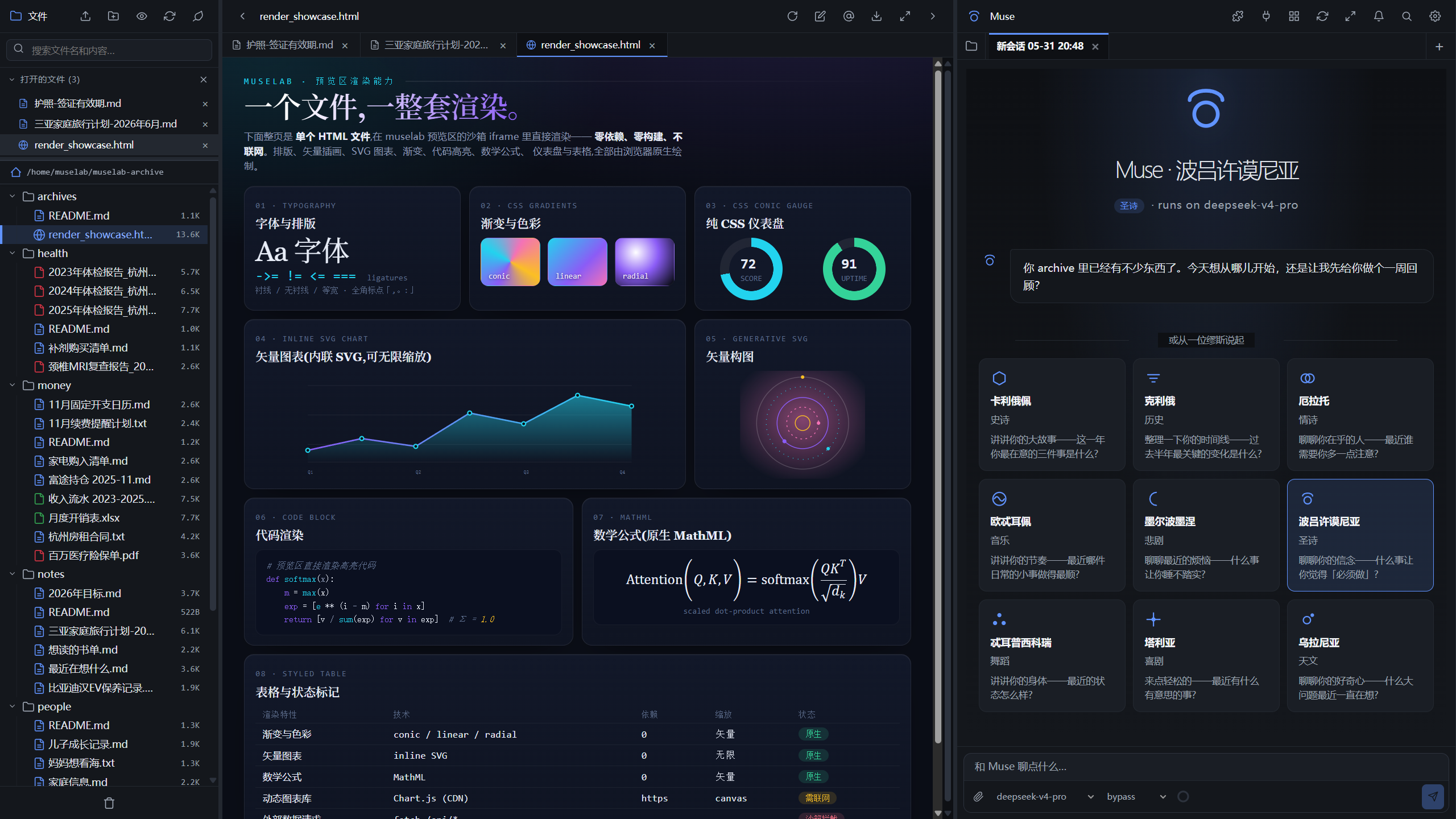
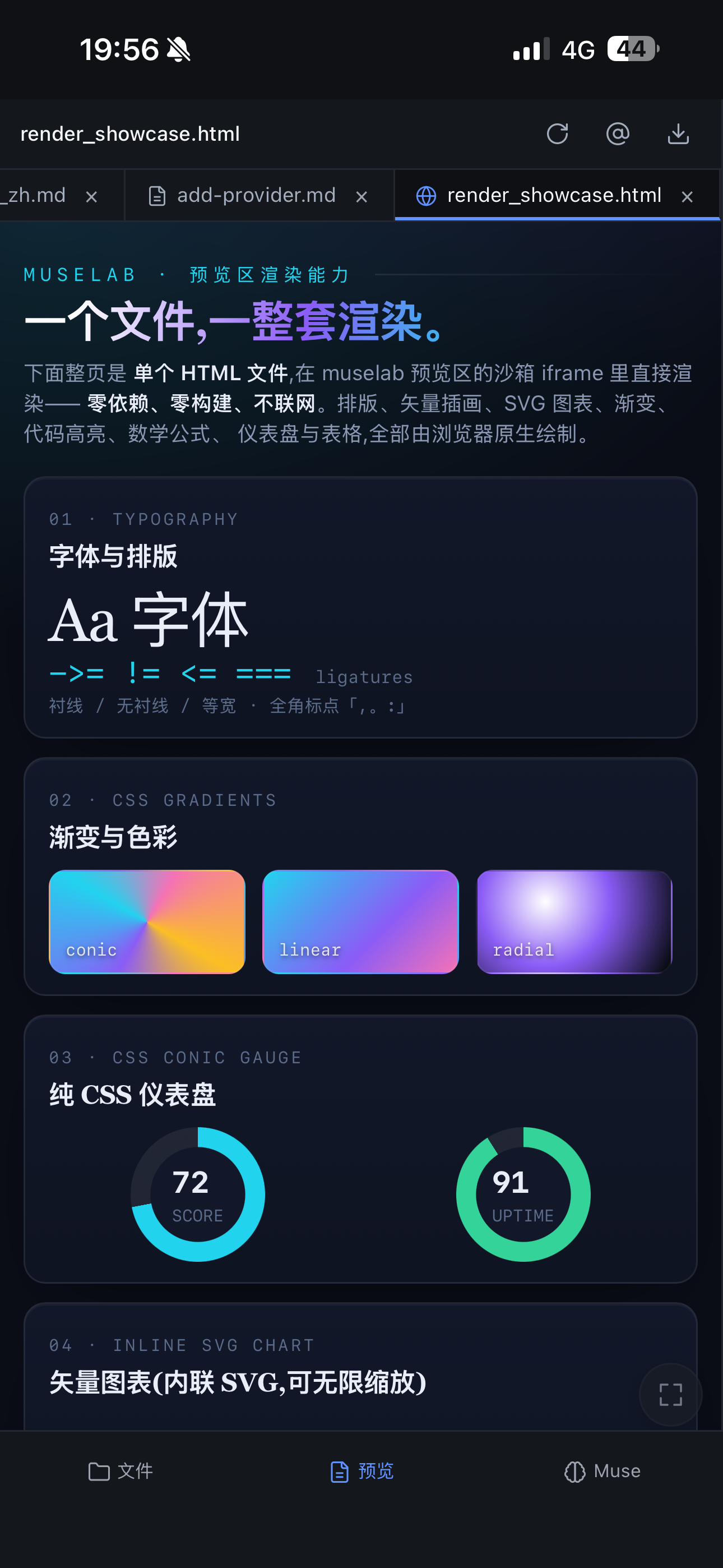
Rich rendering, real-time multi-device sync — HTML reports, tables and charts render as they're written; one session shared across desktop and phone.
See it in action
🌐 muselab promo page —
scene demos, capabilities overview, comparisons & FAQ — a quick look at what muselab can do.
Install
Prerequisites:
git,curl(bundled on Linux / macOS; on WSL2 runsudo apt install git curl).
One-line (Linux + macOS + WSL2) — installs uv, clones into ~/muselab,
then runs the platform installer (which auto-installs Node LTS + the Anthropicclaude CLI and registers the service):
curl -fsSL https://raw.githubusercontent.com/hesorchen/muselab/main/scripts/quick-install.sh | bash
Windows users: install via WSL2 (see Quick start).
Unattended — for CI / Docker / demo recording. Takes every default
(random token, port 8765, ~/muselab-archive) and skips every prompt:
curl -fsSL https://raw.githubusercontent.com/hesorchen/muselab/main/scripts/quick-install.sh | MUSELAB_NONINTERACTIVE=1 bash
Manual — if you'd rather see every step:
git clone https://github.com/hesorchen/muselab && cd muselab
bash scripts/install-linux.sh    # or install-macos.sh
Open http://localhost:8765, paste the token from .env. If the installer
reported "claude CLI is installed but not logged in", run claude login
once to enable Anthropic models.
For prerequisites, Docker, dev mode and per-OS detail, see
Quick start.
Docs
- Get going: Quick start ·
Personalize CLAUDE.md ·
Mobile (PWA) ·
Scheduled tasks - Models: Providers ·
Add a provider - Reference: Configuration ·
Data & backup ·
Troubleshooting ·
Upgrading - Concepts: Architecture ·
How it compares ·
The nine Muses - Project: Security ·
Contributing ·
Third-party licenses
Status
v1.0 — first stable release. PRs are welcome — see CONTRIBUTING.md.
The roadmap and known issues are tracked on GitHub Issues.
Yorumlar (0)
Yorum birakmak icin giris yap.
Yorum birakSonuc bulunamadi