txtskills
Health Warn
- No license — Repository has no license file
- Description — Repository has a description
- Active repo — Last push 0 days ago
- Low visibility — Only 8 GitHub stars
Code Fail
- rm -rf — Recursive force deletion command in apps/tui/package.json
- process.env — Environment variable access in apps/web/app/api/skills/route.ts
Permissions Pass
- Permissions — No dangerous permissions requested
No AI report is available for this listing yet.
Turn any llms.txt into skills installable with a single command for AI agents : works with Claude Code, Cursor, Windsurf, GitHub Copilot, Amp, Antigravity, and many more.
txtskills
Convert any llms.txt documentation into installable agent skills.
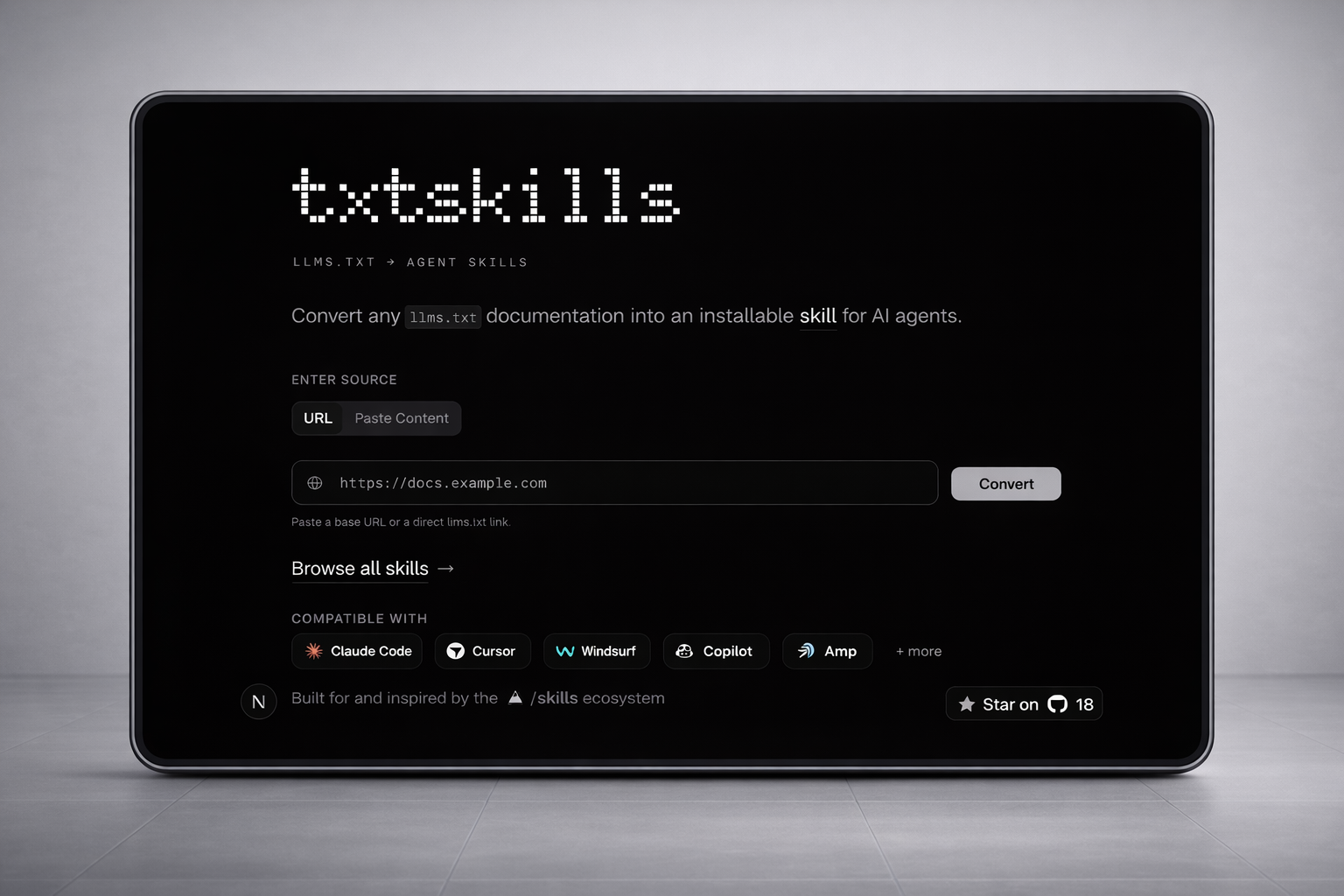
Generated skills are saved to hk-vk/skills.
What this repo contains
apps/web: Next.js web app (txtskills.hari.works)packages/cli:txtskillsCLI for conversion and skill managementpackages/ui: shared UI components
3 ways to use txtskills
The app exposes three usage modes, matching the UI nav:
- Convert (Web) →
https://txtskills.hari.works/ - CLI →
https://txtskills.hari.works/cli - Agent Skill →
https://txtskills.hari.works/agent-skill
1. Convert in the browser (Web)
Visit txtskills.hari.works and use the Convert flow:
- Paste a docs URL (or paste raw content)
- Generate a publishable skill
- Copy install command instantly
2. Convert & manage with CLI
See packages/cli/README.md for the complete command reference.
Use @latest when you want the newest published CLI release:
# Start the interactive CLI
npx txtskills@latest

# Install one skill from the registry
npx txtskills@latest add <skill-name>

# Convert docs URL -> skill
npx txtskills@latest convert docs.example.com

# Convert and auto-install
npx txtskills@latest convert docs.example.com --install

# Search and list
npx txtskills@latest search react
npx txtskills@latest list

# Remove installed skills
npx txtskills@latest remove <skill-name>
3. Use as an agent skill
For agent workflows that only need a CLI-native experience:
- Install the conversion workflow skill with the latest installer:
npx skills@latest add hk-vk/txtskills --skill txtskills-llms-to-agent-skills
- Use that skill in your coding agent to discover
llms.txtand generate an agent skill.
Quick CLI tips
The CLI supports these commands:
add– install a skilllist– browse available registry skillssearch– find skills by name (alias:find)convert– convert docs URL/llms.txtinto a publishable skillremove– remove installed skills (alias:rm)
Run without arguments to open an interactive prompt:
npx txtskills@latest
No terminal setup required.
Links
- Website: https://txtskills.hari.works
- Skills browser: https://txtskills.hari.works/skills
- Skills registry: https://github.com/hk-vk/skills
- llms.txt standard: https://llmstxt.org/
- Agent Skills format: https://agentskills.io
Reviews (0)
Sign in to leave a review.
Leave a reviewNo results found