Vibe-Trading
Health Pass
- License — License: MIT
- Description — Repository has a description
- Active repo — Last push 0 days ago
- Community trust — 1739 GitHub stars
Code Warn
- network request — Outbound network request in agent/backtest/engines/base.py
Permissions Pass
- Permissions — No dangerous permissions requested
This MCP server acts as a personal trading agent. It provides a comprehensive suite of tools to help users develop, backtest, and deploy automated trading strategies across multiple financial platforms.
Security Assessment
The tool makes outbound network requests (specifically within its backtesting engines), which is expected behavior for fetching market data and interacting with trading APIs. No hardcoded secrets were detected, and the project does not request inherently dangerous local permissions like arbitrary shell execution. However, because the core purpose involves financial transactions and interacting with external broker APIs, users must supply sensitive API keys. Overall risk is rated as Medium, strictly due to the high-stakes nature of financial trading and the necessity of securely handling exchange credentials.
Quality Assessment
The project appears to be highly maintained and well-documented, featuring a modern FastAPI and React stack. It is licensed under the permissive MIT license. With nearly 1,740 GitHub stars and a last push recorded today, community trust and active development are exceptionally high.
Verdict
Use with caution — while the codebase is actively maintained, transparent, and safe from a permissions standpoint, you must rigorously protect your trading API keys and be aware of the financial risks inherent to automated trading.
"Vibe-Trading: Your Personal Trading Agent"
English | 中文 | 日本語 | 한국어 | العربية
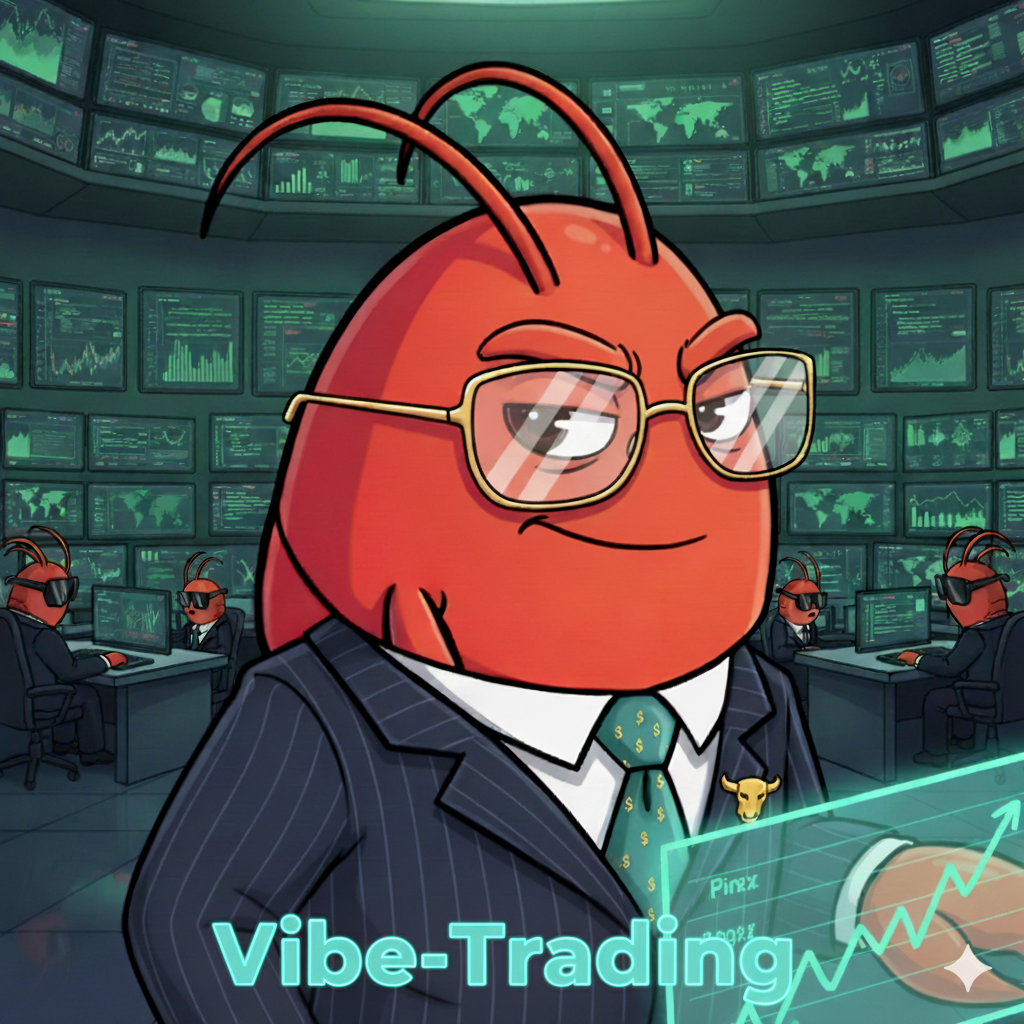
Vibe-Trading: Your Personal Trading Agent
One Command to Empower Your Agent with Comprehensive Trading Capabilities












Features · Demo · What Is It · Get Started · CLI · API · MCP · Structure · Roadmap · Contributing · Contributors

📰 News
- 2026-04-12 🌍 Multi-Platform Indicator Export:
/pinenow exports strategies to TradingView (Pine Script v6), 通达信/同花顺/东方财富 (TDX formula), and MetaTrader 5 (MQL5) in a single file — covering international equities, China A-shares, and global forex/CFD markets. One command, three platforms. - 2026-04-11 🛡️ Reliability & DX:
vibe-trading initinteractive .env bootstrap (#19), startup preflight checks for LLM & data sources, runtime data-source fallback when primary returns empty, hardened backtest engine with data validation & error isolation, date/time context injection into agent & swarm prompts. Multi-language README (zh/ja/ko) via community PR #21. - 2026-04-10 📦 v0.1.4: Fix Docker build (#8), add
web_searchMCP tool (17 total),akshare/ccxtin deps & MCP. 11 LLM providers (DeepSeek, Groq, Gemini, Ollama, etc.), all tuning params via.env. Hardenedml-strategyskill. Published to PyPI and ClawHub. - 2026-04-09 📊 Backtest Wave 2 — multi-asset engines: added ChinaFutures (CFFEX/SHFE/DCE/ZCE, 50+ contracts), GlobalFutures (CME/ICE/Eurex, 30+ contracts), Forex (24 pairs, spread + swap), Options v2 (American exercise, IV smile). Statistical validation: Monte Carlo permutation test, Bootstrap Sharpe CI, Walk-Forward analysis.
- 2026-04-08 🔧 Multi-market backtest with per-market rules; Pine Script v6 export for TradingView. Data source expansion: 5 sources with auto-fallback,
web_searchtool, skill categorization (7 categories). - 2026-04-01 🚀 v0.1.0 — Initial release: ReAct agent, 64 skills, 29 swarm presets, cross-market backtest, CLI + Web UI + MCP server.
💡 What Is Vibe-Trading?
Vibe-Trading is an AI-powered multi-agent finance workspace that turns natural language requests into executable trading strategies, research insights, and portfolio analysis across global markets.
Key Capabilities:
• Strategy Generation — Automatically writes trading code from your ideas
• Smart Data Access — 5 data sources with automatic fallback; zero-config for all markets
• Performance Testing — Tests your strategies against historical market data
• Multi-Platform Export — One-click convert strategies to TradingView, 通达信/同花顺/东方财富, and MT5
• Expert Teams — Deploys specialized AI agents for complex research tasks
• Live Updates — Watch the entire analysis process in real-time
✨ Key Features
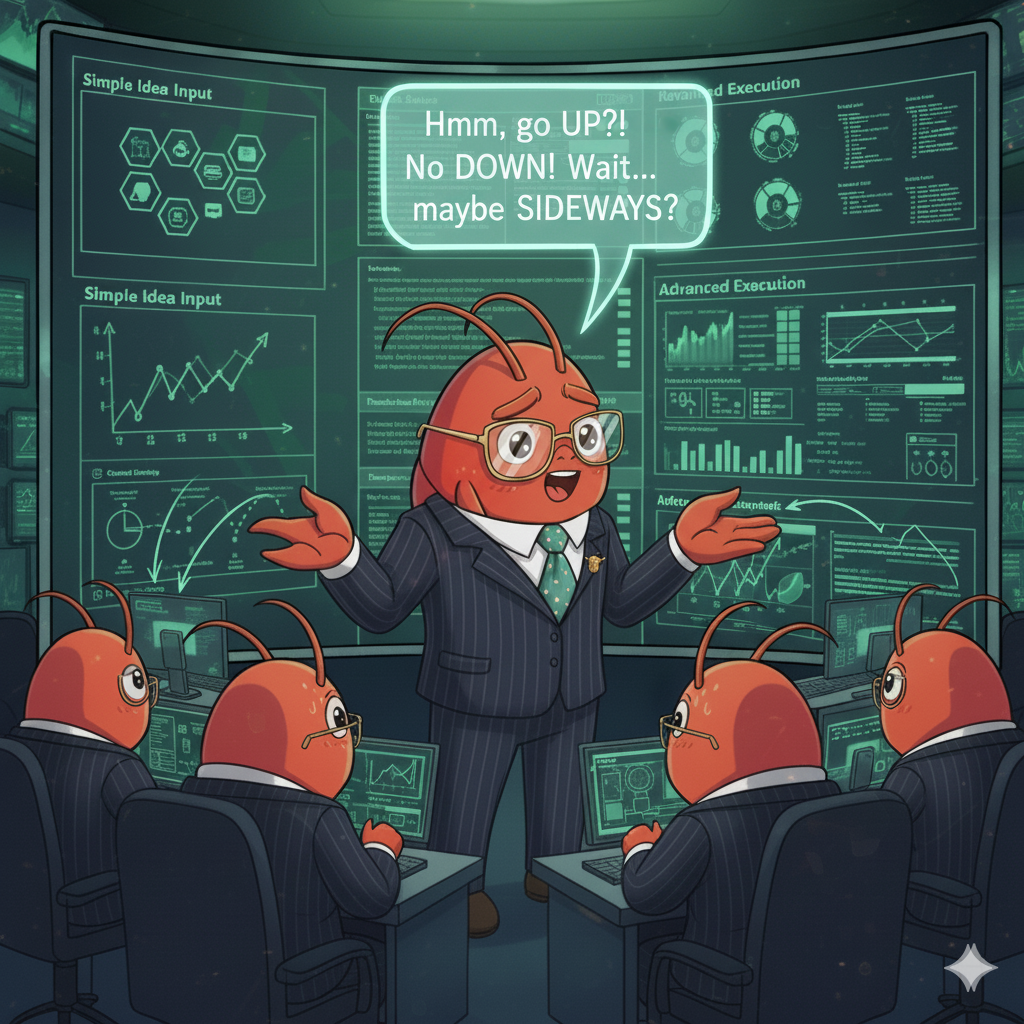 🔍 DeepResearch for Trading
• Multi-domain analysis coverage across markets
• Auto strategy and signal generation • Macro economic research and insights • Natural-language task routing via chat |
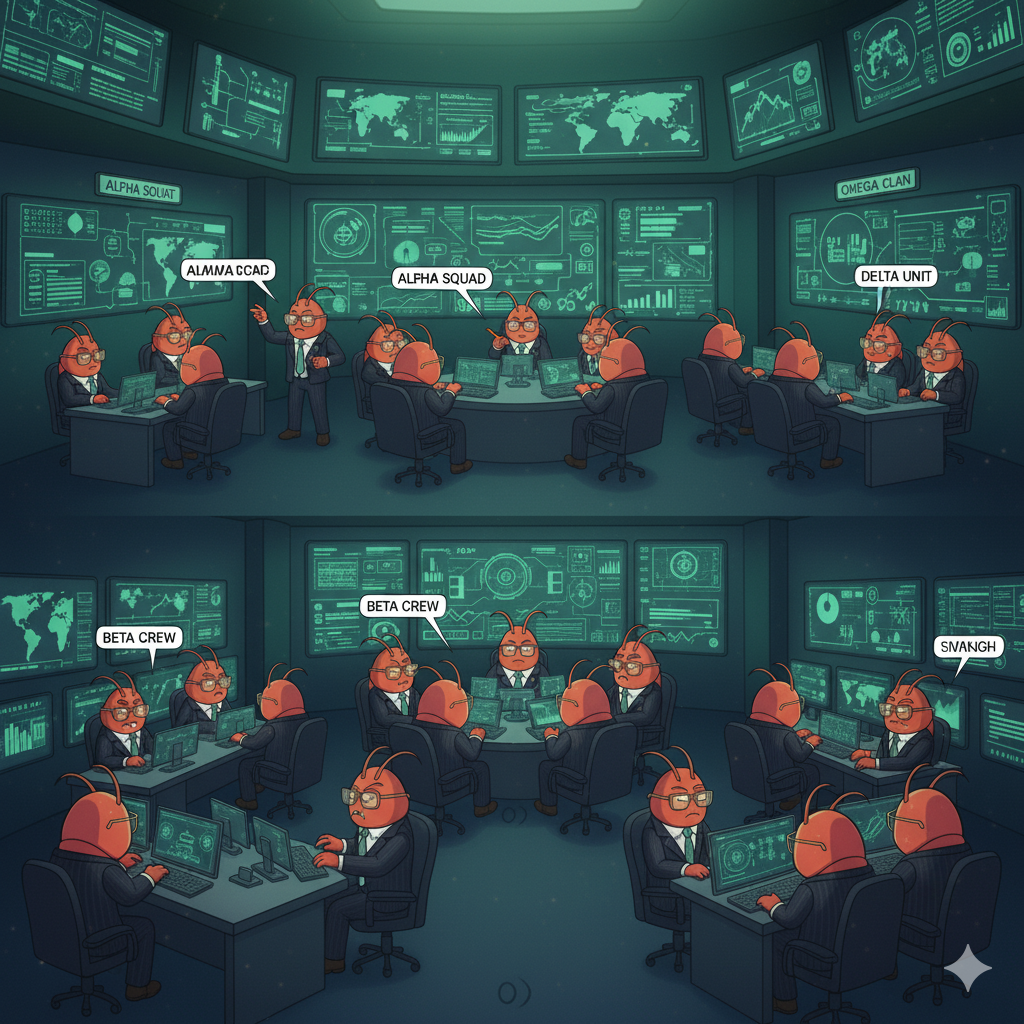 🐝 Swarm Intelligence
• 29 out-of-the-box trading team presets
• DAG-based multi-agent orchestration • Real-time decision streaming dashboard • Custom team building through YAML |
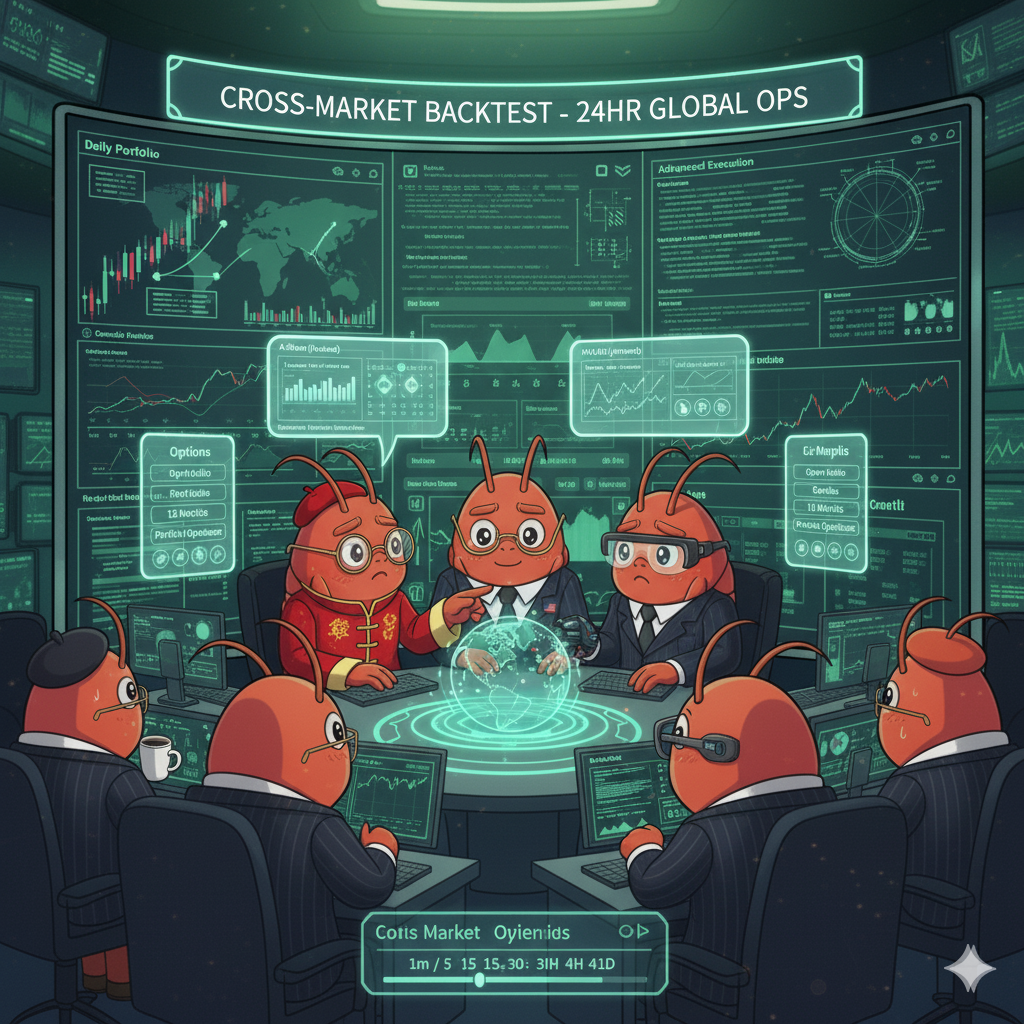 📊 Cross-Market Backtest
• A-shares, HK/US equities, crypto, futures & forex
• 7 market engines: A-share, US/HK equity, crypto, China futures, global futures, forex • Statistical validation: Monte Carlo, Bootstrap CI, Walk-Forward • 15+ performance metrics & 4 optimizers |
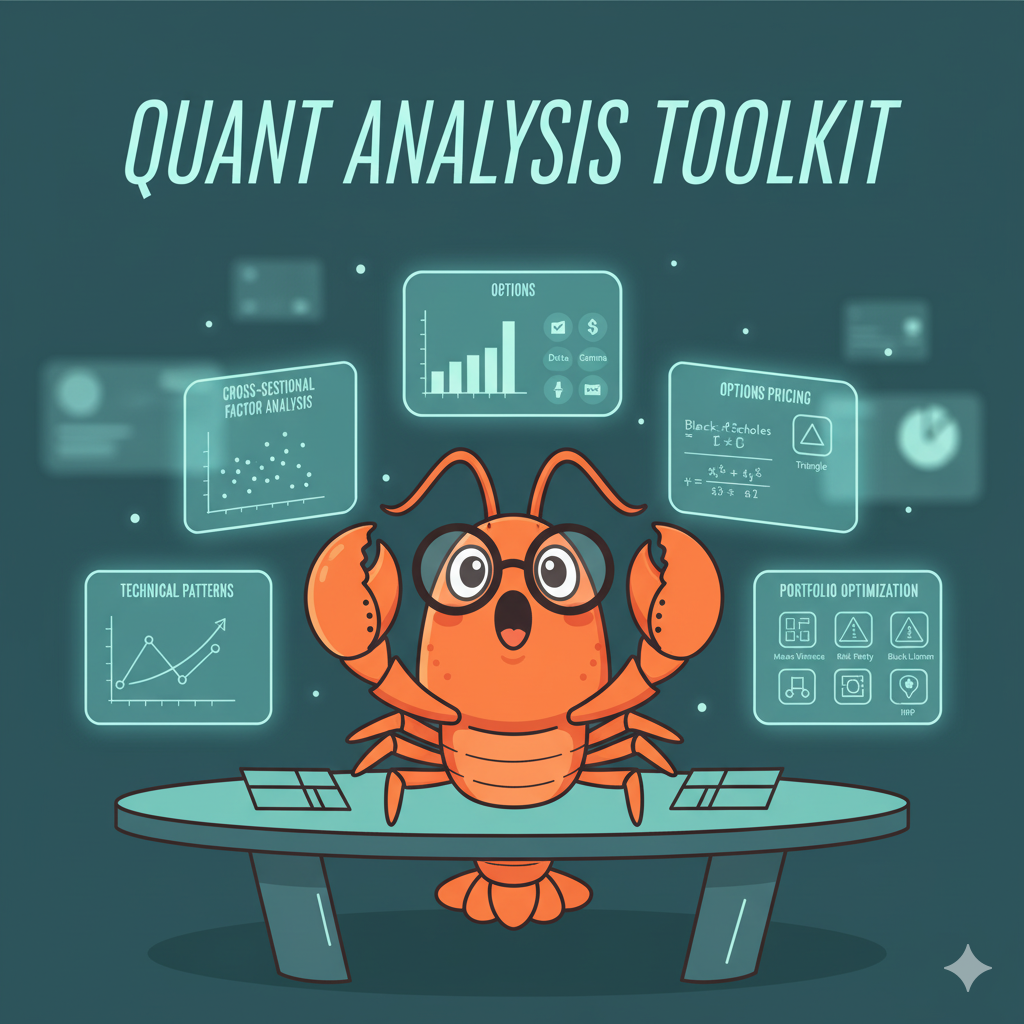 🧮 Quant Analysis Toolkit
• Factor IC/IR analysis & quantile backtesting
• Black-Scholes pricing & full Greeks calculation • Technical pattern recognition & detection • Portfolio optimization via MVO/Risk Parity/BL |
68 Skills across 7 Categories
- 📊 68 specialized finance skills organized into 7 categories
- 🌐 Complete coverage from traditional markets to crypto & DeFi
- 🔬 Comprehensive capabilities spanning data sourcing to quantitative research
| Category | Skills | Examples |
|---|---|---|
| Data Source | 6 | data-routing, tushare, yfinance, okx-market, akshare, ccxt |
| Strategy | 16 | strategy-generate, technical-basic, candlestick, ichimoku, elliott-wave, smc, multi-factor, ml-strategy |
| Analysis | 15 | factor-research, macro-analysis, global-macro, valuation-model, earnings-forecast, credit-analysis |
| Asset Class | 9 | options-strategy, options-advanced, convertible-bond, etf-analysis, asset-allocation, sector-rotation |
| Crypto | 7 | perp-funding-basis, liquidation-heatmap, stablecoin-flow, defi-yield, onchain-analysis |
| Flow | 7 | hk-connect-flow, us-etf-flow, edgar-sec-filings, financial-statement, adr-hshare |
| Tool | 8 | backtest-diagnose, report-generate, pine-script, doc-reader, web-reader |
29 Agent Swarm Team Presets
- 🏢 29 ready-to-use agent teams
- ⚡ Pre-configured finance workflows
- 🎯 Investment, trading & risk management presets
| Preset | Workflow |
|---|---|
investment_committee |
Bull/bear debate → risk review → PM final call |
global_equities_desk |
A-share + HK/US + crypto researcher → global strategist |
crypto_trading_desk |
Funding/basis + liquidation + flow → risk manager |
earnings_research_desk |
Fundamental + revision + options → earnings strategist |
macro_rates_fx_desk |
Rates + FX + commodity → macro PM |
quant_strategy_desk |
Screening + factor research → backtest → risk audit |
technical_analysis_panel |
Classic TA + Ichimoku + harmonic + Elliott + SMC → consensus |
risk_committee |
Drawdown + tail risk + regime review → sign-off |
global_allocation_committee |
A-shares + crypto + HK/US → cross-market allocation |
Plus 20+ additional specialist presets — run vibe-trading --swarm-presets to explore all.
🎬 Demo
|
https://github.com/user-attachments/assets/4e4dcb80-7358-4b9a-92f0-1e29612e6e86 |
https://github.com/user-attachments/assets/3754a414-c3ee-464f-b1e8-78e1a74fbd30 |
| ☝️ Natural-language backtest & multi-agent swarm debate — Web UI + CLI |
🚀 Quick Started
One-line install (PyPI)
pip install vibe-trading-ai
Package name vs commands: The PyPI package is
vibe-trading-ai. Once installed, you get three commands:
Command Purpose vibe-tradingInteractive CLI / TUI vibe-trading serveLaunch FastAPI web server vibe-trading-mcpStart MCP server (for Claude Desktop, OpenClaw, Cursor, etc.)
vibe-trading init              # interactive .env setup
vibe-trading                   # launch CLI
vibe-trading serve --port 8899 # launch web UI
vibe-trading-mcp               # start MCP server (stdio)
Or choose a path
| Path | Best for | Time |
|---|---|---|
| A. Docker | Try it now, zero local setup | 2 min |
| B. Local install | Development, full CLI access | 5 min |
| C. MCP plugin | Plug into your existing agent | 3 min |
| D. ClawHub | One command, no cloning | 1 min |
Prerequisites
- An LLM API key from any supported provider — or run locally with Ollama (no key needed)
- Python 3.11+ for Path B
- Docker for Path A
Supported LLM providers: OpenRouter, OpenAI, DeepSeek, Gemini, Groq, DashScope/Qwen, Zhipu, Moonshot/Kimi, MiniMax, Xiaomi MIMO, Ollama (local). See
.env.examplefor config.
Tip: All markets work without any API keys thanks to automatic fallback. yfinance (HK/US), OKX (crypto), and AKShare (A-shares, US, HK, futures, forex) are all free. Tushare token is optional — AKShare covers A-shares as a free fallback.
Path A: Docker (zero setup)
git clone https://github.com/HKUDS/Vibe-Trading.git
cd Vibe-Trading
cp agent/.env.example agent/.env
# Edit agent/.env — uncomment your LLM provider and set API key
docker compose up --build
Open http://localhost:8899. Backend + frontend in one container.
Path B: Local install
git clone https://github.com/HKUDS/Vibe-Trading.git
cd Vibe-Trading
python -m venv .venv

# Activate
source .venv/bin/activate          # Linux / macOS
# .venv\Scripts\Activate.ps1       # Windows PowerShell

pip install -e .
cp agent/.env.example agent/.env   # Edit — set your LLM provider API key
vibe-trading                       # Launch interactive TUI
# Terminal 1: API server
vibe-trading serve --port 8899

# Terminal 2: Frontend dev server
cd frontend && npm install && npm run dev
Open http://localhost:5899. The frontend proxies API calls to localhost:8899.
Production mode (single server):
cd frontend && npm run build && cd ..
vibe-trading serve --port 8899     # FastAPI serves dist/ as static files
Path C: MCP plugin
See MCP Plugin section below.
Path D: ClawHub (one command)
npx clawhub@latest install vibe-trading --force
The skill + MCP config is downloaded into your agent's skills directory. See ClawHub install for details.
🧠 Environment Variables
Copy agent/.env.example to agent/.env and uncomment the provider block you want. Each provider needs 3-4 variables:
| Variable | Required | Description |
|---|---|---|
LANGCHAIN_PROVIDER |
Yes | Provider name (openrouter, deepseek, groq, ollama, etc.) |
<PROVIDER>_API_KEY |
Yes* | API key (OPENROUTER_API_KEY, DEEPSEEK_API_KEY, etc.) |
<PROVIDER>_BASE_URL |
Yes | API endpoint URL |
LANGCHAIN_MODEL_NAME |
Yes | Model name (e.g. deepseek/deepseek-v3.2) |
TUSHARE_TOKEN |
No | Tushare Pro token for A-share data (falls back to AKShare) |
TIMEOUT_SECONDS |
No | LLM call timeout, default 120s |
* Ollama does not require an API key.
Free data (no key needed): A-shares via AKShare, HK/US equities via yfinance, crypto via OKX, 100+ crypto exchanges via CCXT. The system automatically selects the best available source for each market.
🖥 CLI Reference
vibe-trading               # interactive TUI
vibe-trading run -p "..."  # single run
vibe-trading serve         # API server
| Command | Description |
|---|---|
/help |
Show all commands |
/skills |
List all 68 finance skills |
/swarm |
List 29 swarm team presets |
/swarm run <preset> [vars_json] |
Run a swarm team with live streaming |
/swarm list |
Swarm run history |
/swarm show <run_id> |
Swarm run details |
/swarm cancel <run_id> |
Cancel a running swarm |
/list |
Recent runs |
/show <run_id> |
Run details + metrics |
/code <run_id> |
Generated strategy code |
/pine <run_id> |
Export indicators (TradingView + TDX + MT5) |
/trace <run_id> |
Full execution replay |
/continue <run_id> <prompt> |
Continue a run with new instructions |
/sessions |
List chat sessions |
/settings |
Show runtime config |
/clear |
Clear screen |
/quit |
Exit |
vibe-trading run -p "Backtest BTC-USDT MACD strategy, last 30 days"
vibe-trading run -p "Analyze AAPL momentum" --json
vibe-trading run -f strategy.txt
echo "Backtest 000001.SZ RSI" | vibe-trading run
vibe-trading -p "your prompt"
vibe-trading --skills
vibe-trading --swarm-presets
vibe-trading --swarm-run investment_committee '{"topic":"BTC outlook"}'
vibe-trading --list
vibe-trading --show <run_id>
vibe-trading --code <run_id>
vibe-trading --pine <run_id>           # Export indicators (TradingView + TDX + MT5)
vibe-trading --trace <run_id>
vibe-trading --continue <run_id> "refine the strategy"
vibe-trading --upload report.pdf
🌐 API Server
vibe-trading serve --port 8899
| Method | Endpoint | Description |
|---|---|---|
GET |
/runs |
List runs |
GET |
/runs/{run_id} |
Run details |
GET |
/runs/{run_id}/pine |
Multi-platform indicator export |
POST |
/sessions |
Create session |
POST |
/sessions/{id}/messages |
Send message |
GET |
/sessions/{id}/events |
SSE event stream |
POST |
/upload |
Upload PDF/file |
GET |
/swarm/presets |
List swarm presets |
POST |
/swarm/runs |
Start swarm run |
GET |
/swarm/runs/{id}/events |
Swarm SSE stream |
Interactive docs: http://localhost:8899/docs
🔌 MCP Plugin
Vibe-Trading exposes 17 MCP tools for any MCP-compatible client. Runs as a stdio subprocess — no server setup needed. 16 of 17 tools work with zero API keys (HK/US/crypto). Only run_swarm needs an LLM key.
Add to claude_desktop_config.json:
{
  "mcpServers": {
    "vibe-trading": {
      "command": "vibe-trading-mcp"
    }
  }
}
Add to ~/.openclaw/config.yaml:
skills:
  - name: vibe-trading
    command: vibe-trading-mcp
vibe-trading-mcp                  # stdio (default)
vibe-trading-mcp --transport sse  # SSE for web clients
MCP tools exposed (17): list_skills, load_skill, backtest, factor_analysis, analyze_options, pattern_recognition, get_market_data, web_search, read_url, read_document, read_file, write_file, list_swarm_presets, run_swarm, get_swarm_status, get_run_result, list_runs.
npx clawhub@latest install vibe-trading --force
--forceis required because the skill references external APIs, which triggers VirusTotal's automated scan. The code is fully open-source and safe to inspect.
This downloads the skill + MCP config into your agent's skills directory. No cloning needed.
Browse on ClawHub: clawhub.ai/skills/vibe-trading
OpenSpace — self-evolving skillsAll 68 finance skills are published on open-space.cloud and evolve autonomously through OpenSpace's self-evolution engine.
To use with OpenSpace, add both MCP servers to your agent config:
{
  "mcpServers": {
    "openspace": {
      "command": "openspace-mcp",
      "toolTimeout": 600,
      "env": {
        "OPENSPACE_HOST_SKILL_DIRS": "/path/to/vibe-trading/agent/src/skills",
        "OPENSPACE_WORKSPACE": "/path/to/OpenSpace"
      }
    },
    "vibe-trading": {
      "command": "vibe-trading-mcp"
    }
  }
}
OpenSpace will auto-discover all 68 skills, enabling auto-fix, auto-improve, and community sharing. Search for Vibe-Trading skills via search_skills("finance backtest") in any OpenSpace-connected agent.
📁 Project Structure
Click to expandVibe-Trading/
├── agent/ # Backend (Python)
│ ├── cli.py # CLI entrypoint — interactive TUI + subcommands
│ ├── api_server.py # FastAPI server — runs, sessions, upload, swarm, SSE
│ ├── mcp_server.py # MCP server — 17 tools for OpenClaw / Claude Desktop
│ │
│ ├── src/
│ │ ├── agent/ # ReAct agent core
│ │ │ ├── loop.py # main reasoning loop
│ │ │ ├── skills.py # skill loader (68 SKILL.md files, 7 categories)
│ │ │ ├── tools.py # tool orchestration
│ │ │ ├── context.py # system prompt builder
│ │ │ ├── memory.py # run memory / artifact store
│ │ │ └── trace.py # execution trace writer
│ │ │
│ │ ├── tools/ # 21 agent tools
│ │ │ ├── backtest_tool.py # run backtests
│ │ │ ├── factor_analysis_tool.py
│ │ │ ├── options_pricing_tool.py
│ │ │ ├── pattern_tool.py # chart pattern detection
│ │ │ ├── doc_reader_tool.py # PDF reader (OCR fallback)
│ │ │ ├── web_reader_tool.py # web page reader (Jina)
│ │ │ ├── web_search_tool.py # DuckDuckGo web search
│ │ │ ├── swarm_tool.py # launch swarm teams
│ │ │ └── ... # file I/O, bash, tasks, etc.
│ │ │
│ │ ├── skills/ # 68 finance skills in 7 categories (SKILL.md each)
│ │ ├── swarm/ # Swarm DAG execution engine
│ │ ├── session/ # Multi-turn chat session management
│ │ └── providers/ # LLM provider abstraction
│ │
│ ├── backtest/ # Backtest engines
│ │ ├── engines/ # 7 engines: china_a, global_equity, crypto, china_futures, global_futures, forex + options_portfolio
│ │ ├── loaders/ # 5 sources: tushare, okx, yfinance, akshare, ccxt
│ │ │ ├── base.py # DataLoader Protocol
│ │ │ └── registry.py # Registry + auto-fallback chains
│ │ └── optimizers/ # MVO, equal vol, max div, risk parity
│ │
│ └── config/swarm/ # 29 swarm preset YAML definitions
│
├── frontend/ # Web UI (React 19 + Vite + TypeScript)
│ └── src/
│ ├── pages/ # Home, Agent, RunDetail, Compare
│ ├── components/ # chat, charts, layout
│ └── stores/ # Zustand state management
│
├── Dockerfile # Multi-stage build
├── docker-compose.yml # One-command deploy
├── pyproject.toml # Package config + CLI entrypoint
└── LICENSE # MIT
🏛 Ecosystem
Vibe-Trading is part of the HKUDS agent ecosystem:
|
ClawTeam Agent Swarm Intelligence |
NanoBot Ultra-Lightweight Personal AI Assistant |
CLI-Anything Making All Software Agent-Native |
OpenSpace Self-Evolving AI Agent Skills |
🗺 Roadmap
We ship in phases. Items move to Issues when work begins.
| Phase | Feature | Status |
|---|---|---|
| Analysis & Viz | Options volatility surface & Greeks 3D visualization | Planned |
| Cross-asset correlation heatmap with rolling window & clustering | Planned | |
| Benchmark comparison in CLI backtest output | Planned | |
| Calmar Ratio & Omega Ratio in backtest metrics | Planned | |
| Skills & Presets | Dividend Analysis skill | Planned |
| ESG / Sustainable Investing swarm preset | Planned | |
| Emerging Markets Research Desk swarm preset | Planned | |
| Portfolio & Optimization | Advanced portfolio optimizer: leverage, sector caps, turnover constraints | Planned |
| Future | Beginner tutorial: "5-minute natural language backtest" | Planned |
| Live data streaming via WebSocket | Exploring | |
| Strategy marketplace (share & discover) | Exploring |
Contributing
We welcome contributions! See CONTRIBUTING.md for guidelines.
Good first issues are tagged with good first issue — pick one and get started.
Want to contribute something bigger? Check the Roadmap above and open an issue to discuss before starting.
Contributors
Thanks to everyone who has contributed to Vibe-Trading!
Disclaimer
Vibe-Trading is for research, simulation, and backtesting only. It is not investment advice and it does not execute live trades. Past performance does not guarantee future results.
License
MIT License — see LICENSE
Thanks for visiting Vibe-Trading ✨
Reviews (0)
Sign in to leave a review.
Leave a reviewNo results found