holaOS
Health Gecti
- License — License: MIT
- Description — Repository has a description
- Active repo — Last push 0 days ago
- Community trust — 1827 GitHub stars
Code Basarisiz
- rm -rf — Recursive force deletion command in .github/workflows/release-macos-desktop.yml
- process.env — Environment variable access in desktop/e2e/browser-workspace-isolation.test.mjs
- network request — Outbound network request in desktop/e2e/browser-workspace-isolation.test.mjs
Permissions Gecti
- Permissions — No dangerous permissions requested
This tool provides an agent environment for long-horizon work, giving AI agents a structured operating system with memory, tools, apps, and persistent state to execute continuous tasks without resetting.
Security Assessment
Overall risk: Medium. The tool does not request explicitly dangerous permissions and no hardcoded secrets were found. However, there are a few security points requiring attention. It uses a recursive force deletion command (`rm -rf`), which was flagged in the macOS desktop release workflow. While this is common in build scripts, it always carries a slight risk of unintended file deletion if path variables are mishandled. The end-to-end test files access environment variables and make outbound network requests. This is expected behavior for a testing environment and an application designed for continuous work, but users should be mindful of what environment variables are accessible and where network traffic is routed.
Quality Assessment
The project appears to be highly maintained and trustworthy. It is actively developed, with the most recent code pushed within the last day. It has garnered nearly 2,000 GitHub stars, indicating strong community adoption and interest. The codebase is written in TypeScript, includes continuous integration, and is fully open-source under the permissive and standard MIT license.
Verdict
Use with caution due to the standard risks of shell execution and network access inherent in agent environments, but the project's high code quality and active maintenance make it a solid choice.
The agent environment for long-horizon work, continuity, and self-evolution.
holaOS - The Agent Envionrment Built for Long-Horizon Work and Self-Evolution

The agent environment for long-horizon work, continuity, and self-evolution.






Website · Docs · Sign in · Quick Start
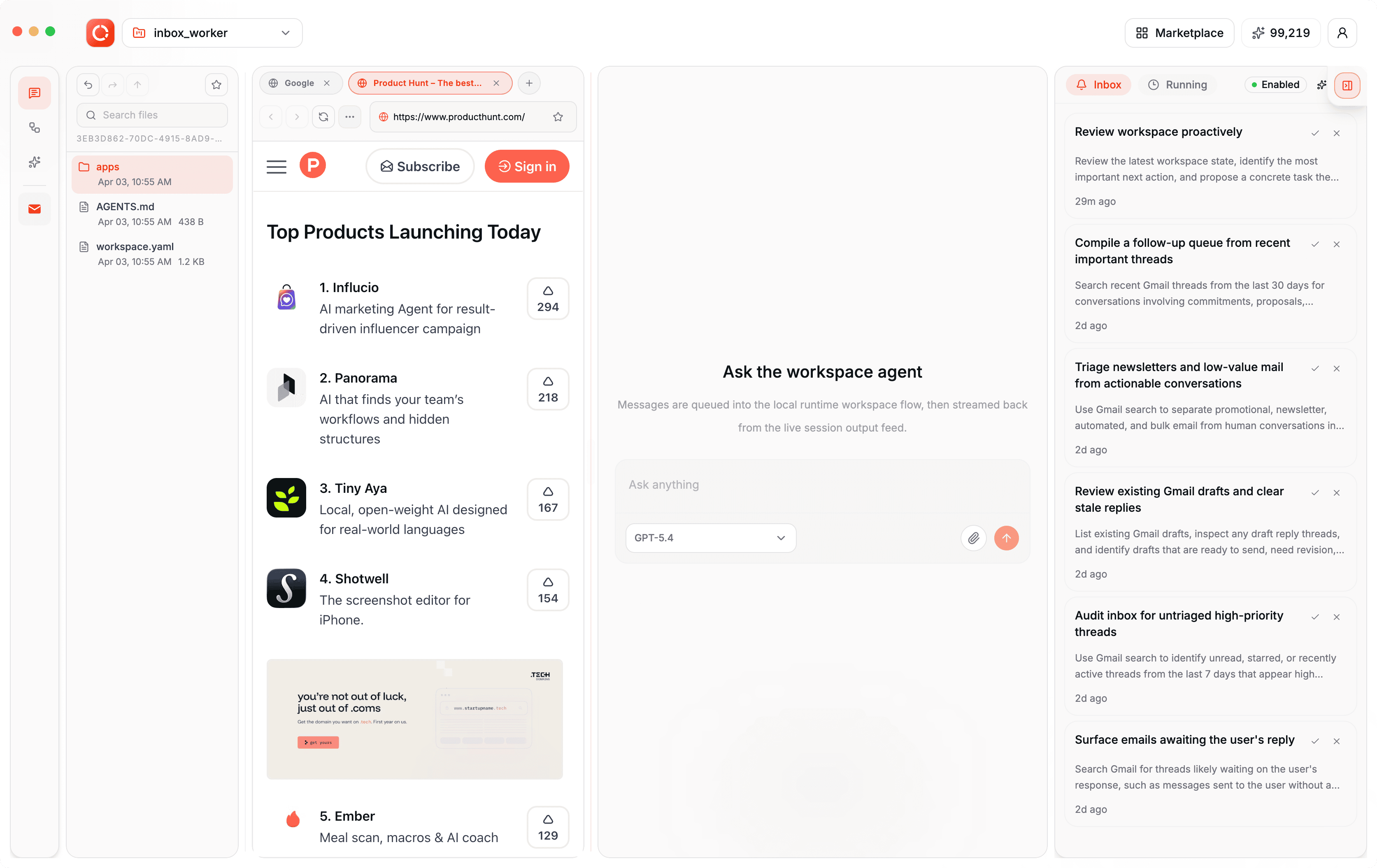
holaOS is the agent environment for long-horizon work. It gives agents a structured operating system made of runtime, memory, tools, apps, and durable state so they can work continuously, evolve over time, and stay inspectable across runs instead of resetting back to one-off task execution.
Desktop Workspace
Star the Repository
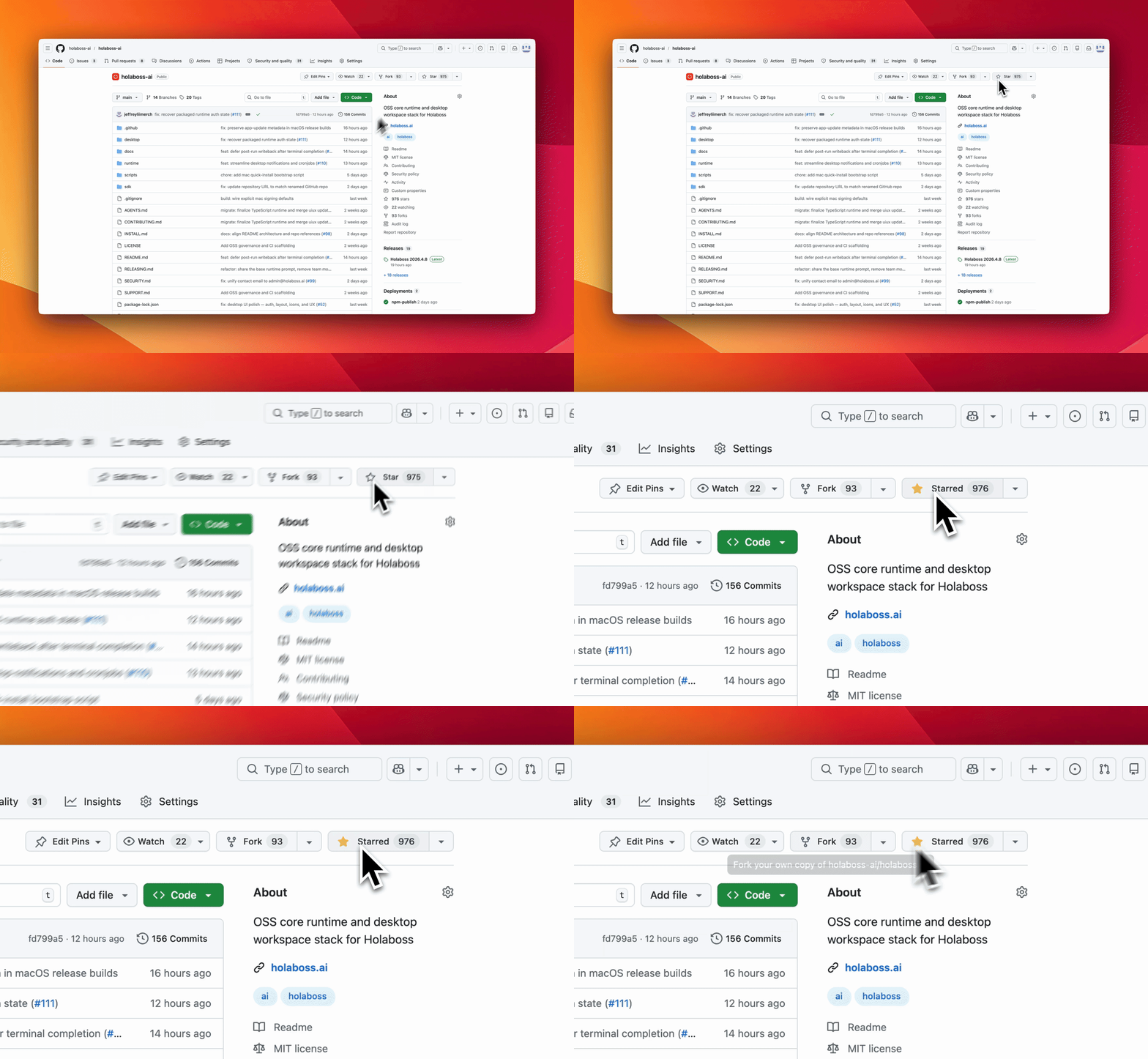
If Holaboss is useful or interesting, a GitHub Star would be greatly appreciated.
Table of Contents
Quick Start
Quick Start is the shortest path to a working local Holaboss Desktop environment powered by holaOS. Use the one-line repository installer on a fresh machine, or follow the manual path if you want to control each setup step yourself.
What you need
curlbash- macOS, Linux, or WSL
The installer bootstraps git, Node.js 22, and npm if they are missing. On Linux it may use sudo to install git.
One-Line Install
For a fresh-machine bootstrap on macOS, Linux, or WSL, use the repository installer:
curl -fsSL https://raw.githubusercontent.com/holaboss-ai/holaboss-ai/main/scripts/install.sh | bash -s -- --launch
That installer:
- installs
gitif it is missing - installs Node.js
22plusnpmif they are missing - clones the repository into
~/holaboss-aiby default - creates
desktop/.envfromdesktop/.env.exampleif needed - runs
npm run desktop:install - runs
npm run desktop:prepare-runtime:local - runs
npm run desktop:typecheck - only runs
npm run desktop:devwhen you pass--launch
Documentation
All deeper technical and product documentation lives at holaboss.ai/docs:
| Section | What's Covered |
|---|---|
| Overview | The merged entry page for the environment-engineering thesis and system model |
| Environment Engineering | The core thesis behind holaOS and why the environment defines the system |
| Quick Start | The fastest path to a working local desktop environment |
| Learning Path | The technical path through the docs after setup |
| Concepts | Core system vocabulary for workspaces, runtime, memory, and outputs |
| Workspace Model | Workspace contract, authored surfaces, and runtime-owned state |
| Memory and Continuity | Durable memory, continuity artifacts, and long-horizon resume behavior |
| Build Your First App | Building workspace apps on top of holaOS |
| Runtime APIs | The runtime operational surface for workspaces, runs, and app lifecycle |
| Independent Deploy | Running the portable runtime without the desktop app |
| Local Setup | The local developer path for desktop and runtime validation |
| Troubleshooting | The common local runtime and desktop failure modes |
| Workspace Experience | The desktop workspace surface built on top of holaOS |
| Model Configuration | Providers, defaults, config precedence, and runtime model selection |
| Reference | Environment variables and supporting reference material |
Manual Install
You really shouldn't need this as the one line install is doing the exact same thing. But oh well it's here in case you need it. If you are using the manual path instead, you can verify the usual prerequisites with:
git --version
node --version
npm --version
One-Line Agent Setup
If you use Codex, Claude Code, Cursor, Windsurf, or another coding agent, you can hand it the setup instructions in one sentence:
Run the Holaboss install script from https://raw.githubusercontent.com/holaboss-ai/holaboss-ai/main/scripts/install.sh. It should install git and Node.js 22/npm if they are missing, clone or update the repo into ~/holaboss-ai unless I specify another --dir, run desktop:install, create desktop/.env from desktop/.env.example if needed, run desktop:prepare-runtime:local and desktop:typecheck, and only run desktop:dev if I ask for --launch. If Electron cannot open, stop after verification and tell me the next manual step.
That handoff keeps the installation flow self-contained while leaving the detailed bootstrap steps in the repo-local INSTALL.md runbook.
This is the baseline installation flow for local desktop development.
- Install the desktop dependencies from the repository root:
npm run desktop:install
- Create your local environment file:
cp desktop/.env.example desktop/.env
If you are following the repo exactly, keep the file close to the template and only change the values that your provider or machine needs.
- Prepare the local runtime bundle:
npm run desktop:prepare-runtime:local
- If you want a quick validation pass before launching Electron, run:
npm run desktop:typecheck
- Start the desktop app in development mode:
npm run desktop:dev
The predev hook will validate the environment, rebuild native modules, and make sure a staged runtime bundle exists.
If you want to stage the runtime before opening the desktop app, there are two common paths:
Build from local runtime:
npm run desktop:prepare-runtime:local
Fetch the latest published runtime:
npm run desktop:prepare-runtime
Use the local path when you are actively changing runtime code. Use the published bundle when you want to verify the desktop against a known release artifact.
Use One-Line Install when you want the fastest path to a working local desktop environment. Use Manual Install when you need to inspect or control each setup step yourself.
Contributing
Contributions are welcome. For the full contribution workflow, review CONTRIBUTING.md.
Before opening a PR, also review the docs section on Build on holaOS, especially Local Setup, Runtime APIs, and Independent Deploy. That is the current source of truth for the local developer workflow.
The short version:
- open an issue first for large or workflow-shaping changes
- keep PRs narrow and explain the user-visible behavior change
- update docs when setup, runtime behavior, or public workflows change
- run
npm run desktop:typecheckandnpm run runtime:testbefore opening a PR
OSS Release Notes
- License: MIT. See LICENSE.
- Security issues: report privately to
[email protected]. See SECURITY.md.
Yorumlar (0)
Yorum birakmak icin giris yap.
Yorum birakSonuc bulunamadi