gemini-mcp
Health Gecti
- License — License: Apache-2.0
- Description — Repository has a description
- Active repo — Last push 0 days ago
- Community trust — 20 GitHub stars
Code Basarisiz
- child_process — Shell command execution capability in build-runner.cjs
- execSync — Synchronous shell command execution in build-runner.cjs
- rm -rf — Recursive force deletion command in package.json
- process.env — Environment variable access in src/config/index.ts
Permissions Gecti
- Permissions — No dangerous permissions requested
This MCP server integrates Google Gemini's visual, video, and chat capabilities into AI assistants like Claude Desktop. It provides 13 tools enabling inline generation of images, SVG diagrams, and video content directly within the host application.
Security Assessment
The overall risk is Medium. Several code execution flags were raised during the audit, specifically the presence of shell command execution (`execSync`, `child_process`) within the `build-runner.cjs` file. Additionally, a `rm -rf` recursive force deletion command was found in the `package.json` file, which can be dangerous if manipulated. The tool also accesses environment variables (`process.env`) in its configuration to retrieve the user's Google Gemini API key. While the environment variable access is standard and expected for passing API keys, the shell execution and recursive deletion capabilities warrant caution. No hardcoded secrets or dangerous system permissions were detected.
Quality Assessment
The project demonstrates good maintenance and community interest. It is actively maintained, with the most recent code push occurring today. It holds an Apache-2.0 license, which is standard, permissive, and safe for open-source use. The repository has accrued 20 GitHub stars, indicating a fair baseline of early community trust. It features a well-documented, professional README that makes setup and local development straightforward for users.
Verdict
Use with caution — while actively maintained and licensed, the inclusion of shell execution and recursive deletion scripts in the build process requires trusting the author's code.
Google Gemini MCP - Use Google's visual, video and chat capabilities in your AI Assistant. Uses MCP Apps to preview created images, landing pages, SVGs and video
@houtini/gemini-mcp


I've been running this MCP server in my Claude Desktop setup for months. It's one of the few I leave on permanently — not because Gemini replaces Claude, but because grounded search, image generation, SVG diagrams, and video are things Gemini does genuinely well. Having them as tools inside Claude beats switching browser tabs.
Thirteen tools. One npx command.
Quick Navigation
Get started | What it does | SVG generation | Image output | Configuration | Tools | Models | Requirements
What it looks like
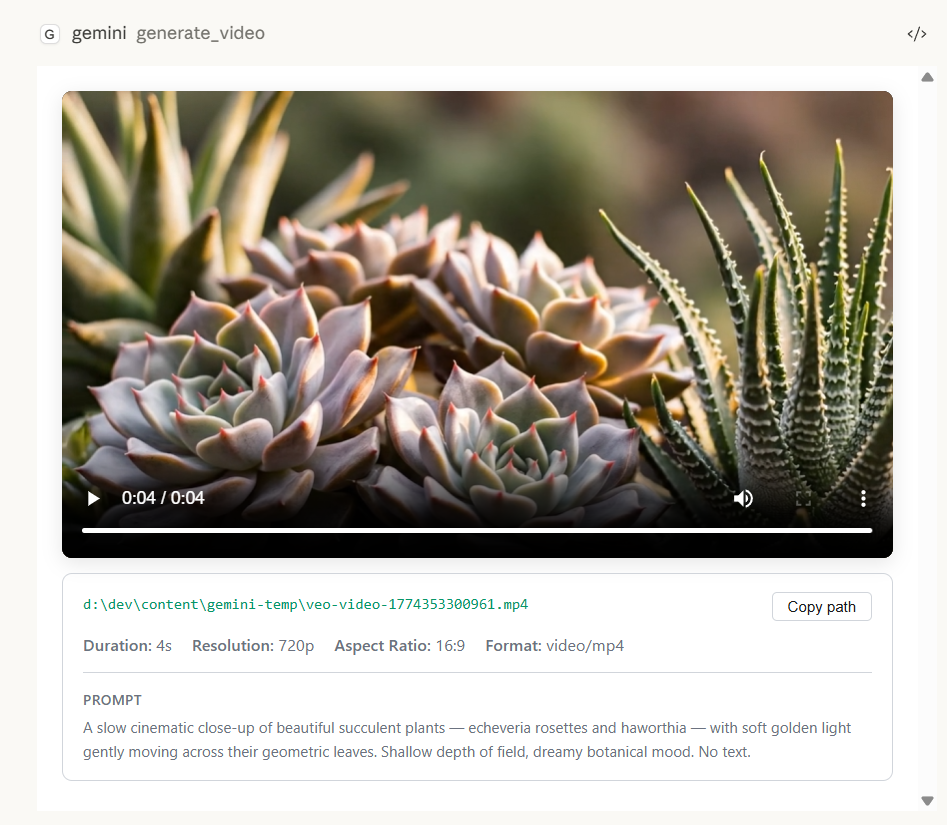
Generated images, SVGs, and videos render inline in Claude Desktop with zoom controls, file paths, and prompt context:
| Image generation | SVG / diagram generation |
|---|---|
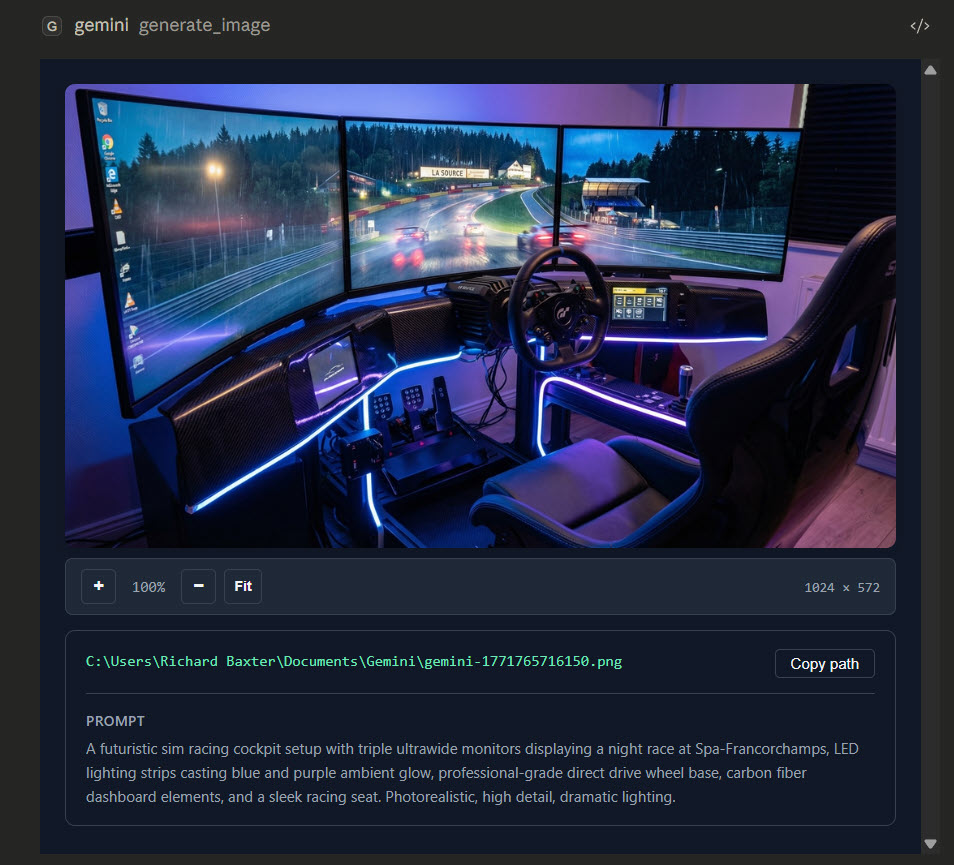 |
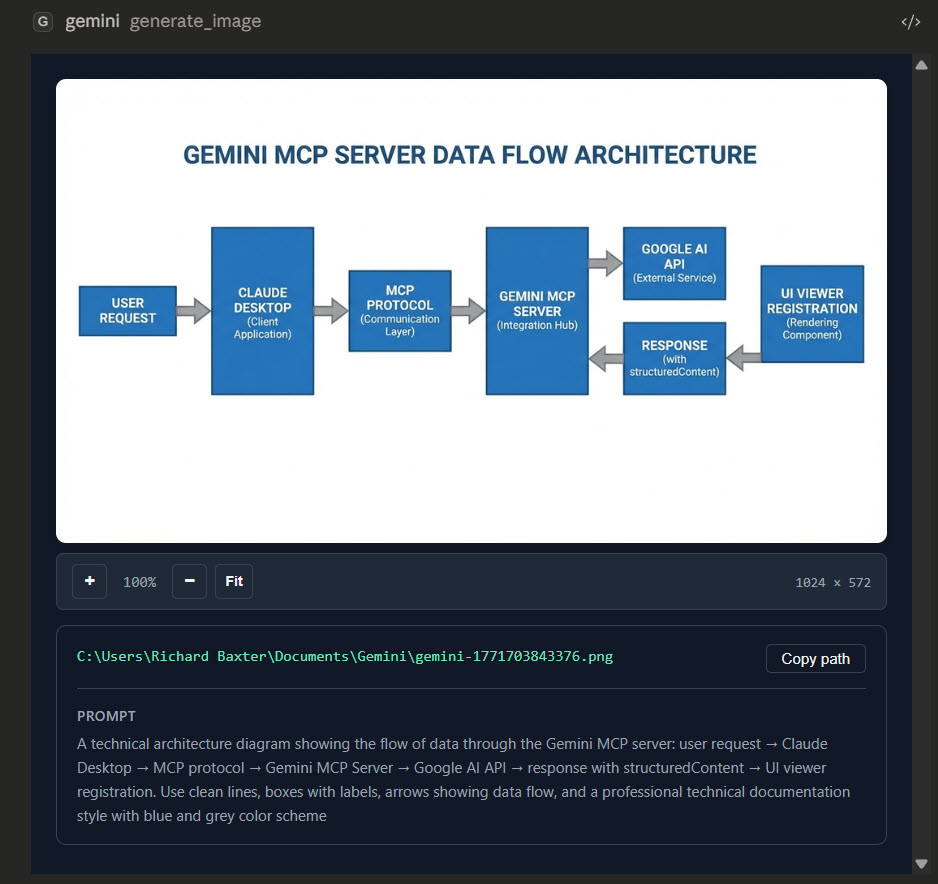 |
| Image embed | SVG embed | Video embed |
|---|---|---|
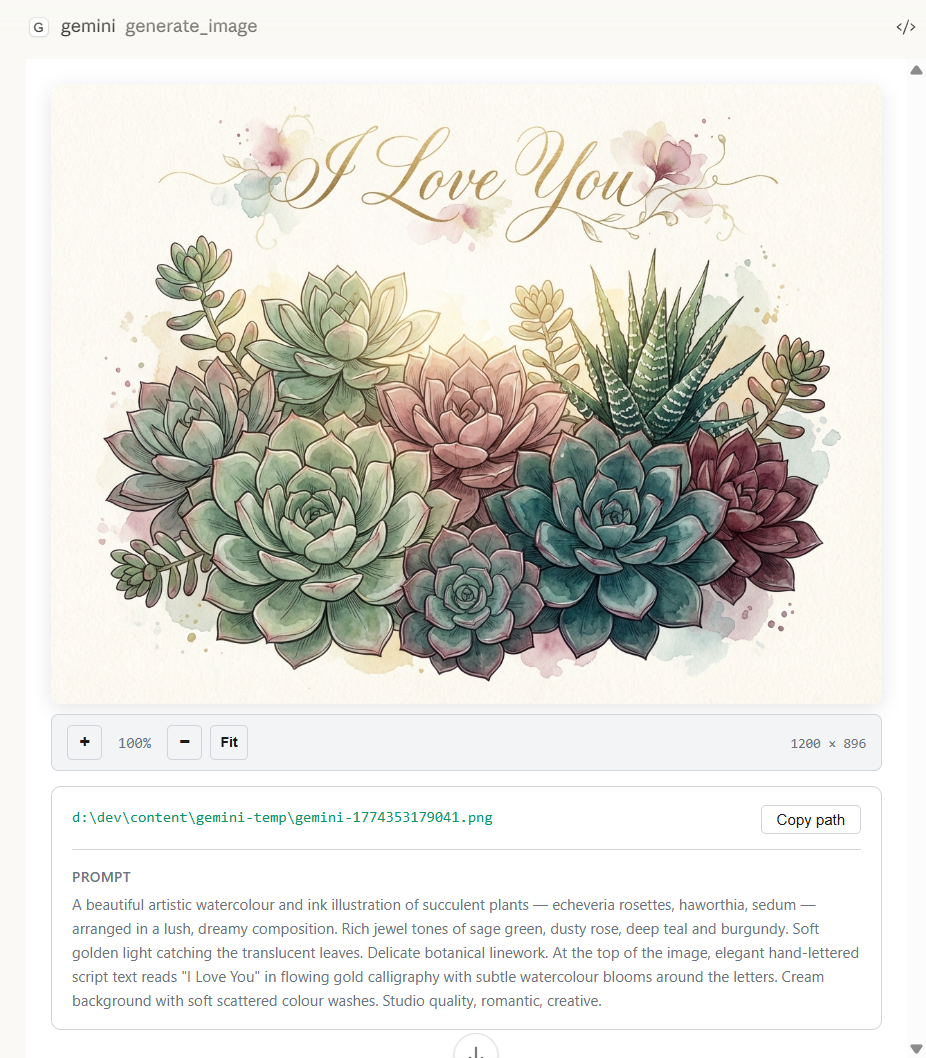 |
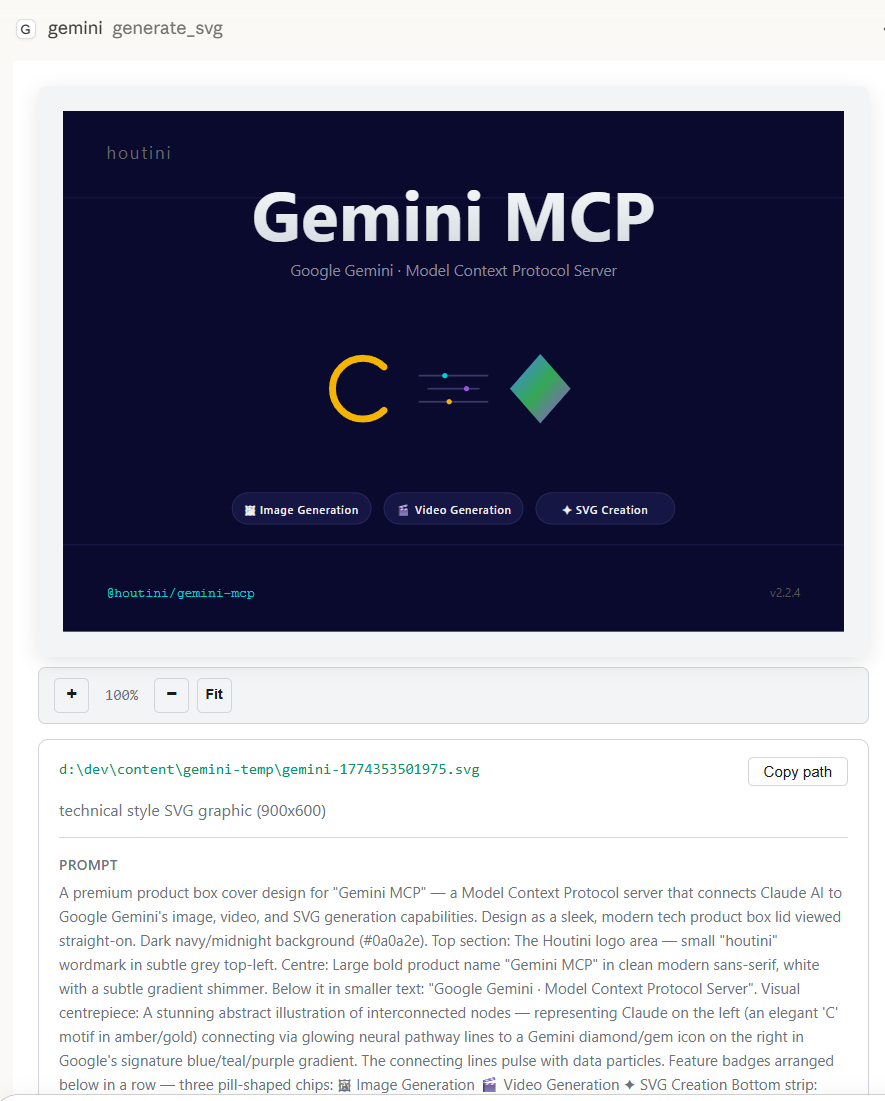 |
 |
Get started in two minutes
Step 1: Get a Gemini API key
Go to Google AI Studio and create one. The free tier covers most development use — you'll hit rate limits on deep research if you're hammering it, but for day-to-day work it's fine.
Step 2: Add to your Claude Desktop config
Config file locations:
- Windows:
C:\Users\{username}\AppData\Roaming\Claude\claude_desktop_config.json - macOS:
~/Library/Application Support/Claude/claude_desktop_config.json
{
  "mcpServers": {
    "gemini": {
      "command": "npx",
      "args": ["@houtini/gemini-mcp"],
      "env": {
        "GEMINI_API_KEY": "your-api-key-here"
      }
    }
  }
}
Step 3: Restart Claude Desktop
That's it. Tools show up automatically. npx pulls the package on first run — no separate install needed.
Local build instead
For development, or if you'd rather not rely on npx:
git clone https://github.com/houtini-ai/gemini-mcp
cd gemini-mcp
npm install --include=dev
npm run build
Then point your config at the local build:
{
  "mcpServers": {
    "gemini": {
      "command": "node",
      "args": ["C:/path/to/gemini-mcp/dist/index.js"],
      "env": {
        "GEMINI_API_KEY": "your-api-key-here"
      }
    }
  }
}
Claude Code (CLI)
Claude Code uses a different registration mechanism — it doesn't read claude_desktop_config.json. Use claude mcp add instead:
claude mcp add -e GEMINI_API_KEY=your-api-key-here -s user gemini -- npx -y @houtini/gemini-mcp
With optional image output directory:
claude mcp add \
  -e GEMINI_API_KEY=your-api-key-here \
  -e GEMINI_IMAGE_OUTPUT_DIR=/path/to/output \
  -s user \
  gemini -- npx -y @houtini/gemini-mcp
Verify with claude mcp get gemini — you should see Status: Connected.
What it does
Chat with Google Search grounding
Use gemini:gemini_chat to ask: "What changed in the MCP spec in the last month?"
Grounding is on by default. Gemini searches Google before answering, so you get current information rather than training cutoff answers. Sources come back as markdown links. For questions where you want pure reasoning — "explain this code" or similar — set grounding: false.
Supports thinking_level on Gemini 3 models: high for maximum reasoning depth, low to keep it fast, medium/minimal on Gemini 3 Flash only.
Deep research
Use gemini:gemini_deep_research with:
  research_question="What are the current approaches to AI agent memory management?"
  max_iterations=5
Runs multiple grounded search iterations then synthesises a full report. Takes 2-5 minutes depending on complexity — worth it for anything needing comprehensive coverage rather than a quick answer.
Set max_iterations to 3-4 in Claude Desktop (4-minute tool timeout). In IDEs (Cursor, Windsurf, VS Code) or agent frameworks, 7-10 iterations produces noticeably better synthesis. Pass focus_areas as an array to steer toward specific angles.
Image generation with search grounding
Use gemini:generate_image with:
  prompt="Stock price chart showing Apple (AAPL) closing prices for the last 5 trading days"
  use_search=true
  aspectRatio="16:9"
Default model is gemini-3-pro-image-preview (Nano Banana Pro). Also supports gemini-2.5-flash-image for faster generation.
When use_search=true, Gemini searches Google for current data before generating. Financial and news queries work reliably. The full-resolution image saves to disk automatically — the inline preview is resized for transport but the original is untouched.
Video generation with Veo 3.1
Use gemini:generate_video with:
  prompt="A close-up shot of a futuristic coffee machine brewing a glowing blue espresso, steam rising dramatically. Cinematic lighting."
  resolution="1080p"
  durationSeconds=8
Uses Google's Veo 3.1 model. Generates 4-8 second videos at up to 4K with native synchronised audio. Processing takes 2-5 minutes — the tool polls automatically until ready.
Options worth knowing:
aspectRatio—16:9landscape or9:16portrait/verticalgenerateAudio— on by default, produces dialogue and sound effects matching the promptsampleCount— generate up to 4 variations in one callseed— deterministic output across runsgenerateThumbnail— extracts a frame via ffmpeg (needs ffmpeg in PATH)firstFrameImage— animate from a starting image (image-to-video)
SVG generation
This is the one people underestimate. SVG output isn't just diagrams — it's production-ready vector graphics you can drop straight into a codebase, a presentation, or a web page. Clean, scalable, no raster artefacts.
Use gemini:generate_svg with:
  prompt="Architecture diagram showing a microservices system with API gateway, three services, and a shared database"
  style="technical"
  width=1000
  height=600
Four styles:
| Style | Best for |
|---|---|
technical |
Architecture diagrams, flowcharts, system maps |
artistic |
Illustrations, decorative graphics, icons |
minimal |
Clean data visualisations, simple charts |
data-viz |
Complex charts, dashboards, infographics |
The output is actual SVG code — edit it, animate it, embed it in HTML, commit it to a repo. No rasterising, no export steps, no Figma required.
Image editing and analysis
Conversational editing — Gemini 3 Pro Image maintains context across editing turns. Pass thought signatures back on subsequent edit_image calls for full continuity:
Use gemini:edit_image with:
  prompt="Change the colour scheme to blue and green"
  images=[{data: imageBase64, mimeType: "image/png", thoughtSignature: "fromPreviousCall"}]
Analysis — two tools for different purposes:
describe_image— Fast general descriptions using Gemini 3 Flashanalyze_image— Structured extraction and detailed reasoning using Gemini 3.1 Pro
Load local files:
Use gemini:load_image_from_path with filePath="C:/screenshots/error.png"
Media resolution control
Reduce token usage by up to 75% whilst maintaining quality for the task:
| Level | Tokens | Savings | Best for |
|---|---|---|---|
MEDIA_RESOLUTION_LOW |
280 | 75% | Simple tasks, bulk operations |
MEDIA_RESOLUTION_MEDIUM |
560 | 50% | PDFs/documents (OCR saturates here) |
MEDIA_RESOLUTION_HIGH |
1120 | default | Detailed analysis |
MEDIA_RESOLUTION_ULTRA_HIGH |
2000+ | per-image only | Maximum detail |
For PDF OCR, MEDIUM gives identical text extraction quality to HIGH at half the tokens.
Landing page generation
Use gemini:generate_landing_page with:
  brief="A SaaS tool that helps developers monitor API latency"
  companyName="PingWatch"
  primaryColour="#6366F1"
  style="startup"
  sections=["hero", "features", "pricing", "cta"]
Returns a self-contained HTML file — inline CSS and vanilla JS, no external dependencies. Styles: minimal, bold, corporate, startup.
Professional chart design systems
gemini_prompt_assistant includes 9 professional chart design systems:
| System | Inspiration | Best for |
|---|---|---|
| storytelling | Cole Nussbaumer Knaflic | Executive presentations |
| financial | Financial Times | Editorial journalism — FT Pink, serif titles |
| terminal | Bloomberg / Fintech | High-density dark mode with neon |
| modernist | W.E.B. Du Bois | Bold geometric blocks, stark contrasts |
| professional | IBM Carbon / Tailwind | Enterprise dashboards |
| editorial | FiveThirtyEight / Economist | Data journalism |
| scientific | Nature / Science | Academic rigour |
| minimal | Edward Tufte | Maximum data-ink ratio |
| dark | Observable | Modern dark mode |
Help system
Use gemini:gemini_help with topic="overview"
Full documentation without leaving Claude. Topics: overview, image_generation, image_editing, image_analysis, chat, deep_research, grounding, media_resolution, models, all.
Image output and storage
By default, images return as inline previews rendered directly in Claude. Set GEMINI_IMAGE_OUTPUT_DIR to auto-save everything:
"env": {
  "GEMINI_API_KEY": "your-api-key-here",
  "GEMINI_IMAGE_OUTPUT_DIR": "C:/Users/username/Pictures/gemini-output"
}
The server uses a two-tier approach to handle the MCP protocol's 1MB JSON-RPC limit whilst preserving full-resolution files:
| Tier | Purpose |
|---|---|
| Full-res | Saved to disk immediately, untouched |
| Preview | Resized JPEG for inline transport — dynamically sized to fit under the cap |
Gemini returns 2-5MB images. The resize is smart — it measures the non-image overhead in each response and calculates the exact binary budget available, stepping down dimensions (800→600→400→300→200px) until it fits. The full image is always there on disk.
Configuration reference
| Variable | Required | Default | Description |
|---|---|---|---|
GEMINI_API_KEY |
Yes | — | Google AI API key from AI Studio |
GEMINI_DEFAULT_MODEL |
No | gemini-3.1-pro-preview |
Default model for gemini_chat and analyze_image |
GEMINI_DEFAULT_GROUNDING |
No | true |
Enable Google Search grounding by default |
GEMINI_IMAGE_OUTPUT_DIR |
No | — | Auto-save directory for generated images and videos |
GEMINI_ALLOW_EXPERIMENTAL |
No | false |
Include experimental/preview models in auto-discovery |
GEMINI_MCP_LOG_FILE |
No | false |
Write logs to ~/.gemini-mcp/logs/ |
DEBUG_MCP |
No | false |
Log to stderr for debugging tool calls |
Tools reference
| Tool | Description |
|---|---|
gemini_chat |
Chat with Gemini 3.1 Pro. Google Search grounding on by default. Supports thinking_level |
gemini_deep_research |
Multi-step iterative research with Google Search. Synthesises comprehensive reports |
gemini_list_models |
Lists available models from the Gemini API |
gemini_help |
Documentation for all features without leaving Claude |
gemini_prompt_assistant |
Expert guidance for image generation with 9 chart design systems |
generate_image |
Image generation with optional search grounding. Full-res saved to disk |
edit_image |
Edit images with natural-language instructions. Multi-turn continuity via thought signatures |
describe_image |
Fast image descriptions using Gemini 3 Flash |
analyze_image |
Structured extraction and analysis using Gemini 3.1 Pro |
load_image_from_path |
Read a local image file and return base64 for any image tool |
generate_video |
Video generation with Veo 3.1 — 4-8 seconds at up to 4K with native audio |
generate_svg |
Production-ready SVG: diagrams, illustrations, icons, data visualisations |
generate_landing_page |
Self-contained HTML landing pages with inline CSS/JS |
Model reference
| Model | Used by | Notes |
|---|---|---|
gemini-3.1-pro-preview |
gemini_chat, analyze_image |
Default. Advanced reasoning |
gemini-3-pro-image-preview |
generate_image, edit_image |
Nano Banana Pro — highest quality image generation |
gemini-2.5-flash-image |
generate_image (optional) |
Faster generation, higher volume |
gemini-3-flash-preview |
describe_image |
Fast general descriptions |
veo-3.1-generate-preview |
generate_video |
Veo 3.1 — 4K video with native audio |
Gemini 3 notes: Temperature is forced to 1.0 on Gemini 3 models (Google's requirement — lower values cause looping). Thinking level only applies to gemini_chat.
Requirements
- Node.js 18+
- A Gemini API key from Google AI Studio
- ffmpeg (optional, for video thumbnail extraction)
Licence
Apache-2.0
Yorumlar (0)
Yorum birakmak icin giris yap.
Yorum birakSonuc bulunamadi