poster-generator-skill
Health Uyari
- License — License: MIT
- Description — Repository has a description
- Active repo — Last push 0 days ago
- Low visibility — Only 9 GitHub stars
Code Uyari
- Code scan incomplete — No supported source files were scanned during light audit
Permissions Gecti
- Permissions — No dangerous permissions requested
Bu listing icin henuz AI raporu yok.
An Agent Skill that turns raw text into production-ready, designer-grade posters in 20 visual styles. Supports Claude Code and Codex.
Designer-Grade Poster Skill
English · 中文
Use online: https://www.summagraph.com/poster
A portable Agent Skill that turns any text into production-ready, designer-grade posters.
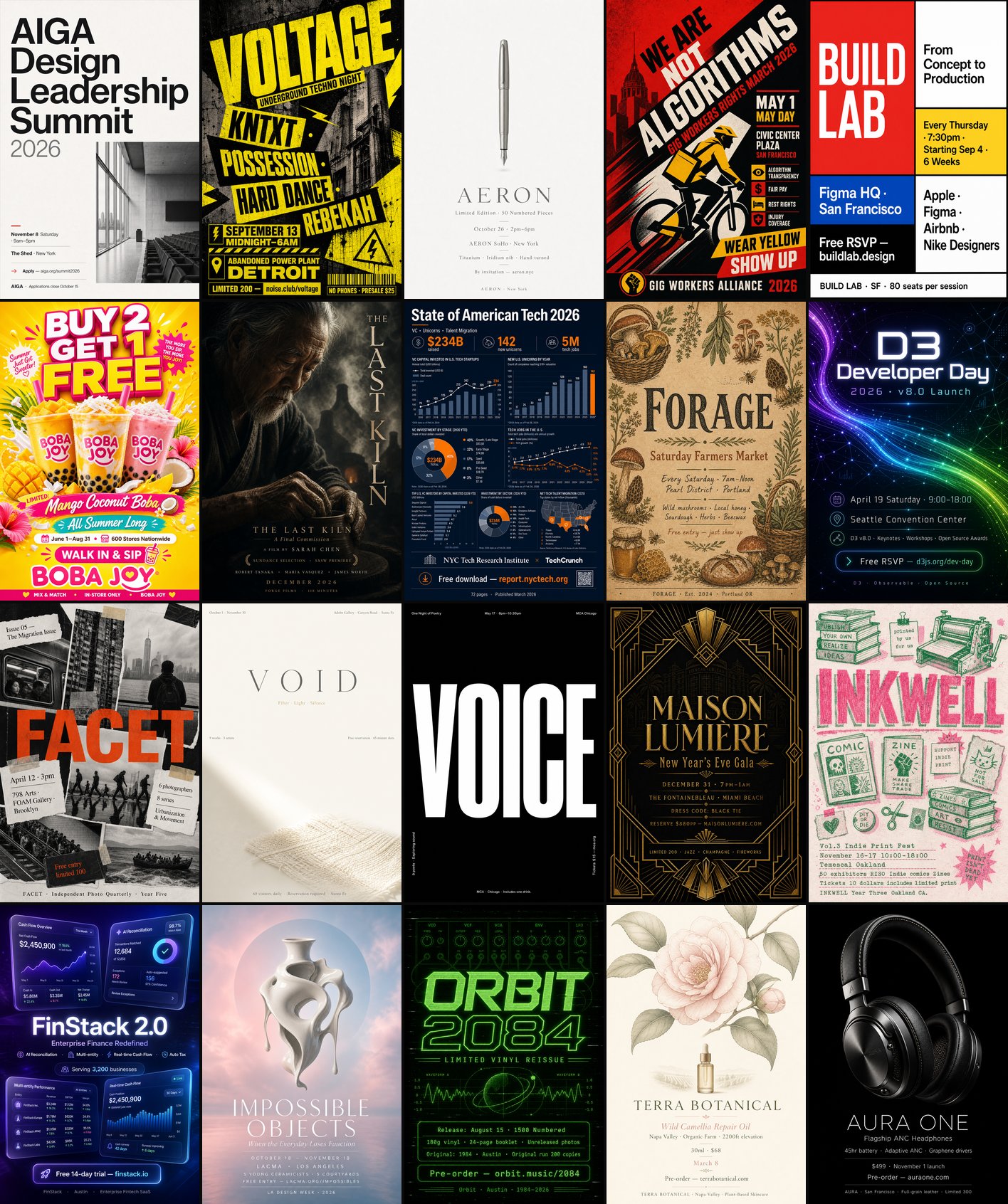
The input can be structured information you've already organized or free-form writing — it analyzes the source content, organizes the information automatically, recommends a visual style, writes a polished image prompt, and then calls an image-generation skill or tool already available to the host agent to render the final poster.
Features
- Content analysis - extracts headline, CTA, metadata, visual subject, tone, and information priority from markdown or raw text.
- Automatic composition - organizes information from the content, content density, visual subject, channel, and aspect ratio.
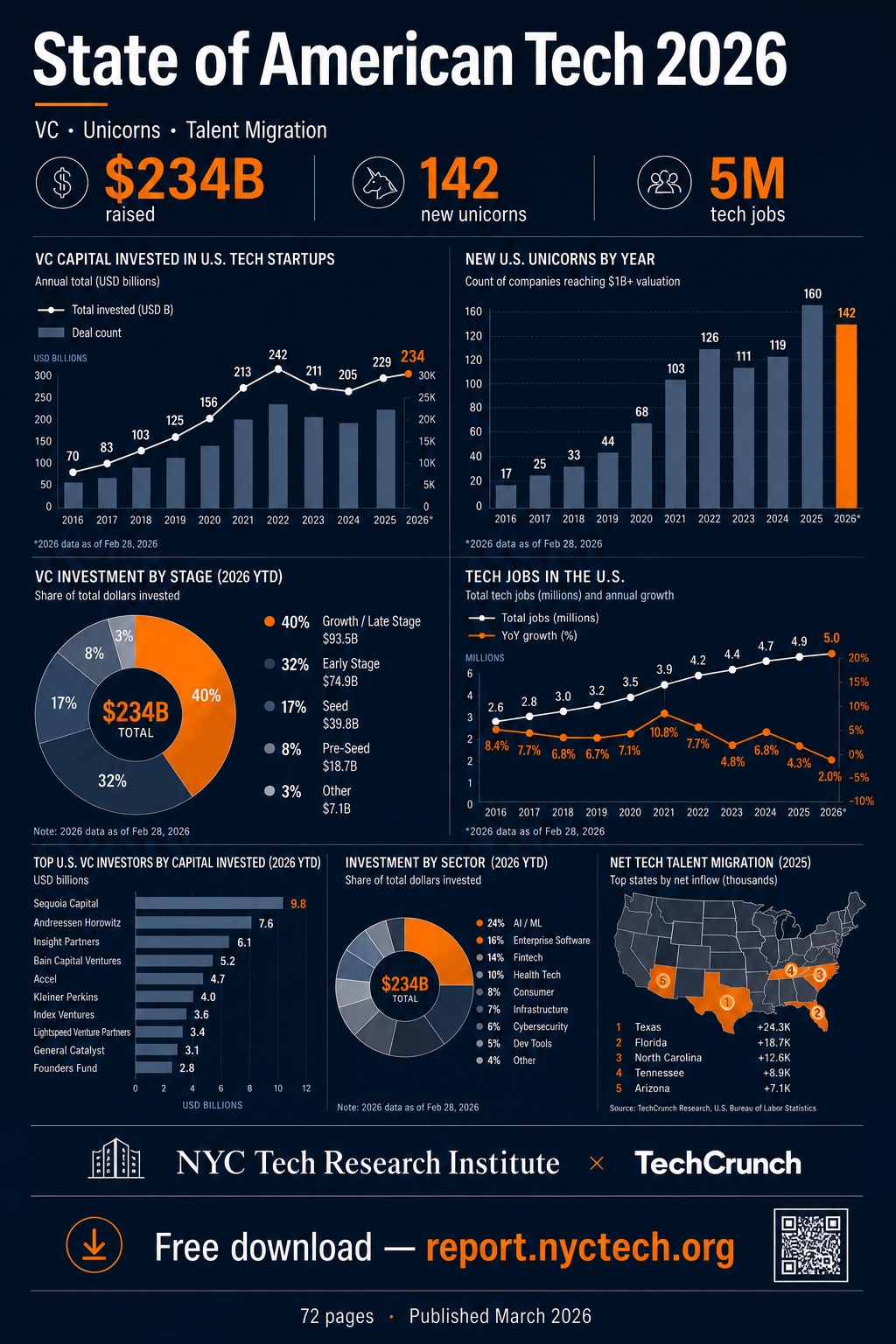
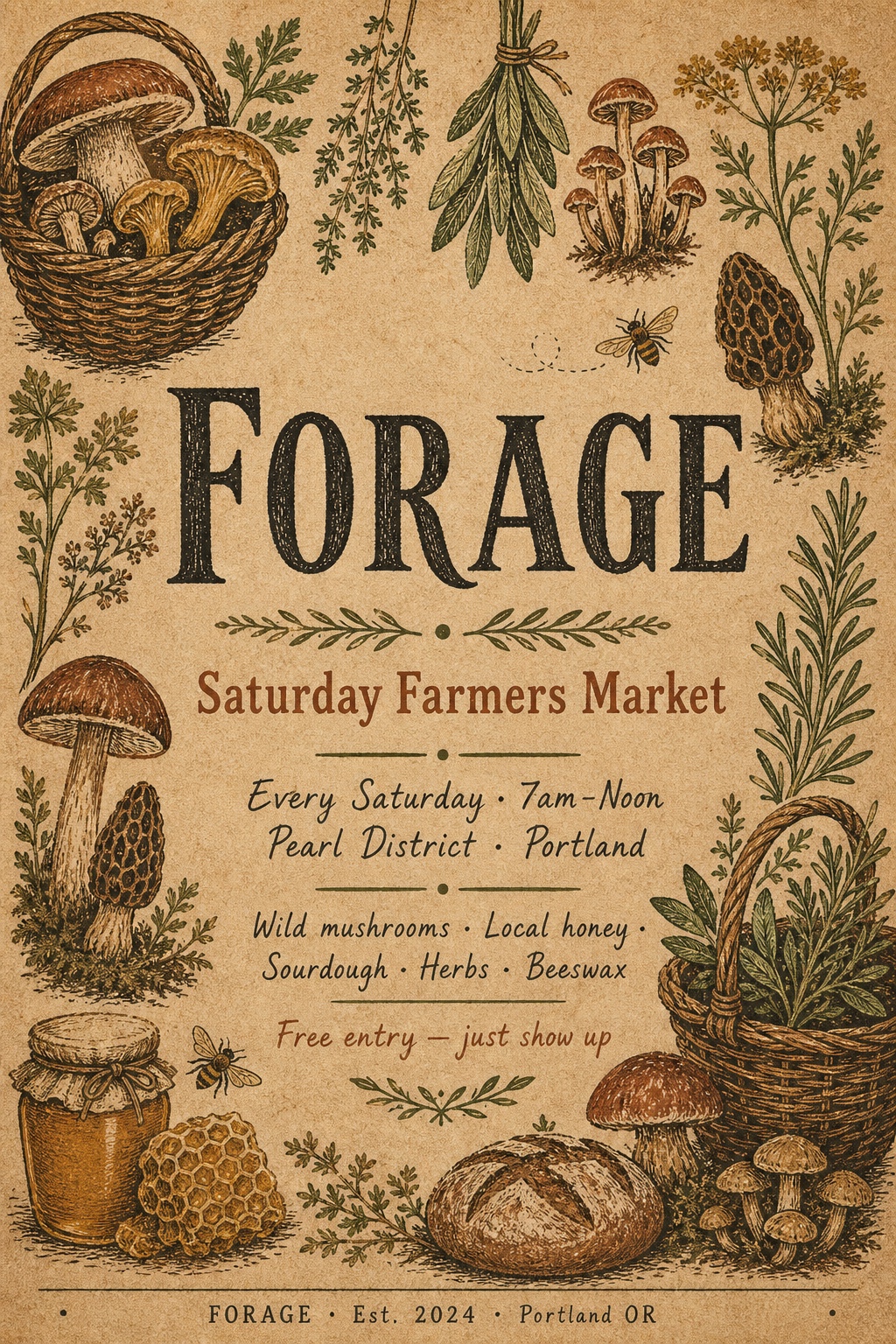
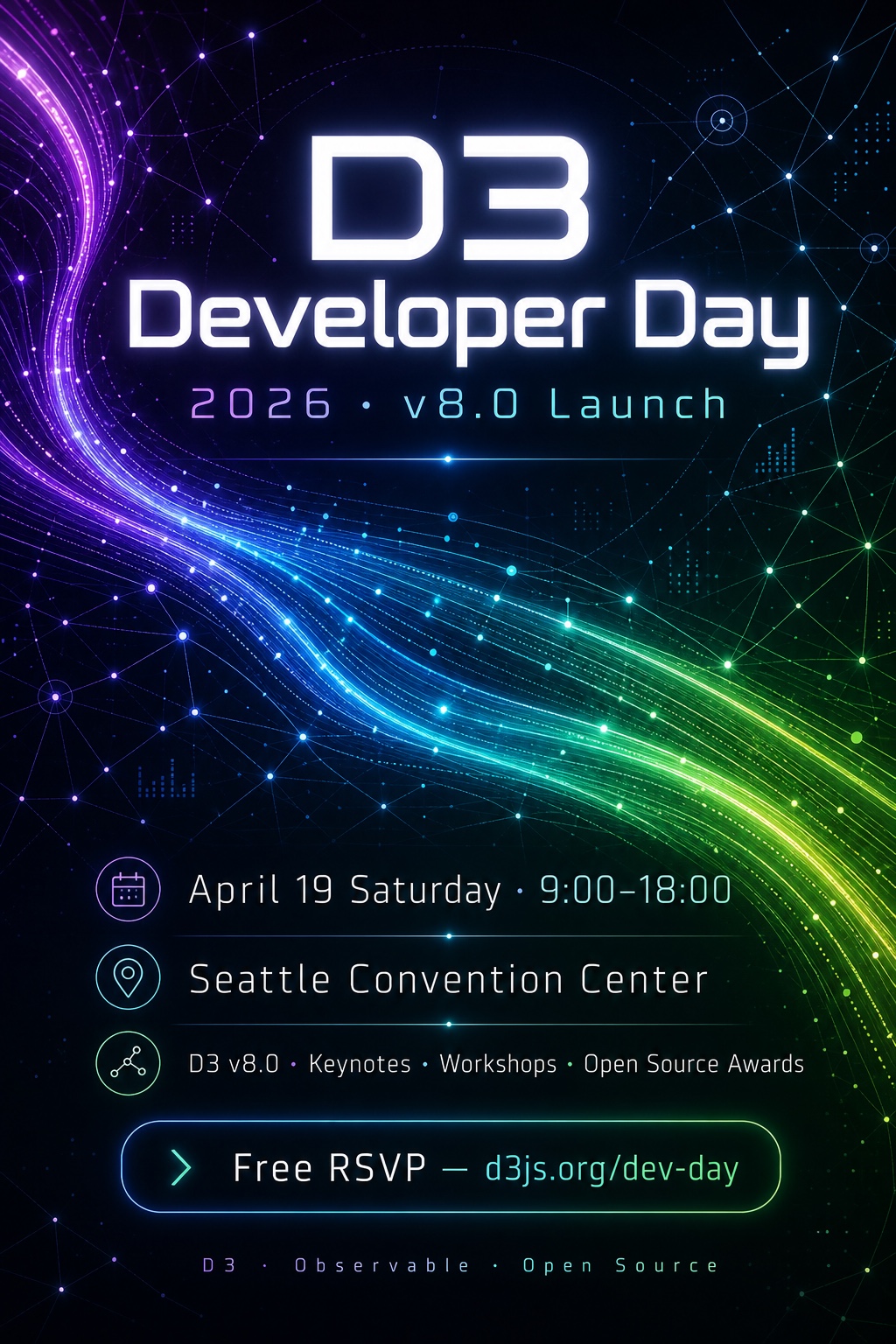
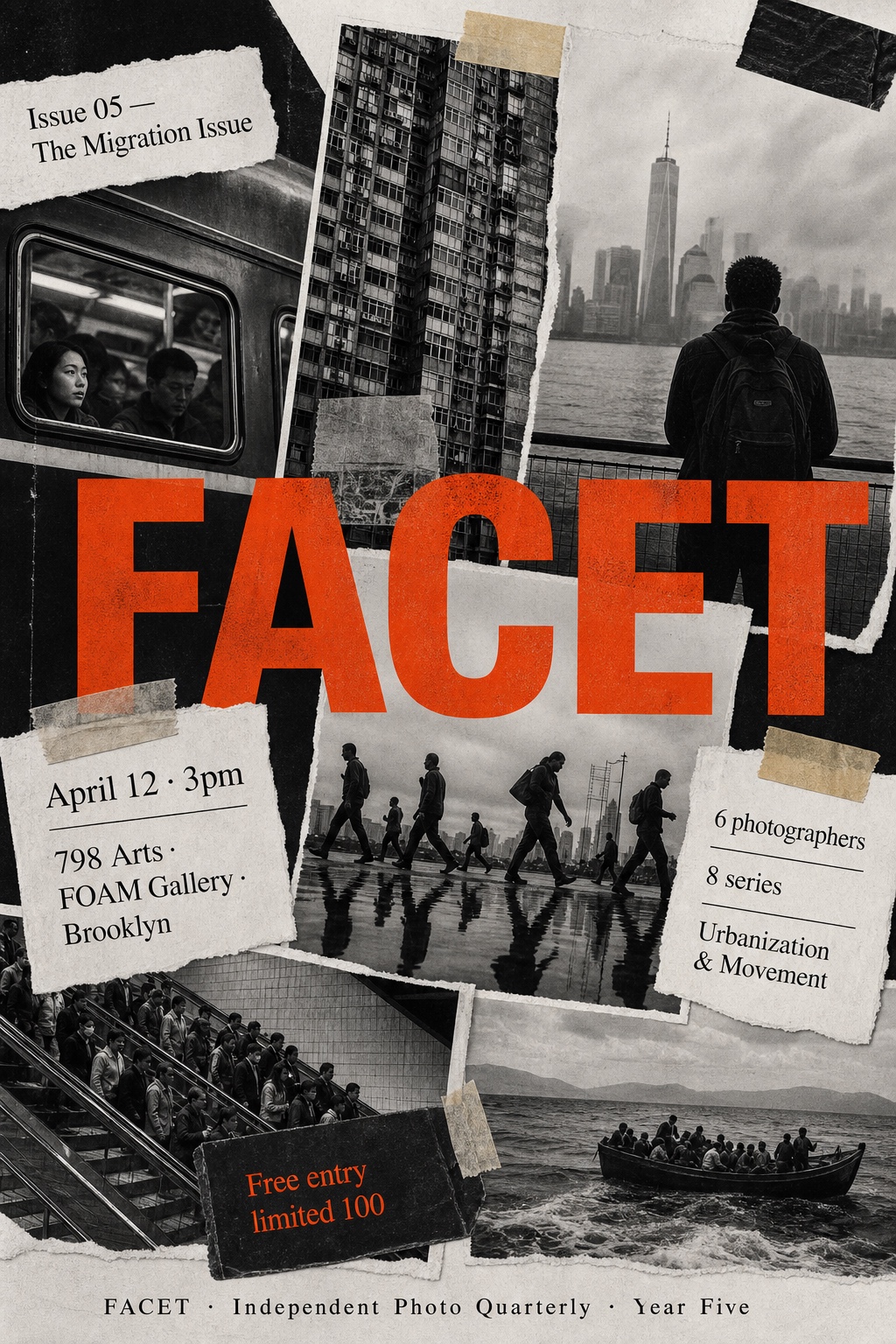
- 20 visual styles - users can specify an aesthetic direction; when unspecified, options are recommended based on your content.
- Multi-language - creates posters in Chinese, English, Japanese, and other languages.
- Multi-aspect - supports 1:1, 4:5, 2:3, 3:4, 9:16, and 16:9.
- Full audit trail - leaves a
source.md -> analysis.md -> structured-content.md -> prompts/poster.md -> poster.pngtrail for review and iteration.
Requirements
The host agent must be able to call at least one image-generation capability.
Use with Claude Code
1. Install
Clone the complete repository into your Claude Code skills directory:
git clone https://github.com/howardz27/poster-generator-skill.git \
  ~/.claude/skills/poster-generator
Make sure Claude Code also has access to an image-generation skill or tool described in Requirements, then restart Claude Code so the skill is discovered.
2. Invoke
Describe what you want in natural language and paste the content directly:
/poster-generator Make me a vertical poster for this event, in English.
I. Event Basics
Dates: June 26–28, 2026
...
Or invoke the skill without arguments and paste the content:
/poster-generator
Claude Code analyzes the content, organizes the information automatically, proposes several visual styles, asks for one combined confirmation, and then generates the poster with an available image-generation capability.
You can state your preferred style (20 options listed below), aspect ratio (1:1, 4:5, 2:3, 3:4, 9:16, or 16:9), and language in natural language, e.g. "use neo-brutalist, 9:16 portrait, in English." When not specified: style is auto-recommended (3–5 options for you to confirm); aspect ratio defaults to 2:3; language defaults to the source content's language.
Use with Codex
1. Install
Clone the complete repository into the user-level Codex skills directory:
git clone https://github.com/howardz27/poster-generator-skill.git \
  ~/.agents/skills/poster-generator
Codex detects local skill changes automatically. If the skill does not appear in the skill selector, restart Codex. Make sure the Codex environment also exposes an image-generation skill, MCP tool, or other callable image-generation tool.
2. Invoke
In Codex CLI or the IDE extension, type $ to mention the skill explicitly, then describe what you want:
$poster-generator Make a vertical event poster from the following text, keep dates and venue accurate.
(paste content)
You can also paste the full content after the skill mention. Codex may invoke the skill automatically when a request clearly asks for a poster, but $poster-generator is the most predictable way to select it explicitly.
Realistic input example
You don't need to write a formal document, and you don't need to provide any style or design direction — a plain event announcement, product blurb, or a few lines of raw text is enough. The skill handles the whole chain itself: content analysis, information extraction, composition selection, and style recommendation. For example, paste the following plain event announcement directly to the skill:
I. Event Basics

Dates: June 26–28, 2026

Venue: MixC Mall · Mufeng Plaza, Xibeiwang, Beijing

Admission: Free entry, no ticket required

Wristband holders get F&B discounts on-site

II. Daily Themes & Lineups

June 26 (Future Soundwave / Tech Company Carnival): Houlang Band, Tu Yao (H3C), Laoganzi Band (Baidu & Didi employees), chopchop (Baidu), Holly (Lenovo), Baidu Street Dance Crew, Poet's Dream Band (Baidu), Red Brick Band

June 27 (Youth Soundwave / University Graduation Concert): Deadline Band (Renmin University), Womanlisi Band (Beijing Film Academy / Minzu University / BTBU), Liu Yantong & Zhao Ziliang (Renmin University), Dou Yidan (China Agricultural University), Grey Zone Band (Renmin University), Liu Yang & Coco (BTBU), OK Band (Beijing Film Academy), Changming Kungfu Band (Capital University of Physical Education and Sports)

June 28 (Peak Soundwave): Special guest Hai Mingwei (known for "The Old Man and the Sea"), plus Reverse Clock Band, Wang Fanrui & Mr. Drum Tower Band, Queen's Park Band, Wild Grass Park Band
Even with no style specified, the skill automatically detects the three-day schedule structure, distills a single headline running through all three days, trims 25+ artist names down to a readable density, and recommends a matching visual style for confirmation. Any preference — such as "vertical, English, go with something young and loud" — can simply be stated in natural language.
Styles (20)
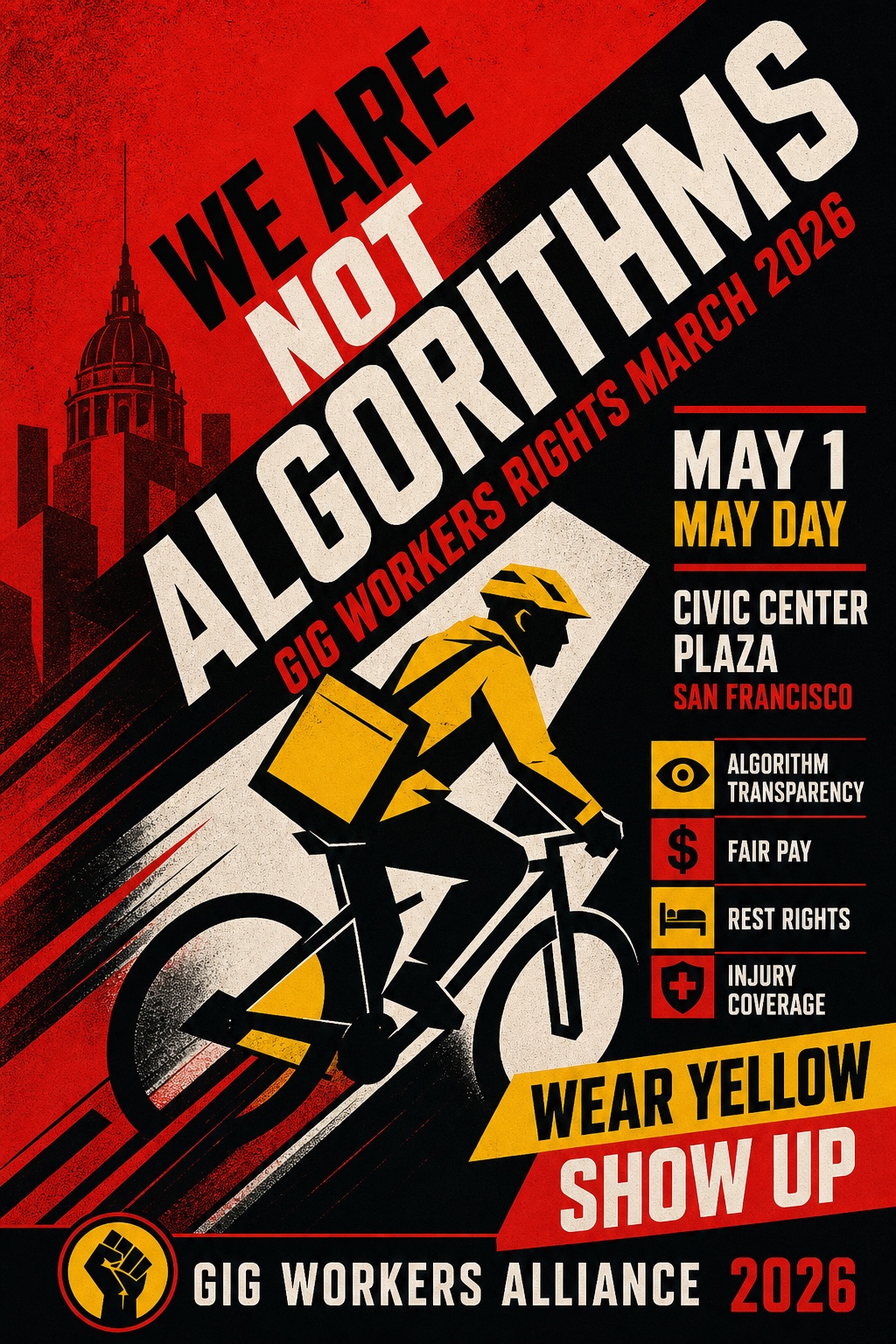
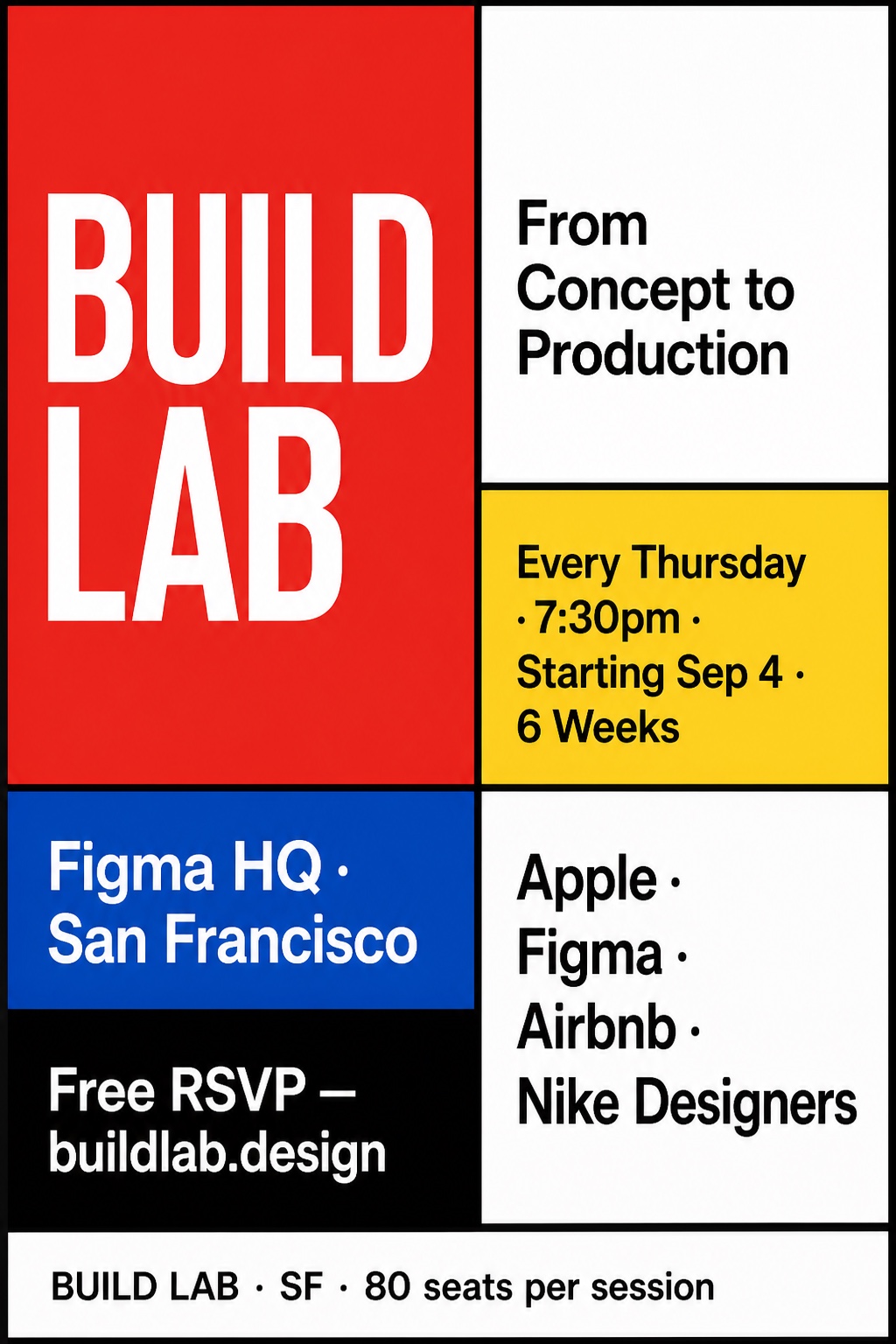
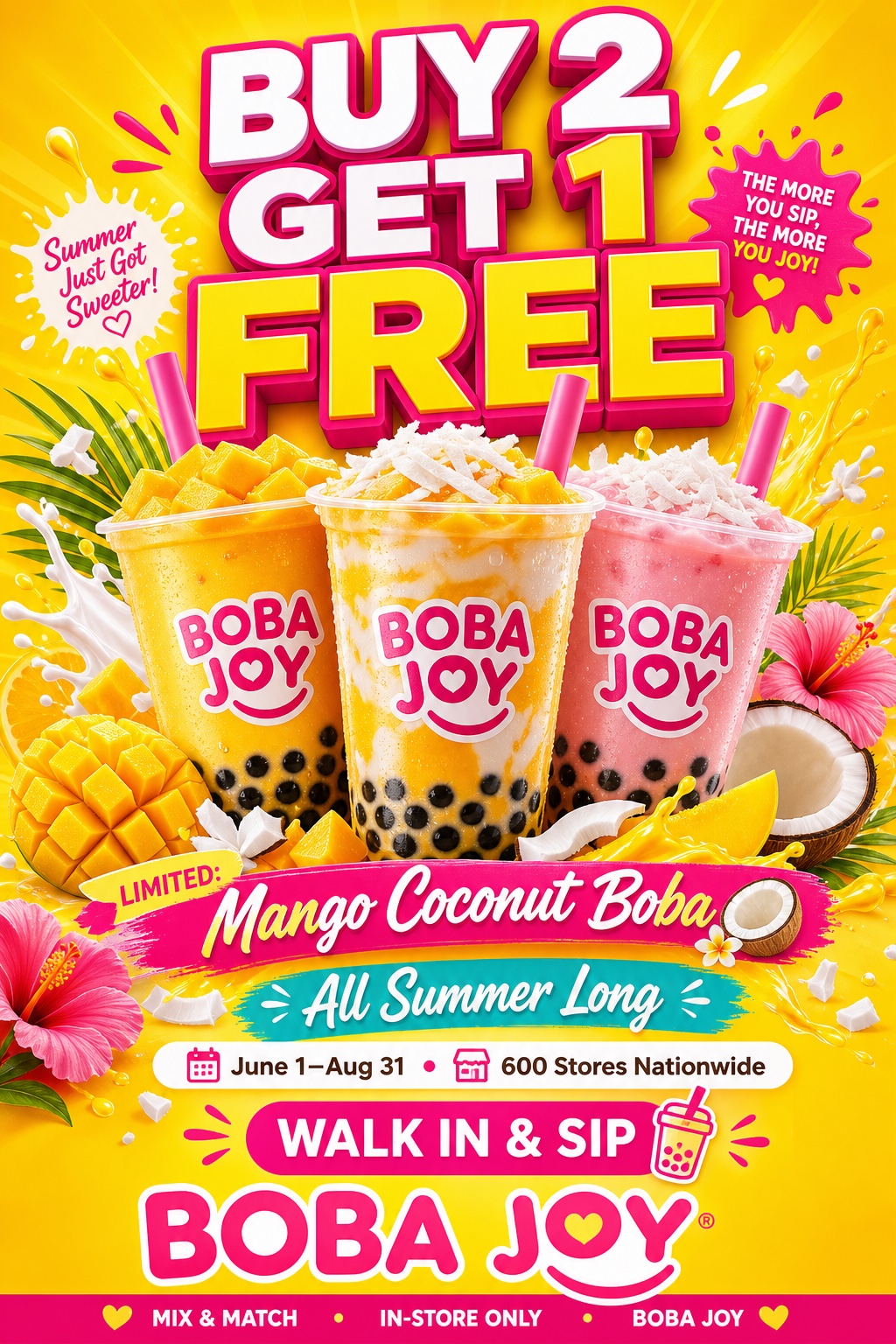
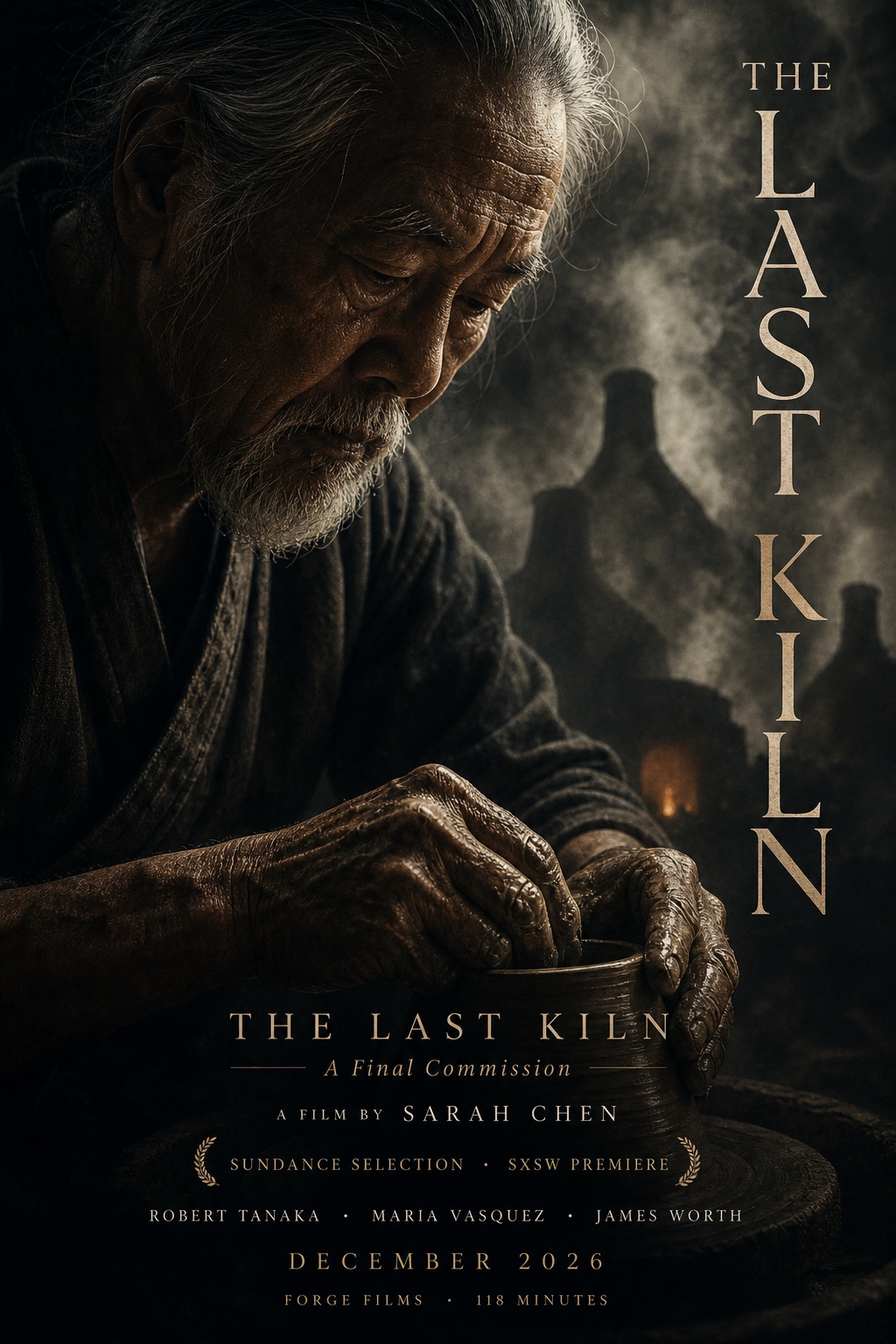
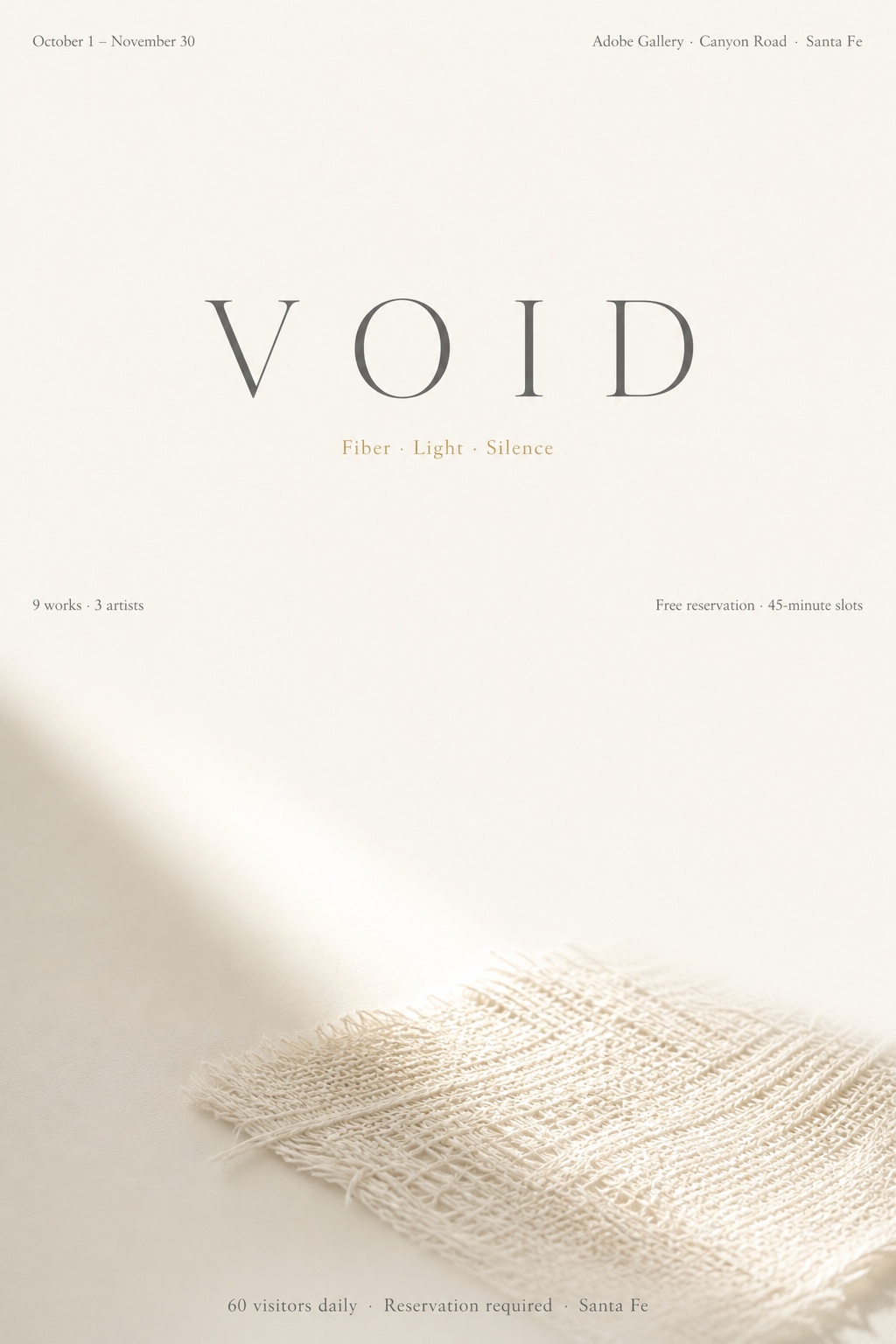
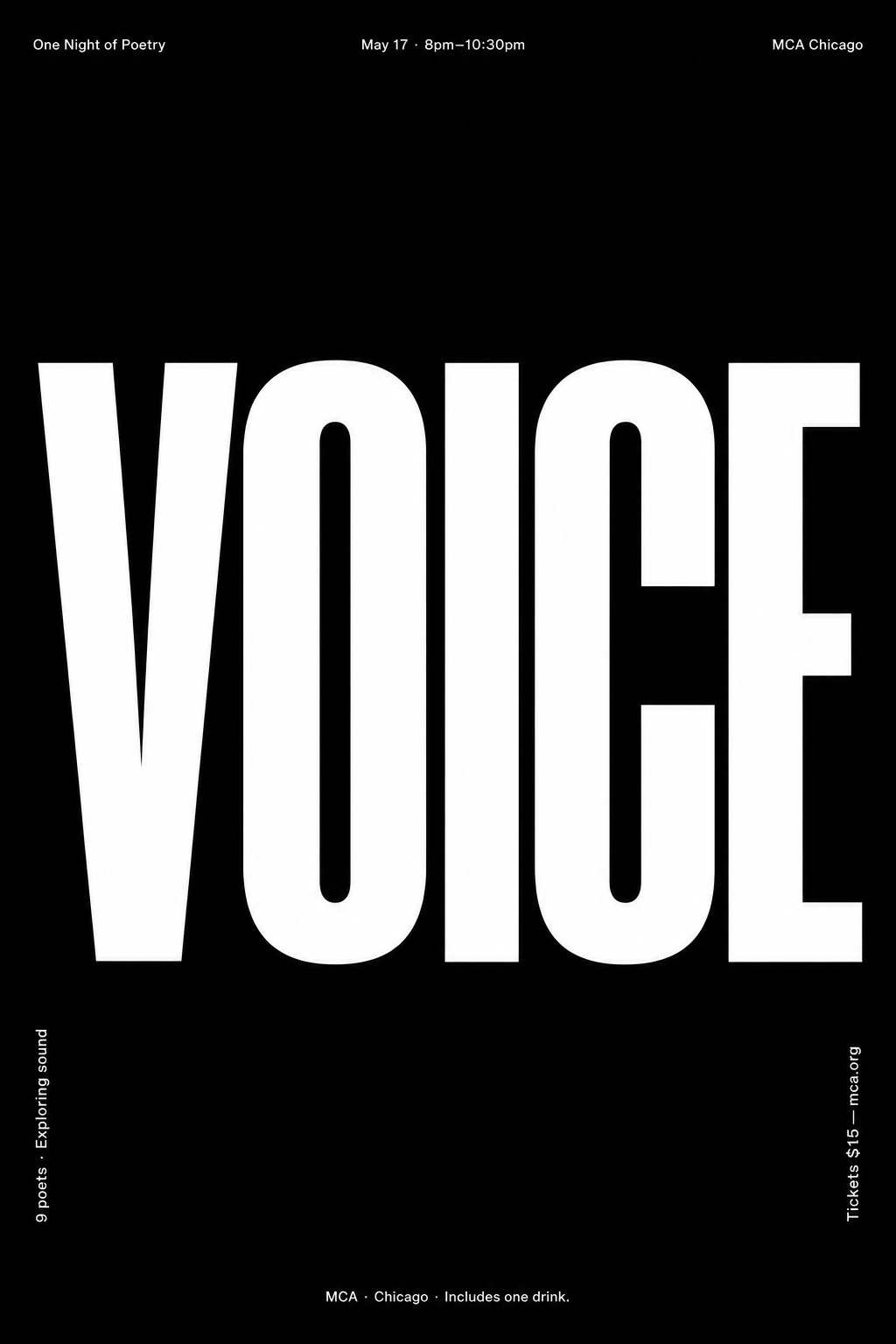
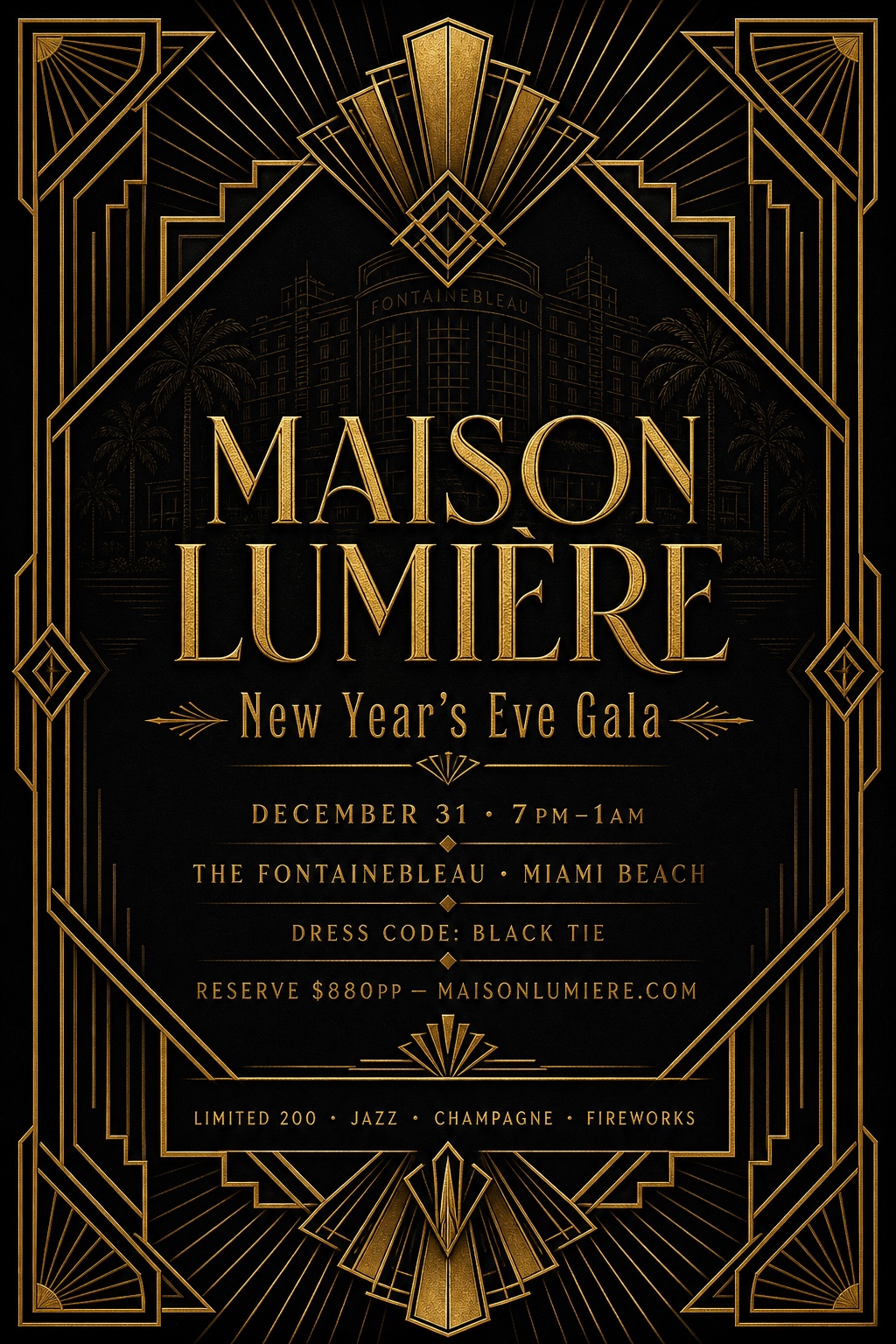
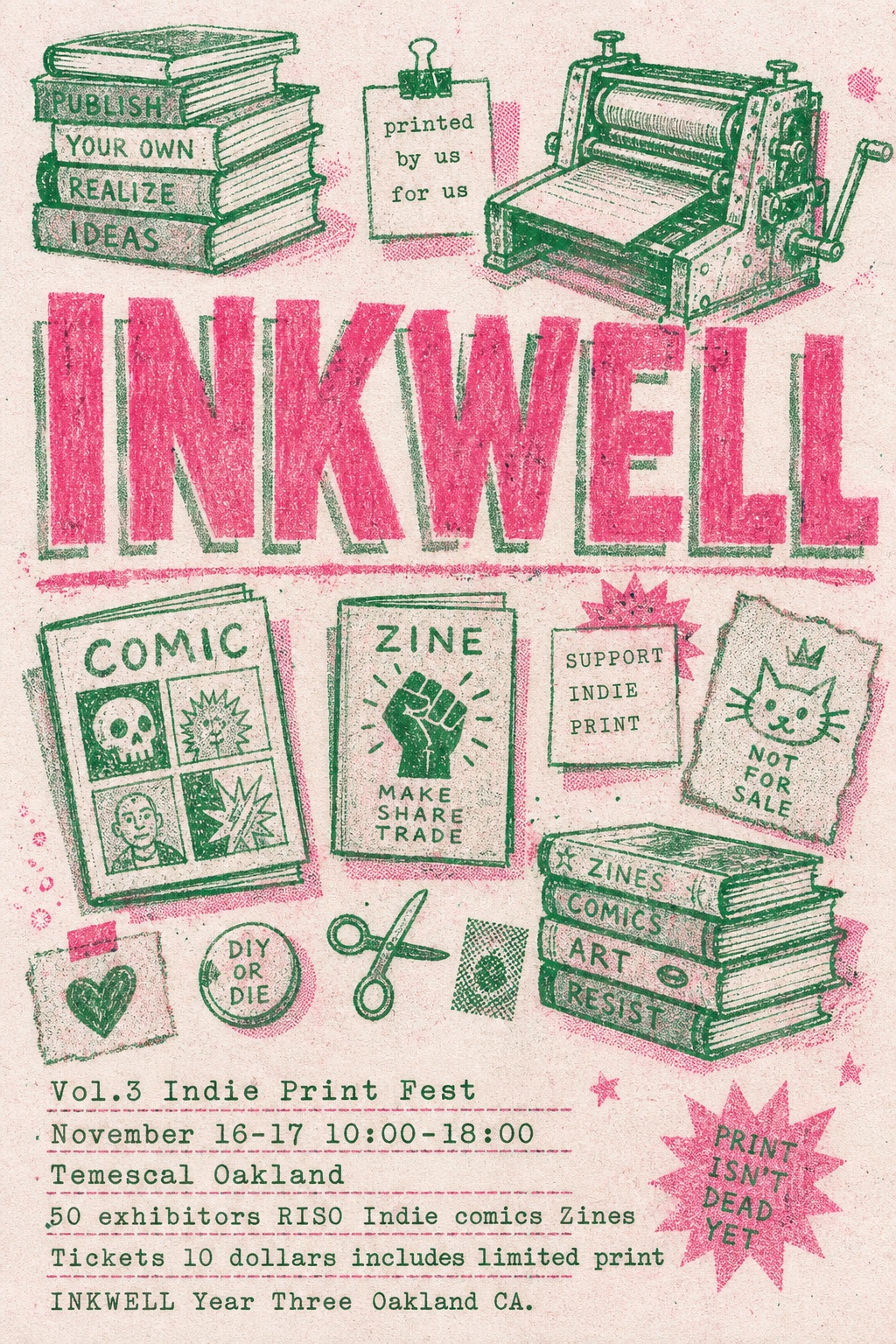
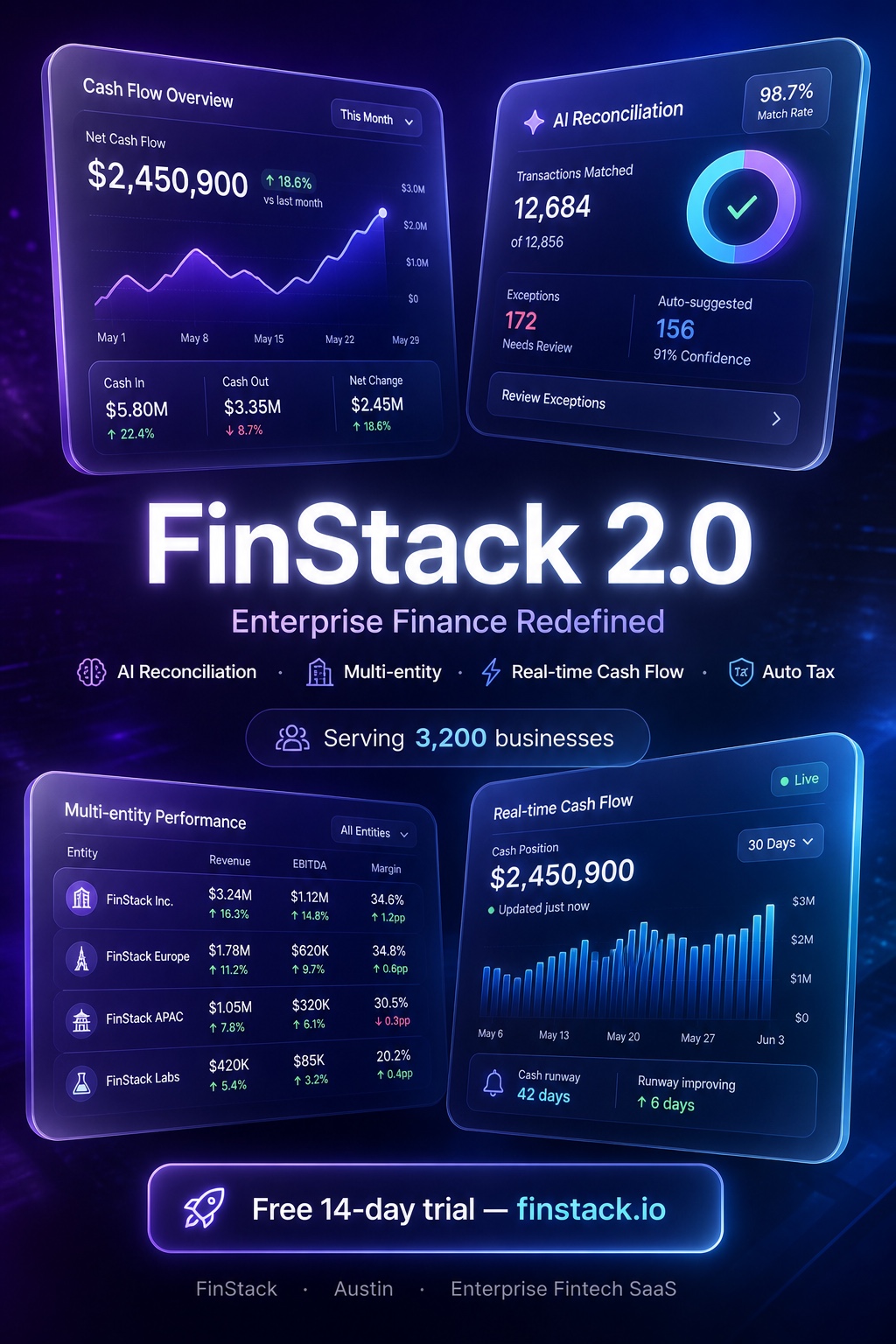
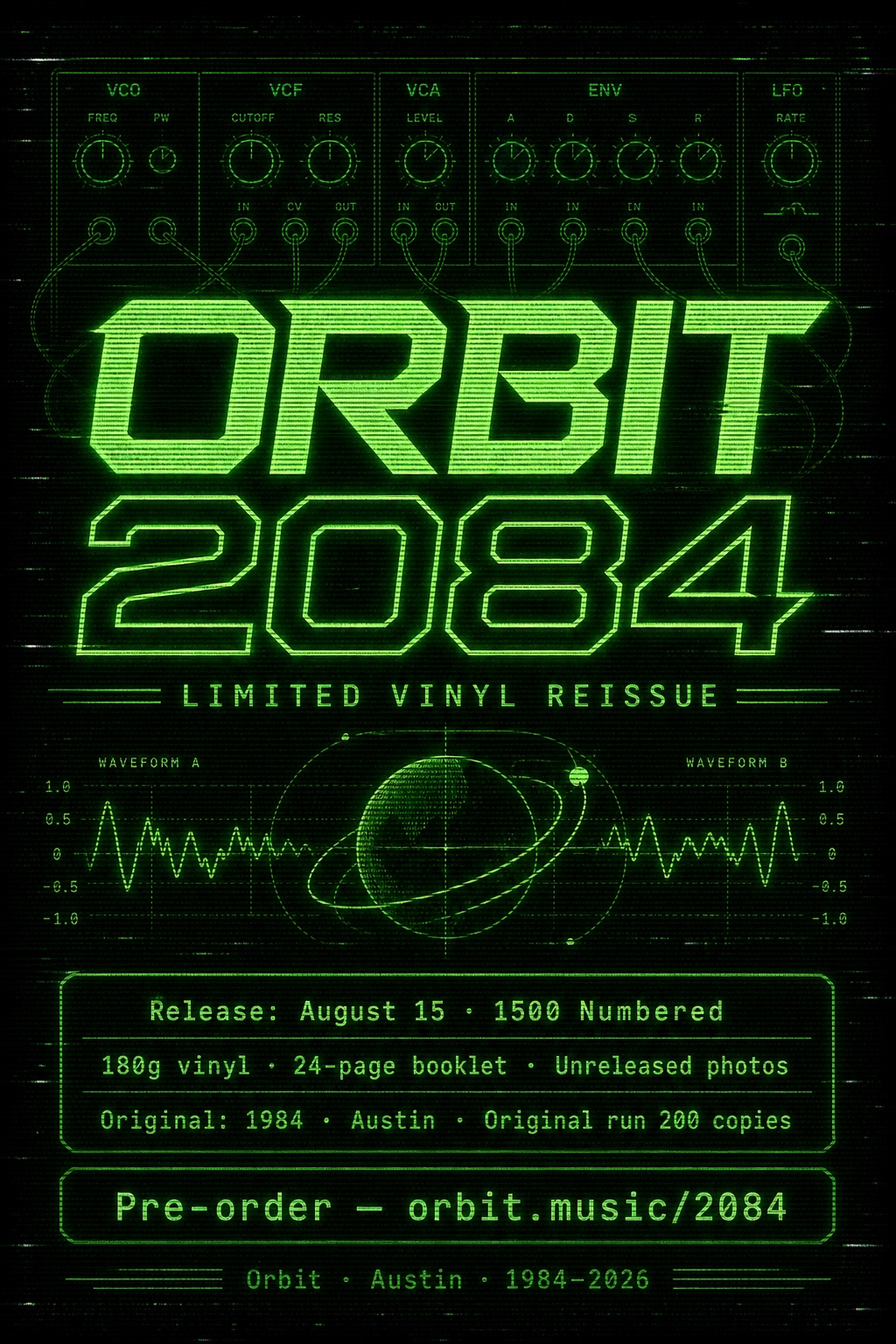
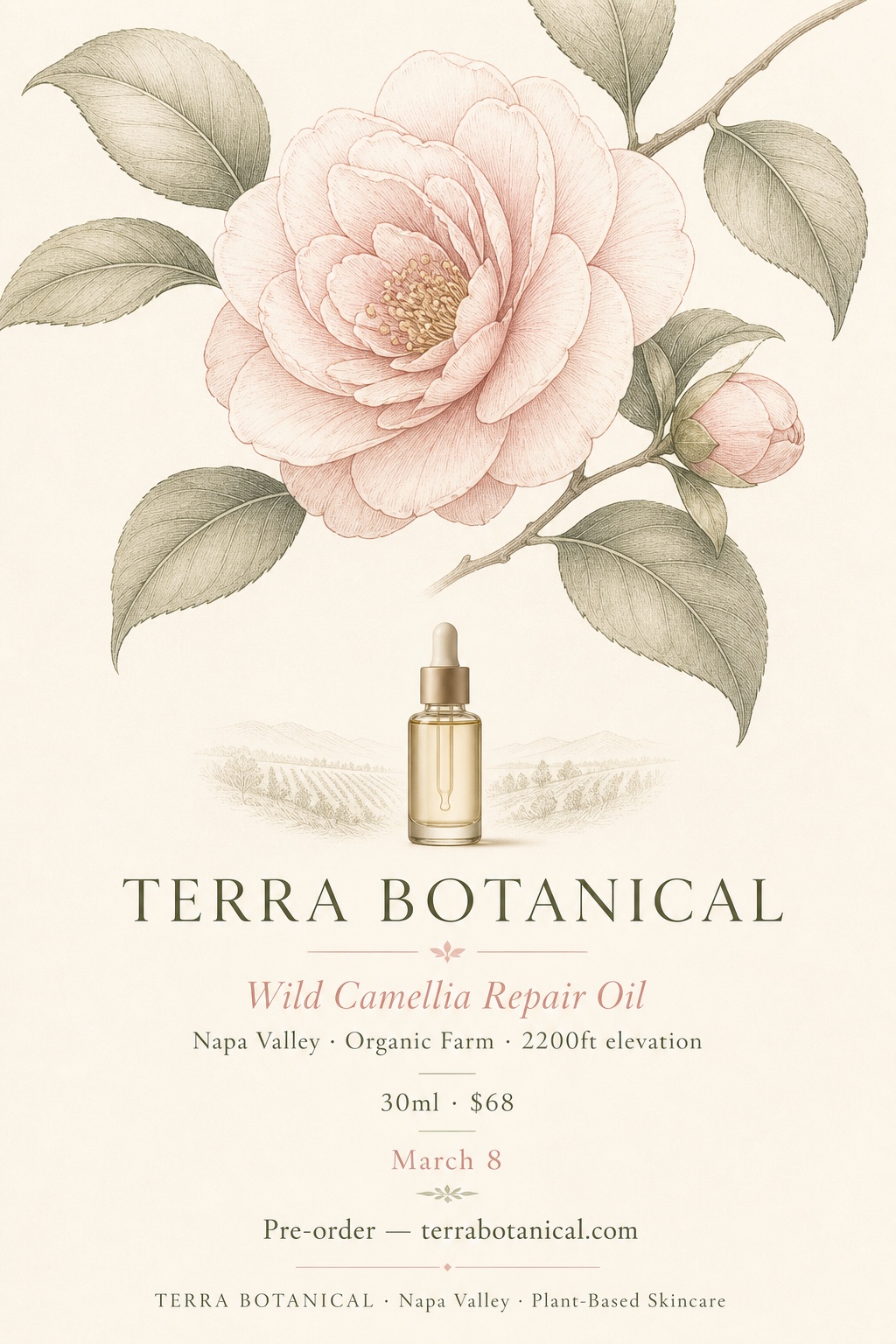
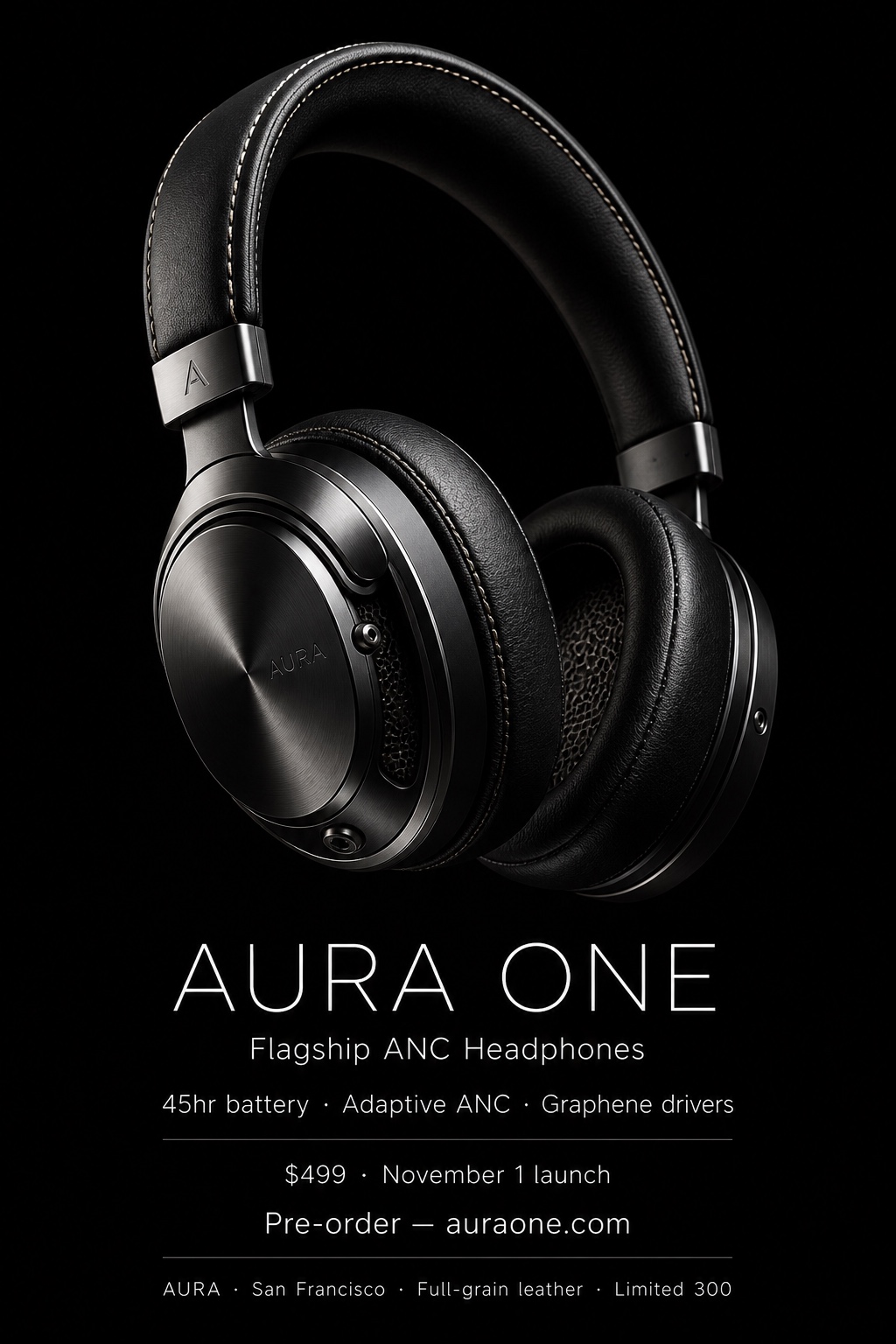
Name the style you want in your request (in English or Chinese); if you don't, the skill recommends 3–5 for you to confirm. Below is one representative output per style (English, default 2:3 aspect ratio):
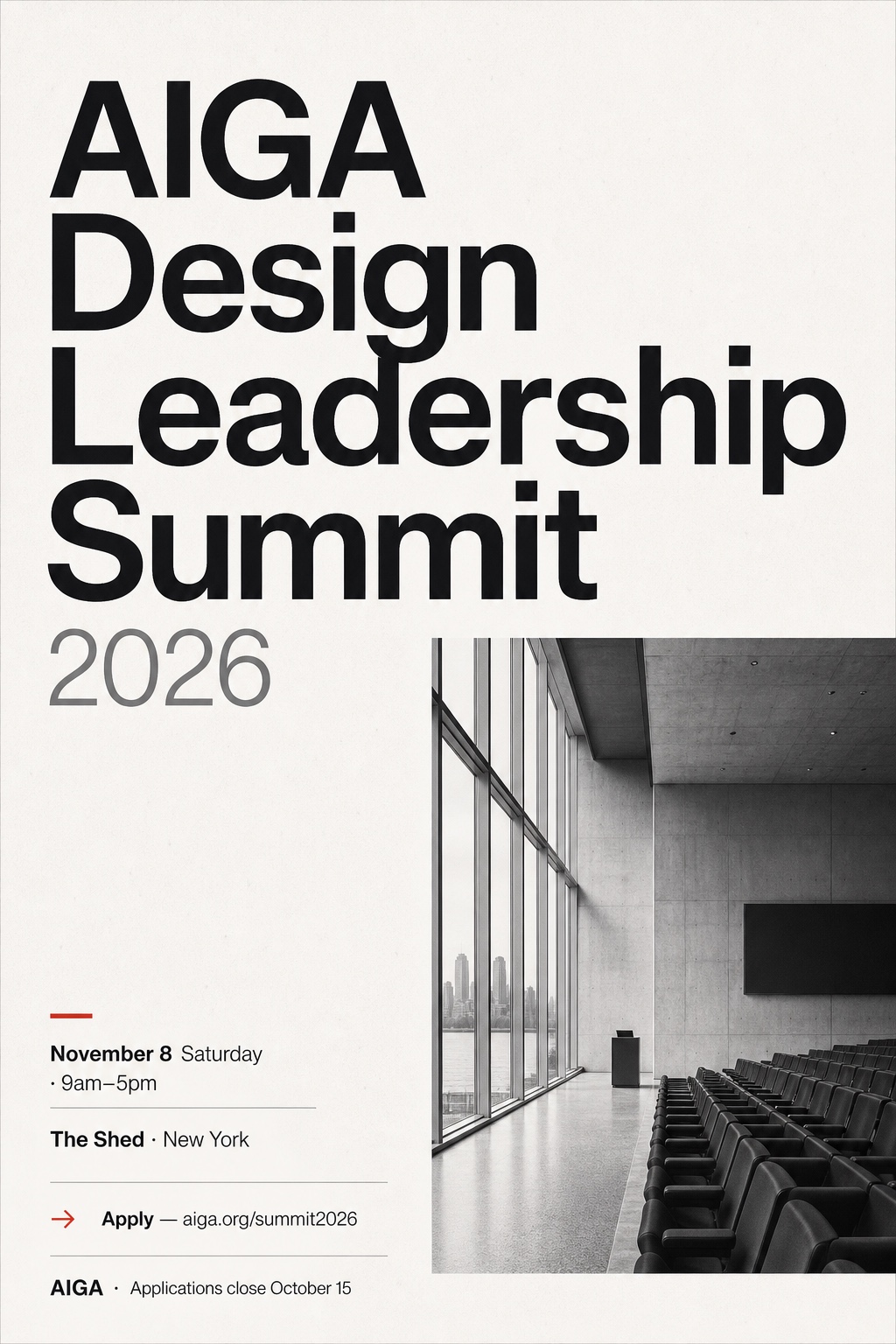 |
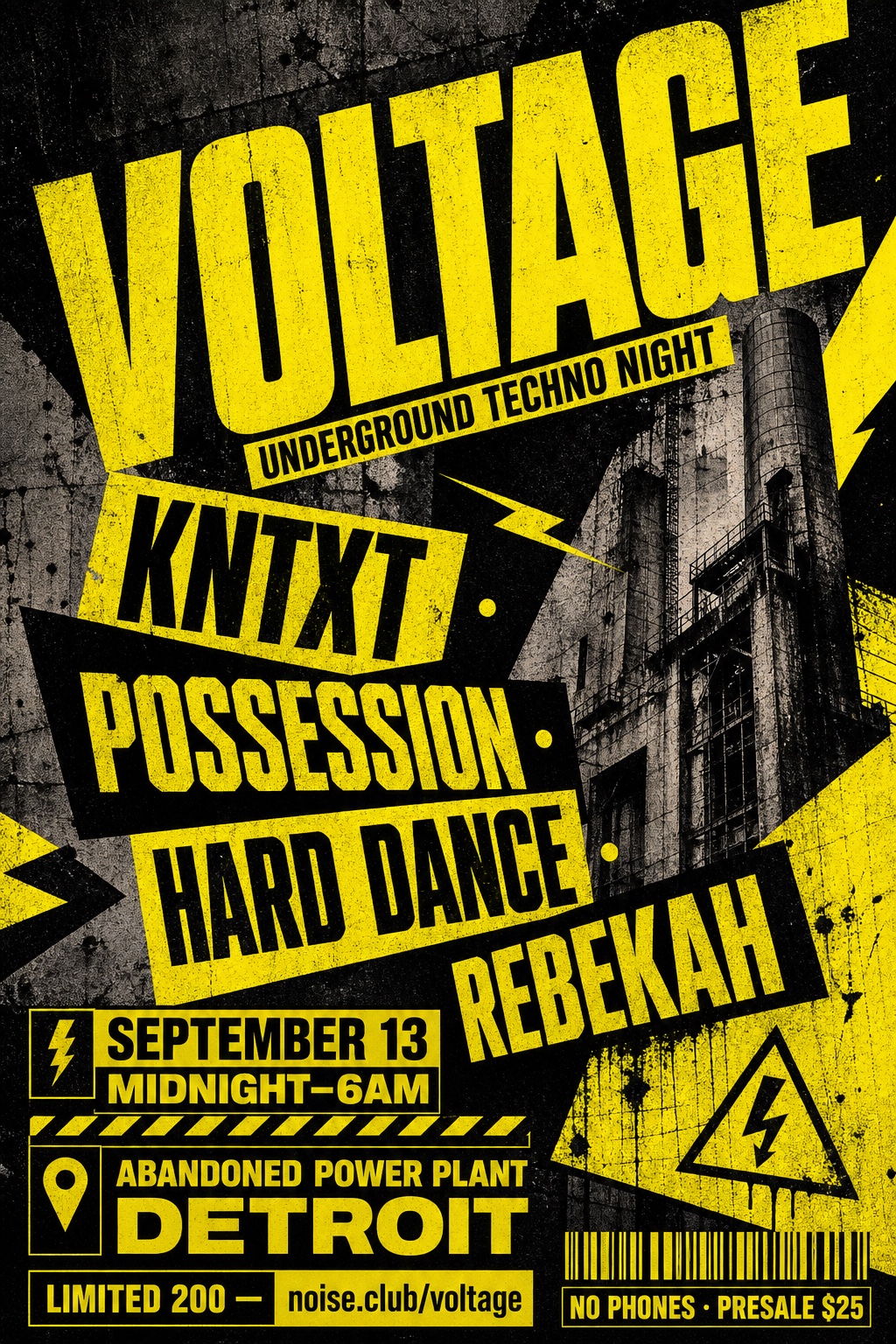 |
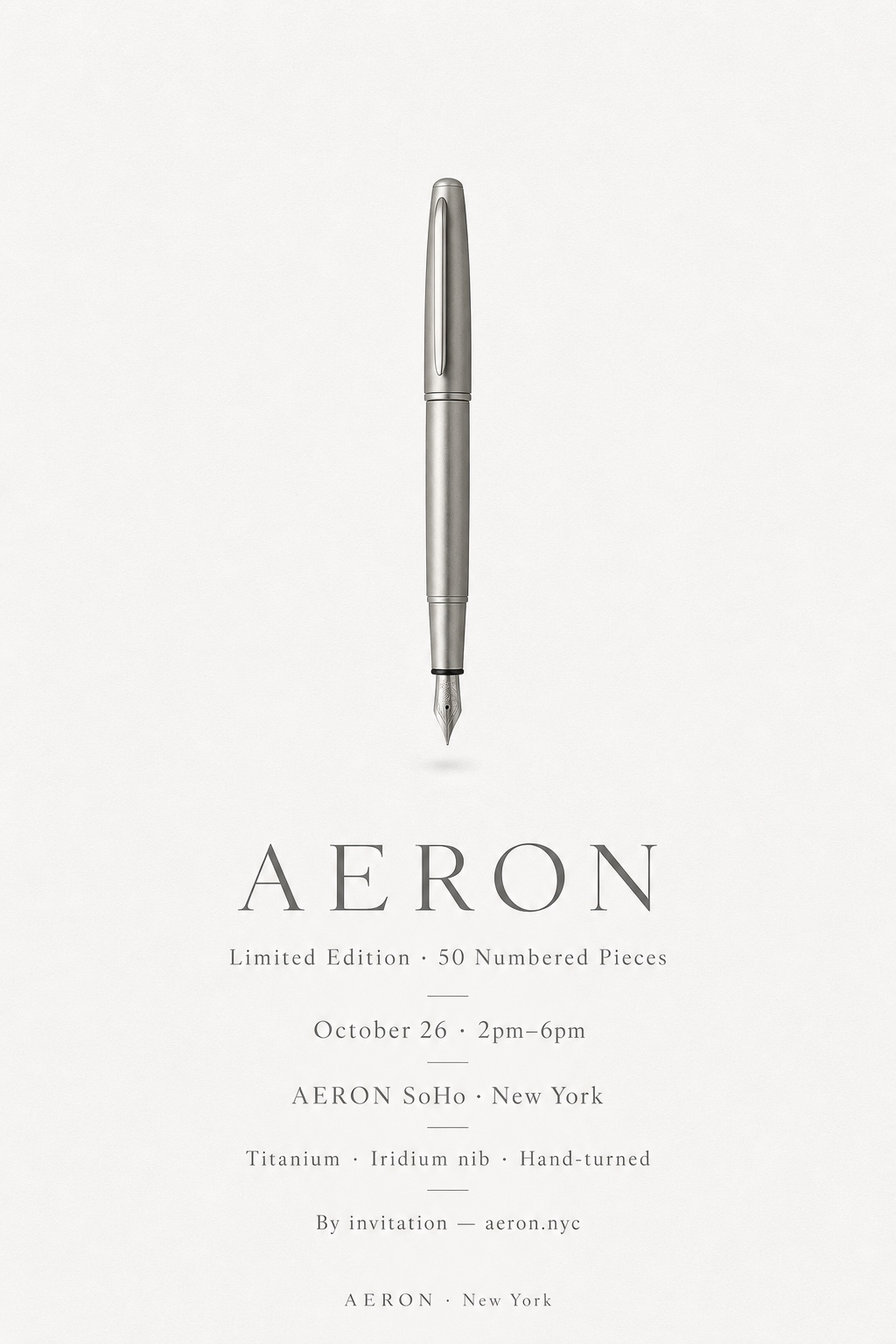 |
swiss-editorial |
neo-brutalist |
luxury-minimal |
 |
 |
 |
constructivist-impact |
bauhaus-modular |
pop-commercial |
 |
 |
 |
cinematic-key-art |
data-editorial |
organic-craft |
 |
 |
 |
futurist-gradient |
editorial-collage |
japanese-ma |
 |
 |
 |
monochrome-typographic |
art-deco-luxe |
risograph-zine |
 |
 |
 |
glassmorphism-ui |
surreal-3d-editorial |
retro-futurism |
 |
 |
|
botanical-premium |
hyperreal-product |
Scenario names and brand/event names in these examples are fictional. The posters are illustrative skill outputs, not real campaigns.
Output structure
Each run produces a folder that can be version-controlled or handed to a designer:
poster/{topic-slug}/
├── source-{slug}.{ext}      # original input
├── analysis.md              # extracted fields and missing-information policy
├── structured-content.md    # poster-ready information hierarchy
├── prompts/poster.md        # final image prompt
└── poster.png               # rendered poster
How it works
- Set up and analyze - optionally load user preferences from
EXTEND.md, then extract poster-relevant fields from the source. - Structure - transform the analysis into a hierarchy of headline, supporting copy, required details, CTA, metadata, visual subject, and brand cues.
- Compose and recommend - select the information structure internally, then propose 3-5 visual styles based on the goal, audience, channel, and tone.
- Confirm - one combined confirmation covering style, aspect ratio, language, and available rendering capability;
- Generate prompt - combine the internal composition definition, selected style, base template, and structured content.
- Render - discover and call an image-generation skill or tool available to the agent.
- Report - return the chosen options and paths to every generated file.
Full workflow rules live in SKILL.md and references/.
Contributing
Contributions are welcome: new layouts, styles, selection heuristics, or example posters.
- Fork the repository, create a feature branch, and open a PR against
main. - New internal layouts and user-facing styles must follow the existing structure under
references/layouts/andreferences/styles/; update the selection guide when adding either. - Keep reference files markdown-only and rendering-tool-agnostic; image rendering remains a runtime concern.
License
Yorumlar (0)
Yorum birakmak icin giris yap.
Yorum birakSonuc bulunamadi