claude-show-your-work
Health Pass
- License — License: MIT
- Description — Repository has a description
- Active repo — Last push 0 days ago
- Community trust — 10 GitHub stars
Code Fail
- eval() — Dynamic code execution via eval() in examples/pricing/qa.cjs
- fs module — File system access in examples/pricing/qa.cjs
- exec() — Shell command execution in hooks/register.tsx
- rm -rf — Recursive force deletion command in hooks/register.tsx
- network request — Outbound network request in hooks/register.tsx
Permissions Pass
- Permissions — No dangerous permissions requested
No AI report is available for this listing yet.
Claude Code shows images and plays videos right in your terminal: screenshots, Playwright recordings, and synced before/after QA. Ghostty & kitty.

claude-show-your-work
Images and videos inline in Claude Code, right in your terminal.
show-your-work is a Claude Code plugin that lets Claude show you images and play videos inside the terminal: screenshots of what it built, Playwright recordings of it clicking through your app, and before/after QA runs played side by side in sync. It works in Ghostty and kitty on macOS. It's free and open source (MIT).
Stop opening localhost to check what Claude did. No tab-switching, no "let me go check".
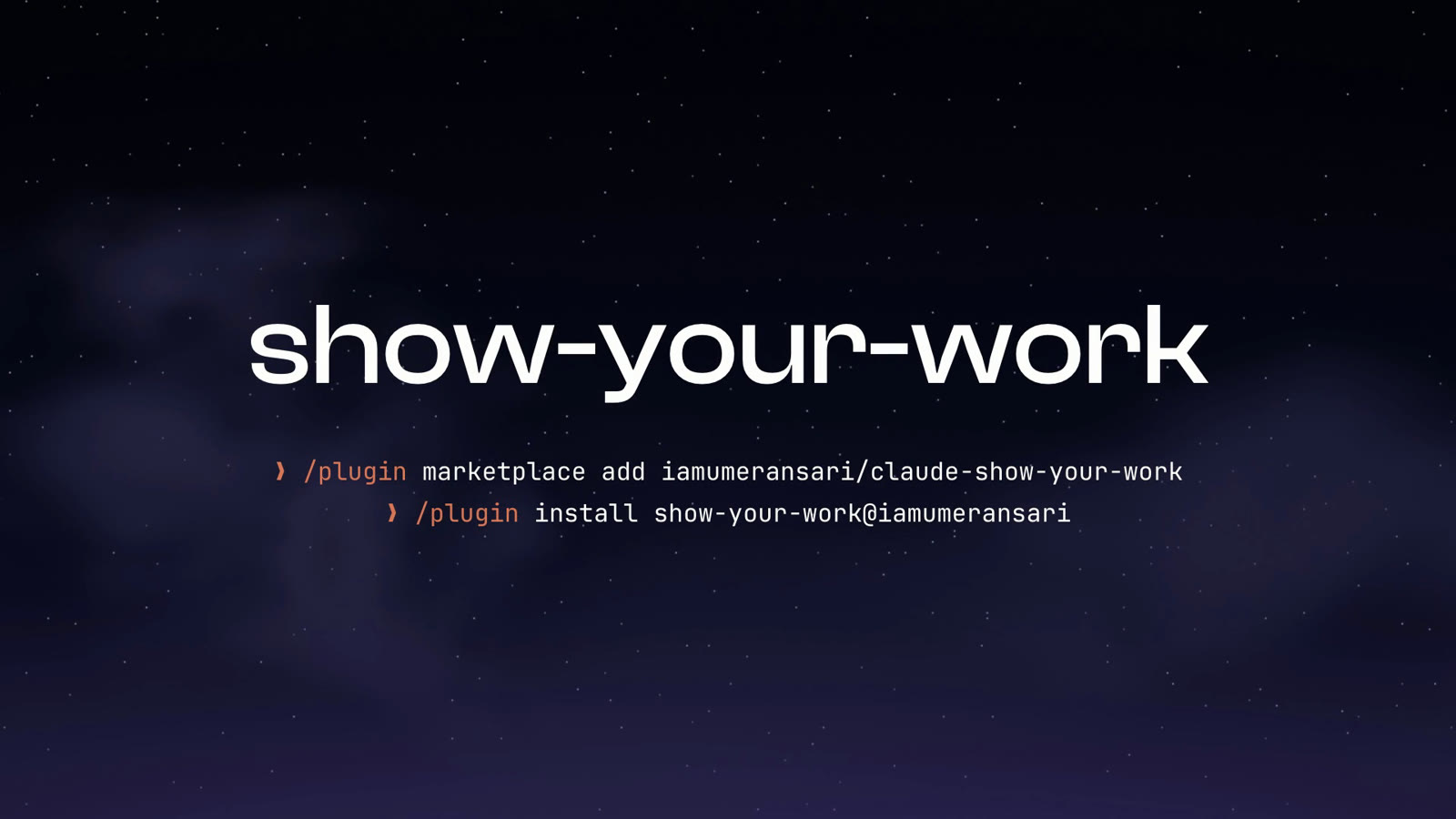
/plugin marketplace add iamumeransari/claude-show-your-work
/plugin install show-your-work@iamumeransari
Install · What you see · How it works · FAQ · Try the demo
See it work
▶ Watch the full launch film (1:14)
Website design
Concepts, the built page recorded scrolling, and every breakpoint, each landing in the chat as it's done (the GIF at the top).
Product features
Claude builds the feature, then runs real QA on it and shows you the recording with every check ticking as it happens.

Video workflows
A character sheet, then a vertical ad made from it, with the video's structure (hook, problem, product, proof, CTA) laid out beside the player.

And more

The problem
Claude says "Done! I fixed the pricing page." Then you:
- switch to the browser,
- find the right localhost tab and reload,
- click through the flow it changed,
- try to remember what it looked like before,
- come back to the terminal to say what's still wrong.
Every change, every time. That's the chaos this removes.
What it does
Claude shows its work in the conversation, the moment it's done:
| 🖼 Pictures in the chat | A page, a slide, a chart, a mockup: it appears inline, unasked. |
| ▶️ Videos in the chat | Claude records itself clicking through your app (Playwright, headless) and the run plays right there, by itself. |
| ⧉ Before / after QA | The same flow on the original and the updated version. Switch Original / Updated / Compare; Compare plays them side by side, synced. |
| ✅ What changed + QA at a glance | Each change with its timestamp (click to jump there), and the QA in three lines with a tick or cross. |
What you see
A QA run, played inline
The player above: Play/Pause, a clickable progress bar, ±5 s. The sidebar lists what changed; click one and the video jumps to that moment, and the one playing now lights up. The QA card sums up the checks in three lines.
Click ⧉ Compare and the original and updated runs play side by side. They're lined up by matching their frames, so when the original takes longer to load, it waits, and every step happens at the same moment on both sides. Under the picture, a line says what differs right now: 0:03 · Annual toggle updates prices · Original ✗ → Updated ✓.
Pictures, the moment they're ready

One row of controls under every picture and video:
- ↗ Open page: the localhost or deployed URL, at the moment you're on (or ↗ View to open the file itself)
- Save to Downloads
- Copy path: paste it straight back to Claude
Half-screen terminal? It adapts

In a narrow window the report moves under the player instead of beside it: the Original / Updated / Compare switch on top, then what changed and the QA in two columns (one, if it's narrower still). Nothing is cut off; long titles wrap.
Every window stays in the chat, too. Scroll up and every picture and video Claude showed you is still there.
Install
/plugin marketplace add iamumeransari/claude-show-your-work
/plugin install show-your-work@iamumeransari
Needs
| Terminal | Ghostty or kitty (anything that draws with the kitty graphics protocol) |
| OS | macOS (pictures in other formats are converted with sips) |
| Video | ffmpeg (brew install ffmpeg) |
| Claude Code | v2.1.287 or later (the version that added mods) |
That's it. Claude picks the tools up and starts showing you its work.
Formats: PNG, JPEG, HEIC, TIFF, GIF and anything else macOS can open for pictures; MP4, MOV, M4V, WebM, MKV, AVI and GIF for video.
How it works
The plugin gives Claude two tools:
| Tool | For |
|---|---|
show_image |
a screenshot, a render, a chart, a mockup |
show_video |
a Playwright recording, an animation, a film cut |
For QA, Claude passes a bit more:
{
  "path": "qa/after.webm",          // the updated run
  "compare": "qa/before.webm",      // the original run, same script
  "title": "Pricing page",
  "url": "http://localhost:3000/pricing",
  "changes": [                      // what to review, with when it shows
    { "title": "Annual toggle sets prices", "at": 3.2 },
    { "title": "Plan buttons line up", "at": 5.4 }
  ],
  "summary": [                      // the QA in at most three lines
    { "label": "Billing: toggle works", "ok": true, "passed": 1, "total": 1 },
    { "label": "Layout: plans, buttons", "ok": true, "passed": 3, "total": 3 }
  ]
}
Videos are cut into frames with ffmpeg (up to 12 fps, 960 px wide, 900 frames), and the terminal swaps them in place, one picture at a time. Both runs of a comparison are merged into one clip ahead of time, so side by side costs no more than a single video.
You can also open anything yourself: /img path/to/file.png.
FAQ
How do I show an image in Claude Code?
Install show-your-work and Claude gets a show_image tool. When it makes a screenshot, a render, a chart or a mockup, the picture appears in the chat without being asked. To open a file yourself, type /img path/to/file.png.
Can Claude Code play videos in the terminal?
Yes, with show-your-work in Ghostty or kitty. Claude calls show_video and the clip plays inline with Play/Pause, a progress bar and ±5 s skips. ffmpeg cuts it into frames and the terminal swaps them in place.
How is this different from pasting a screenshot into Claude?
Pasting sends a picture to Claude. show-your-work goes the other way: Claude shows you what it made, and the picture or video stays in the scrollback with buttons to open the page, save the file or copy its path.
Which terminals does it work in?
Ghostty and kitty, which draw pictures with the kitty graphics protocol. iTerm2, Terminal.app and the VS Code terminal aren't supported yet.
Does it work on Linux or Windows?
Not yet. It relies on macOS's sips to read and resize pictures.
How does the before/after comparison stay in sync?
Claude records the same Playwright script on the original and the updated version. The two runs are lined up by matching their frames, so if the original loads slower it waits, and each step lands at the same moment on both sides.
Does it send my screenshots or recordings anywhere?
No. Everything runs on your machine: frames go to /tmp/claude-show-your-work and the plugin makes no network requests.
Is it free?
Yes. It's open source under the MIT license.
Try the demo
examples/pricing has the page and the QA script from the GIF above.
cd examples/pricing && npm i playwright
node qa.cjs before rec-before   # the original: 3 checks fail
node qa.cjs after  rec-after    # the fix: all 5 pass
Then ask Claude: "show me the QA, rec-after vs rec-before".
Develop
Edit hooks/register.tsx, then /reload-plugins. Check with claude plugin validate . and claude plugin test ..
License
Photography from Unsplash, used under the Unsplash License.
Reviews (0)
Sign in to leave a review.
Leave a reviewNo results found