Noobi.ai
Health Uyari
- No license — Repository has no license file
- Description — Repository has a description
- Active repo — Last push 0 days ago
- Community trust — 240 GitHub stars
Code Gecti
- Code scan — Scanned 12 files during light audit, no dangerous patterns found
Permissions Gecti
- Permissions — No dangerous permissions requested
Bu listing icin henuz AI raporu yok.
Local-first desktop agent that turns a prompt into a reviewed, playable browser game with Codex App Server.

Noobi.ai
Turn one game idea into a reviewed, playable browser game.
A local-first desktop production agent powered by Codex App Server.




Run from source · Fork & customize · Architecture · 简体中文
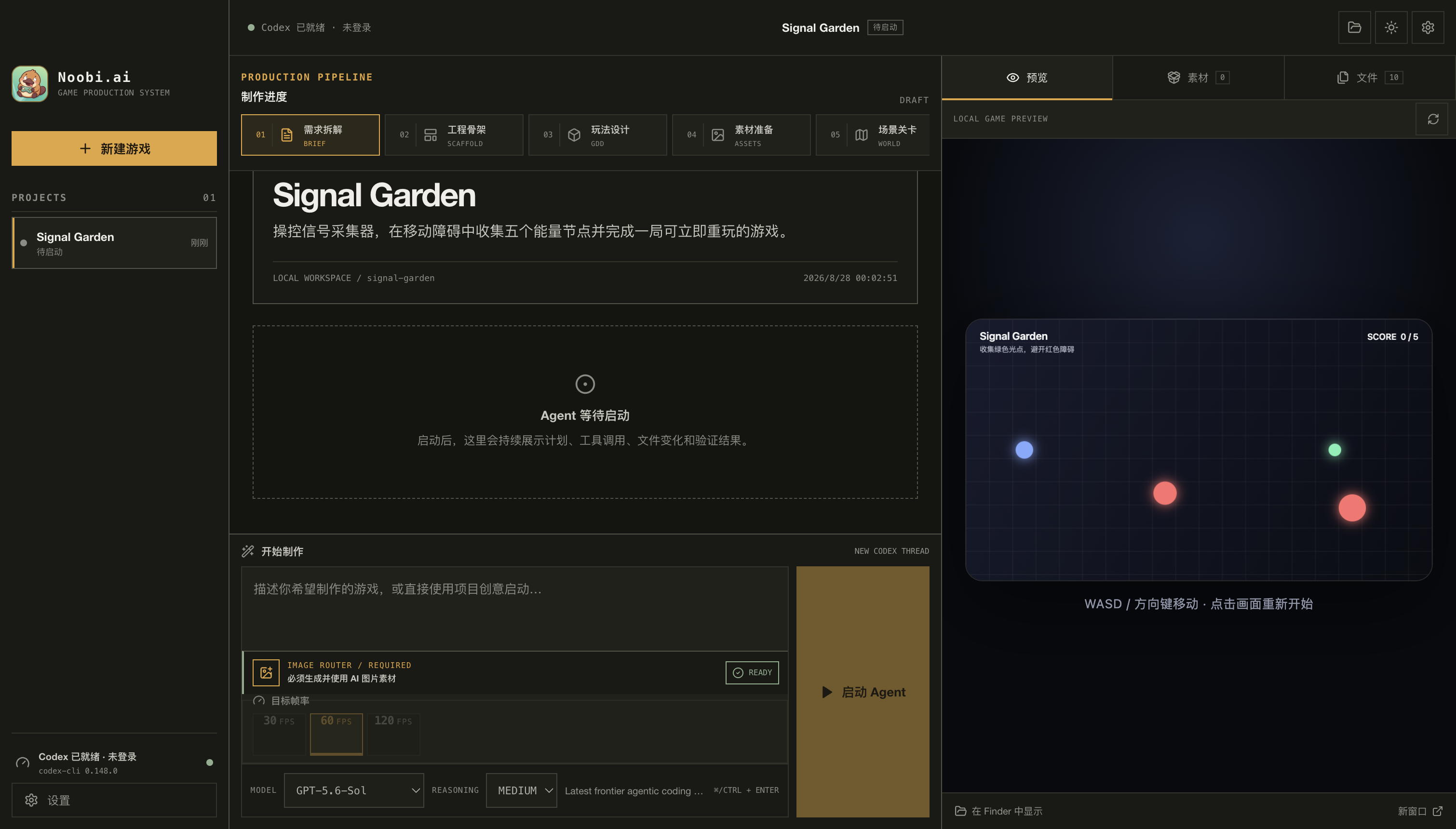
Noobi.ai gives Codex a bounded game-production pipeline instead of asking one agent to improvise everything in a single pass. A read-only Planner scopes the work, an Implementer builds inside an isolated project directory, an independent Reviewer checks the result, and the host verifies that generated assets are real, intact, and actually used by production code.
Current status: developer preview for macOS. No signed or notarized binary is published yet; run it from source. The output is a standalone browser-game project in your own workspace.
Why Noobi.ai
| What you get | |
|---|---|
| From prompt to playable | Start with a natural-language brief, produce a real browser-game workspace, and preview it locally in the same app. |
| Review-gated execution | Planner → Implementer → independent Reviewer → one bounded Repair. A failed proof gate stays blocked instead of being presented as complete. |
| Real media pipeline | Route images, music, speech, sound effects and 3D through configured providers, Codex ImageGen, imported assets or explicit procedural fallbacks. |
| A workspace you own | Every game is a normal local project. Inspect the files, continue with Codex, commit it to Git, or take it outside Noobi.ai. |
| Built to extend | Add media providers, Codex Skills, MCP servers, agent prompts, project templates, or an entirely different workbench UI. |
Quick start
Requirements
- macOS (the current tested and packaged target)
- Node.js 22 LTS and npm
- a ChatGPT/Codex account
- an available image route: a configured image provider or Codex ImageGen
git clone https://github.com/Innate-Labs/Noobi.ai.git
cd Noobi.ai
npm ci
npm run dev
On first launch, open Settings → Codex account and sign in. Noobi.ai uses an app-private userData/codex-home; it does not overwrite your global ~/.codex configuration.
If Codex cannot be located automatically, point Noobi.ai at a binary explicitly:
NOOBI_CODEX_BIN=/absolute/path/to/codex npm run dev
From idea to playable project
flowchart LR
    Idea["Your game idea"] --> Preflight["Capability preflight"]
    Preflight --> Plan["Planner<br/>read-only"]
    Plan --> Build["Implementer<br/>workspace-write"]
    Build --> Review["Reviewer<br/>read-only"]
    Review --> Pass{"Pass?"}
    Pass -- "No" --> Repair["One bounded repair"]
    Repair --> ReReview["Re-review"]
    Pass -- "Yes" --> Gate["Host proof gate"]
    ReReview --> Gate
    Gate --> Done["Playable local project"]
    Gate -. "Proof incomplete" .-> Blocked["Blocked"]
The workbench visualizes Brief → Scaffold → GDD → Assets → World → Code → Verify → Complete. Those stages explain progress; the Reviewer and host proof gate decide whether a run is actually complete.
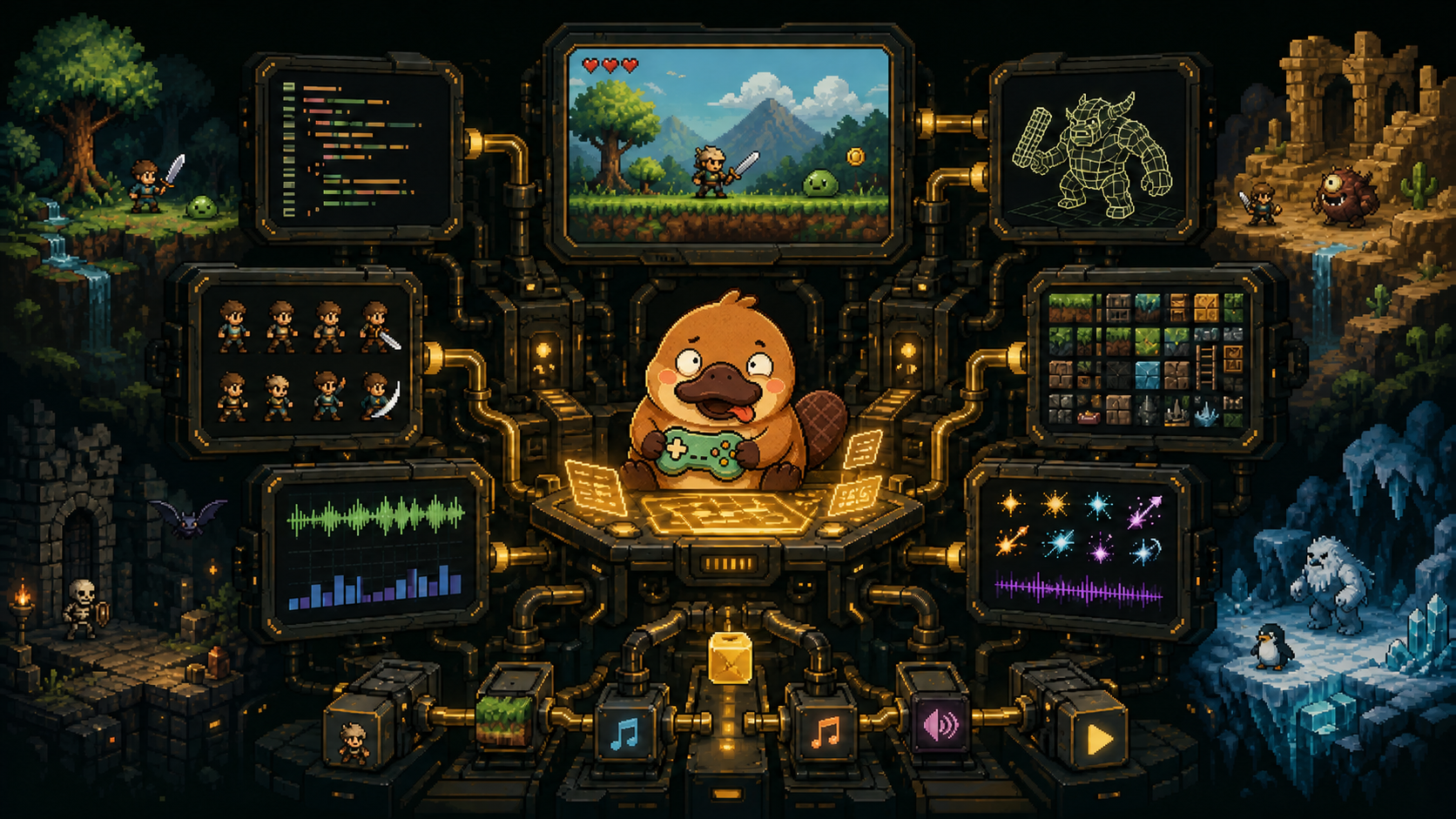
Fork and customize
Noobi.ai is intentionally organized around replaceable boundaries. A useful fork can start small:
| Goal | Start here |
|---|---|
| Add or change a media provider | mediaProviderStore.ts and mediaGenerationService.ts |
| Connect a tool or internal service through MCP | mcpConfigManager.ts |
| Change Planner, Implementer, Reviewer or Repair behavior | promptTemplateStore.ts and the prompt contracts in gameHarness.ts |
| Change the generated game scaffold and project rules | workspaceTemplate.ts |
| Build a new production experience | src/renderer/components |
| Add a new host-side dynamic tool | mediaToolBroker.ts |
Good first directions include a new provider adapter, Windows/Linux packaging, sample-game galleries, accessibility improvements, and additional deterministic game templates. See the roadmap and contribution guide.
What is inside
Production workbench
- eight visible production stages and a live Agent event stream
- command and file-change approvals
- playable loopback preview, project files, and a unified asset library
- 30 / 60 / 120 FPS production targets with timing and animation review contracts
- persistent projects and resumable Codex Implementer threads
Media and extension layer
- configurable image, audio and 3D REST providers
- Codex ImageGen fallback for required image generation
- music, speech, vocal effects, procedural WAV and Web Audio paths
- self-contained GLB import and procedural Three.js fallback
- native Codex Skills, stdio/HTTP MCP servers, and role-specific prompt customization
Trust boundaries
- sandboxed Electron Renderer with typed IPC only
- API keys sealed by Electron
safeStorageand never returned to the Renderer after saving - localhost-only preview server bound to
127.0.0.1 - path, symlink, MIME, size, SHA-256 and production-reference validation for generated assets
Read the full product capability map and architecture guide.
Architecture at a glance
flowchart LR
    User["Creator<br/>prompt + assets"] --> Renderer["React Renderer<br/>workbench · approvals · preview"]

    subgraph Desktop["Electron desktop"]
        Renderer <-->|"typed IPC"| Main["Electron Main<br/>trusted host"]
        Main --> Harness["Game Harness"]
        Main --> Preview["Loopback preview"]
        Main --> Broker["Media tool broker"]
        Main --> Gate["Asset store + host attestation"]
    end

    Harness <-->|"JSONL · stdio"| Codex["Codex App Server"]
    Codex --> Agents["Planner · Implementer · Reviewer"]
    Agents --> Workspace["Standalone game workspace"]
    Broker --> Providers["Image · audio · 3D providers"]
    Providers --> Gate
    Gate --> Workspace
    Preview --> Workspace
Development
npm run typecheck       # renderer + main process
npm test                # unit and integration tests
npm run build           # production renderer and main bundles
npm run verify          # typecheck + tests + production build
npm run smoke:ui        # isolated Electron UI screenshot
The following smoke tests use a signed-in Codex account and may consume a small amount of Codex or media-provider quota:
npm run smoke:codex
npm run smoke:harness
npm run smoke:media
npm run smoke:image
To produce an unsigned macOS DMG locally:
npm run package:mac
Public distribution still requires Developer ID signing, Apple notarization and stapling.
Current boundaries
- Browser-game workspaces and local preview are supported; cloud deployment and Unity, Unreal or Godot export are not.
- macOS is the current release target. Windows and Linux workflows are on the roadmap.
- Meshy, Tripo and Rodin currently use a synchronous REST gateway contract rather than native asynchronous job orchestration for every vendor.
- Quality and completion depend on the selected model, prompt, dependencies and available media routes. A run that cannot satisfy the proof gate remains
blocked.
Contributing
Contributions that make the pipeline safer, more portable or easier to extend are welcome. Please read CONTRIBUTING.md, run npm run verify, and open a focused pull request. Security reports should follow SECURITY.md.
License
No project license has been published yet. Until the repository owners select and add one, the code remains under the default copyright rules. If you plan to distribute a derivative, watch the repository issues or contact the maintainers first.
Documentation
Yorumlar (0)
Yorum birakmak icin giris yap.
Yorum birakSonuc bulunamadi