IntelliChat
skill
Uyari
Health Gecti
- License — License: MIT
- Description — Repository has a description
- Active repo — Last push 0 days ago
- Community trust — 60 GitHub stars
Code Uyari
- process.env — Environment variable access in intellichat/src/app/api/code/route.ts
Permissions Gecti
- Permissions — No dangerous permissions requested
Bu listing icin henuz AI raporu yok.
Modern AI chatbot supporting multiple LLMs. Switch between Gemini, Mistral, Llama, Claude and ChatGPT.
README.md
IntelliChat



IntelliChat is an open-source AI chatbot built with IntelliNode and Next.js. It is designed to accelerate the integration of multiple language models into chatbot apps.
https://github.com/intelligentnode/IntelliChat/assets/2751950/47d7db12-e299-449f-9351-39185c659d84
Features
- Select your preferred AI Provider and model from the UI.
- OpenAI: GPT-5.5, GPT-5.5 Pro, GPT-5.4, GPT-5.1, GPT-4.1.
- Anthropic: Claude Sonnet 5, Opus 5, Fable 5.1, Haiku 4.5.
- Google Gemini: Gemini 3.6, 3.7 and 3.8 Flash, 3.1 Pro.
- Cohere: Command A Plus, Command A, Command A Reasoning, Command R.
- Mistral AI: Mistral Medium, Mistral Small, Magistral, Ministral.
- Azure OpenAI.
- Replicate: Llama chat models.
- OpenRouter, Groq and DeepSeek: OpenAI-compatible APIs.
- Ollama, LM Studio and vLLM: local and self-hosted models.
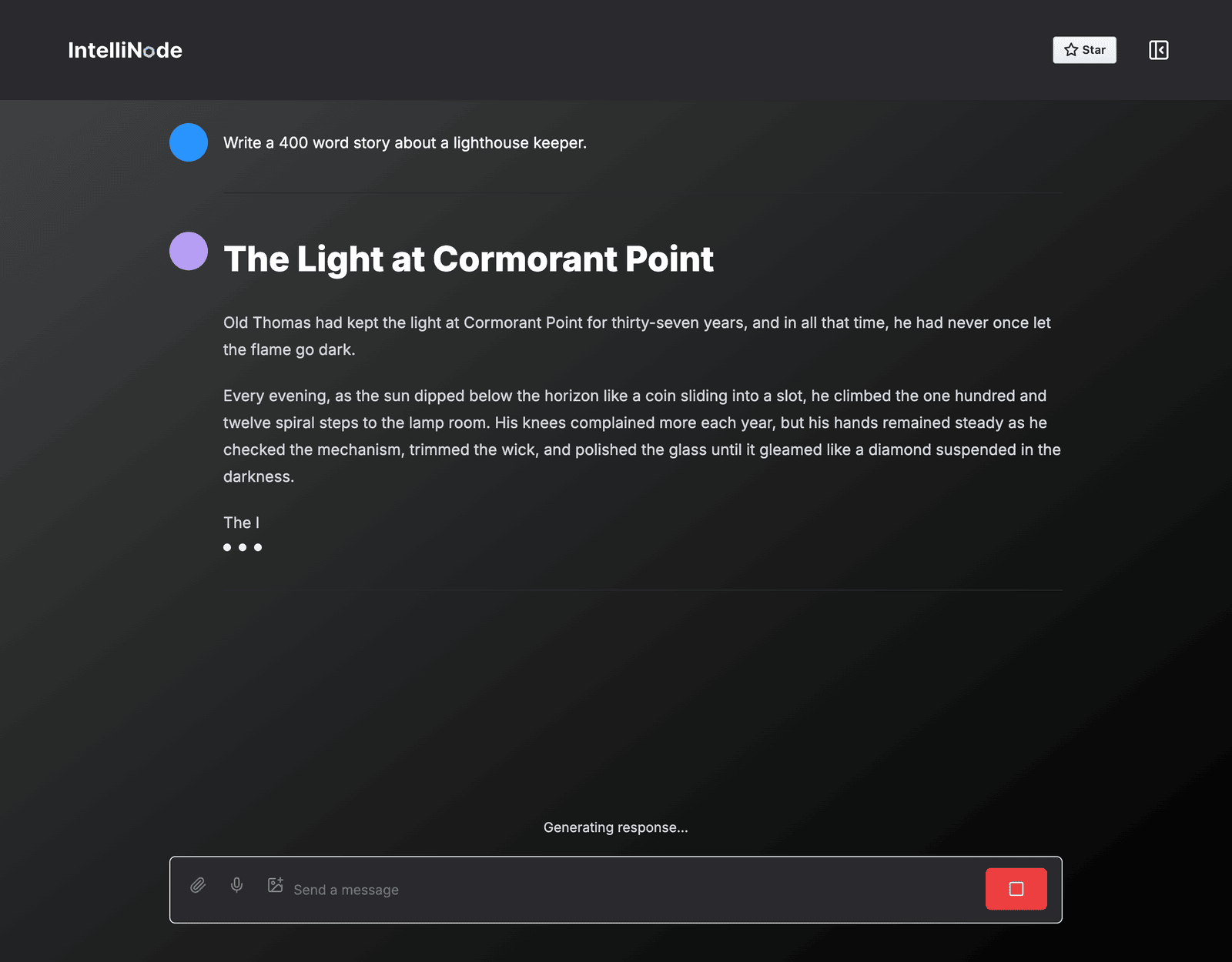
- Stream replies and stop them at any time.
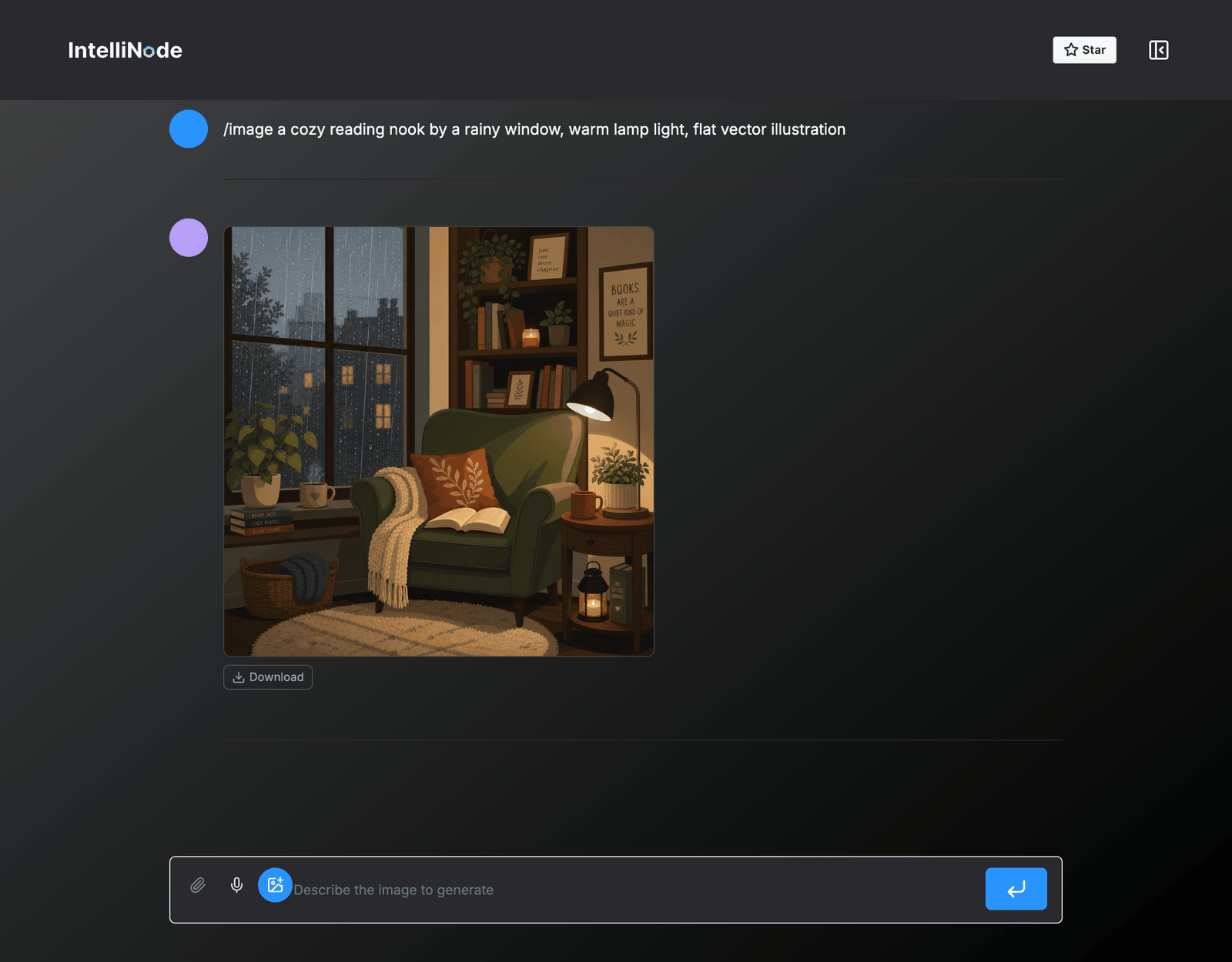
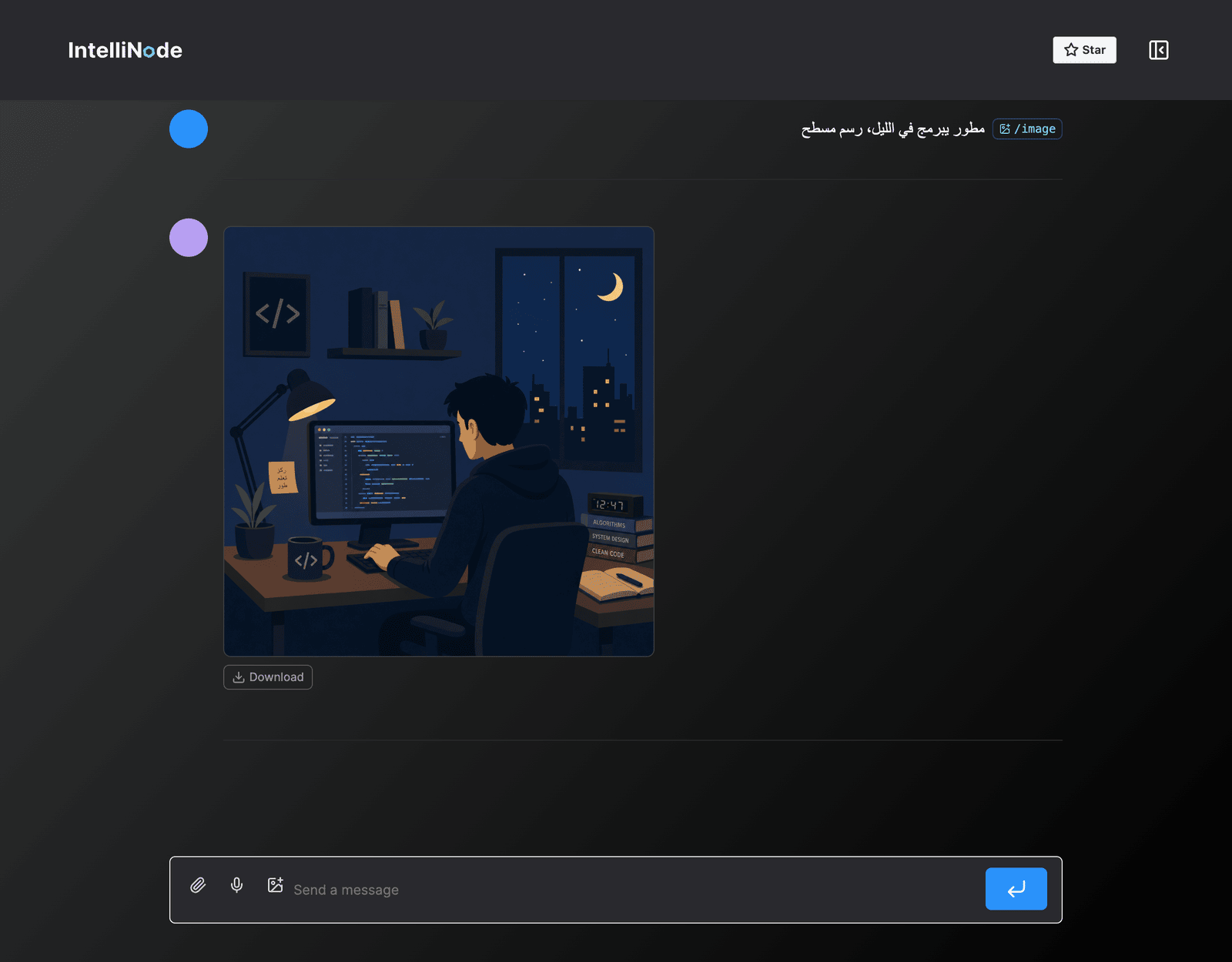
- Generate images with the image button or
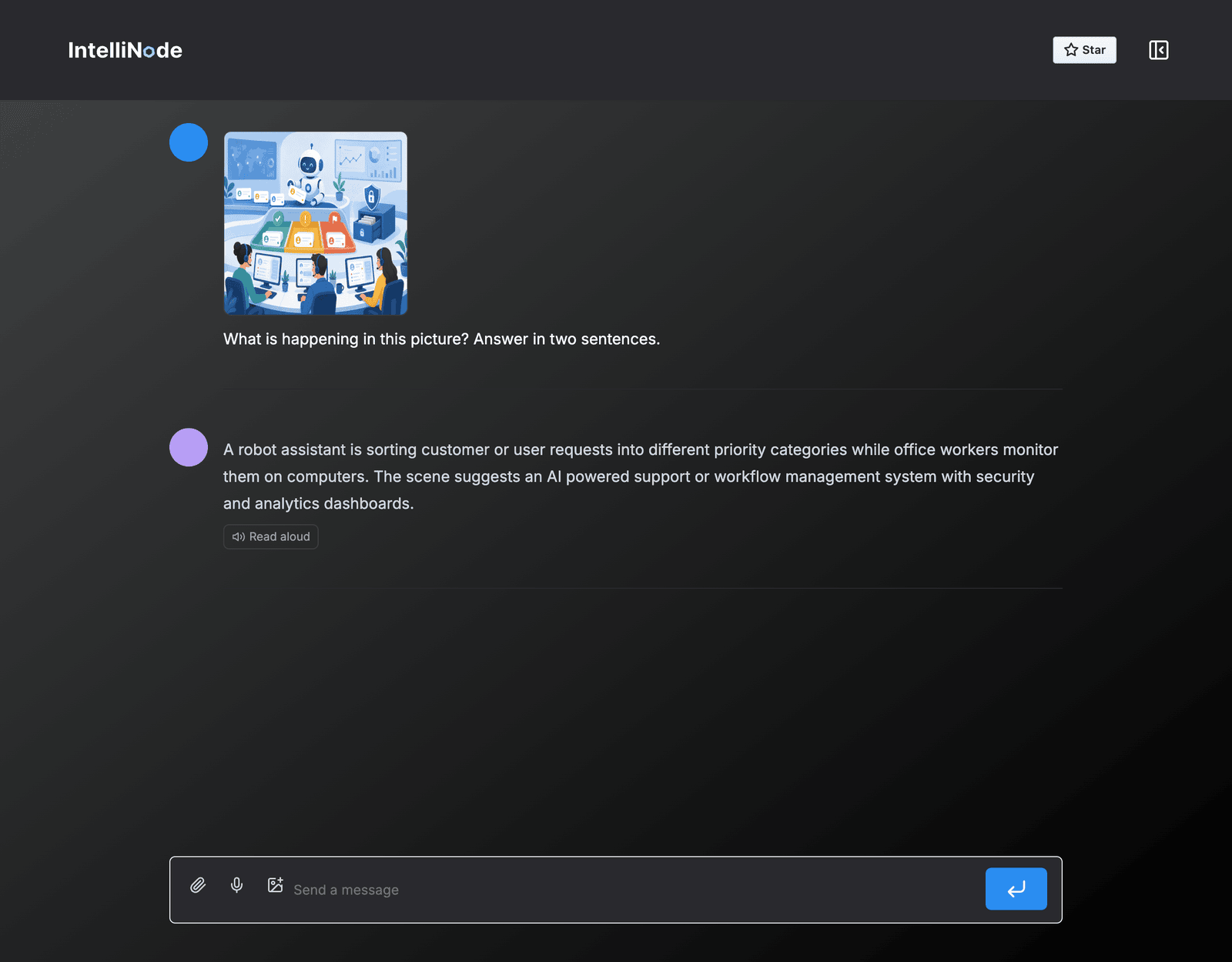
/image. - Attach an image and ask about it.
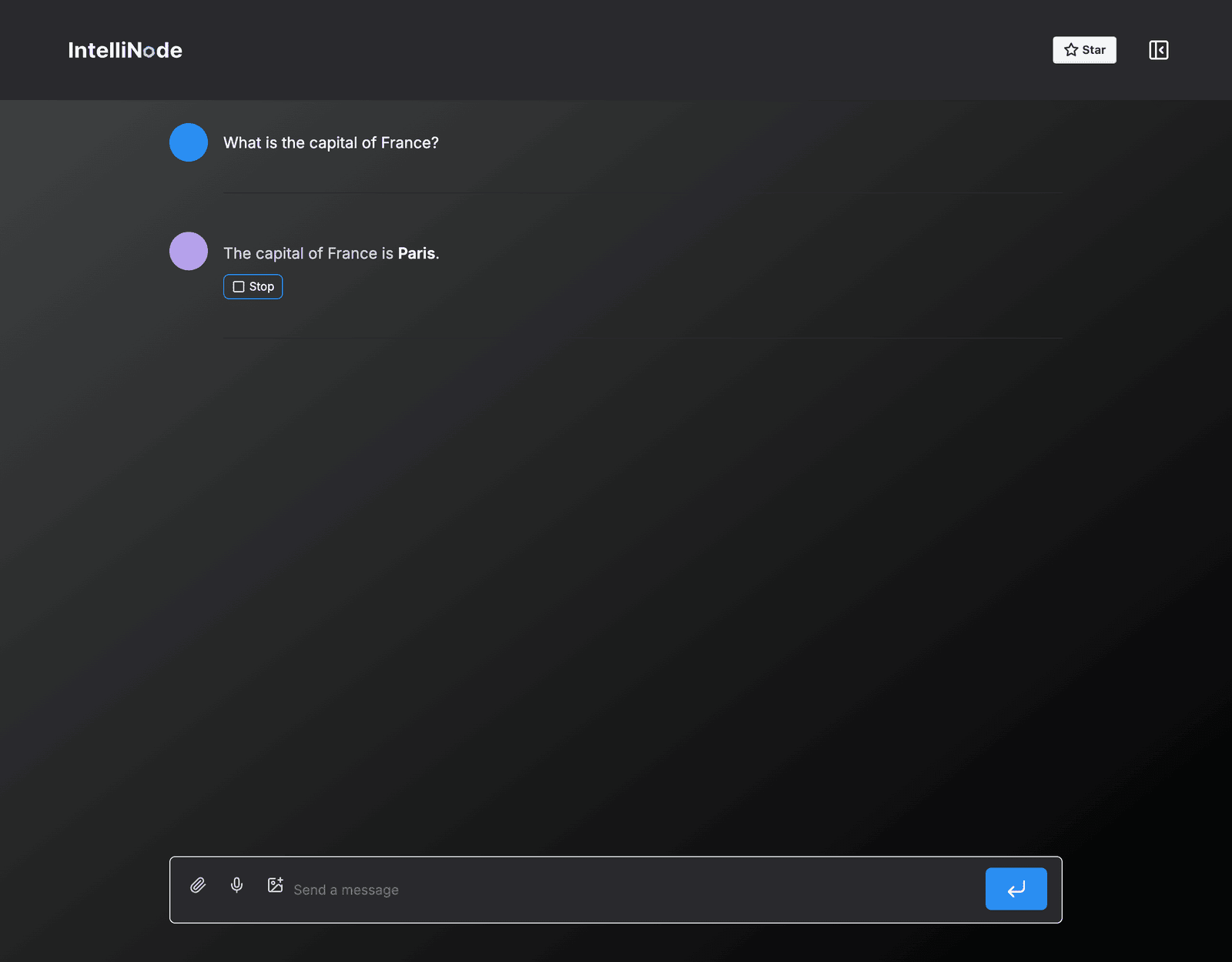
- Dictate messages with the microphone and listen to replies.
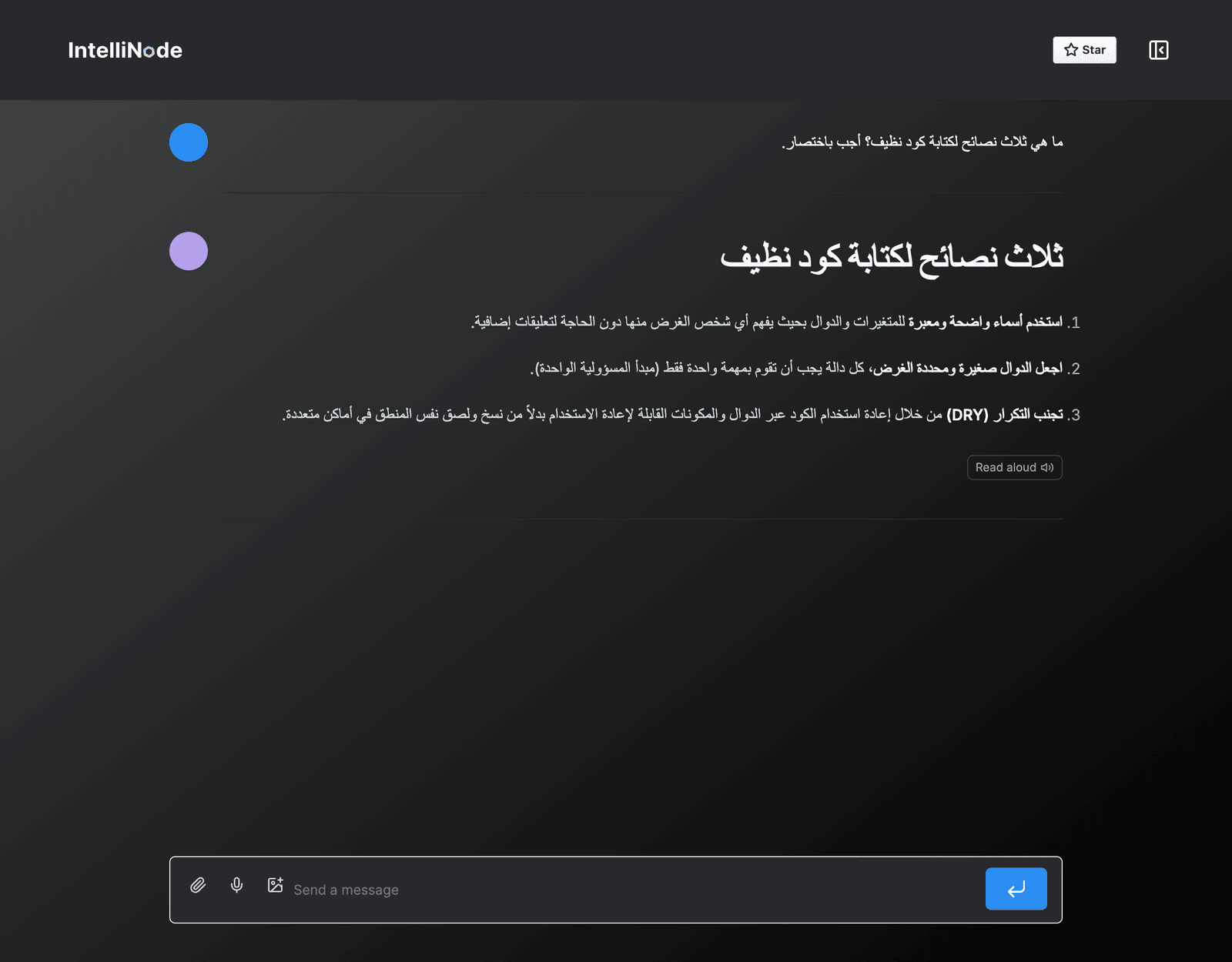
- Write in any language, including Arabic.
- Code blocks with highlighting, file names, copy and download.
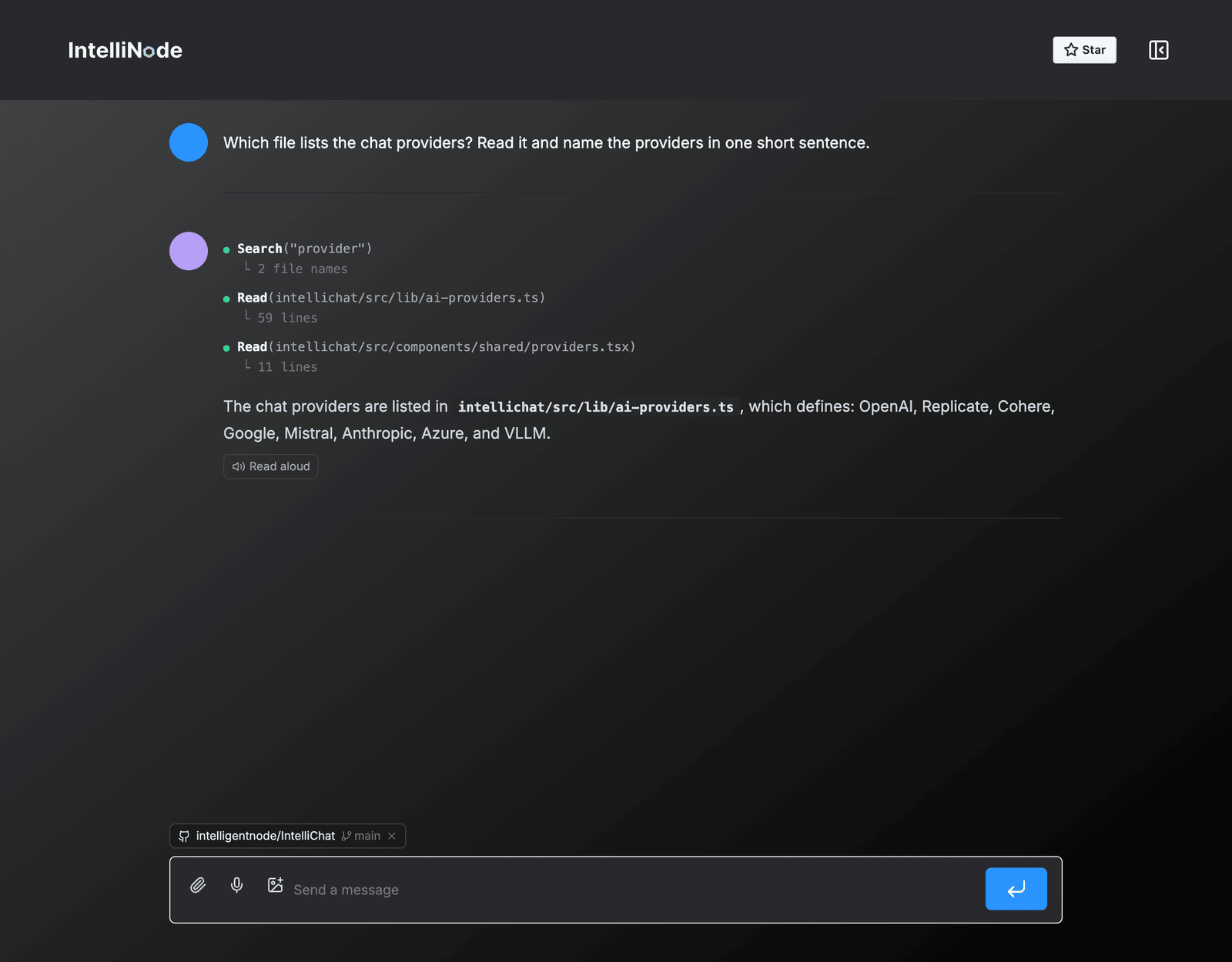
- Paste a GitHub link to ask about a repo, file, issue or pull request.
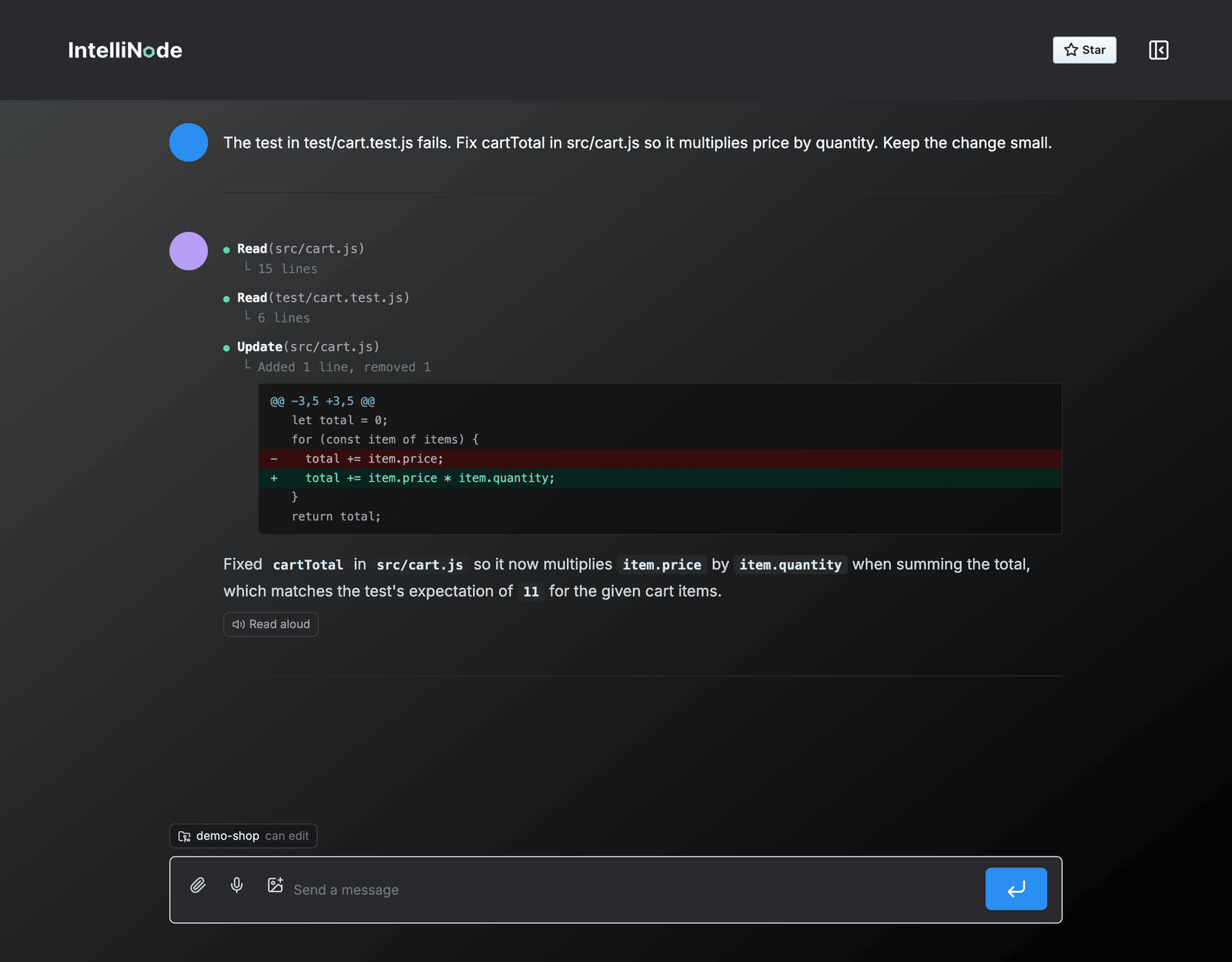
- Connect a GitHub repo, or a local folder when running locally, and the assistant reads the code, checks issues and shows each step.
- Use the keys in
.envor add your own in the settings, with separate keys for chat, images and voice.
| Streaming chat | Image generation |
|---|---|
 |
 |
| Ask about an image | Voice |
 |
 |
| Arabic chat | Arabic image prompt |
 |
 |
| GitHub repo | Local file edit |
 |
 |
| Settings | Local models |
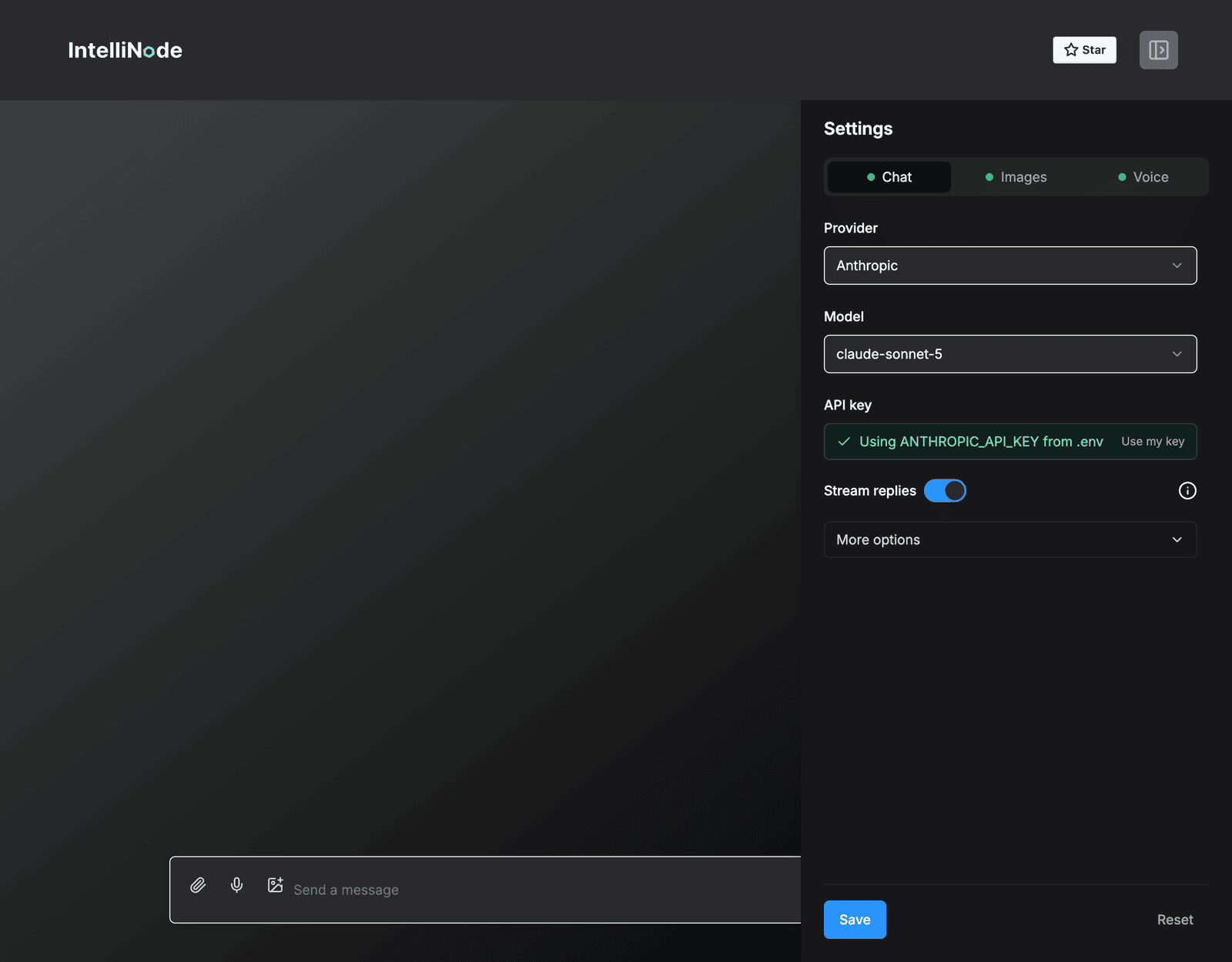 |
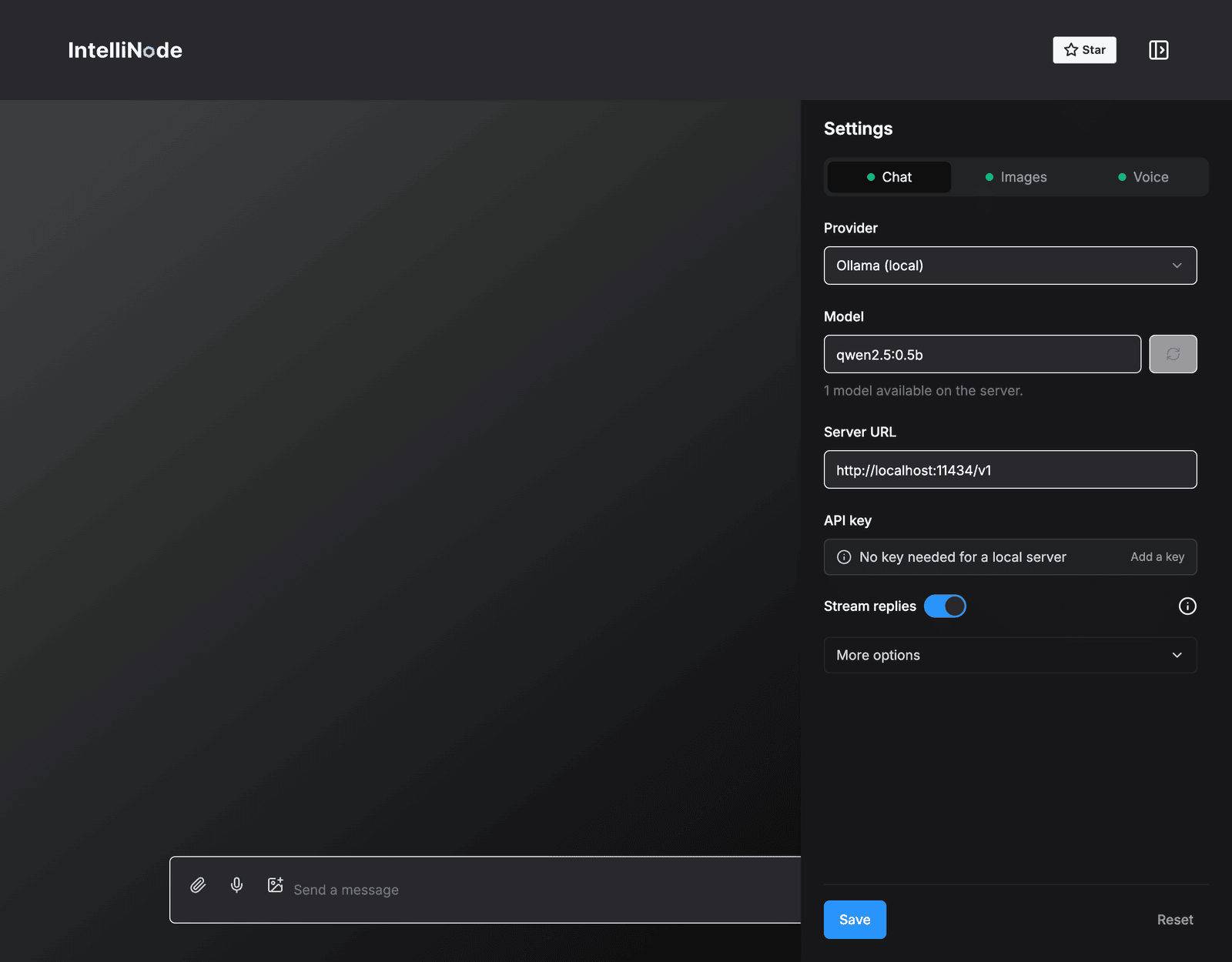 |
Installing and Running the App
cd intellichat.- Install the dependencies:
pnpm installornpm installoryarn install. - Optional: copy
.env.exampleto.envand add your keys. Keys can also be added from the settings. - Start the Next.js server
pnpm devornpm run devoryarn dev.
Open http://localhost:3000 with your browser to see the result.
Built with: Intellinode, Next.js, Shadcn, and TailwindCSS.
Yorumlar (0)
Yorum birakmak icin giris yap.
Yorum birakSonuc bulunamadi