iwe
Health Pass
- License — License: Apache-2.0
- Description — Repository has a description
- Active repo — Last push 0 days ago
- Community trust — 873 GitHub stars
Code Pass
- Code scan — Scanned 11 files during light audit, no dangerous patterns found
Permissions Pass
- Permissions — No dangerous permissions requested
This is a local-first markdown memory system designed to act as a shared knowledge graph for humans and AI agents. It provides a structured way to store, organize, and retrieve notes locally via a CLI or an MCP server.
Security Assessment
Overall Risk: Low. The tool operates entirely on a local-first basis, reading and writing Markdown files directly to your machine to build its knowledge graph. A light code scan of 11 files found no dangerous patterns, no hardcoded secrets, and no requests for dangerous system permissions. There is no indication that it makes unauthorized external network requests or executes arbitrary hidden shell commands. The only sensitive data it handles is your local text notes, which remain securely on your machine.
Quality Assessment
The project is highly robust. It is actively maintained with repository activity as recent as today, and it enjoys strong community trust with 873 GitHub stars. The codebase is written in Rust, ensuring fast and memory-safe execution. Furthermore, the project is fully compliant and open-source, operating under the standard Apache-2.0 license. It features excellent documentation, clear setup instructions, and multiple editor integrations.
Verdict
Safe to use.
Markdown memory system for you and your AI agent
IWE - Memory system for you and your AI Agents
Your second brain that AI agents can navigate. A structured knowledge graph for humans and machines.






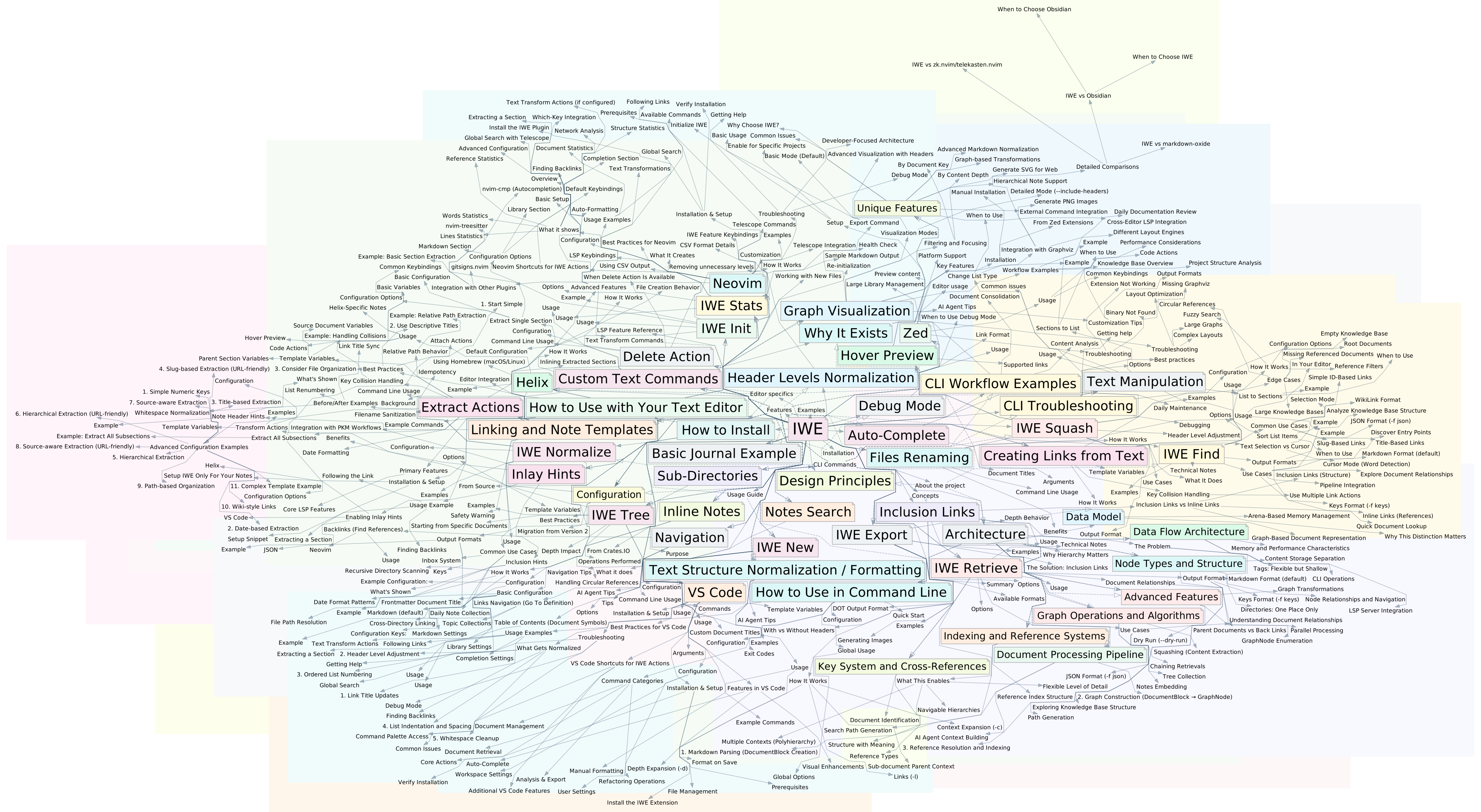
A messy knowledge base provides messy context to an AI, and messy context yields poor results.
The knowledge you need keeps growing. Codebases expand. Documentation multiplies. Decisions pile up. It's hard to keep it all in your head—or fit it in a context window.
We've all been there: you capture an insight, file it away, and two weeks later it's gone—buried in folders or scattered across apps. When you ask AI for help, you're feeding it fragments hoping something sticks. IWE gives both you and your AI the same map to navigate—one source of truth, shared understanding.
IWE is a knowledge graph that organizes your notes hierarchically and makes them accessible to AI agents. Write in Markdown, structure with links, give AI agents the tools to navigate your knowledge.
IWE has no built-in AI — it's designed to work with external AI tools (like Claude, Codex, Gemini, and others). The CLI provides structured access to your knowledge graph, whether you're scripting your own workflows or giving AI agents the tools and context they need.
Why IWE?
- Local-first — your data stays on your machine as directory with Markdown files
- Hierarchical knowledge graph — same note in multiple contexts without duplication using inclusion links
- External memory for AI — CLI and MCP server let AI agents retrieve and update your knowledge with full context
- Editor integration — search, navigate, refactor notes via LSP (VS Code, Neovim, Zed, Helix)
- Blazing fast — Rust-powered, processes thousands of notes instantly
The Hierarchical Knowledge Graph
IWE organizes your notes as a hierarchical knowledge graph — notes with links and nesting:
- Hierarchy — inclusion links create parent-child relationships, organizing notes into a tree
- Cross-links — reference links connect notes across the hierarchy
- Polyhierarchy — the same note can appear under multiple parents without duplication
- Context inheritance — enrich any note with details from all its parents
This structure makes retrieval powerful: ask for a topic and get its full context—children, parents, and related notes—in a single query.
Editor Integration (LSP)
IWE integrates with VS Code, Neovim, Zed, Helix, and other editors via the Language Server Protocol (LSP). Get IDE-like features for your markdown: search, auto-complete, go to definition, find references, rename refactoring, and more.
IWE understands document structure—headers, lists, and links—and provides advanced refactorings like extract/inline notes via code actions. It supports standard Markdown, wiki-style links, tables, and other extensions.
- Search — find notes by title or content
- Navigate — go to definition, find references (backlinks)
- Preview — hover over links to see content
- Auto-complete — link suggestions as you type
- Inlay hints — show parent references and link counts
- Extract — pull sections into new notes
- Inline — embed note content back into parent
- Rename — rename files with automatic link updates
- Format — normalize documents, update link titles
- Transform — pipe text through external commands
- Templates — create notes from templates (daily notes, etc.)
- Outline conversion — switch between headers and lists
More information: LSP Features
Working with AI
IWE gives AI agents structured access to your knowledge graph through two interfaces: a CLI for scripting and shell-based workflows, and an MCP server for native integration with AI tools. Both expose the same operations — search, retrieve, create, refactor — so you can choose whichever fits your workflow.
CLI
Read
- find — search documents with fuzzy matching and relationship filters
- retrieve — fetch documents with depth and context expansion
- tree — display hierarchical structure from any starting point
- squash — consolidate multiple documents into a single context
Write
- new — create documents from templates, accepts content via stdin
- extract — extract sections into new documents
- inline — embed referenced content back into parent document
- rename — rename documents with automatic link updates
- delete — remove documents and clean up references
Example: retrieve a topic with 2 levels of children and 1 level of parent context:
iwe retrieve -k topic -d 2 -c 1
MCP Server
The MCP server (iwec) speaks the Model Context Protocol, giving AI tools access to your knowledge graph.
The server exposes 13 tools (find, retrieve, tree, stats, squash, create, update, delete, rename, extract, inline, normalize, attach), 3 prompts (explore, review, refactor), and resources for reading documents and graph structure. It watches the filesystem for changes, so edits in your editor are reflected immediately.
More information: MCP Server Documentation
Unlike vector databases where agent memory becomes opaque—embeddings you can't read or edit—IWE keeps everything in plain Markdown. No similarity thresholds, no "maybe relevant" results. The agent gets exactly the documents that connect to the topic.
You remain in control. The files are yours, readable and editable. Agents become collaborators that can navigate your knowledge, not black boxes that store it.
More information:
Quick Start
Install the CLI and LSP server:
Using Homebrew (macOS/Linux):
brew tap iwe-org/iwe
brew install iwe
Or using Cargo:
cargo install iwe iwes iwecInitialize your workspace:
cd ~/notes iwe initTeach your AI agent — ask it to learn the
iwecommand using its built-in help
Documentation
- Getting Started — Installation and setup
- Usage Guide — Editor features and workflows
- CLI Reference — Command-line tools
- Working with AI — AI agent integration
- MCP Server — Native AI tool integration via Model Context Protocol
- Configuration — Settings and customization
- Examples — Example projects and case studies
Get Involved
IWE is open source and community-driven. Join the discussions, report issues, or contribute to the documentation.
Editor plugins: VS Code · Neovim · Zed
License
Reviews (0)
Sign in to leave a review.
Leave a reviewNo results found