Owls
Health Uyari
- License — License: AGPL-3.0
- Description — Repository has a description
- Active repo — Last push 0 days ago
- Low visibility — Only 5 GitHub stars
Code Uyari
- fs module — File system access in .github/workflows/release-macos.yml
- process.env — Environment variable access in apps/owlto-client/electron.vite.config.ts
Permissions Gecti
- Permissions — No dangerous permissions requested
Bu listing icin henuz AI raporu yok.
Stop juggling coding agents. Talk to one owl and let the team handle the rest.
Owlto
A team of coding owls on your Mac.
Tell one owl what you need. It hands the work to the others and tells you how it went.
Owlto is a desktop app for people who use AI coding agents. Instead of juggling
several terminal windows, you chat with one Router owl. It plans the work,
sends each part to a worker (Claude Code, Codex, or Cursor), keeps an eye on
them, and comes back with one clear answer.
Several workers can work on the same project at the same time without stepping
on each other's toes, and you can look in on any of them whenever you like.
Meet the owls
| Owl | What it does | |
|---|---|---|
 |
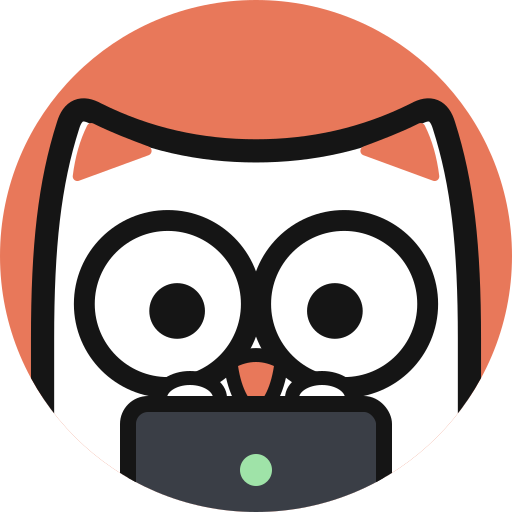
Router | The one you talk to. Plans the work, picks the right workers, and sums up what they did. |
 |
Claude Code | A worker powered by Claude Code on your Mac. |
 |
Codex | A worker powered by Codex on your Mac. |
 |
Cursor | A worker powered by Cursor on your Mac. |
 |
The team | Big jobs get split across several owls working side by side. |
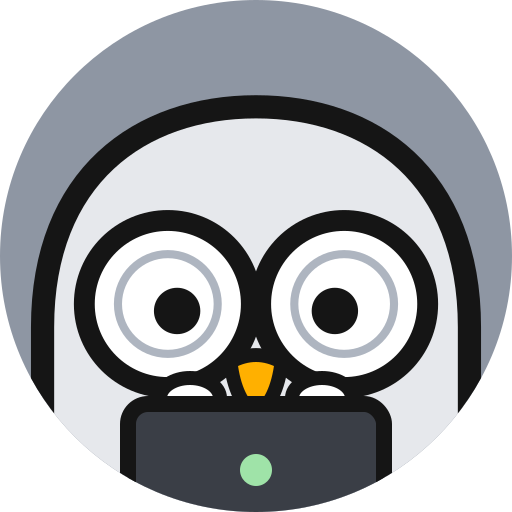
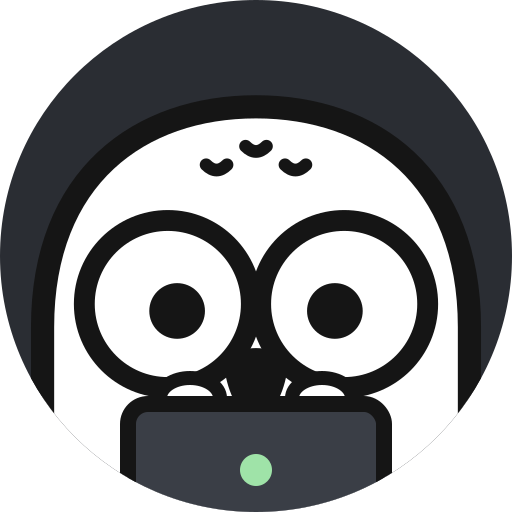
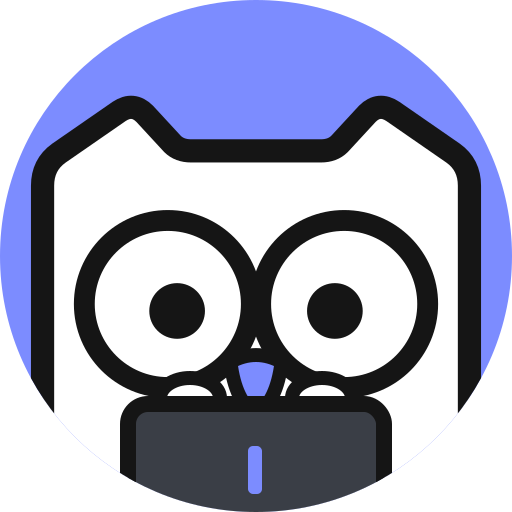
When an owl is busy, you'll see it typing away on its laptop:
Features
- One chat for everything. Describe what you want in plain words. The Router
decides who should do it and reports back when it's done. - Many workers at once. Each worker gets its own copy of your project, so
several can change code at the same time without conflicts. - Mention a worker directly. Type
@to pick a project for a conversation
or to talk to one worker yourself. - See every worker's story. Open a worker to read its report first, then
everything it did along the way, with a summary of changed files and a
side-by-side view of each change. - Open in your favorite app. Jump from a worker straight into VS Code,
Cursor, Zed, Xcode, JetBrains IDEs, Finder, Terminal, Ghostty, and more. - Overview map. See all your projects and owls on one board and check who is
working, waiting, or done. Press⌘Jto switch between the chat and the map. - Approvals you control. When an owl wants to do something that needs your
OK, the request waits right above the message box. - Projects made easy. Open a folder, clone a GitHub repository, or start an
empty project in one click. Give each project its own icon, color, and notes
for the workers. - Pull requests in one place. See every pull request your owls opened, with
merge, review, and check status, and sort by what needs your attention. - Notes and whiteboards. Save useful answers as notes, sort them with tags,
lay them out on boards, and attach them to new messages. Press⌘Kto open
your notes. Each note is a Markdown file in~/Owlto/Notes, so you can edit
it in any editor or keep it in git. - Usage at a glance. See how much of each agent's plan you have left, and
browse daily usage and estimated cost in Settings. - Updates itself. Owlto checks for new versions in the background and offers
to restart when one is ready. Choose the stable or beta channel. - Make it yours. Light and dark themes, English and Simplified Chinese, and
nine owl logos for your Dock.
Install
- Go to the Releases page and
download the latest.dmgfile. - Open the file and drag Owlto into your Applications folder.
- Open Owlto from Applications or Launchpad.
You need a Mac with Apple silicon (M1 or later) running macOS 13 Ventura or
later.
Get started
1. Install at least one coding agent
Owlto works with the coding agents you already use. Install one or more of them
and sign in once in Terminal:
Claude Code
curl -fsSL https://claude.ai/install.sh | bash
claude
Follow the prompts to sign in, then quit with /exit.
Codex
brew install --cask codex
codex
Sign in with your ChatGPT account when asked. You can also sign in later from
Owlto.
Cursor
curl https://cursor.com/install -fsS | bash
cursor-agent login
Cursor can work as a worker, but not as the Router.
2. Connect it in Owlto
Open Settings (⌘,) → Agents, choose the agent's tab, and click
Connect local … (for example, Connect local Claude Code). Owlto finds
the agent on your Mac and shows the account you're signed in with.
Then open Settings → Router & Workers to choose which agent runs the Router
and which one your workers use by default.
3. Start a conversation
- Press
⌘Nfor a new conversation and tell the Router what you need. - Type
@to choose a project. Tasks that don't belong to a project run in a
workspace folder (~/Owlto/Workspaceunless you pick another one in Settings).
The Workspace is listed first under Projects and on the map. When a folder in
it grows into a git repository, Owlto offers to make it its own project. - Click a worker to see what it's doing, or press
⌘Jto see everything on the
map.
Only open projects you trust. Your coding agents may follow instructions and
settings stored inside a project.
Privacy
Owlto runs on your Mac and uses the agents you installed and signed in to
yourself. It never copies your passwords or sign-in tokens; it only reads your
account status to show who you're signed in as.
Feedback
Found a bug or have an idea? Open an issue.
Please don't include passwords, private code, or other personal data. Report
security problems privately.
Want to help build Owlto? See CONTRIBUTING.md.
License
Owlto is licensed under the GNU Affero General Public License v3.0.
Claude Code, Codex, and Cursor are installed separately and follow their own
terms.
Yorumlar (0)
Yorum birakmak icin giris yap.
Yorum birakSonuc bulunamadi