capd
Health Uyari
- License — License: MIT
- Description — Repository has a description
- Active repo — Last push 0 days ago
- Low visibility — Only 8 GitHub stars
Code Basarisiz
- rm -rf — Recursive force deletion command in Scripts/package-app.sh
- exec() — Shell command execution in Sources/CapdKit/Resources/Readability.js
Permissions Gecti
- Permissions — No dangerous permissions requested
Bu listing icin henuz AI raporu yok.
Open-source native macOS capture and bookmarking app. A Pinboard successor with a menu-bar app and CLI.

Save anything. Find it in seconds.
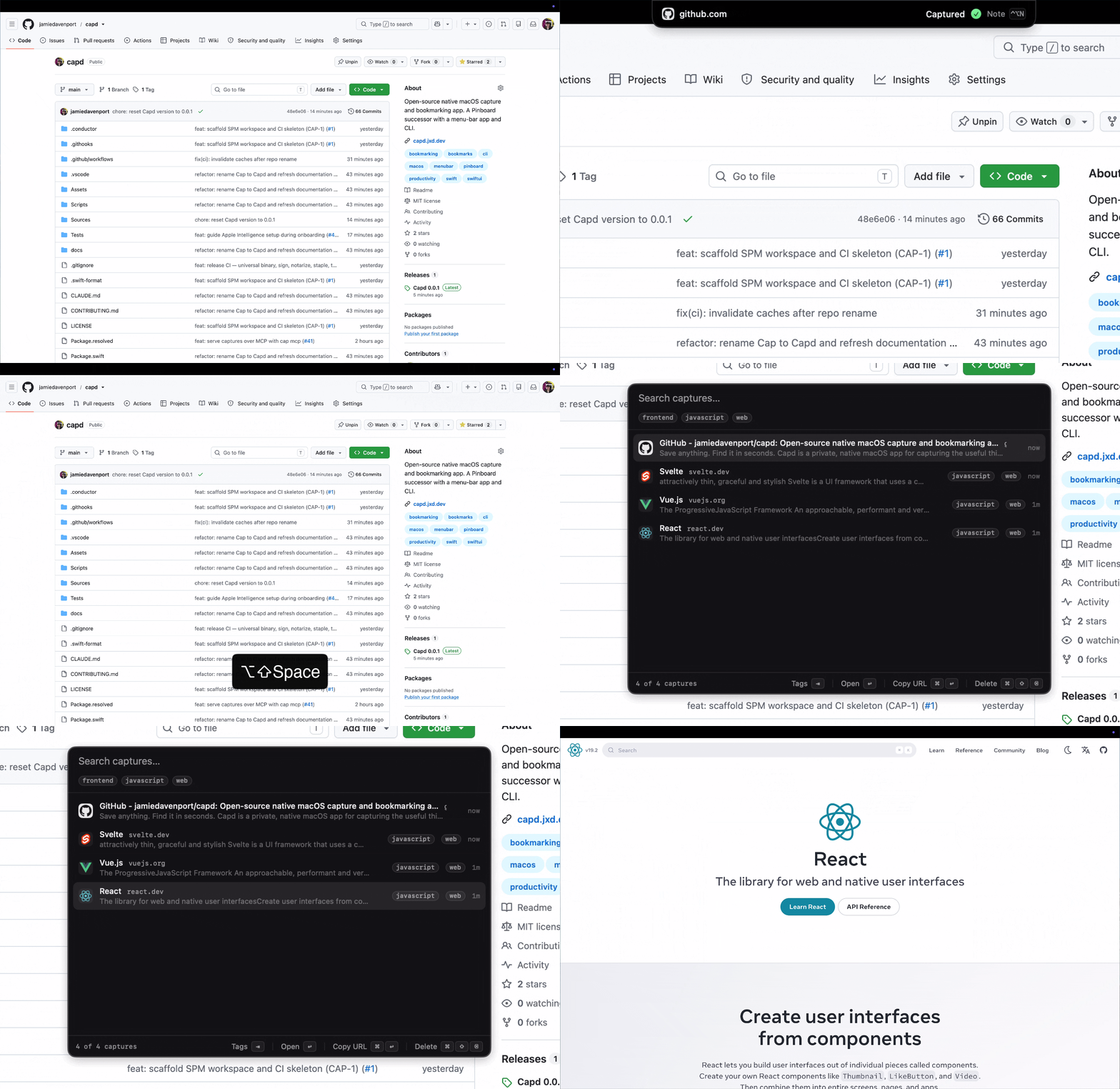
Capd is a private, native macOS app for capturing the useful things you come
across—web pages, selected text, links, notes, and images—and finding them again
with full-text search.
No account. No subscription. No telemetry. Your library stays on your Mac.
Download the latest release
· Read the documentation
Why Capd?
- Capture without breaking focus. Press
⌃⌥C, drag something to the menu
bar or notch, use the macOS share sheet, or run thecapdCLI. - Search more than bookmarks. Capd indexes page titles, readable article
text, selections, notes, and text recognized inside images. - Ask your library. Get private, on-device answers with clickable citations
to the captures behind each claim. - Stay organized automatically. On-device tagging groups captures into a
small, useful vocabulary without sending their contents anywhere. - Use your library everywhere. Search in the native app, automate with the
CLI, export your data, or give an AI assistant read-only access over MCP. - Keep control of your data. Everything lives in a local SQLite database and
assets folder. Network behavior is limited and documented in full.
Install
Capd requires macOS 26 or later and supports Apple silicon and Intel Macs.
Download the notarized .dmg from the
latest GitHub release,
open it, and drag capd.app to Applications.
Or install the app and CLI with Homebrew:
brew install jamiedavenport/tap/capd
On first launch, Capd guides you through its hotkeys and optional macOS
permissions. Then press ⌃⌥C anywhere to make your first capture and⌥⇧Space to find it.
See the installation guide for permission,
update, and uninstall details.
Capture your way
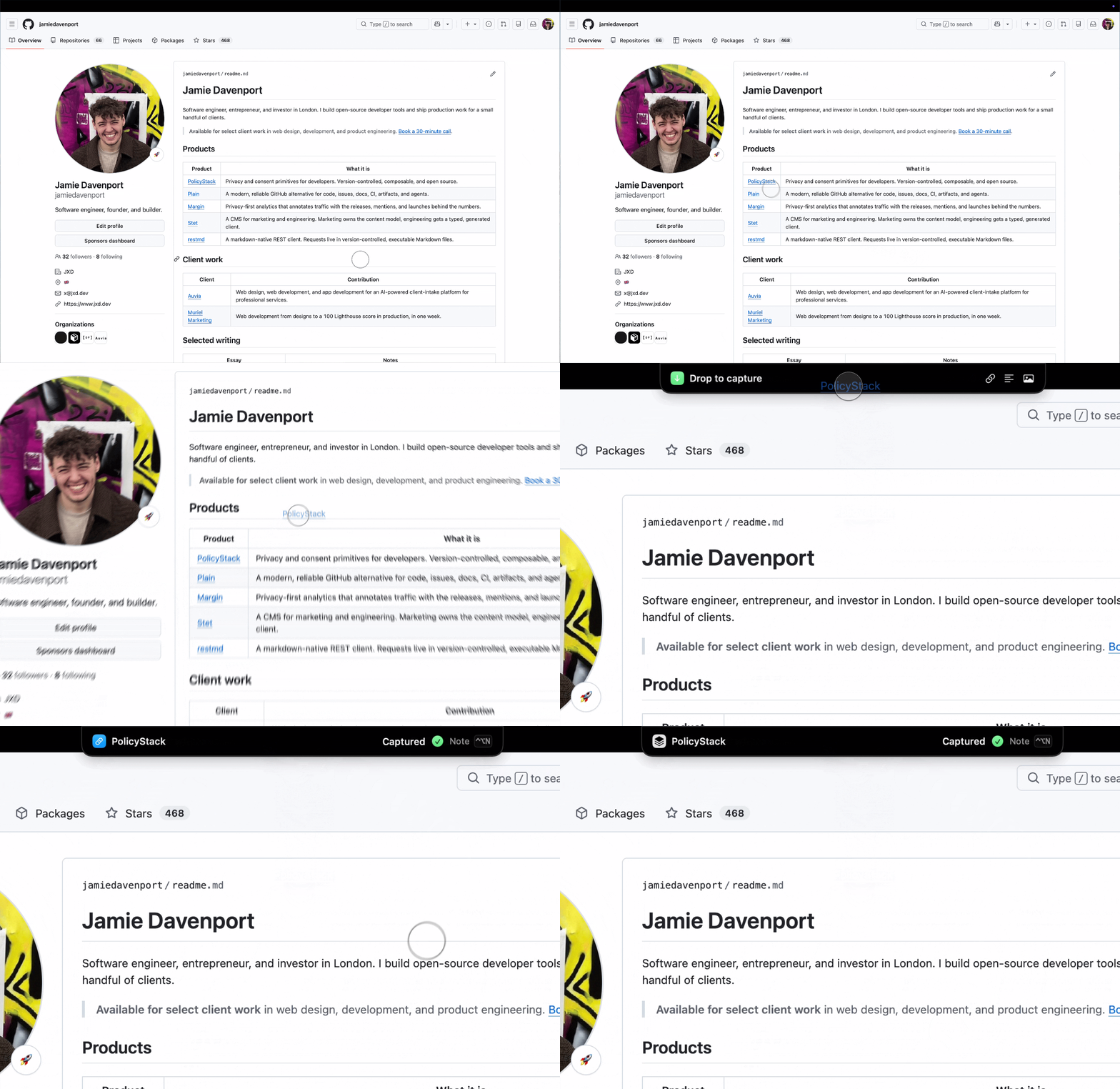
Capd saves links, selected text, clipboard images, and dropped files. Browser
captures include the current page and, where available, its readable content.
Image text is recognized on-device and becomes searchable.
Re-capturing the same item updates the existing entry instead of creating a
duplicate. Add a note from the confirmation HUD with ⌃⌥N.
Recall what matters
Press ⌥⇧Space for fast, keyboard-first search across everything you saved.
Use natural keywords or narrow the results with site, tag, and date filters:
swift concurrency site:swift.org tag:development after:2026-01-01
Click Ask Cap, or prefix a question with ?, to assemble an answer from the
best matches. Apple Intelligence generates the answer on-device and every claim
links back to its source capture.

Built for the keyboard—and automation
The bundled capd command captures, searches, manages, and exports the same
local library:
capd add https://example.com/article
capd search "reading list" --site example.com
capd export --format markdown
capd mcp
capd mcp exposes read-only search and cited-answer tools to compatible AI
assistants. The CLI also provides stable JSON output for scripts.
Private by design
Capd has no account, cloud service, analytics, or telemetry. Page fetching,
favicon requests, update checks, OCR, and automatic tagging are documented in
the privacy guide, including which network
features can be disabled.
Capd is open source under the MIT License.
Contributing
Want to build Capd, improve the docs, or send a patch? See
CONTRIBUTING.md.
Yorumlar (0)
Yorum birakmak icin giris yap.
Yorum birakSonuc bulunamadi