multi-AI-profile
Health Uyari
- License — License: NOASSERTION
- Description — Repository has a description
- Active repo — Last push 0 days ago
- Low visibility — Only 6 GitHub stars
Code Gecti
- Code scan — Scanned 3 files during light audit, no dangerous patterns found
Permissions Gecti
- Permissions — No dangerous permissions requested
Bu listing icin henuz AI raporu yok.
Run multiple isolated Claude, Antigravity, Codex, Grok, Cursor & Windsurf accounts on macOS with custom window names, badged Dock icons, separate MCP/CLI configs, and zero disk overhead.
Multi-AI-Profile (multi-AI-profile)
Run multiple isolated Claude Desktop, Google Antigravity, OpenAI Codex / ChatGPT, xAI Grok, Cursor, and Windsurf accounts on macOS with custom window names, badged Dock icons, separate MCP/CLI configs, and zero disk overhead.
Instant APFS copy-on-write macOS bundle cloner and native Mach-O execv() launcher that isolates Electron UI storage, background Go/Rust daemons, CLI homes (CLAUDE_CONFIG_DIR, --gemini_dir, CODEX_HOME, GROK_HOME), MCP configs, and AltTab/Mission Control window names.

-0f172a?style=flat-square)

-6d28d9?style=flat-square)

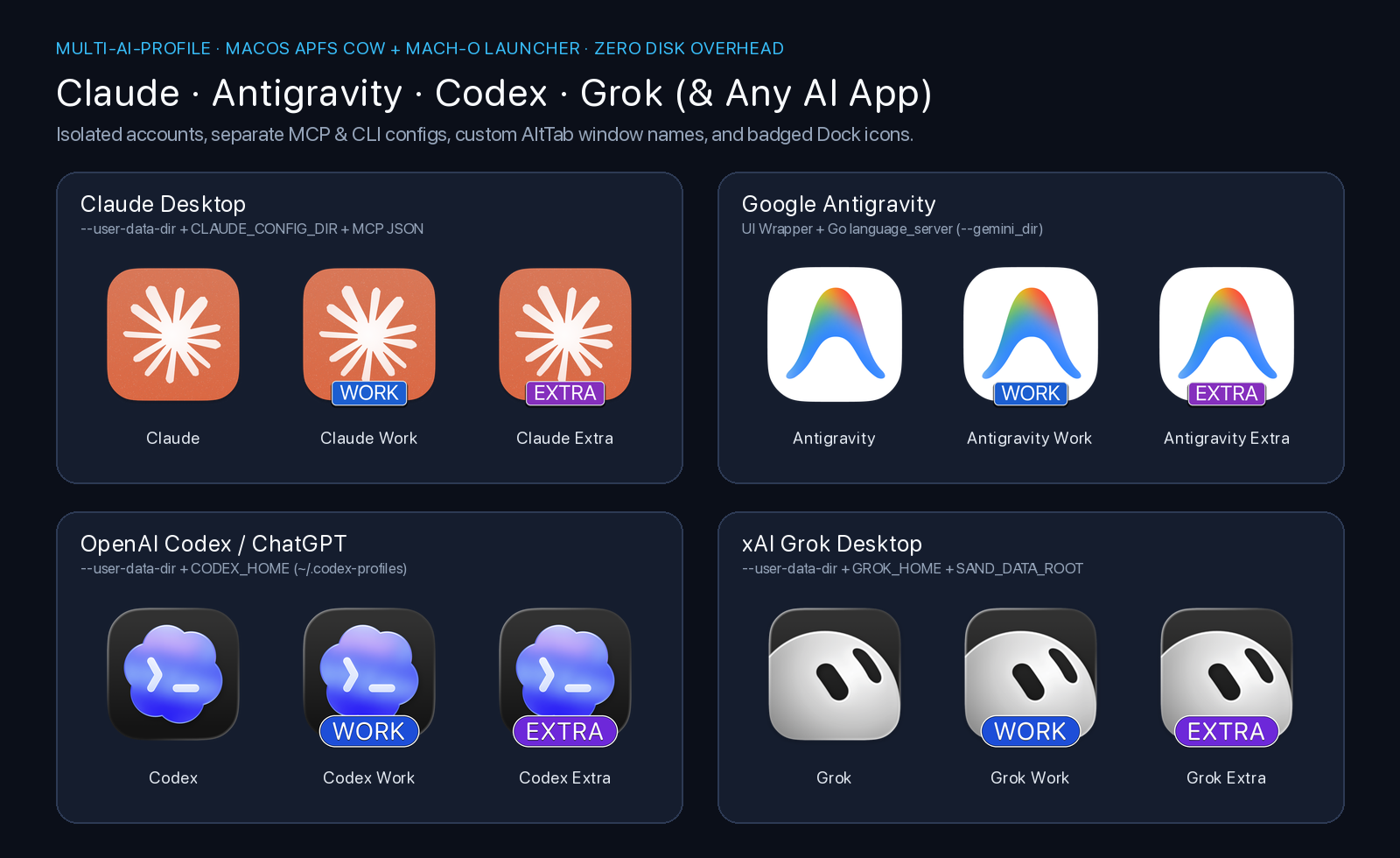
1. Nhu cầu thực tế & Vấn đề (The Problem)
Khi sử dụng các ứng dụng AI Desktop trên macOS (Claude Desktop, Google Antigravity, OpenAI Codex / ChatGPT, xAI Grok, Cursor, Windsurf...), rất nhiều kỹ sư và người dùng gặp chung 3 nhu cầu thực tế:
- Chạy song song nhiều tài khoản (Multi-Account):
- Profile 1 (Bản gốc): Tài khoản Cá nhân (Personal).
- Profile 2 (
Work): Tài khoản Công ty (Team / Enterprise). - Profile 3 (
Extra): Tài khoản phụ cho dự án khách hàng hoặc tránh chạm rate-limit khi đang code dở.
- Tách biệt hoàn toàn cấu hình MCP Server & CLI Home:
- Gắn các MCP Server nội bộ công ty (Jira, Confluence, DB Production, Internal Git) vào bản
Workmà không sợ lộ hoặc lẫn sang bảnPersonal. - Tách riêng biến môi trường và kho dữ liệu ngầm của từng nền tảng (
CLAUDE_CONFIG_DIR,--gemini_dir,CODEX_HOME,GROK_HOME,SAND_DATA_ROOT).
- Gắn các MCP Server nội bộ công ty (Jira, Confluence, DB Production, Internal Git) vào bản
- Phân biệt tức thì trên AltTab, Mission Control, Spotlight và thanh Dock:
- Cách làm phổ biến trên mạng là dùng
osacompiletạo AppleScript gọiopen -n -a "Claude" --args --user-data-dir=.... - Nhược điểm chí mạng của
osacompile: AppleScript chỉ là trình mồi rồi tắt ngay, còn cửa sổ thật vẫn chạy từ tiến trình gốc trong/Applications/. Hệ điều hành macOS (WindowServer), AltTab, Mission Control vàCmd + Tabđọc tên từInfo.plistcủa tiến trình đang chạy nên cả 3 cửa sổ đều bị trùng tên và trùng hệt icon:
- Cách làm phổ biến trên mạng là dùng
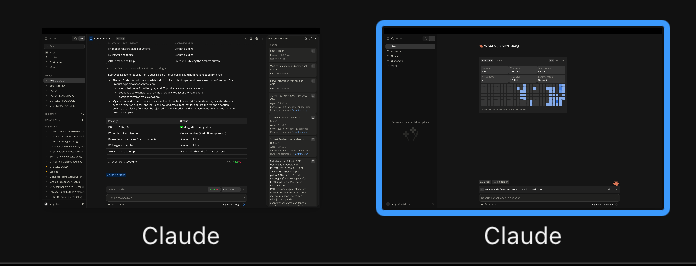
2. Giải pháp kiến trúc (The Solution)
Bộ công cụ ai-profile (cùng các lệnh tắt claude-profile, agy-profile, codex-profile, grok-profile) giải quyết triệt để ở cấp độ Native macOS Application Bundle:
| Hạng mục | Cách cũ (osacompile / open -n -a) |
Giải pháp multi-AI-profile (Repo này) |
|---|---|---|
| Tên cửa sổ trong AltTab / Mission Control | ❌ Bị trùng tên gốc (Claude, Antigravity, ChatGPT, Grok Bot) |
✅ Tên riêng biệt (Claude Work, Antigravity Work, Codex Work, Grok Work) |
| Icon trên Dock / Spotlight / Cmd+Tab | ❌ Trùng icon gốc (hoặc bị Assets.car của macOS Sequoia đè lại) |
✅ Tự động gỡ Assets.car override & vẽ nhãn màu (WORK, EXTRA) nét căng lên .icns |
| Dung lượng ổ cứng tốn thêm | 0 MB | ✅ 0 MB nhờ cơ chế APFS Copy-on-Write (cp -cR) dùng chung data blocks |
| Thời gian tạo App mới | ~2 giây | ✅ < 1.5 giây (nhân bản CoW + biên dịch Mach-O wrapper + đóng dấu icon) |
| Cách ly tiến trình ngầm & CLI Home | ❌ Dùng chung ~/.gemini, ~/.codex, ~/.grok, ~/.grokbot |
✅ Bọc cả UI Electron lẫn Daemon ngầm (language_server, CODEX_HOME, GROK_HOME, SAND_DATA_ROOT) |
5 bước kỹ thuật tự động bên dưới:
- Nhân bản Zero-Copy với APFS (
cp -cR): Clone nguyên bản.apptừ/Applications/sang~/Applications/<App> <Profile>.appbằng cơ chế Copy-on-Write của APFS — tốn 0 MB dung lượng thật và hoàn tất trong chưa đầy 1 giây. Tự động dọn dẹp cácosacompileapplet cũ bị trùng tên trong/Applicationshoặc~/Applications. - Patch
Info.plist,NSDockTilePlugIn& toàn bộ Framework Helpers: ĐổiCFBundleName,CFBundleDisplayName,CFBundleIdentifiercủa cả app chính lẫn toàn bộ các tiến trình con (*Helper (Renderer).app,Codex Framework.framework/Helpers/Codex (*.app)), đồng thời loại bỏ khóaCFBundleIconName,LSHasLocalizedDisplayName,NSDockTilePlugIn(CodexDockTilePlugin.docktileplugin) vàCodexAppIconBaseNameđể macOS WindowServer & Dock không bao giờ ghi đè tên hoặc icon lúc đang chạy. - Biên dịch Native Mach-O Binary (
clang -O2khớp kiến trúclipo -archs): Đổi tên binary gốc thành*Realvà biên dịch một file thực thi C mỏng nhẹ gọi trực tiếpexecv()kèm cờ--user-data-dirvà các biến môi trường cô lập. - Cách ly đa tầng (Multi-Layer Daemon & CLI Isolation) + Tự động Symlink Skills/Agents dùng chung:
- Claude Desktop (
claude): Cô lập--user-data-dir(~/Library/Application Support/Claude-<Profile>),CLAUDE_CONFIG_DIR(~/.claude-profiles/<slug>) vàclaude_desktop_config.json; tự động symlinkCLAUDE.md,rules,agents,skills,commands,pluginstừ~/.claude. - Google Antigravity (
antigravity/agy): Bọc 2 tầng Mach-O cho cảContents/MacOS/Antigravity(--user-data-dir) lẫn Go daemonContents/Resources/bin/language_server(tự động lọc bỏ--app_data_dirmặc định từ Electron và ghi đè--gemini_dir,--app_data_dir,--local_chrome_user_data_dir), đồng thời symlinkGEMINI.md,skills,config/{skills,agents,plugins,hooks,rules}từ~/.geminivà hỗ trợ--share-auth. - OpenAI Codex / ChatGPT (
codex/chatgpt/codex-web): Cô lập--user-data-dir,CODEX_ELECTRON_USER_DATA_PATHvàCODEX_HOME(~/.codex-profiles/<slug>/config.toml&auth.json), symlinkAGENTS.md,agents,skills,pluginstừ~/.codex. Với targetcodex, tự động kích hoạt bộ icon Codex Dark (>_) chính chủ ẩn bên trong bundleChatGPT.app. - xAI Grok Desktop (
grok): Cô lập--user-data-dir,SAND_USER_DATA_DIR, daemon socketSAND_DATA_ROOT(~/.grokbot-profiles/<slug>) vàGROK_HOME(~/.grok-profiles/<slug>/config.toml&auth.json), symlinkagents,rules,skills,hookstừ~/.grok. - Cursor / Windsurf / Cline / Bất kỳ App nào (
--app): Tự động nhận diệnCFBundleExecutable,CFBundleIconFile, bọc Mach-O--user-data-dirvà đóng dấu icon.
- Claude Desktop (
- Tự động vẽ Pill Badge lên
.icns& Ký số Ad-hoc (codesign): Chuẩn hóa icon gốc về1024×1024, vẽ nhãn chữ nổi bật (WORK,EXTRA...) vào toàn bộ 10 kích thước chuẩn Apple Iconset, xóaAssets.cartrong bản clone để tránh macOS Sequoia ghi đè icon, ký lại bằngcodesign --force --deep --sign -và đăng ký ngay vớilsregister.
3. Bộ sưu tập Logo & Hình ảnh thực tế (Logo & Visual Showcase)
3.1. Claude Desktop Profiles (claude)
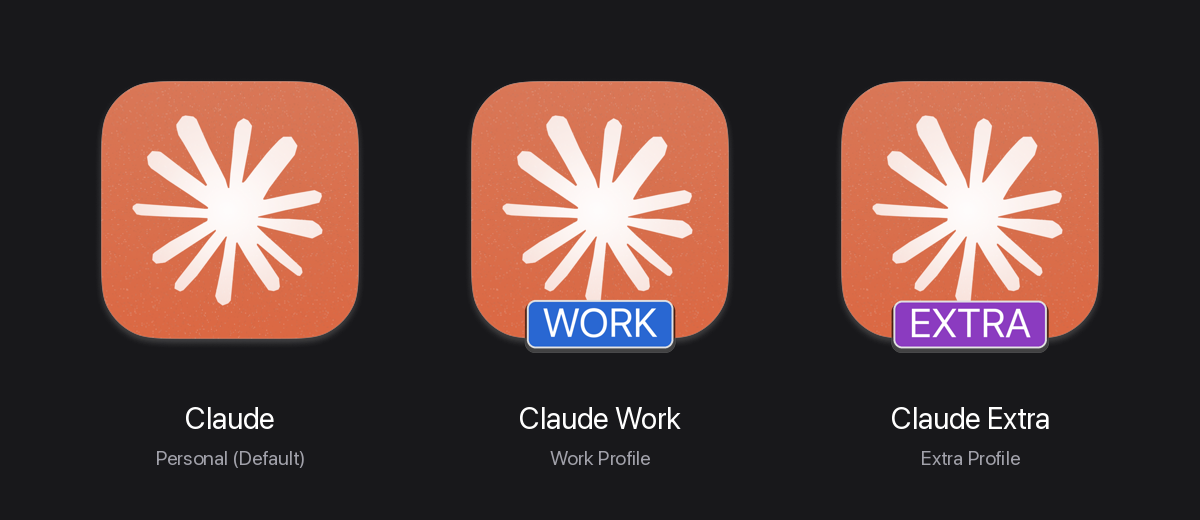
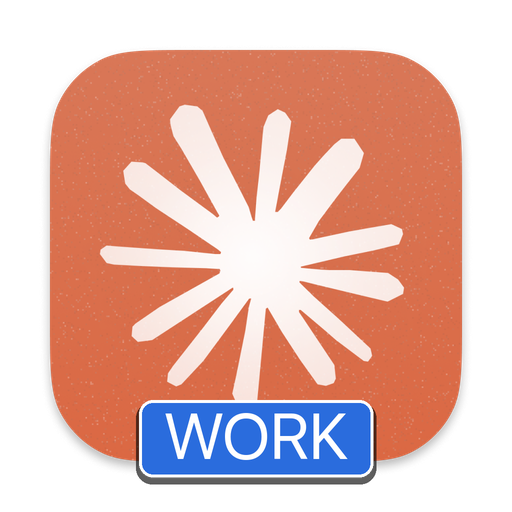
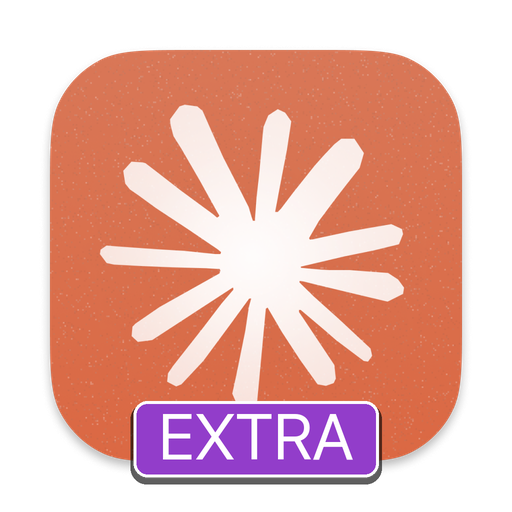
Bản gốc (Claude.app) |
Bản Công ty (Claude Work.app) |
Bản Phụ (Claude Extra.app) |
|---|---|---|
 |
 |
 |
~/Library/Application Support/Claude |
~/Library/Application Support/Claude-Work |
~/Library/Application Support/Claude-Extra |
3.2. Google Antigravity Profiles (antigravity / agy)
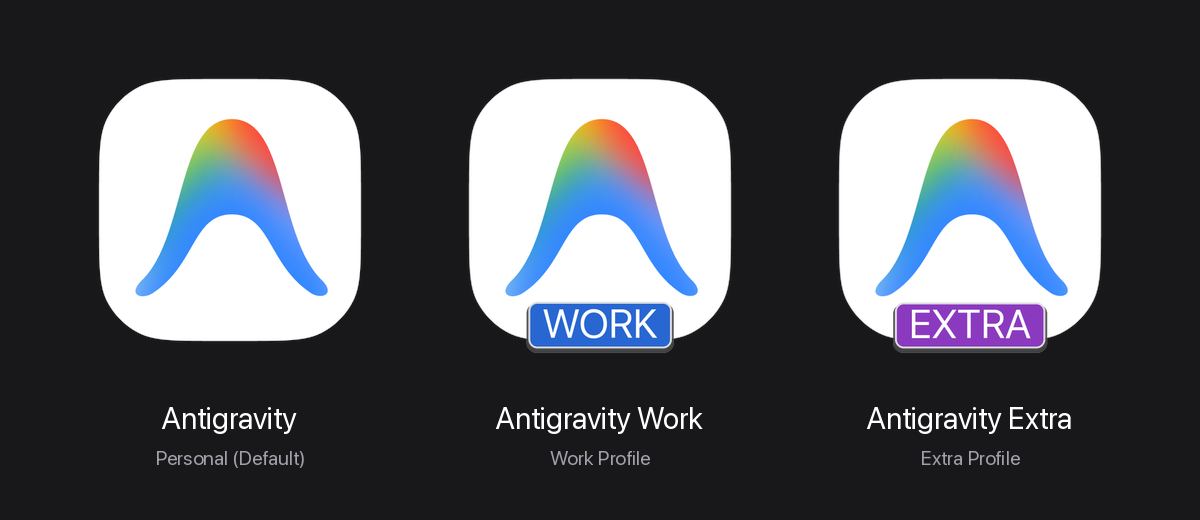
Bản gốc (Antigravity.app) |
Bản Công ty (Antigravity Work.app) |
Bản Phụ (Antigravity Extra.app) |
|---|---|---|
 |
 |
 |
~/.gemini |
~/.gemini-profiles/work |
~/.gemini-profiles/extra |
3.3. OpenAI Codex / ChatGPT Profiles (codex / chatgpt)
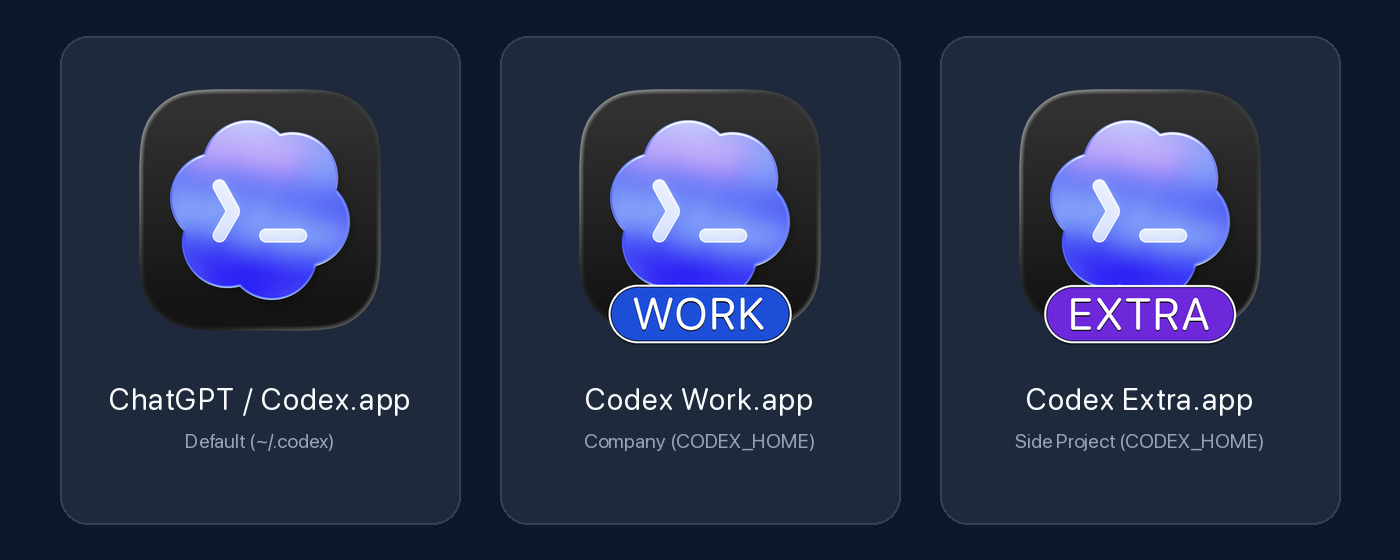
Bản gốc (ChatGPT / Codex.app) |
Bản Công ty (Codex Work.app) |
Bản Phụ (Codex Extra.app) |
|---|---|---|
 |
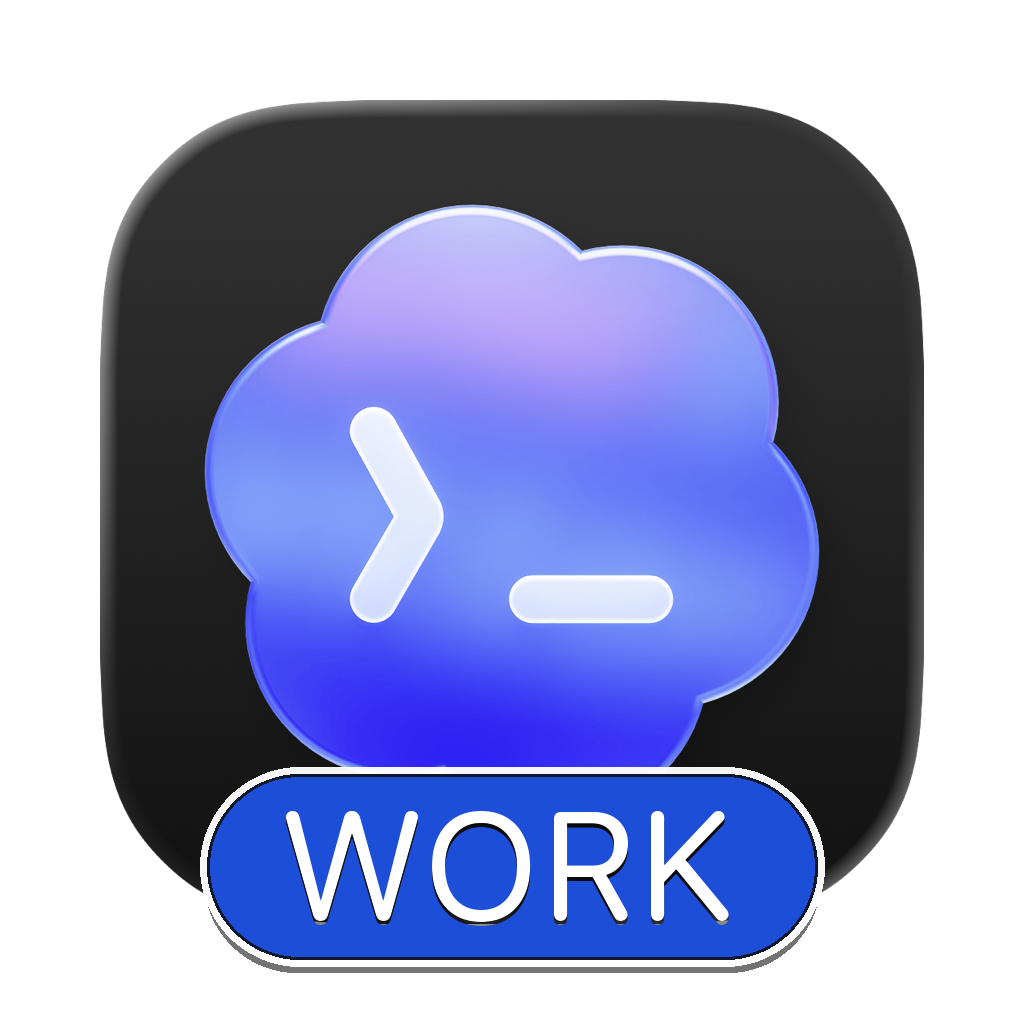 |
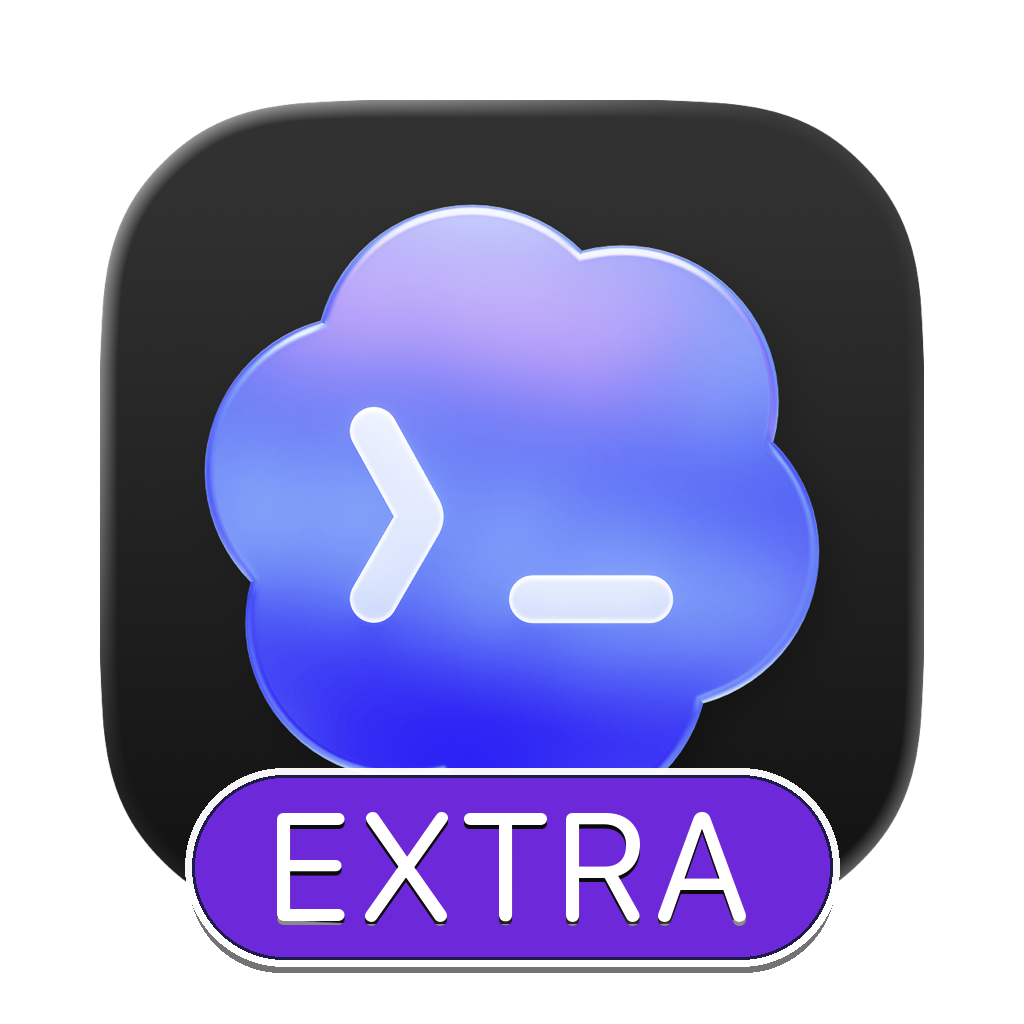 |
~/.codex |
~/.codex-profiles/work |
~/.codex-profiles/extra |
3.4. xAI Grok Desktop Profiles (grok)
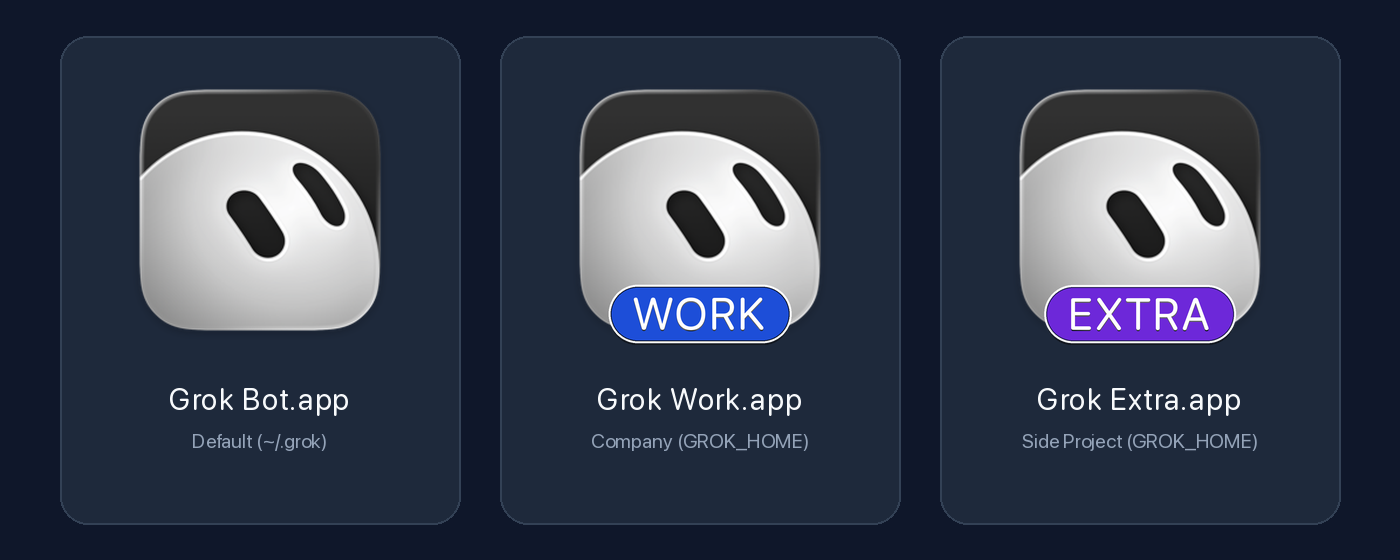
Bản gốc (Grok Bot.app) |
Bản Công ty (Grok Work.app) |
Bản Phụ (Grok Extra.app) |
|---|---|---|
 |
 |
 |
~/.grok + ~/.grokbot |
~/.grok-profiles/work |
~/.grok-profiles/extra |
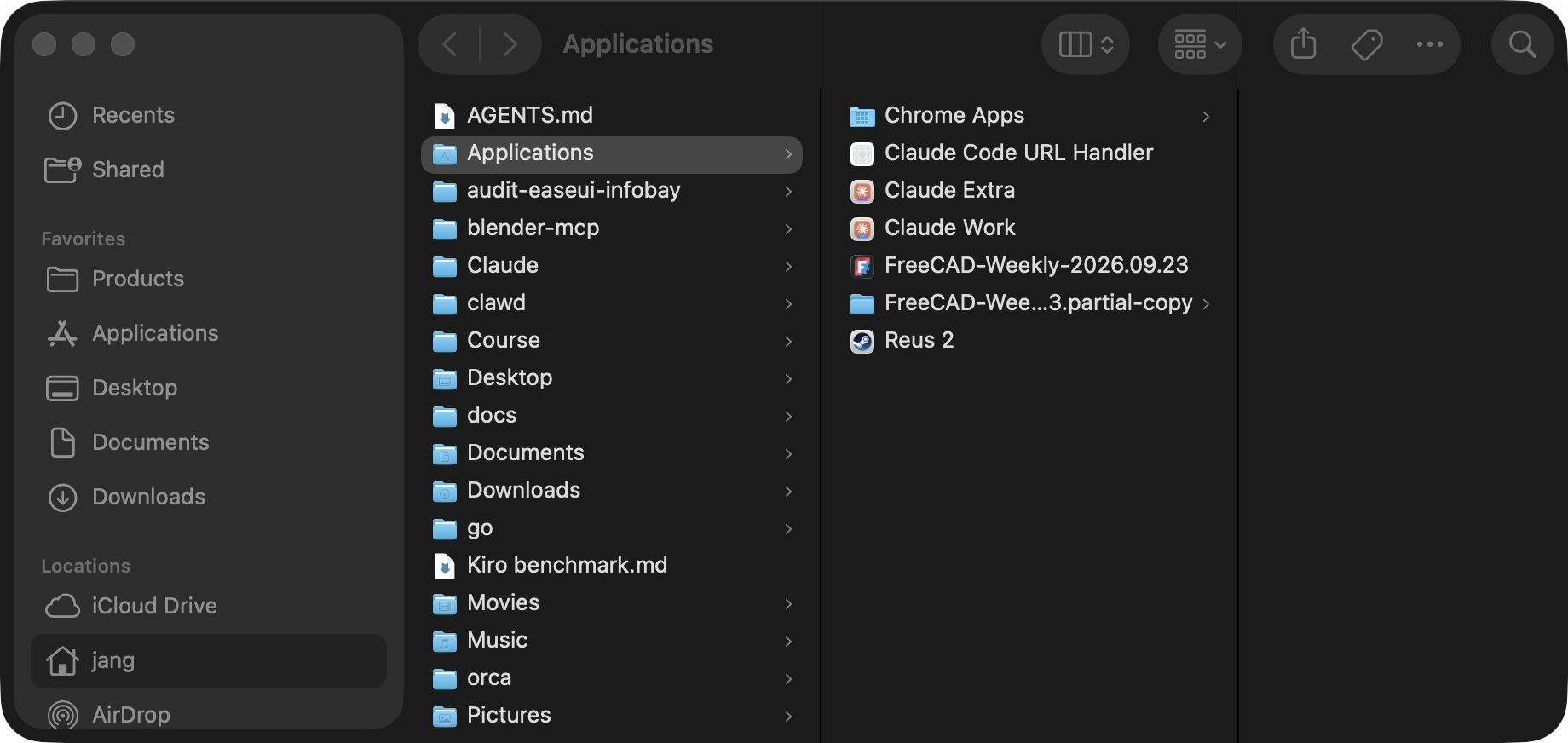
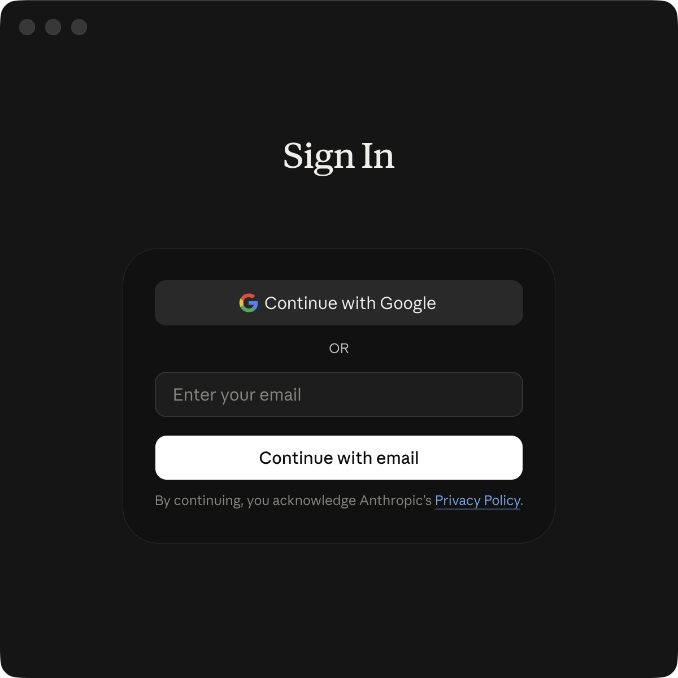
3.5. Kết quả thực tế trong ~/Applications & Màn hình đăng nhập độc lập
Hiển thị trong ~/Applications (Finder) |
Màn hình Sign-in độc lập khi khởi chạy |
|---|---|
 |
 |
4. Cài đặt & Sử dụng nhanh (Quickstart)
Bước 1: Cài đặt bộ CLI (ai-profile) và Agent Skill
git clone https://github.com/jangtrinh/multi-AI-profile.git
cd multi-AI-profile
./install.sh
(Đảm bảo ~/.local/bin đã có trong PATH của bạn, và máy đã cài đặt Pillow cho Python 3: pip3 install --user Pillow).
Bước 2: Tạo các ứng dụng AI độc lập bằng ai-profile
# 1. Tạo các bản Work (nhãn màu xanh dương) cho Claude, Antigravity, Codex, Grok
ai-profile create claude "Work" --color blue
ai-profile create antigravity "Work" --color blue
ai-profile create codex "Work" --color blue
ai-profile create grok "Work" --color blue

# 2. Tạo các bản Extra (nhãn màu tím)
ai-profile create claude "Extra" --color purple
ai-profile create antigravity "Extra" --color purple
ai-profile create codex "Extra" --color purple
ai-profile create grok "Extra" --color purple

# 3. Tạo cho Cursor, Windsurf, Cline hoặc bất kỳ ứng dụng Electron/Chromium nào trên máy
ai-profile create cursor "Work" --color emerald
ai-profile create custom "Work" --app "/Applications/Perplexity.app" --color cyan
(Bạn cũng có thể dùng các lệnh tắt tương đương: claude-profile, agy-profile, codex-profile, chatgpt-profile, grok-profile, cursor-profile).
Bước 3: Kiểm tra sức khỏe (doctor), Nâng cấp Applet cũ (migrate), Liệt kê hoặc Gỡ bỏ Profile
# Kiểm tra toàn bộ dependencies, chữ ký số codesign và phát hiện osacompile applet cũ
ai-profile doctor
ai-profile doctor --fix

# Tự động nâng cấp toàn bộ các AppleScript (osacompile) applet cũ lên chuẩn Native Mach-O (giữ nguyên 100% dữ liệu)
ai-profile migrate

# Xem toàn bộ danh sách các AI profile đang có trên máy (hỗ trợ xuất --json cho Agent/CI)
ai-profile list
ai-profile list --json

# Tạo profile dùng chung tài khoản đăng nhập gốc nhưng tách riêng cửa sổ & lịch sử hội thoại
ai-profile create antigravity "Sandbox" --color cyan --share-auth

# Xóa app khỏi ~/Applications (mặc định giữ lại dữ liệu đăng nhập an toàn)
ai-profile remove codex "Extra"

# Xóa cả app lẫn toàn bộ dữ liệu đăng nhập của profile đó
ai-profile remove codex "Extra" --purge-data

# Chạy bộ kiểm thử tự động (Unit & Integration Tests)
python3 -m unittest discover -s tests -v
5. Bảng màu nhãn (Badge Color Presets)
Tên màu (--color) |
Mã Hex chính | Gợi ý sử dụng |
|---|---|---|
blue |
#1D4ED8 |
Tài khoản Công ty (Work, Corp) |
purple |
#6D28D9 |
Tài khoản Phụ / Dự án riêng (Extra, Lab) |
emerald |
#047857 |
Tài khoản Khách hàng / Freelance (Client) |
amber |
#B45309 |
Môi trường Staging / Testing (Test, QA) |
rose |
#BE123C |
Tài khoản Admin / Ops (Admin, Root) |
cyan |
#0E7490 |
Tài khoản Nghiên cứu (Research) |
slate |
#334155 |
Tài khoản Lưu trữ / Backup (Archive) |
terracotta |
#C2410C |
Tông màu cam đất truyền thống của Claude |
6. Tích hợp sẵn Agent Skill (multi-ai-profile)
Sau khi chạy ./install.sh, skill multi-ai-profile (và alias claude-multiprofile) sẽ tự động được cài vào ~/.claude/skills/ và ~/.gemini/config/skills/. Từ nay, bên trong Claude Code, Codex hoặc Antigravity, bạn chỉ cần gõ tự nhiên:
"Tạo thêm cho tôi 1 bản Codex tên là Client với icon màu emerald"
"Tạo thêm 1 ứng dụng Grok Work màu blue"
Agent sẽ tự động gọi ai-profile và hoàn tất trong 2 giây mà không cần bạn nhớ cú pháp lệnh.
License
Phát hành dưới giấy phép PolyForm Shield 1.0.0: được dùng và sửa tự do, kể cả cho công việc có thu tiền; cấm bán lại hoặc làm sản phẩm cạnh tranh.
Yorumlar (0)
Yorum birakmak icin giris yap.
Yorum birakSonuc bulunamadi