VibeAround
Health Gecti
- License — License: MIT
- Description — Repository has a description
- Active repo — Last push 0 days ago
- Community trust — 83 GitHub stars
Code Basarisiz
- rimraf — Recursive directory removal in src/desktop-ui/package-lock.json
Permissions Gecti
- Permissions — No dangerous permissions requested
Bu listing icin henuz AI raporu yok.
Vibe coding with your local AI agent, from anywhere.
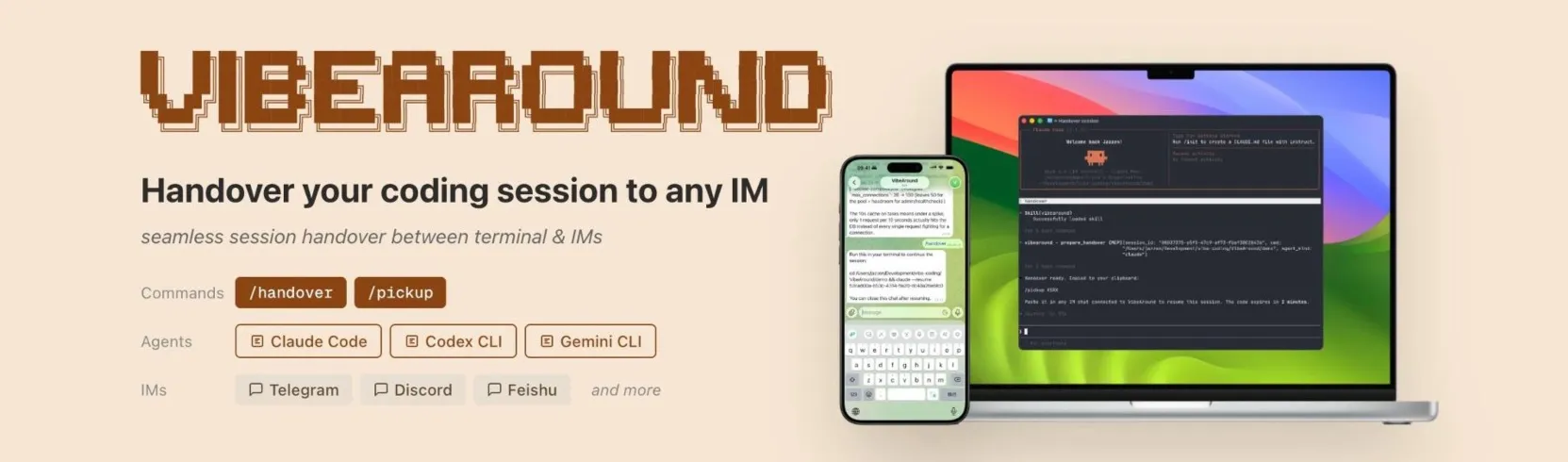


VibeAround gives you two ways to reach your local AI agent (Claude Code, Codex, Cursor, Gemini CLI…) from anywhere: chat with it from your daily IM (Telegram, Slack, Feishu, Discord…), or a browser-based web terminal compatible with tmux. Pick the surface that fits the moment — a quick message from your phone, or a full terminal session from a café laptop — it's the same agent, the same workspace.
The desktop app is a lightweight all-in-one Tauri build that gives you a GUI for configuration and service management. Agents and IM channels are both plugins you can enable on demand.
Demo
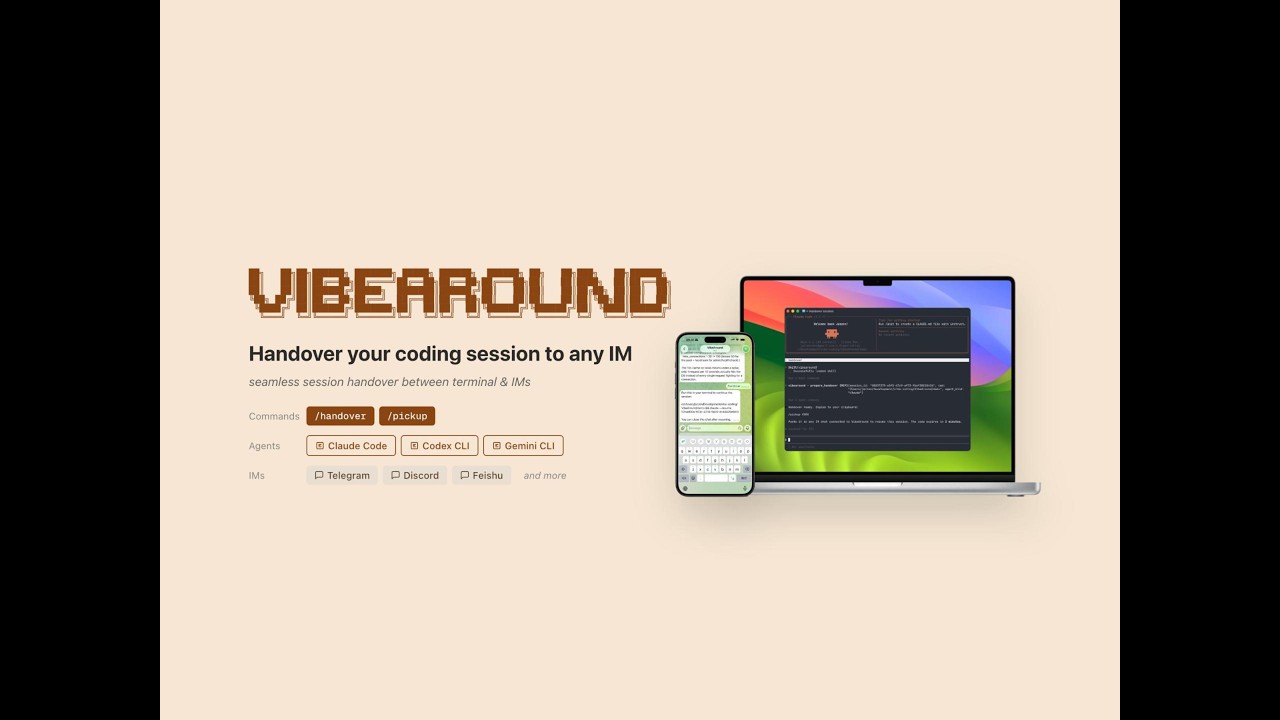
Watch VibeAround in action: reach your local agent from any IM, hand a session between terminal and phone, and switch agents mid-conversation.
Key features
💬 Chat with your local AI agent from any IM
Open Telegram, Slack, Feishu, or Discord and DM your agent like a colleague. Writing code, running commands, spinning up servers — full coding capabilities, just through a chat bubble.
💻 Web terminal
Full shell in the browser. On mobile, an on-screen command pad surfaces ESC / Ctrl / arrow keys for one-tap input. Pair with tmux and your sessions stay alive after you close the browser.
🔄 Bidirectional session handover
Move a live coding session between terminal and IM with /handover / /pickup — full context preserved. Works with Claude Code, Gemini CLI, Codex CLI, Cursor CLI, Kiro CLI, and Qwen Code.
🎛️ Switch agents mid-conversation
Run /switch claude, /switch codex, or /switch cursor from any channel to switch agents on the fly — no VibeAround restart needed.
👁️ Live preview
Share dev servers and rendered Markdown/HTML through short-lived links that open on your phone or any browser.
🖥️ One-click setup wizard
The wizard installs agent dependencies, fills in each channel's credentials, and picks a tunnel provider for you. You rarely need to touch a config file manually.
Quick start
cd src
bun install
bun run prebuild
bun run dev
The desktop app opens its setup wizard on first launch: choose agents, configure channels, and set up the tunnel.
Prerequisites: Rust 1.82+, Node.js 20+, Bun 1.1+. On macOS, also run xcode-select --install.
If you don't have them yet, follow the official install guides: Rust, Bun, Node.js.
Supported agents
All agents communicate over stdio via ACP (Agent Client Protocol). Agents distributed through npm are installed automatically on first use.
| Agent | ACP | Session Handover |
|---|---|---|
| Claude Code | ✅ | ✅ |
| Gemini CLI | ✅ | ✅ |
| Codex CLI | ✅ | ✅ |
| Cursor CLI | ✅ | ✅ |
| Kiro CLI | ✅ | ✅ |
| Qwen Code | ✅ | ✅ |
| OpenCode | ✅ | ❌ |
Channel plugins
Each channel runs as a standalone Node.js plugin built with @vibearound/plugin-channel-sdk.
| Channel | Auth | DM | File/Image | Streaming | Status |
|---|---|---|---|---|---|
| Telegram | Bot token | ✅ | ✅ | ✅ | ✅ |
| Feishu / Lark | App credentials | ✅ | ✅ | ✅ | ✅ |
| Discord | Bot token | ✅ | ✅ | ✅ | ✅ |
| Slack | Bot + App token | ✅ | ✅ | ✅ | ✅ |
| QR code login | ✅ | ✅ | ❌ | ✅ | |
| DingTalk | AppKey + Secret | ✅ | ✅ | ✅ | ✅ |
| WeCom | Bot ID + Secret | ✅ | ✅ | ✅ | ✅ |
| QQ Bot | App ID + Token | ✅ | ✅ | ❌ | ✅ |
Under the hood
- Built on ACP (Agent Client Protocol) — every supported agent speaks the same protocol over stdio, so adding a new agent is cheap and switching between them feels consistent.
- Built-in tunnels — reach the web terminal and live preview from your phone or any browser. Ships with ngrok, localtunnel, and Cloudflare backends.
- Plugin architecture — every IM channel is a standalone Node.js subprocess published to npm and loaded on demand. Build your own with @vibearound/plugin-channel-sdk without touching the core.
- Native rendering for every channel — each plugin uses the platform's own SDK (Telegraf, Lark SDK, Slack Bolt, …). Messages render in the richest format each platform supports, not a lowest-common-denominator layer.
- Token-gated public URLs — the web terminal and live preview exposed through tunnels require auth, so the URLs are public but only you can open them.
- Multi-agent, multi-channel concurrency — different agents can run on different channels at the same time (e.g. Claude in Telegram, Codex in Slack). Separate routes and separate sessions keep everything isolated.
- Skill + MCP auto-injection — on startup, VibeAround writes its skills (
SKILL.md) and MCP endpoint into each enabled agent's global config, so the agent discovers VibeAround automatically.
Commands
Two kinds of slash commands:
- System commands manage the VibeAround session itself (reset, switch agents, hand sessions between channels, …) — the UX layer we add on top.
- Agent relay —
/agent <command>forwards any slash command straight to the underlying agent, so agent-native features (e.g. Claude Code's/status) still work inside your IM chat.
| Command | What it does |
|---|---|
/help |
Show available commands |
/new |
Reset the session and start a fresh conversation |
/switch <agent> |
Switch agents mid-conversation (claude, gemini, codex, cursor, kiro, qwen-code, opencode) |
/profile <name> |
Switch profile |
/close |
Close the conversation |
/handover |
Export the current session so you can resume it elsewhere |
/pickup <code> |
Resume a session handed over from another channel |
/agent <command> |
Send a slash command to the agent, for example /agent status |
In Slack, the / prefix is reserved by the client, so use /va or /vibearound instead, for example /va switch claude.
Platforms
The codebase runs on macOS, Linux, and Windows. Prebuilt binaries are currently bundled only for macOS. Linux and Windows users can still build from source, and contributions for cross-platform CI are very welcome.
Documentation
What's next
- One-click CLI launcher — save your API keys in the desktop app and launch Claude Code or Codex pre-wired to your provider of choice (Zhipu, Minimax, Qwen, DeepSeek, …)
- More IM channels — WhatsApp, LINE, Microsoft Teams
- Containerized + sandboxed agents — run each agent in an isolated container / sandbox so file system and network access stay within safe boundaries
- Enhanced web chat — upgrade the built-in web chat with richer rendering, file upload, and history controls
- Workspace isolation — separate agent settings, channel settings, and session history per workspace
License
Yorumlar (0)
Yorum birakmak icin giris yap.
Yorum birakSonuc bulunamadi