ai-chrome-extension-template
Health Warn
- License — License: MIT
- Description — Repository has a description
- Active repo — Last push 0 days ago
- Low visibility — Only 8 GitHub stars
Code Fail
- spawnSync — Synchronous process spawning in tools/browser.mjs
Permissions Pass
- Permissions — No dangerous permissions requested
No AI report is available for this listing yet.
Make any Chrome extension with AI agents — autonomous dev loop: plan, build, test in a real browser, iterate, package, release.
AI Chrome Extension Template
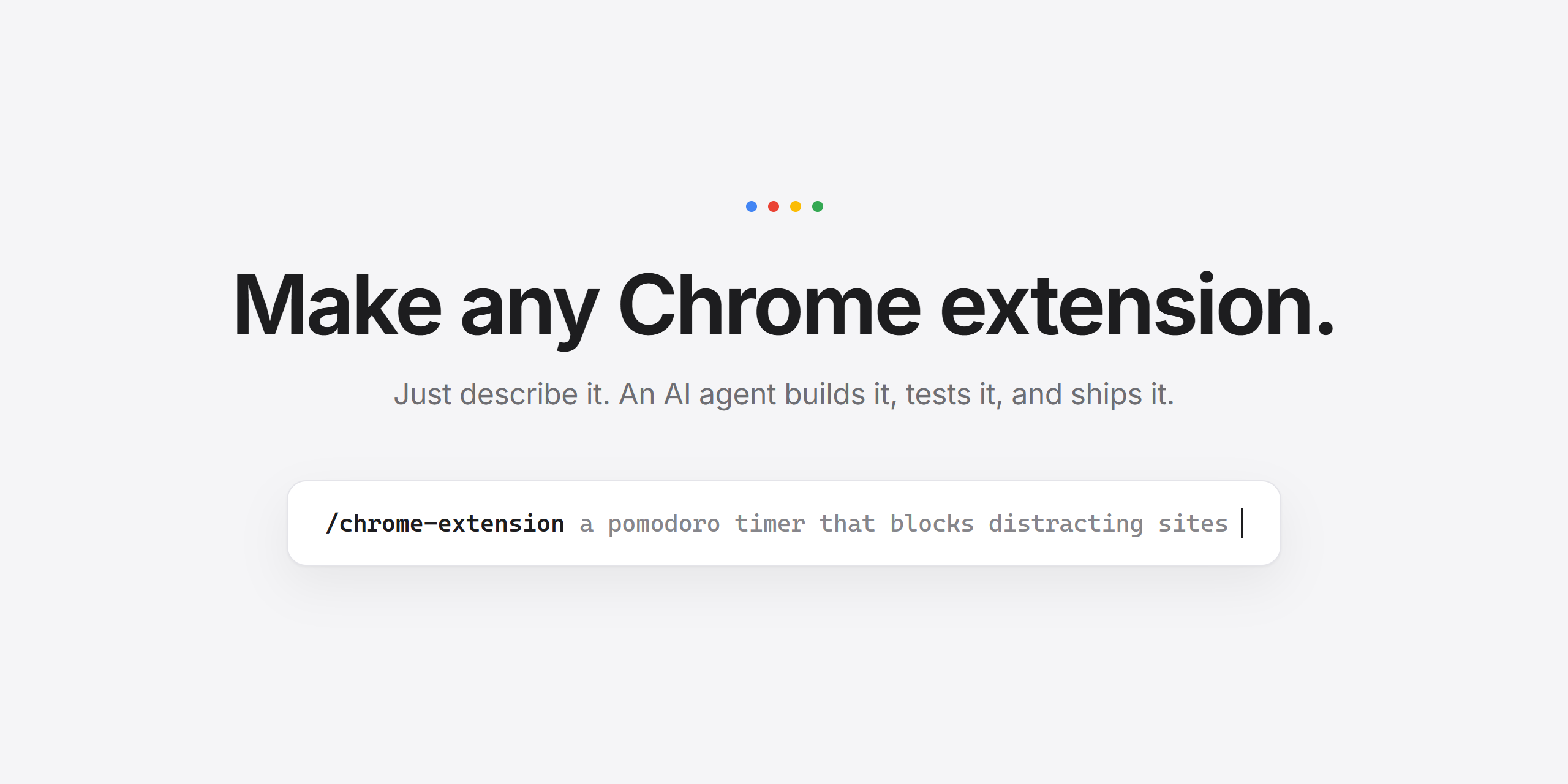
Describe it. Your AI agent builds it, tests it, and ships it.
Ever wanted your own Chrome extension but didn't want to learn extension development?
Now you don't have to. Tell your AI agent what you want — it plans the build, writes the
code, tests it in a real browser it controls by itself, fixes its own mistakes, and hands
you a finished extension ready for the Chrome Web Store.


Quick Start
Important: don't clone this template repo directly. Make your own copy with
GitHub's Use this template button — that way your extension (and everything your
AI agent commits, pushes, and releases) lives in your repository. Pull requests
opened against this template with generated extensions will be closed.
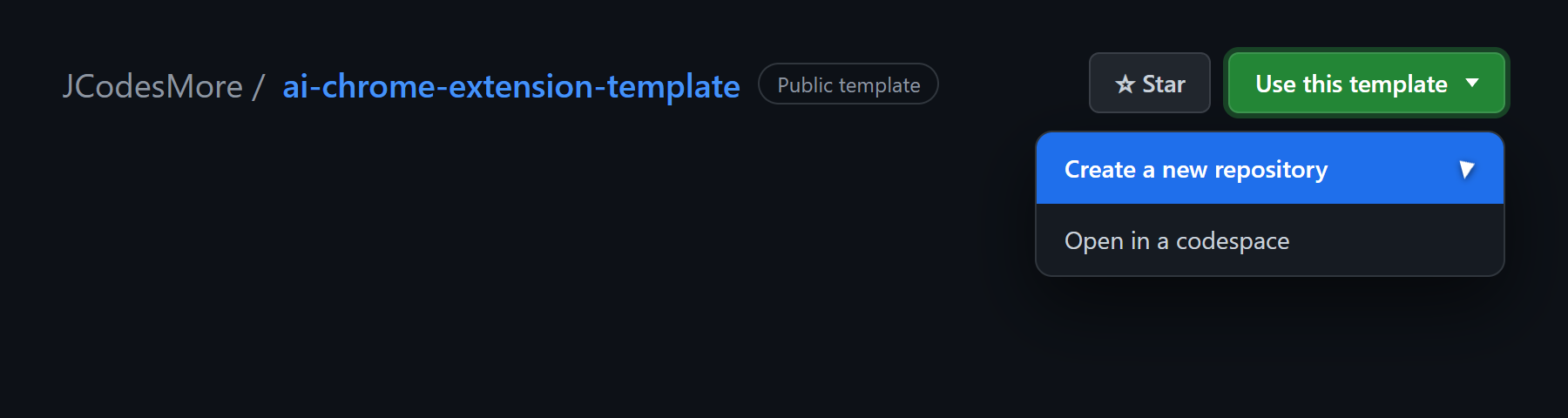
1. Click "Use this template" → "Create a new repository"
At the top of this repo's page,
signed in to GitHub (the button is hidden when signed out — accounts are free):
2. Name it and create it
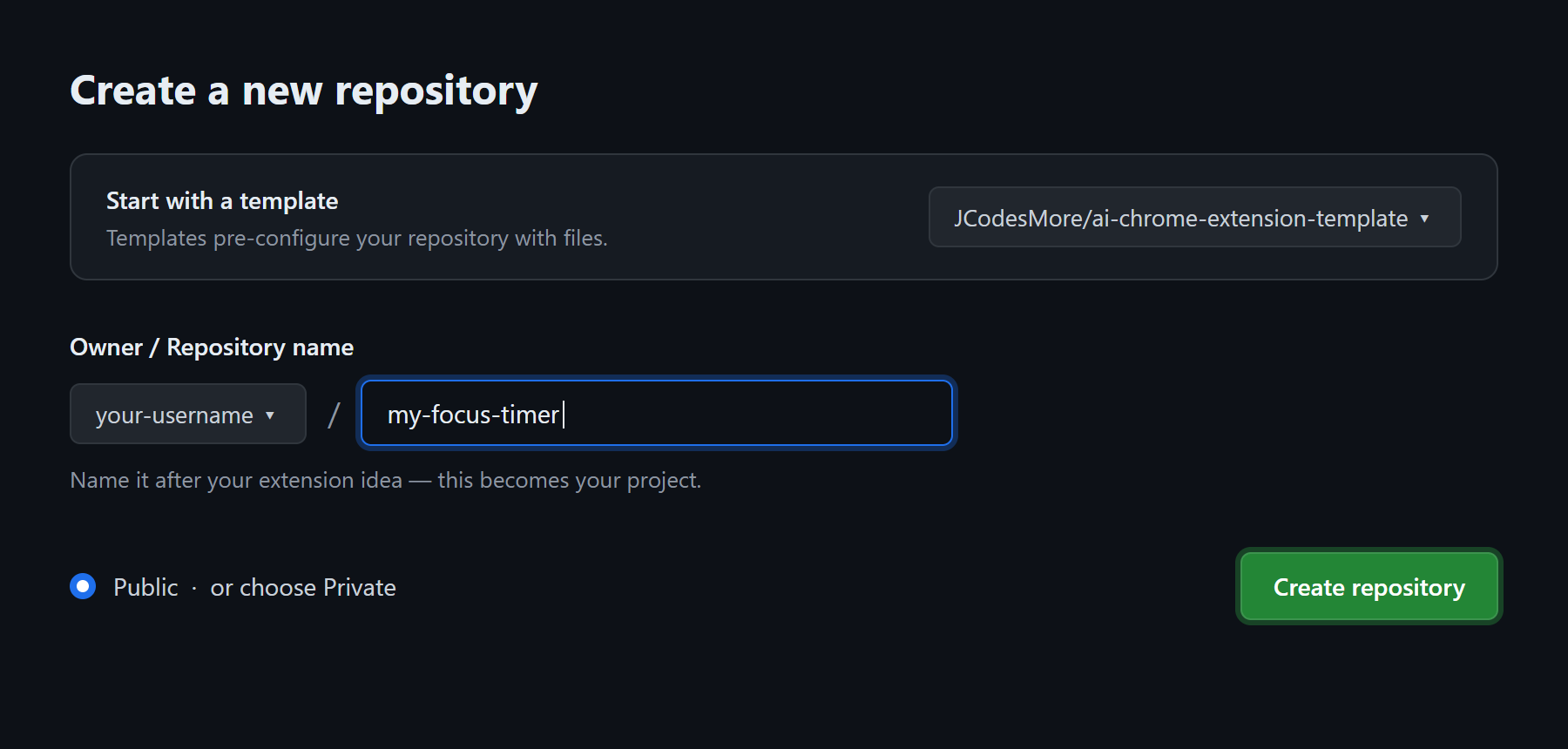
Name it after your idea, keep Public (or choose Private), and click
Create repository:
3. Open your new repository on your computer
Clone it with GitHub Desktop, or in a terminal:
git clone https://github.com/YOUR-USERNAME/YOUR-NEW-REPOSITORY.git
cd YOUR-NEW-REPOSITORY
4. Start your AI agent in that folder — Claude Code recommended:
claude
5. Tell it what you want:
/chrome-extension a pomodoro timer that blocks distracting sites during focus sessions
That's it. The agent handles everything else — installing dependencies, downloading
its own private test browser, planning the build, coding, testing, and fixing until it
works. It may ask you a question or two up front, then it gets to work. When it's done
you'll have a working extension, screenshots to prove it, and a zip file ready for the
Chrome Web Store.
First-time notes: you'll need Node.js 22+ installed (one-time,
free) and an AI coding agent. Using Codex instead of Claude Code? It works out of the
box too — see Supported agents below.
What to ask for
Anything you can describe, really:
- "A pomodoro timer that blocks distracting sites during focus sessions."
- "Save any page to a reading list with one click, so I can get through it later."
- "Hide YouTube Shorts and recommendations so I stop doomscrolling."
- "Group my open tabs by site and close all the duplicates."
- "A new-tab page that shows my top 3 todos and nothing else."
- "Copy the current page as a clean Markdown link for my notes."
The agent turns your words into a plan, asks about anything genuinely ambiguous, and
builds the simplest version that does the job — then you can keep asking for more:
"add a daily stats page", "make it dark mode", "ship it".
How it works
The magic is a closed feedback loop — the same setup used to build and ship a real
production extension:
- Plan — your idea becomes a spec and a step-by-step build plan
- Build — the agent writes the code, one small verified step at a time
- Test for real — it loads your extension into its own private browser, clicks
around, reads the error logs, and takes screenshots to check its own work - Fix and repeat — every error is caught and traced to the exact change that caused
it, so the agent fixes things without your help - Package — a store-ready zip, icons, screenshots, and listing text are generated
- Ship — a versioned GitHub release if you want one, plus simple instructions for
the Chrome Web Store
Your own Chrome is never touched — the agent downloads an isolated
Chrome for Testing just for
development (~280 MB, one time).
Publishing to the Chrome Web Store
Optional, and the agent preps everything: the zip, the description, the screenshots, and
the permission justifications. You just create a developer account (one-time $5 fee),
upload the zip, and paste in the text. docs/chrome-web-store.md
walks you through it click by click — most people are done in under 15 minutes.
Supported AI agents
| Agent | Status |
|---|---|
| Claude Code | Recommended |
| Codex CLI | Supported |
Codex picks up AGENTS.md automatically and finds the same skill under.agents/skills/ — see docs/codex-setup.md for sandbox notes.
Other agents that read AGENTS.md and the open Agent Skills
standard will mostly work, but only the two above are tested.
The agent drives these for you, but they're all yours to run too:
npm run browser   # launch the agent's dev browser (isolated profile + CDP)
npm run reload    # build + reload the extension, failing loudly on load errors
npm run smoke     # end-to-end smoke checks + popup screenshot
npm run gate      # format check + lint + typecheck + unit tests
npm run package   # build a Chrome-Web-Store-ready zip into release/
npm run release -- patch|minor|major   # version bump + tag + GitHub release
npm run stop      # close the dev browser
Environment overrides: CDP_PORT (default 9222), BROWSER_EXE (use your own
Chromium-family build instead of downloading Chrome for Testing).
src/                  # TypeScript extension source (strict mode)
  background.ts       # MV3 service worker
  popup/              # popup UI
  lib/                # pure, unit-tested logic
public/               # manifest.json + static pages, copied into the build
tools/                # the dev loop: browser launch, CDP, reload, smoke, package, release
docs/                 # runbooks the agent loads on demand + docs it maintains for you
.claude/skills/       # the /chrome-extension skill (source of truth)
.agents/, .codex/     # generated skill copies for Codex (npm run sync)
AGENTS.md             # agent operating manual (all agents)
CLAUDE.md             # Claude Code config (imports AGENTS.md)
Google removed the ability to side-load unpacked extensions from regular Chrome and Edge
in 2025 (v137+). Chrome for Testing
is Google's own automation build of the exact same browser, with side-loading intact —
it's the officially recommended vehicle for this. The agent fetches it once into a
gitignored .browser/ folder and runs it with a fully isolated profile, so your personal
browser, profiles, and data are never involved.
- Malware, spyware, or deceptive extensions — anything that misleads users, collects
data covertly, or violates the
Chrome Web Store policies - Circumventing website terms of service — check before you scrape or automate
License
MIT — © 2026 JCodesMore
Sibling of ai-website-cloner-template — same idea, for websites.
Reviews (0)
Sign in to leave a review.
Leave a reviewNo results found