docker-mailserver
Health Gecti
- License — License: MIT
- Description — Repository has a description
- Active repo — Last push 0 days ago
- Community trust — 478 GitHub stars
Code Gecti
- Code scan — Scanned 12 files during light audit, no dangerous patterns found
Permissions Gecti
- Permissions — No dangerous permissions requested
Bu listing icin henuz AI raporu yok.
Self-hosted email server with Docker/Kubernetes support. Features IMAP, SMTP, spam filtering, webmail, and web admin.
docker-mailserver

docker-mailserver is inspired by the renowned ISPMail guide.
This project lets you run your own email services, giving you independence from large providers. It is a secure, customizable, and feature-rich solution for managing your email infrastructure.
Container images are built on Alpine Linux or vendor base images and are kept lightweight.


📚 Documentation
Full documentation is available at: https://jeboehm.github.io/docker-mailserver/
The documentation includes:
- Complete installation guides for Docker and Kubernetes
- Configuration reference for all environment variables
- Deployment examples and recipes
- Architecture and development guides
Features
- Secure email protocols: POP3, IMAP, and SMTP with user authentication
- Web-based management interface for account, domain, and alias administration
- Integrated webmail interface
- MCP server that lets agents manage the server and read and send the user's own mail
- DKIM message signing and spam filtering with Rspamd
- Real-time spam prevention using RBLs (Real-Time Blackhole Lists)
- Spam training by moving messages into and out of the Junk folder
- Fetchmail integration for external mail retrieval
- Quota management with notifications, catch-all addresses, and send-only accounts
- Local address extension (RFC 5233) for per-address sub-addressing
- Restriction of sender addresses for enhanced security
- Full-text search and enforced TLS
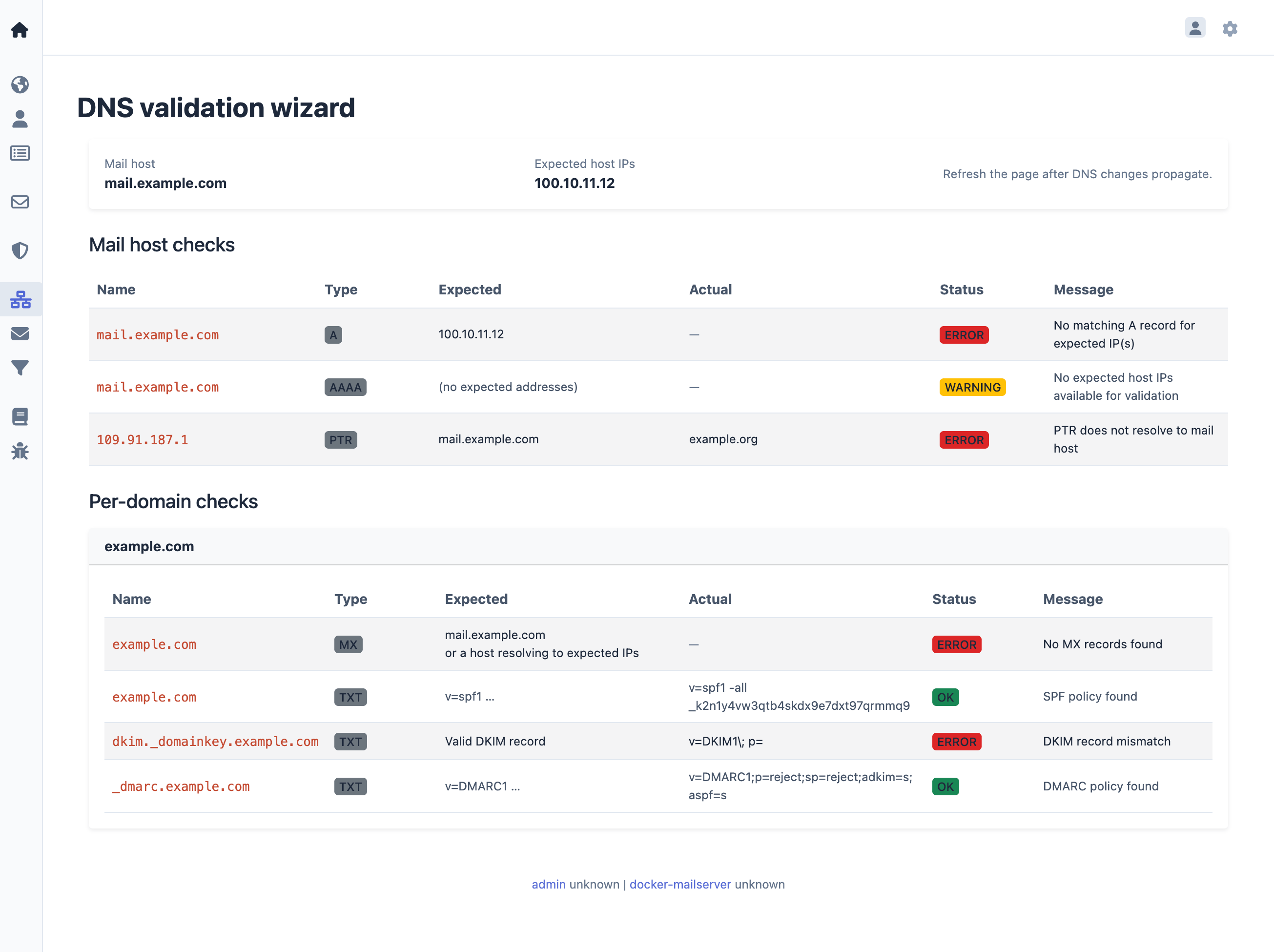
- DNS Validation Wizard for all mail related DNS records
- Generates configuration profiles for iOS and macOS devices
- Supports assisted client configuration in Outlook and Thunderbird
- Continuous health monitoring
See the documentation for a complete feature list.
Quick start
# 1. Clone the repository or download a release
git clone https://github.com/jeboehm/docker-mailserver.git
cd docker-mailserver

# 2. Copy and edit the environment file (set passwords for DB_PASSWORD,
#    REDIS_PASSWORD, CONTROLLER_PASSWORD, and DOVEADM_API_KEY)
cp .env.dist .env

# 3. Pull images and start services
bin/production.sh pull
bin/production.sh up -d --wait

# 4. Create the first email account and admin user
bin/production.sh run --rm web setup.sh
After setup, access the management interface athttp://127.0.0.1:81/ and webmail at http://127.0.0.1:81/webmail/.
For a complete walkthrough, see the
Getting Started tutorial.
Setup
docker-mailserver can be set up using Docker or Kubernetes.
For detailed installation instructions, see
How to install with Docker Compose or
How to install on Kubernetes.
Screenshots
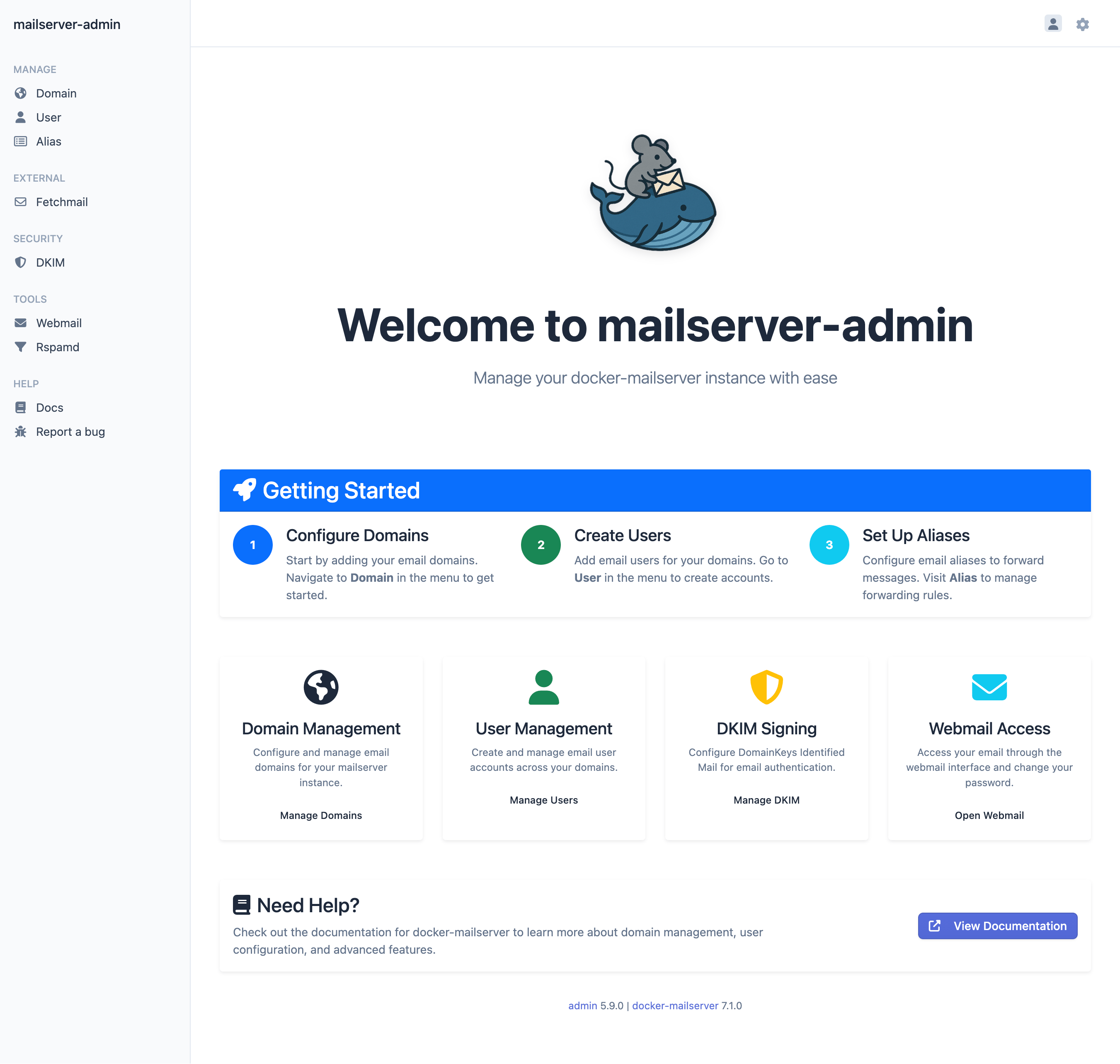
Dashboard
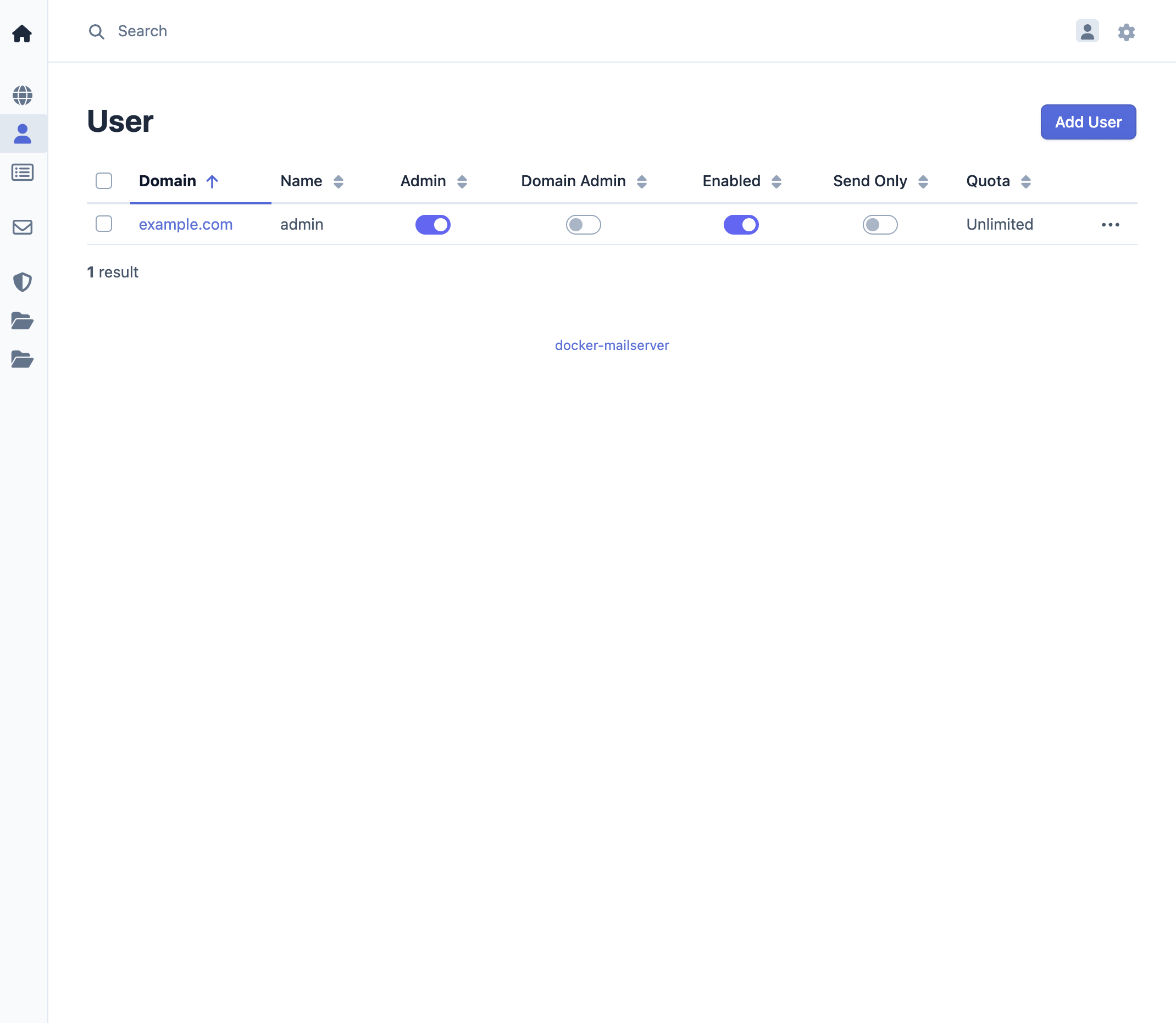
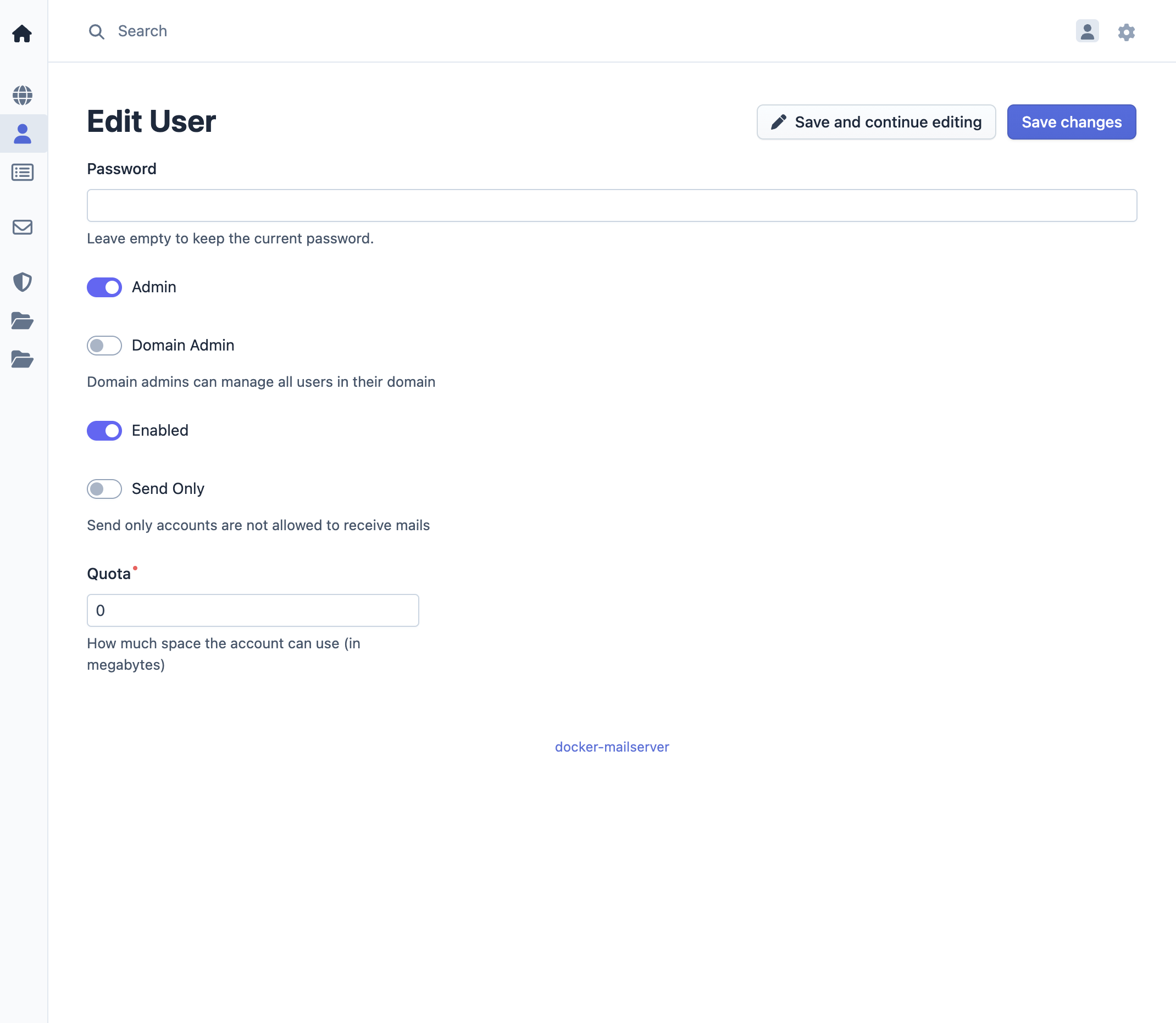
User management
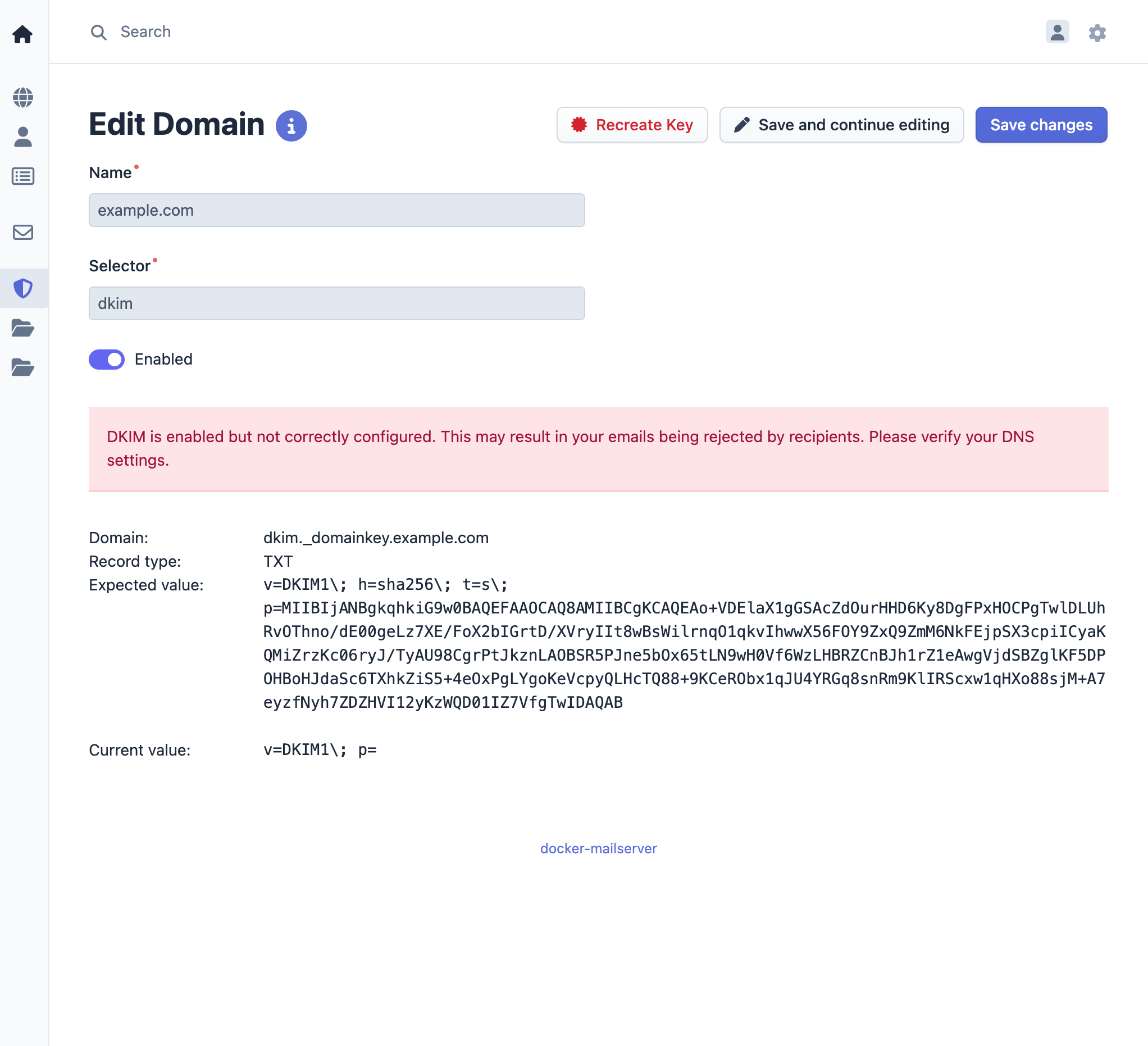
DKIM setup
DNS Validation Wizard
Links
- Documentation - Complete documentation and guides
- Development guide - Build, test, and contribute
- Issues - Report bugs and request features
- Releases - Release notes and changelog
- License - MIT
- Container Images:
Yorumlar (0)
Yorum birakmak icin giris yap.
Yorum birakSonuc bulunamadi