samantha-os1-openai-realtime
Health Warn
- License — License: MIT
- Description — Repository has a description
- Inactive repo — Last push was 457 days ago
- Community trust — 186 GitHub stars
Code Pass
- Code scan — Scanned 12 files during light audit, no dangerous patterns found
Permissions Pass
- Permissions — No dangerous permissions requested
No AI report is available for this listing yet.
Samantha OS1 is a conversational AI assistant powered by the Realtime API from OpenAI
Samantha OS¹ (Her)

Samantha OS¹ loading animation
Samantha is an AI assistant inspired by the movie Her. This project is built to provide real-time voice interactions using the Realtime API and Chainlit. Samantha acts as an agent that calls various tools to handle user requests, such as querying stock prices, executing SQL commands, generating images, and creating Python scripts.
YouTube Demo
Watch a 2-minute demonstration of Samantha in action, where I showcase real-time voice interactions and various capabilities of the AI assistant.
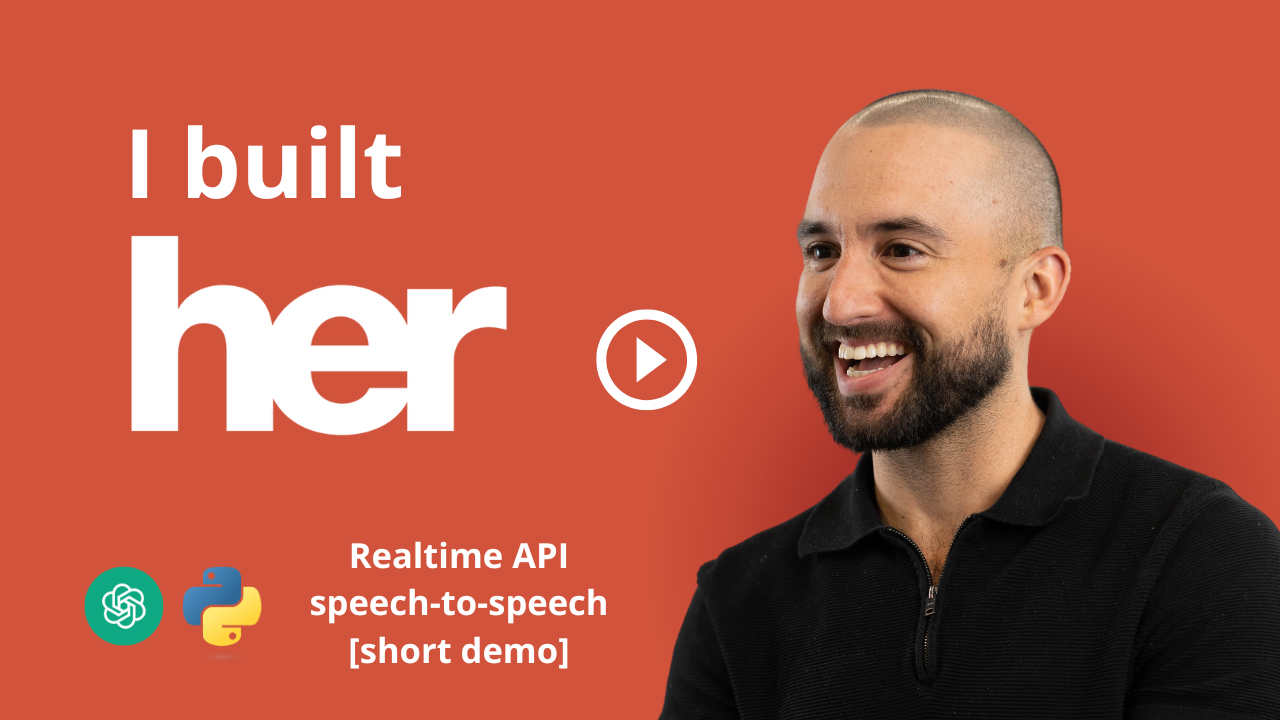
👆 Click the image to watch the demo on YouTube
Setup and Running
You can run Samantha either by setting up a virtual environment using uv or using Docker Compose. Note that setting up the environment variables is required in all cases.
Option 1: Using Virtual Environment
Clone the Repository
git clone https://github.com/jesuscopado/samantha-os1.git
cd samantha-os1
Set Up Virtual Environment
- Install
uvpackage manager: Installation Instructions - Create the virtual environment:
uv sync - Activate the virtual environment:
source .venv/bin/activate # On Windows use `.venv\Scripts\activate`
- Install
Environment Variables
- Create a
.envfile in the root directory by copying.env.exampleand updating it with your own keys.
- Create a
Run the Application
cd app
chainlit run samantha.py
Option 2: Using Docker Compose
Environment Variables
- Create a
.envfile in the root directory by copying.env.exampleand updating it with your own keys.
- Create a
Build and Run with Docker Compose
- Make sure Docker and Docker Compose are installed.
- Run the following command:
docker-compose up --d
Tools and Features
This project includes several powerful tools:
- Stock Price Queries: Using the
yfinancepackage, Samantha can query the latest stock price information. - Plotly Charts: Visualizations are created using Plotly to provide insights.
- Image Generation: Samantha can generate images using AI models through the Together API.
- Browser Interaction: Open web pages based on prompts.
- Internet Search: Samantha can perform internet searches via the Tavily API.
- LinkedIn Post Drafting: Create LinkedIn posts based on given topics using an AI model.
- Python Script Generation: Generate Python scripts on-demand based on user-provided topics.
- Python File Execution: Create and execute Python scripts directly from the assistant.
- 🆕 Database Interaction: Convert natural language to SQL and execute db commands with formatted results.
- 🆕 Email Drafting: Compose professional, personalized emails with appropriate subject lines and content.
Reviews (0)
Sign in to leave a review.
Leave a reviewNo results found