pwt
Health Uyari
- No license — Repository has no license file
- Description — Repository has a description
- Active repo — Last push 0 days ago
- Community trust — 11 GitHub stars
Code Basarisiz
- rm -rf — Recursive force deletion command in install.sh
- child_process — Shell command execution capability in lib/pwt/gateway.sh
- process.env — Environment variable access in lib/pwt/gateway.sh
- fs module — File system access in lib/pwt/gateway.sh
Permissions Gecti
- Permissions — No dangerous permissions requested
Bu listing icin henuz AI raporu yok.
A powerful Git worktree workflow for today's multi-project development.
pwt - Power Worktrees
A powerful Git worktree workflow for today's multi-project development.


Demos
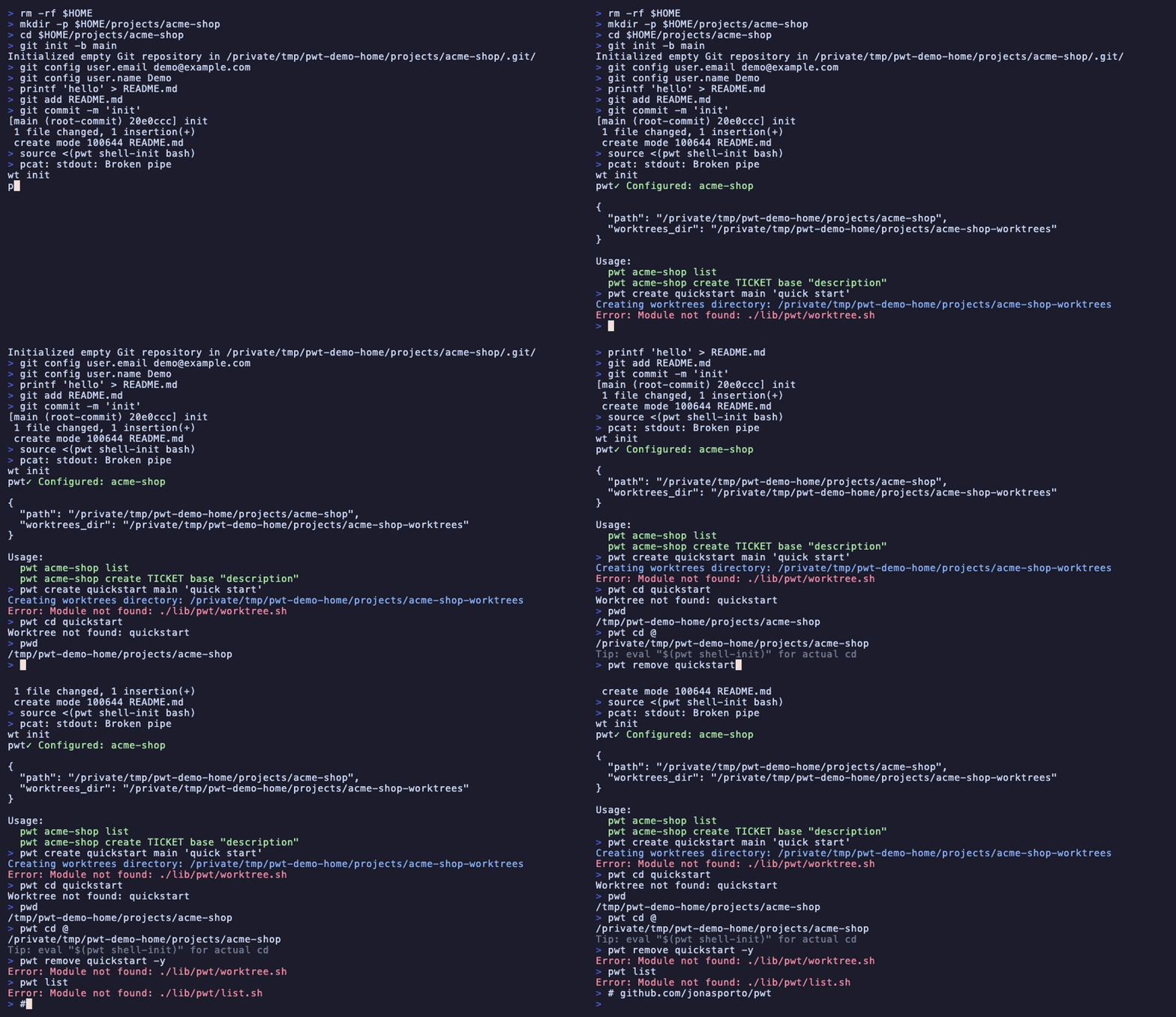
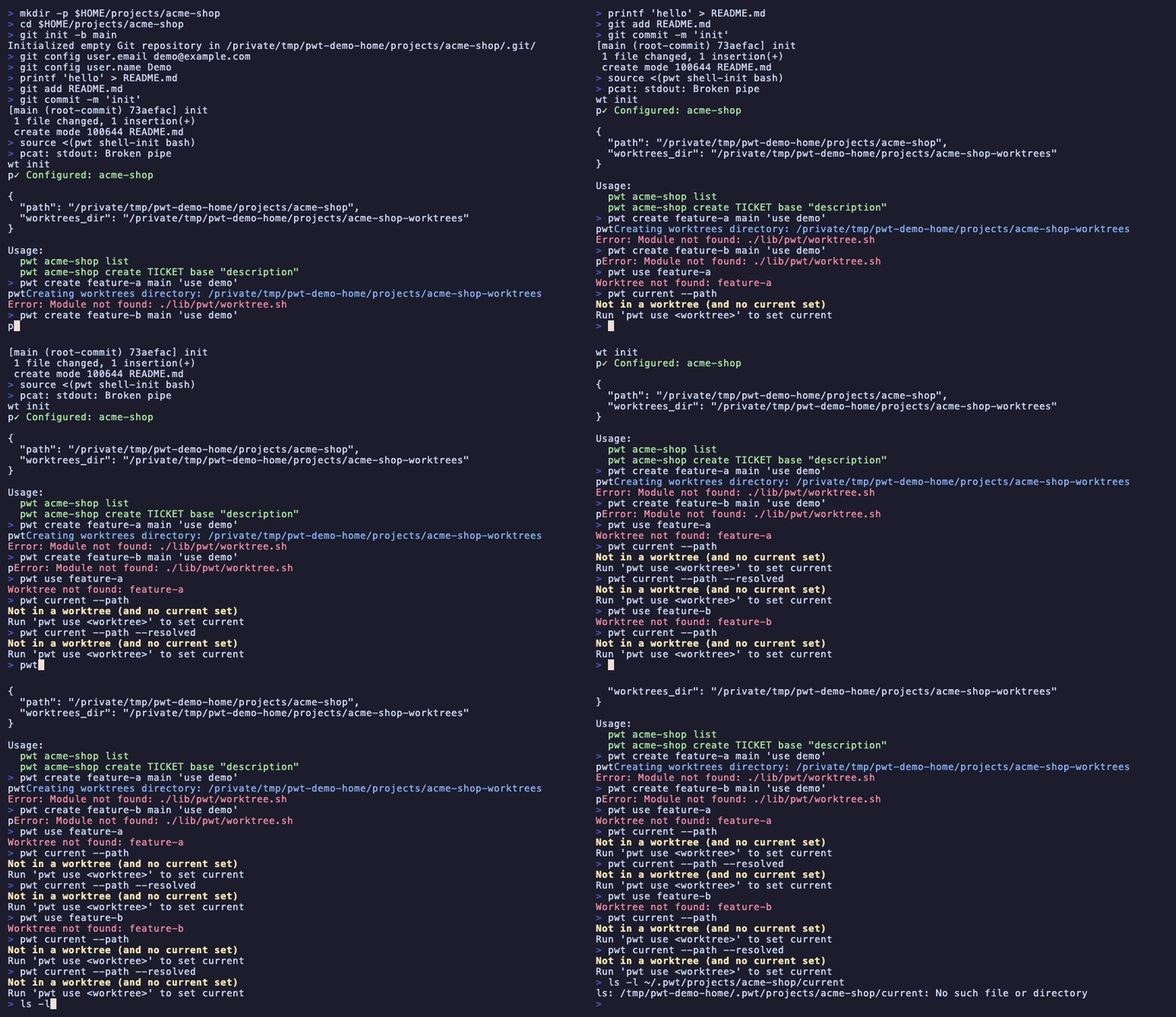
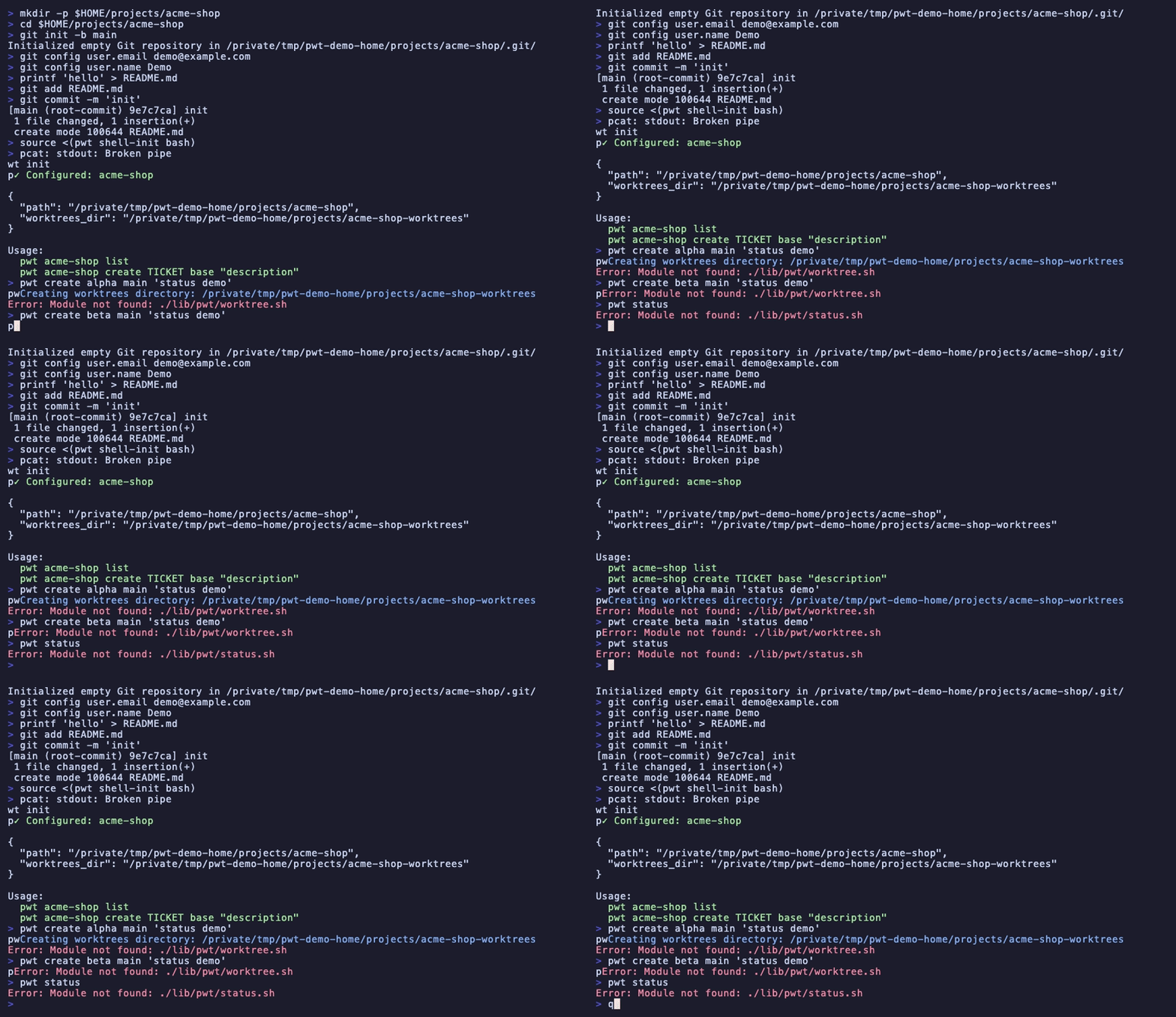
More demos in examples/ (tapes in examples/tapes, gifs in examples/gifs, how to record in examples/README.md).
✅ Work in parallel
— multiple projects, or parallel changes within the same project
✅ One stable workflow
— keep one editor open, swap branches underneath it
✅ No local conflicts
— automatic per-worktree ports, predictable dev servers
✅ Project-aware automation
— run setup, servers, and custom commands via Pwtfile
✅ Built on Git worktrees
— clones when isolation is required
Install
Homebrew
brew install jonasporto/pwt/pwt
npm
npm i -g @jonasporto/pwt
npx (without installing)
npx @jonasporto/pwt --help
bun
bun add -g @jonasporto/pwt
bunx (without installing)
bunx @jonasporto/pwt --help
curl
curl -fsSL https://raw.githubusercontent.com/jonasporto/pwt/main/install.sh | bash
Dependencies: git, jq (required). fzf, lsof (optional but highly recommended).
See INSTALL.md for shell setup and troubleshooting.
Quick Start
cd ~/projects/myapp
pwt init                        # Initialize project
pwt add feat/user-auth          # Create worktree from branch
pwt cd --select                 # Interactive worktree picker
pwt list                        # List worktrees with git status
Custom commands (Pwtfile)
pwt editor                      # Open editor in current worktree
pwt build                       # Run build command
pwt server                      # Start dev server (auto port allocation)
pwt gateway up --port 5999      # Start stable project gateway daemon
pwt gateway use feat/user-auth  # Route gateway to a worktree server
pwt servers                     # Show active project servers
pwt ai                          # Start AI coding assistant
Multi-Project
# See all configured projects
pwt project

# Jump to a worktree in another project
pwt backend cd security-patch

# Quick switch to another project's main
pwt backend

# Run commands in any project
pwt backend build
pwt backend server
Pwtfile
Project-specific hooks.
Think Makefile, but for worktree lifecycle.
# Pwtfile
PORT_BASE=5001

setup() {
    pwtfile_copy ".env"
    pwtfile_symlink "node_modules"
    bundle install
}

server() {
    PORT="$PWT_PORT" npm start
}
Variables: $PWT_PORT, $PWT_WORKTREE, $PWT_BRANCH, $PWT_PROJECT, $MAIN_APP
Run pwt help pwtfile for full syntax.
Shell Integration
# Add to ~/.zshrc or ~/.bashrc
eval "$(pwt shell-init zsh)"
Enables pwt cd, pwt cd @, pwt cd -, and tab completion.
Everyday Commands
| Command | Description |
|---|---|
init |
Initialize project in current repo |
add <branch> |
Create worktree from branch (-e editor, -a AI) |
track <remote-branch> |
Create worktree tracking an existing remote branch |
adopt [path] |
Register an existing worktree and run setup |
list |
List worktrees with git status (--dirty) |
cd <worktree> |
Navigate to worktree (@ main, - previous, --select) |
project |
List all configured projects |
<project> cd <wt> |
Jump to worktree in another project |
editor |
Open editor in current worktree |
server |
Start dev server (from Pwtfile) |
gateway |
Stable project URL that routes to a worktree server |
servers |
Show active servers, gateway target, and background jobs |
ai |
Start AI coding assistant |
remove <worktree> |
Remove worktree (--with-branch) |
Existing Remote Branches
Use track when you want to edit an existing remote branch directly without applying your configured branch_prefix:
pwt track origin/team/PROJ-1234
This creates a worktree named PROJ-1234, a local branch named team/PROJ-1234, configures tracking to origin/team/PROJ-1234, allocates metadata/port, and runs normal setup hooks.
Override the worktree name when the branch does not contain a clear ticket:
pwt track origin/team/fix-login-flow --name login-flow
Equivalent explicit create form:
pwt create PROJ-1234 --branch team/PROJ-1234 --from origin/team/PROJ-1234
If a worktree was already created with raw Git, adopt it into pwt:
pwt adopt /path/to/worktree
# or, from inside it
pwt setup
Adopted worktrees can live outside the configured worktrees_dir. pwt records
their real path in metadata, allocates a port, runs normal setup hooks, and then
includes them in pwt list, pwt list --names, pwt cd, pwt use,pwt current, and pwt info.
Stable Gateway
Each worktree keeps its own allocated port, but you can also run one stable
project-scoped gateway URL and switch which worktree it targets:
pwt gateway up --port 5999
pwt gateway use PROJ-1234
open "$(pwt gateway url)"
pwt gateway up runs a small local proxy daemon for the current project.pwt gateway use <worktree> points new connections at that worktree's
allocated server port. If the target port is not listening and the project
Pwtfile defines server(), pwt starts it with pwt server <worktree> --bg
before switching the gateway.
Gateways are scoped by project:
pwt gateway down          # current project
pwt backend gateway down  # explicit project/alias from anywhere
Use pwt servers to see the gateway, current target, running server jobs, and
active ports. Add --all to include stopped worktrees.
Worktree vs Clone
| Mode | When to use |
|---|---|
| Worktree (default) | Most cases — faster, shares git objects |
Clone (--clone) |
Submodules, or need same branch checked out twice |
Plugins
Some features ship as plugins:
pwt aitools context     # Generate AI context
pwt extras benchmark    # Compare disk usage
Create your own: pwt plugin create mycommand
Documentation
| Resource | Description |
|---|---|
pwt help |
Quick command reference |
pwt help all |
Full docs (good for LLMs) |
man pwt |
Manual page |
| INSTALL.md | Installation guide |
| FAQ.md | Frequently asked questions |
| CHANGELOG.md | Version history |
Contributing
Contributions welcome! Please open an issue first to discuss changes.
See CONTRIBUTING.md for development setup and guidelines.
Yorumlar (0)
Yorum birakmak icin giris yap.
Yorum birakSonuc bulunamadi