poki
Health Gecti
- License — License: AGPL-3.0
- Description — Repository has a description
- Active repo — Last push 0 days ago
- Community trust — 15 GitHub stars
Code Uyari
- process.env — Environment variable access in agent/message-source.mjs
- network request — Outbound network request in agent/message-source.mjs
Permissions Gecti
- Permissions — No dangerous permissions requested
Bu listing icin henuz AI raporu yok.
Let AI agents operate a real iPhone. Local MCP server and agent, no jailbreak, no extra hardware.

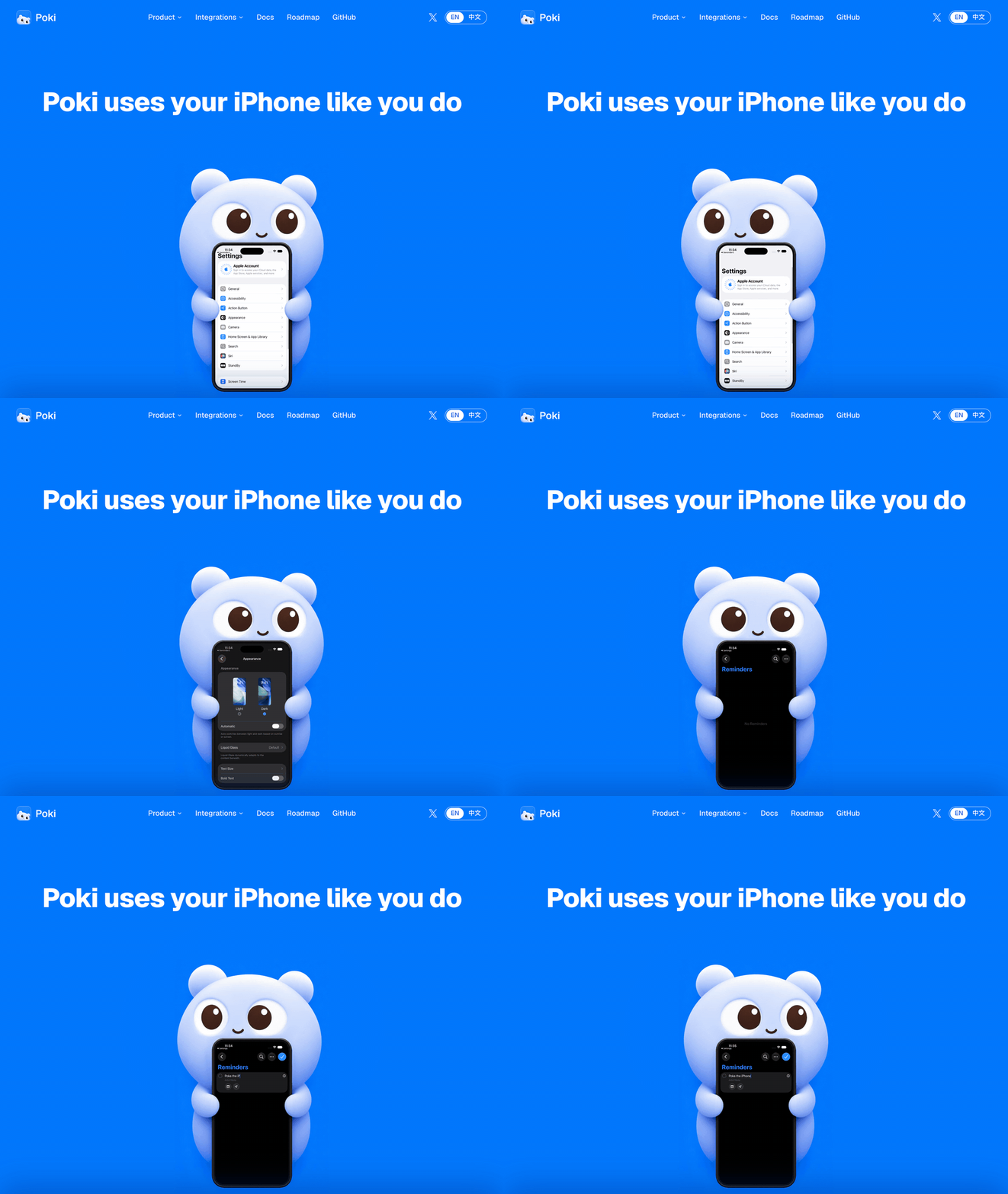
Poki uses your iPhone like you do
English | 简体中文 | 繁體中文 | 日本語 | 한국어 | Español
poki.bot




Quick start
Let your agent install it. Copy this to your agent:
Install https://github.com/JosssphZhou/poki following its root AGENTS.md, including the MCP skill, and stop whenever you need me to act.
Poki MCP. Already using Claude Code, Codex, or another MCP client? Connect Poki MCP and use your own subscription. No extra model account needed.
Start the server and keep it running:
git clone https://github.com/JosssphZhou/poki.git
cd poki
./bin/setup
npm start
Requires macOS 15 or later, full Xcode, Rust, Node.js 24+, and ffmpeg. ./bin/setup checks for missing dependencies. The initial build takes a few minutes.
Prebuilt macOS arm64 package
Download poki-v0.1.0-macos-arm64.tar.gz from the release and run:
tar -xzf poki-v0.1.0-macos-arm64.tar.gz
cd poki-v0.1.0
npm ci --no-audit --no-fund
npm start
The package includes the native bridge and idevice tools. You do not need Rust or ./bin/setup. You still need macOS on Apple Silicon, full Xcode, Node.js 24+, Python 3, and ffmpeg. Register your MCP client and install the optional Agent as described below.
In another terminal, from the same directory, register the MCP server:
claude mcp add --scope user poki-mcp -- node "$PWD/src/stdio.mjs"   # Claude Code
codex mcp add poki-mcp -- node "$PWD/src/stdio.mjs"                 # Codex
Poki Agent. For Poki's standalone terminal agent or messaging channels, keep npm start running and open another terminal in the same directory. Install the agent, add its command to this terminal's path, and sign in:
npm ci --prefix agent
export PATH="$PWD/bin:$PATH"
poki login
poki status
For a physical iPhone, pair it with your Mac over USB first. See Physical iPhone setup.
Try a task
With Poki Agent, one connected iPhone is selected automatically. With multiple devices, add --device '<device UUID>'.
node bin/call.mjs list_devices   # Find your device UUID
poki "Search esp32 in Chrome and summarize the top result"
Note: Poki controls your real iPhone. If you ask it to send messages or make payments, it will. Screen contents are sent to your configured model service.
Gets faster with use: Poki Agent remembers past tasks and runs them faster on repeat.
Channels: After configuring an authorized channel, start it with poki imessage or poki telegram. See Poki Agent for setup.
MCP clients: Claude Code, Codex, and any client supporting mcpServers JSON.
Physical iPhone support has been verified only on iPhones using the Chinese interface. Physical devices support portrait orientation only. App container export and direct links to Settings subpages are unavailable. See verification and known limits.
Docs
| Topic | Read |
|---|---|
| Installation, other MCP clients, and troubleshooting | Install guide |
| Poki Agent, models, iMessage, and Telegram | Run Poki Agent |
| MCP tool reference | Tool behavior |
| Environment variables and sessions | Configuration |
| USB pairing, Developer Mode, and Wi-Fi | Physical iPhone setup |
| Test results, known limits, and disclaimers | Verification |
| Bridge architecture | Native bridge and simulator adapter |
| Roadmap | poki.bot |
Roadmap
- iPhone Duo support
- Use a physical iPhone without installing Xcode
- Native iOS app
- More model providers
Star History
Contributors
Disclaimer
Poki is an independent open source project. It is not affiliated with, or endorsed by, Apple, OpenAI, or the makers of any app or website it operates. iPhone is a trademark of Apple Inc.
Automating third-party apps and websites may violate their terms of service. Decide for yourself whether to use Poki with a given service. You are responsible for what it does on your device and accounts, including messages it sends, changes it makes, and any account restrictions that result.
Poki is provided "as is", without warranty, as set out in the AGPL-3.0 license.
License
Poki is open source under the AGPL-3.0-only license.
Copyright (c) 2026 Joseph Zhou and contributors. Open-source dependencies retain their respective licenses; see THIRD_PARTY_NOTICES.md. To contribute, see CONTRIBUTING.md.
Acknowledgments
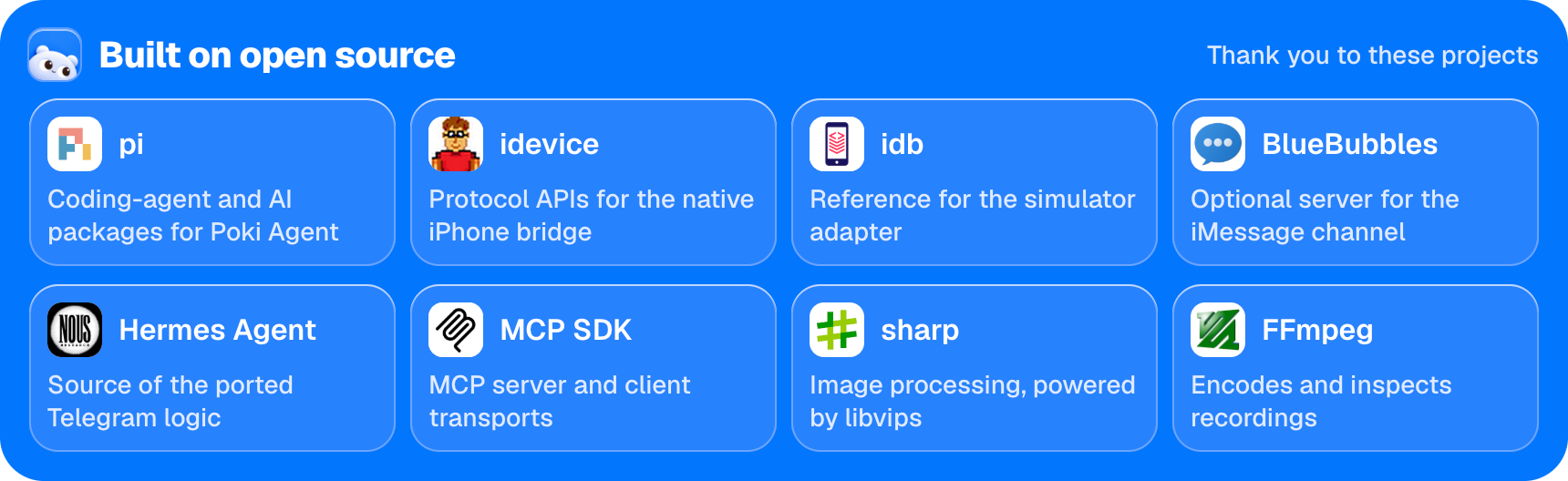
Open source acknowledgments: pi | idevice | idb | BlueBubbles | Hermes Agent | MCP SDK | sharp | FFmpeg
Yorumlar (0)
Yorum birakmak icin giris yap.
Yorum birakSonuc bulunamadi