mcp-power-automate
Health Uyari
- License — License: MIT
- Description — Repository has a description
- Active repo — Last push 0 days ago
- Low visibility — Only 6 GitHub stars
Code Uyari
- network request — Outbound network request in extension/background.ts
Permissions Gecti
- Permissions — No dangerous permissions requested
Bu listing icin henuz AI raporu yok.
Local Power Automate MCP server, browser extension, and installable Codex skill.
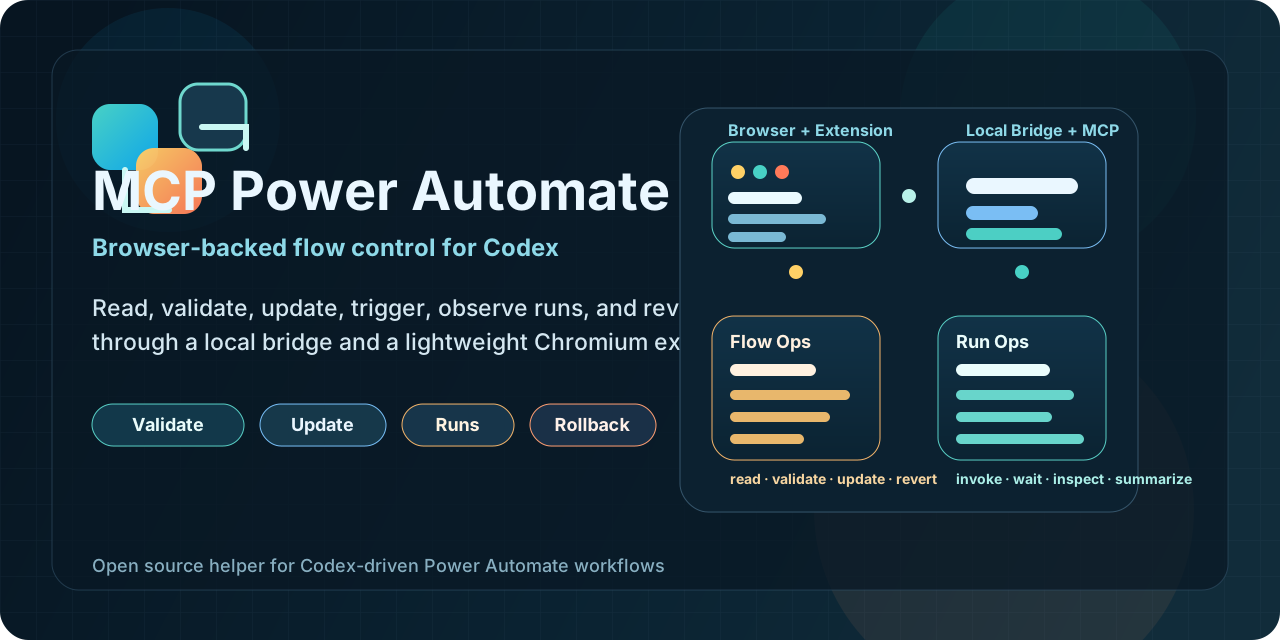
MCP Power Automate
Local MCP server and Chromium extension for AI-operated Microsoft Power Automate flows.
The extension captures the browser session, current flow, snapshots, and token candidates automatically. The MCP server exposes one clean v1 tool surface so the AI can inspect, edit, validate, run, review, and revert flows without asking the user to click extension buttons just to make the connection work.
No Microsoft Entra ID app registration, admin consent, or custom enterprise app setup is required.
The MCP uses your existing logged-in Chromium session.
What v1 Changes
- One command registry powers both MCP tools and HTTP bridge routes.
- The local bridge is authoritative; reused MCP instances proxy commands to the bridge owner.
- Flow targeting is automatic-first through captured tabs, explicit
connect_flow, catalog data, and snapshots. - The extension is status and diagnostics only. It no longer requires manual refresh/sync buttons for normal operation.
- npm ships the built server and built extension together.
Install
Register the MCP:
codex mcp add power-automate-local -- npx -y @kaael1/mcp-power-automate
Find the packaged extension path:
npx -y @kaael1/mcp-power-automate extension-path
Load that folder in Chromium:
- Open
chrome://extensionsoredge://extensions - Enable Developer Mode
- Choose
Load unpacked - Select the path printed by
extension-path
Open or focus any Power Automate flow page. The extension captures the context automatically.
Check readiness:
npx -y @kaael1/mcp-power-automate doctor
Recommended AI Workflow
Ask your MCP client to:
doctorget_contextconnect_flowget_flowpreview_flow_updatevalidate_flowapply_flow_updateget_last_update
For run inspection and manual/request trigger tests, use list_runs, get_latest_run, get_run, get_run_actions, wait_for_run, get_trigger_callback_url, and invoke_trigger.
For Dataverse solution inspection, use list_solutions, list_solution_components, and list_environment_variables. These tools are read-only in this release.
Public v1 Tools
get_contextdoctorconnect_flowlist_flowslist_solutionslist_solution_componentslist_environment_variablesget_flowpreview_flow_updatevalidate_flowapply_flow_updateget_last_updaterevert_last_updatelist_runsget_latest_runget_runget_run_actionswait_for_runget_trigger_callback_urlinvoke_triggercreate_flowclone_flow
Solutions And Environment Variables
The extension can capture Power Platform/BAP and Dataverse-audience tokens from the logged-in browser session. When those tokens are present, get_context and /health expose canManageSolutions and the MCP can inspect Dataverse solutions for the current or provided environment.
The first solution-oriented surface is intentionally read-only:
list_solutionslists visible unmanaged solutions by default.list_solution_componentslists components for a solution unique name, with optional enrichment for cloud flows and environment variables.list_environment_variableslists environment variable definitions and current values, optionally scoped to one solution.
Write operations such as creating solutions, setting environment variable values, publishing customizations, deleting components, or deleting flows are not exposed in this phase.
HTTP Bridge
The bridge listens on 127.0.0.1:17373.
GET /healthis kept for simple probes.GET /v1/healthreturns bridge identity and readiness.GET /v1/contextreturns the same context used by the MCP.GET /v1/commandslists the public v1 command surface.POST /v1/commands/:nameruns any public v1 command with a JSON body.
Only the process that owns the bridge port executes stateful work. Other MCP instances reuse the healthy bridge and proxy commands to it.
Safety Model
- Use
preview_flow_updatebefore saves. - Use
validate_flowbefore and after meaningful edits when available. - Use
get_last_updateto review the persisted diff. - Use
revert_last_updateif the saved result is wrong. - Prefer test or staging flows before production flows.
If Power Automate rejects a save because of a connection permission problem, the MCP reports CONNECTION_AUTHORIZATION_FAILED and waits for the user to fix that connection in Power Automate. If the service rejects a field such as retryPolicy, the MCP reports SCHEMA_VALIDATION_FAILED with the rejected member so the AI can correct the candidate flow instead of guessing.
Development
npm install
npm run typecheck
npm run lint
npm run test
npm run build
npm run pack:dry-run
For a local clone:
npm run build
codex mcp add power-automate-local -- node C:\path\to\mcp-power-automate\dist\server\index.js
node C:\path\to\mcp-power-automate\dist\server\index.js extension-path
Runtime state lives in data/ and must not be committed.
Package Links
- GitHub: https://github.com/kaael1/mcp-power-automate
- npm: https://www.npmjs.com/package/@kaael1/mcp-power-automate
- MCP Registry: https://registry.modelcontextprotocol.io/v0/servers?search=io.github.kaael1/mcp-power-automate
License
MIT. See LICENSE.
Yorumlar (0)
Yorum birakmak icin giris yap.
Yorum birakSonuc bulunamadi