moodstone
Health Warn
- License — License: MIT
- Description — Repository has a description
- Active repo — Last push 0 days ago
- Low visibility — Only 7 GitHub stars
Code Pass
- Code scan — Scanned 12 files during light audit, no dangerous patterns found
Permissions Pass
- Permissions — No dangerous permissions requested
No AI report is available for this listing yet.
Animated, procedurally generated agent avatars for React Native.
Moodstone


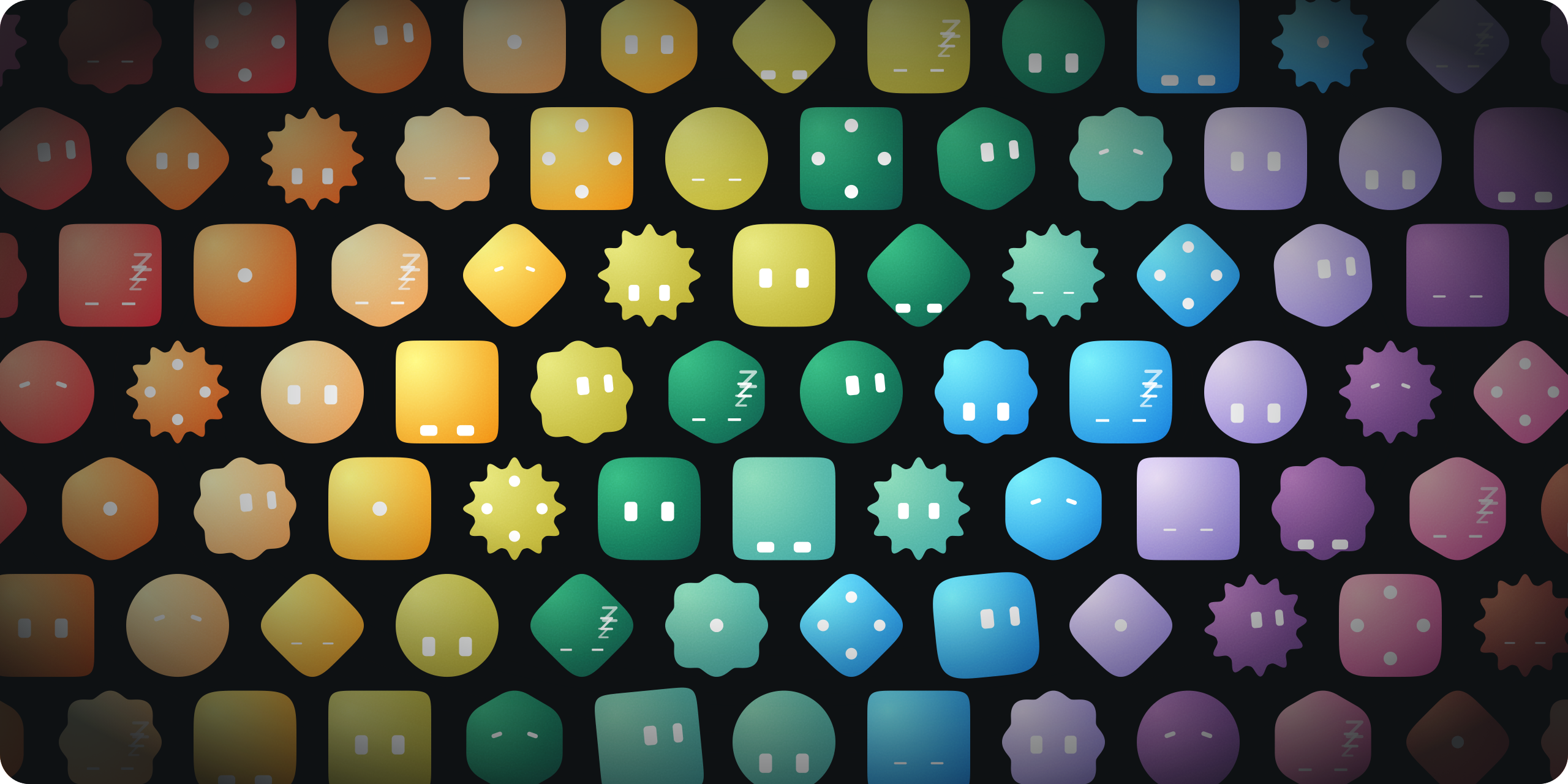
Animated, procedurally generated avatars for AI agents in React Native. Give an agent a mood and the face reacts. Rendered with React Native Skia on the UI thread.
Try every mood, cut and colour in the browser at moodstone.expo.app.
import { Moodstone } from "moodstone";

<Moodstone color="pine" mood="thinking" size={48} />;
- Nine moods, each a seamless loop.
- Seven cuts (silhouettes) that morph into each other, with eyes that fit each shape.
- Twelve palette colours or any hex, on a surface lit by a slowly orbiting light.
- UI-thread animation that leaves the JS thread idle.
- PNG and SVG exports, including an animated SVG of the whole loop.
Install
npx expo install @shopify/react-native-skia react-native-reanimated react-native-worklets
npm install moodstone
Needs React 19+, React Native 0.78+, Skia 2+, Reanimated 4+ and Worklets 0.7+.
Moods
Every mood works with any cut and colour; the previews mix them.
| Mood | Cut | Color | Preview | When the agent is… |
|---|---|---|---|---|
idle |
circle |
pine |
 |
ready, waiting for input |
observing |
squircle |
lemon |
 |
reading context, awaiting a tool result |
thinking |
hexagon |
rose |
 |
searching, making a short tool call |
processing |
badge |
lilac |
 |
reasoning at length |
working |
square |
tangerine |
 |
streaming output |
done |
burst |
sky |
 |
finished successfully |
failed |
diamond |
cherry |
 |
errored |
invalid |
hexagon |
plum |
 |
rejecting the input |
inactive |
squircle |
mint |
 |
offline or paused |
Props
| Prop | Type | Default | Notes |
|---|---|---|---|
mood |
Mood |
"idle" |
Restarts the loop when it changes. |
color |
palette key or hex | "pine" |
|
cut |
Cut |
"circle" |
Silhouette. Morphs when it changes. |
tune |
Tune |
Adjusts the cut, see Tuning a cut. | |
shape |
Partial<ShapeParams> |
Custom silhouette, like { lobes: 12, depth: 0.11 }. Not with tune. |
|
eyeColor |
"white" | "black" | hex |
"white" |
|
seed |
[number, number, number] |
DEFAULT_SEED |
Light start angle, drift and orbit. randomSeed() makes one. |
size |
number |
64 |
In dp. |
animated |
boolean |
true |
false draws one frame, the mood's key pose. Use it for long lists. |
paused |
boolean |
false |
Freezes the loop. |
phase |
0..1 |
Loop position of a still, or start offset of a loop. | |
morphDuration |
number |
460 |
In ms. 0 snaps. |
style |
StyleProp<ViewStyle> |
Applied to the canvas. | |
ref |
Ref<MoodstoneHandle> |
See Ref handle. |
Tuning a cut
tune accepts only the parameters the cut exposes, listed in CUT_TUNES:
| Cut | Tunable |
|---|---|
circle |
n, ax |
squircle, square, diamond |
n, rot, ax |
hexagon |
sides, round, rot |
badge, burst |
lobes, depth, sharp |
<Moodstone cut="hexagon" tune={{ sides: 5 }} />  // ok
<Moodstone cut="circle" tune={{ rot: 30 }} />    // type error: rotating a circle does nothing
The type check needs a literal cut. For a cut held in state, cast the pair to CutTune; keys the cut doesn't expose are ignored at runtime.
Ref handle
const ref = useRef<MoodstoneHandle>(null);
<Moodstone ref={ref} mood="done" />;

const image = ref.current?.snapshot({ size: 1024, background: "#0e1113" }); // SkImage
const base64 = image?.encodeToBase64(); // PNG
ref.current?.restart();
const spec = ref.current?.getSpec(); // AvatarSpec
snapshot renders offscreen at any size, stills included, and takes a phase to capture another moment. restart replays the mood from its rest pose. getSpec returns the resolved spec for the SVG exports below.
SVG exports
import {
  renderAvatarSvg,
  renderAnimatedAvatarSvg,
  stillFrame,
  DEFAULT_SEED,
  PALETTE,
  type AvatarSpec,
} from "moodstone";

const spec: AvatarSpec = {
  seed: DEFAULT_SEED,
  color: PALETTE.pine,
  cut: "circle",
  mood: "thinking",
  eyeColor: "#FFFFFF",
};
const still = renderAvatarSvg(spec, stillFrame(spec), { size: 240 });
const loop = renderAnimatedAvatarSvg(spec, { size: 240, fps: 24 });
stillFrame(spec) is the mood's key pose; computeFrame(spec, t) gives any other moment. The animated SVG uses SMIL and loops seamlessly. No GIF or video encoder is bundled, but computeFrame and renderAvatarImage give you every frame to encode one.
For a tuned or custom shape, set the spec's shape (tunedShape(cut, tune) builds a tuned one) and pass the spec through resolveSpec so the eyes fit.
From the command line
A clone of the repo exports SVG files straight from the source, with Node 22.18+ and no build:
npm run export-svg -- --mood thinking --cut hexagon --color sky
npm run export-svg -- --mood all --animated --out ~/Desktop/moodstone
--help lists every flag. Without --out, files go to ./avatars/. npm run avatars regenerates the previews this README shows, in assets/.
Core and Skia layer
moodstone/core has no React Native imports. Its pure computeFrame(spec, t) describes every frame as plain numbers, and drives both the Skia component and the SVG exports. The main entry re-exports it and adds the Skia pieces the component is built from, for drawing into your own canvas: useAvatarSpec, drawAvatarSkia, surfacePath and makeSurfaceShader.
Example app
example/ is an Expo app with a one-screen Studio for trying colours, cuts, moods, eyes and tuning. npm install at the root sets it up, and it loads the library from src/, so edits show up without a build. Deep links set its state, so a script can drive it:
cd example && npx expo start --ios
xcrun simctl openurl booted "exp://<host>:8081/--/?mood=failed&cut=burst&lobes=9"
Parameters: color, cut, mood, motion (animated or still), eyes, theme, scroll (top or end) and any tunable parameter.
It also runs in a browser, where Skia draws through CanvasKit (WebAssembly) instead of natively. A build is live at moodstone.expo.app, and the same parameters go in its query string, like ?mood=failed&cut=burst&lobes=9. To run it locally:
cd example && npm run web
open "http://localhost:8081/?mood=failed&cut=burst&lobes=9"
npm run export:web builds it as a static site in example/dist/.
Development
npm install     # the library and the example workspace
npm run check   # ESLint, Prettier and tsc
npm run format  # Prettier, then ESLint --fix
npm run build   # bob → lib/
Credits
The single-colour agent face whose personality lives in two eyes comes from Plane's Agent Avatar Lab; the surface, geometry, palette, timing and code here are original. Reading the face as what a persistent agent is doing was inspired by Designing Grok Bot for a world of persistent agents.
License
Reviews (0)
Sign in to leave a review.
Leave a reviewNo results found