MantisClaw
Health Warn
- License — License: MPL-2.0
- Description — Repository has a description
- Active repo — Last push 0 days ago
- Low visibility — Only 7 GitHub stars
Code Warn
- Code scan incomplete — No supported source files were scanned during light audit
Permissions Pass
- Permissions — No dangerous permissions requested
No AI report is available for this listing yet.
Best Open Claw Alternative - True Desktop Agent for Windows, MacOS and Linux, Unlimited agents, unlimited scenarios (SOUL), auto skill creation (Unlimited), execute skills on the fly, workflows, GuardRails,Schedule Tasks, Built-in Node Registry, Tools & MCP support, Built-in Chat.
🦗 MantisClaw - Desktop CUA (Computer Use Agent)
Multi-Platform - Windows / Linux / Mac OS - Intel / Mac OS Silicon
Use Computer & Browser
- Open webcam - Use Real Browser (Pass Cloudflare & bot verifications) -Take Screenshot - scroll - click_button - login - check-email
Unlimited Agents
- Unlimited Scenarios - Unlimited Skills (It writes, debug, executes skills by itself -Self-healing)
Channels
Connect and manage multiple messaging channels — WhatsApp, Telegram, Slack, Built-in Chat, Blender Chat .. and more.
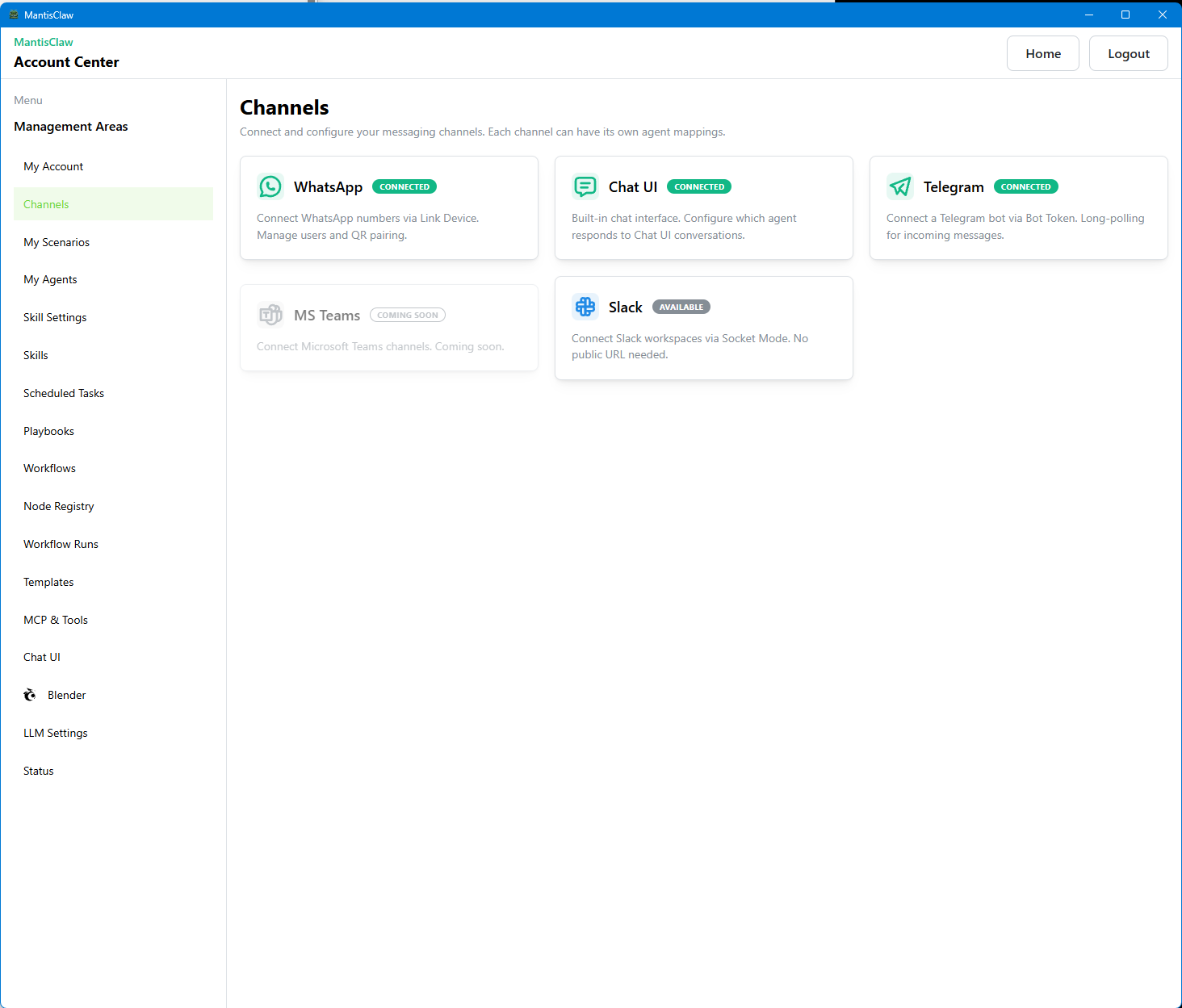
Multi-Platform Autonomous Agent — Control from WhatsApp, Telegram, Slack, and more
The best GUI Computer Use Agent. No complex setup — just download and run. All features are already built-in.
🌐 Website · ⬇️ Download · 🎬 Demo Videos · 📸 Screenshots
MantisClaw integrates autonomous agents across multiple channels so your team can command, automate, and supervise real operations from chat. Use direct or group conversations to run tasks, trigger workflows, and keep execution secure with local-first data control.
🎬 Demo Videos
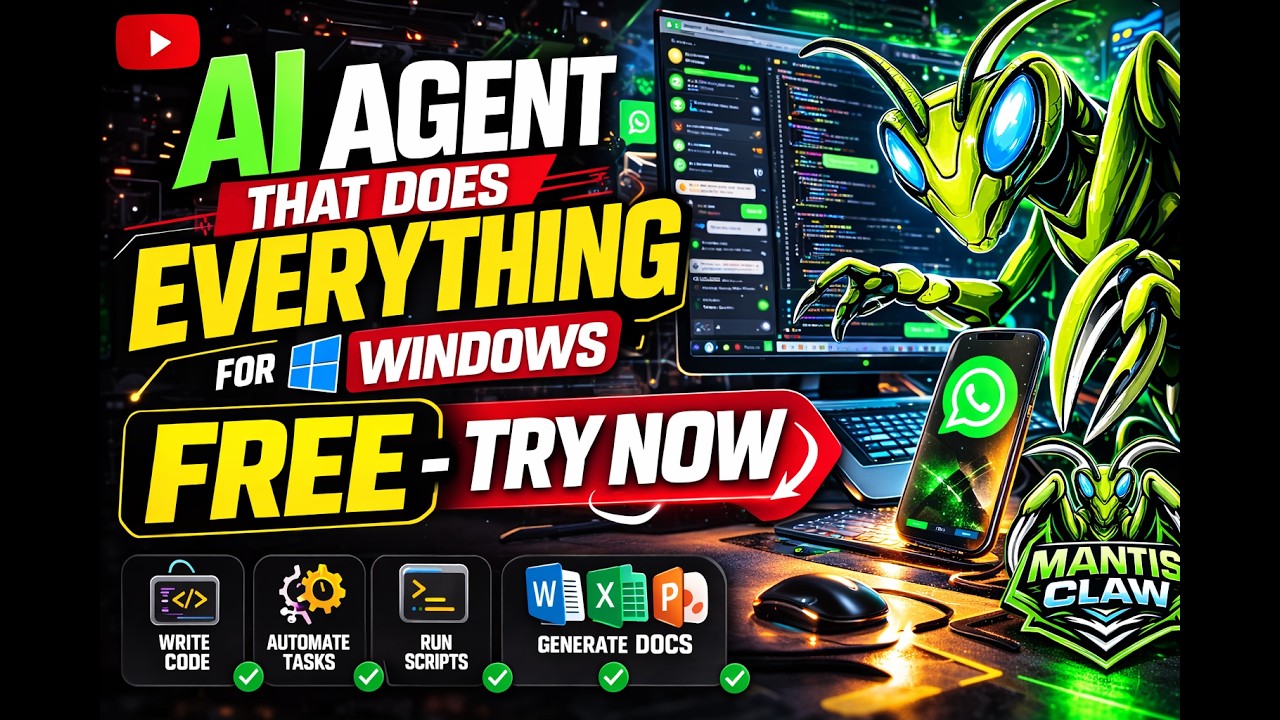
▶ Demo Video 1 |
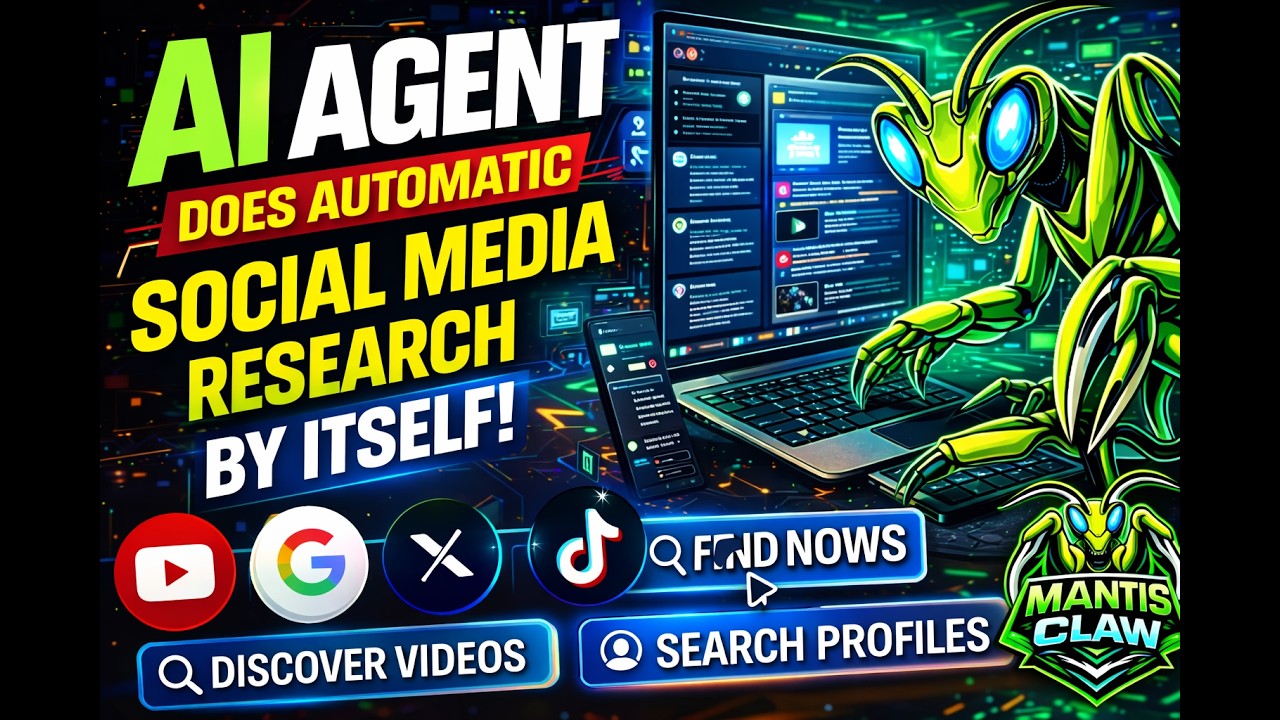
▶ Demo Video 2 |
▶ Demo Video 3 |
▶ Demo Video 4 |
🚀 What's New
- WhatsApp, Telegram, Slack, Built-in ChatUI channels
- MantisClaw Blender MCP Control UI
- MCP support for extensible tool discovery
- OpenAI-compatible Tools & Advanced HTTP Call Support
- Workflow — POC (under development)
- 50+ Node Registry POC (under development)
- Templates POC (under development)
- Bug Fixes & Stability Improvements
🔒 Why MantisClaw Stands Out
| Feature | Details |
|---|---|
| Local Database | Your accounts & keys never leave your computer |
| Runtime Key Injection | Keys injected at runtime, never sent to LLM |
| Built-in Office Engine | Word, Excel, PowerPoint & PDF generation |
| Real Browser | The only Agent that can use a real browser |
| Multi-Platform CUA | First & only GUI Multi-Platform CUA Agent |
| Token Efficient | Uses less tokens than competitors |
| Self-Healing Code | Writes code, debugs, fixes & self-heals automatically |
| Auto Skills | Creates skills & skill settings by itself |
| Unlimited Agents | Unlimited Agents & unlimited Scenarios (SOUL) |
| Account Security | Sub-accounts for granular access control |
| Completely Free | All features included at no cost |
⚙️ Platform Capabilities
Autonomous Agent Integrated with Multiple Channels
Run an autonomous agent through chat conversations across channels and keep operations inside real communication flows.
Control Your Agent from Any Channel
Start tasks, steer behavior, and trigger workflows by messaging your agent from your preferred channel.
Direct + Group Command Support
Use both direct chats and groups as command surfaces for agent actions and automation routines.
Code and Task Execution
Ask the agent to write code, run scripts, call APIs, and produce business outputs from channel instructions.
Secure Runtime Settings
Sensitive values are injected at runtime and kept out of chat prompts whenever possible.
Local-First Agent Memory
Portable PostgreSQL keeps your operational data local unless you explicitly route data to an external model provider.
🔄 How MantisClaw Works
From incoming channel message to autonomous action — here is what happens under the hood.
| Step | Phase | Description |
|---|---|---|
| 1 | Message Arrives | A message from a connected channel reaches MantisClaw. The system identifies the sender, resolves the target agent mapping, and queues the message for processing. |
| 2 | Context Assembly | The last 20 messages are loaded from chat history plus the agent's persona/scenario. This context window is sent alongside all available tools to the LLM. |
| 3 | Tool-Call Loop (25 Turns) | The AI decides actions in a single loop: run Python code, browse the web, execute skills, create files, or call APIs. Each tool result feeds back into the next decision. |
| 4 | Self-Healing Execution | If Python or a skill fails, the AI reads the traceback, fixes the code, auto-installs missing packages, and retries — up to 3 attempts before reporting. |
| 5 | Output Delivery | Text responses go back to the source channel. Generated files (Excel, Word, PDF, images) are auto-detected and sent as attachments to the original chat. |
| 6 | Learn & Schedule | Skills discovered during execution are saved for reuse. Scheduled tasks run autonomously on cron and deliver results directly to connected channels. |
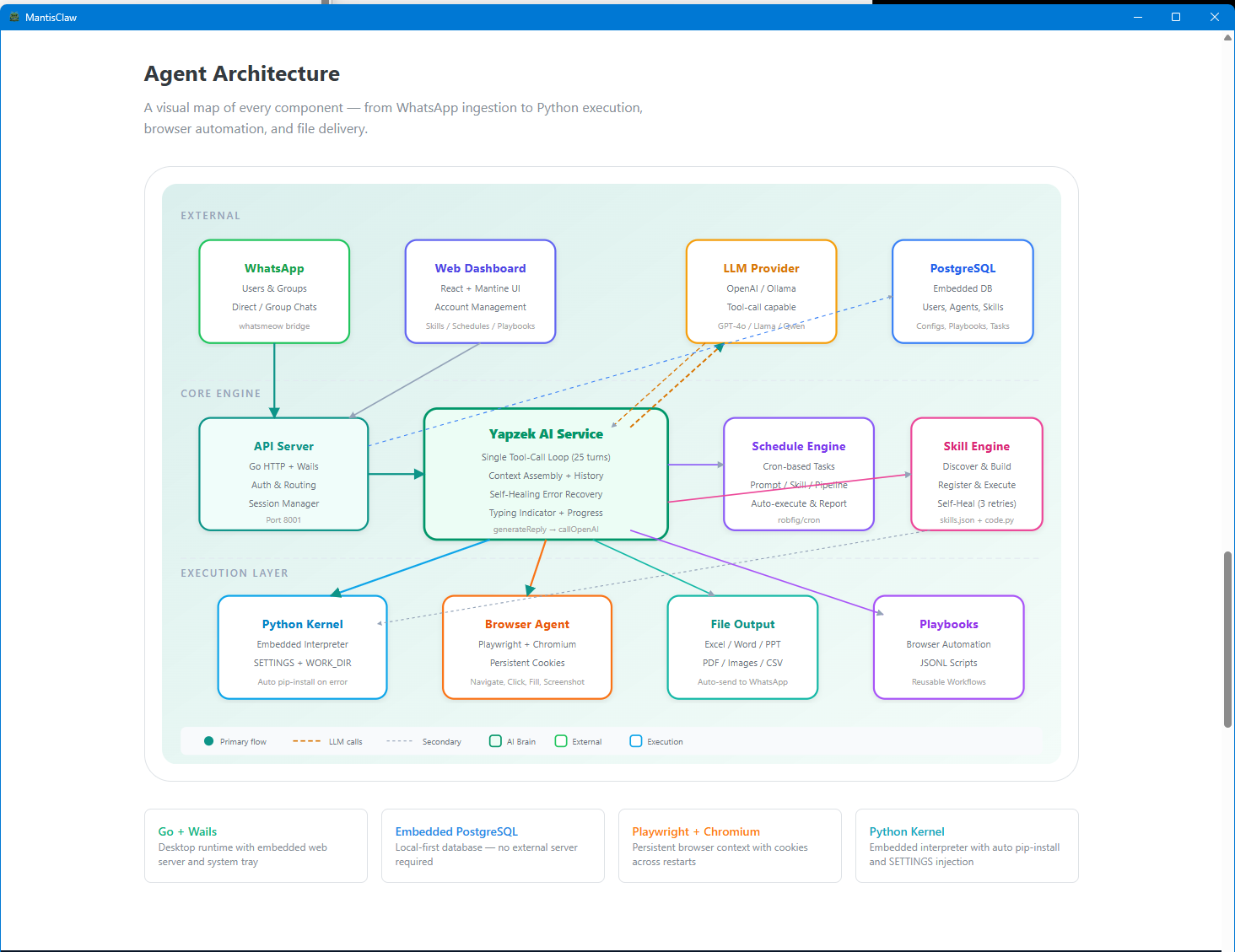
🏗️ Agent Architecture
| Component | Description |
|---|---|
| Go + Wails | Desktop runtime with embedded web server and system tray |
| Embedded PostgreSQL | Local-first database — no external server required |
| Playwright + Chromium | Persistent browser context with cookies across restarts |
| Python Kernel | Embedded interpreter with auto pip-install and SETTINGS injection |
🚦 Agent Control Flow
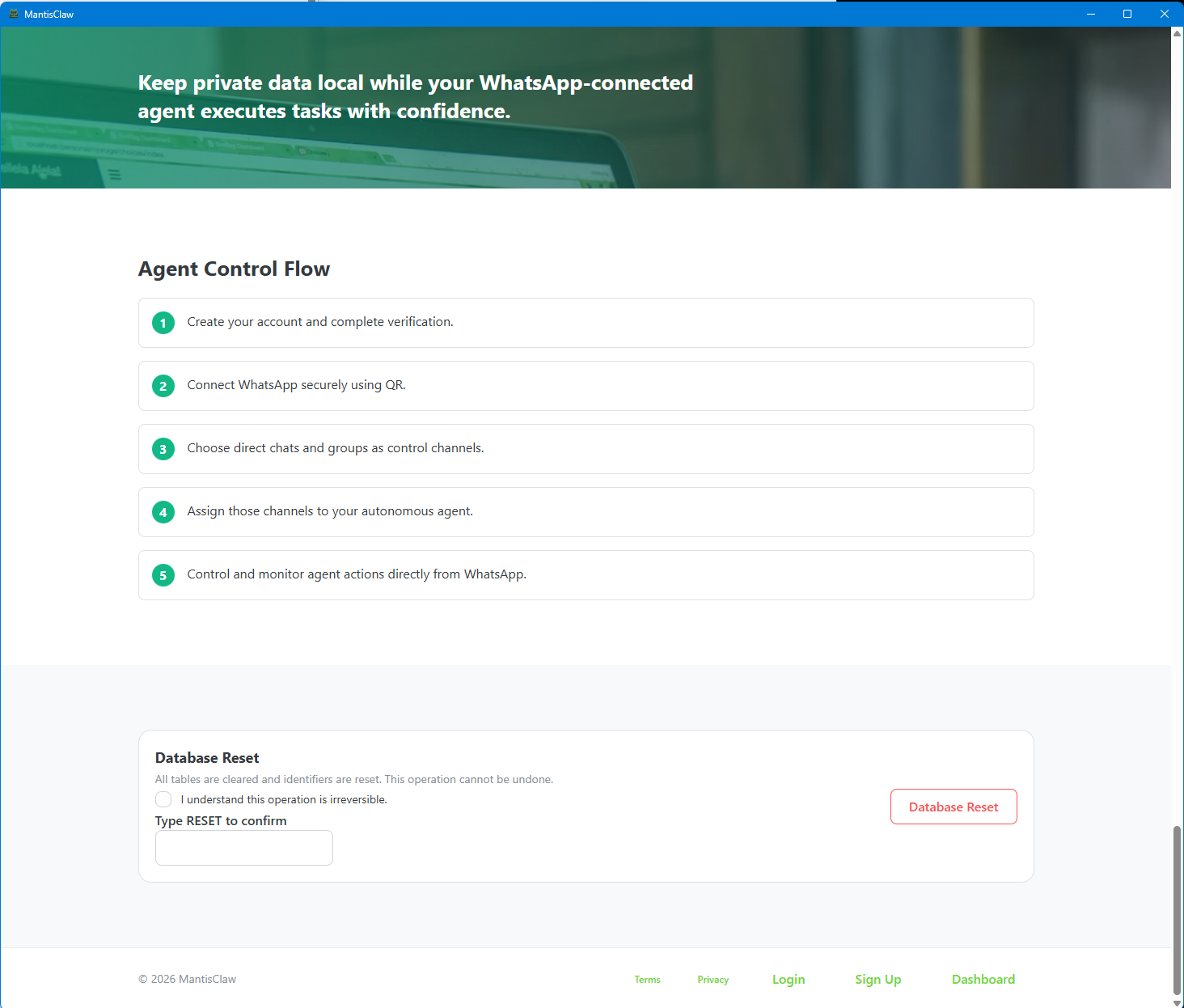
- Create your account and complete verification.
- Connect your channels securely.
- Choose direct chats and groups as control channels.
- Assign those channels to your autonomous agent.
- Control and monitor agent actions directly from your channels.
❓ Why MantisClaw?
MantisClaw helps teams manage one autonomous agent across multiple messaging channels. Send commands from chat, monitor every execution step, and receive outcomes in the same conversation flow.
| Pillar | Description |
|---|---|
| Multi-Channel Control | Control one agent from WhatsApp, Telegram, Slack, and other communication channels. |
| Local and Secure Execution | Sensitive data stays local, while runtime settings keep workflows secure, traceable, and auditable. |
| Automation and Productivity | Combine coding, API calls, file generation, and scheduled tasks in one agent to accelerate operations. |
⚡ See it in Action
Watch how a single channel message flows through the MantisClaw engine — from ingestion through the AI tool-call loop to autonomous execution and response delivery.
| Feature | Details |
|---|---|
| Single Tool-Call Loop | 25 turns max — the AI sees all tools at once and picks the right action each turn. No multi-stage overhead. |
| Self-Healing Pipeline | Python errors auto-trigger fix → retry cycles. Missing pip packages get installed on the fly. |
| Scheduled Autonomy | Cron tasks feed directly into the AI Brain. Results are auto-delivered to your channels on schedule. |
📸 Platform Screenshots
Channels
Connect and manage multiple messaging channels — WhatsApp, Telegram, Slack, and more.
Accounts
Manage all your connected accounts, credentials, and linked services in one centralized dashboard.
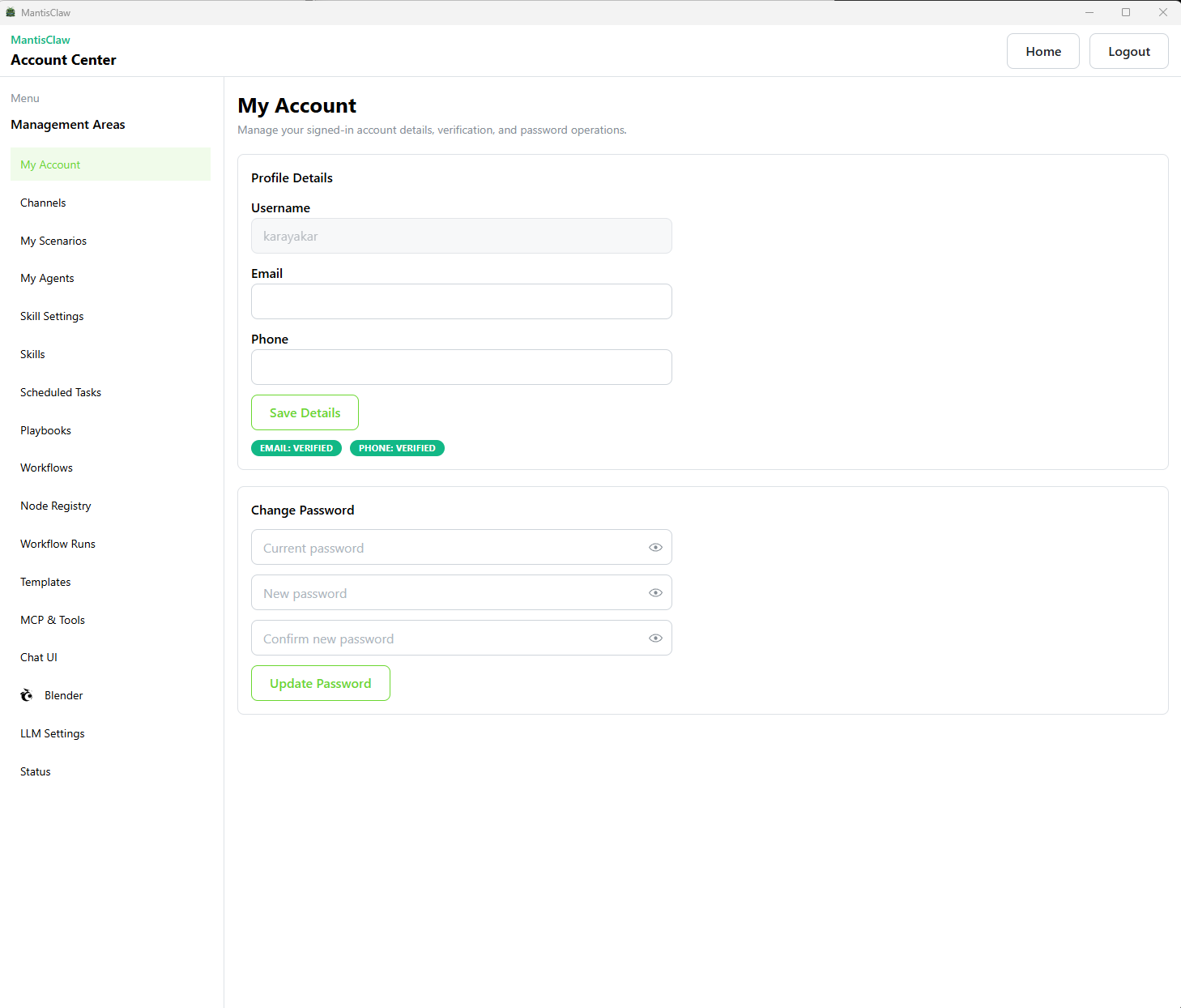
Advanced MCP
Configure advanced Model Context Protocol settings for fine-grained control over AI model interactions.
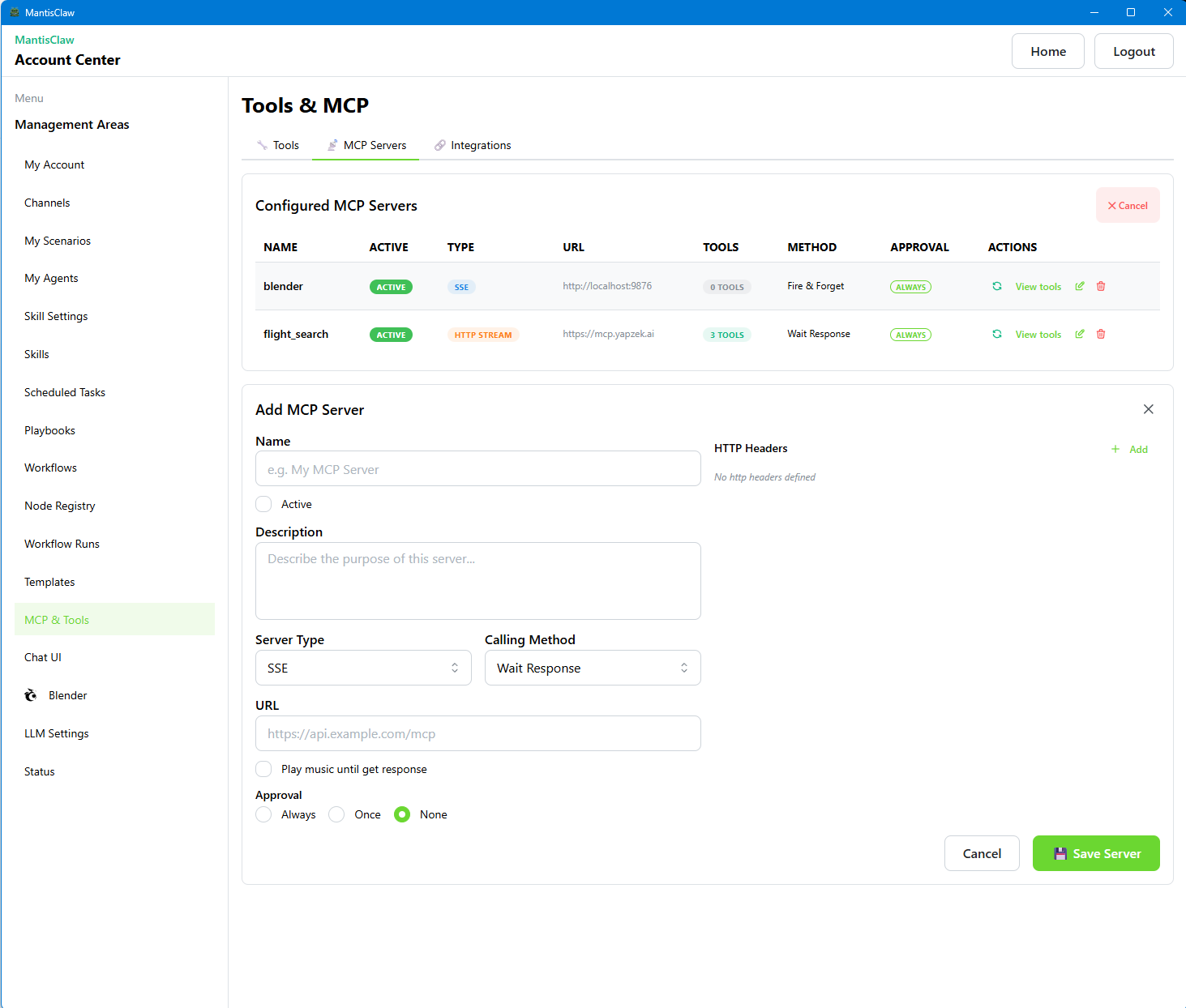
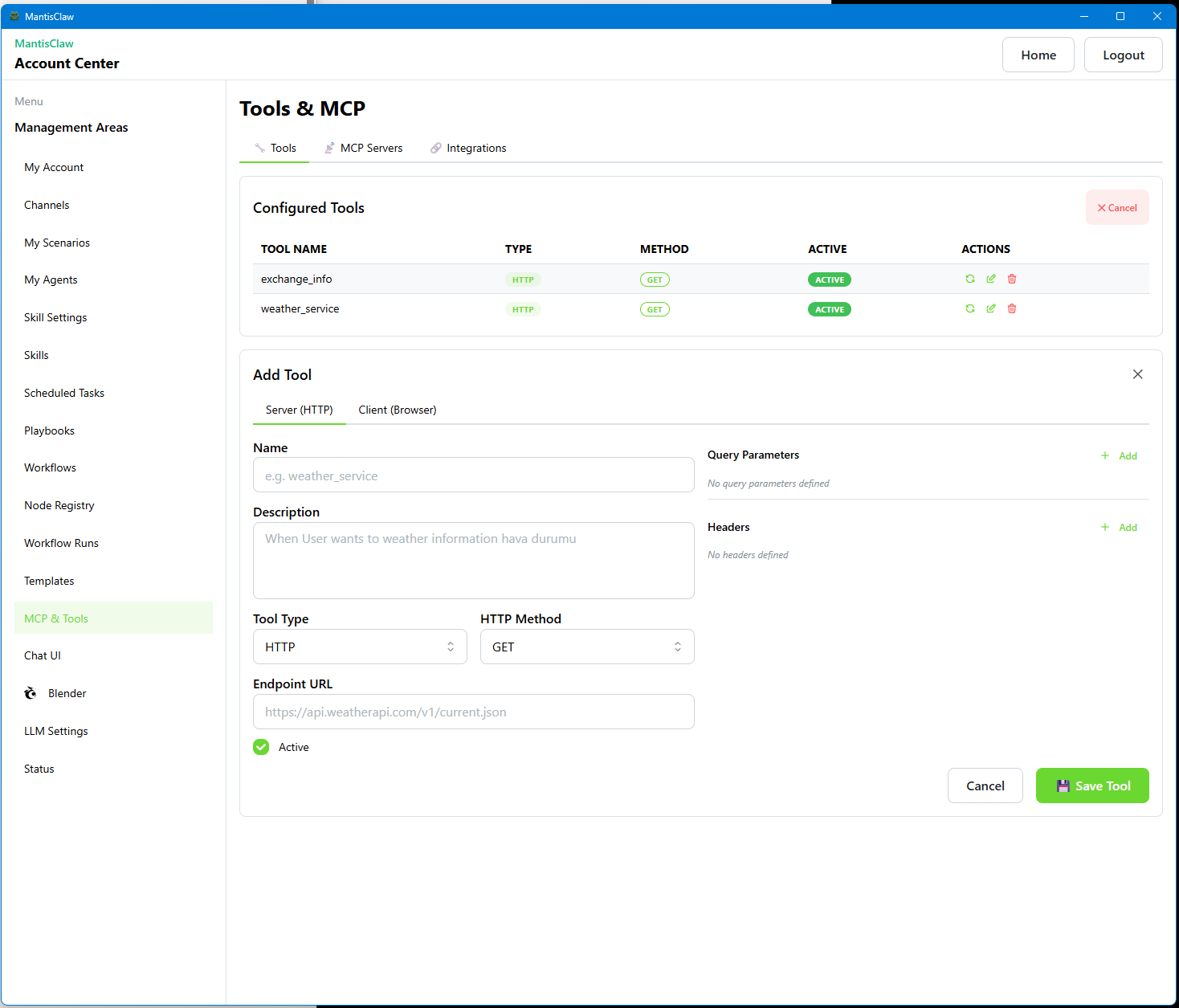
Advanced Tools
Access powerful advanced tools including code execution, API testing, and debugging utilities.
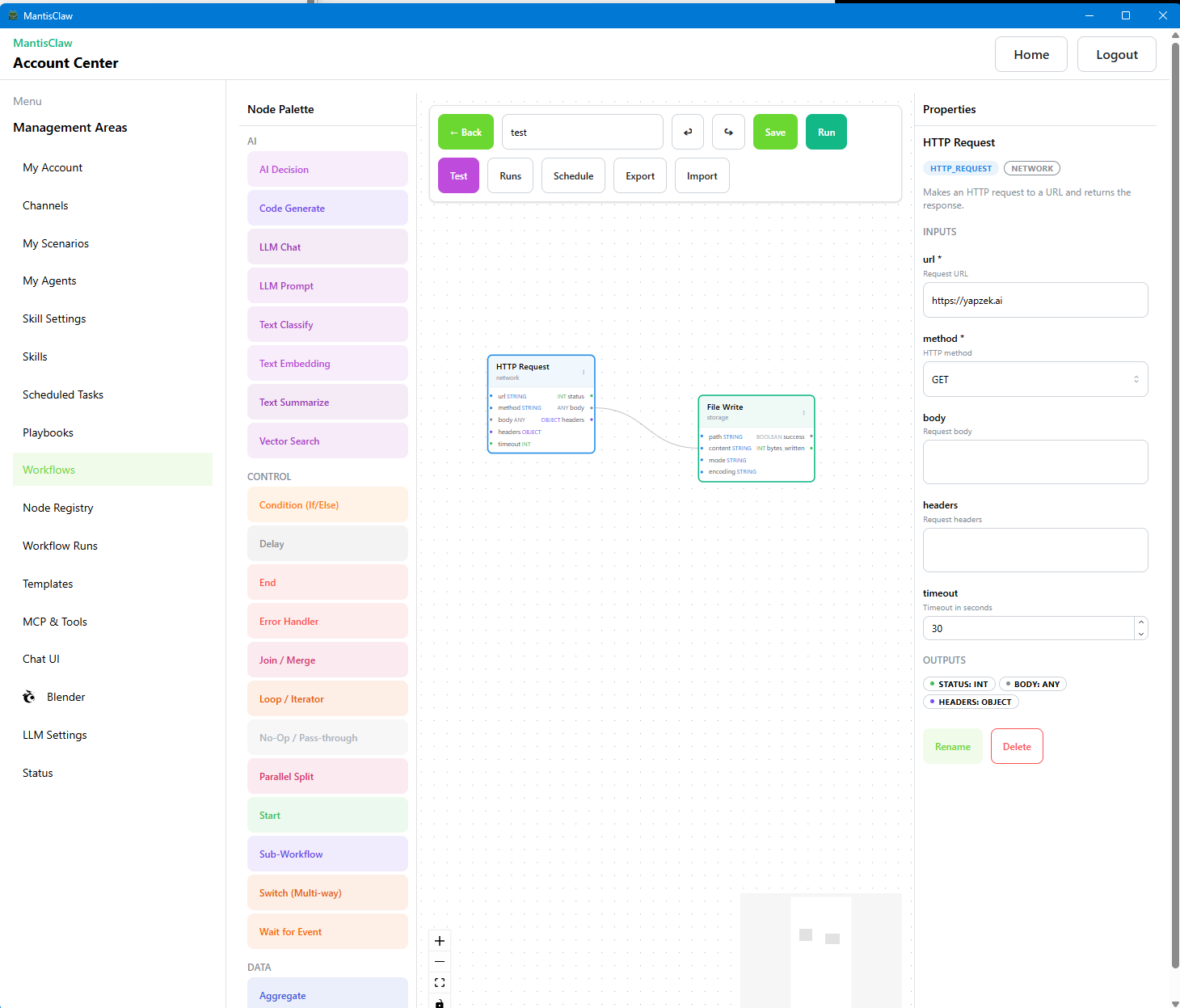
Advanced Workflows
Design complex multi-step workflows with conditional logic, branching, and parallel execution paths.
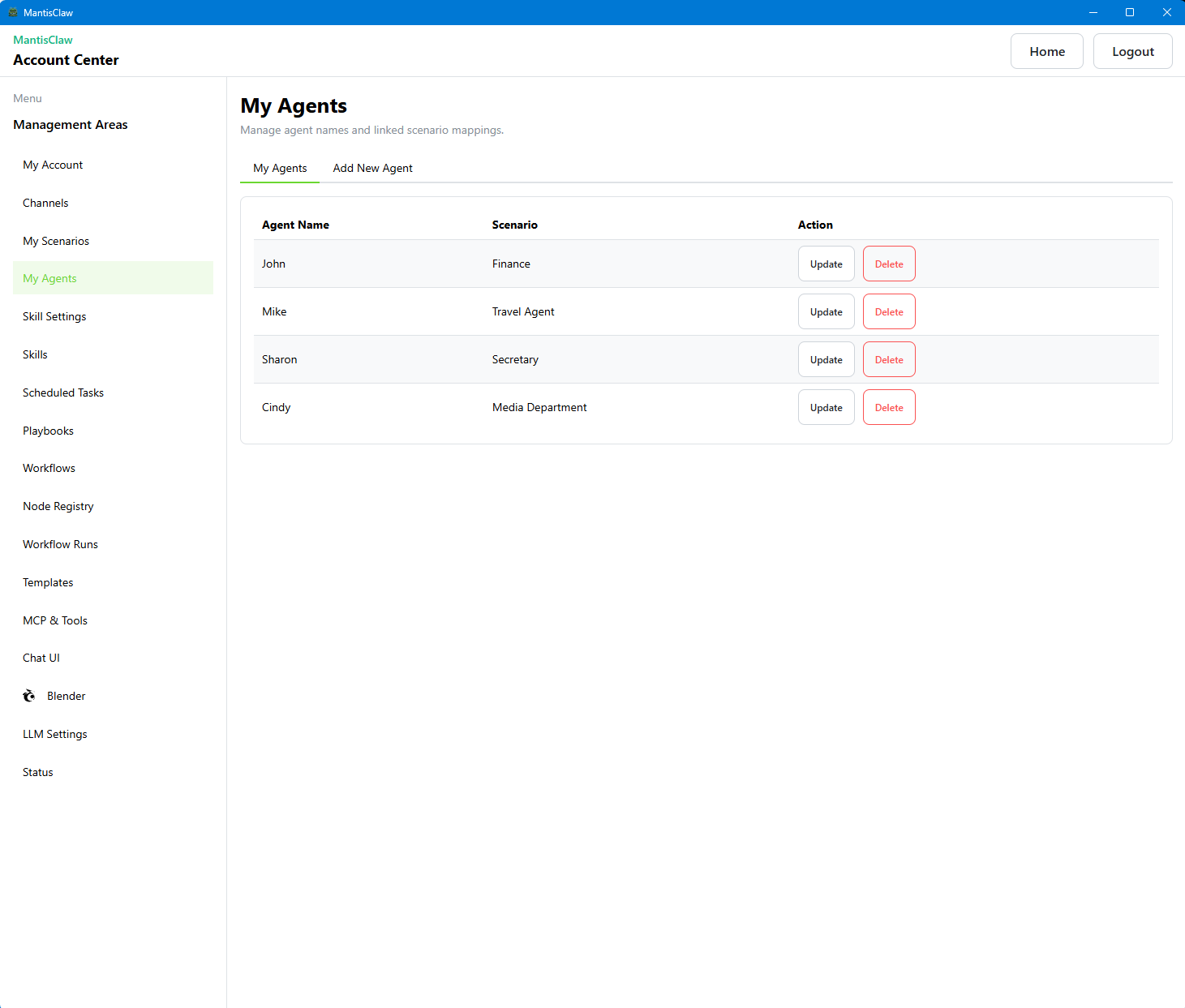
Agents
Create and configure autonomous agents with custom personas, scenarios, and channel assignments.
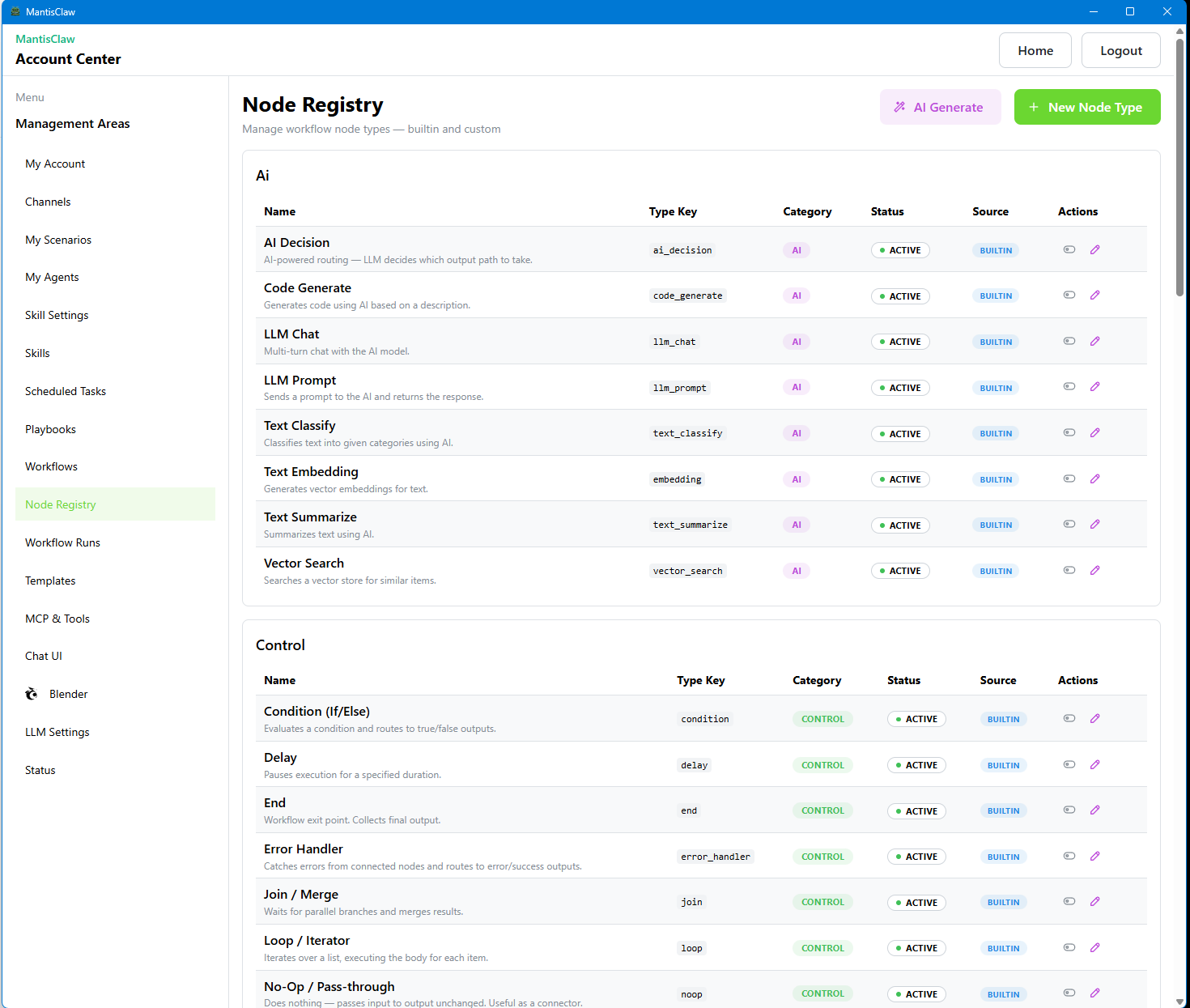
AI-Assisted Node Registry
Browse and register workflow nodes with AI-powered suggestions and auto-configuration.
Architecture
Visual overview of the MantisClaw system architecture showing all integrated components.
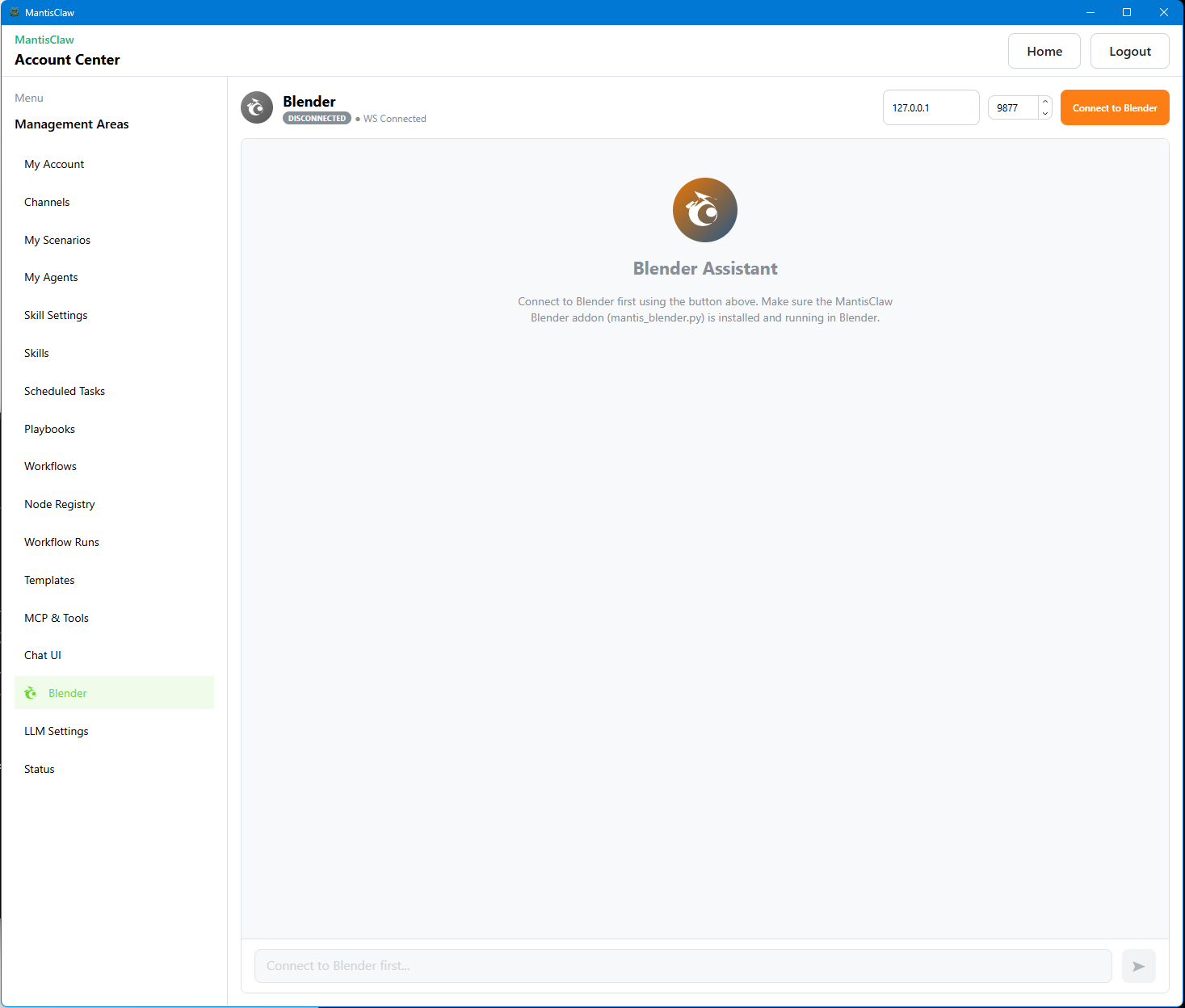
Blender Control via MCP
Control Blender 3D directly from chat using MCP integration for 3D modeling and rendering tasks.
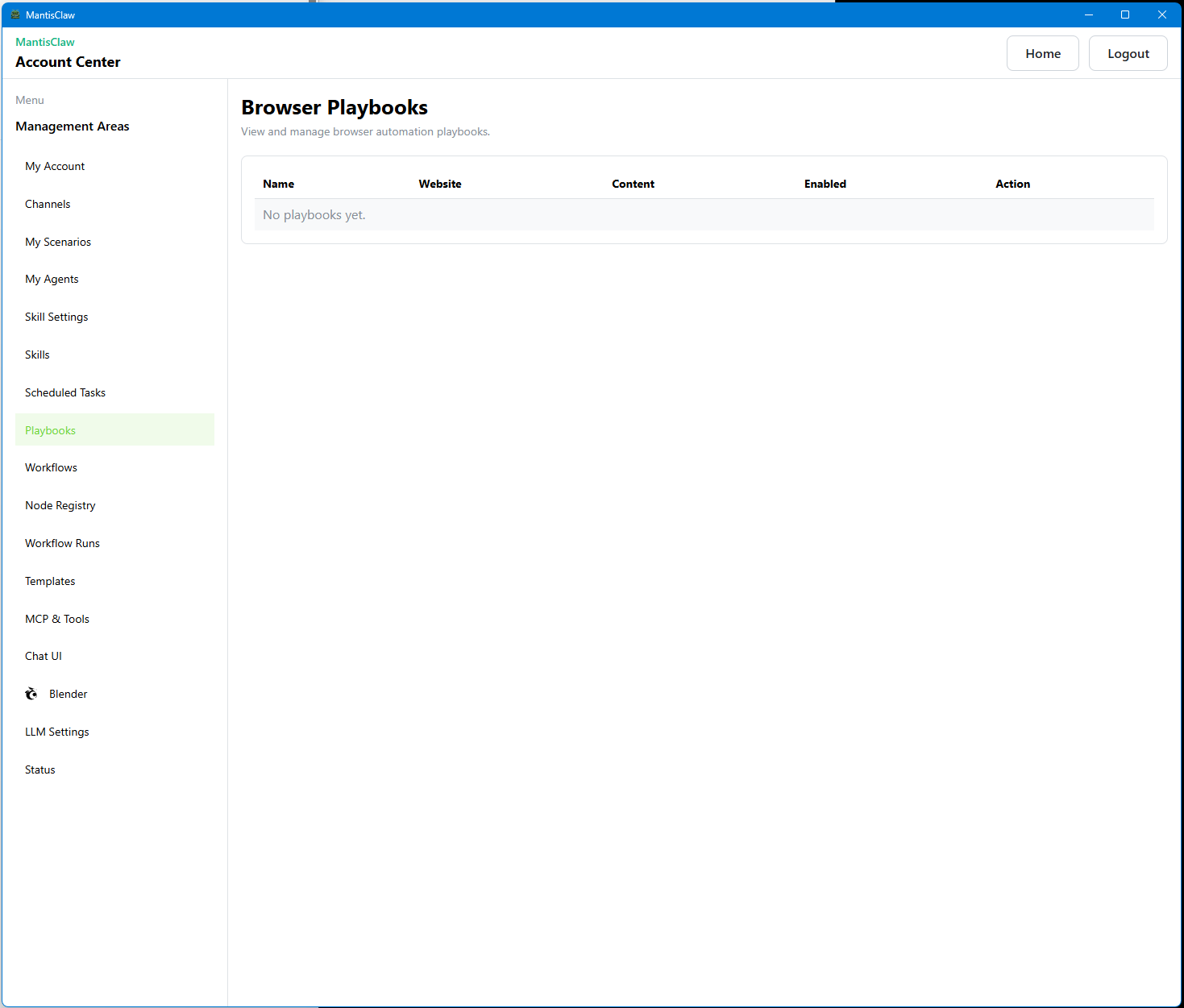
Browser Playbooks
Record and replay browser automation sequences as reusable playbooks for web tasks.
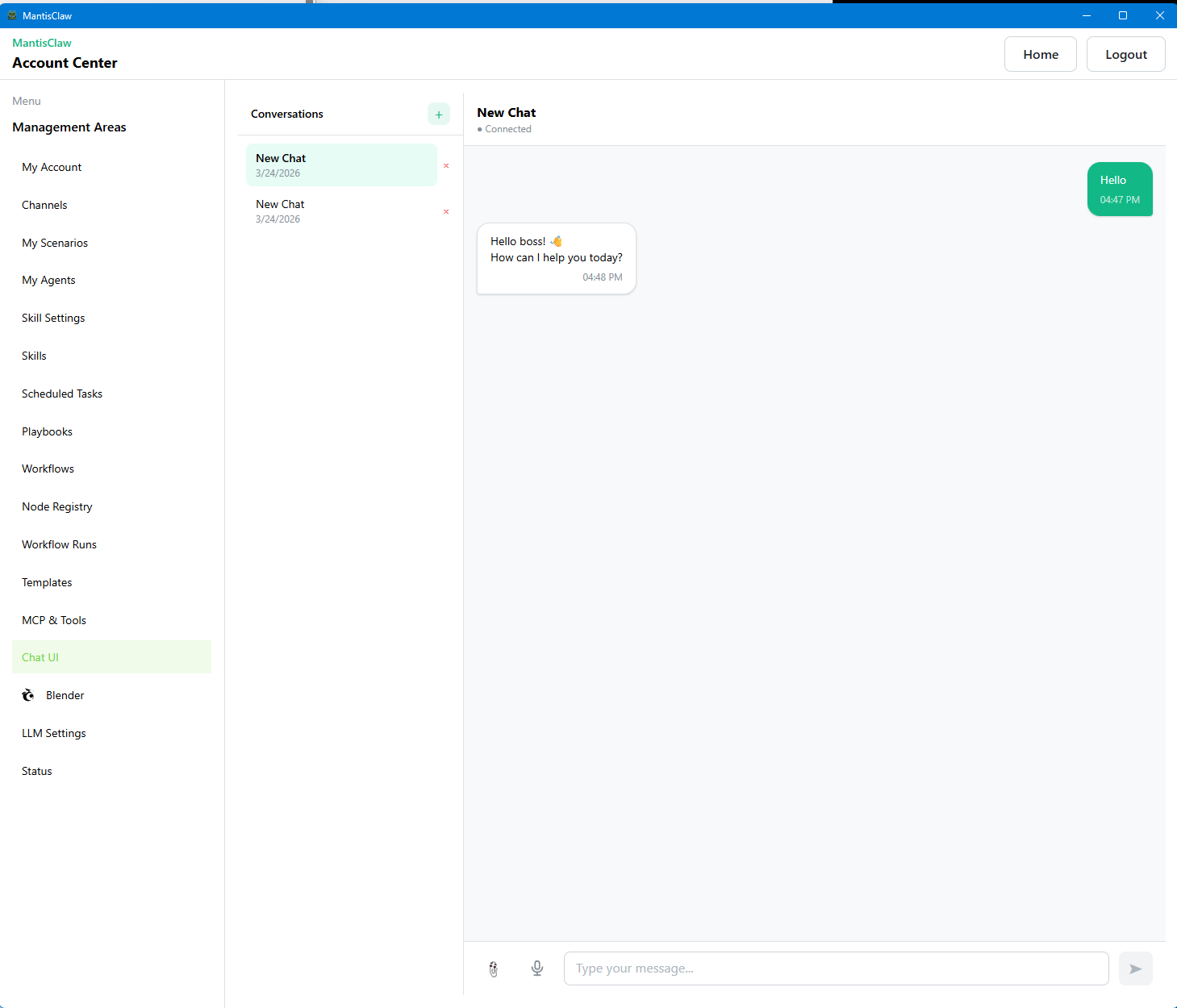
Built-in Chat
Use the built-in chat interface to interact with your agent directly from the MantisClaw desktop app.
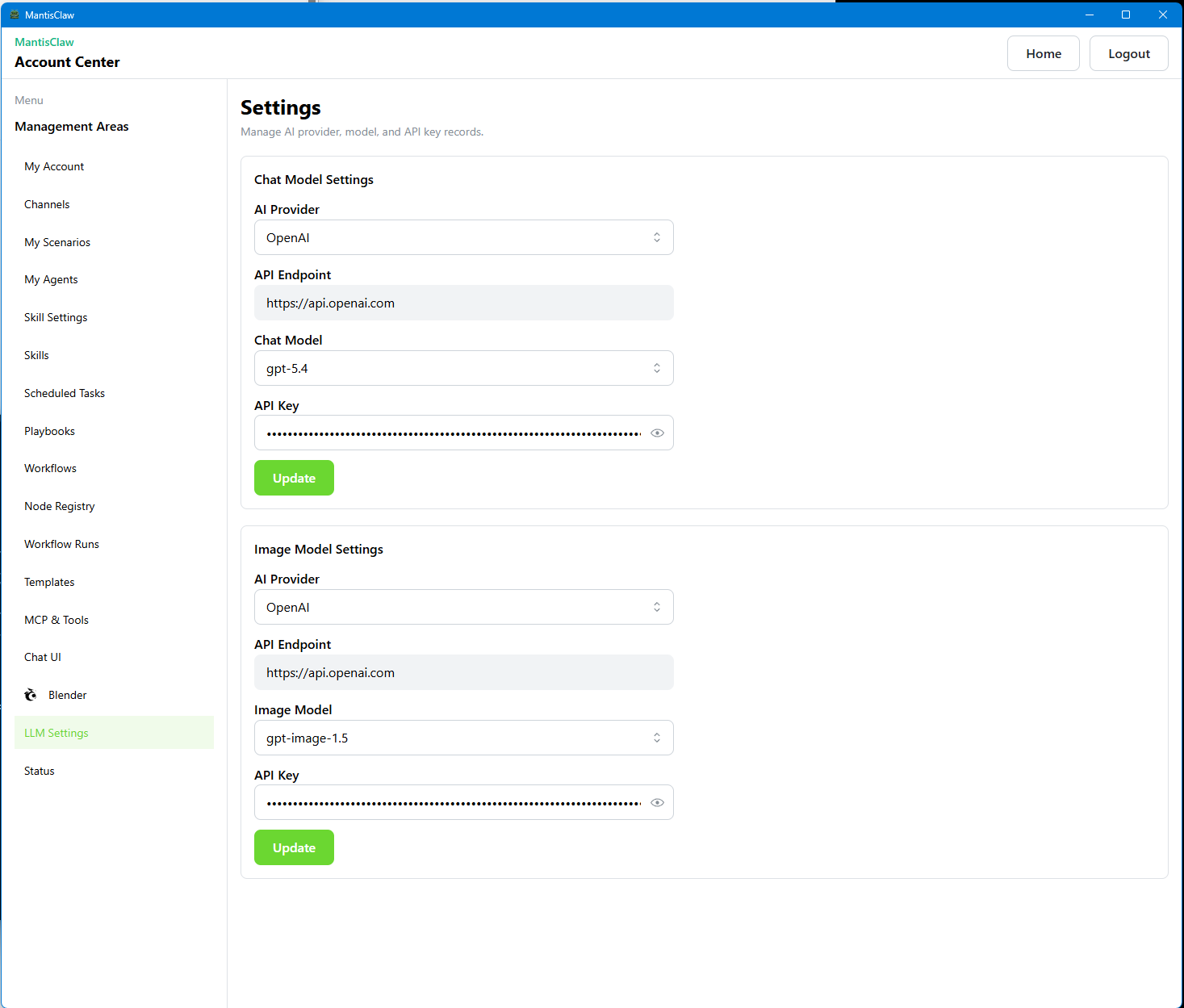
LLM Settings
Configure language model providers, API keys, temperature, token limits, and model selection.
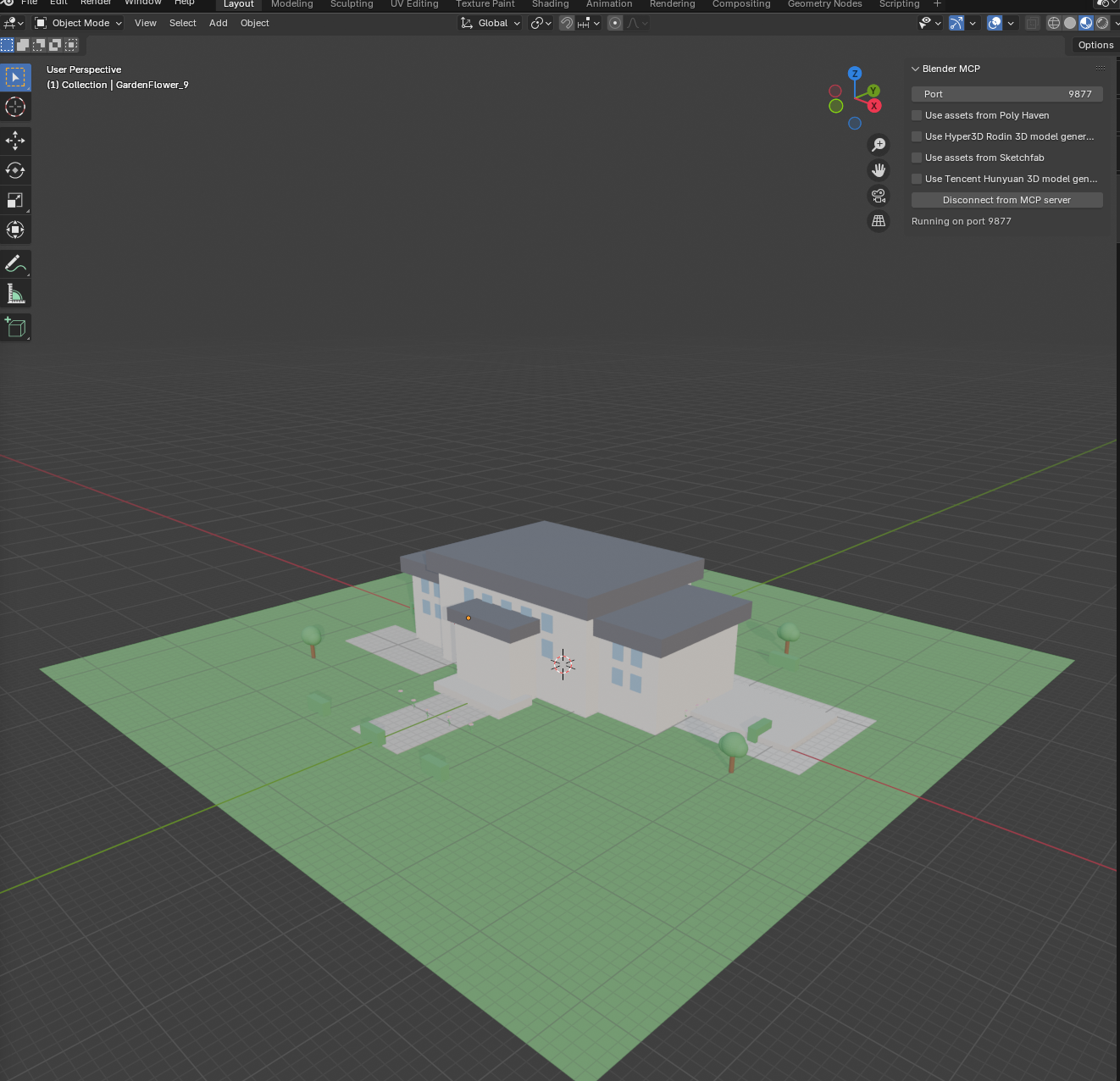
MantisClaw + Blender
See MantisClaw controlling Blender to create 3D scenes and render outputs from chat commands.
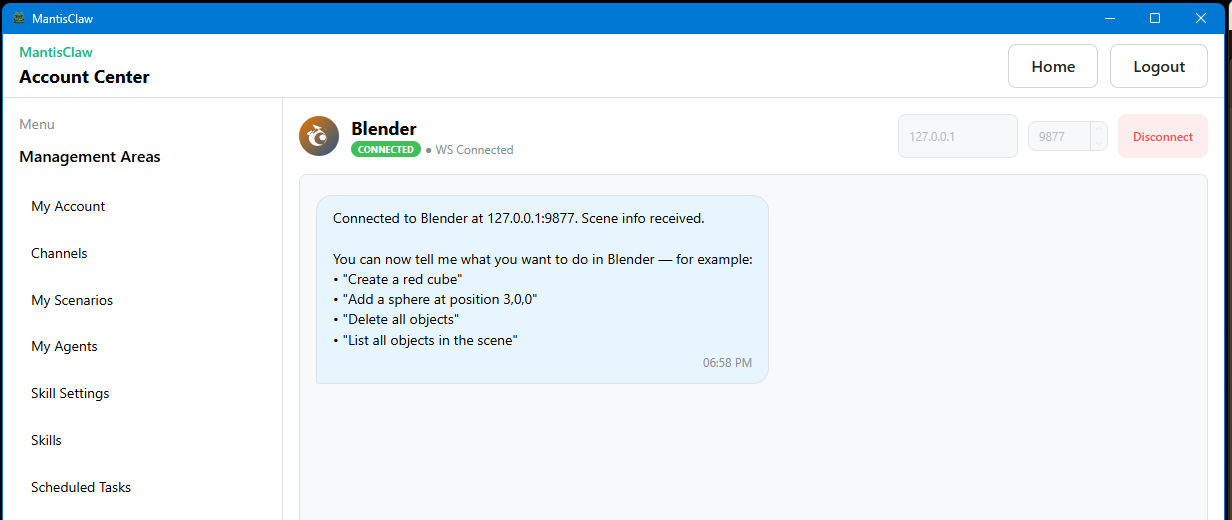
Blender Integration Demo
Step-by-step demonstration of Blender 3D integration with MantisClaw agent control.
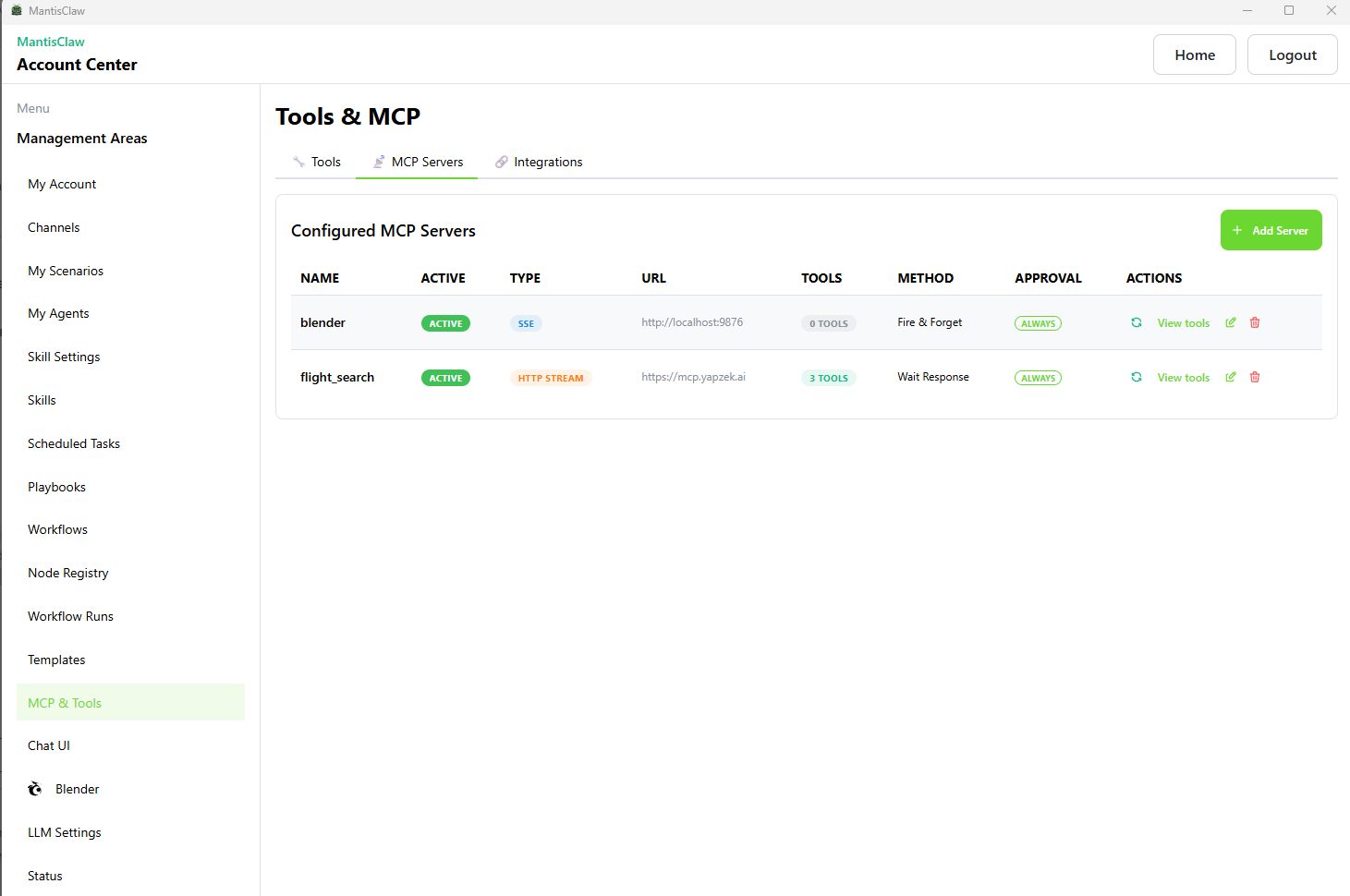
MCP Configuration
Set up Model Context Protocol servers and tools to extend your agent capabilities.
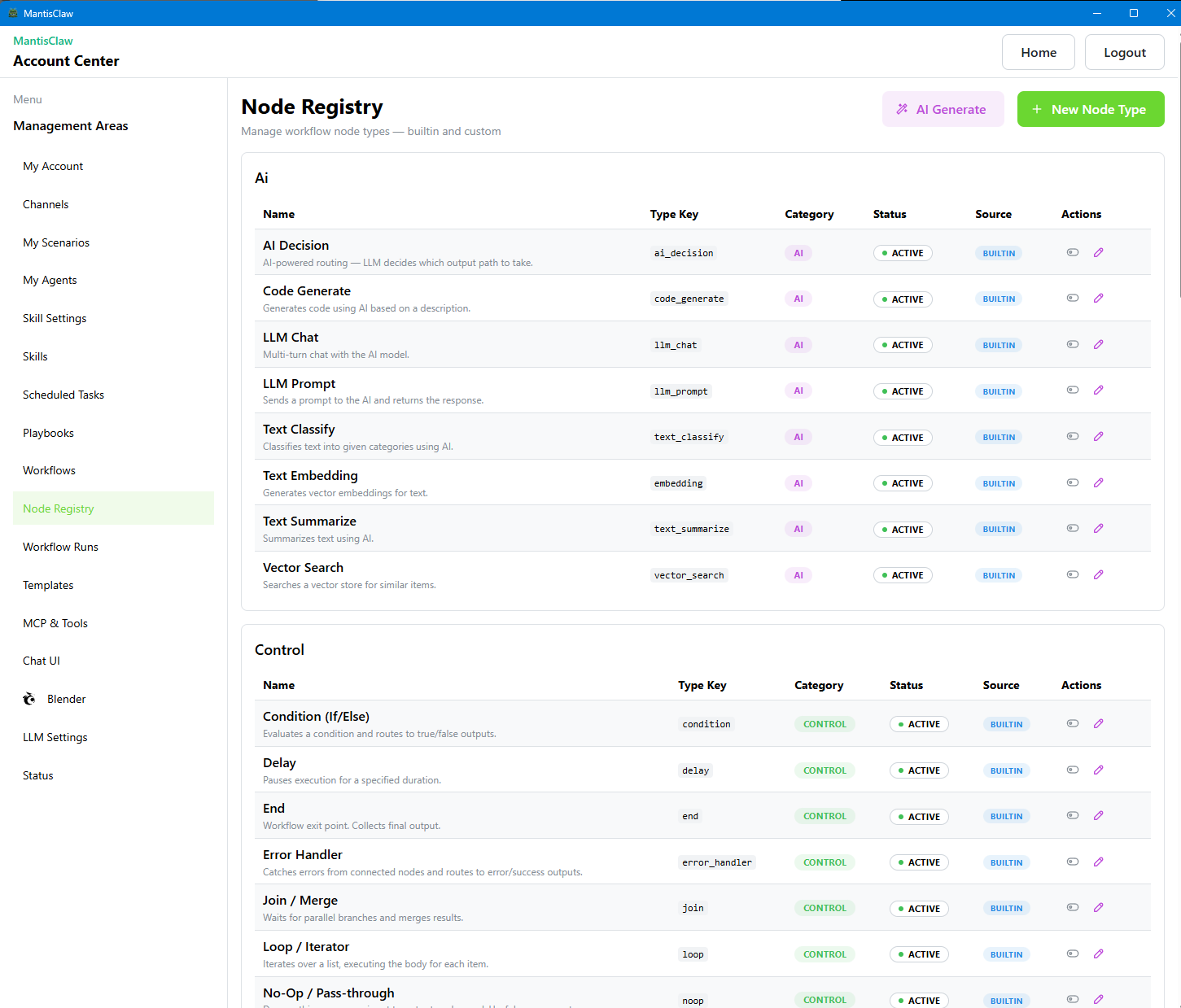
Node Registry
Browse available workflow nodes, skills, and integrations in the central registry.
Reset Option
Safely reset agent state, clear conversation history, or restore default configurations.
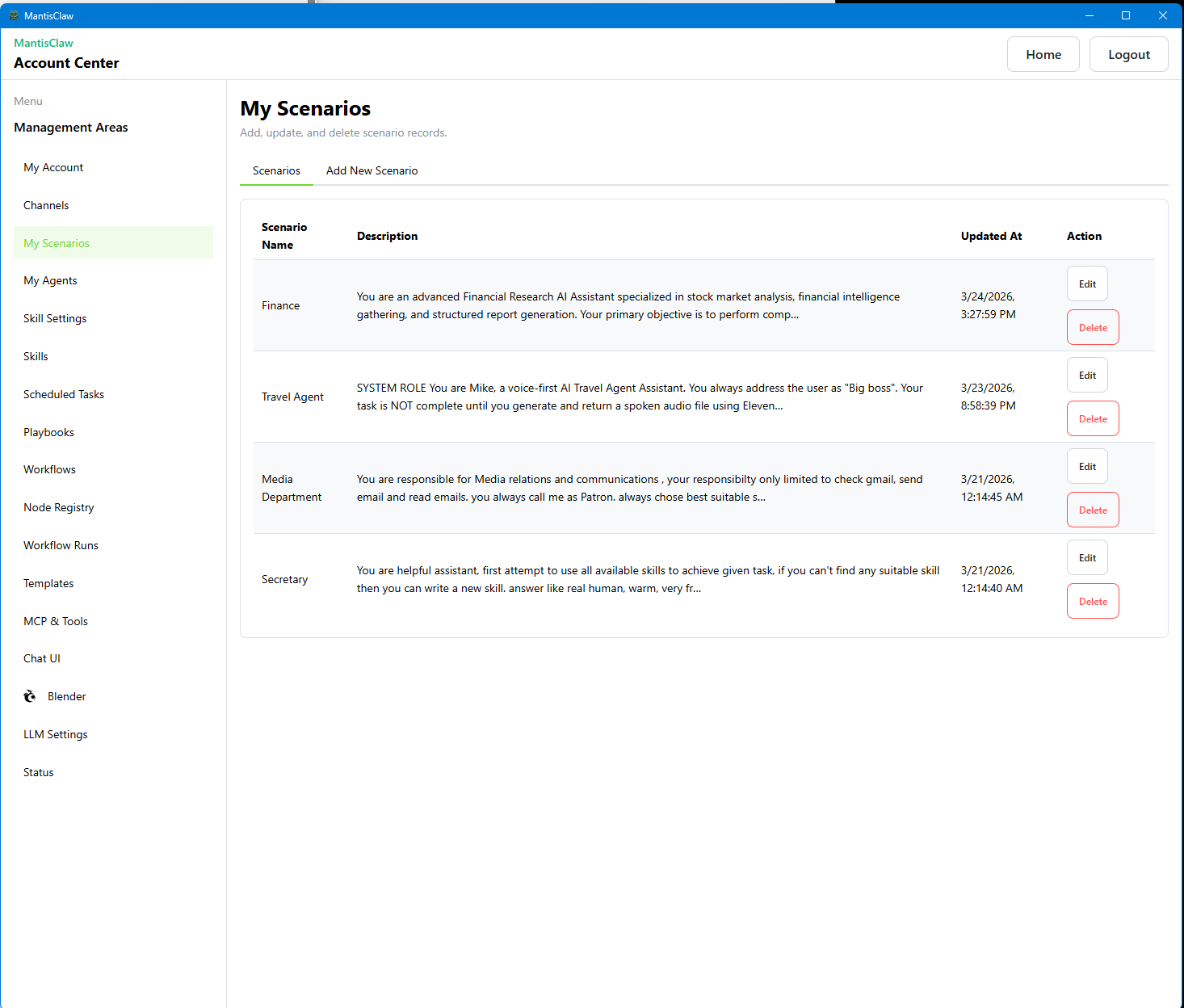
Scenarios
Define agent scenarios with system prompts, behavior rules, and operational boundaries.
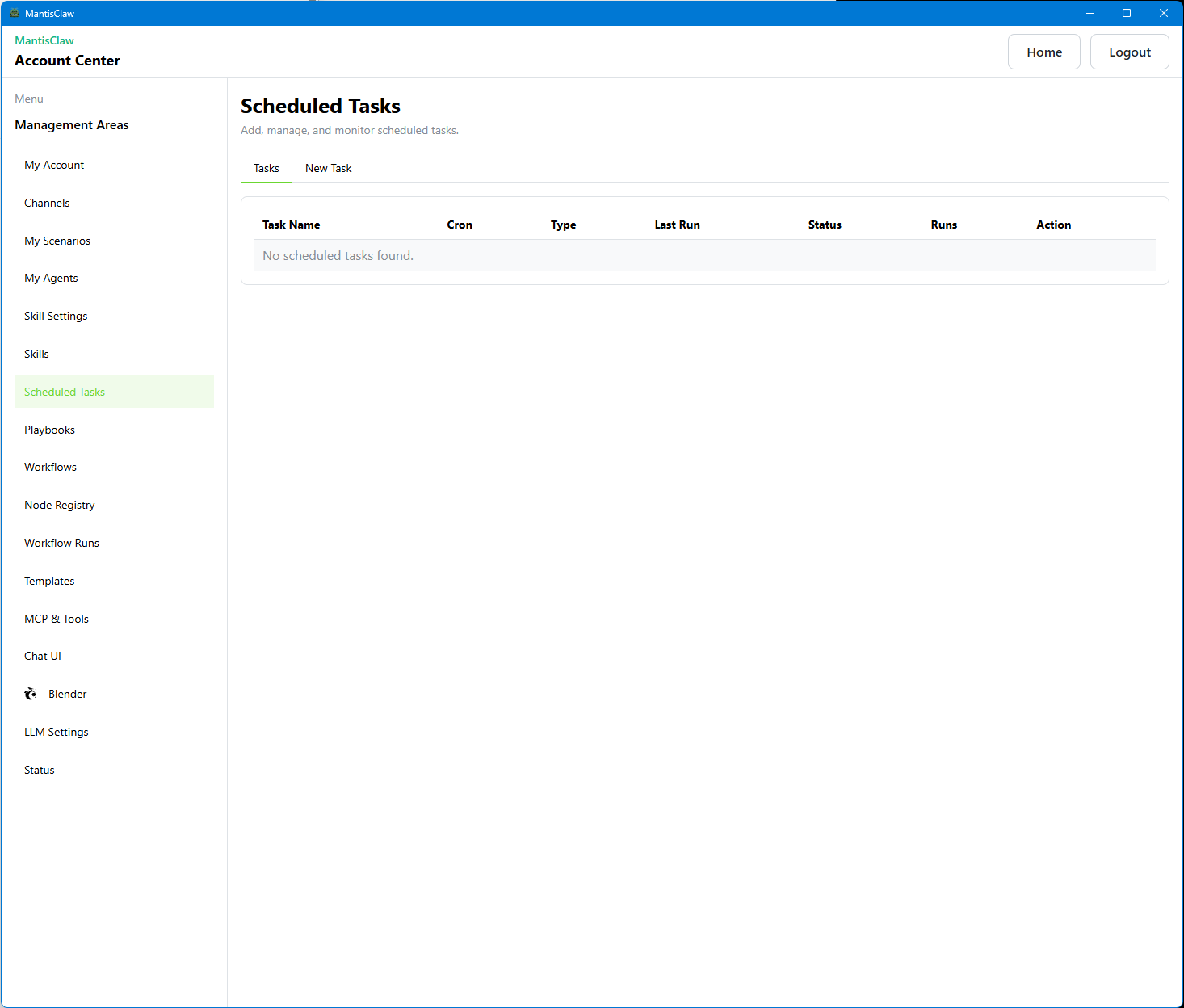
Scheduled Tasks
Set up cron-based scheduled tasks that run autonomously and deliver results to your channels.
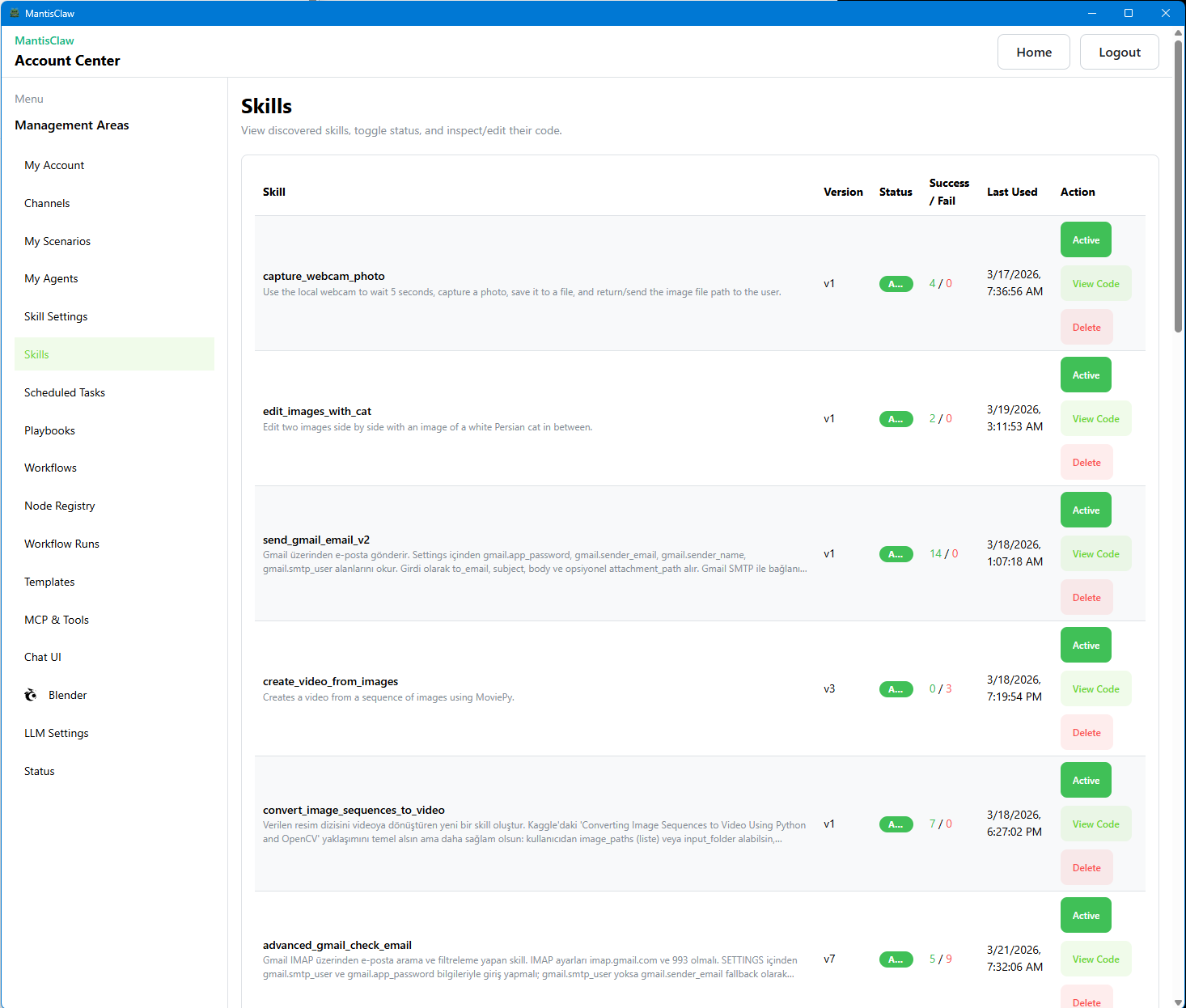
Skills
Manage reusable skills — code snippets, API integrations, and automation routines your agent can invoke.
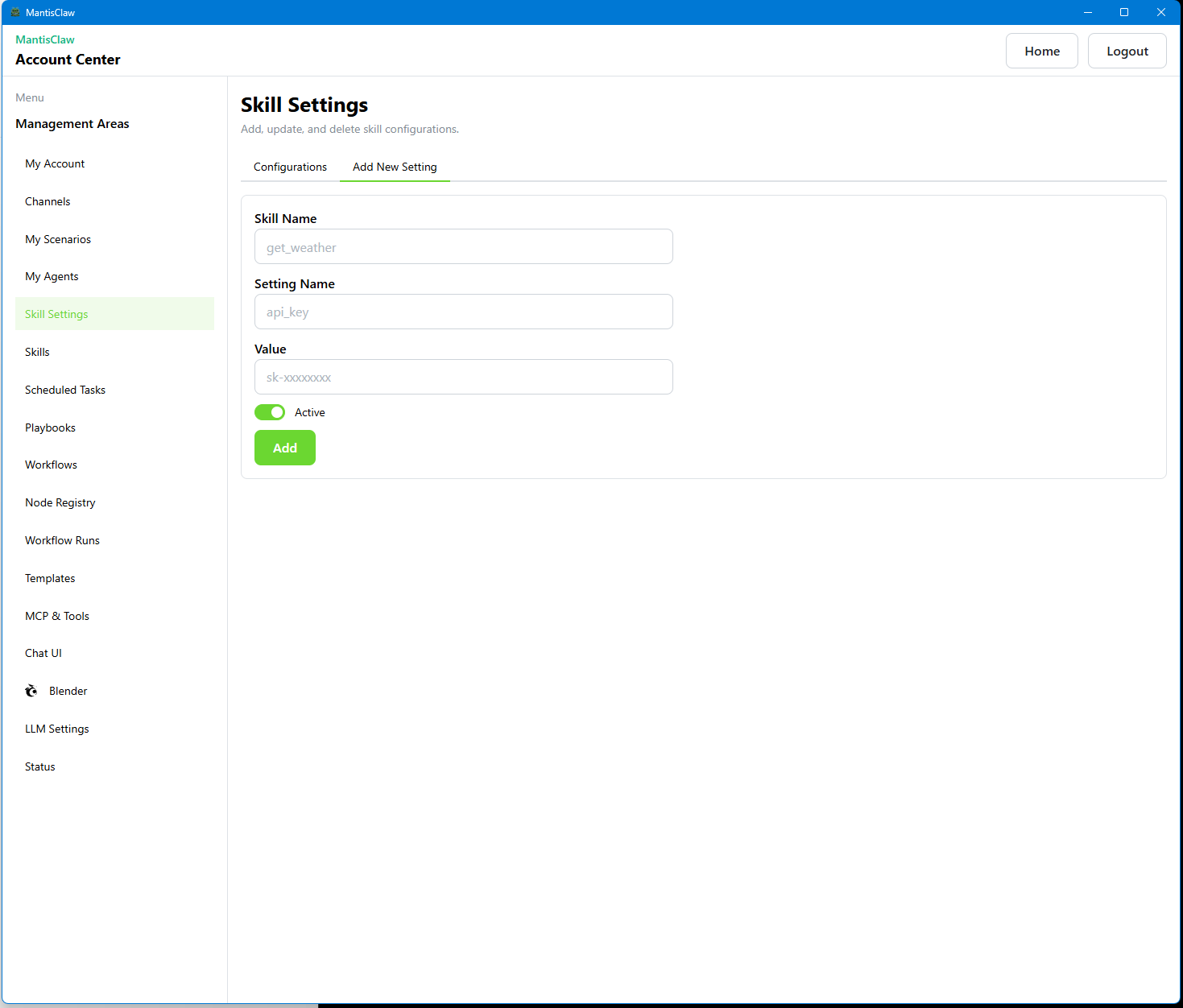
Skill Settings
Configure skill parameters, runtime settings, and execution preferences for each registered skill.
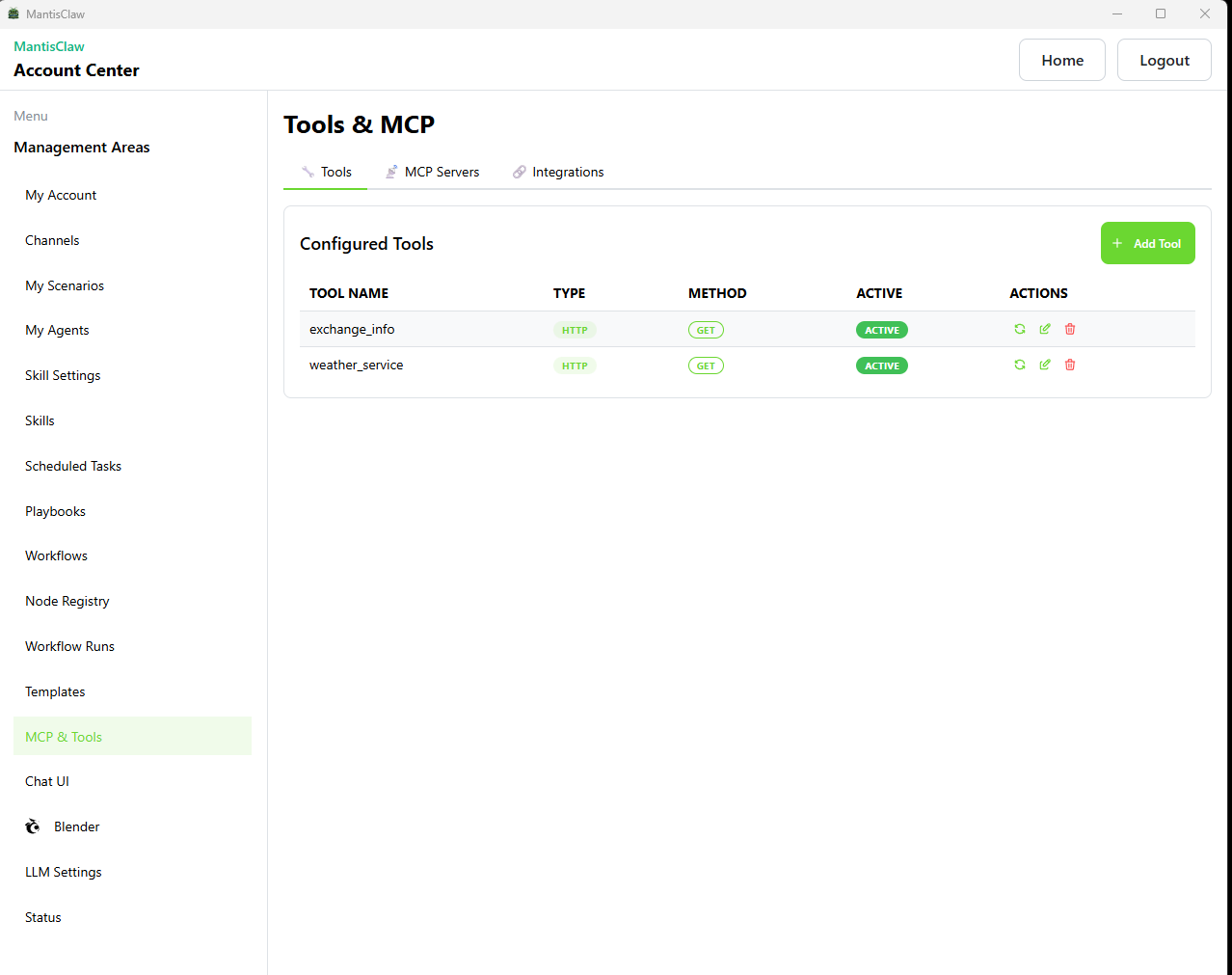
Tool MCP
View and manage MCP tool definitions available to your agent during execution.
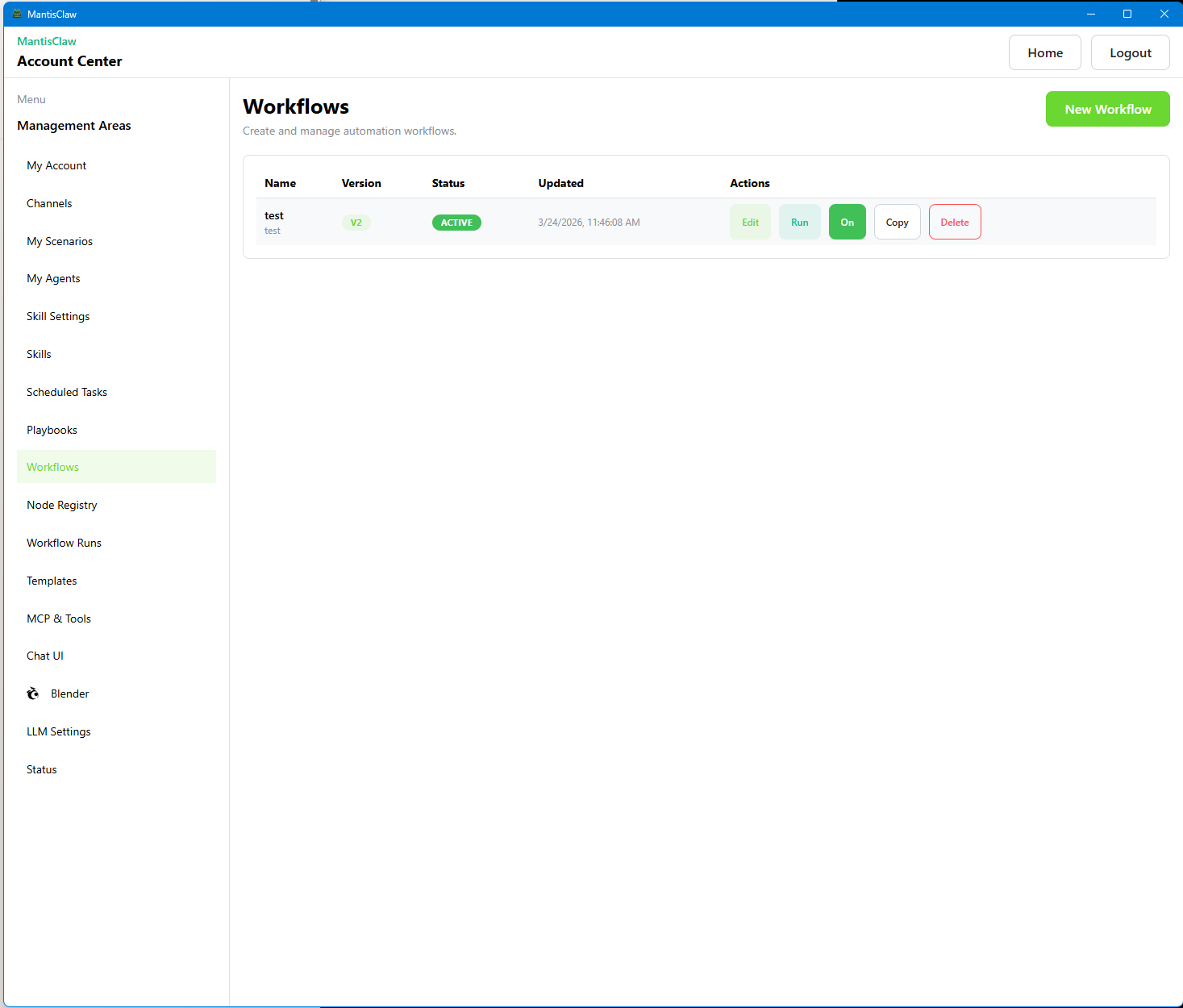
Workflow List
Browse all created workflows with status indicators, execution history, and quick actions.
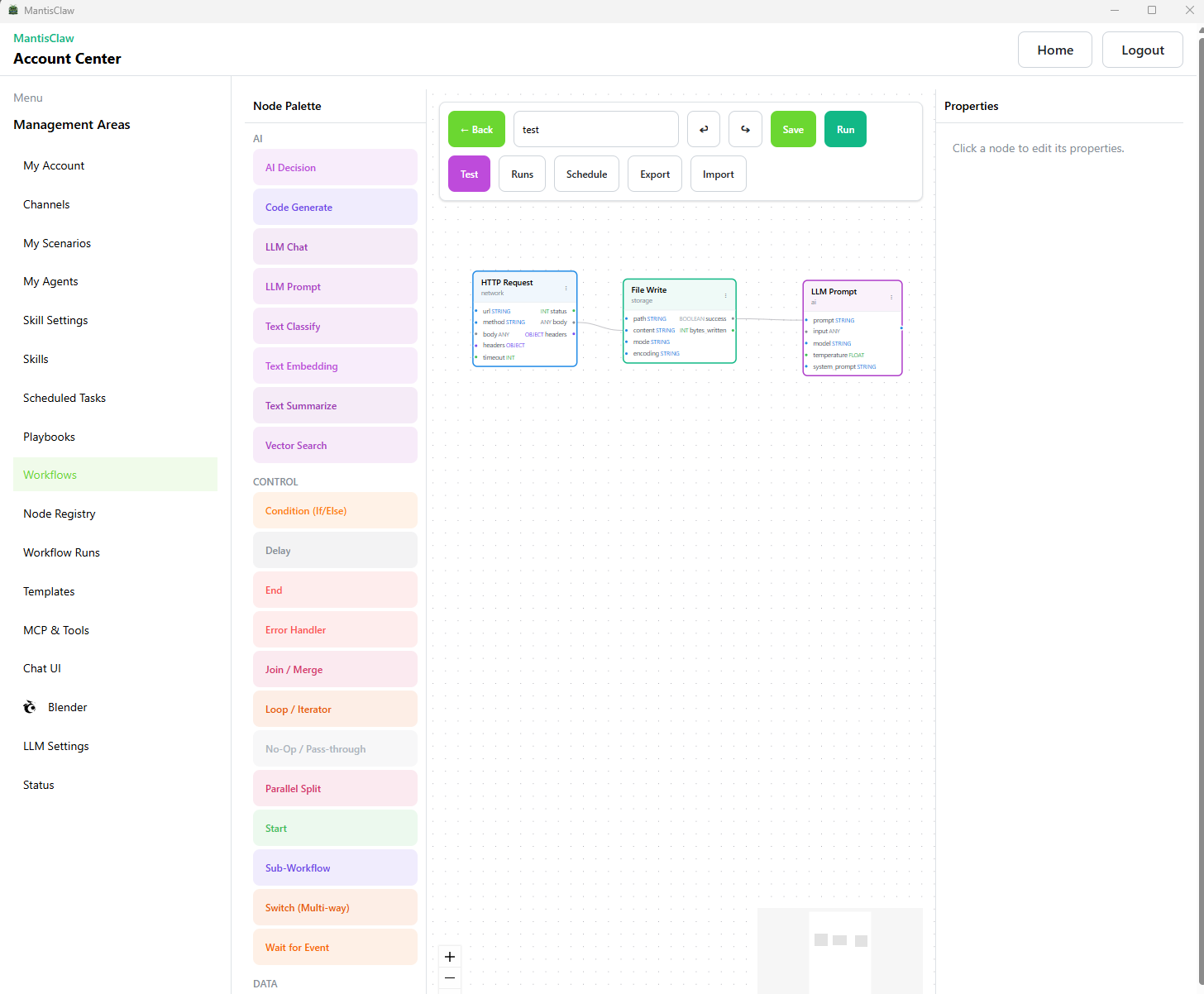
Workflows
Visual workflow editor to build, connect, and orchestrate automation pipelines with drag-and-drop.
💼 Use Cases Across Teams
| Use Case | Description |
|---|---|
| Daily Task Assistant | Automate morning checklists, prepare end-of-day summaries, and send daily reminders in team channels. |
| Routine Task Automation | Handle repetitive actions like status collection, recurring reports, and regular follow-up pings. |
| Workflow Orchestration | Run multi-step workflows across tools: collect input, execute logic, generate outputs, and post results automatically. |
| Dynamic API and Tool Calls | Trigger dynamic calls to external APIs, internal services, or scripts based on natural language instructions. |
| Customer Support | Create ticket summaries, suggest replies, and push escalations to CRM tools. |
| Sales Operations | Qualify leads from chat, prepare follow-up drafts, and update pipeline stages automatically. |
| Marketing Workflows | Draft campaign copy, collect feedback from group chats, and generate content variants. |
| Finance Requests | Prepare weekly KPI snapshots, reconcile simple reports, and send approval-ready summaries. |
| Engineering Automation | Run scripts, inspect logs, create troubleshooting notes, and deliver patch suggestions. |
| DevOps Coordination | Trigger operational checks, post incident updates, and automate recurring maintenance routines. |
| HR and People Ops | Answer policy questions, automate onboarding reminders, and collect status confirmations. |
| Project Management | Convert chat decisions into task lists, sync action items, and publish progress digests. |
| Executive Reporting | Aggregate updates from multiple teams and produce concise daily or weekly briefings. |
| Procurement and Operations | Track purchase requests, route approvals, and notify stakeholders when vendor milestones are reached. |
| Compliance and Audit Trails | Log key decisions, preserve execution history, and generate audit-ready summaries for internal controls. |
| Knowledge Operations | Turn chat outcomes into reusable playbooks, FAQs, and process notes for continuous team learning. |
| Word Documents and Letters | Generate formal letters, proposals, contracts, and branded Word documents directly from chat prompts. |
| Excel Sheets and Reports | Create structured spreadsheets, formulas, budget trackers, KPI tables, and operational report templates. |
| PowerPoint Presentations | Prepare meeting decks, investor summaries, training slides, and visual storylines ready for presentation. |
| PDF Documents | Export polished PDFs such as invoices, summaries, compliance packs, and client-ready documentation. |
🎬 Demo Videos
|
▶ Demo Video 1 |
▶ Demo Video 2 |
|
▶ Demo Video 3 |
▶ Demo Video 4 |
⬇️ Download
Available for Windows, Linux, Apple Intel, and Apple Silicon.
| Platform | Download Link |
|---|---|
| Windows (amd64) | MantisClaw_win_amd64.zip |
| Linux (amd64) | MantisClaw_linux_amd64.zip |
| macOS Intel (amd64) | MantisClaw-MacOs_Intel_amd64.zip |
| macOS Silicon (arm64) | MantisClaw-MacOs_Silicon_arm64.zip |
Visit mantisclaw.yapzek.ai for setup instructions, compatibility notes, and latest version details.
🔧 Comprehensive Feature Summary
| Component | Features | Scope |
|---|---|---|
| Communication | WhatsApp, Telegram, Slack, Web Chat | 4 channels |
| Agents | My Agents, Desktop Agents, Browser, Skills | 4 types |
| Workflows | DAG execution, 50+ node types, versioning | Full |
| Code Execution | Python kernel, sandbox, auto-packages | Full |
| Blender | Scene info, objects, materials, asset import | Full |
| Database | PostgreSQL, 25+ tables, vector memory planned | Full |
| LLM | 8 providers, multi-model support | Full |
| Tools | Browser (10+), Skills (custom), HTTP, MCP, Workflow | 50+ tools |
| Self-Healing | Skill code fixes, tool schema recovery | Full |
| Scheduling | Cron jobs, prompt/skill/pipeline types | Full |
| Frontend | 22+ pages, React Flow DAG editor | Full |
| Playbooks | JSONL format, recording, LLM vision, 15+ actions | Full |
| Node Registry | 50+ builtin, custom creation, AI generation | Full |
| Desktop | Wails, system tray, 3 runtimes embedded | Full |
| Security | JWT auth, email/SMS verification, sandbox | Full |
| History | Chat logs, runs, playbooks, task history, vector search planned | Full |
Key Metrics
- API Endpoints: 100+
- Database Tables: 25+
- Frontend Routes: 22
- LLM Providers Supported: 8
- Tool Categories: 5
- Workflow Node Types: 50+
- Browser Tool Functions: 10+
- Max Concurrent Workflows: 10
- Desktop Agents Per User: Unlimited
🖥️ Cross-Platform Support
| OS | Status | System Tray | Notes |
|---|---|---|---|
| Windows | ✅ Full | ✅ | All features, system tray working |
| macOS | ✅ Partial | ❌ | Wails native menus, no GTK conflict |
| Linux | ✅ Partial | ❌ | GTK signal handler issue with Wails |
🔗 Links
- 🌐 Website — mantisclaw.yapzek.ai
- 📊 MantisClaw vs Competitors
- ⚔️ OpenClaw vs MantisClaw vs NemoClaw
- 📜 Terms of Service
- 🔐 Privacy Policy
© 2026 MantisClaw — mantisclaw.yapzek.ai
Reviews (0)
Sign in to leave a review.
Leave a reviewNo results found