deepseek-harness-desktop
Health Warn
- License — License: MIT
- Description — Repository has a description
- Active repo — Last push 0 days ago
- Low visibility — Only 5 GitHub stars
Code Pass
- Code scan — Scanned 12 files during light audit, no dangerous patterns found
Permissions Pass
- Permissions — No dangerous permissions requested
No AI report is available for this listing yet.
A native macOS desktop experience for DeepSeek Harness — multimodal generation, community plugin discovery, safe updates, and bilingual docs.

DeepSeek Harness Desktop
English | 中文
A desktop agent workspace for coding, tools, media generation, and safe research or writing tasks from a paired Telegram account.



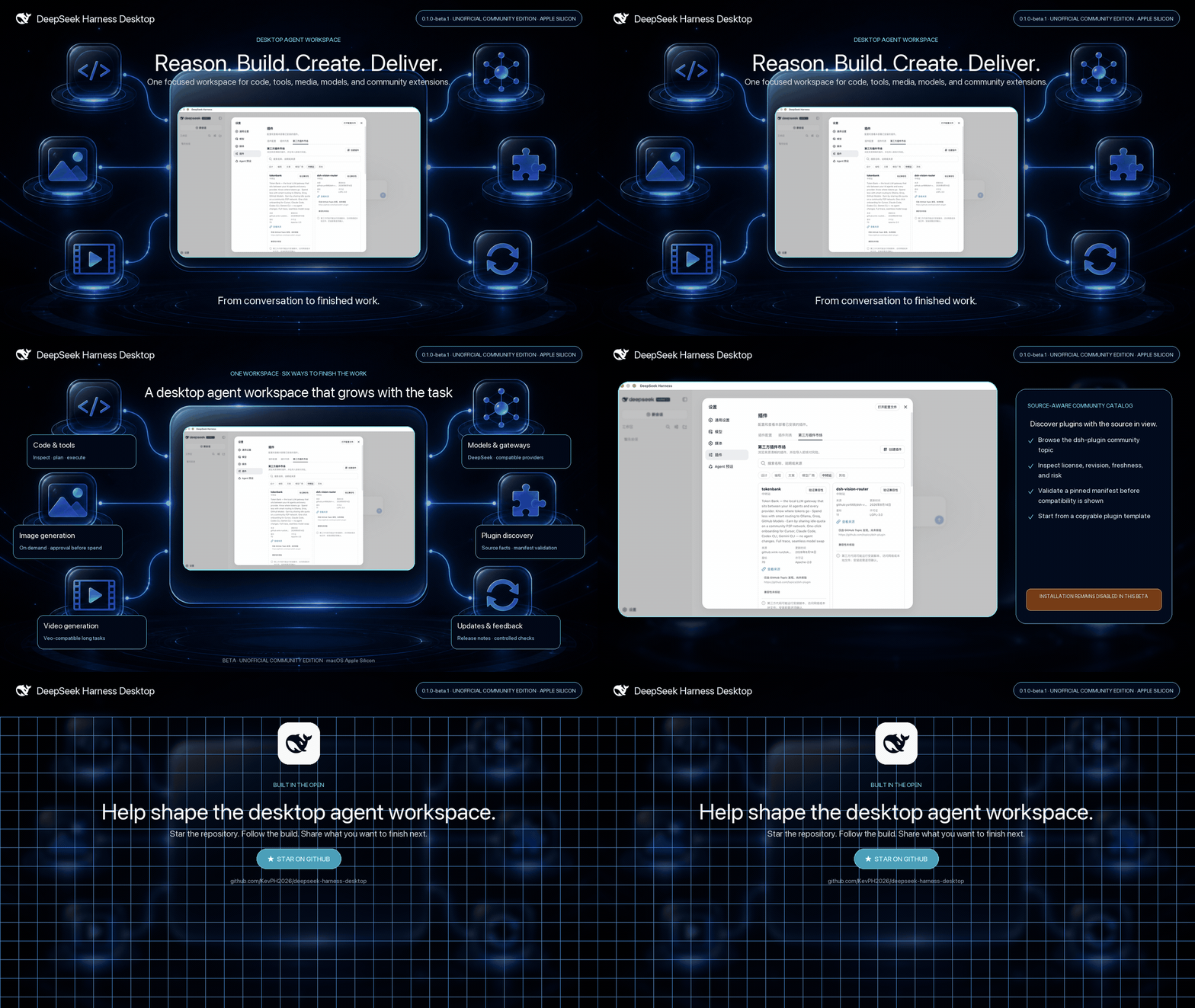
[!TIP]
🌐 Product site: deepseeklab.org — feature tour, skins showcase, and the WeChat community group (QR code below).
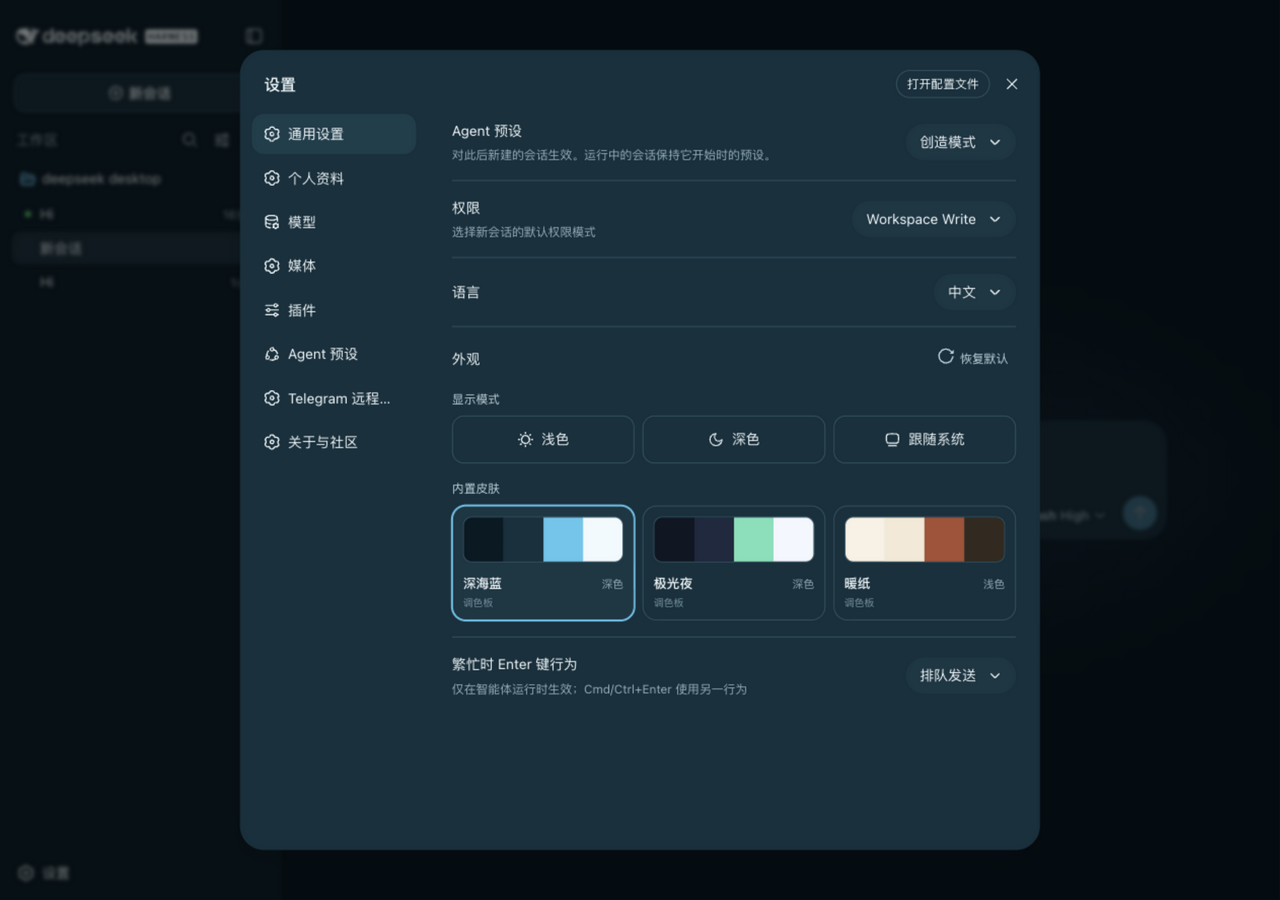 |
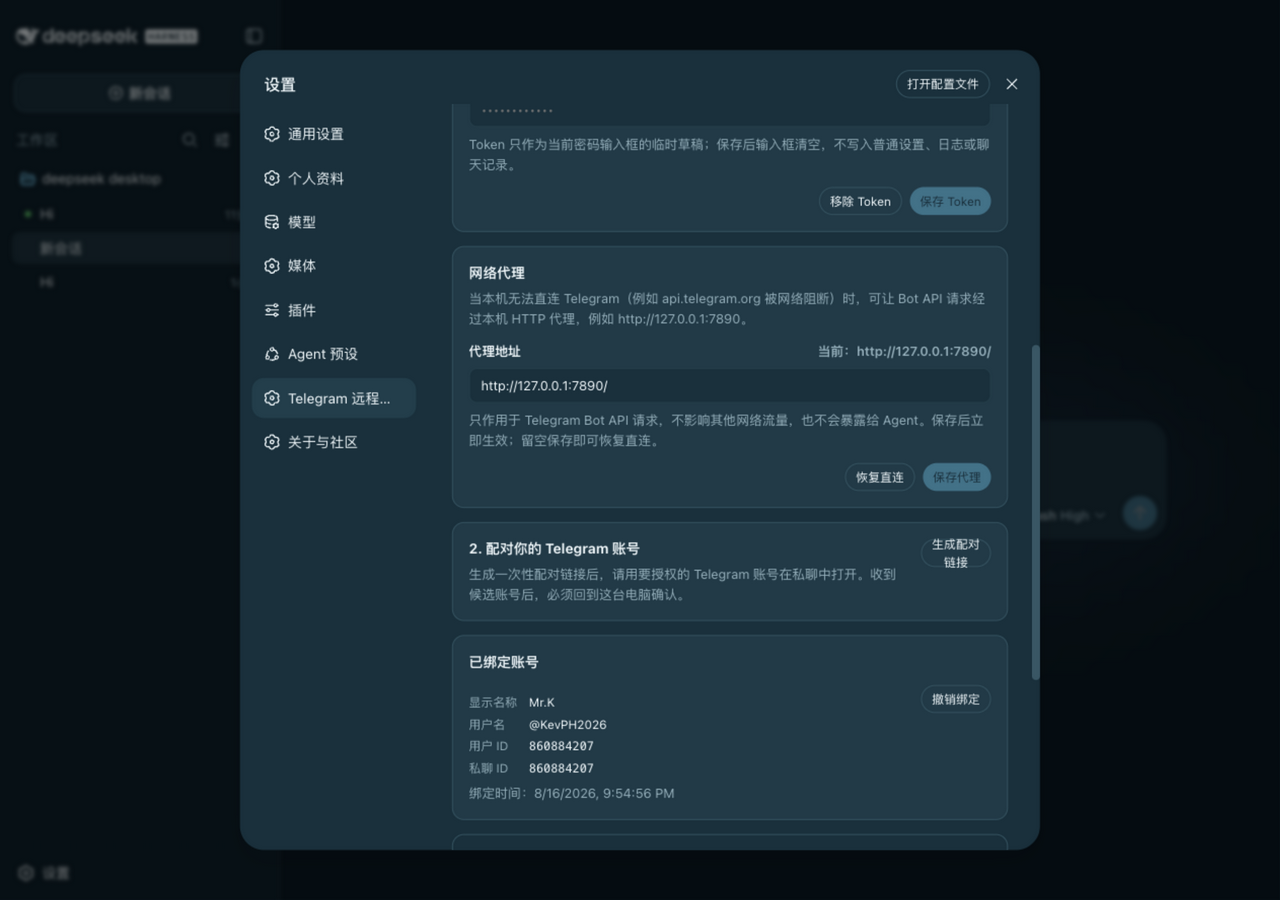 |
[!IMPORTANT]
DeepSeek Harness Desktop is an unofficial community edition maintained by @KevPH2026. It is based on the open-source DeepSeek Harness project and is not an official DeepSeek desktop product or endorsement.
One workspace, more ways to finish the job
DeepSeek Harness already provides a capable plugin-based agent harness. This community edition brings it into a supervised macOS desktop app and adds the product surfaces that make it easier to use every day: configurable image and video generation, a paired Telegram control channel, a source-aware community plugin catalog with on-demand manifest validation, release-aware updates, version notes, and a direct feedback path.
| What you can do | How the desktop edition helps |
|---|---|
| Build and change software | Give the agent a workspace, let it inspect files, run tools, plan changes, and keep sessions together. |
| Create visual deliverables | Configure image and video providers once; the agent can request the right media tool when the deliverable genuinely needs it. |
| Continue research and writing from your phone | Pair one private Telegram account on the desktop, send a text task while the Mac stays online, and receive the safe Agent's final response in the same chat. |
| Extend for your workflow | Discover community plugins by scenario, inspect trust signals, and validate one selected repository at a time; installation remains disabled in the source beta. |
| Connect your model stack | Use DeepSeek and supported compatible providers or gateways without coupling the desktop shell to one inference backend. |
| Stay current | Read release notes in the app, check signed GitHub Releases, and choose when to download and install an update. |
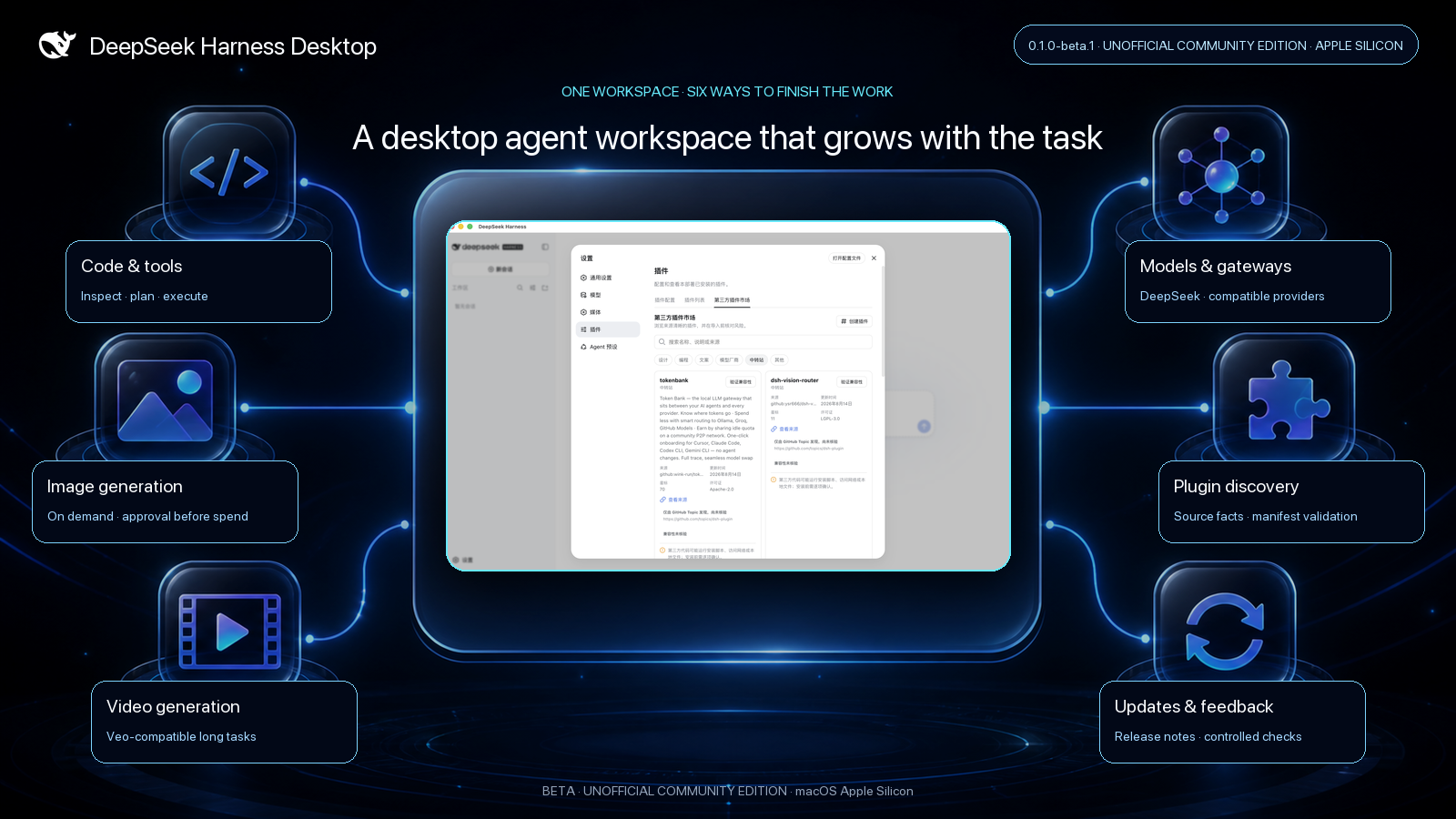
Highlights
Native desktop workflow
- A focused Electron shell around the complete Harness Web workspace.
- One supervised Harness process on a random
127.0.0.1port, with bounded process-tree shutdown on Quit. - Hardened renderer defaults: Node integration off, context isolation on, Chromium sandbox on, and navigation locked to the active local origin.
- Desktop-owned data directory, application logs, native menus, About information, release notes, update checks, and feedback links.
Smart image and video generation
generate_imagethrough an OpenAI Images-compatible provider, withgpt-image-2as the initial model default.generate_videothrough a Google Veo-compatible provider, withveo-3.1-generate-previewas the initial model default.- Media tools are disabled until configured and use approval-before-spend by default.
- The agent chooses media tools only when they improve the requested deliverable; ordinary coding and writing tasks stay text-first.
- Generated artifacts render as first-class result cards and remain available in the session.
Telegram phone control
- Connect a dedicated Telegram Bot, generate a ten-minute single-use link, and approve the exact Telegram user and private-chat IDs on the desktop.
- Send ordinary text to start or continue an Agent session; use
/new,/sessions,/use,/status,/stop, and/helpfor explicit control. - Every accepted message is durably recorded and deduplicated before Telegram advances its update offset. The final Agent response returns to the bound chat.
- Finished replies wait in a durable outbox: temporary delivery failures retry with backoff without rerunning the task, while changing the Bot or exceeding three message parts permanently ends that delivery. A crash after Telegram accepts a message but before the local marker is saved can repeat one message.
- The Mac stays on
127.0.0.1: Telegram uses outbound long polling and never turns the Harness Web API into a public server. - Phone tasks use the dedicated
telegram-safeAgent preset: plain-text reasoning andweb_searchonly. Local files, Shell, code execution, credentials, settings, approvals, paid media tools, subagents, workflows, and raw RPC are unavailable. - A monotonic execution guard enforces that capability boundary even if another Host plugin later registers a new tool. Telegram cannot change the preset or permission.
One-click curated community pack
- The marketplace ships a curated, one-click bundle from dsh-web-ui by @linxin666 (Apache-2.0): git graph, the right-side file/change panel, skin center with extra skins, image understanding, the liangshen preset, and the whale pet.
- Installed through the official profile mechanism after an explicit risk acknowledgement; removable with one click. SSH ops, the task board, the community-plugin center, mobile remote, and live token estimation are deliberately excluded, and arbitrary marketplace installation remains fail-closed.
Clickable usage panel
- The composer stats strip expands into a full usage panel: uncached input, cache-read, cache-write, output, billed input, total tokens, cache-hit rate, context occupancy, and speed metrics — all from durable provider-reported accounting, never estimates.
Community plugin marketplace
- Discovers repositories from the
dsh-plugintopic and only labels a selected item compatible after its pinned manifest and patch target validate; compatibility does not enable installation. - Organizes plugins for design, programming, writing, model providers, gateways, and other workflows.
- Accepts GitHub, npm, or local-path source drafts and shows the risks those sources would carry; the beta does not execute imports. A guided create-and-publish path is available.
- Shows source, license, revision, freshness, validation, and risk information while installation remains disabled. Topic membership alone is never treated as proof of compatibility or trust.
Provider offers, without fake sponsorship claims
- A provider area can list public free tiers or trial offers only when eligibility, terms, source URL, and verification date are present.
- Community partners and ordinary provider offers are labeled separately.
- No provider is presented as a sponsor or partner without an actual verified relationship.
Get started
Install a signed release
Signed and notarized Apple Silicon builds will appear on the Releases page. The app checks that release channel, never arbitrary repository commits, and asks before downloading or installing an update.
Run from source
Prerequisites: macOS on Apple Silicon, Node.js ^22.19.0 || >=24.0.0, pnpm, and a model provider API key.
git clone https://github.com/KevPH2026/deepseek-harness-desktop.git
cd deepseek-harness-desktop
pnpm install
npm run desktop:dev
Create a local unsigned verification build:
npm run desktop:pack:mac
See the desktop build and security guide before distributing an app bundle.
Trust and cost boundaries
- Plugins execute code. When installation is enabled in a future build, installing a Git source may run a package build outside the agent sandbox. Review the source, pin a commit, and approve build scripts only for code you trust. The current source beta keeps marketplace installation disabled.
- Loopback is local, not secret. The first desktop transport trusts other native processes running as the same logged-in user. Do not combine a sensitive session with untrusted local software.
- Media calls may cost money. The default approval policy asks before generation. Provider prices, eligibility, and rate limits remain the provider's responsibility.
- Telegram Bot chats are not end-to-end encrypted. Telegram can process messages sent to the Bot, and every accepted task may consume model or search quota. Use a dedicated Bot, never send passwords or API keys, and keep the Mac running in the tray while you expect remote tasks. While the channel is disabled, messages do not run. If Telegram reports queued updates, the client stays disabled and does not read, acknowledge, or clear them; wait up to 24 hours for Telegram to expire them, or revoke the binding, remove the token, and pair a new dedicated Bot.
- Only signed releases auto-update. Local unsigned builds can check for updates but fail safely instead of bypassing macOS trust protections.
Product documentation
- Product introduction and documentation site
- Web workspace quickstart
- Model provider configuration
- Plugin development and publishing
- Desktop build, lifecycle, and security
Feedback and community
🌐 Product site with the full feature tour: deepseeklab.org
💬 WeChat community group (scan to join, new releases and tips land here first):

Found a bug or have a feature request? Open a feedback issue.
Building a Harness plugin? Add the
dsh-plugintopic and follow the plugin publishing guide.Want to list a provider offer or discuss a real partnership? Use the dedicated provider application template after the repository launches.
Upstream Harness questions and contributions belong in the DeepSeek Harness repository.
Project status
The desktop edition is in beta and the upstream Harness remains in developer preview. Compatibility-breaking changes are possible. The initial packaged target is macOS on Apple Silicon; other platforms need separate packaging and runtime verification before they are advertised as supported.
Attribution and license
The curated community pack integrates dsh-web-ui by @zhu1090093659 (@linxin666), Apache-2.0 — deep thanks to the author for the outstanding plugin collection.
DeepSeek Harness retains its original Copyright (c) 2026 DeepSeek notice. The desktop wrapper and community additions are maintained by @KevPH2026 under the upstream MIT License. Bundled dependency licenses are listed in Third-Party Notices.
If this project helps you turn more agent runs into finished work, star the repository, share what you build, and help shape the community plugin ecosystem.
Reviews (0)
Sign in to leave a review.
Leave a reviewNo results found