nightaudit
Health Gecti
- License — License: MIT
- Description — Repository has a description
- Active repo — Last push 0 days ago
- Community trust — 30 GitHub stars
Code Gecti
- Code scan — Scanned 12 files during light audit, no dangerous patterns found
Permissions Gecti
- Permissions — No dangerous permissions requested
Bu listing icin henuz AI raporu yok.
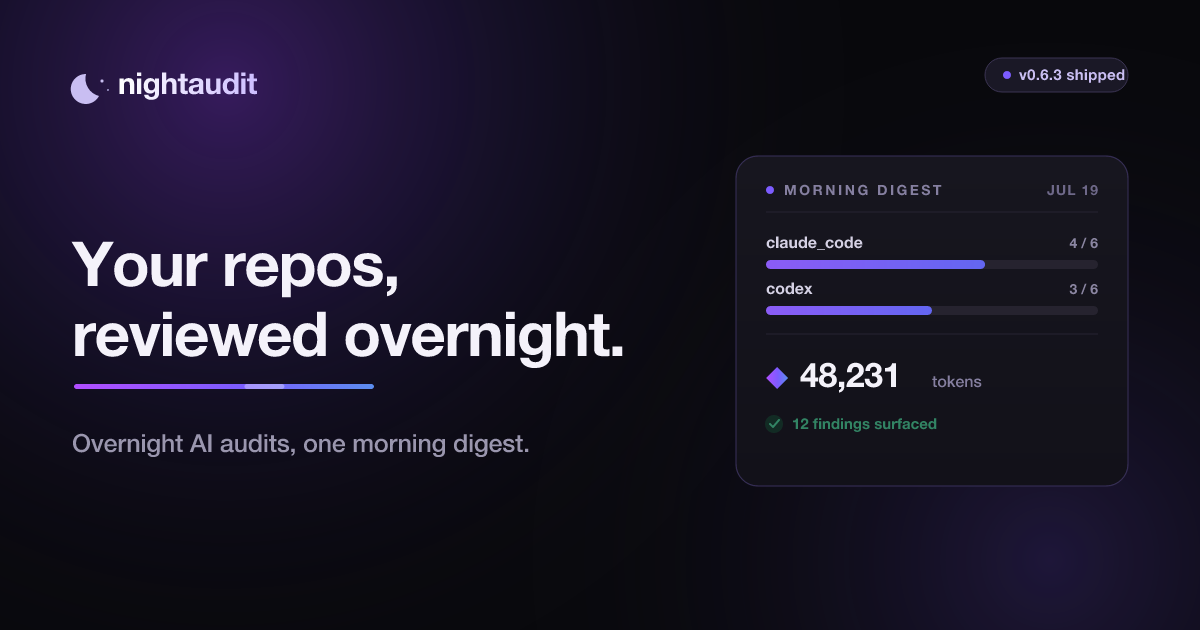
Your AI works the night shift — read-only reviews of your projects while you're busy, one digest every morning.
nightaudit
An audit doesn't change the books.
Put your idle Claude Code or Codex subscription to work — read-only reviews of
your projects while you're busy, one digest every morning.


What this is
You already pay for Claude Code or ChatGPT. That subscription sits idle most of
the day, and definitely all night. nightaudit spends that idle time reviewing
the projects you point it at, and leaves the results in one Markdown file you
read with your coffee.
Either CLI works — Claude Code or Codex, whichever you have. Have both and it
uses both, each with its own budget.
It never edits your code. It has no daemon and no server — cron calls it, it
decides whether to run, and it goes back to sleep. Everything it knows lives in
two directories you can delete at any time.
That's the whole tool. Everything below is how to start; the
docs are the detail.
Features
- Read-only, and not on the honour system. Enforced by the AI CLI's own
permission layer — an allowlist Claude Code applies, or the kernel sandbox
Codex runs under. A bug in the model cannot touch the disk. - Uses the subscription you already pay for. No API key. It drives the same
claudeorcodexyou use by hand, on your own plan. - Budget-aware. Hard caps per day and per week, per provider, counted in a
ledger it keeps itself. - Stays out of your way. It only runs inside the hours you choose, and only
once you've been away from the CLI long enough. - Multi-project. Add repos one path at a time, or point
--discoverat a
folder and it finds every git repo under it. A round-robin queue means a noisy
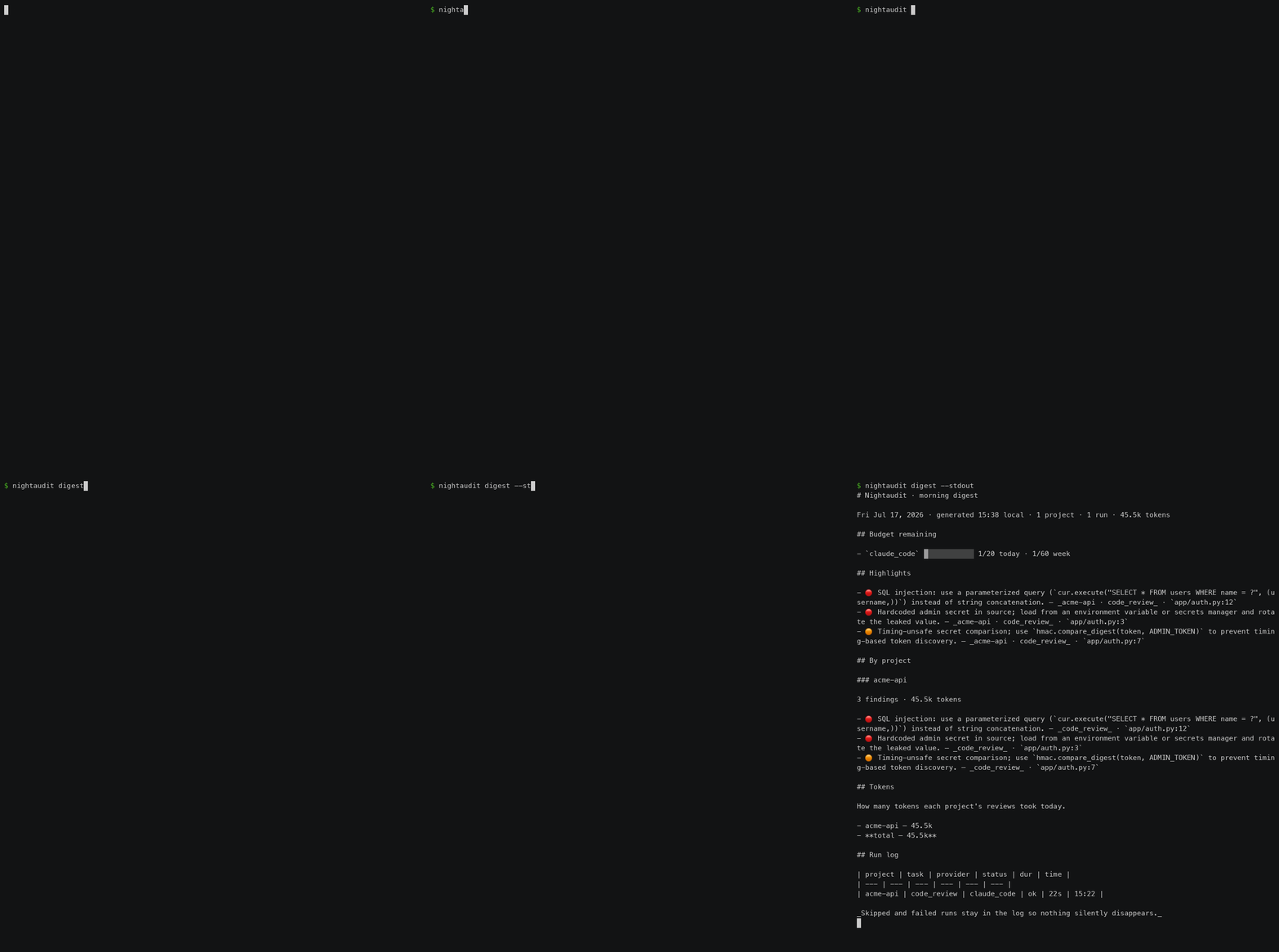
repo can't starve the rest. - One digest a morning. Every finding ranked by severity with a
file:line,
in a single Markdown file — with how many tokens each project's reviews took. - No daemon, no server. Cron calls it, it decides whether to run, it exits.
Everything it knows lives in two directories you can delete.
Installation
pipx install nightshift-cli
nightaudit --version
That is not a typo: the tool is nightaudit everywhere except the install line.
It was published as nightshift-cli before the rename, and PyPI has no way to
rename a project without stranding everyone on the old one. You type it once.
Full guide, including upgrading from 0.3.0: Installation.
Getting Started
nightaudit init                 # find your CLIs, pick projects and hours, write cron
nightaudit init --discover ~/code   # or scan a folder and pick from what it finds
nightaudit run --now            # don't wait until tonight
nightaudit status               # budget, next window, what's up next
init asks for a project path and gives everything else a working default —
or type scan <folder> at the prompt (or pass --discover) to add every git
repo under a folder from a checklist. Then cron takes over: it runs in the hours
you chose, once you've been away long enough, until the budget says stop.
Full guide: Quick Start · Scheduling
Everything else
| Read-only | How "0 files touched" is enforced rather than promised |
| Configuration | Every knob in config.yaml |
| Tasks | The five that ship, and writing your own |
| Checks | Your own commands, run as you |
| Budget | Caps per day and per week |
| The digest | What lands in the morning |
| CLI reference | Every command |
| Providers | Claude Code, Codex, and why Copilot is a stub |
| Troubleshooting | It said "nothing to do", and other normal things |
Development
python -m venv .venv && .venv/bin/pip install -e ".[dev]"
.venv/bin/pytest
The test suite spends zero quota: the scheduler, budget, queue, and digest are
covered against a FakeAdapter, and the Claude Code adapter is tested with a
mocked subprocess. No test ever shells out to a real AI CLI.
The images on this page are generated from real captured output — see
docs/RECORDING.md if you change what the CLI prints.
License
MIT
Yorumlar (0)
Yorum birakmak icin giris yap.
Yorum birakSonuc bulunamadi