kition
Health Uyari
- License — License: AGPL-3.0
- Description — Repository has a description
- Active repo — Last push 0 days ago
- Low visibility — Only 5 GitHub stars
Code Basarisiz
- process.env — Environment variable access in .github/workflows/prepare-release.yml
- fs module — File system access in .github/workflows/prepare-release.yml
- fs.rmSync — Destructive file system operation in .github/workflows/publish-existing-release-artifacts.yml
- process.env — Environment variable access in .github/workflows/publish-existing-release-artifacts.yml
- fs.rmSync — Destructive file system operation in .github/workflows/publish-release.yml
- process.env — Environment variable access in .github/workflows/publish-release.yml
- fs module — File system access in .github/workflows/publish-release.yml
Permissions Gecti
- Permissions — No dangerous permissions requested
Bu listing icin henuz AI raporu yok.
Open-source desktop workspace for Markdown documents, Tables, AI agents, browser research, and visual workflows.
 Kition
Documents, Tables, Agents, and Workflows in one desktop workspace.
Write connected knowledge, build data tools, research in the browser, and automate repeatable work.




Download Kition
Website · Releases · Contributing · Support · Security
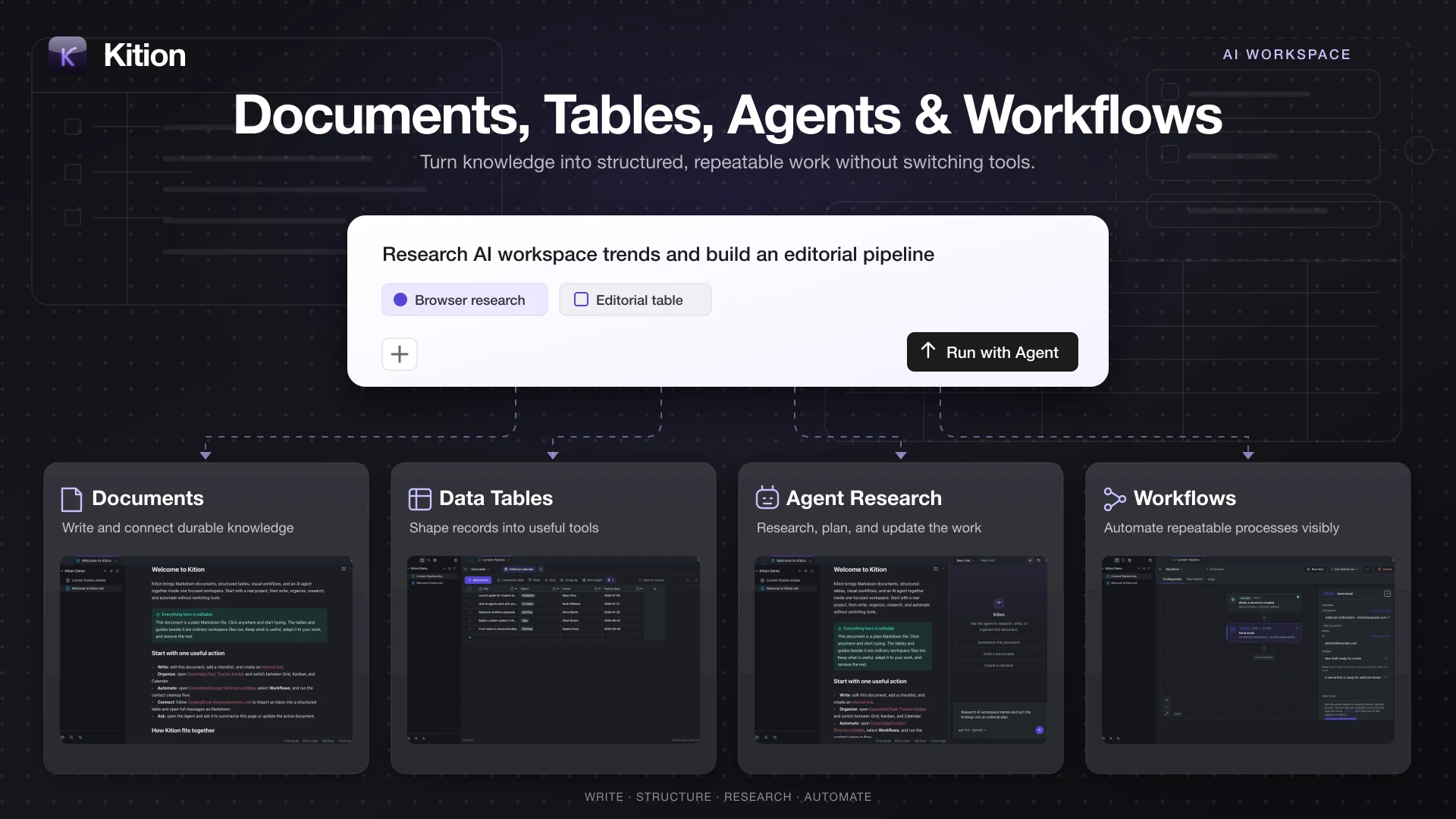
Kition brings Markdown documents, structured table files, a tool-using AI
agent, browser research, and visual workflows into one desktop workspace. It
is built for people who want to move from raw knowledge to organized,
repeatable work without handing context between disconnected tools.
Kition is currently in beta. Back up important workspaces and review agent
changes before relying on them in production workflows.
Why Kition
- Connected documents. Write Markdown with live preview, links, backlinks,
callouts, code, math, diagrams, daily notes, search, and export. - Structured data beside the knowledge. Turn research and content into
typed records, formulas, filters, groups, views, attachments, and AI fields. - An Agent that can act. Research in browser tabs, inspect documents and
table schemas, update content, and save useful output into the active project. - Visible automation. Assemble trigger-and-action workflows, test steps,
inspect run history, and resolve missing inputs before enabling a process.
Product Tour
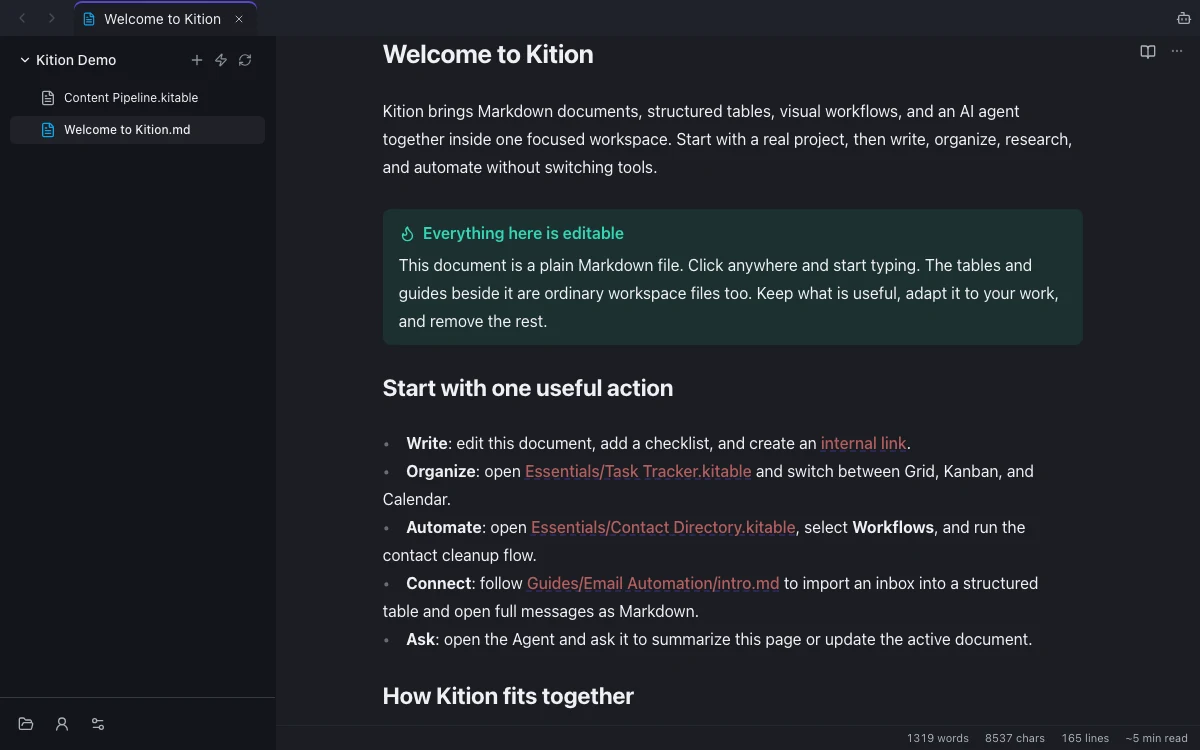
Write connected documentsWrite Markdown with live preview, internal links, backlinks, tags, outlines, |
|
|
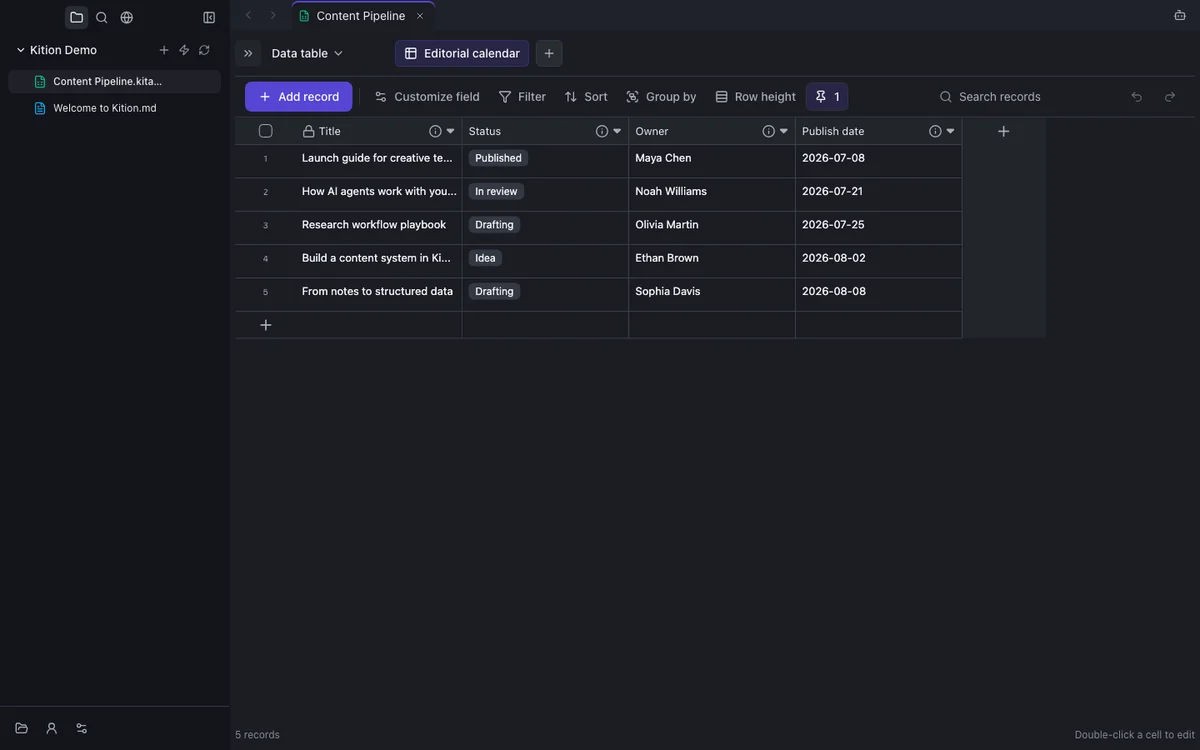
Turn data into useful toolsCreate structured table files with typed fields, attachments, formulas, filters, |
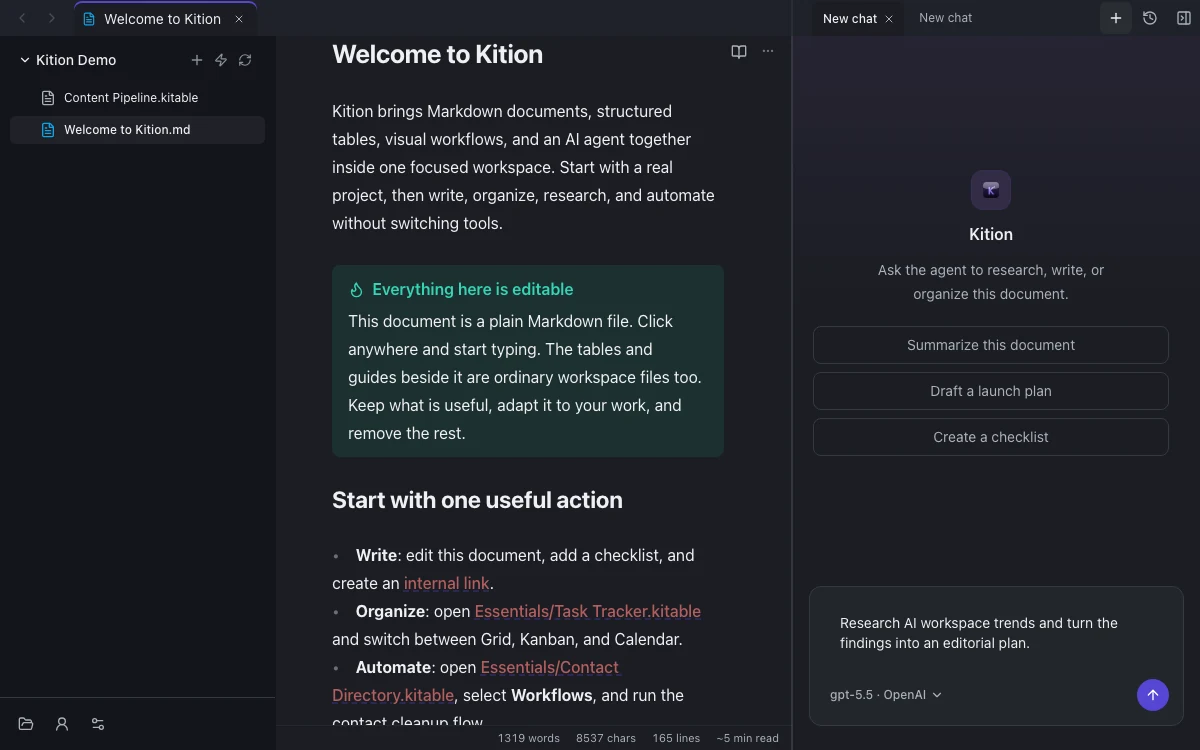
Give the agent real contextAsk the Kition agent to read and update documents, inspect table schemas, |
|
|
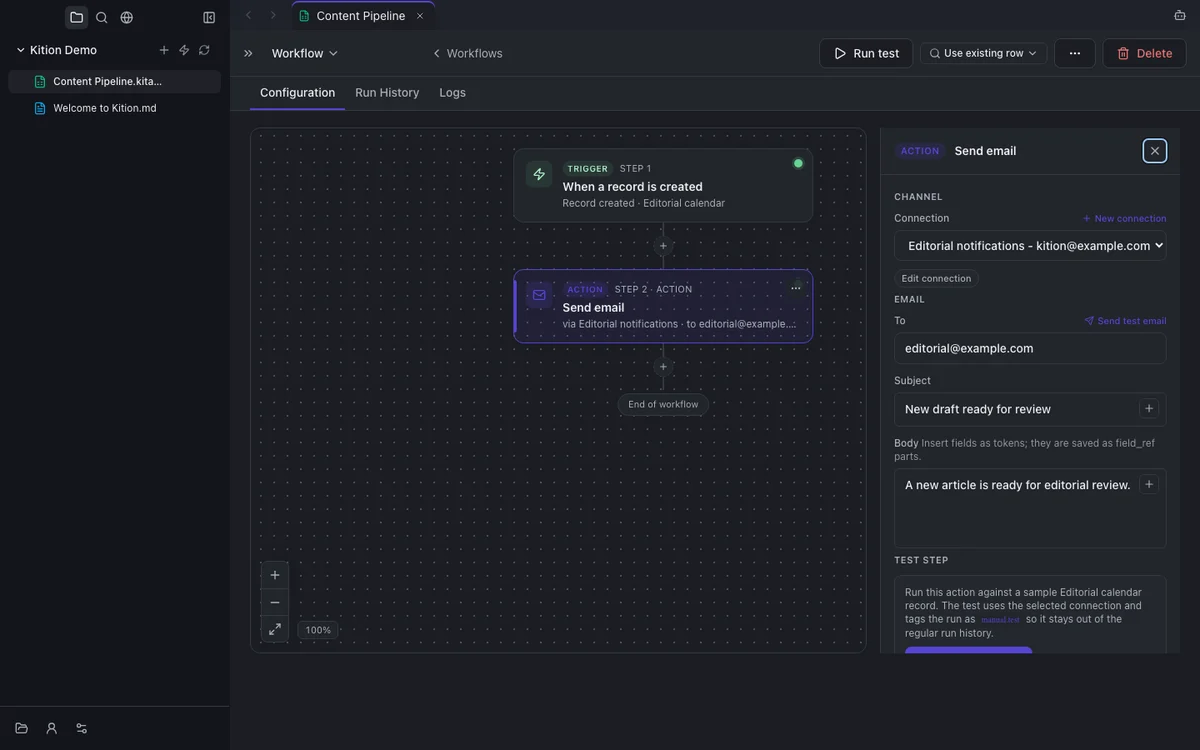
Automate repeatable workBuild trigger-and-action workflows on a visual canvas. Start from a template, |
Also included:
- AI-assisted table fields for generating text, structured values, and media
from record context. - Browser research tabs that stay inside the workspace and can be used by the
agent when a task needs live web context. - Email connections and inbox-to-table workflows. See
Email Connections. - Model, proxy, MCP, account, usage, update, and desktop integration settings.
- A seeded Getting Started workspace with practical document, table, and
workflow examples.
Install
Desktop builds are published through
GitHub Releases.
- macOS: download the latest
.dmg. - Windows: download the latest installer.
- Previous versions: browse the complete
release history.
Run From Source
Requirements:
- Node.js 22.19.0
- pnpm 10.33.0
pnpm install --frozen-lockfile
pnpm dev
pnpm dev verifies and caches the pinned released runtime outside the Git
worktree, then starts the Electron client.
For renderer, component, editor, and style work that does not require runtime
integration:
pnpm dev:web
The web preview runs without the private runtime and is the fastest path for
most client-side contributions. More options are documented in
Runtime development.
Open Source Boundary
This repository contains the public React and Electron client:
- document, table, Agent, browser, settings, email, scenario, and workflow UI;
- the Electron shell and desktop integration;
- public runtime contracts, mocks, fixtures, and black-box tests;
- packaging and unified release workflows.
The Kition runtime is maintained separately and its source is not included in
this repository. Released desktop builds pair the public client with a signed
runtime. Source checkouts communicate with it only through the public contracts
in contracts/runtime/.
There is no Go source, Go module, or runtime source-build fallback in this
repository.
Technology
| Area | Stack |
|---|---|
| Desktop | Electron |
| Interface | React, TypeScript, Vite |
| Documents | CodeMirror, Marked, Mermaid, KaTeX |
| Data and state | IndexedDB, Jotai, Zod |
| Testing | Vitest, Playwright |
Contributing
Issues and pull requests for the public client are welcome.
- Read CONTRIBUTING.md for setup, scope, and required checks.
- Follow the Kition Development Standard,
including the recommended Orca worktree workflow. - Keep changes inside the public client/runtime contract boundary.
- Report security-sensitive issues through
.github/SECURITY.md, not a public issue.
For product questions, account help, and private workspace concerns, see
.github/SUPPORT.md.
Repository Layout
.
├── .github/                 # Community health files and CI workflows
├── contracts/runtime/       # Public runtime schemas
├── docs/                    # Product, contributor, design, and runtime docs
├── e2e/                     # Playwright black-box tests
├── electron/                # Electron shell and runtime manager
├── public/                  # Static assets and onboarding files
├── scripts/                 # Repository checks and inspection entry points
├── src/                     # React application organized by feature domain
├── tooling/                 # Build, lint, and test configuration
└── package.json             # Development, test, and packaging commands
License
The Kition public client is licensed under the
GNU Affero General Public License v3.0 only.
The separately distributed Kition runtime is governed by its own license and
is not included in this repository.
Yorumlar (0)
Yorum birakmak icin giris yap.
Yorum birakSonuc bulunamadi