studyhub-local
Health Gecti
- License — License: MIT
- Description — Repository has a description
- Active repo — Last push 0 days ago
- Community trust — 10 GitHub stars
Code Uyari
- fs module — File system access in bin/ai_rendering_acceptance.py
Permissions Gecti
- Permissions — No dangerous permissions requested
Bu listing icin henuz AI raporu yok.
Local-first course material hub with source-grounded AI study tools.
StudyHub Local




Download
Download for macOS · Latest releases · Source code
| Version | Status | Mac | Minimum macOS | Signing |
|---|---|---|---|---|
| v0.3.0-beta.1 | Prerelease | Apple Silicon only | macOS 13 Ventura | Unsigned beta, not notarized |
The downloaded app includes its local backend. A normal user does not need Git, Node.js, Python, Rust, npm, or Terminal.
Install on macOS
- Open the GitHub release and download
StudyHub-Local-v0.3.0-beta.1-macos-arm64.dmg. - Open the DMG.
- Drag StudyHub Local to Applications.
- Try to open StudyHub Local normally.
- Because this beta is not Developer ID signed or notarized, macOS may block the first launch. Open System Settings -> Privacy & Security, find the StudyHub Local message, and choose Open Anyway. Apple documents this standard path in Open a Mac app from an unknown developer.
Do not disable Gatekeeper. Terminal is not required for installation or first launch.
StudyHub Local is an early-stage, local-first workspace for course files from any university. It organizes material by Course -> Week, supports local preview and search, keeps notes and study records, and can optionally answer questions with citations from your own indexed material.
Your original files remain in a folder you control. The app starts with a clean, empty workspace: no sample courses, teacher material, test database, extracted text, or API credentials are bundled into the production runtime.
v0.3.0-beta.1
- Clean first run: create a course or import a folder
- English and Simplified Chinese UI with system detection and a local preference
- Home, Courses, Search, Study, AI, and Settings product architecture
- Local AI conversation history, citations, notes, and teacher-question safeguards
- Public Apple Silicon DMG with a bundled backend and no end-user developer-tool requirement
- Strict production/test fixture separation
- Packaged privacy scanning and published SHA-256 checksum
This is an early unsigned beta. It is not Developer ID signed or notarized.
Screenshots
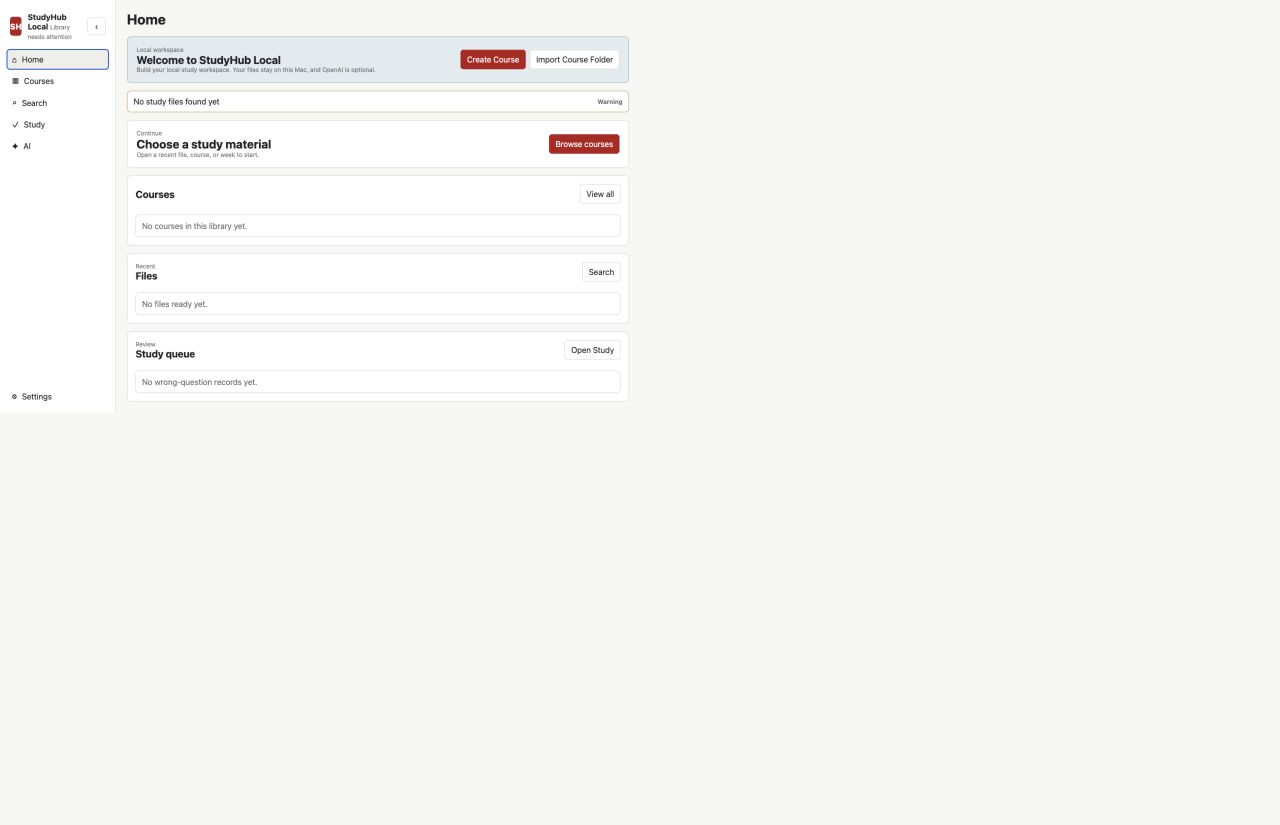
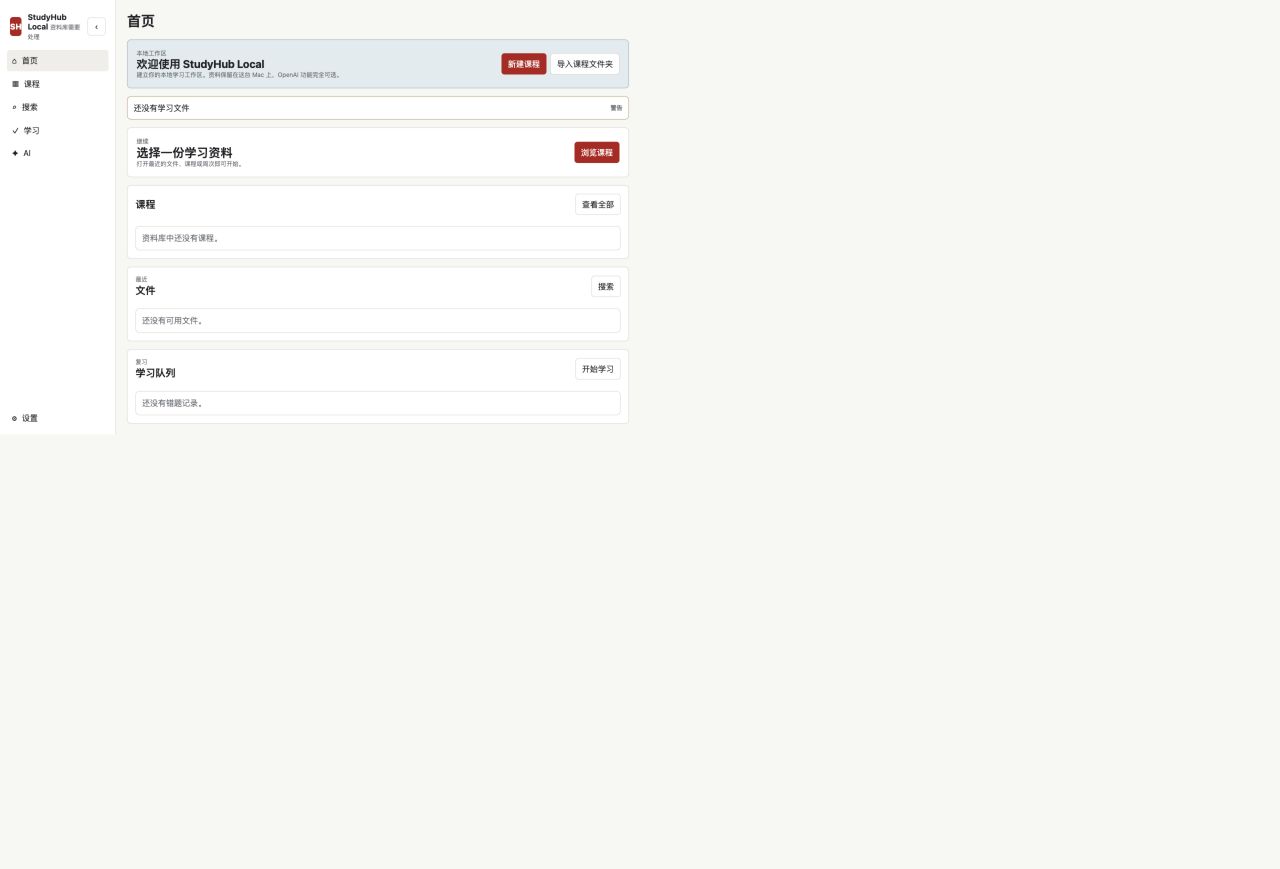
These screenshots show an empty production workspace and contain no course material or personal information.
Features
- Organize files by course, week/module, material type, and exercise type
- Preview PDF, text, code, images, and supported Office documents
- Search filenames and readable extracted text
- Ask AI within the current question, file, week, or course scope
- Follow citations to the source file and page/slide when reliably available
- Keep local notes, stars, conversations, practice records, and wrong-question records
- Retrieve teacher-provided questions only; StudyHub does not generate practice questions
- Run without OpenAI for local organization, preview, search, notes, and study records
Source Development Requirements
- Git, Node.js/npm, and Python 3
- Poppler (
pdftotextandpdfinfo) recommended for PDF text extraction - LibreOffice optional for higher-fidelity PowerPoint and Word previews
Quick Start
git clone https://github.com/langming58-hash/studyhub-local.git
cd studyhub-local
npm install
python3 -m pip install -r requirements.txt
npm run dev
Open the printed loopback URL, usually http://127.0.0.1:8765. On first launch, create a course or import an existing course folder. StudyHub does not scan unrelated folders automatically.
On macOS, Start StudyHub Local.command is a convenience launcher for source development. Most users should install the DMG above.
Study Library
Keep real study files outside the repository. A typical structure is:
~/StudyLibrary/
├── CS101 - Programming Fundamentals/
│   ├── Week 01/
│   │   ├── 01 Course Materials/Lecture/
│   │   └── 02 Exercises/Tutorial/
│   └── Week 02/
└── ECON201 - Macroeconomics/
Common formats include PDF, DOCX, PPTX, TXT, CSV, Python, R, and IPYNB where local extraction support is available. Original files remain authoritative and are never converted into unrelated study formats.
Optional OpenAI
OpenAI is server-side and optional. Create .env.local only on your own machine:
OPENAI_API_KEY=
OPENAI_MODEL=gpt-5.4
Never place keys in frontend code, screenshots, logs, issues, or commits. AI uses the narrowest reasonable context first: current question, file, week, then course. If sources do not support an answer, StudyHub returns a no-source response instead of inventing course content. Vector search is an optional retrieval layer; the local original file remains the source of truth.
Privacy And Security
- Loopback-only by default, with no telemetry by default
- Host, exact same-origin, CSRF, request-size, and file-root checks
- Runtime databases, extracted text, previews, logs, secrets, and study files stay out of Git
- Read-only MCP boundary for local integrations
- Privacy and security acceptance suites run in normal CI
Read the Engineering Constitution,
SECURITY.md, Privacy, and
Architecture before changing trust boundaries.
Development
Synthetic fixtures live only under tests/fixtures/ and are injected by tests. They must never be bundled into production resources.
npm run ci
npm run desktop:check
Desktop build and packaged acceptance:
npm run desktop:setup
npm run desktop:build
npm run desktop:test:packaged
See Development, Desktop Architecture,
Design and Interaction, and
Contributing.
License
Yorumlar (0)
Yorum birakmak icin giris yap.
Yorum birakSonuc bulunamadi