leenar
Health Uyari
- License — License: AGPL-3.0
- Description — Repository has a description
- Active repo — Last push 0 days ago
- Low visibility — Only 5 GitHub stars
Code Gecti
- Code scan — Scanned 12 files during light audit, no dangerous patterns found
Permissions Gecti
- Permissions — No dangerous permissions requested
Bu listing icin henuz AI raporu yok.
Leenar core — open source (AGPLv3)
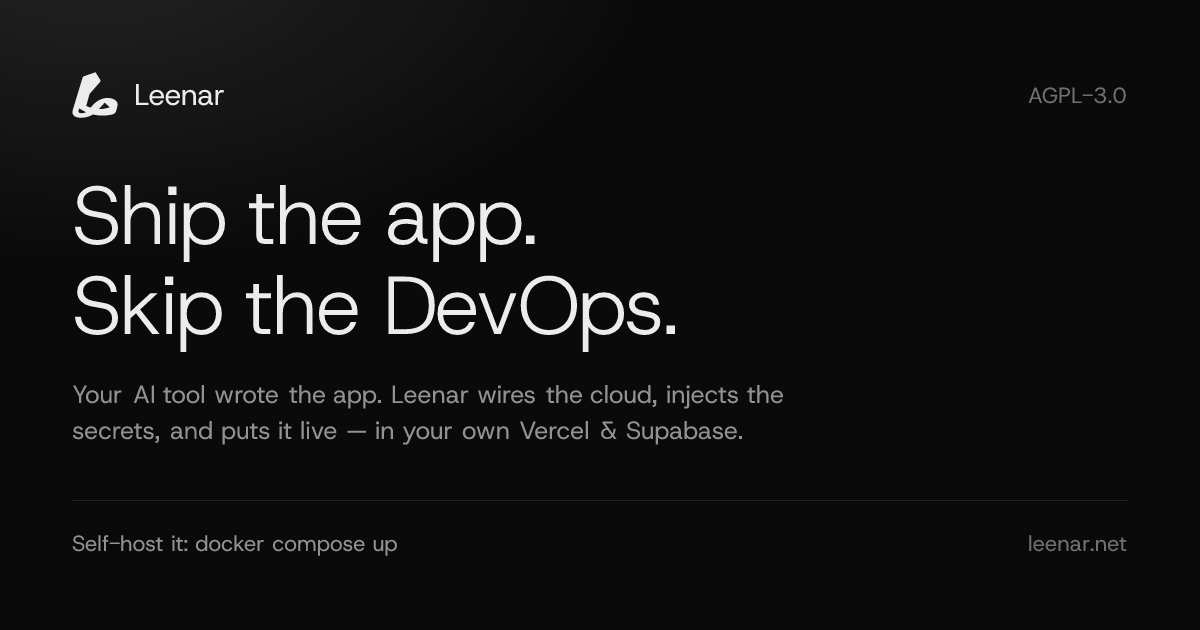
Describe your infrastructure. Watch it become a canvas. Deploy it for real.
Leenar turns a chat message into a live graph of cloud services — a GitHub repo, a
Vercel project, a Supabase database, Cloudflare DNS, a Resend domain — wires the
environment variables between them, and provisions the whole thing in your own
cloud accounts. Not a diagram tool: the deploy button creates real resources.





Quick start ·
Core vs Cloud ·
Self-hosting guide ·
Architecture ·
Contributing
Demo
https://github.com/user-attachments/assets/040aa13e-ef80-47e2-a45a-b3dec7f2db2c
How it works
flowchart LR
  A["1 · Chat<br/>say what you are building"] --> B["2 · Canvas<br/>an editable graph of services"]
  B --> C["3 · Deploy<br/>real resources, your accounts"]
  C -.->|iterate| A
Ask for "a Next.js app on Vercel with a Postgres database and transactional
email". The AI answers with nodes and edges instead of prose: a GitHub node, a
Vercel node, a Supabase node, and the edges that carry credentials between them.
Drag, rename, delete, add — the canvas is yours, the AI just seeds it. Then hit
Deploy and the provisioner creates the repo, imports it into Vercel,
spins up the database, injects every environment variable in the right
direction, and streams the log back to you.
Quick start
The fastest path is Docker — no Supabase project, no OAuth apps, no Cloudflare
account. Just Docker and an OpenAI API key:
git clone https://github.com/leenarhq/leenar.git && cd leenar
bash docker/setup.sh    # writes .env, generates local secrets, prints your admin login
$EDITOR .env            # set OPENAI_API_KEY=sk-...
docker compose up       # add -d to run in the background
Open http://localhost:8080, sign in with the credentials setup.sh printed,
and start chatting. The bundled stack runs the web console, the API worker
(on workerd, the same runtime
Cloudflare Workers use in production), and a self-hosted Supabase subset —
Postgres, Auth, PostgREST and Realtime behind Kong.
To deploy something for real, paste a Personal Access Token for each provider
under Settings → Integrations. To drive the canvas from Claude Code or
Cursor instead, create a token under Settings → API Tokens — the reveal
screen prints the claude mcp add line for your own server, already filled in.
SELF-HOST.md has the full
walkthrough, a smoke-test checklist, and the production-hardening notes you
must read before exposing this beyond localhost.
Features
| Chat → canvas | An LLM that emits graph mutations, not paragraphs. Every suggestion lands as a node or edge you can edit. |
| Real provisioning | GitHub, Vercel, Supabase, Cloudflare and Resend, driven by a Durable Object that survives restarts and rolls back on failure. |
| Edge-gated env vars | Connect two nodes and the credentials flow along that edge — framework-aware, so NEXT_PUBLIC_/VITE_/PUBLIC_ prefixes land correctly. No edge, no injection. |
| Database workspace | Introspect a live Supabase schema, edit tables and RLS policies, toggle extensions, run SQL — against the real database, not a cached copy. |
| Environments | Branch a stack off its trunk and promote it back, instead of hand-copying variables between staging and production. |
| Canvas agent | Ask for a change in plain language and the AI edits the graph in place — adds a service, wires an edge, renames a node — with every tool call scoped to the canvas in front of you. |
| MCP server | The same canvas tools over MCP, so Claude Code, Cursor or any MCP client can read and edit a workspace. One claude mcp add line, printed with your API token. |
| Own your keys | Bring your own OpenAI key and your own provider tokens. Nothing is proxied through us, and there are no usage caps. |
Core vs Leenar Cloud
This repository is the open-source core: the entire interactive
build-and-deploy loop, self-hostable, under AGPL-3.0-only.
Leenar Cloud is the hosted product, and what it adds
is autonomy — the AI DevOps engineer that keeps working while you sleep.
| Core (this repo) | Leenar Cloud | |
|---|---|---|
| Chat → canvas → deploy | ✅ | ✅ |
| GitHub · Vercel · Supabase · Cloudflare · Resend | ✅ | ✅ |
| Database workspace (introspect, SQL, schema, RLS) | ✅ | ✅ |
| Environments, API keys, webhooks | ✅ | ✅ |
| Canvas agent (AI edits the graph in place) | ✅ | ✅ |
| MCP server (Claude Code, Cursor, …) | canvas tools | canvas + DevOps tools |
Self-host with docker compose up |
✅ | — |
| Bring your own OpenAI key, no usage caps | ✅ | managed |
| Connecting providers | pasted tokens | OAuth |
| 24/7 incident monitoring and AI diagnosis | — | ✅ |
| Drift detection and auto-reconcile | — | ✅ |
| Autopilot: approved changes applied unattended | — | ✅ |
| Cost and observability insight | — | ✅ |
| Slack and WhatsApp channels | — | ✅ |
Architecture
flowchart LR
  subgraph browser["Browser"]
    W["Console<br/>React 19 · TanStack Router · React Flow"]
  end
  subgraph edge["Cloudflare Workers"]
    A["API worker<br/>Hono routes · canvas agent · MCP"]
    D["Provisioner<br/>Durable Object"]
  end
  subgraph data["Postgres"]
    S[("Supabase<br/>workflows · stacks · events")]
  end
  P["GitHub · Vercel · Supabase<br/>Cloudflare · Resend"]

  W <--> A
  A <--> S
  A --> D
  D <--> P
  D --> S
One long-lived Durable Object per provisioning run owns the state machine:
step, retry, rollback. The worker stays stateless, the console polls, and every
transition is written to Postgres as an event — so a closed browser tab or a
restarted worker never loses a half-finished deploy.
apps/web/        console — chat, canvas, database workspace, settings
workers/api/     API worker (Hono) + the provisioner Durable Object
supabase/        schema migrations
docker/          the self-host bundle
Stack: React 19 · TanStack Router/Start · React Flow · Tailwind + shadcn/ui ·
Cloudflare Workers & Durable Objects · Hono · Supabase (Postgres, Auth, RLS) ·
OpenAI · Vitest.
Local development
Without Docker, running from source needs your own Supabase project (applysupabase/migrations to it) and worker secrets set by hand — see the Env
interface in workers/api/src/types.ts for the full list.
npm install
cd workers/api && npx wrangler dev   # API worker on :8787
cd apps/web    && npm run dev        # console on :5173
The console needs to know where that API worker is, and it is a build-time
value — put it in apps/web/.env.local before npm run dev:
VITE_API_URL=http://localhost:8787
VITE_SUPABASE_URL=https://<your-project-ref>.supabase.co
VITE_SUPABASE_ANON_KEY=<your anon key>
VITE_LEENAR_CLOUD=false
If you move the API off :8787, change vars.API_URL inapps/web/wrangler.jsonc to match. The edge worker copies it into the CSPconnect-src, so a stale value gets every API call blocked inside the browser
— the request never reaches the network, and nothing shows up in any log.
Contributing
Pull requests are welcome and are merged here. Sign the
CLA (a bot asks on your first PR), keep changes inside the
interactive-core scope, and run the checks CI runs:
npm ci
cd apps/web    && npm run lint && npx tsc --noEmit && npm test && npm run build
cd workers/api && npx tsc --noEmit && npm test
See CONTRIBUTING.md for the details, and
SECURITY.md before reporting a vulnerability — please email
[email protected] rather than opening a public issue.
How this repository works
Leenar Core is developed upstream in a private monorepo alongside Leenar Cloud,
and this repository is synced from it automatically whenever that monorepo'smain moves. Every commit on main here was produced by that sync and names
the upstream change it carries. Merged pull requests are back-ported upstream by
a maintainer; the sync pauses rather than publishing over your commit, so a
contribution is never silently reverted.
License
AGPL-3.0-only. Network use counts as distribution: if you run a
modified Leenar and other people can reach it, those modifications must be
published under the same license.
Yorumlar (0)
Yorum birakmak icin giris yap.
Yorum birakSonuc bulunamadi