plugins
Health Uyari
- License — License: MIT
- Description — Repository has a description
- Active repo — Last push 0 days ago
- Low visibility — Only 5 GitHub stars
Code Uyari
- process.env — Environment variable access in brand-forge/lib/genimage.mjs
Permissions Gecti
- Permissions — No dangerous permissions requested
Bu listing icin henuz AI raporu yok.
A local community of Claude Code plugins — brand-forge, content-multiplier, green-keeper, money-map, docpin. Most run entirely on your machine; docpin fetches cited version-matched docs and brand-forge's AI imagery is opt-in.
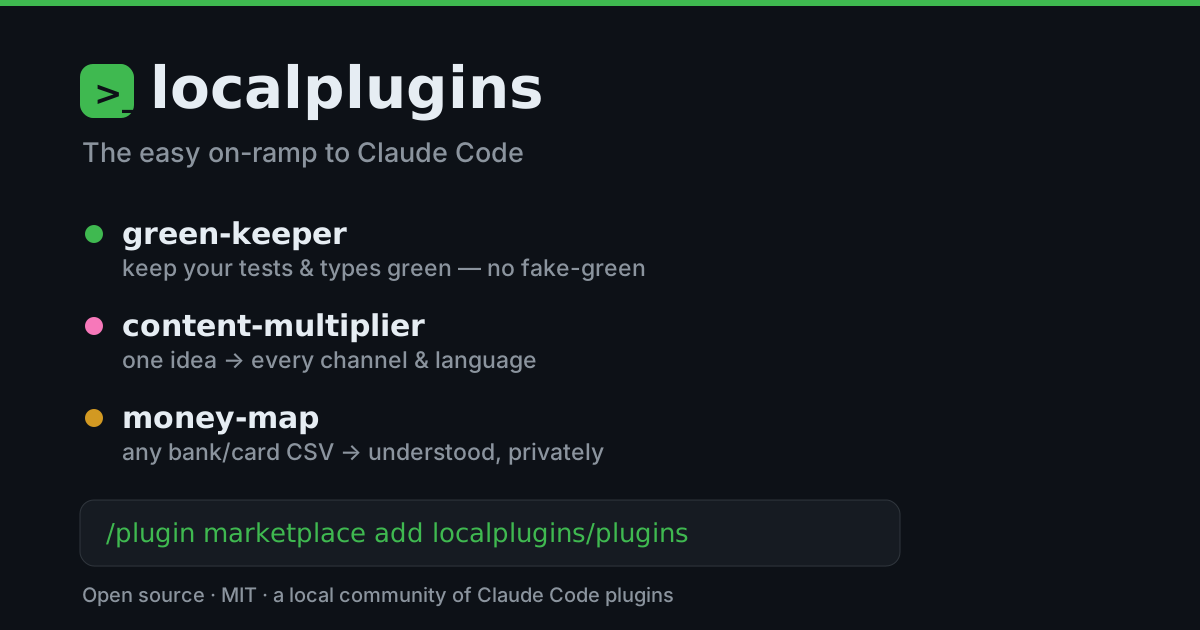
🔌 localplugins
The easy on-ramp to Claude Code. Add the marketplace, install one, run it on a real task — and you're off. Open source and community-built: most run entirely on your machine; docpin fetches library docs from the web (always cited), and brand-forge can optionally call an image API for AI graphics (its default vector engine is local).
Why we made these: to help more people get comfortable in Claude Code and find more day-to-day uses for it. So we packaged the workflows we live in into a few plugins to get you started.
⚡ Get started in 30 seconds
In a Claude Code session, add the marketplace once:
/plugin marketplace add localplugins/plugins
Install any of the five, then reload:
/plugin install green-keeper@localplugins
/plugin install content-multiplier@localplugins
/plugin install money-map@localplugins
/plugin install docpin@localplugins
/plugin install brand-forge@localplugins
/reload-plugins
That's it.
📦 Using the desktop app instead? →- Open the Code tab and pick a project folder.
- Click + next to the message box → Plugins → Manage plugins.
- Marketplaces tab → Add marketplace → paste
localplugins/plugins→ approve the trust prompt. - Discover tab → choose a plugin → User scope → Install.
- Type
/reload-pluginsto activate.
🧩 What you get
| Plugin | What it does | Try first | |
|---|---|---|---|
| 🟢 | green-keeper | Keeps your tests & types green while you code — and never fakes a pass | /green |
| ✍️ | content-multiplier | Turns one idea into a week of on-brand content, across channels & languages | /multiply |
| 💸 | money-map | Makes sense of any bank/card CSV — categorized, summarized, anomalies flagged | /understand |
| 📚 | docpin | Grounds Claude in docs matched to your installed library versions | /docs |
| 🎨 | brand-forge | Generates on-brand logos, social templates & marketing graphics from a saved brand profile | /brand-new |
🟢 green-keeper — keep your code green
After the AI writes code, it fixes what's red with a minimal change and re-runs to prove it — and won't let a session end with newly-introduced red. No fake-green: it never skips a test or silences an error to pass.
/green-setup· point it at your test + typecheck commands/green· fix failing tests and type errors, minimally/cover· write behavioral tests for what you just changed
✍️ content-multiplier — one idea, every channel
Turn a post, transcript, or idea into on-brand drafts for every channel — and translate/transcreate into other languages.
/brand-setup· capture your voice & rules once/multiply· one source → drafts everywhere/campaign· plan a themed, multi-piece campaign/localize· adapt into other languages/review· brand + compliance check on any draft
💸 money-map — understand your money, privately
Hand it any bank or card CSV export and get a plain-English picture — categorized transactions, a cash-flow summary, and flagged anomalies (a duplicate charge, a sub that crept up). The math is real code, not guesses.
/money-setup· set your category rules once/understand· CSV → categorized summary + anomalies/reconcile· match two statements or accounts/clean· tidy a messy export/report· plain-English summary for a period
📚 docpin — code against your installed versions
Claude's library knowledge is frozen at its training cutoff, so it writes code against APIs that are outdated — or too new — for what you actually have installed. docpin reads your lockfiles, resolves each package's installed version, and fetches the docs for that version (npm, PyPI, crates.io, Go) — so Claude codes against your real API, with a citation every time.
/docs <library> [topic]· version-matched docs for any dependency/docs-scan· which of your dependencies docpin can resolve docs for/docs-setup· one-time config (cache, hook, defaults)
🎨 brand-forge — on-brand visuals on demand
Save a visual brand profile (palette, type, logo, tone) once, then generate on-brand logos, social templates, and marketing graphics that match it every time. The vector engine runs entirely on your machine; AI imagery is opt-in.
/brand-new· create a visual brand profile (guided)/brand-make· generate on-brand SVG assets — logos, social, docs/brand-status· show the active kit/brand-use <slug>· switch brands in a multi-brand repo/brand-export· rasterize an SVG to PNG
🔒 What runs where
Open source and MIT. green-keeper, content-multiplier, and money-map run entirely on your machine — no accounts, no API keys, no network, no telemetry; each reads only the files you point it at and writes results back locally. docpin is the exception by design: it fetches documentation from public package registries and doc hosts (npmjs.org, pypi.org, crates.io, proxy.golang.org, docs.rs, pkg.go.dev, GitHub) on demand, and cites the exact version and URL every time — still no accounts and no API keys. brand-forge's vector engine also runs entirely on your machine; its AI-image engine is opt-in — off by default, reaching the network only when you enable it with your own provider key.
Plugins need Claude Code (CLI or desktop) — they don't run in the plain Claude chat app.
💬 Say hi
Ideas, questions, or a plugin that chokes on your data? [email protected] — or open an issue.
Yorumlar (0)
Yorum birakmak icin giris yap.
Yorum birakSonuc bulunamadi